
Review Your Crew’s Work Sessions in One Place
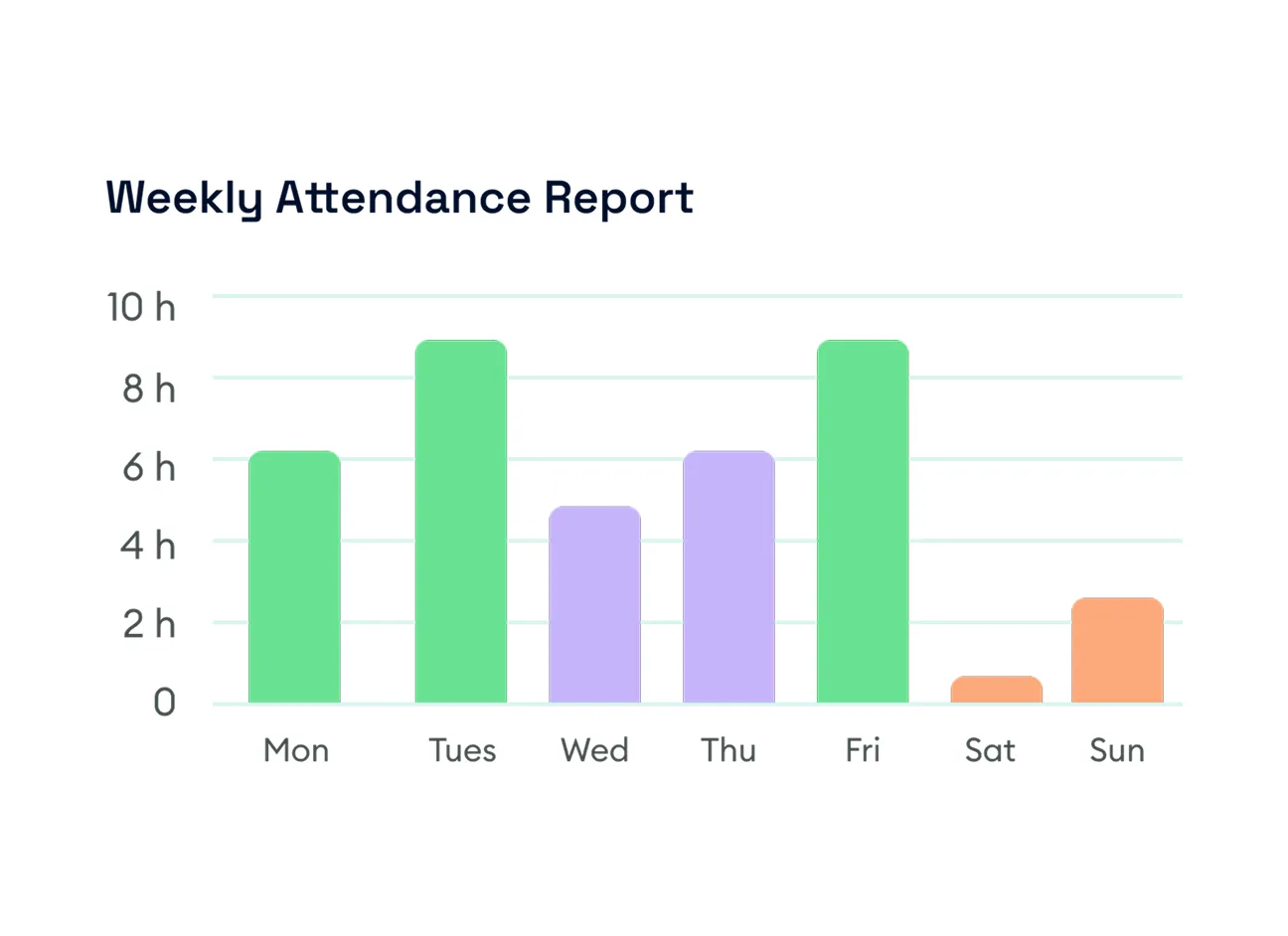
Keep recorded attendance accessible when questions come up. Review individual sessions, narrow the records by member and date, and export attendance for further review.
Review attendance recorded through job check-ins and check-outs. FieldTask brings member names, clock times, and work durations into one table, with filters to find the person, period, or attendance status you need.

Show clients the professionalism behind your work through a polished request experience, detailed estimates, clear communication
Keep recorded attendance accessible when questions come up. Review individual sessions, narrow the records by member and date, and export attendance for further review.
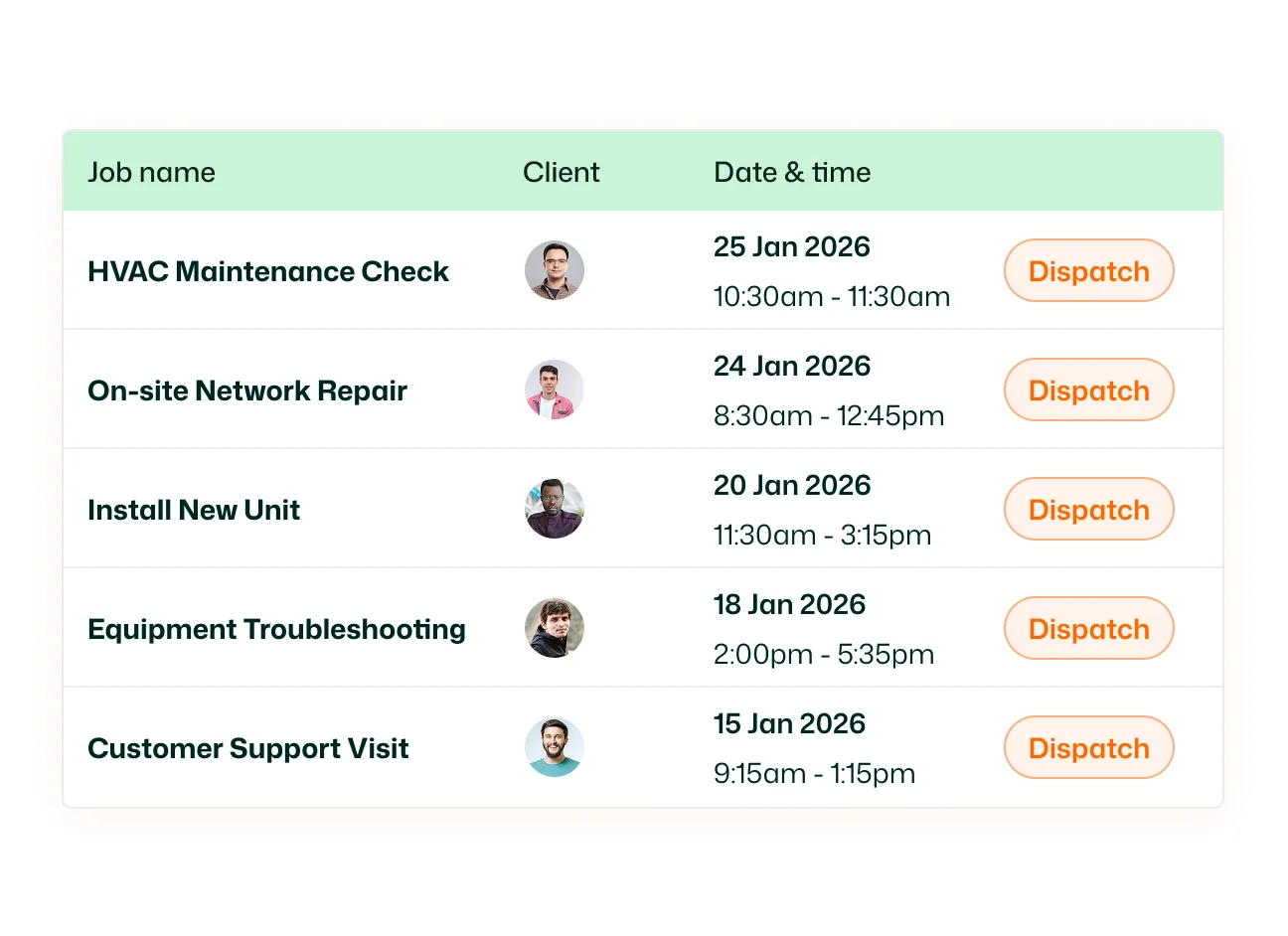
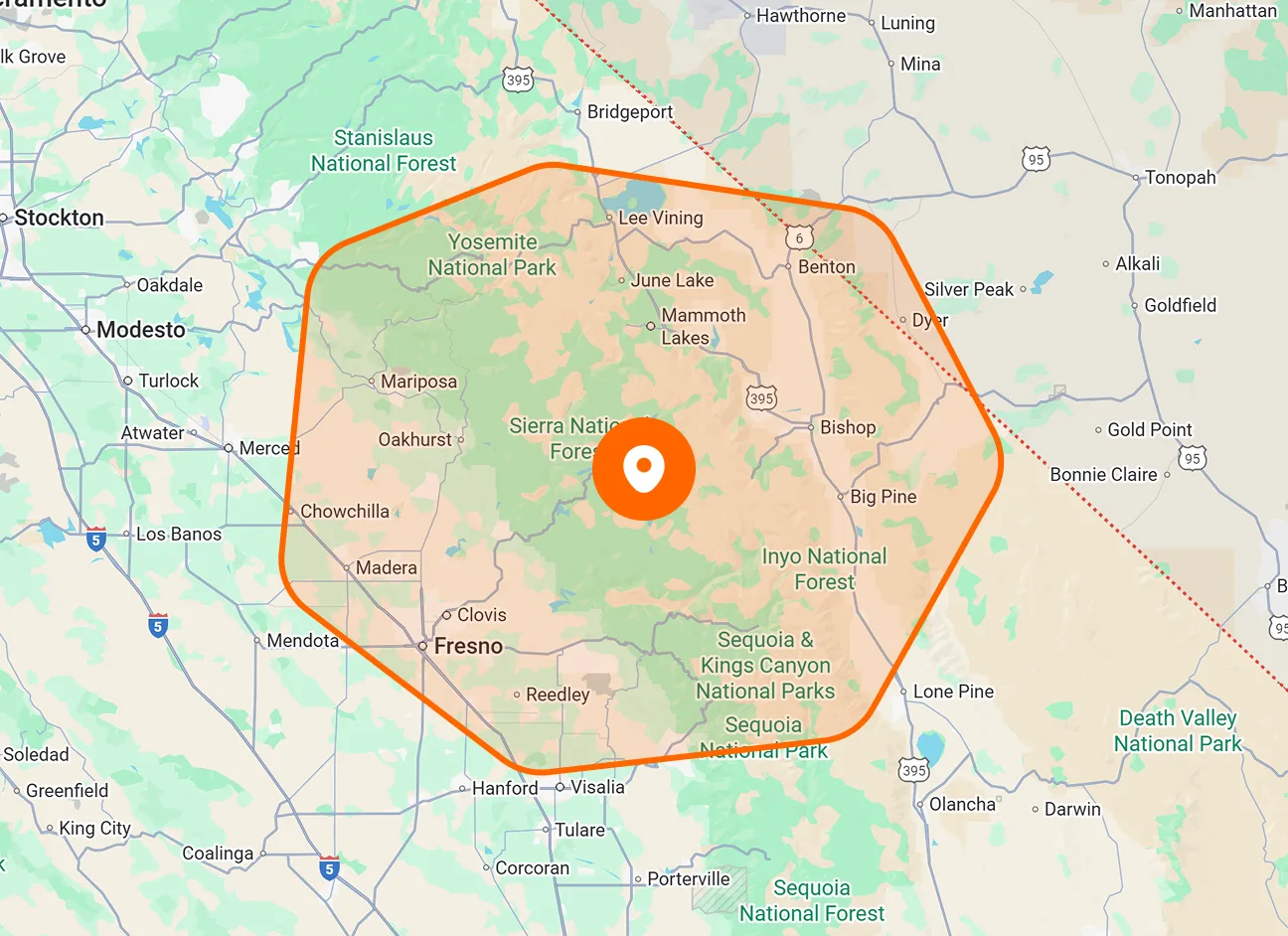
Attendance starts when a member checks into a job and ends when they check out. Each job session creates a separate entry, including when a member works on multiple jobs during the same day.
View the date, Clock In, Clock Out, and Duration for each attendance entry. Records are grouped by member, keeping their recorded sessions together.
Switch between All Attendance, Clocked In, and Not Clocked In. Use the attendance type filter to focus the table on the status you want to review.
Select a member to view their attendance records. Use the search field within the member selector to find the person whose entries you need.
Choose a date range or use the Last 7 days and Last 30 days shortcuts. Navigate between periods with the arrows, or select Today to review the current day.
Use the Export control on the Attendance page to download attendance records. Take the recorded information outside FieldTask for further review.
Give your office a clear place to review recorded attendance. With clock times, durations, and member filters together, you can follow up on work sessions with the relevant entries in front of you.
Attendance displays work sessions recorded through job check-ins and check-outs. Each entry includes the member, date, clock-in time, clock-out time, and recorded duration.
When a member checks into a job, FieldTask records the clock-in time. Checking out records the clock-out time and ends that attendance session.
Each job check-in and check-out creates a separate attendance entry. You can review the individual clock times and durations for those sessions under the member’s records.
Yes. Choose a member from the selector and set the date range you want to review. The date picker also includes shortcuts for the last seven or thirty days.
Yes. The attendance type filter provides All Attendance, Clocked In, and Not Clocked In options, allowing you to narrow the displayed records.
Yes. Select the Export control in the top-right corner of the Attendance page to download attendance information for further review.
Attendance focuses on recorded clock-in and clock-out sessions and their durations. Timesheets provide a more detailed breakdown showing which jobs a member worked on and how long they worked on each.
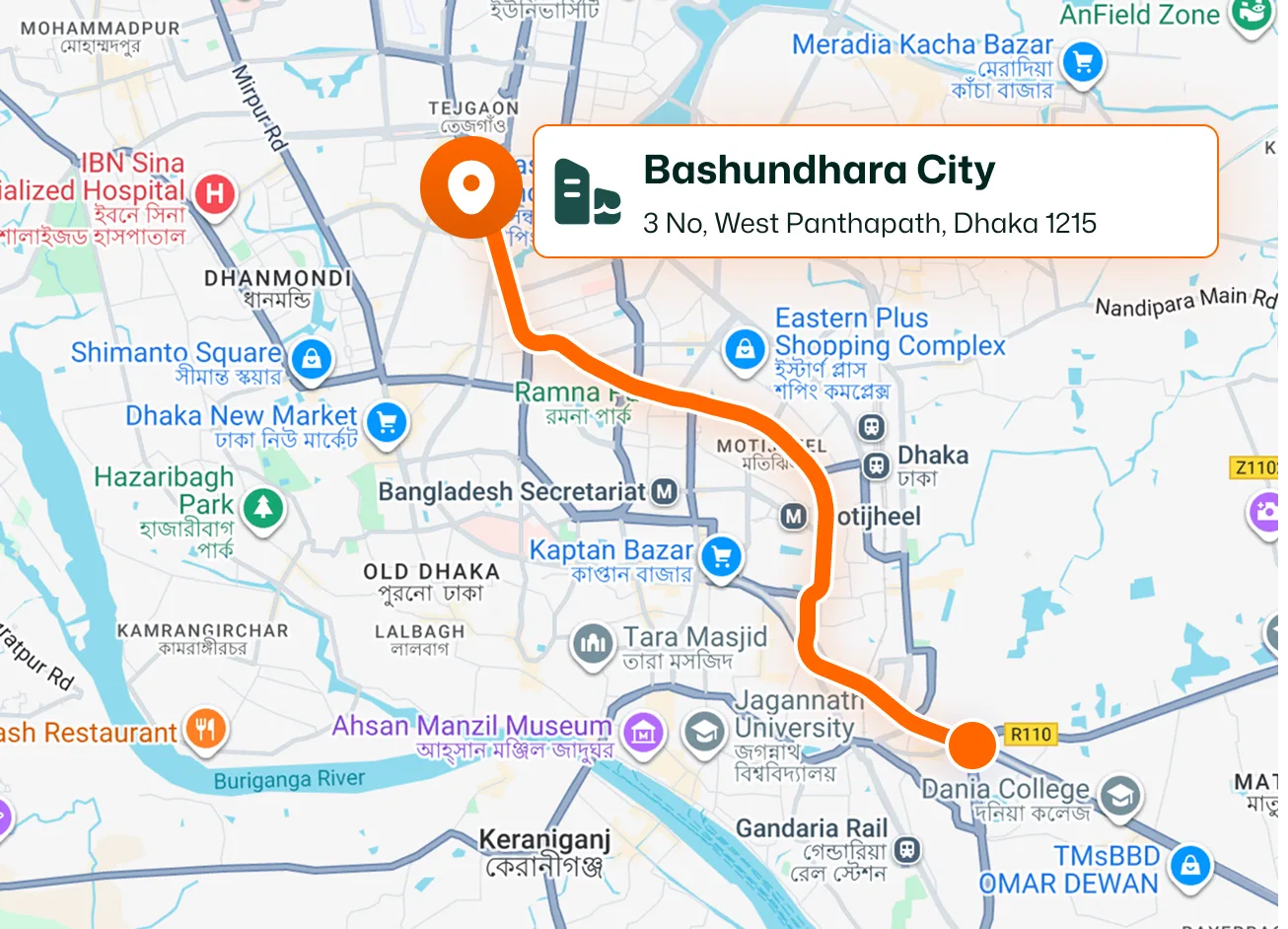
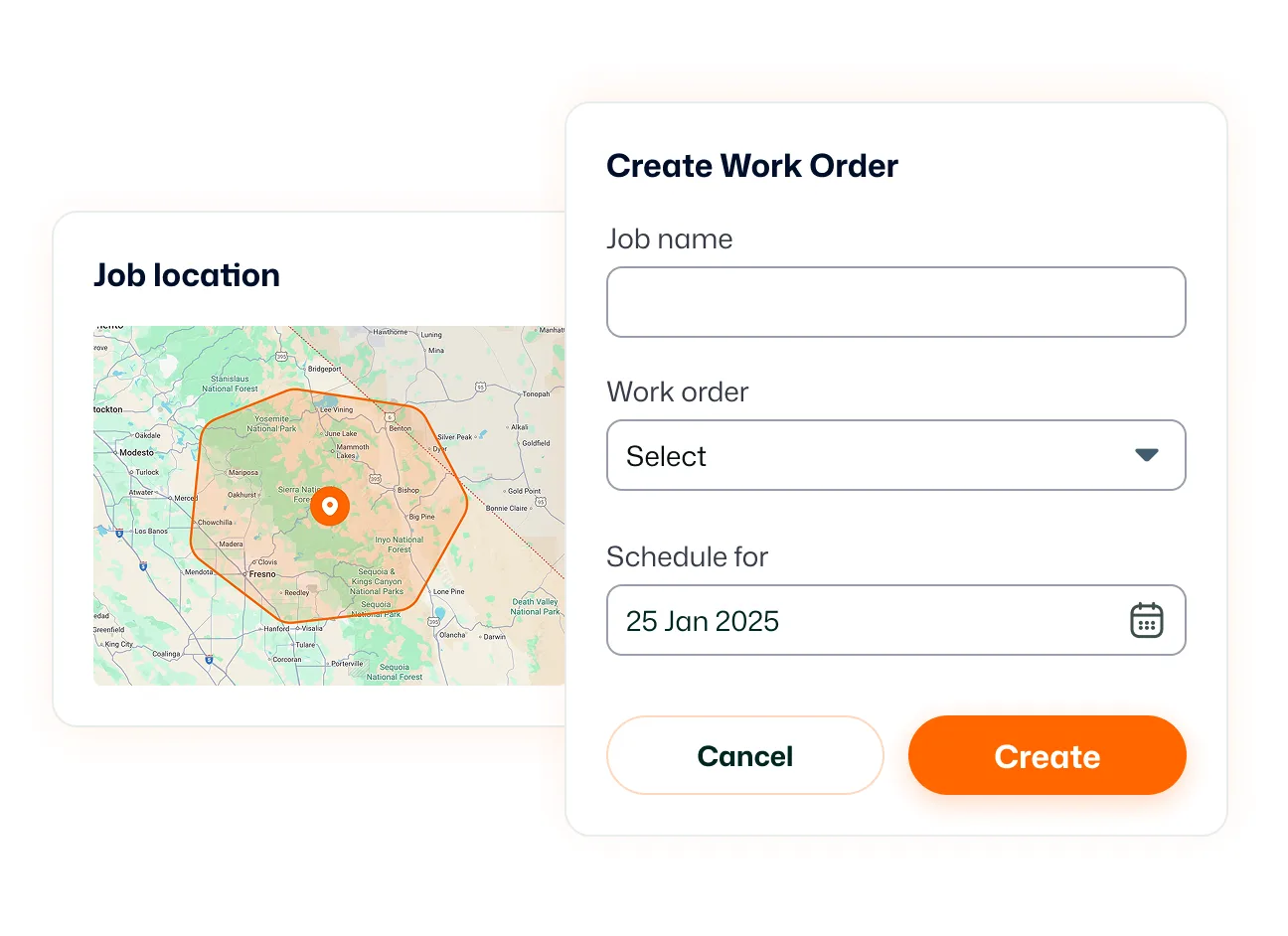
Yes, when geofenced check-in is enabled for the member. They must be within the job’s designated location to check in. This depends on their configured check-in permissions.
