
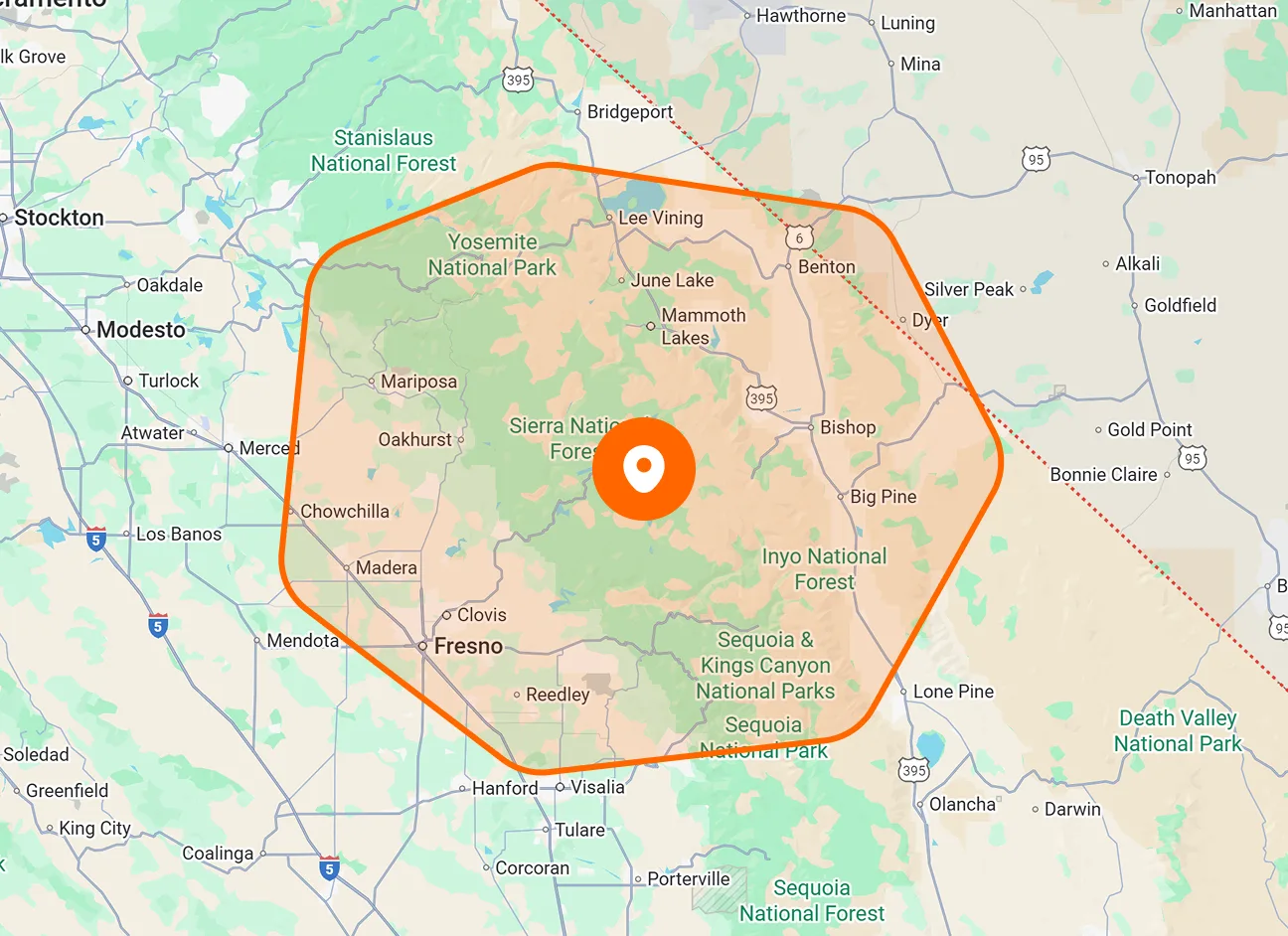
Multiple Service Locations
Save more than one service location under a single customer. Keep separate properties, branches, or job sites associated with the same customer record.
Manage multiple properties or job sites under one customer. Save a name, address, and radius for each location, review it on the map, and choose which site is selected by default when creating a job.

Keep each customer’s locations organized and available when planning work. Named locations and a default site help your office select the address relevant to each job.
Save more than one service location under a single customer. Keep separate properties, branches, or job sites associated with the same customer record.
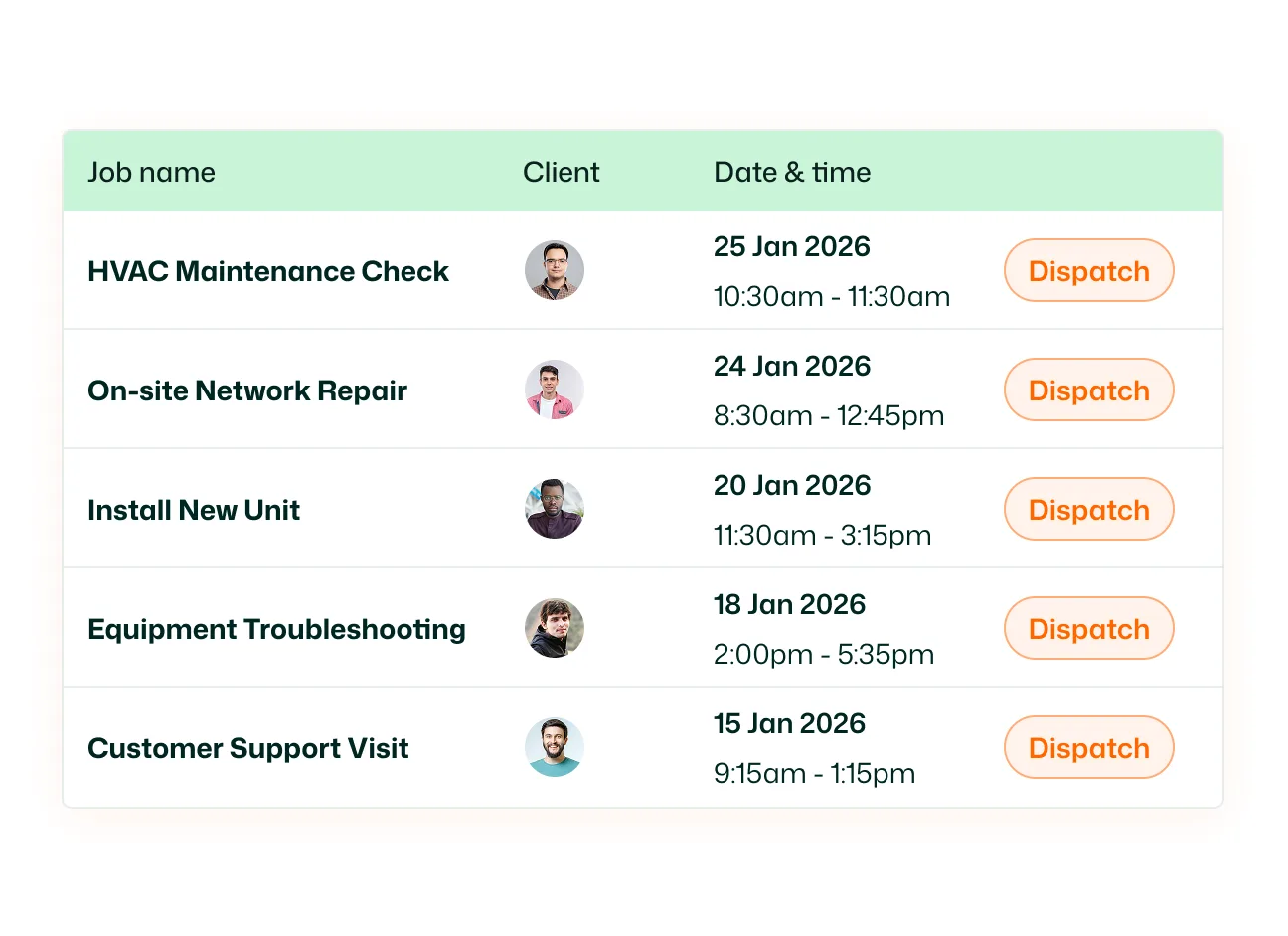
Give each location a name and save its address. Use recognizable names to distinguish sites when a customer has several places where your team provides service.
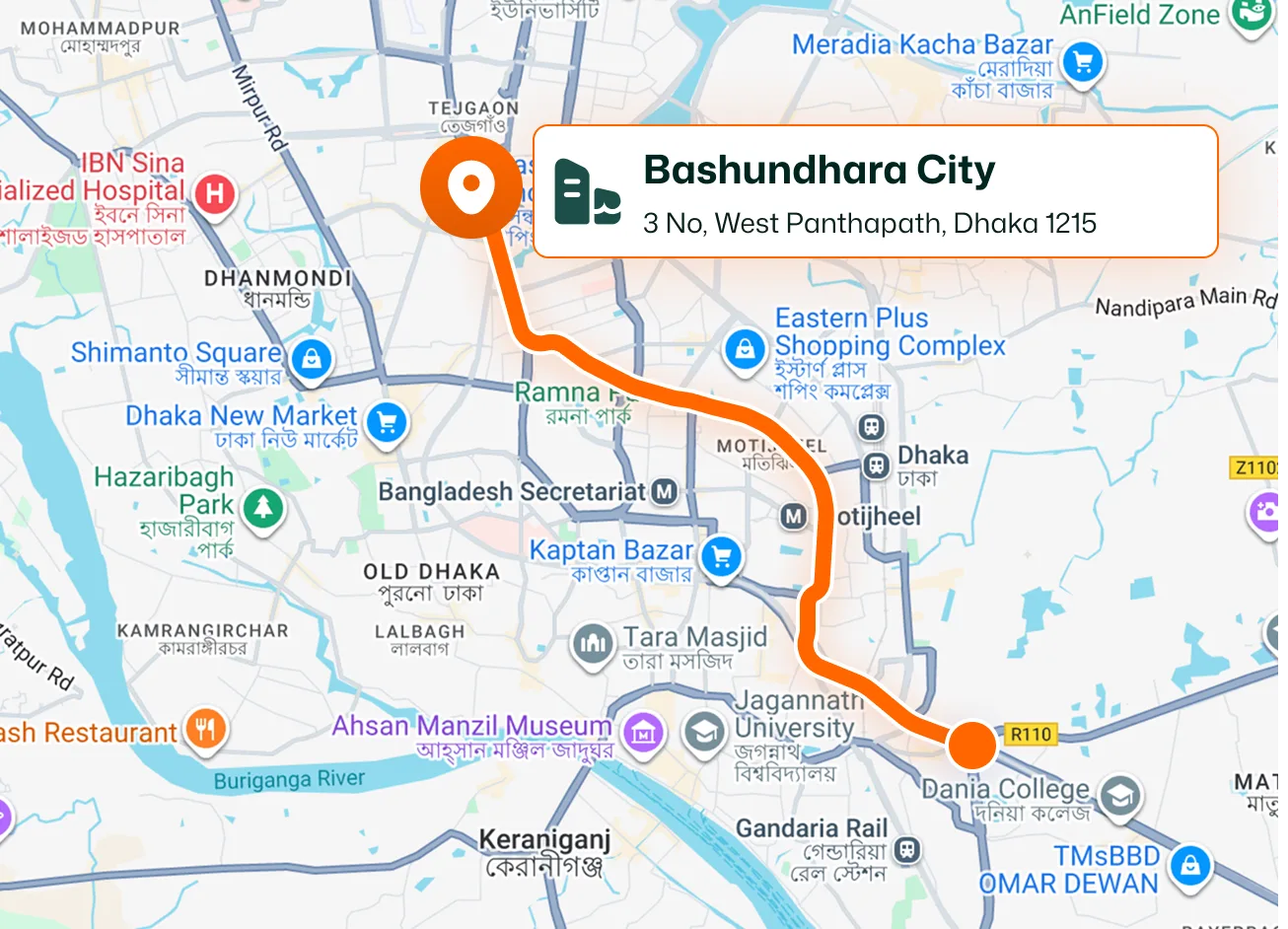
Open Map beside a saved location to view its position. The location preview displays its name, address, radius, and map marker.
Choose a radius when adding or editing a location. The map displays a circle around the location, showing the area represented by the selected setting.
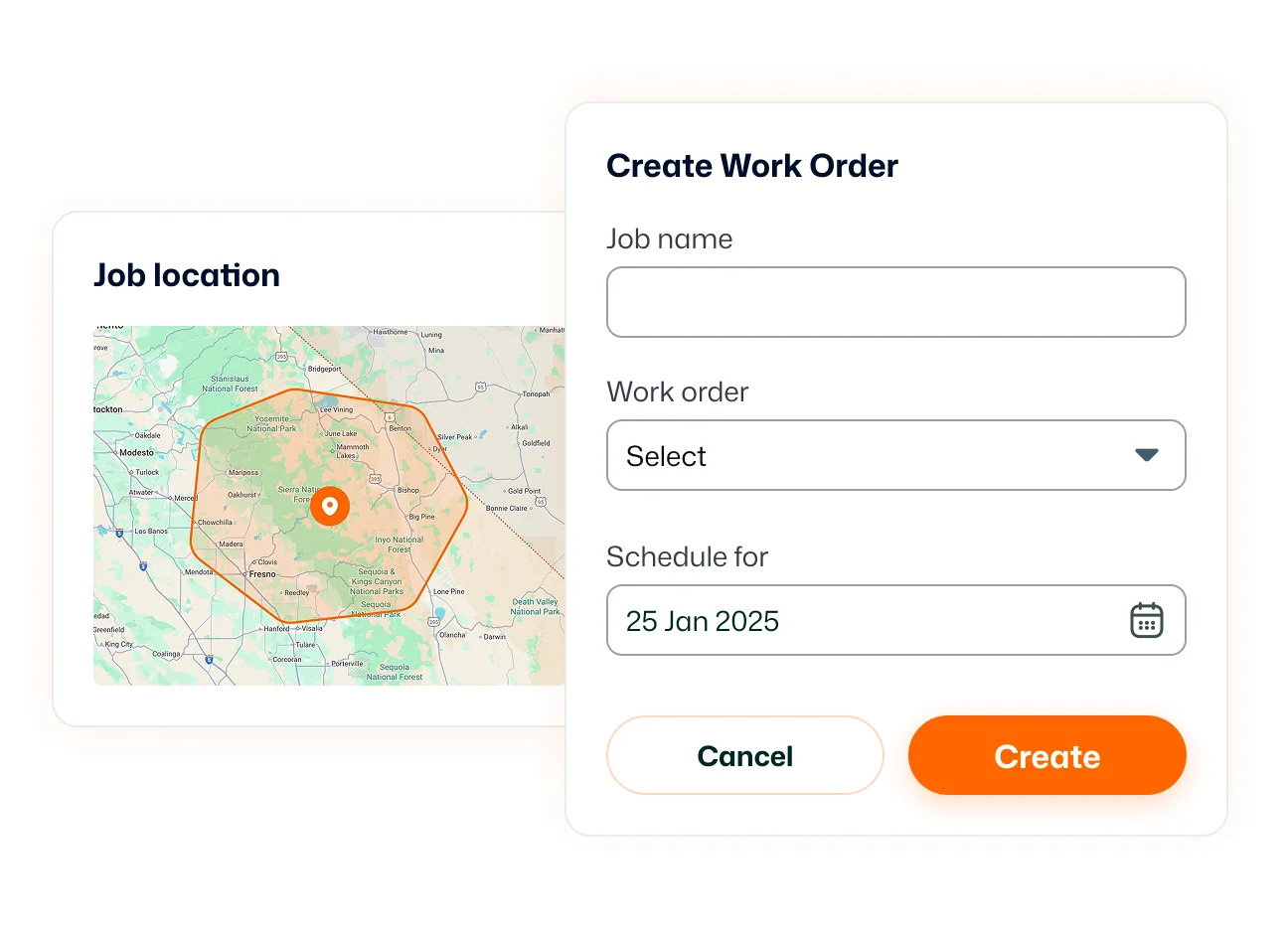
Set one location as the customer’s default. FieldTask automatically selects that site when you create a job for the customer.
Choose another saved service location from the location dropdown when creating a job. Use the customer’s default site for regular work and select a different site when the service request requires it.
Keep customer properties organized before the next job is booked. With named addresses, map previews, and a default location, your office has clearer information when deciding where the work should happen.
Customer Location stores the service sites associated with a customer. Each location has its own name, address, and radius and can be selected when creating a job.
Yes. You can associate several properties or job sites with one customer, keeping their service locations together in a single customer record.
Go to Customers, open the customer’s edit form, and select Add Location. Enter the location information and save it.
A service location includes its name, address, and location radius. You can also choose whether it should be the customer’s default location.
The default location is automatically selected when you create a job for that customer. It provides a starting location selection for the job form.
Yes. Select another saved service location from the location dropdown during job creation, even when the customer already has a default location.
The radius defines the size of the circle displayed around the location on the map. You can change the setting when adding or editing the location.
Yes. Open the customer’s locations and select the edit button beside the site. Update its name, address, radius, or default setting, then save the changes.
