
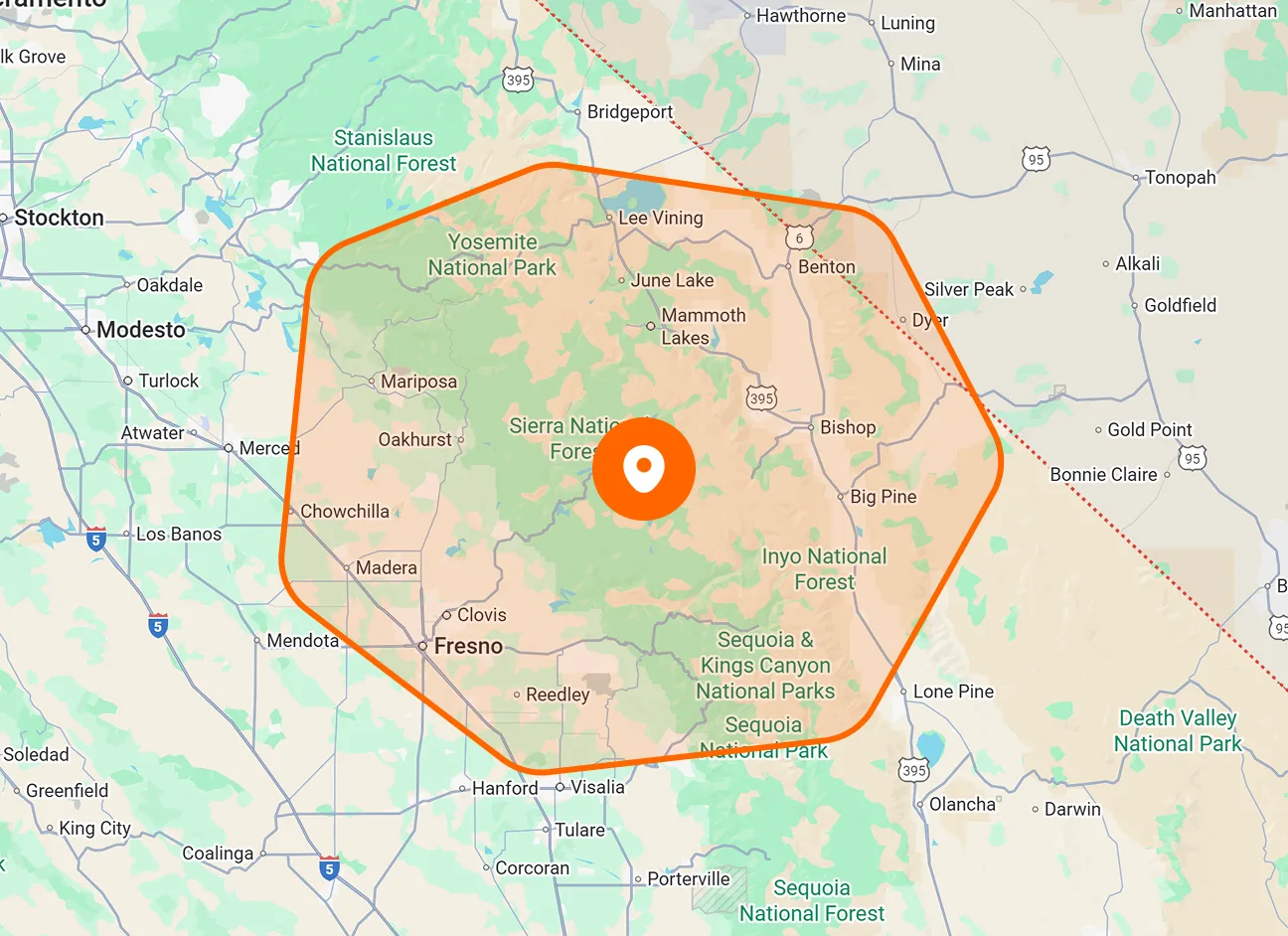
Unscheduled Jobs Drawer
Open the collapsible Unscheduled Jobs drawer beside the calendar to find work waiting for a schedule. Drag a job from the list onto your chosen date to begin scheduling it.
Turn unscheduled work into planned visits by dragging jobs onto your calendar. Move existing jobs to another date or time as plans change. FieldTask lets you make these adjustments visually, with job details and your team’s schedule close at hand.

Bring waiting jobs onto the calendar, choose when they should happen, and adjust existing bookings from the same scheduling page. Calendar and member views help you review the plan before making changes.
Open the collapsible Unscheduled Jobs drawer beside the calendar to find work waiting for a schedule. Drag a job from the list onto your chosen date to begin scheduling it.
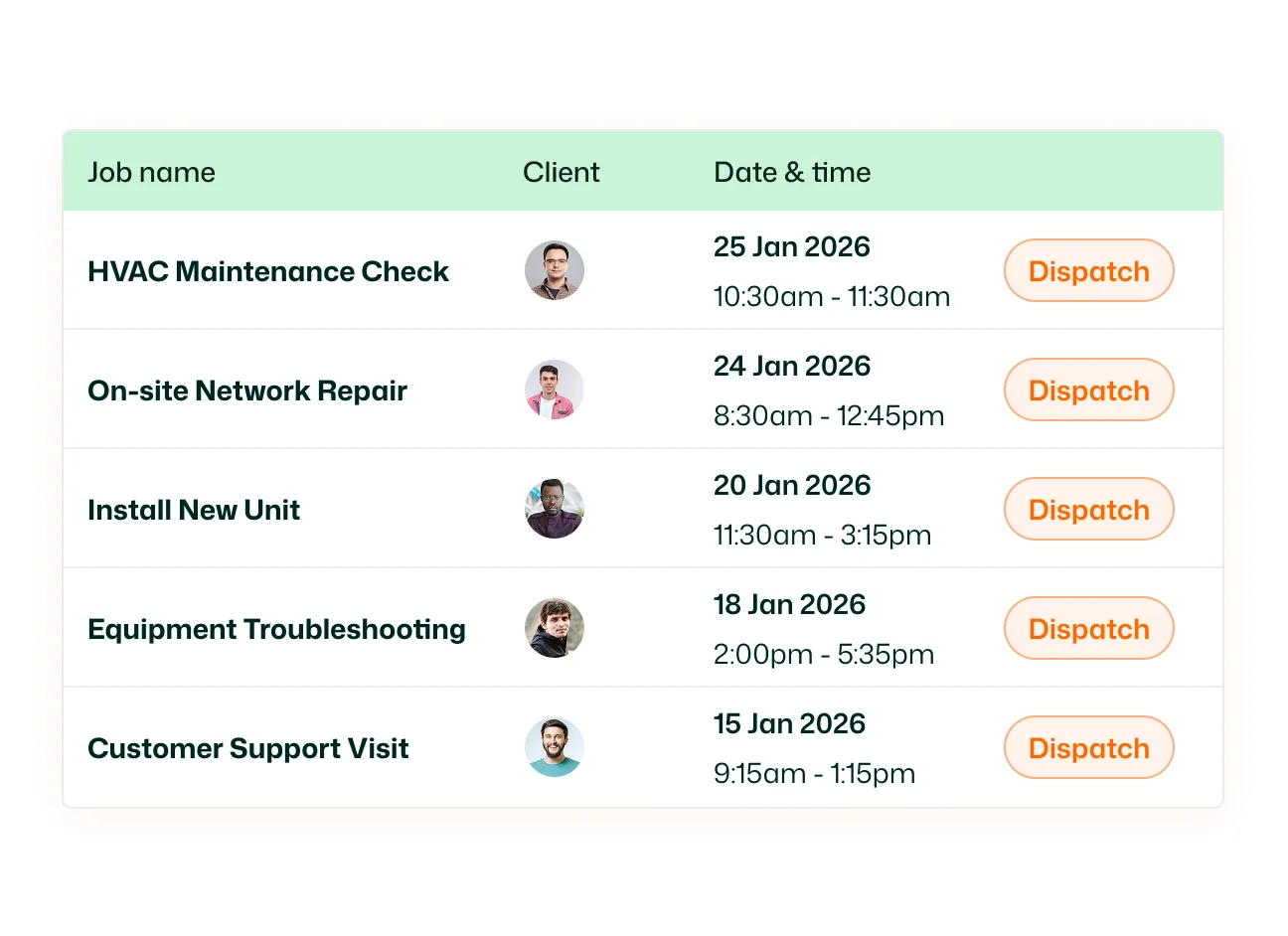
Move an existing job card to another date in the monthly calendar. In the daily timeline, drag a timed job to a different position to change when it takes place.
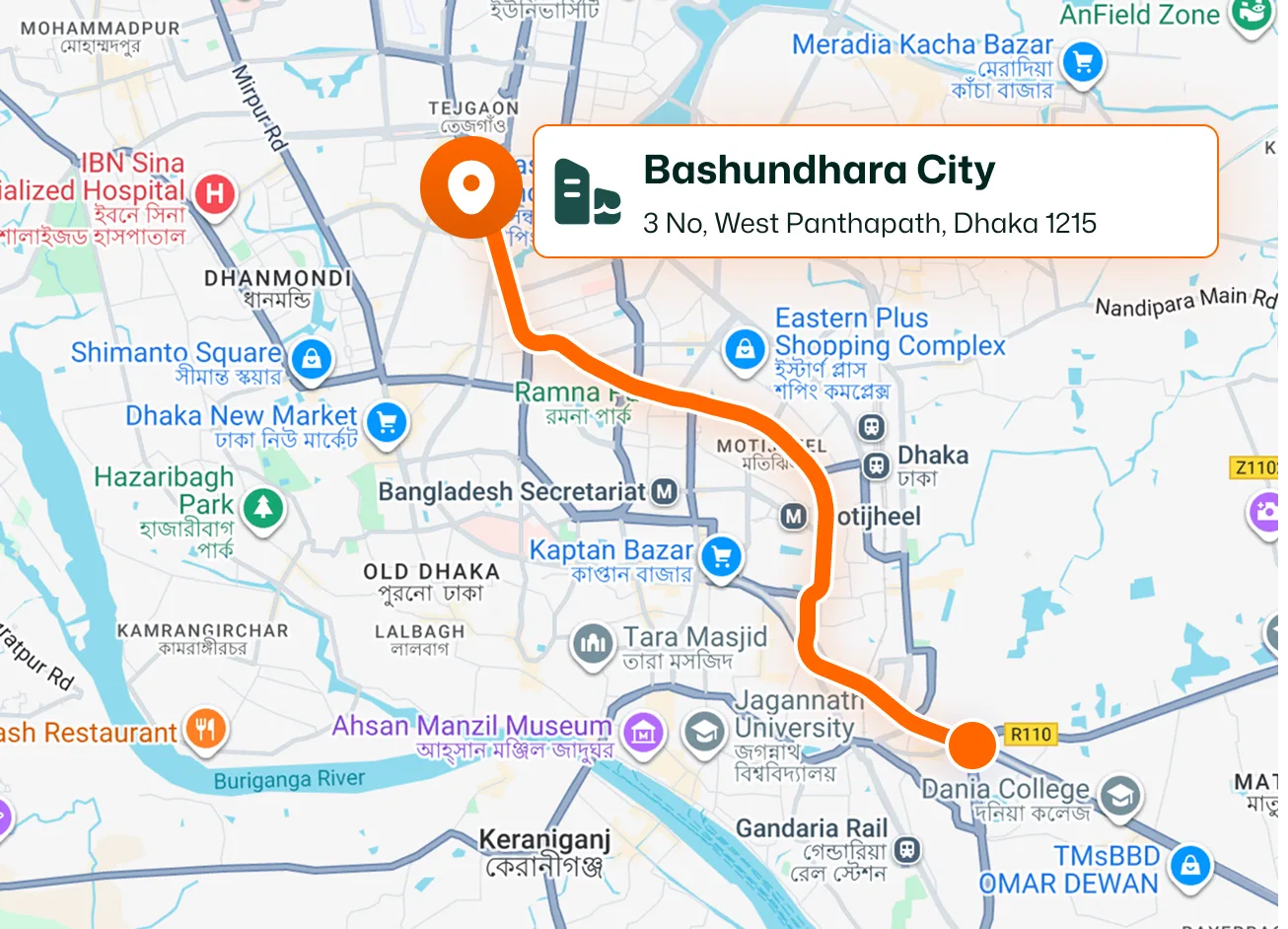
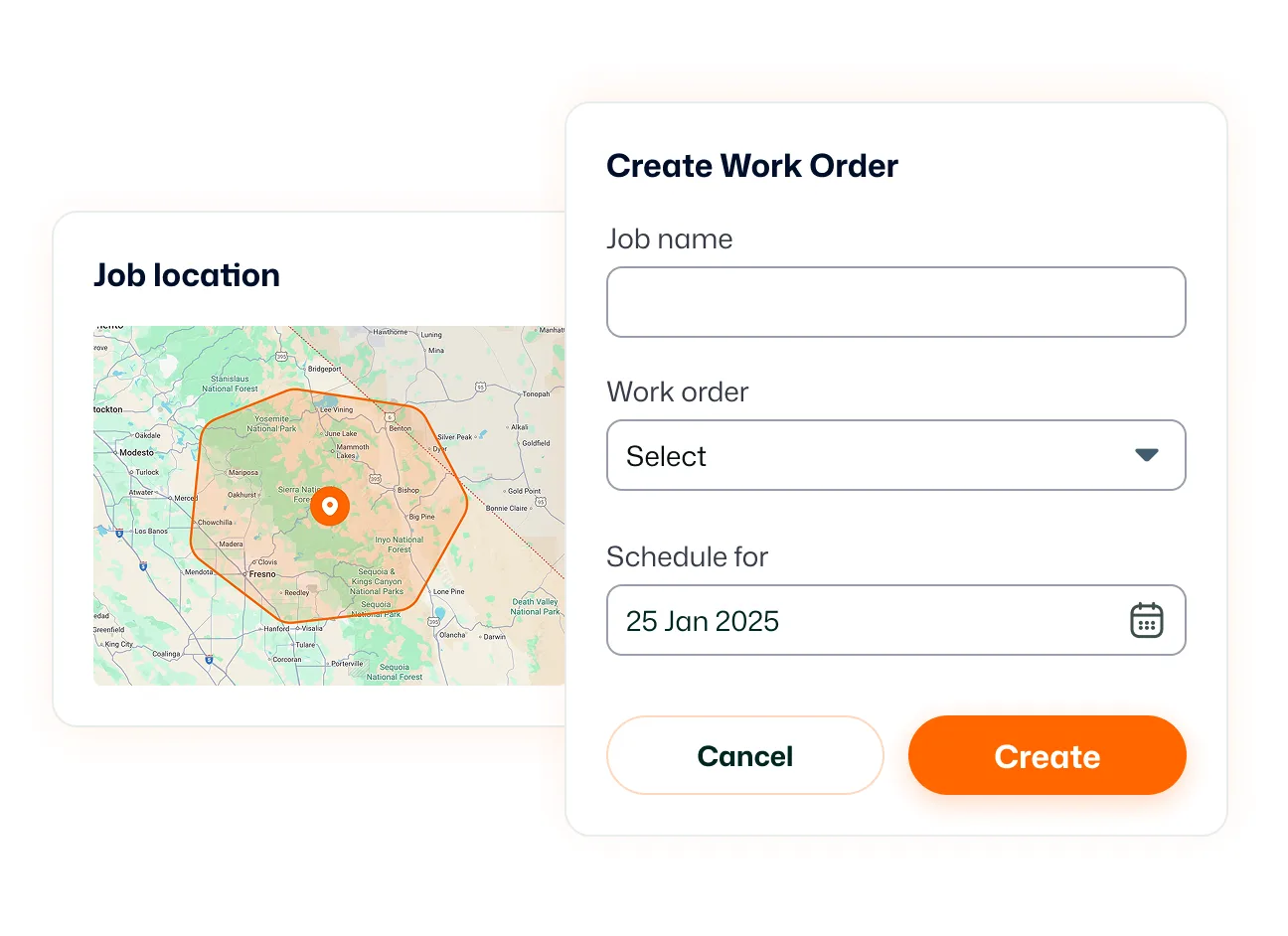
After dropping an unscheduled job onto a date, enter its start and end times in the time-selection window. Review the displayed duration, then click Confirm to apply the schedule.
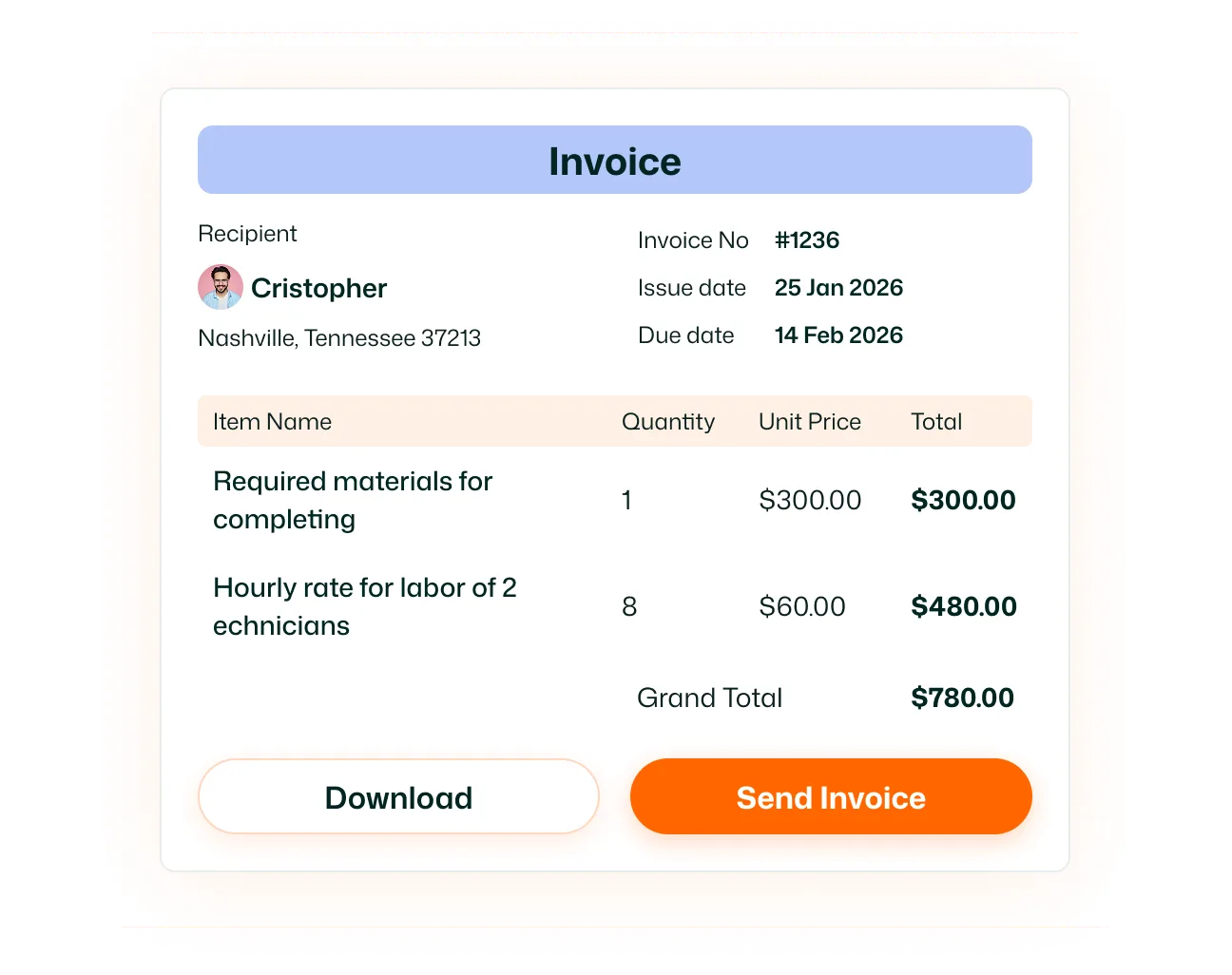
Choose Anytime this day when a job needs a scheduled date without a fixed appointment time. This option lets you place flexible work on the calendar alongside timed visits.
Switch between Monthly, Weekly, Daily, and Member View. Review jobs across dates, inspect the day’s timeline, or see scheduled work grouped by team members.
Click a calendar job card to review its scheduled time, customer, assignees, address, and line items. Select Edit to update job information in the side panel.
Keep waiting work visible and adapt your schedule when plans change. With FieldTask’s drag and drop scheduling, you can place jobs, move bookings, and review the surrounding workload from one calendar—making the next scheduling decision easier to act on.
Drag and drop scheduling lets you place unscheduled jobs onto a calendar date and move existing bookings to another date or time. You manage the schedule visually using job cards.
Go to Scheduling and open the Unscheduled Jobs drawer on the right. Drag a job onto the date you want, set its start and end times or select Anytime this day, then confirm.
Yes. Drag an existing job card to another date in the monthly calendar. You can also move a timed job along the daily timeline to adjust its scheduled time.
Yes. When scheduling a job from the Unscheduled Jobs drawer, the time-selection window lets you enter both times. You can also update dates and times through the job’s Edit panel.
Yes. Select Anytime this day to schedule the work for a date without a fixed time slot. This suits visits that can take place at any point during that day.
FieldTask provides Monthly, Weekly, Daily, and Member View options. The scheduling page also includes a Map View option for viewing jobs geographically.
Yes. Member View groups scheduled jobs by team members across the displayed dates. This lets you review assigned work while planning your schedule.
Yes. Click a job card to open its details panel, then select Edit. You can update information such as the assignee, description, location, and schedule, then save your changes.
