
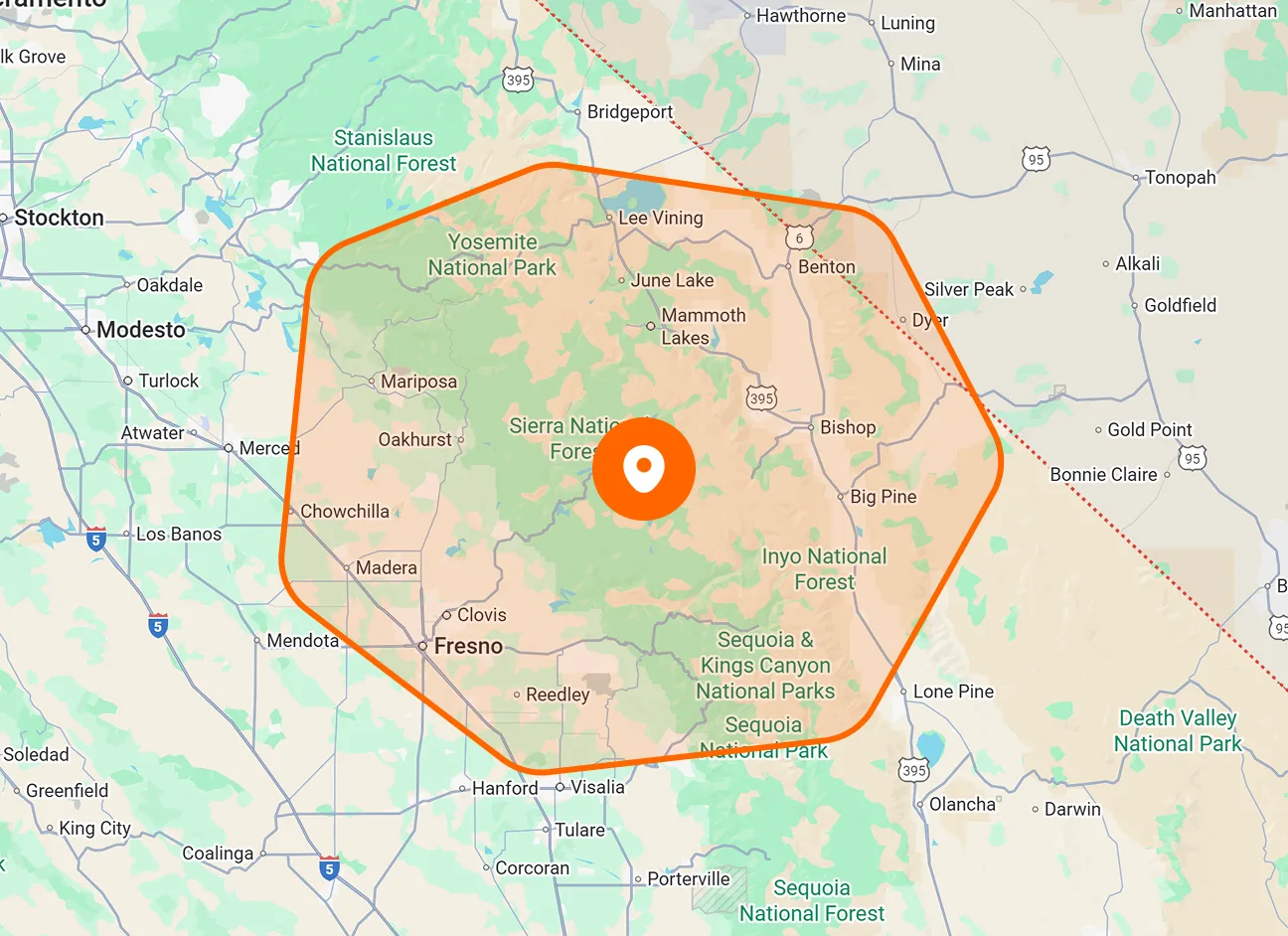
Estimate Creation
Create estimates for upcoming field service work before the job begins. Put the scope and pricing together in one quote so customers know what you're proposing before they approve the work.
Build clear customer estimates with transparent pricing, send them by text or email, and move approved work directly into your FieldTask job workflow.

Create the estimate, show customers what they're paying for, send it for approval, and turn accepted work into a job without breaking the workflow.
Create estimates for upcoming field service work before the job begins. Put the scope and pricing together in one quote so customers know what you're proposing before they approve the work.
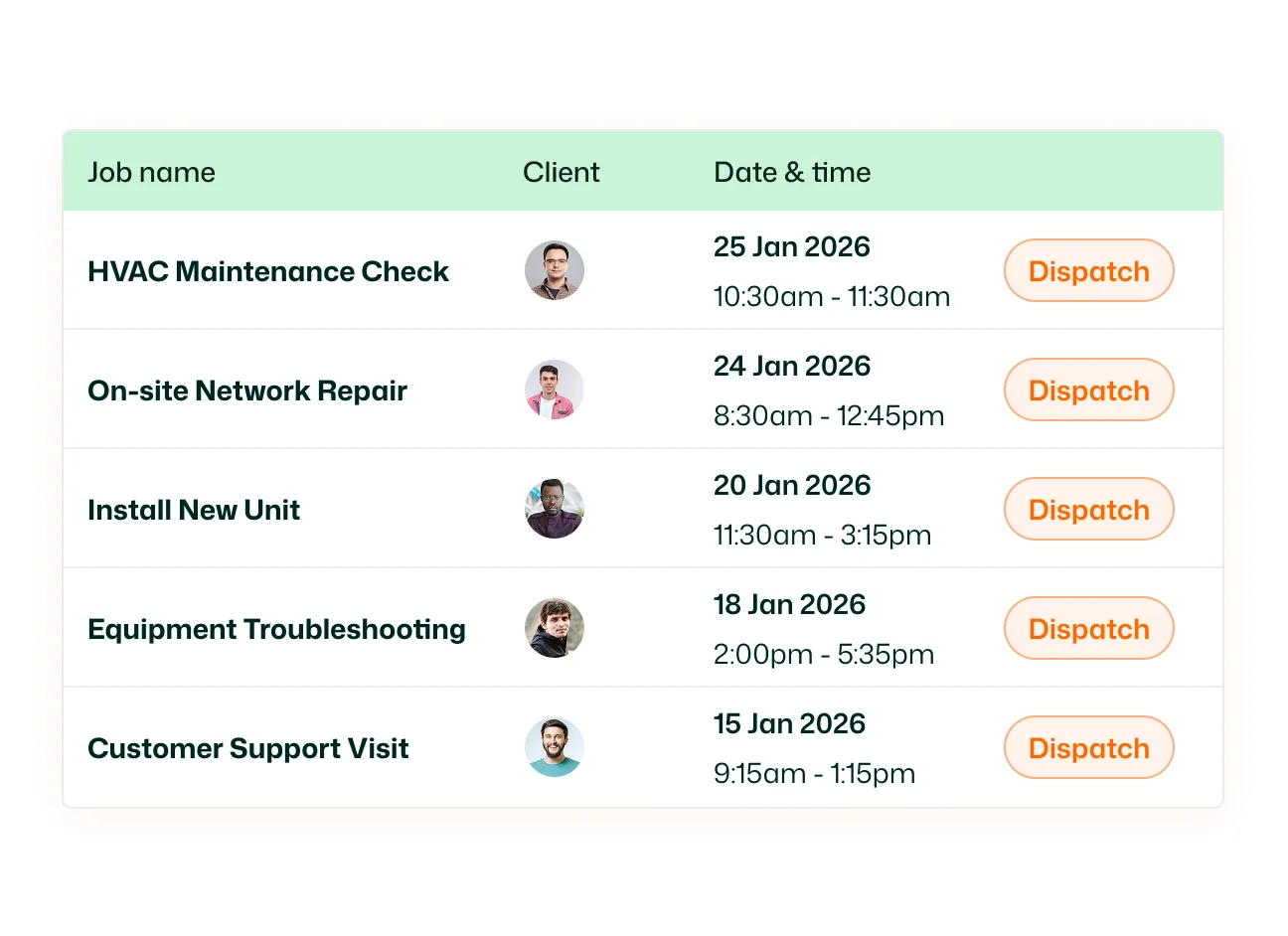
Give customers a clear breakdown of the price behind every estimate. Present the cost of the proposed work clearly instead of sending a single unexplained total, making the estimate easier for customers to understand.
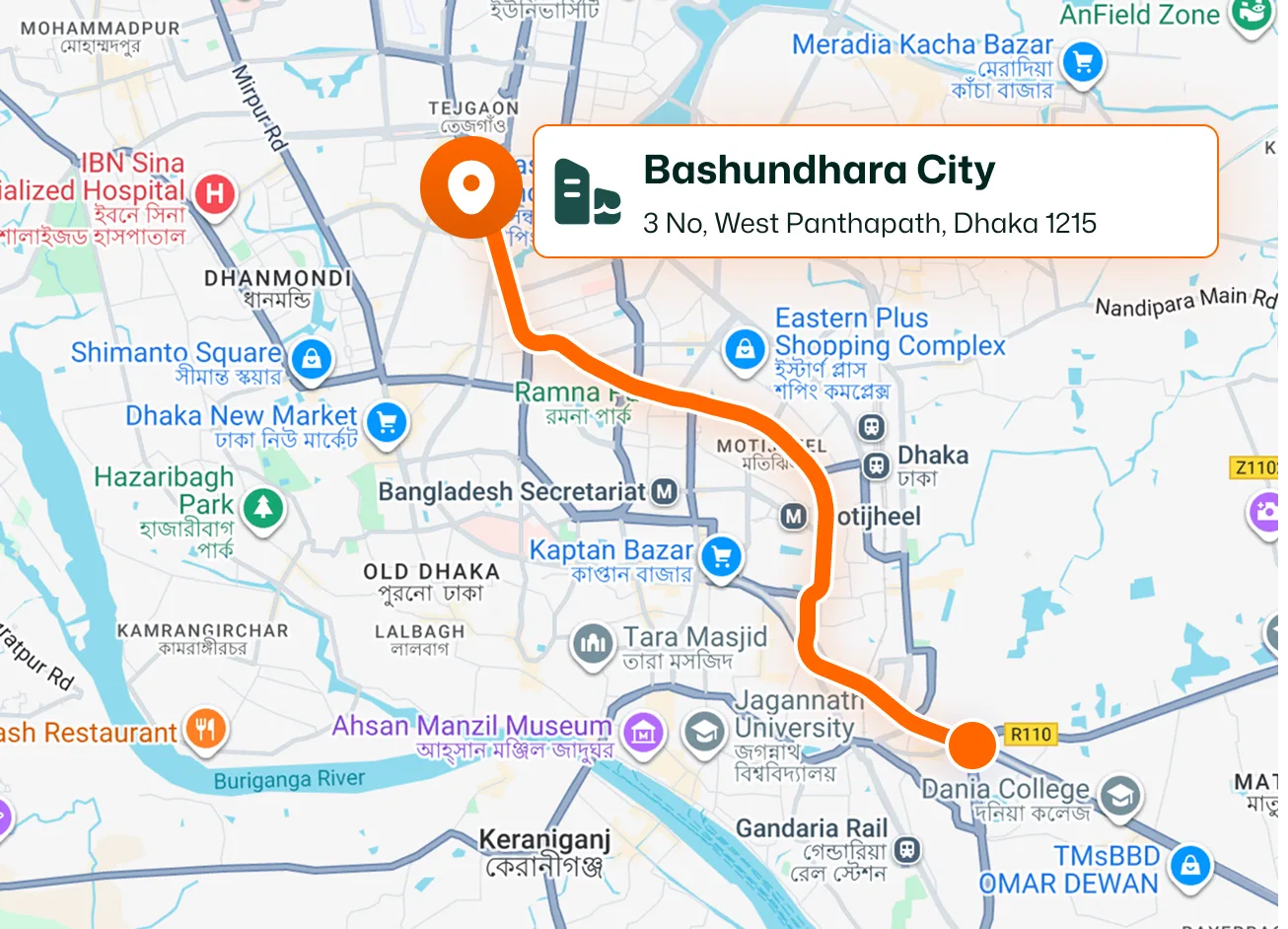
FieldTask is built specifically for HighLevel, ensuring your estimation process never disconnects from your main customer journey. Manage your customer relationships in HighLevel, build transparent quotes, and deliver them instantly via text or email. Once a customer approves the work, you can convert the estimate directly into a FieldTask job without rebuilding the details from scratch.
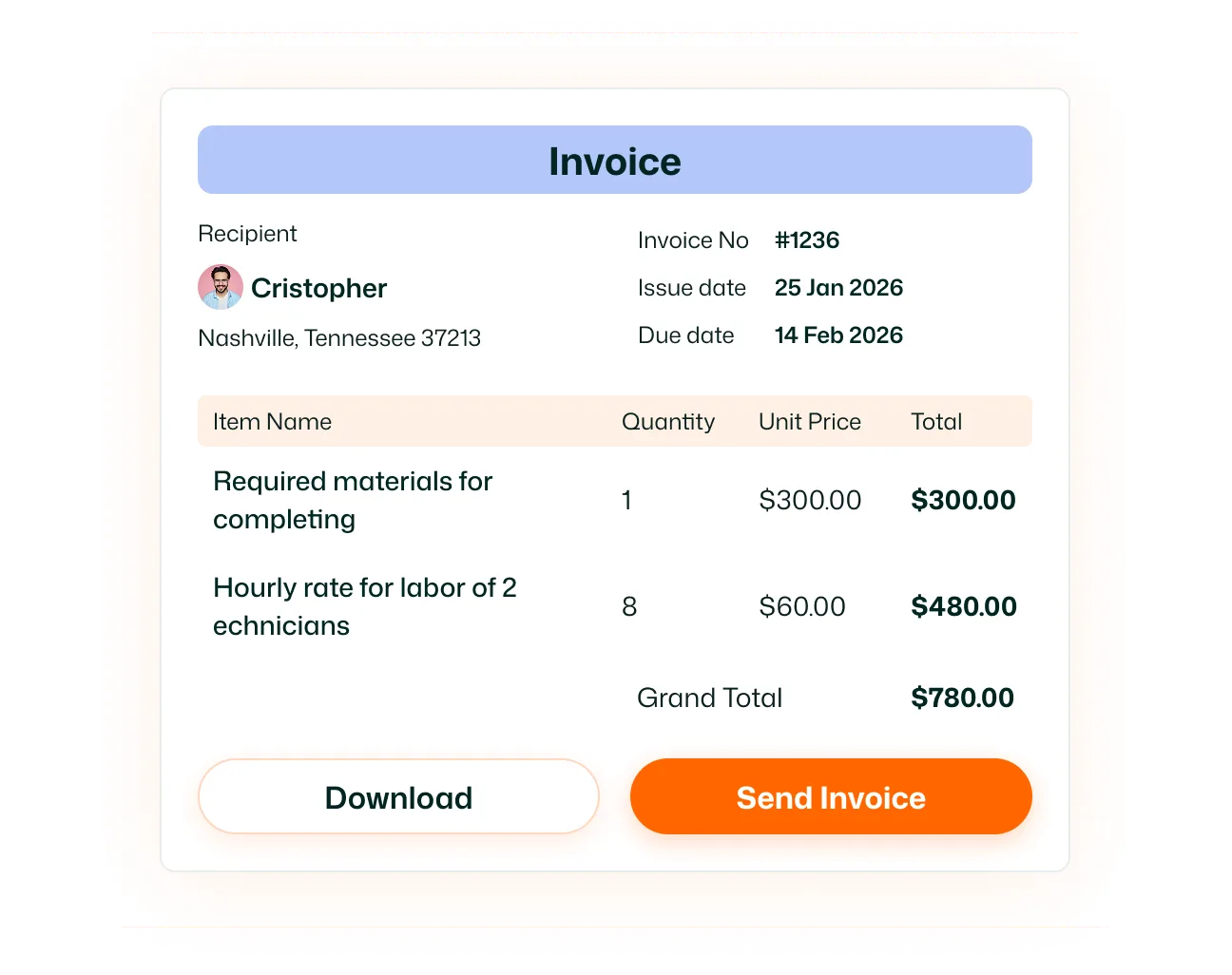
Send estimates directly to customers by text or email. Choose the communication channel that works for the customer and get the quote in front of them without downloading, attaching, and manually sending documents from another system.
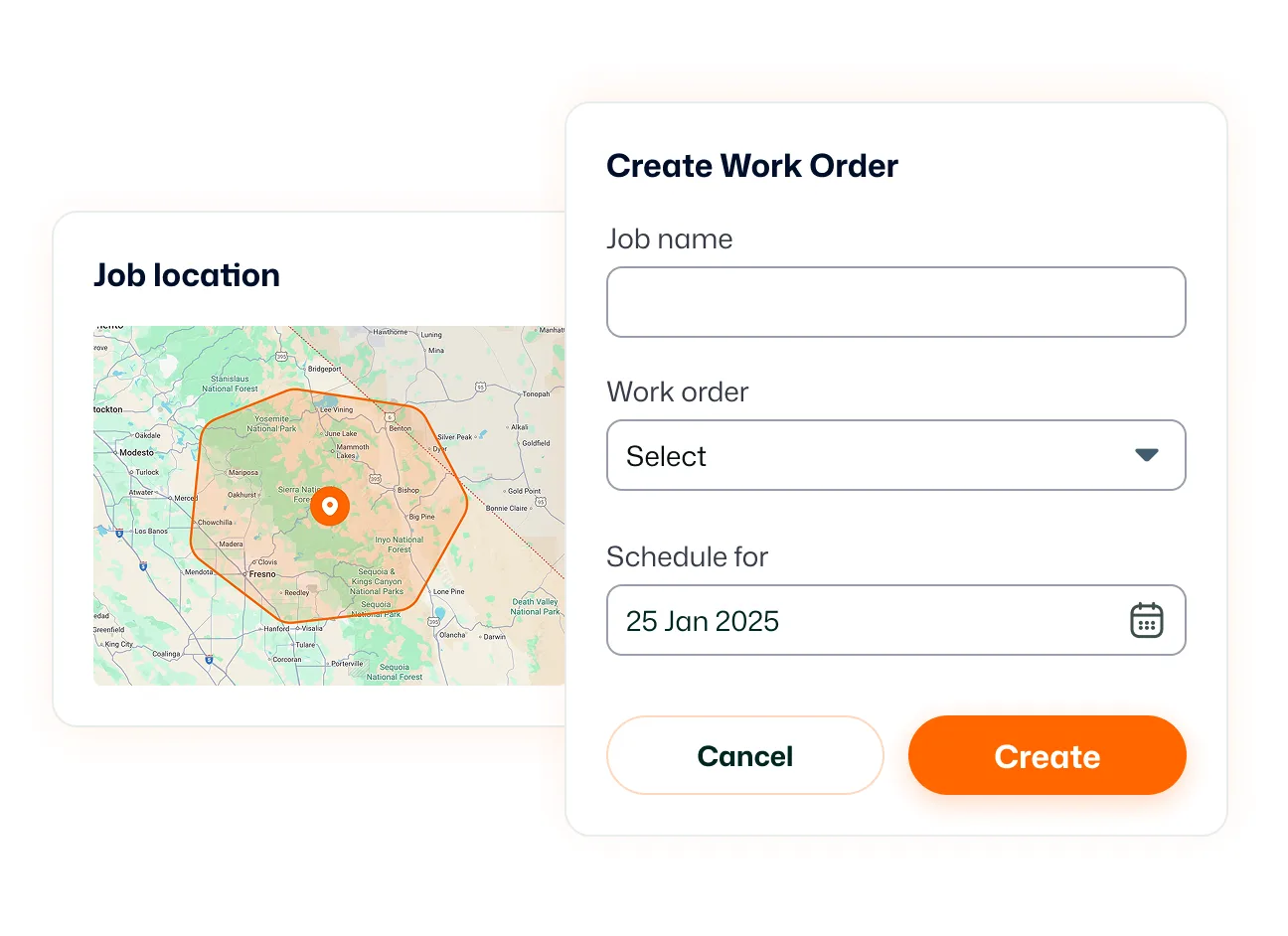
Move the estimate forward when the customer is ready to proceed. Customer approval creates a clear handoff between quoting the work and preparing it for delivery, so your team knows which estimates are ready to become real jobs.
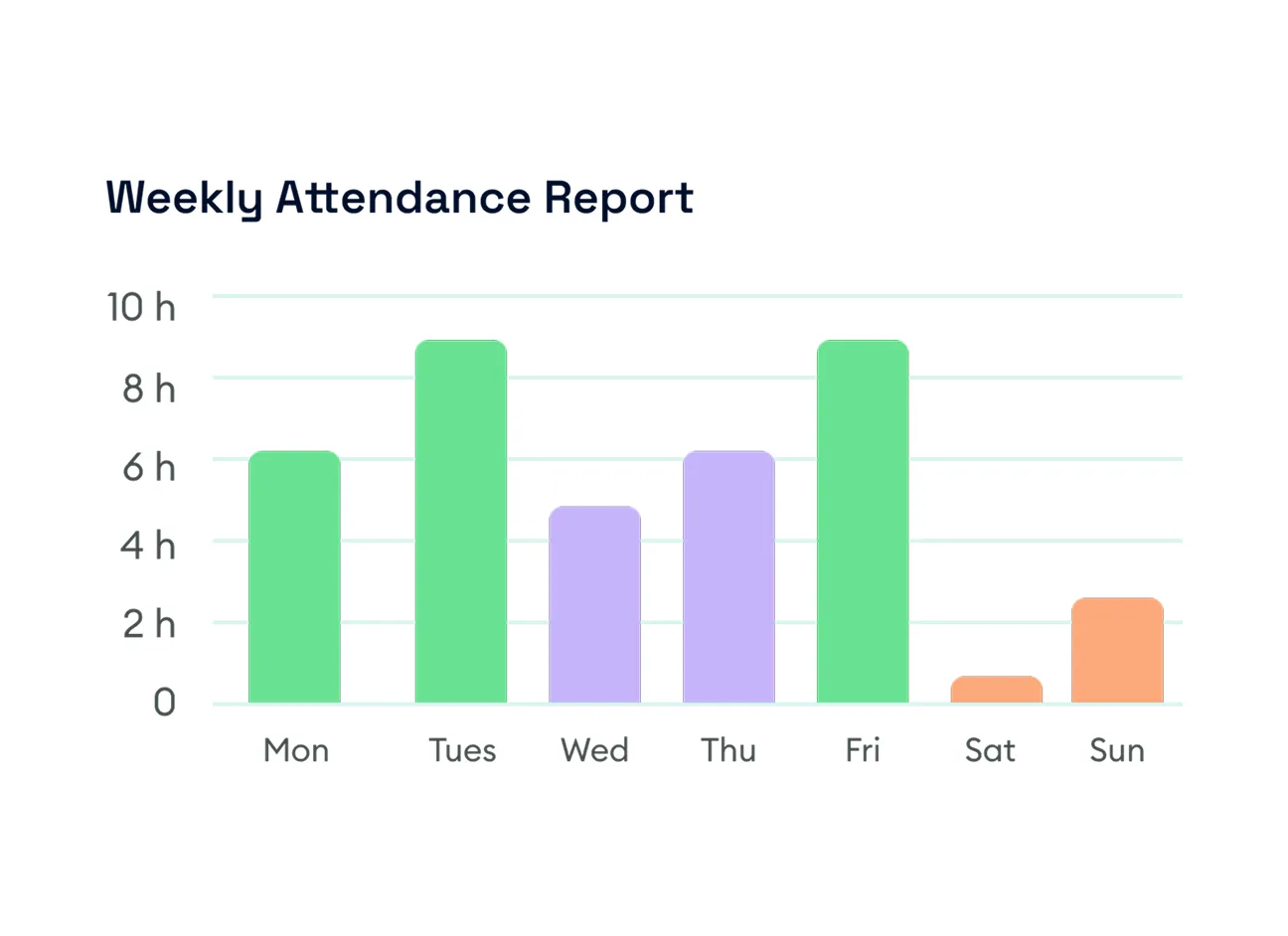
Turn an approved estimate directly into a FieldTask job. Carry the work forward instead of rebuilding it after the sale, helping your team move from estimation into job management with fewer manual steps.
Create the quote, get the approval, and keep the job moving.
Estimation lets you create quotes for proposed field service work, provide customers with a clear pricing breakdown, send the estimate for approval, and move accepted work into the job workflow.
Yes. FieldTask lets you create estimates for customers before work is turned into a scheduled field job.
Yes. FieldTask estimates can include a clear pricing breakdown so customers can better understand what they're being quoted for.
You can send FieldTask quotes to customers by text or email.
Yes. Estimates can move through an approval step before the proposed work becomes a job.
An approved estimate can be turned into a FieldTask job, allowing your team to move from quoting into scheduling and field operations.
No. FieldTask is designed so estimates can flow directly into jobs rather than requiring the accepted work to be rebuilt from scratch.
After an estimate is accepted and converted into a job, that work can continue through the FieldTask scheduling workflow where the job can be planned and assigned.
FieldTask is built specifically for HighLevel. HighLevel can remain at the center of customer management while FieldTask extends the workflow into jobs and field service operations.
