
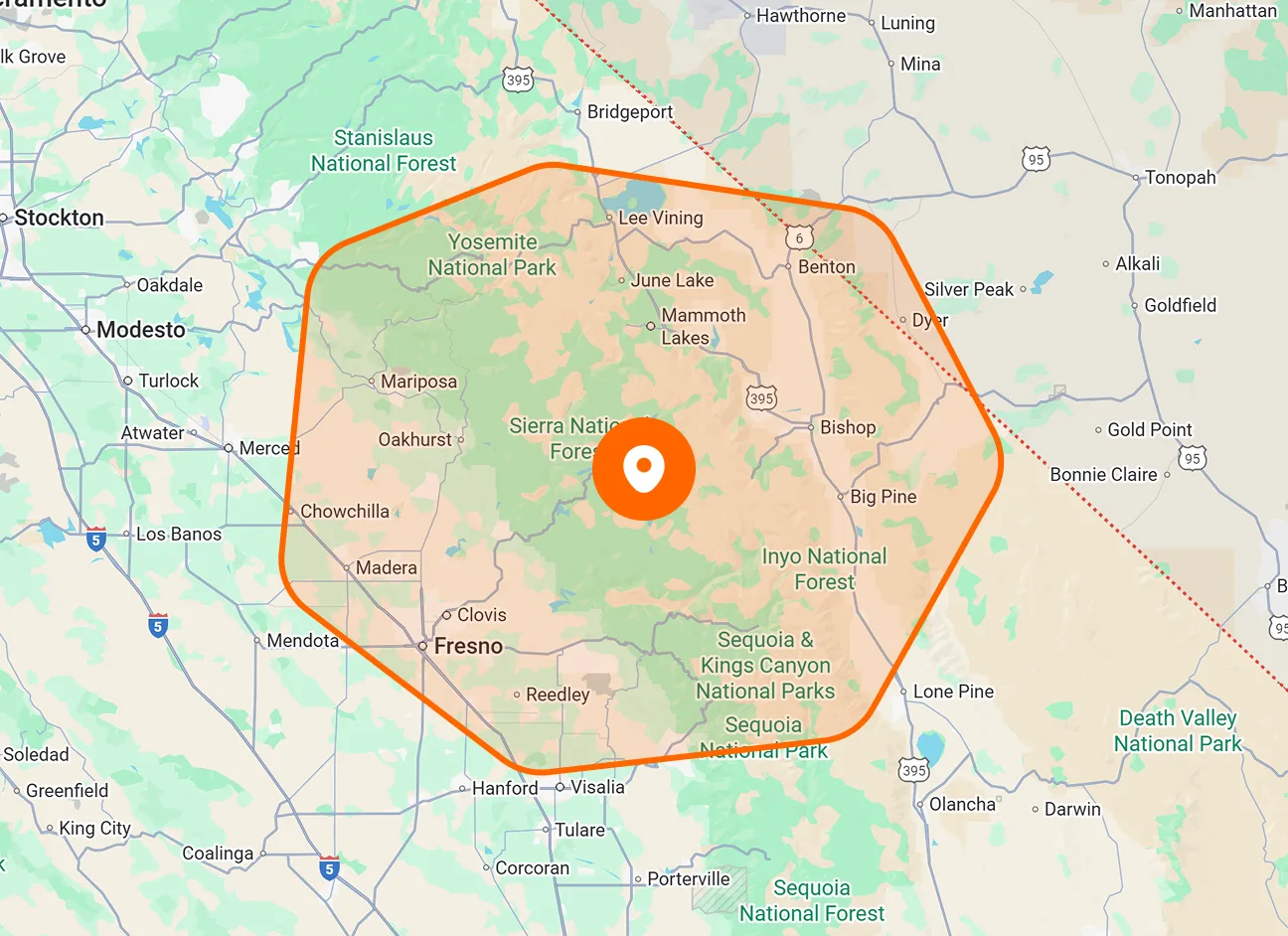
Map-Based Job View
See assigned jobs plotted on a map based on each job's service location. Get a visual picture of where work is distributed across your service area instead of relying on addresses in a list.
View jobs by their service location and narrow the map by status, assignee, location, or date. Get a geographic view of the work without digging through job lists.

Lists tell you what work you have. Jobs on the map show you where that work is happening. View assigned jobs across the map, then use filters to focus on the jobs, technicians, areas, or dates that matter right now.
See assigned jobs plotted on a map based on each job's service location. Get a visual picture of where work is distributed across your service area instead of relying on addresses in a list.
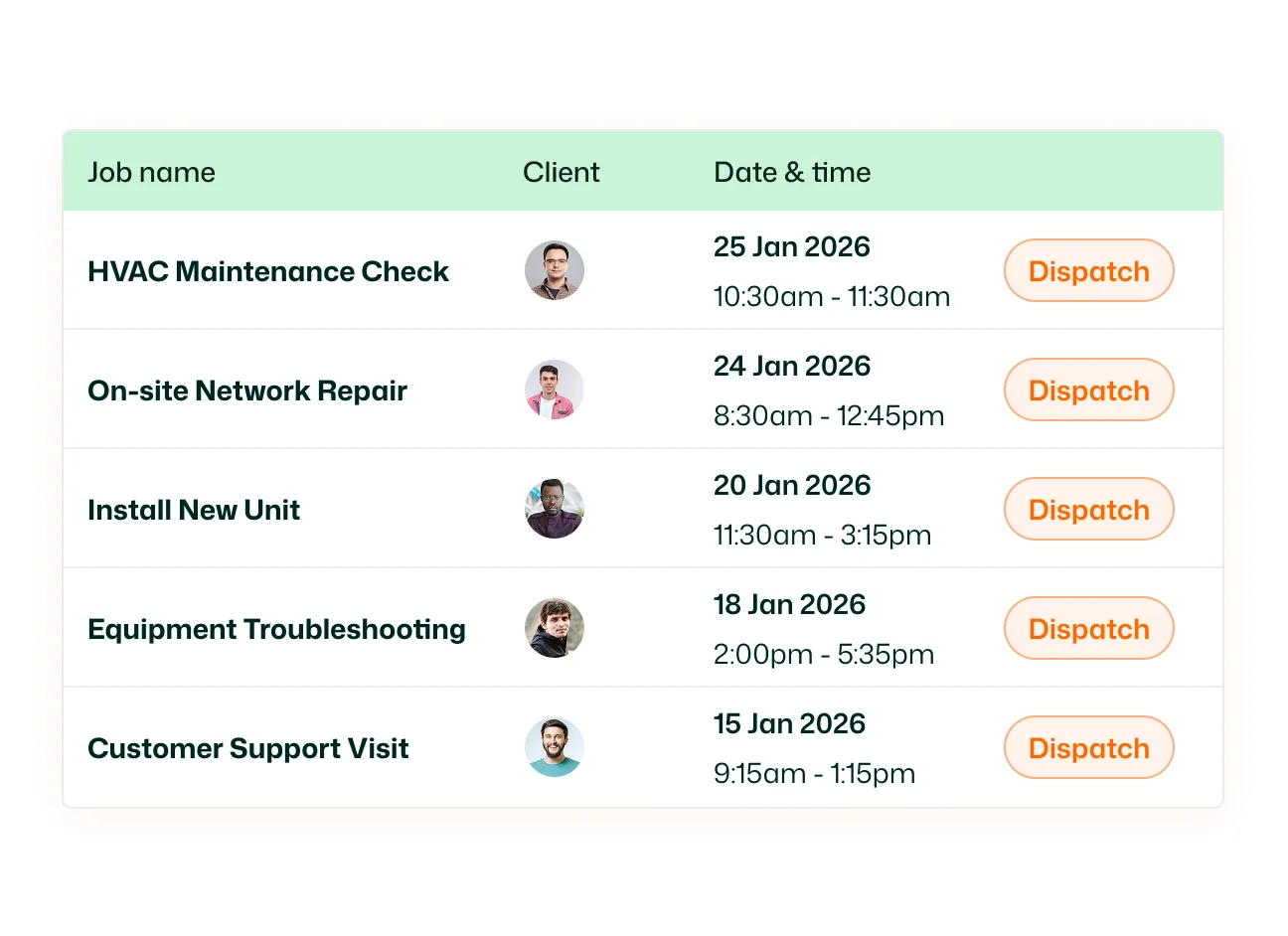
Filter the map by job status to focus on a specific stage of work. View: All Jobs 1. Unscheduled Jobs 2. Scheduled Jobs 3. In Progress Jobs 4. Completed Jobs 5. Missed Jobs
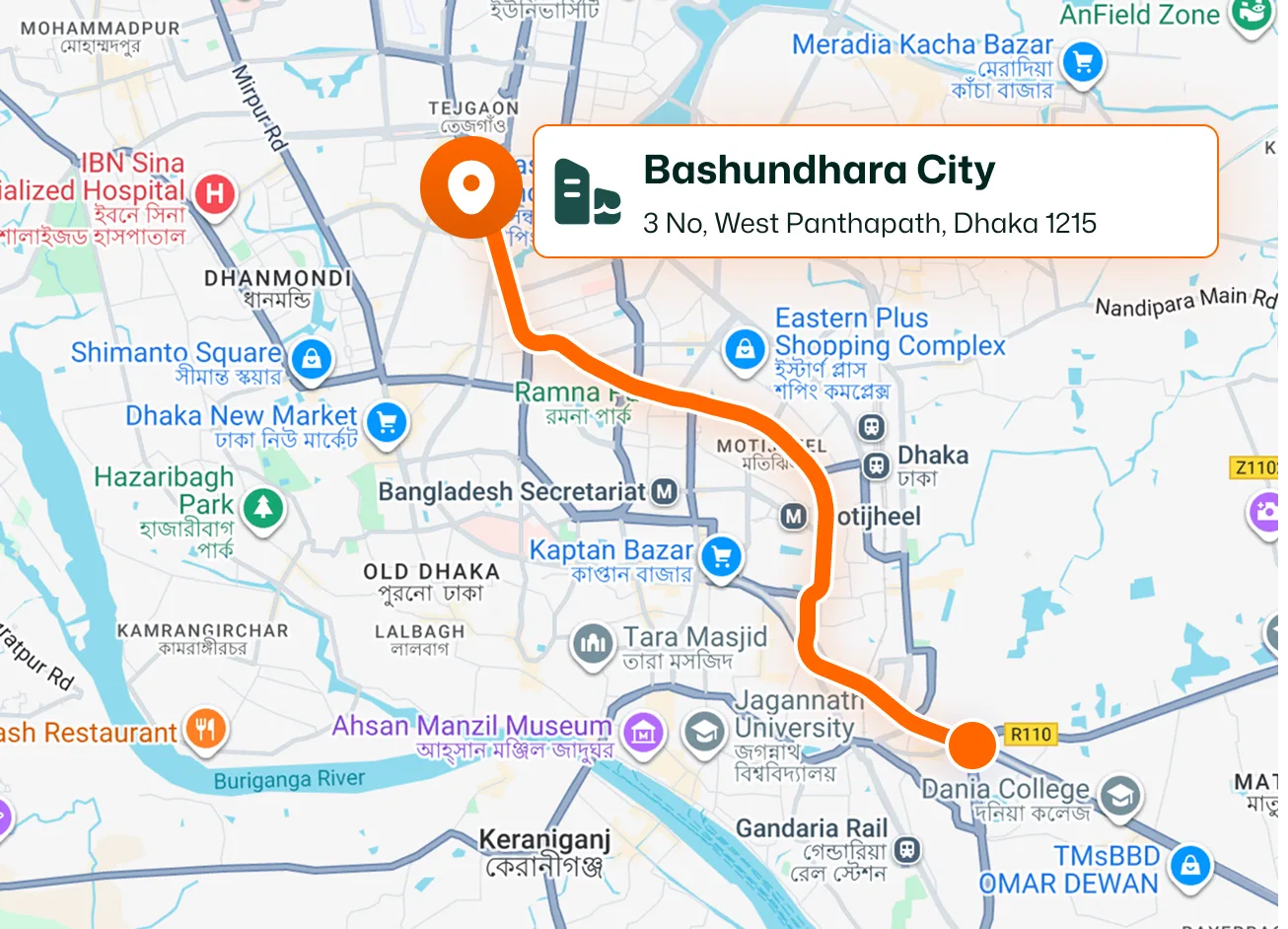
Filter mapped jobs by assignee to see where a specific team member's work is located. Focus the map on one technician or narrow down the jobs relevant to the people you're managing.
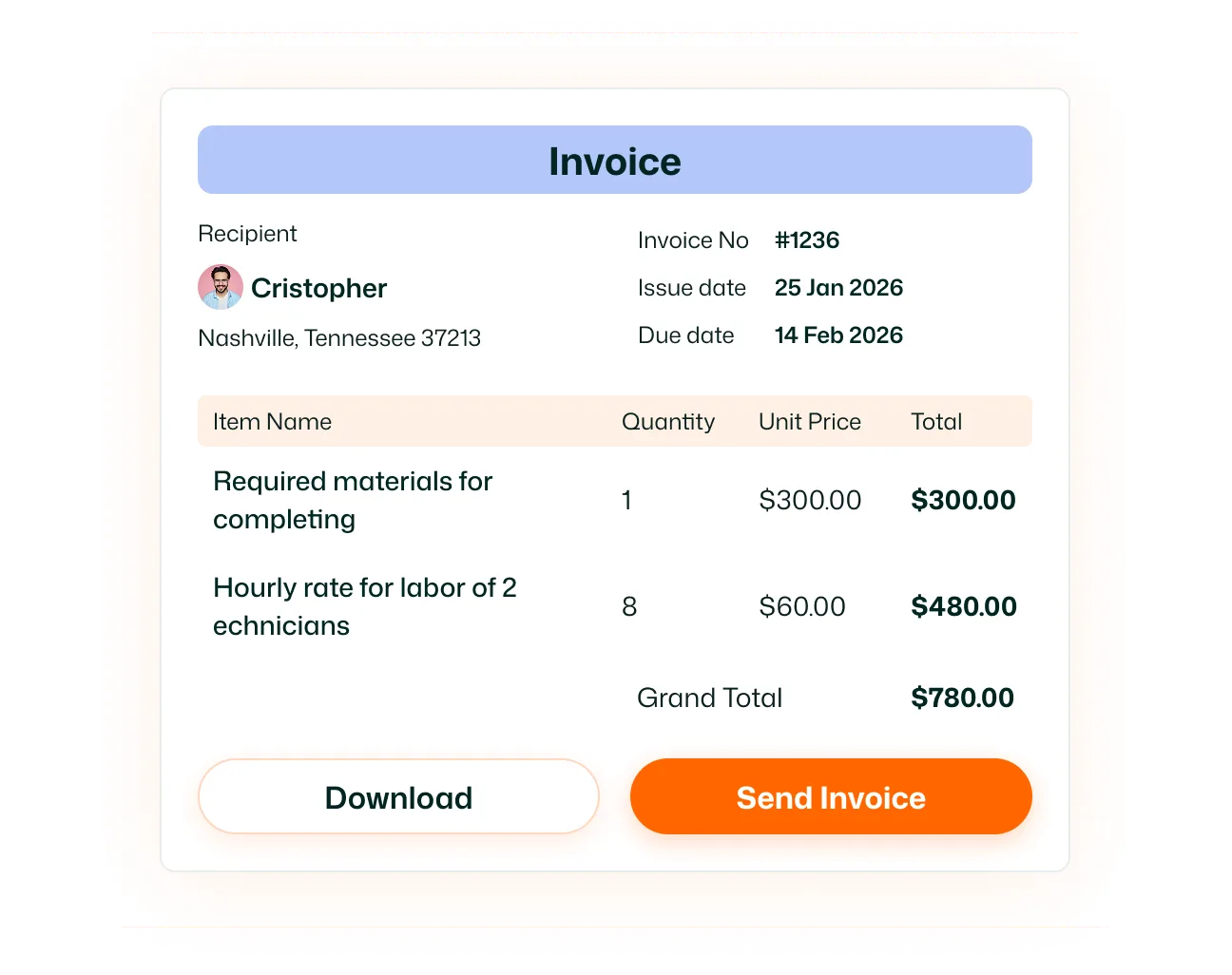
Narrow the map by location when you only need to see jobs within a particular area. Useful when reviewing work geographically instead of searching through every job assigned across your operation.
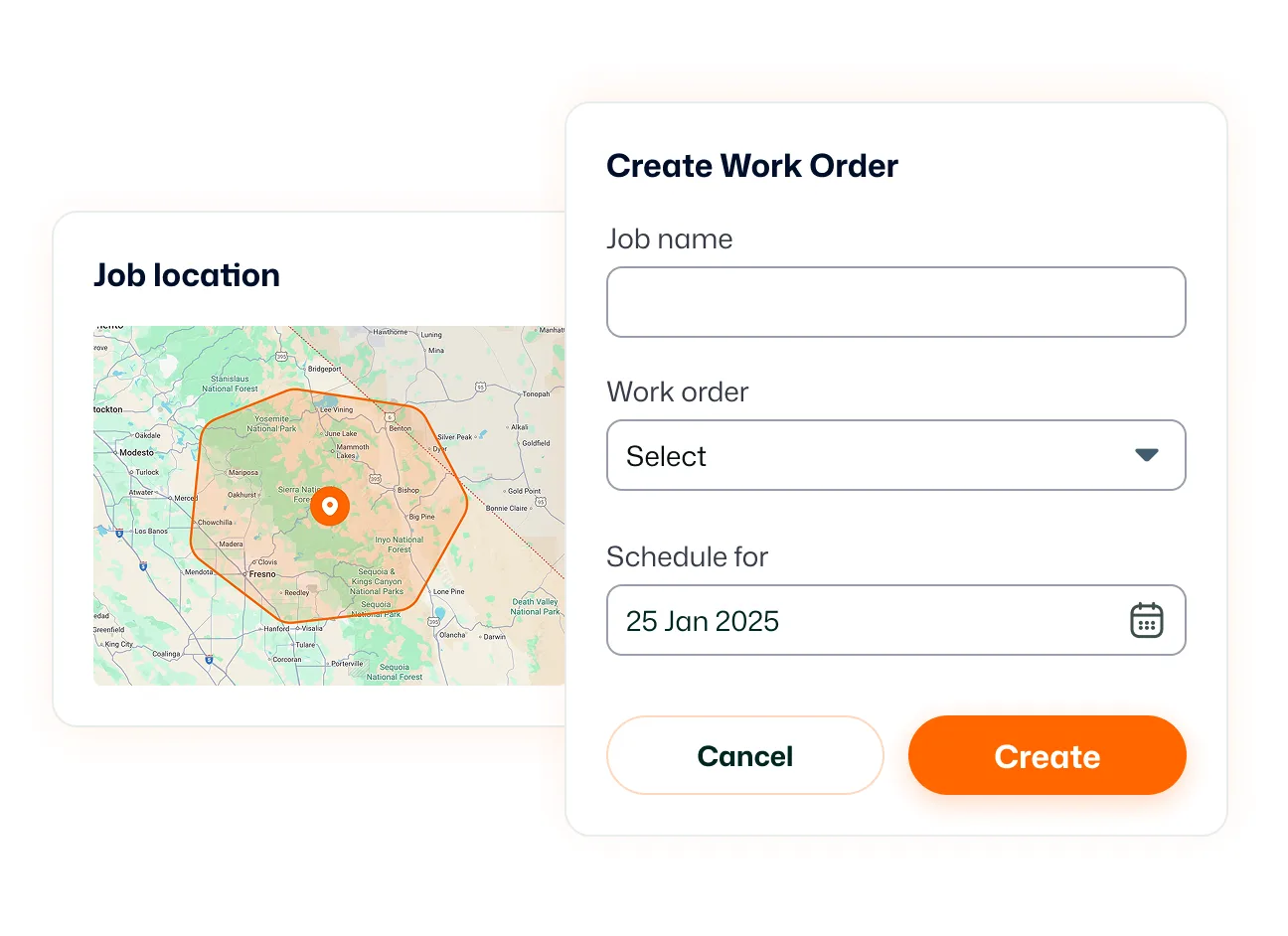
Give field technicians a map view of the jobs assigned to them from the FieldTask mobile app. Instead of relying only on a job list, technicians can see where their assigned work is located while they're out in the field.
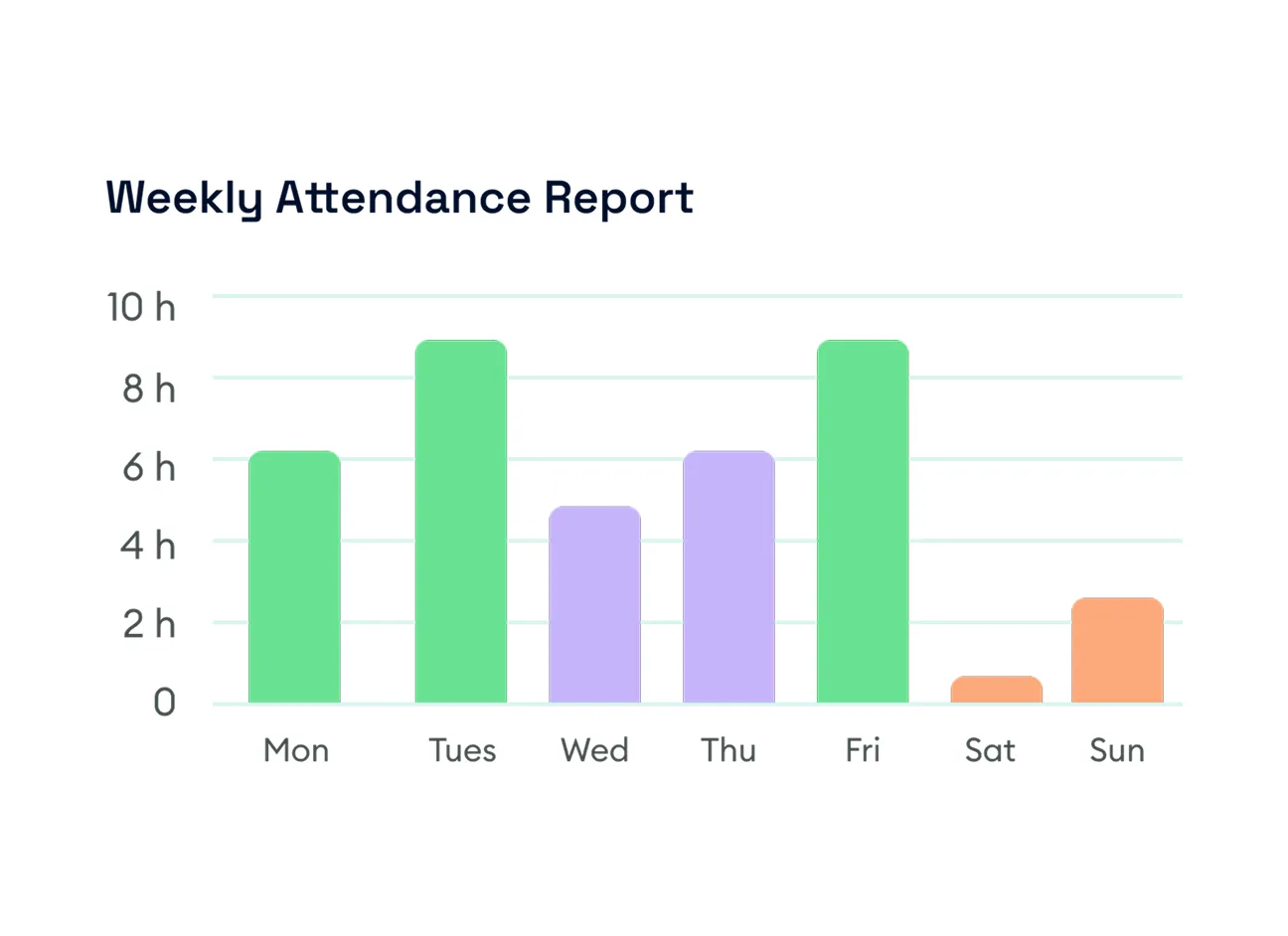
Connect your HighLevel operations directly to the street level. Jobs in Map gives dispatchers a geographic view of all scheduled and unscheduled work. Simultaneously, the FieldTask mobile app gives field technicians a map view of the jobs assigned to them, allowing them to see exactly where their work is located while they are out in the field.
See where your field work is happening and filter the view down to the jobs that matter.
Take a look at our frequently asked questions below.
Don't see an answer to your question? Start a chat, contact us, or consult our help center.
Jobs in Map is a map-based view of your assigned jobs. It plots jobs according to their assigned service locations so you can see where work is distributed geographically.
You can view assigned jobs on the Jobs in Map page and filter what appears based on job status, assignee, location, and date.
Yes. You can filter the map to show All Jobs, Unscheduled Jobs, Scheduled Jobs, In Progress Jobs, or Completed Jobs.
Yes. Use the Assignee filter to narrow the map to jobs associated with a particular team member.
Yes. The Date filter lets you control the period of work displayed on the map.
Yes. Jobs in Map includes a Location filter so you can narrow the jobs shown geographically.
Yes. The FieldTask mobile app includes a map view that shows technicians the locations of jobs assigned to them.
No. Jobs in Map displays the locations of assigned jobs. Live Location is a separate FieldTask feature used to view the current or last detected location of team members.
