
Two-Way SMS
Send custom text messages and receive customer replies in FieldTask. Use SMS to share a change of plans, ask a service question, or continue a conversation about the work.
Keep job conversations moving between customers, dispatchers, and assigned technicians. FieldTask supports two-way SMS, so your team can send updates and receive customer replies while keeping conversation history and job context within reach.
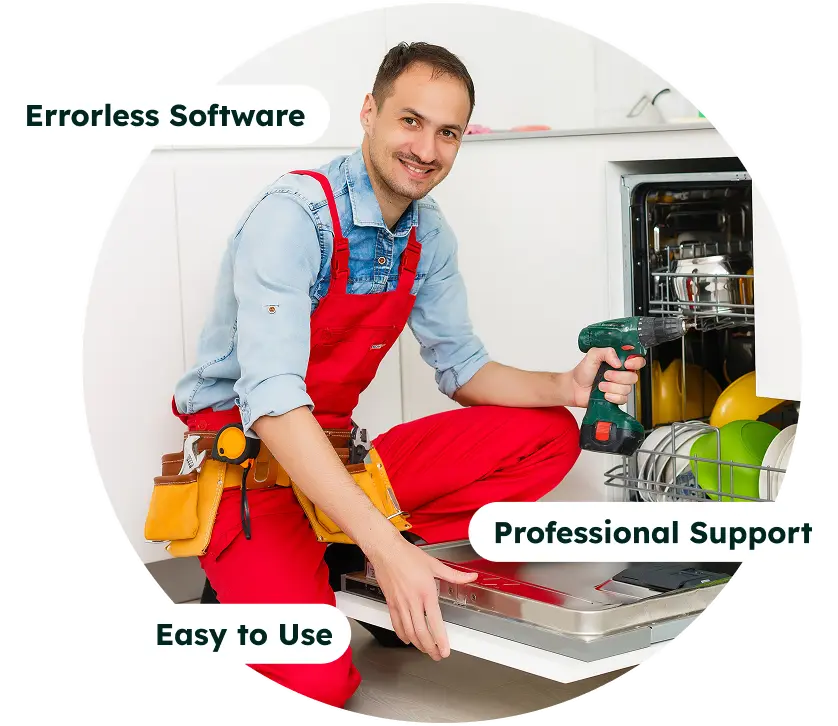
Give customers a direct way to stay in touch with the people handling their service. Dispatchers and assigned technicians can exchange text messages with customers, find existing conversations, and check earlier messages before continuing the discussion.
Send custom text messages and receive customer replies in FieldTask. Use SMS to share a change of plans, ask a service question, or continue a conversation about the work.
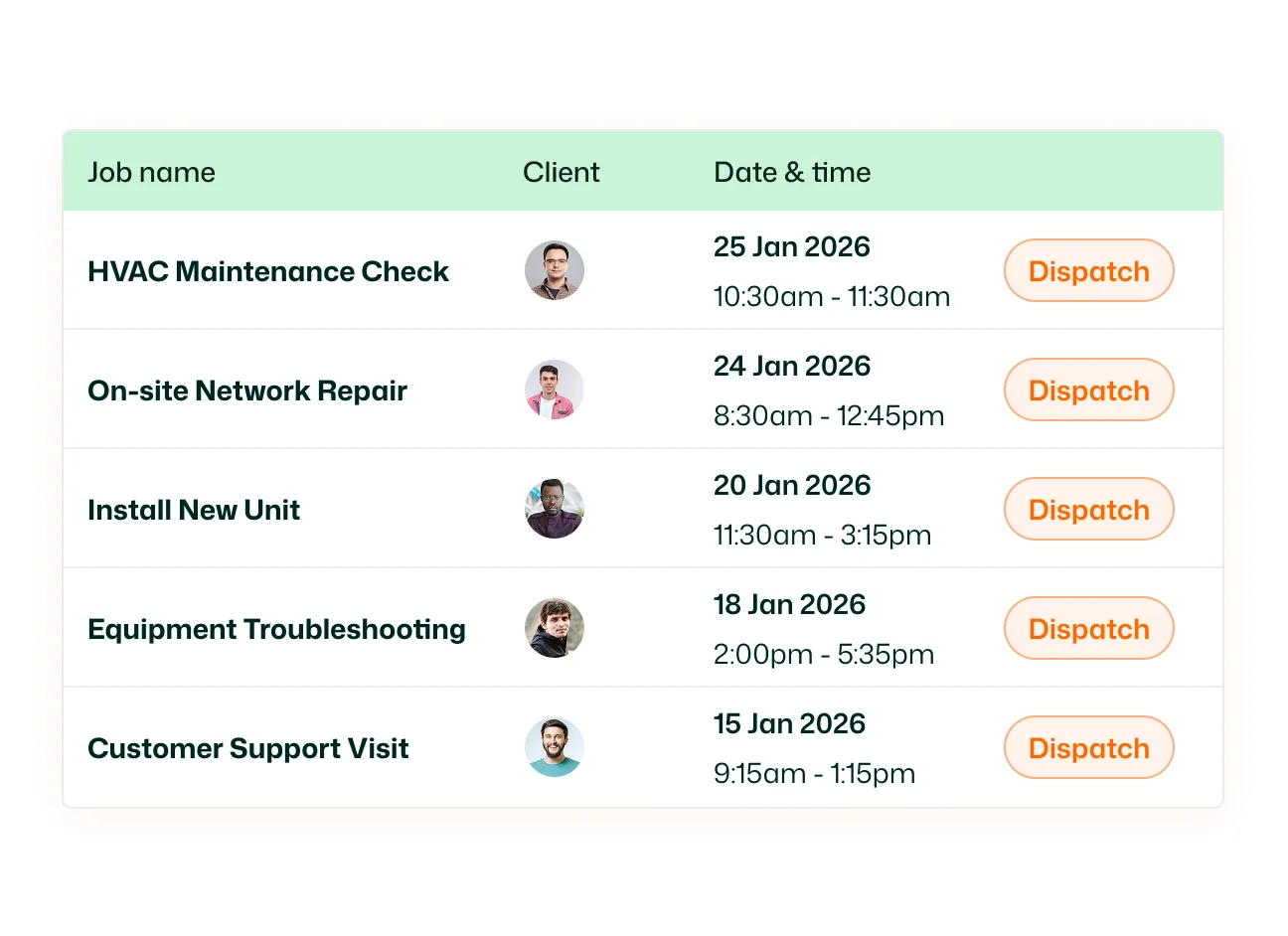
Dispatchers can text customers and receive their responses. Keep a conversation going when a customer needs clarification or your dispatcher needs to communicate an update about their service.
Technicians assigned to a job can exchange SMS messages with the customer. From the mobile Job Details page, use the customer messaging control to open the conversation and write an update while reviewing the work.
Browse customer conversations, search by name, and switch between All and Unread. To start a conversation, tap the compose button, find the customer in the New Chat list, and select their name.
Review earlier SMS and email entries with channel labels and timestamps. The conversation header also shows available job information, including the job reference, title, and status, so your team has context while messaging.
Send SMS messages to customers and receive their replies within FieldTask. Message sending progress appears in the conversation; if an attempt fails, the message displays a Failed status and a Retry option.
A clear update helps customers understand what happens next. Give your dispatchers and assigned technicians a direct way to share information, hear back from customers, and continue the conversation as the job moves forward.
FieldTask SMS supports two-way text messaging between customers and your service team. Dispatchers and technicians assigned to a job can send customer messages and receive replies, with messaging tools available in the FieldTask mobile app.
Both dispatchers and assigned technicians can exchange text messages with customers. Customers can reply to either, supporting dispatcher-to-customer and technician-to-customer conversations in both directions.
Yes. SMS delivery and incoming replies are supported. Customers can respond to messages from dispatchers or assigned technicians so the conversation can continue in FieldTask.
Open the Job Details page and use the customer communication control to access text messaging. Open the SMS composer, write the message, and tap the send button.
Open Messages and tap the compose button. Search or browse the customer list, then select the customer to open their conversation and write an SMS.
Use the name search in Messages to find a customer conversation. Select Unread to view conversations marked as unread, or choose All to return to the complete conversation list.
Yes. The conversation view displays earlier SMS and email entries with channel labels and timestamps. Available job details appear in the header, including the job reference, title, and status.
An unsuccessful sending attempt displays a Failed status with a Retry option. Use Retry to attempt sending the message again.
Yes. Bring your HighLevel contacts into FieldTask, then open the customer’s conversation to send an SMS. You can sync all contacts or select specific customers to import.
Yes. When appointment syncing is enabled, HighLevel appointments can become FieldTask jobs. The assigned technician can access customer messaging from Job Details to send updates and receive replies.
No. Technicians can send customer texts directly from the FieldTask mobile app. Open the job, access customer messaging, and compose the SMS while reviewing the work.
Yes. Once your HighLevel customers are available in FieldTask, dispatchers and assigned technicians can exchange SMS messages with them. Customers can reply to either, supporting two-way communication throughout the job.
