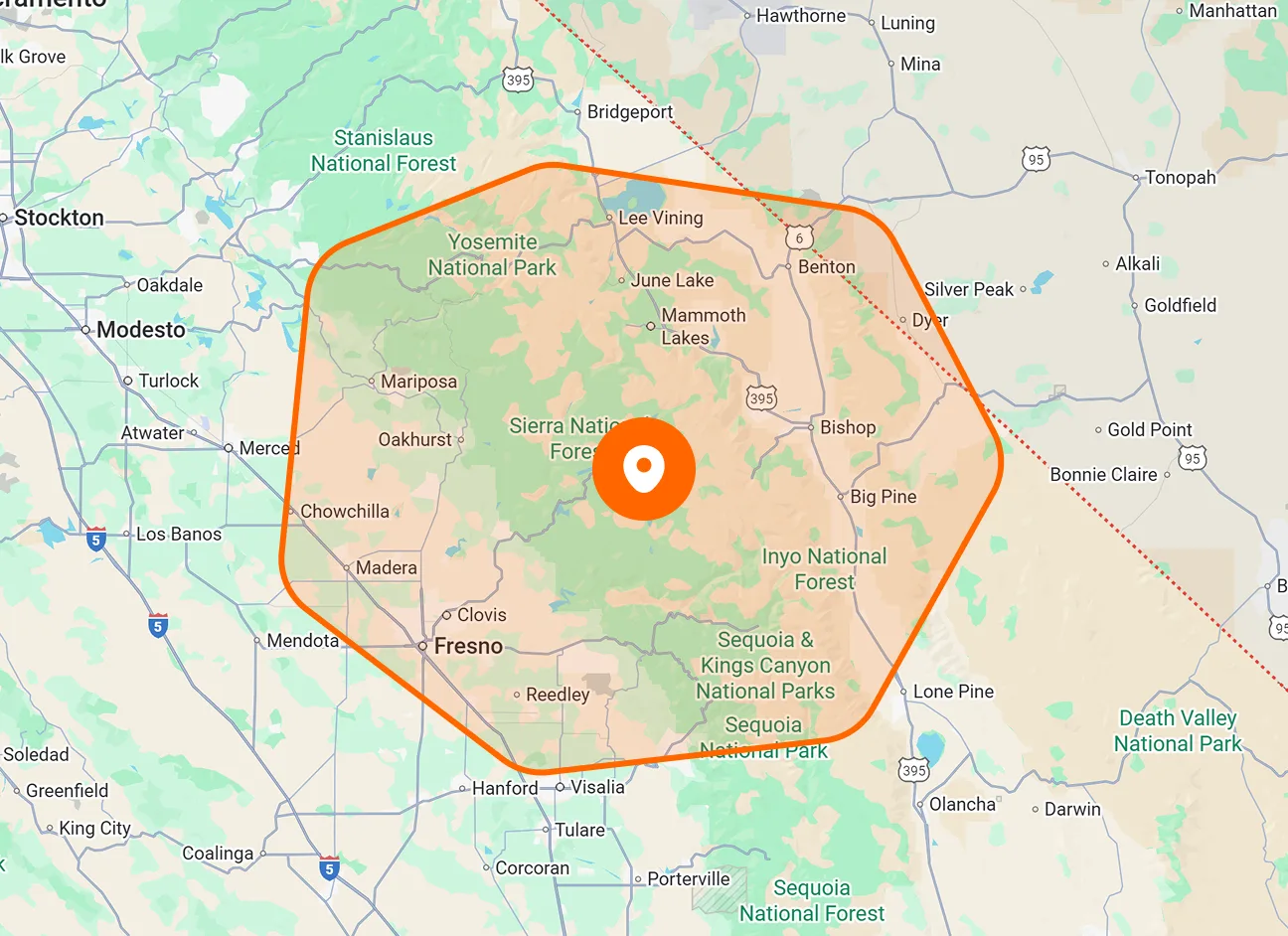
EVERYDAY ACTIVITY TIME TRACKING

See Where Technician Time Goes Between Jobs

Driving, breaks, meetings, and office work all take time. FieldTask General Tasks lets you create reusable activities that technicians can select whenever needed, helping you account for their day without creating a separate task for every trip, break, or routine activity.

Account for Everyday Activities with Less Task Setup

Set up the routine activities your team needs, assign them to the right technicians, and make them available for time tracking. Your team can record time outside customer jobs while your organization avoids repeatedly setting up the same activities.

Reusable General Tasks

Create ongoing activities such as Driving, Break, Team Meeting, Office, or Supplies & Materials. Technicians can use the assigned activity whenever it applies, giving regular parts of the workday a consistent place to record time.
Task Details

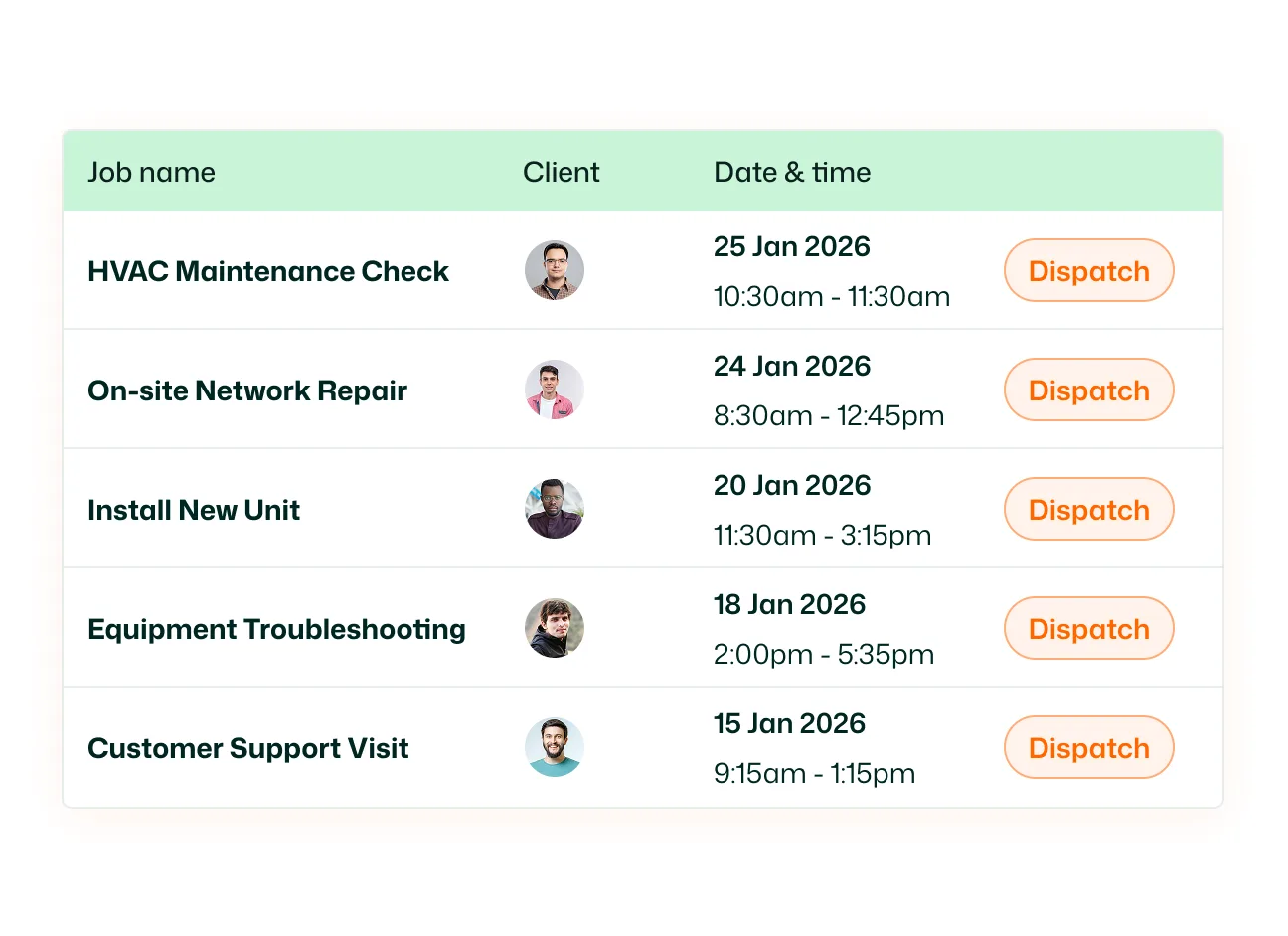
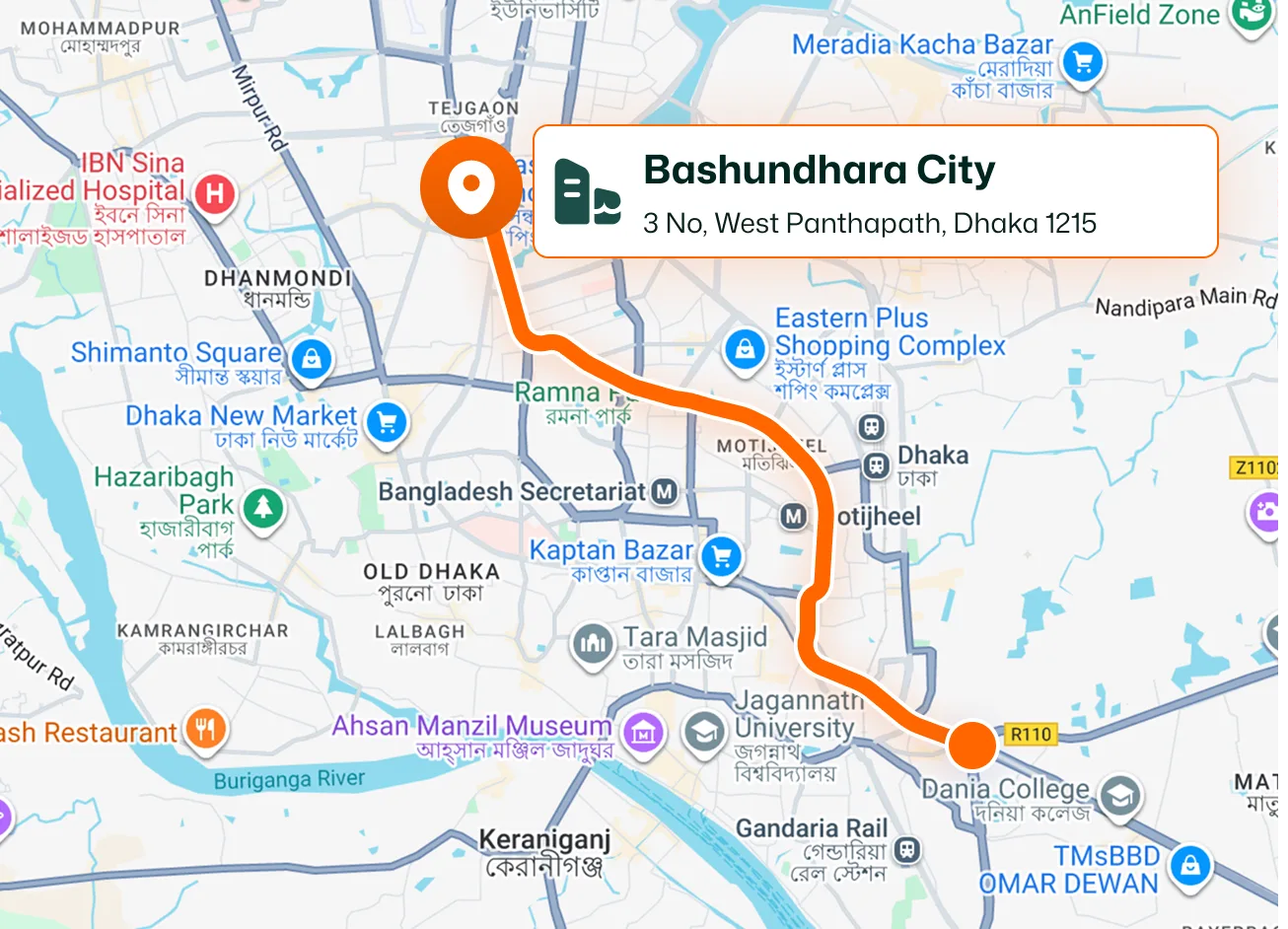
Give each General Task a name and description so your team knows when to use it. FieldTask generates a task number automatically, with the option to edit it to suit your organization’s naming or reference system.

Member Assignment

Assign a General Task to the members who need it. Multiple technicians can be assigned to the same activity, so you can make a shared task such as Driving available to the relevant people across your team.

Mobile Time Tracking

Technicians start activity tracking from the FieldTask mobile app. Open Timesheets, tap Start, and select an available General Task. Tracking begins immediately, making it straightforward to record time spent between or outside regular jobs.

Automatic Task Checkout

When a technician checks into a customer job, FieldTask automatically stops the active General Task and checks them out of it. This keeps travel or other activity time separate from the time recorded against that individual job.

Task Search and Management

Manage General Tasks from a central list showing task names, numbers, assignees, types, and creation dates. Search for a task, filter the list by assignee, or open an existing task to update its details and assignments.

Understand the Whole Workday with Less Admin

Give driving, breaks, and routine activities a place in your time records. Set up the activities once, let technicians select them as needed, and get a clearer picture of how their day is spent—with fewer repetitive tasks for your organization to create.

See FieldTask in Action

Frequently asked questions