
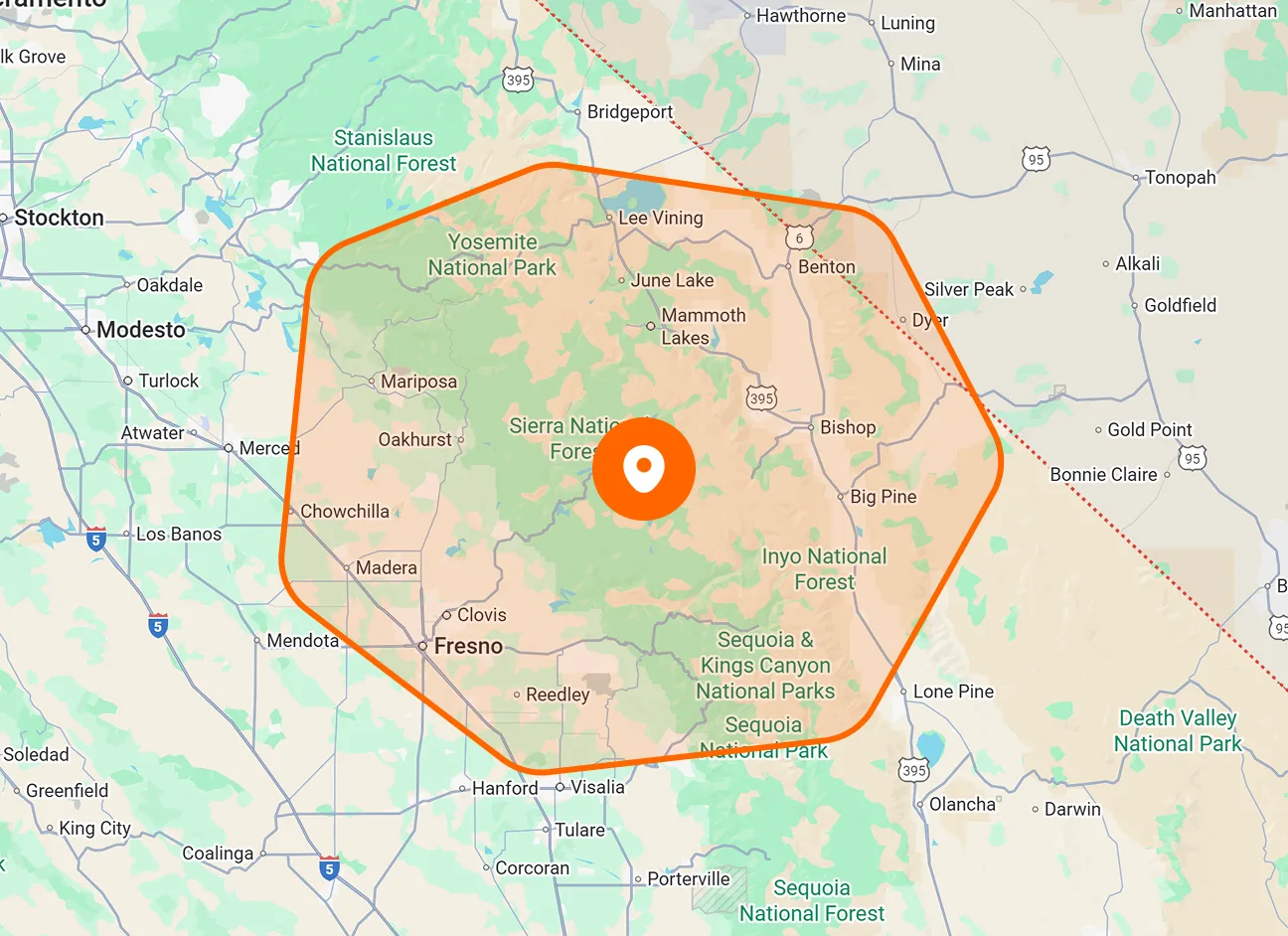
Job-Site Geofences
Create geofences around job locations to define where job attendance can be recorded. The job site becomes a location-based reference point for technician check-ins and check-outs in the FieldTask mobile app.
From booking to making payments, FieldTask helps your appliance repair business reach maximum efficiency. This is the only FSM app dedicated to HighLevel that brings job scheduling, dispatching

FieldTask Geofencing connects a technician's job activity with the location where the work is supposed to happen. Instead of relying only on manually reported attendance, you can use the job site itself as part of the check-in and check-out workflow.
Create geofences around job locations to define where job attendance can be recorded. The job site becomes a location-based reference point for technician check-ins and check-outs in the FieldTask mobile app.
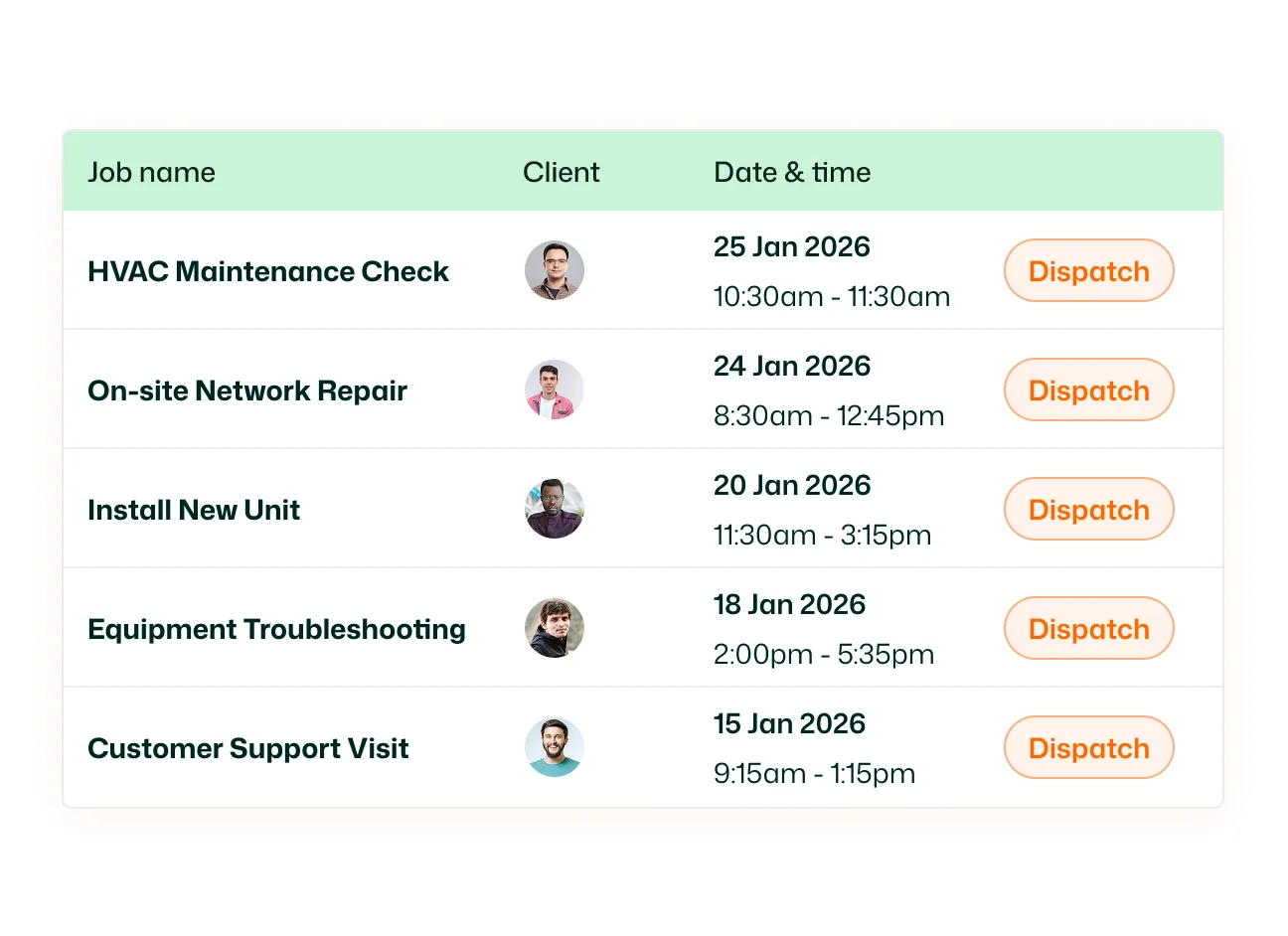
Use the technician’s location when they start and finish work at a job site. FieldTask connects mobile check-in and check-out activity with the assigned job location, while those actions also create the technician’s Clock In and Clock Out records.
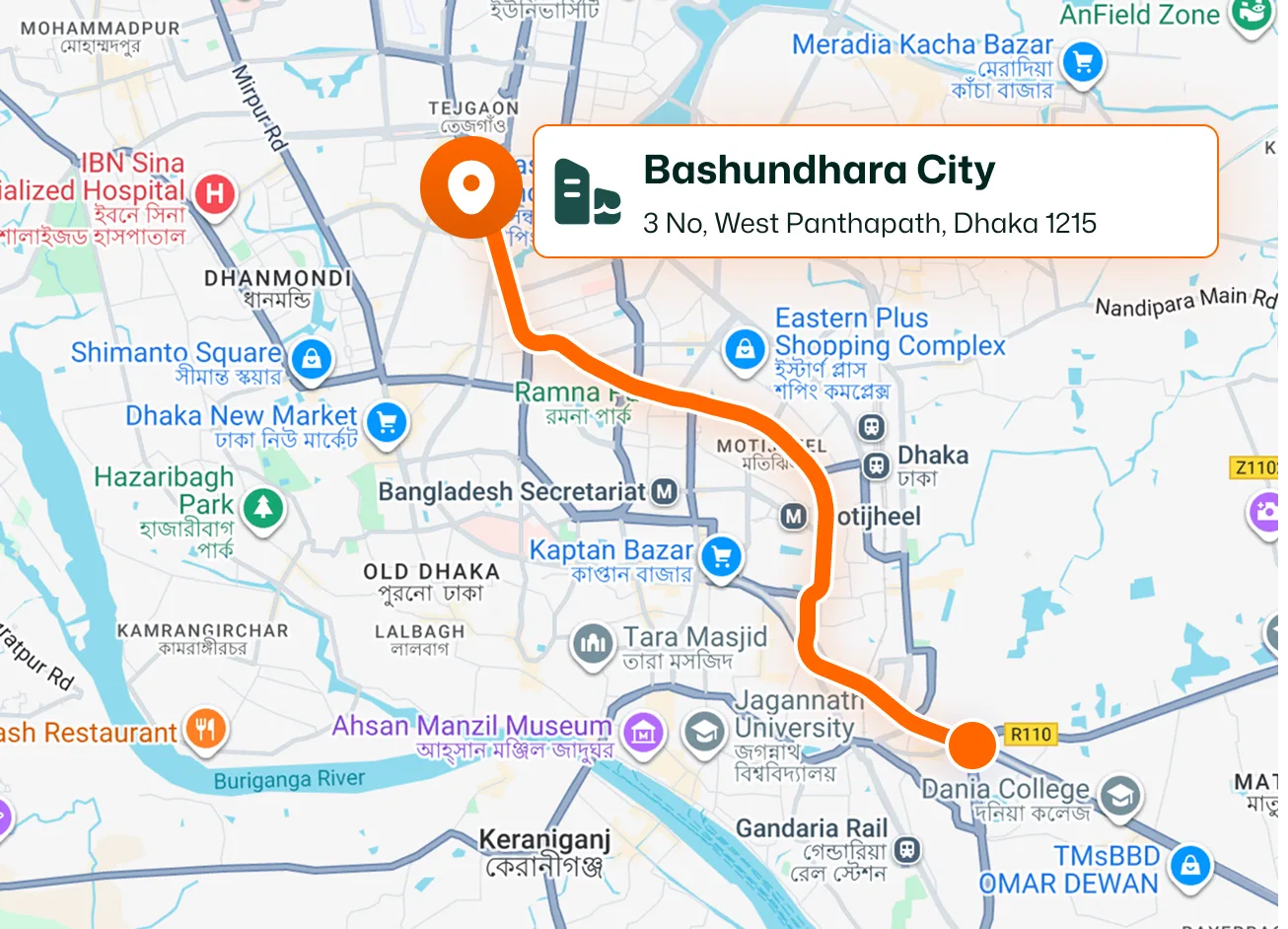
Turn job check-ins and check-outs into attendance records. A technician's Job Check-In becomes their recorded Clock In, while Job Check-Out becomes their Clock Out, giving managers a clearer attendance record based on actual field activity.
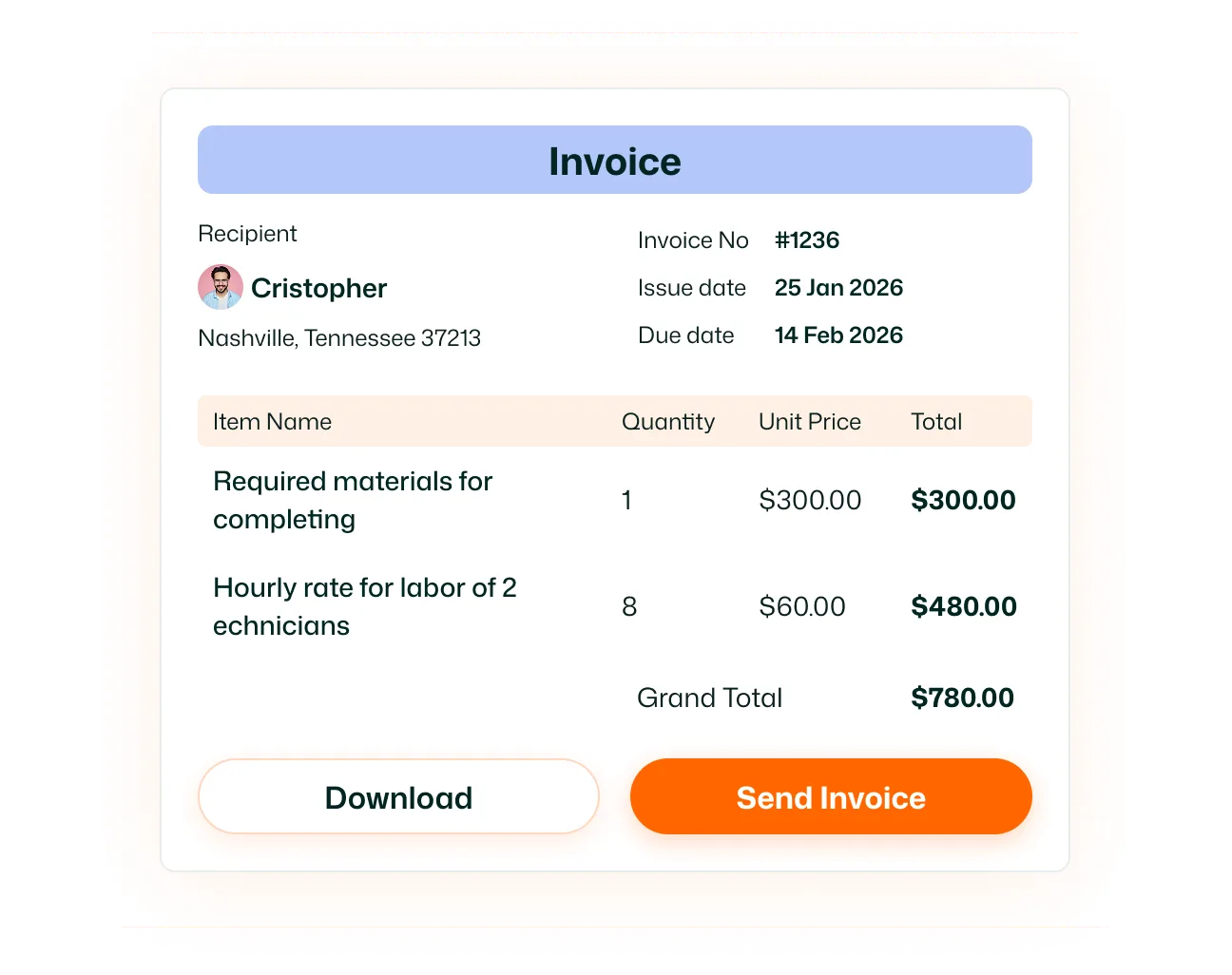
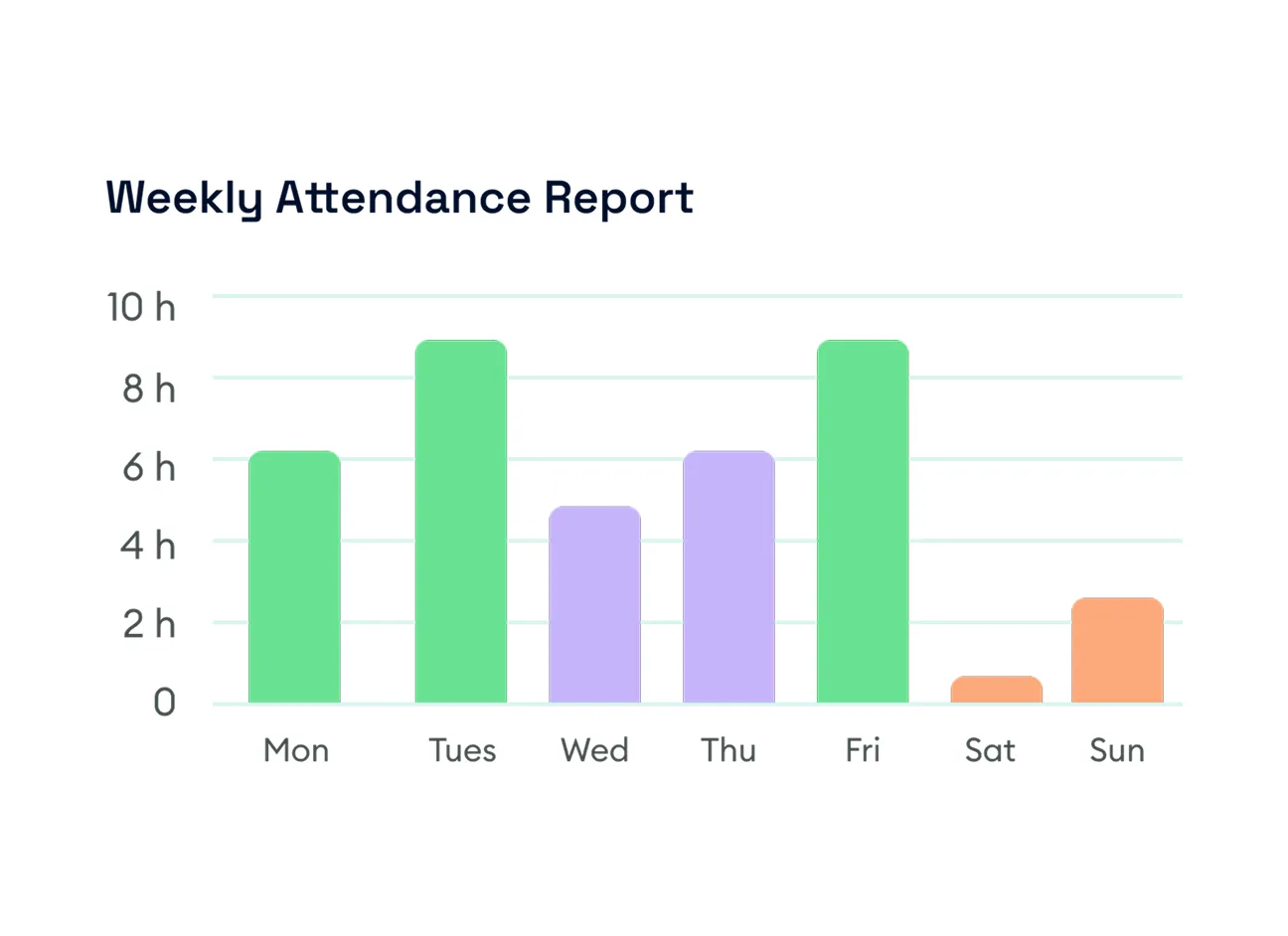
Keep a record of technician attendance generated from job check-ins and check-outs. FieldTask records details such as the work date, clock-in time, clock-out time, and total duration, giving managers a structured history of field attendance.
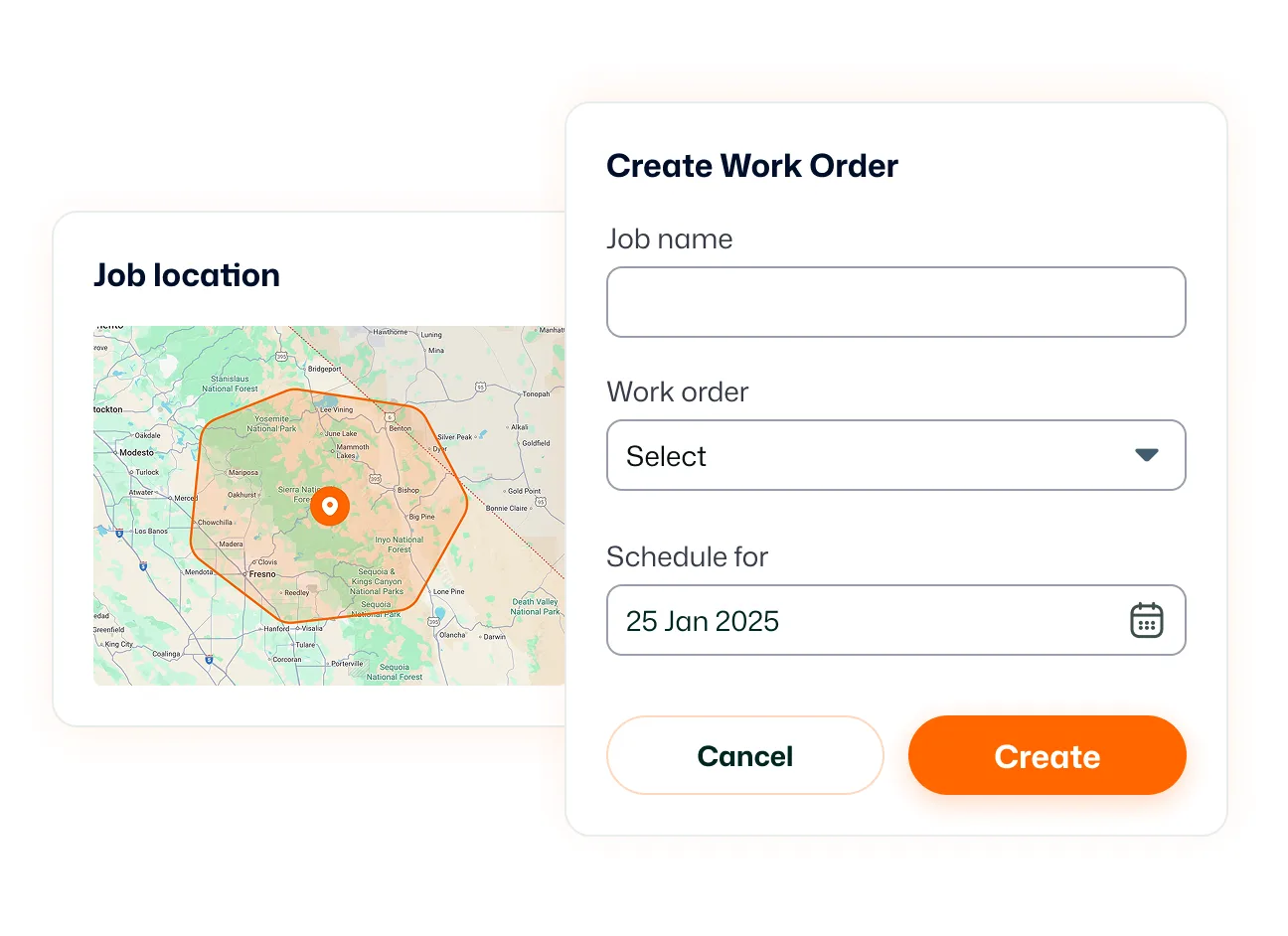
Bring geofencing directly into the technician's mobile workflow. The mobile app uses device location permissions to support location-based job tracking while technicians are working in the field.
Keep location tracking connected to active work. FieldTask begins work-related location tracking when a technician checks into a job and stops tracking for that job after they check out. This keeps location-based field activity tied to the period when the technician is actively working.
Connect job sites, technician attendance, and work activity with FieldTask Geofencing.
Technicians use the FieldTask mobile app when checking into assigned jobs. FieldTask uses device location access to support location-based job tracking and geofenced job activity.
Yes. FieldTask lists geofencing as part of its attendance functionality. When a technician checks into a job, that time is recorded as their Clock In. Checking out records their Clock Out.
Yes. FieldTask supports geofence-based clock-in and clock-out through its mobile app. The app requires the relevant device location permissions for location-based features to work correctly.
FieldTask states that job-related location tracking is tied to active work. It begins when the technician checks into a job and stops after they check out of that job.
FieldTask's current documentation states that once a technician has checked out, it no longer needs to track their location for that job.
Job Check-In is recorded as Clock In within Attendance, while Job Check-Out becomes Clock Out. The Attendance page then shows information such as the date, clock-in time, clock-out time, and duration.
Geofencing uses location in relation to job-site activity and attendance. Live Location is a separate FieldTask feature that shows the current position of a technician while they are actively working.
Geofencing connects job activity with designated locations. Route Map records and displays the route a technician traveled during the tracked period between job check-in and check-out.
