JOB AND CUSTOMER TAGS

Spot Important Job and Customer Details at a Glance

Give your team clear labels for job priorities, service requirements, and customer characteristics. FieldTask lets you create custom tags, assign colors, and attach multiple labels to records so important details are easier to recognize.

Keep Related Jobs and Customers Easy to Find

Organize records around the details your team uses every day. Label jobs that need attention, group customers by shared characteristics, and use tag filters to find relevant records.

Custom Tag Names and Colors

Create tags with names that match your operations, such as “Emergency,” “Parts Needed,” or “Commercial.” Choose whether a new tag applies to jobs or customers, select a preset or custom color, and preview the label before saving.
Job Tags

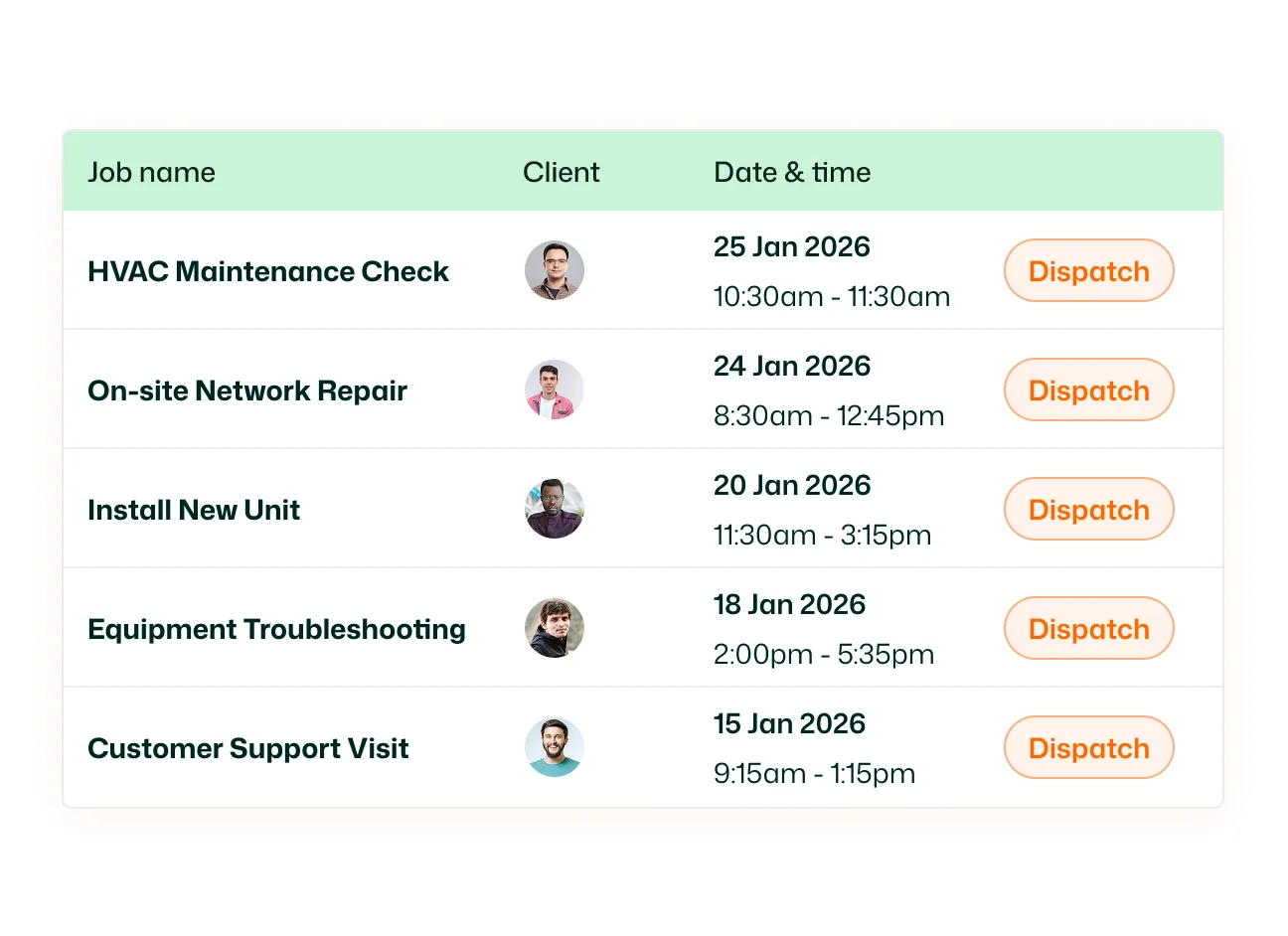
Attach tags when creating a job or add them from the job list and job details. Apply multiple tags to the same job to capture different characteristics, such as high priority, inspection needed, and return visit.

Customer Tags

Label customers by property type, service needs, or other useful characteristics. Add multiple tags to a customer record—for example, “Commercial,” “Recurring Customer,” and “Preferred Technician”—to keep those details visible alongside the customer.

Tag Search and Filters

Search your tag library to locate an existing label. Use tag filters in job and customer lists to narrow the records you view. Customer filters include options to match any selected tag or all selected tags.

Tag Management and Usage

Manage your tag library from Settings. Edit tag names and colors, review job and customer assignment counts, and identify unused or frequently used labels. The usage chart shows tag assignments across jobs and customers over the last 90 days.

HighLevel Customer Tag Sync

Keep customer labels connected across FieldTask and HighLevel. FieldTask supports customer tag sync in both directions: customer tags created or attached in FieldTask can sync to HighLevel, and HighLevel tags can sync back to FieldTask.

Give Your Team Clearer Context for Every Job and Customer

Make priority work, service requirements, and customer categories easier to recognize with labels that reflect how your business operates. Organize records with custom tags and keep customer labels connected with HighLevel.

See FieldTask in Action

Frequently asked questions