
In-App Photo Capture
Take job-site photos directly from the FieldTask mobile app. Technicians can use their device camera without switching between FieldTask and a separate camera workflow while documenting the job.
Let technicians document work from the job site with photos captured directly in the FieldTask mobile app. Keep visual proof connected to the job so completed work is easier to review, verify, and reference later.

A completed job shouldn't rely on memory or a written note alone. Job Site Photos lets technicians capture visual evidence while they're in the field and submit it with the job—giving the office a clearer record of what was found and what was completed.
Take job-site photos directly from the FieldTask mobile app. Technicians can use their device camera without switching between FieldTask and a separate camera workflow while documenting the job.
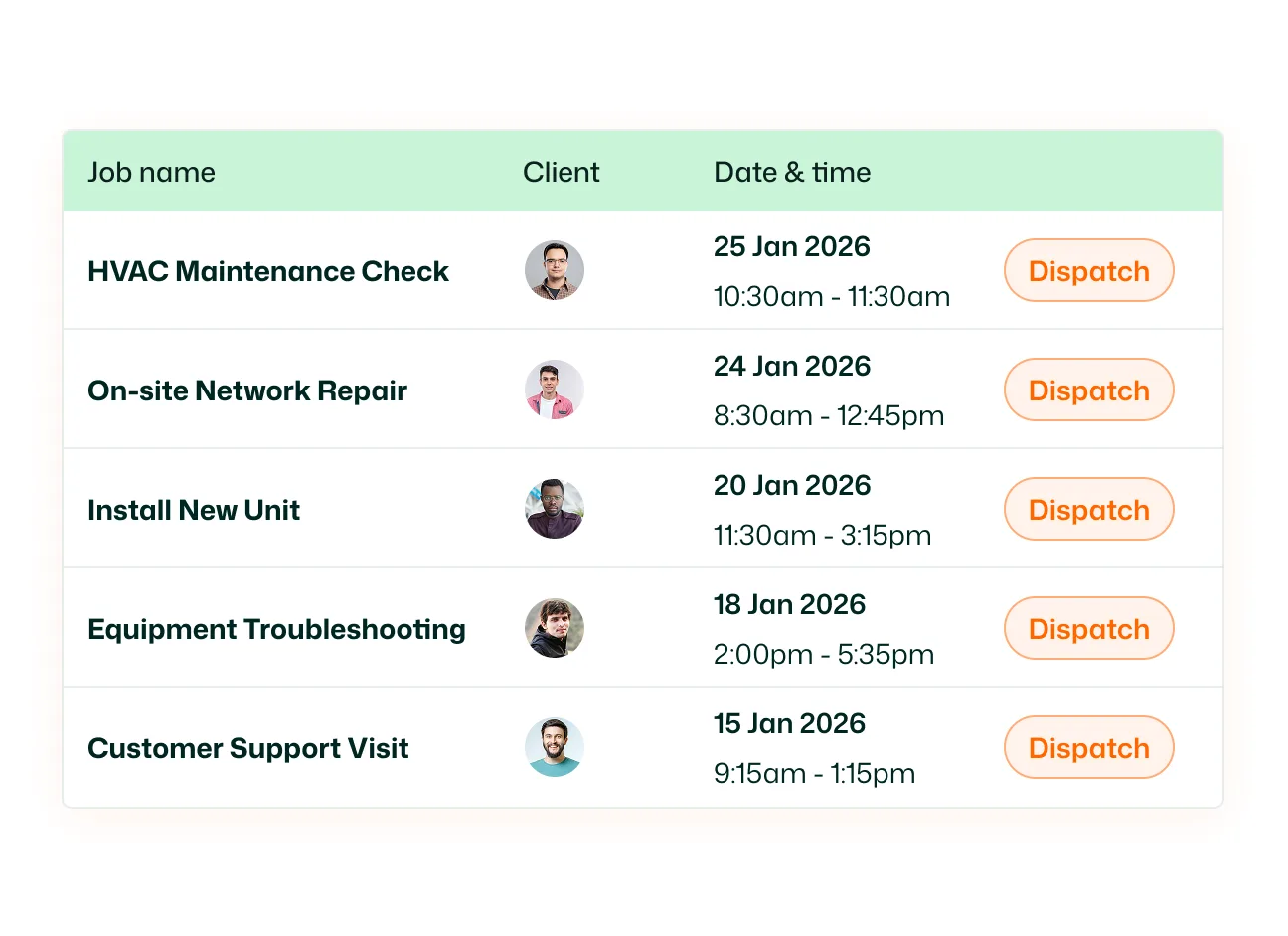
Keep job photos connected to the work they document. Photos remain part of the job record, making it easier to reference visual details alongside other job information instead of storing them separately.
Submit photos as visual Job Proof from the field. Technicians can document completed work and provide the office with visual evidence that can be reviewed before the job proof is approved.
Review submitted Job Proof before accepting the work. FieldTask gives your team an approval workflow for checking submitted proof and deciding whether it should be approved or rejected.
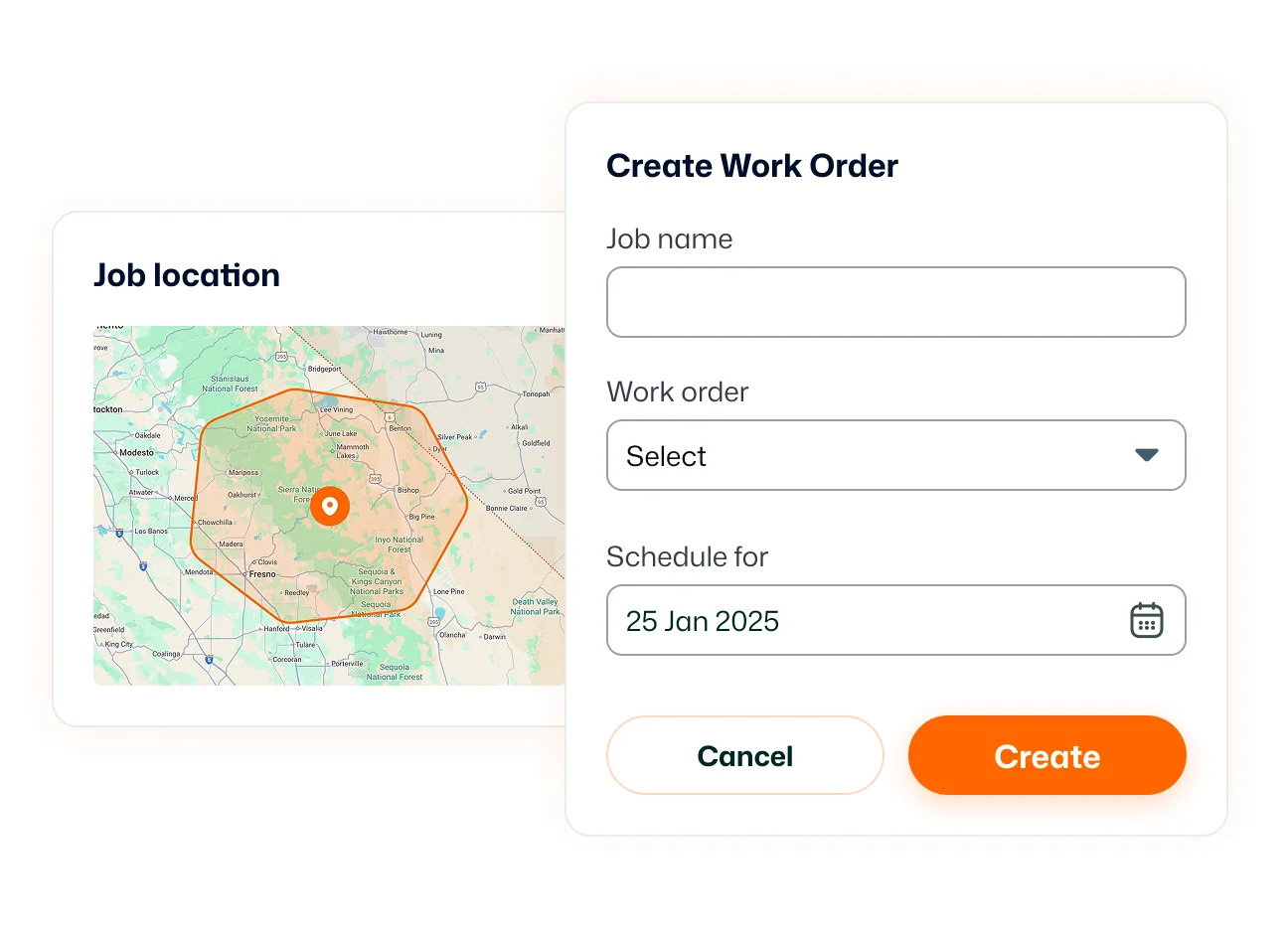
Track submitted proof through clear workflow statuses. See whether Job Proof is, Submitted, Approved or Rejected. Know which jobs are still waiting for review, and which have already been handled.
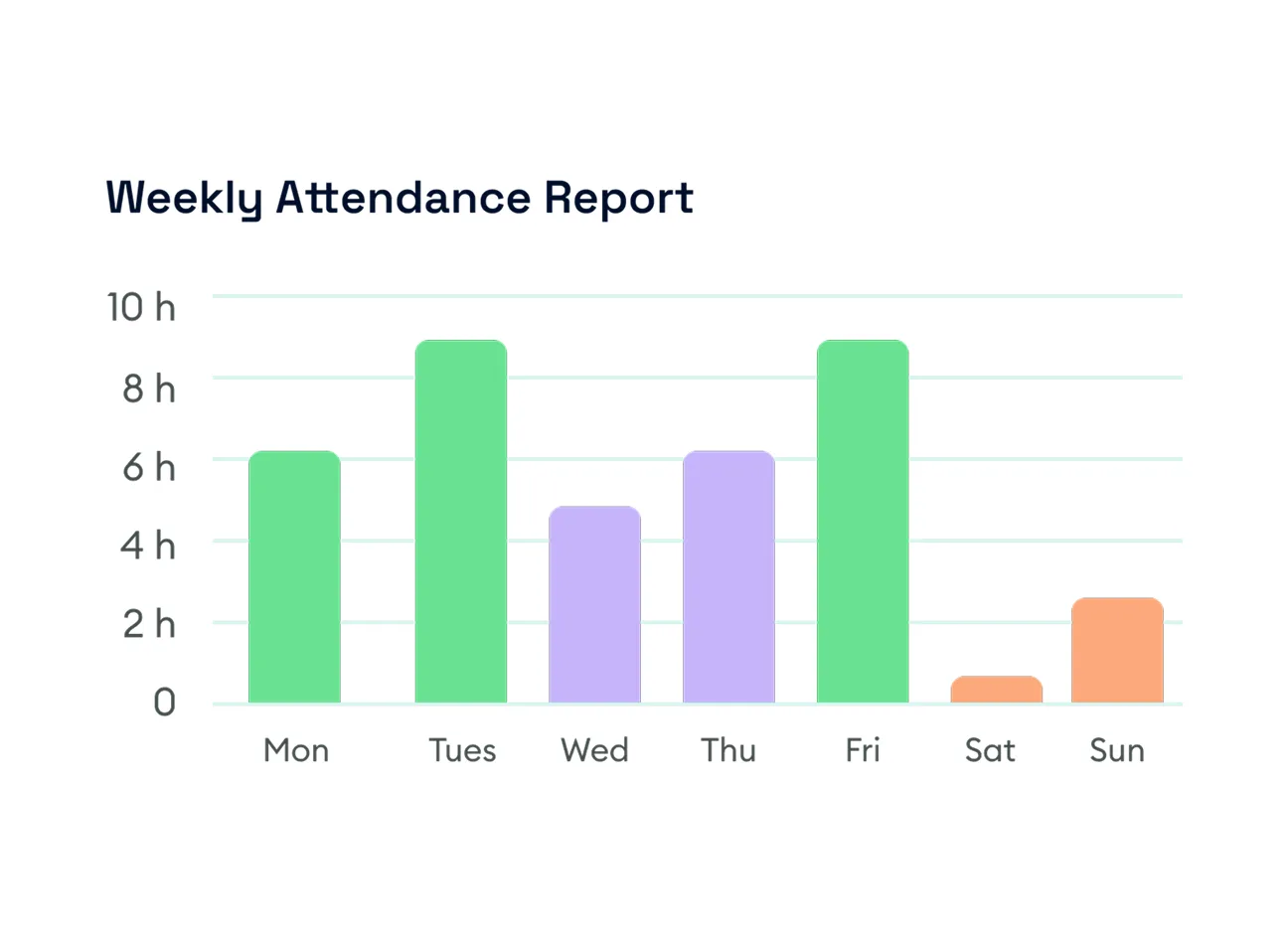
Find the Job Proof you need without searching through every job. Filter Job Proof records by status, assignee, and date range to focus on specific technicians, submitted work, or a particular period.
Make job-site documentation part of the work itself with photos captured and submitted directly from the field.
Job Site Photos let field technicians use the FieldTask mobile app to capture photos while working and submit visual documentation as part of Job Proof.
Yes. With camera permission enabled, technicians can take photos directly from the FieldTask mobile app without needing to leave the app to capture job evidence.
Yes. FieldTask uses job-site photos as part of job documentation and Job Proof, keeping visual evidence associated with the work being completed.
Yes. Technicians can capture and submit job photos as visual Job Proof for review.
Yes. FieldTask includes a Job Proof review workflow. Submitted proofs can be reviewed and marked as Approved or Rejected.
Job Proof can be viewed by Submitted, Approved, and Rejected statuses.
Yes. The Job Proof page can be filtered by proof status, assignee, and date range.
Yes. The FieldTask mobile app can also use the device camera to record video for evidence when needed.
Yes. FieldTask supports job documentation that can include photos alongside notes, checklists, and signatures, helping create a more complete record of completed work.
