
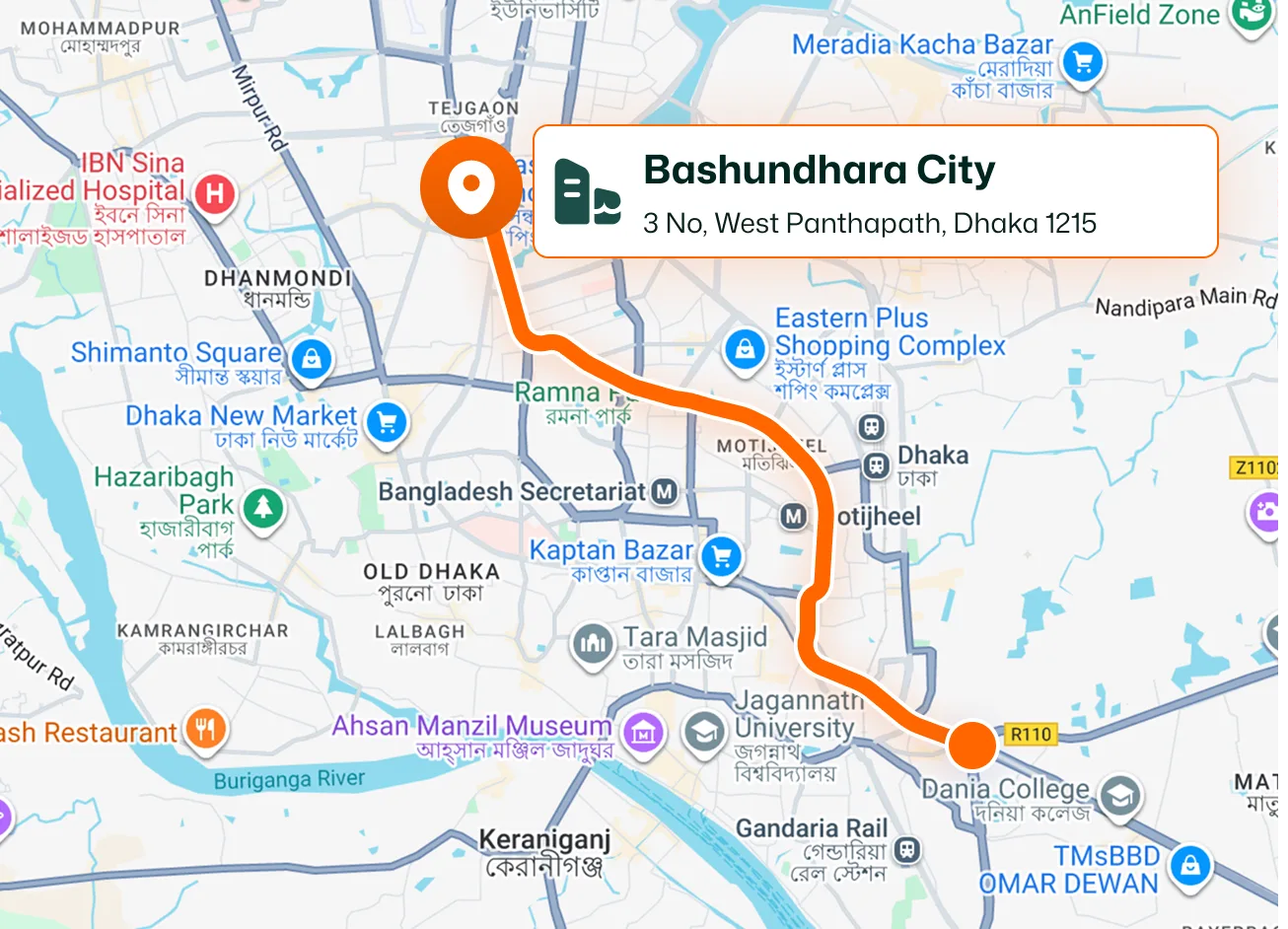
Mobile Job Directions
Access the Directions control from the job details screen in the FieldTask mobile app. Technicians following an assigned route can also use Open in Maps to continue navigation in a map app.
Give technicians access to directions from their job details while keeping job locations visible to the office. FieldTask connects mobile navigation with job maps, location details, and technician tracking so your team can see where work needs to happen.

Help technicians navigate to their work and give the office a geographical view of operations. Explore job locations, check the details behind each pin, and narrow the map to the work you need to see.
Access the Directions control from the job details screen in the FieldTask mobile app. Technicians following an assigned route can also use Open in Maps to continue navigation in a map app.
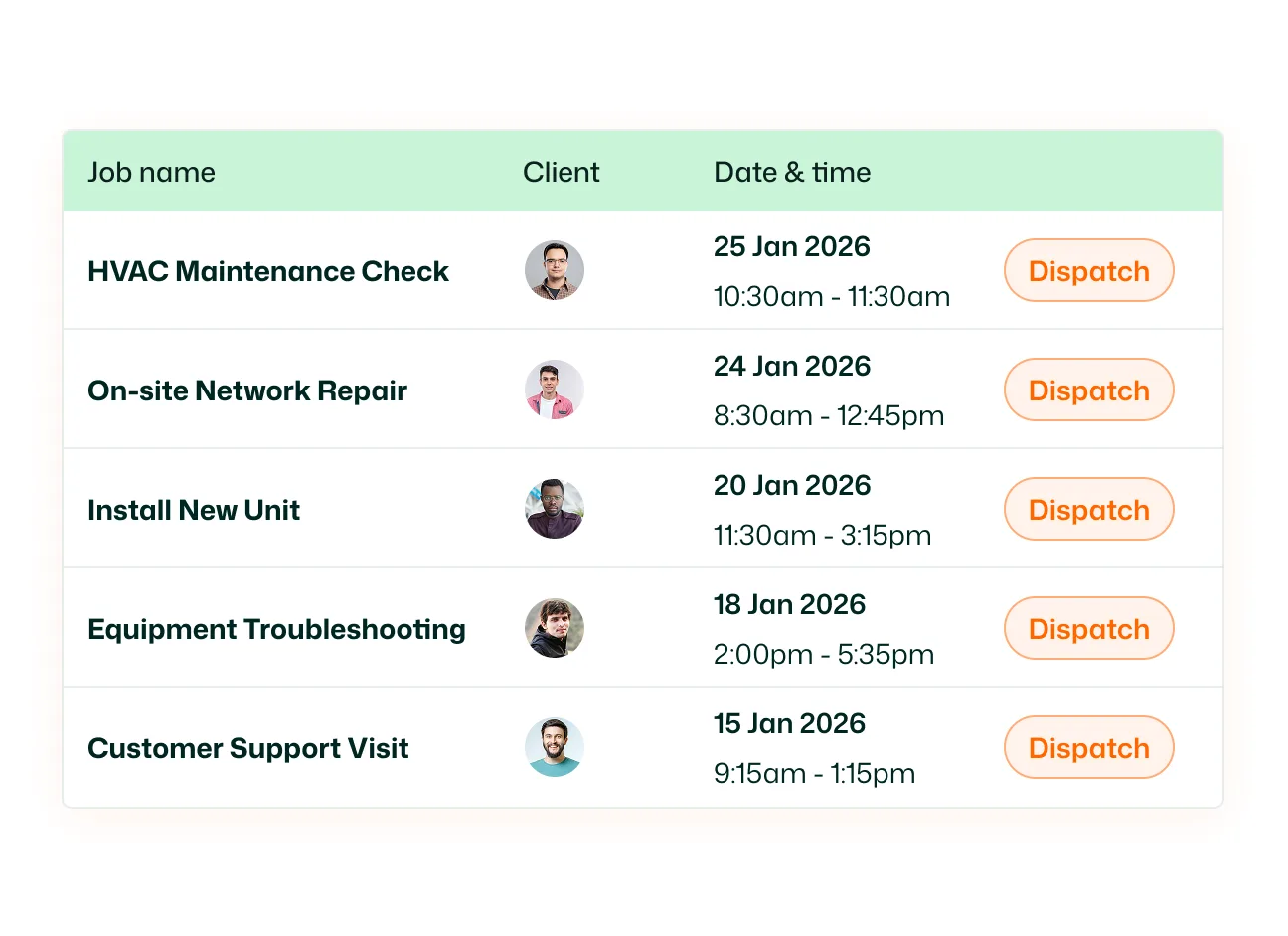
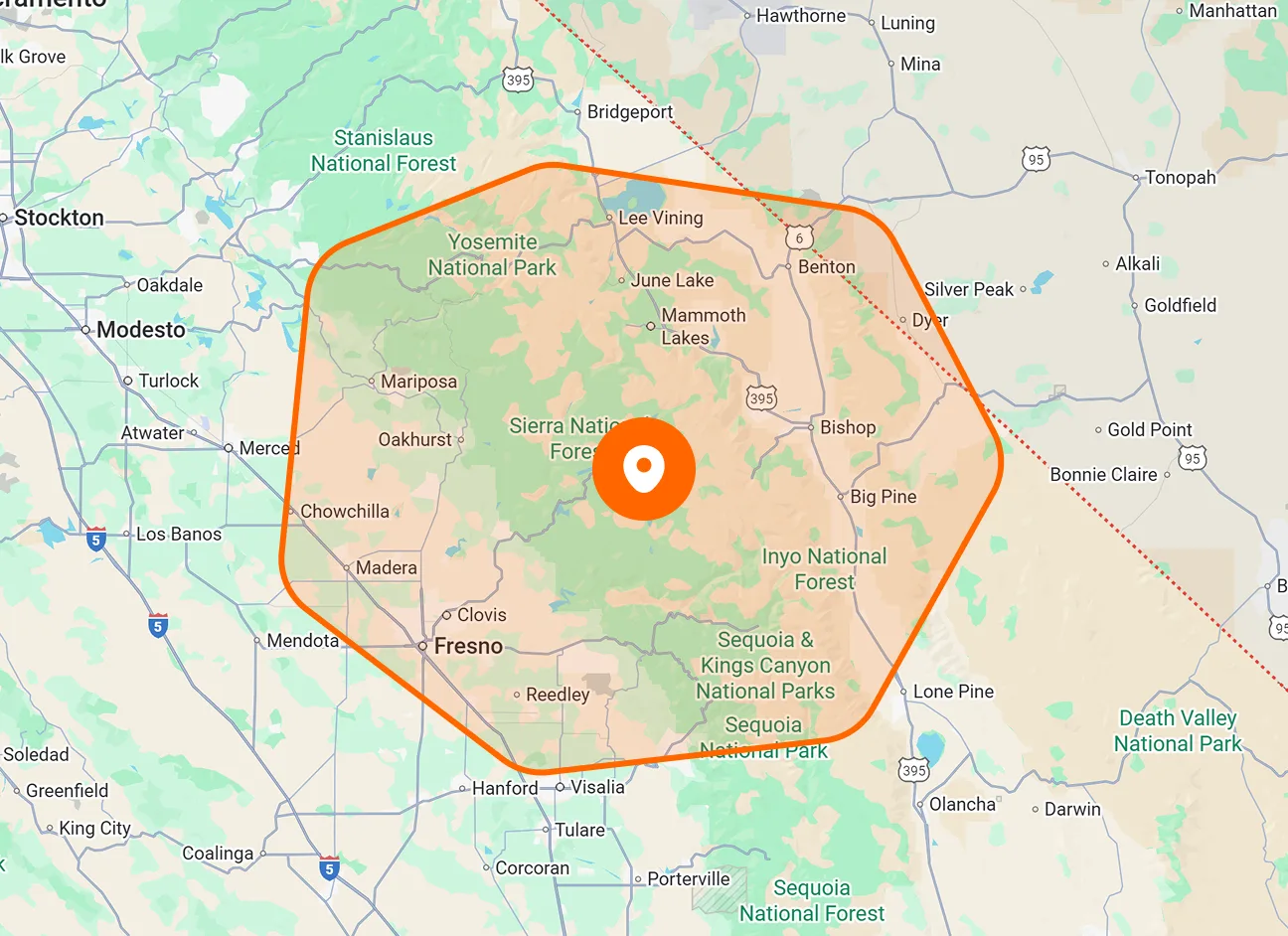
View jobs as pins based on their saved locations. Select a job from the accompanying list or its map marker to inspect details such as the job name, scheduled time, customer, location address, and assignee.
Switch between standard map and satellite views to explore the area around a jobsite. Pan across the map and zoom in to examine nearby roads, buildings, and landmarks alongside the job’s location.
Focus the map using job status, assignee, and date filters. Switch between All, Unscheduled, Scheduled, In Progress, and Completed jobs, or select a team member to view the relevant work.
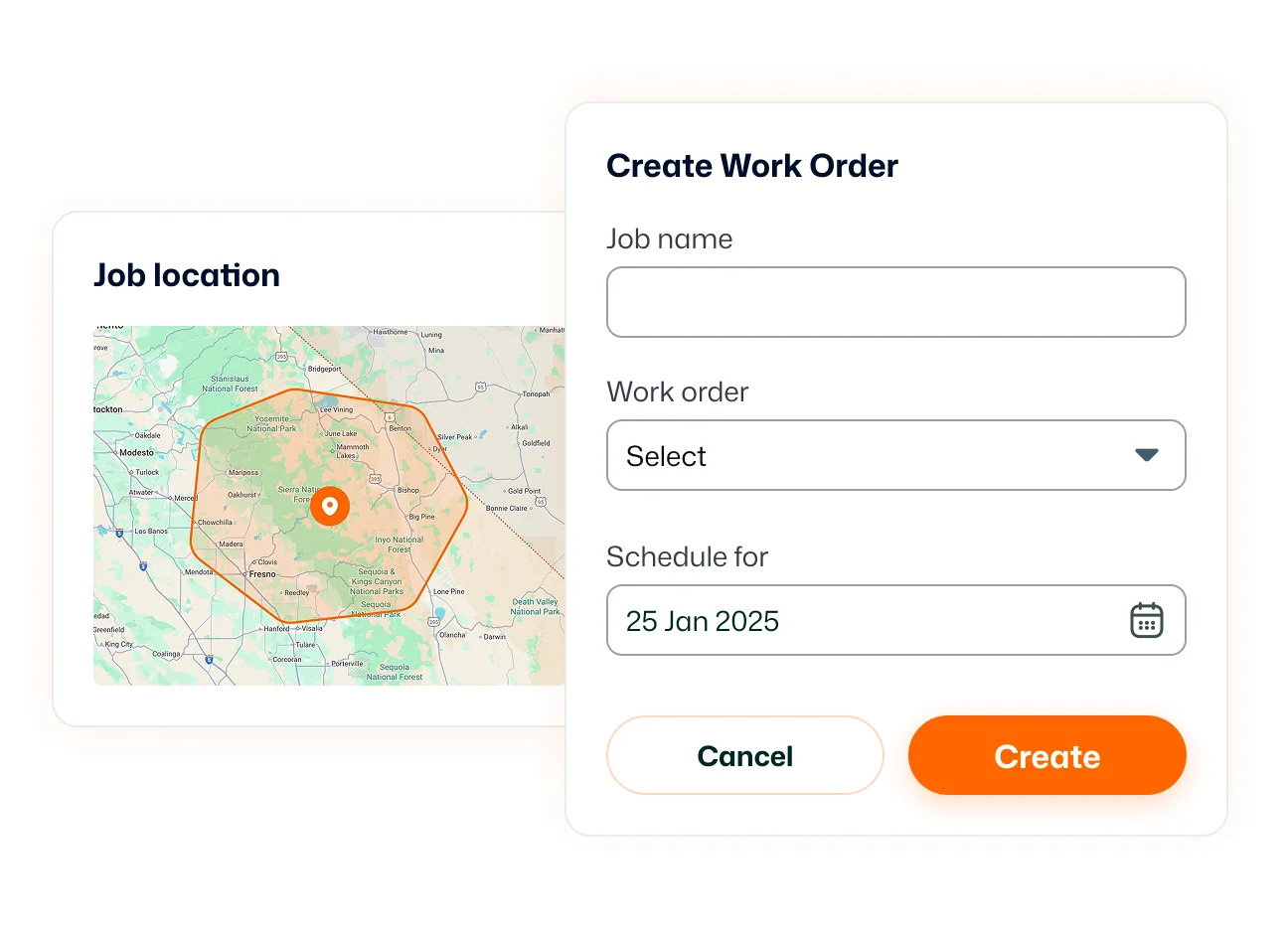
Review recorded technician routes by member and date. Route Map connects location activity with job check-in and check-out information, helping the office look back at field activity alongside the locations where work took place.
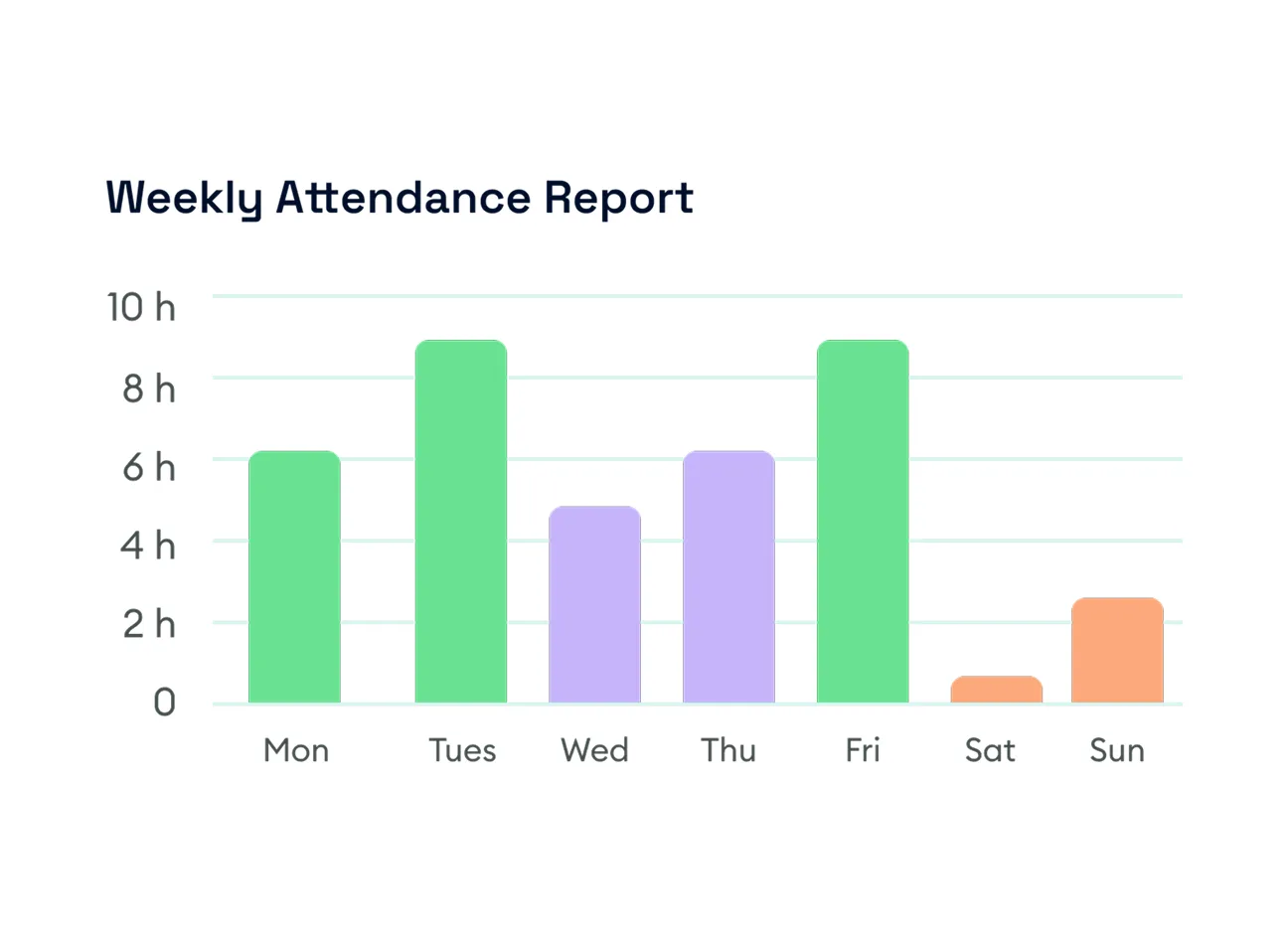
View technicians’ positions while they are actively being tracked. Switch to Last Detected Position to see the most recently recorded location of offline members. Select a technician’s marker to view the available member information.
Keep the destination clear for technicians and the field picture clear for the office. With mobile directions, mapped job details, and technician location views, your team can spend less time asking where work is happening and more time coordinating the next visit.
Jobsite Navigation helps technicians access directions to their work while giving the office visibility into job locations. It brings together mobile directions, mapped jobs, location details, and related route and technician tracking tools.
Open the assigned job in the FieldTask mobile app and use the Directions control on the job details screen. When following an assigned route, technicians can also use its Open in Maps option for navigation.
Yes. Open Jobs in Map to see jobs plotted using their saved locations. Select a job from the list or map to inspect its location and associated details.
The recording shows job information including the title, description, scheduled date and time, customer details, location address, and assignee information. This keeps useful job context available while viewing its position on the map.
Yes. Use the assignee selector to focus on a specific team member. You can also filter by job status and date to narrow the work displayed.
Yes. Jobs in Map includes standard map and satellite views. You can switch views and zoom in to examine the surroundings of a jobsite.
Directions help technicians navigate to their destination. Route Map shows recorded travel activity, while Live Location shows technicians’ positions during active tracking. Last Detected Position provides the latest recorded location for offline members.
Yes. Businesses using HighLevel can install FieldTask through the HighLevel App Marketplace. Technicians can access mobile navigation tools through the FieldTask app, while the office uses FieldTask’s job maps and location views.
