
Product & Service Line Items
Add either a Product or a Service as a Line Item on a job. Use Line Items to separate the individual services, materials, parts, or other items that make up the complete work order.
Add products and services to a job with descriptions, quantities, pricing, and proof requirements. Give your field team a clear breakdown of the work and carry those details forward when it’s time to invoice.

A job can involve multiple services, parts, materials, or other billable items. Line Items let you define those individual pieces inside the job so your team knows what needs to be completed and your billing reflects the work that was actually included.
Add either a Product or a Service as a Line Item on a job. Use Line Items to separate the individual services, materials, parts, or other items that make up the complete work order.
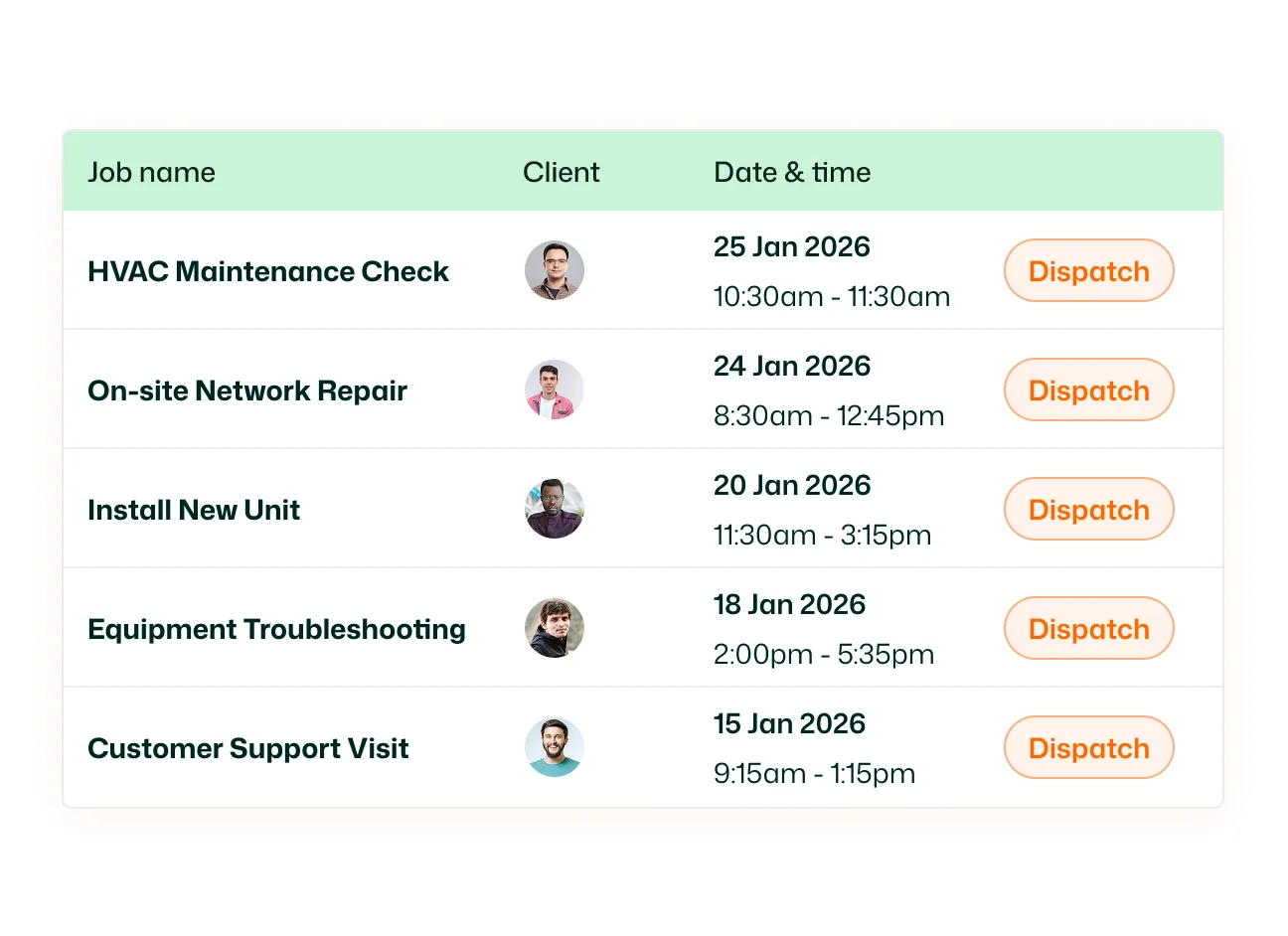
Add an optional description to provide more information about an individual product or service. Use descriptions for service details, parts specifications, work instructions, or any additional context connected to that item.
Set the Quantity and Unit Price for each Line Item. When you select an existing item from FieldTask Products, available unit prices can be selected from the product information. You can also enter pricing manually for new Line Items.
Add multiple products and services to the same job. Keep each part of the work separate instead of combining an entire service call into one generic job description.
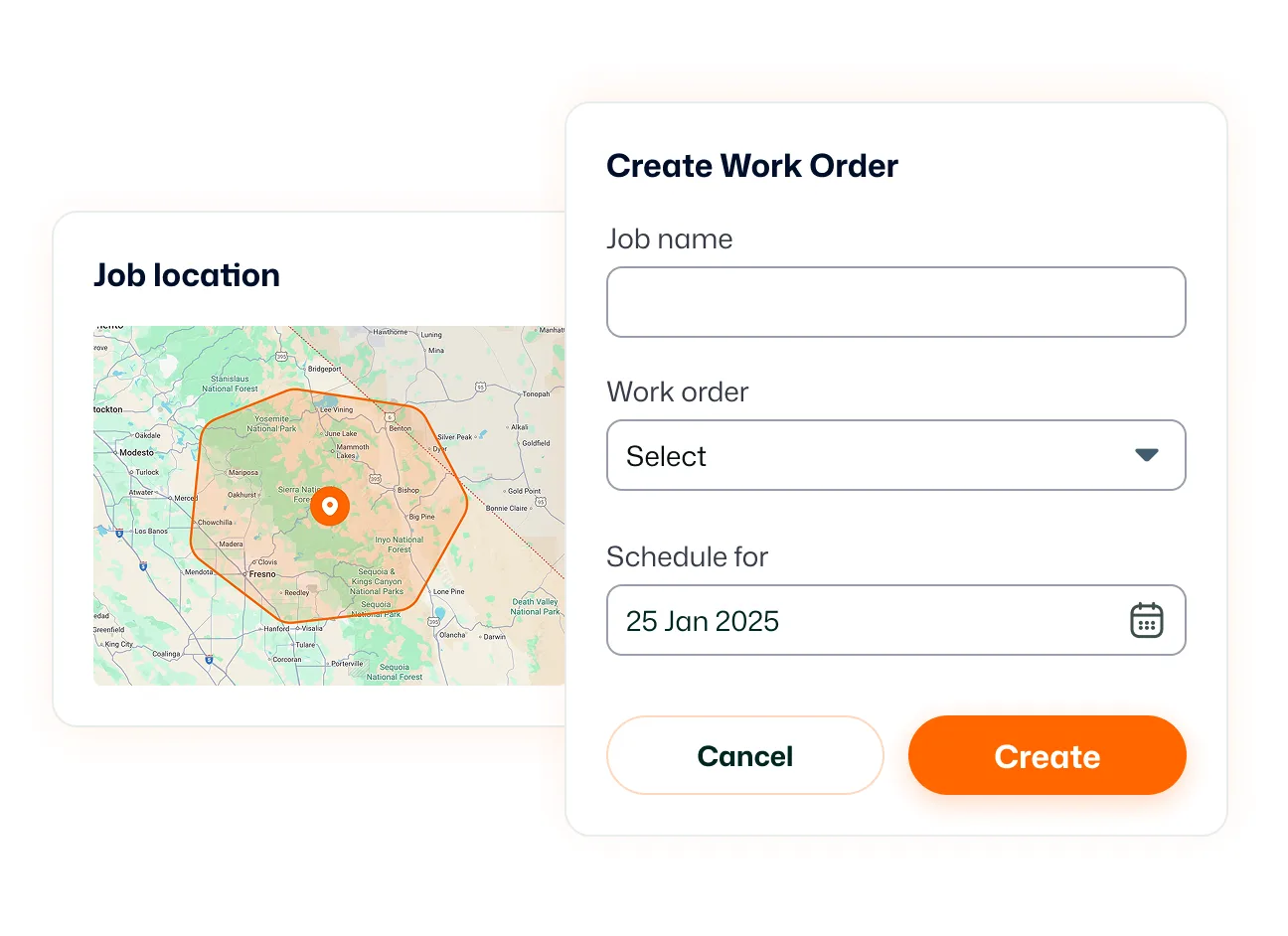
Choose whether an individual Line Item requires Job Proof before it can be marked complete. Require evidence for the parts of the job where verification matters while leaving proof optional for other items.
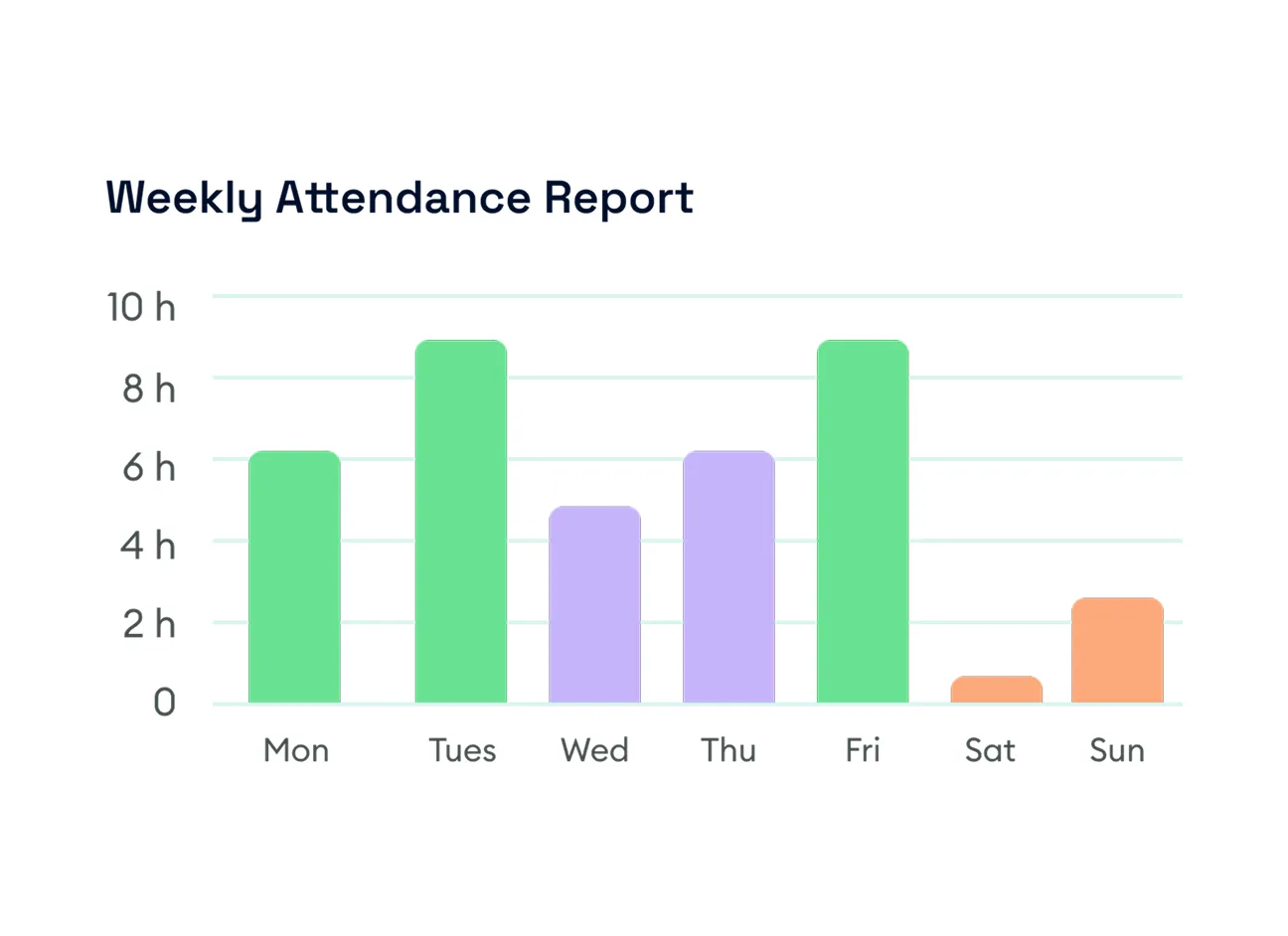
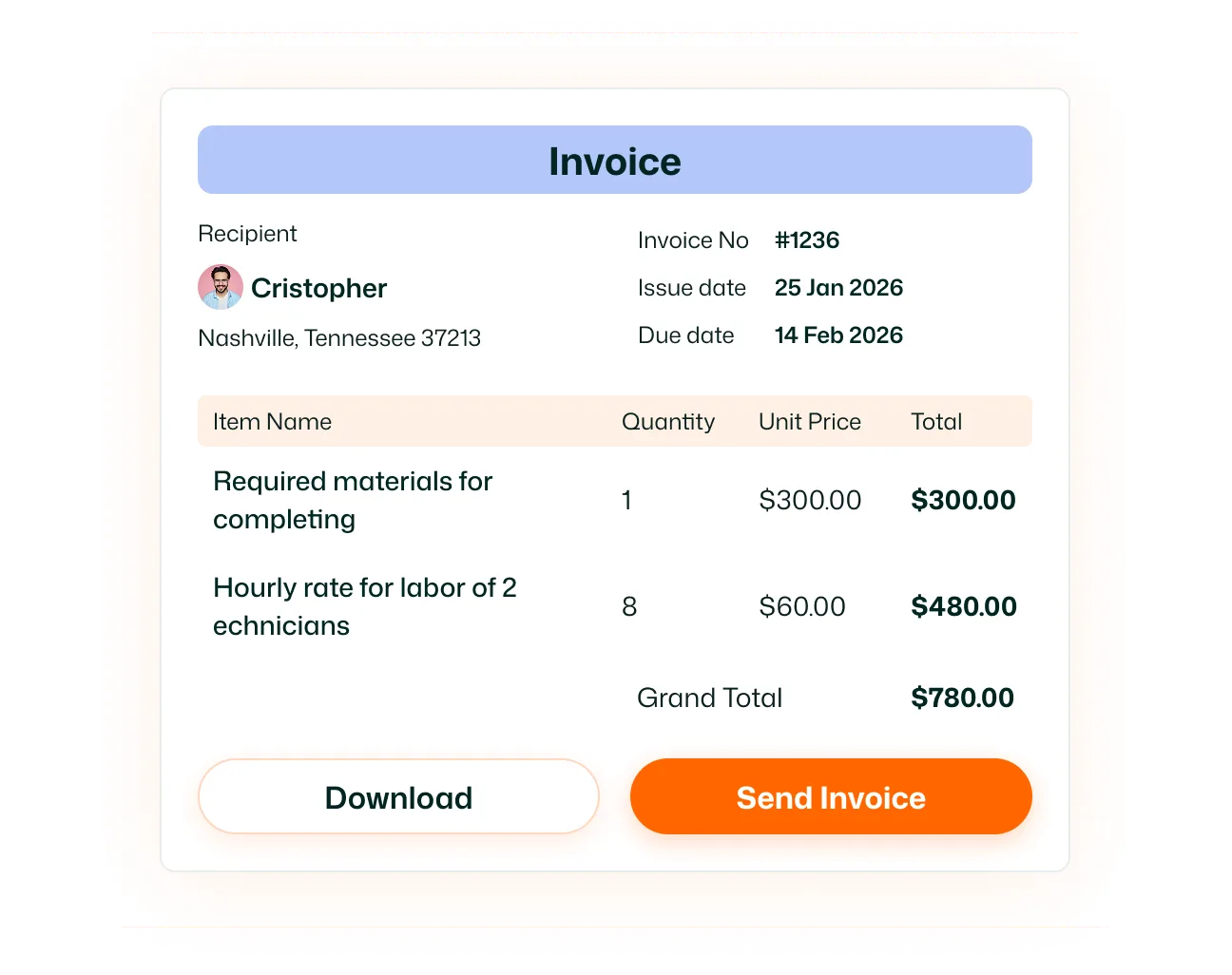
Turn completed job details into invoice items without rebuilding everything manually. When you create an invoice for a job, its existing Line Items are automatically brought into the invoice. You can then review them or add additional items before sending the invoice.
Define the work, track what needs proof, and carry your Line Items all the way to the invoice.
A Line Item is an individual product or service attached to a job. It can contain information such as the item name, quantity, unit price, description, and whether Job Proof is required.
Yes. When adding a Line Item, you can specify whether it is a Product or a Service.
Yes. You can add multiple Line Items to a single job, allowing you to break the work down into individual products and services.
Yes. Each Line Item can have its own quantity.
Yes. You can set a Unit Price for each Line Item. Existing products can provide available pricing options, while new items can be priced manually.
Yes. Line Items include an optional Description field for additional information about the product or service.
Yes. Each Line Item can be configured to require Job Proof before it can be marked as completed.
Yes. FieldTask allows Line Items to be added when creating jobs through the mobile app.
Yes. FieldTask includes an Employee Setting that controls whether field technicians can see Line Item pricing and job value.
Yes. When you create an invoice for a job, the Line Items already assigned to that job are automatically brought into the invoice. Additional items can also be added before the invoice is completed.
Yes. When entering the Item Name, existing items under FieldTask Products can appear as selections. You can also create the Line Item manually when the required product or service doesn't already exist.
