
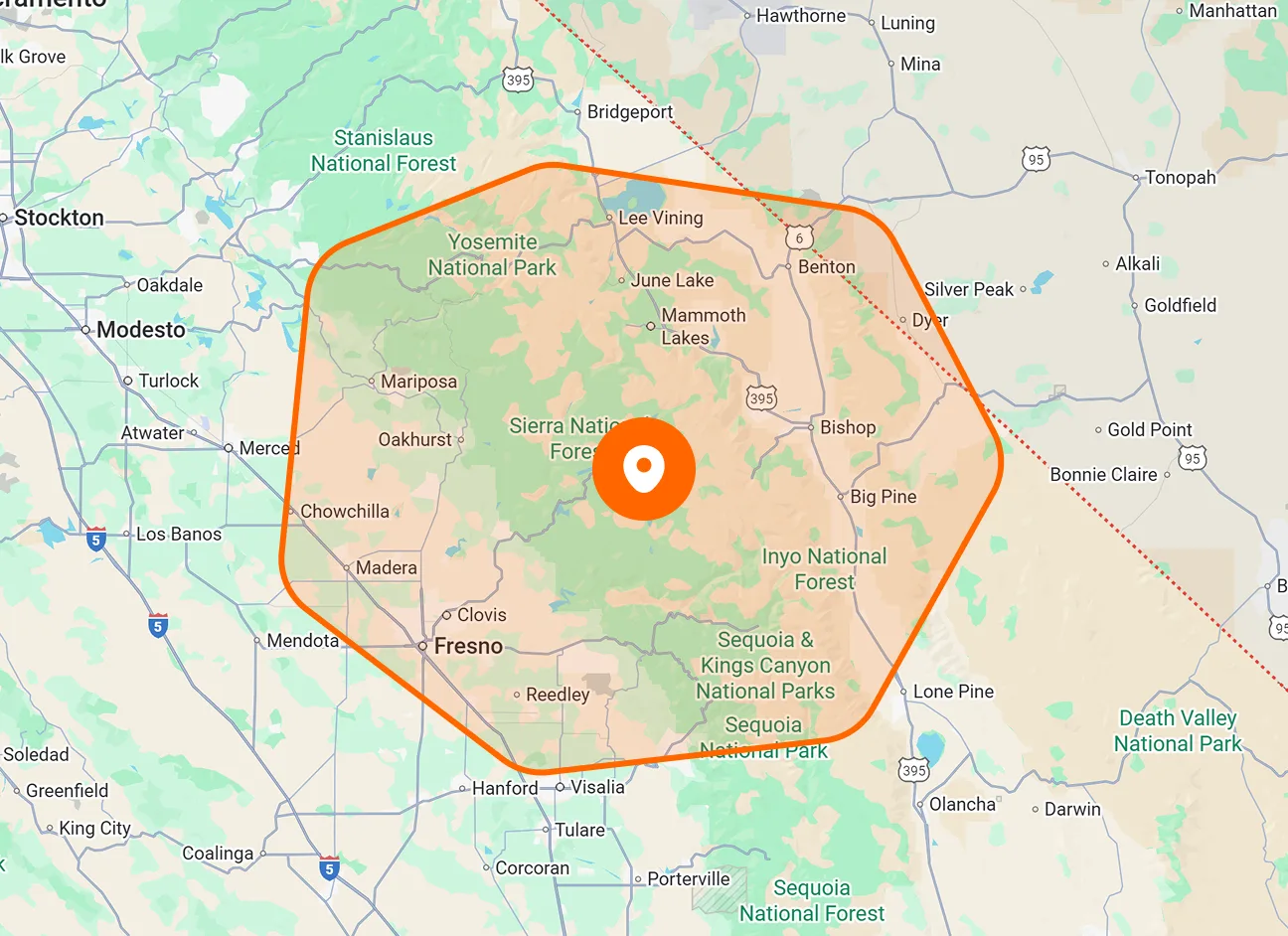
Live Employees
View the reported GPS locations of online employees who are actively being tracked during a job. Each employee appears as a marker on the map, allowing you to see multiple team members in the same view.
See your field team’s reported locations on one map while they work. View active employees, check last detected positions, and access employee details to coordinate your crew with fewer location update calls.

Bring employee locations and contact details together in one view. Check where actively tracked members are working, or review a recorded position and its timestamp when someone is offline.
View the reported GPS locations of online employees who are actively being tracked during a job. Each employee appears as a marker on the map, allowing you to see multiple team members in the same view.
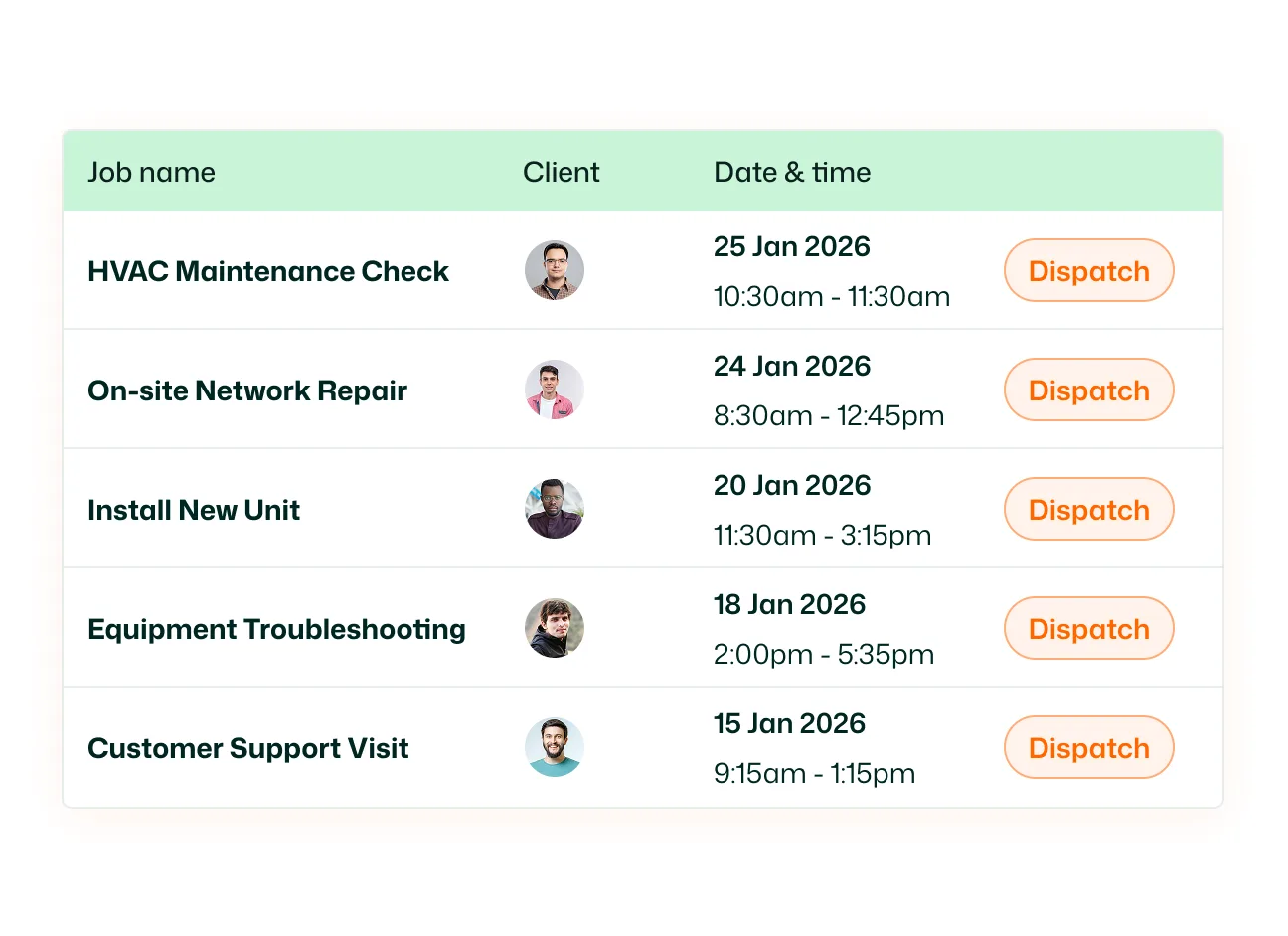
Switch to Last Detected Position to view the last tracked locations of employees who are offline. This view shows recorded positions, which may differ from where those employees are now.
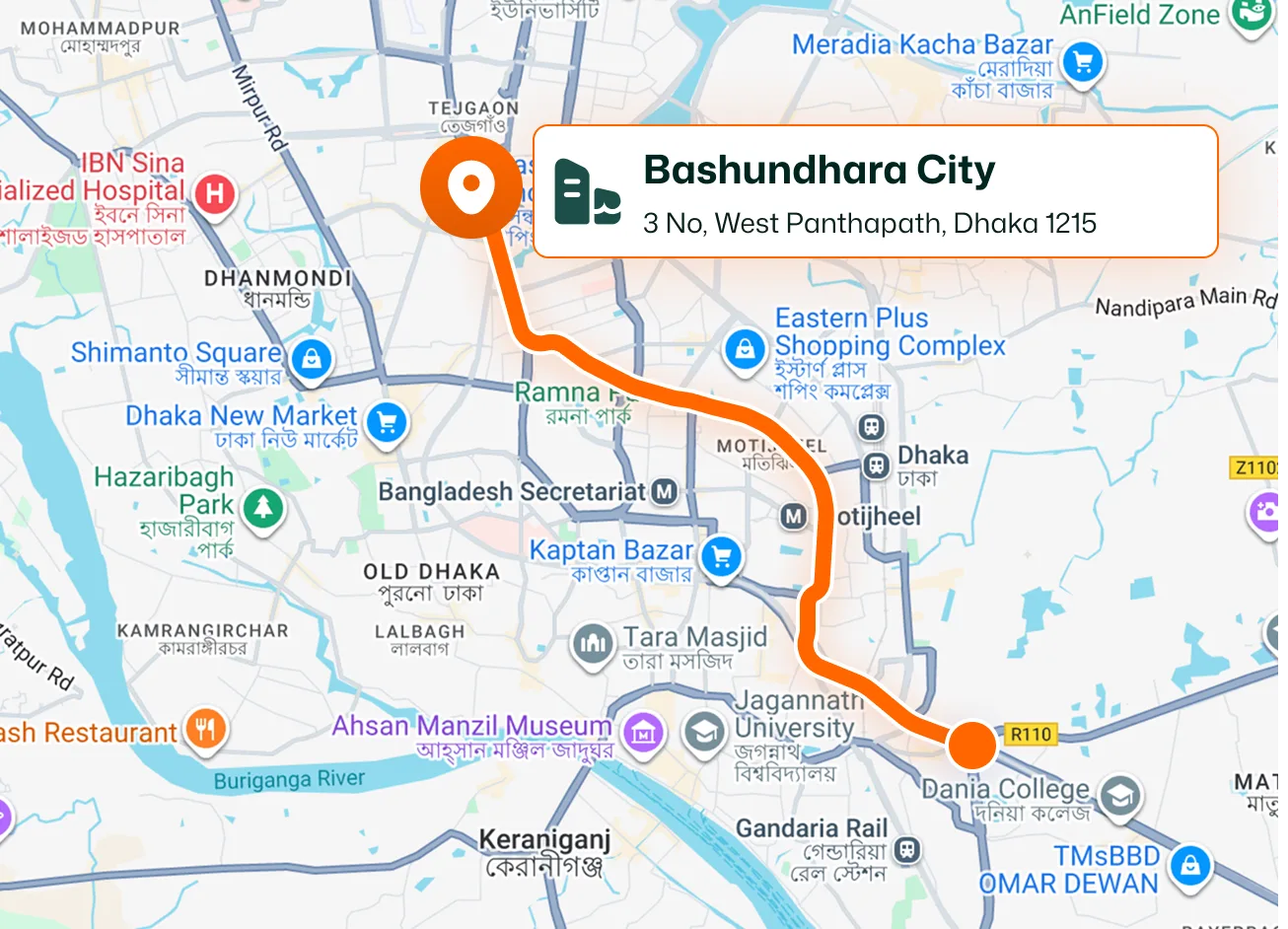
Select an employee’s map marker to open their details. The popup displays their name, profile image, and phone number, keeping their identity and contact information alongside the location you’re reviewing.
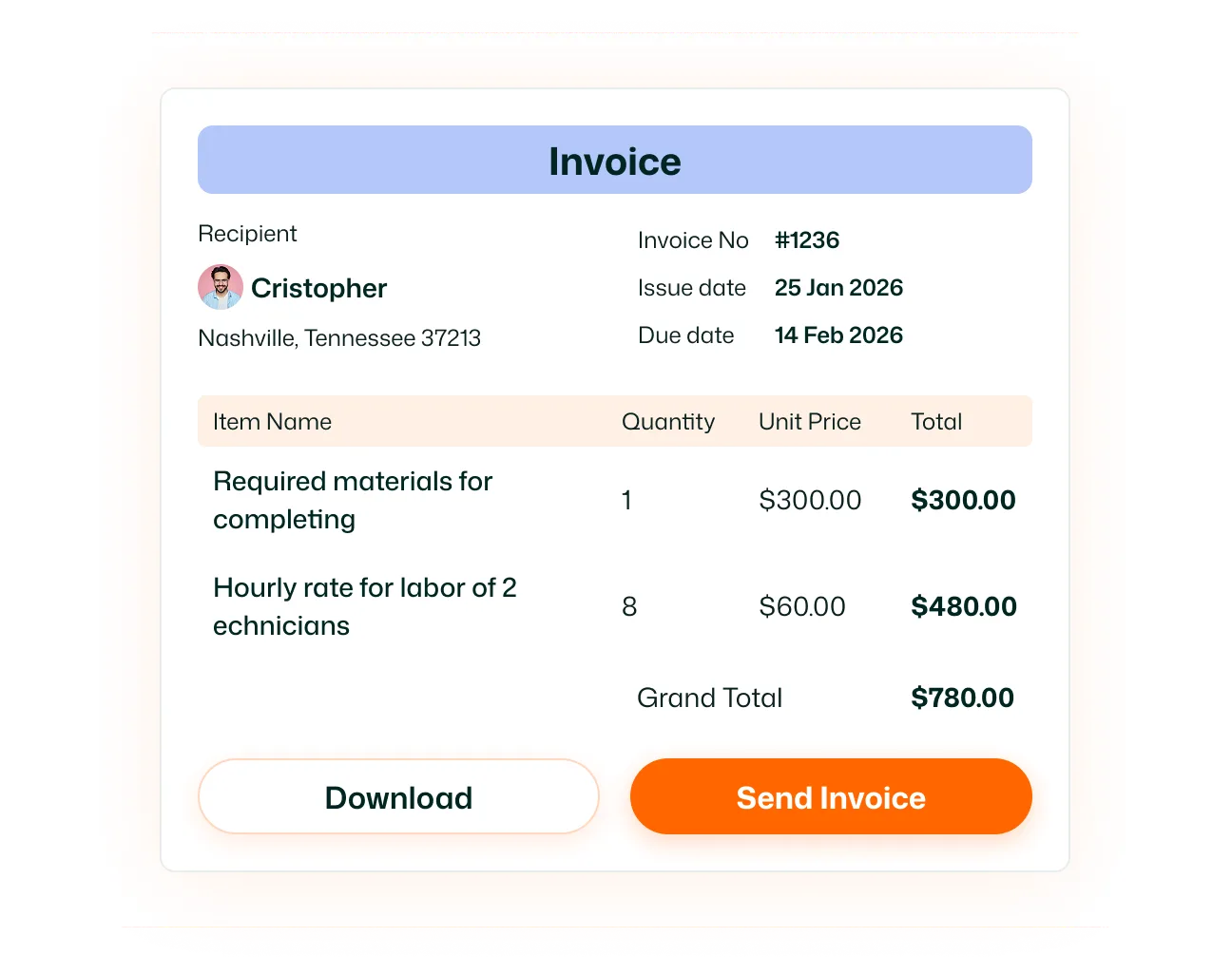
Open an employee marker in Last Detected Position to view its “Last seen” date and time. Use the timestamp to understand when the location was recorded before relying on it for coordination.
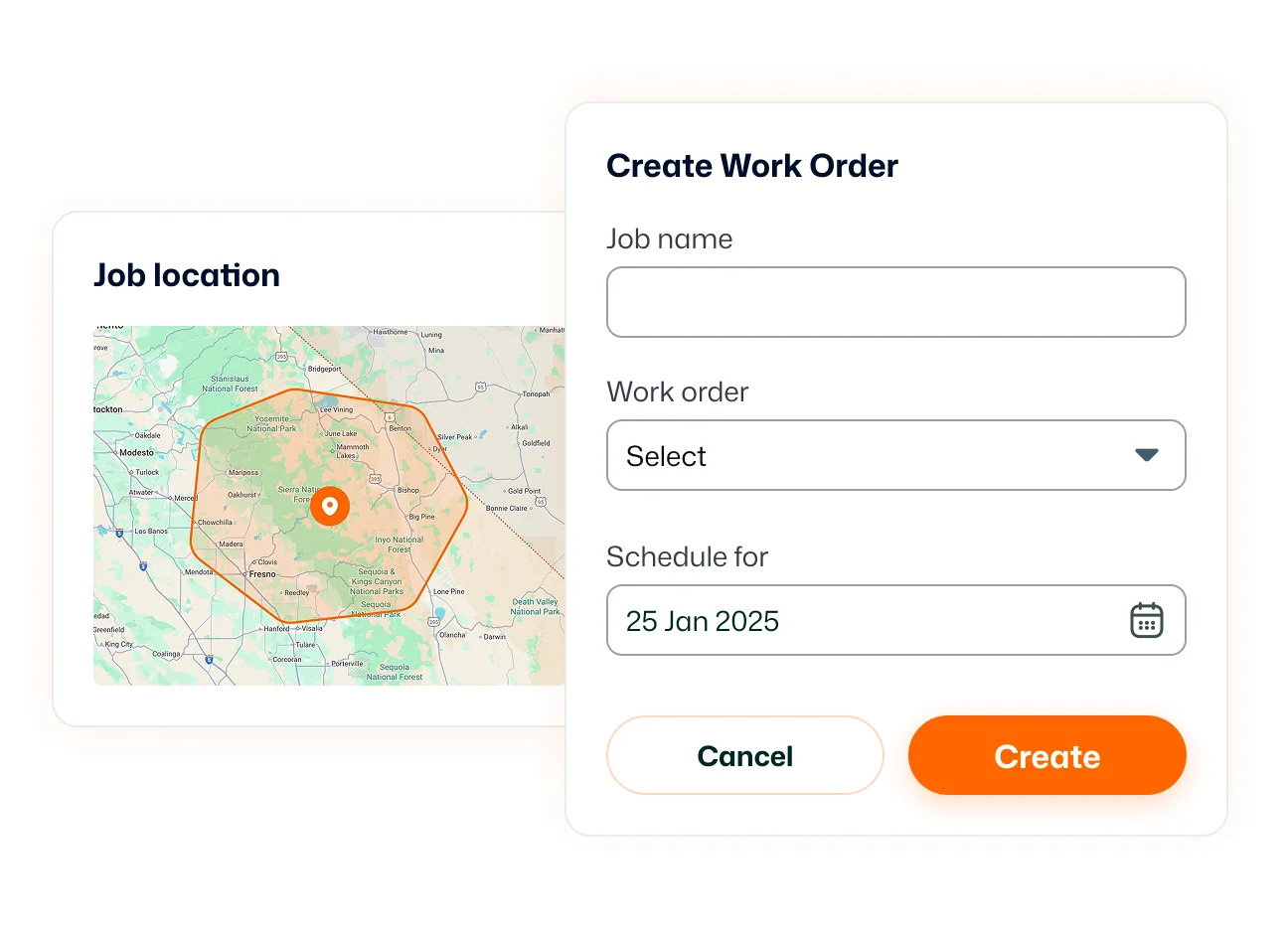
Pan across the map and zoom between a wider team overview and a closer street view. Employee markers remain positioned against surrounding roads and landmarks, helping you inspect the area around a reported location.
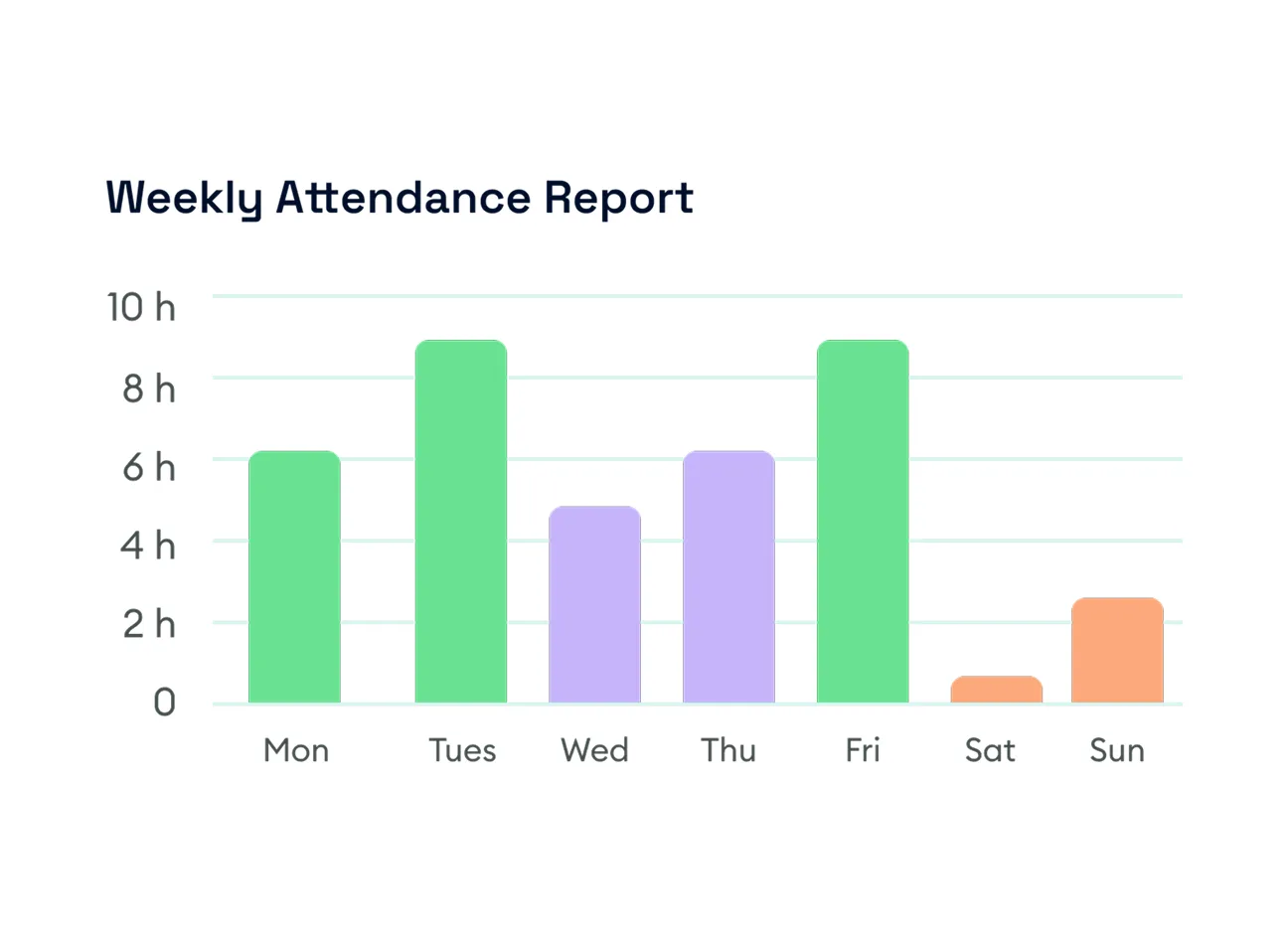
Location tracking begins when a member checks into a job and automatically stops when they check out. Live Location follows that tracking period, connecting location visibility to active job work.
Give your office a clearer view of employee locations before reaching for the phone. Check active locations, review last seen details, and coordinate your team with better information at hand.
Live Location displays employee GPS locations on a map. It includes a Live Employees view for actively tracked members and a Last Detected Position view for recorded locations, along with employee details.
In the FieldTask web app shown in the demo, open Routes in the left sidebar and select Live Location. Use the tabs above the map to switch between Live Employees and Last Detected Position.
Tracking starts when a member checks into a job and automatically stops when they check out. Live location visibility therefore depends on the member being actively tracked during job work.
You can view their last tracked location under Last Detected Position. This is a recorded position rather than a live update, so check the “Last seen” timestamp to understand how recent it is.
It shows the date and time associated with the employee’s last detected position. This helps you judge the age of the location information instead of assuming the marker represents their current position.
Select an employee marker to view their name, profile image, and phone number. In Last Detected Position, the popup also includes a “Last seen” timestamp.
Yes. The map can display multiple employee markers together. You can review their locations in a wider view or zoom in to inspect an individual marker and its surrounding area.
Yes. The map supports panning and zooming. In the desktop demo, Ctrl + scroll adjusts the zoom, allowing you to move from a broader area view to nearby roads and landmarks.
