
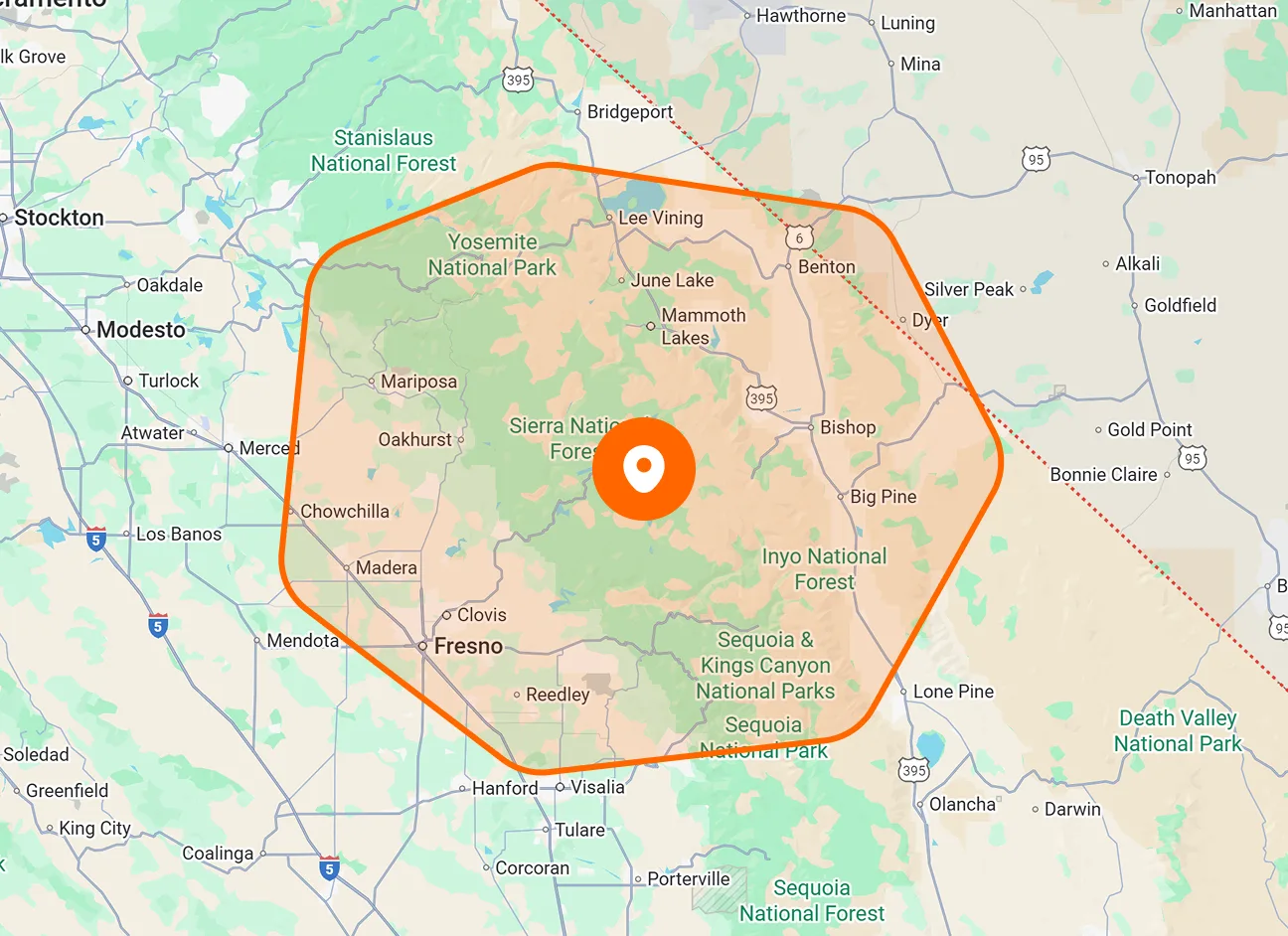
Distance-Based Member Ranking
See team members ranked by their proximity to the selected job. FieldTask orders available members from closest to furthest, giving you a clear view of who is nearest before you make the assignment.
Select a job and see available team members ranked from closest to furthest from the job location. Choose the right person and assign the work without manually comparing locations.

When location matters, Proximity gives you a clearer way to choose who gets the job. Select the work, compare nearby team members, and assign based on their distance from the job location inside FieldTask.
See team members ranked by their proximity to the selected job. FieldTask orders available members from closest to furthest, giving you a clear view of who is nearest before you make the assignment.
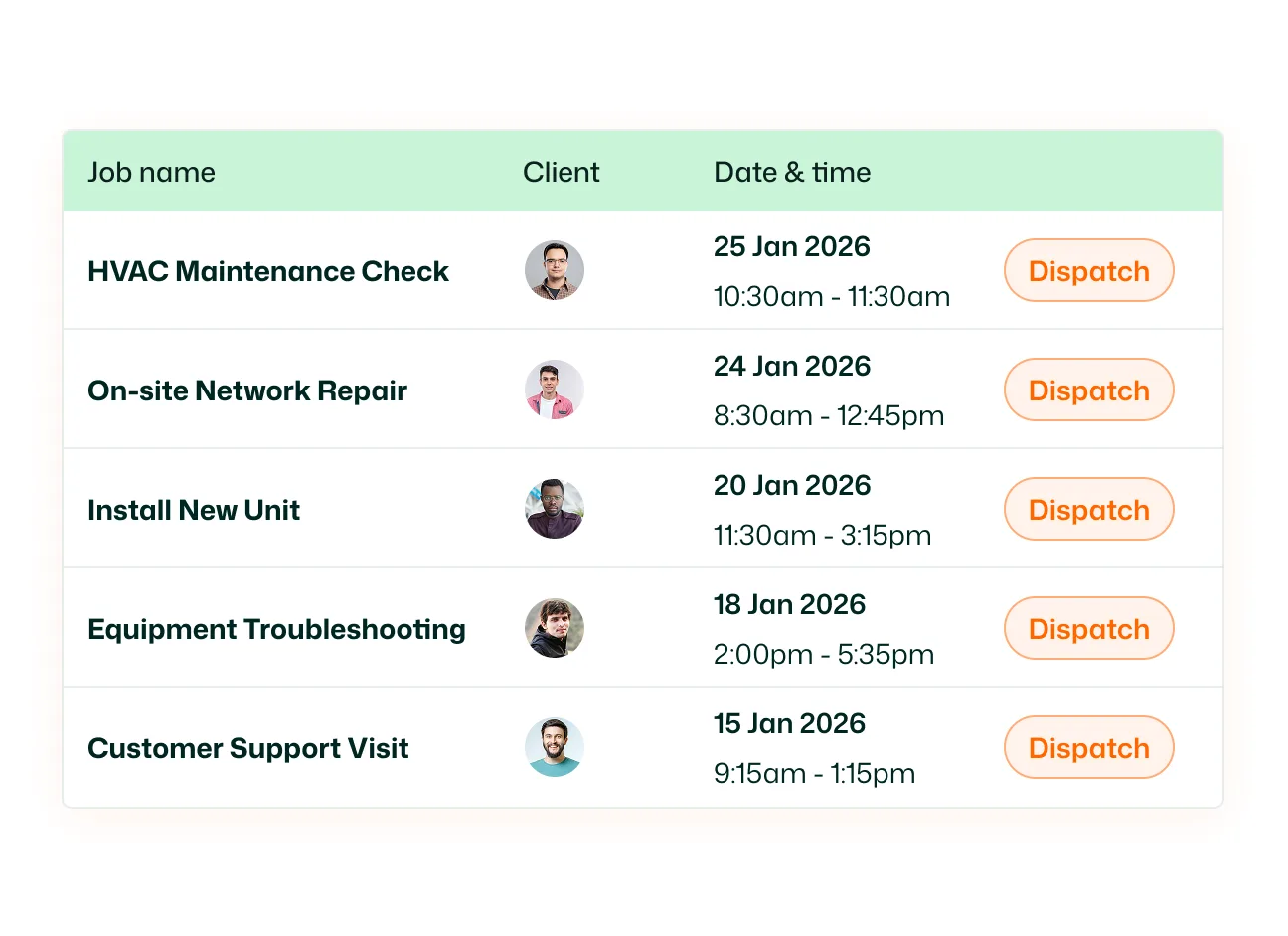
Use the dedicated Proximity module to assign jobs that don't have a team member yet. Select an unassigned job, review nearby members, and choose who should take the work.
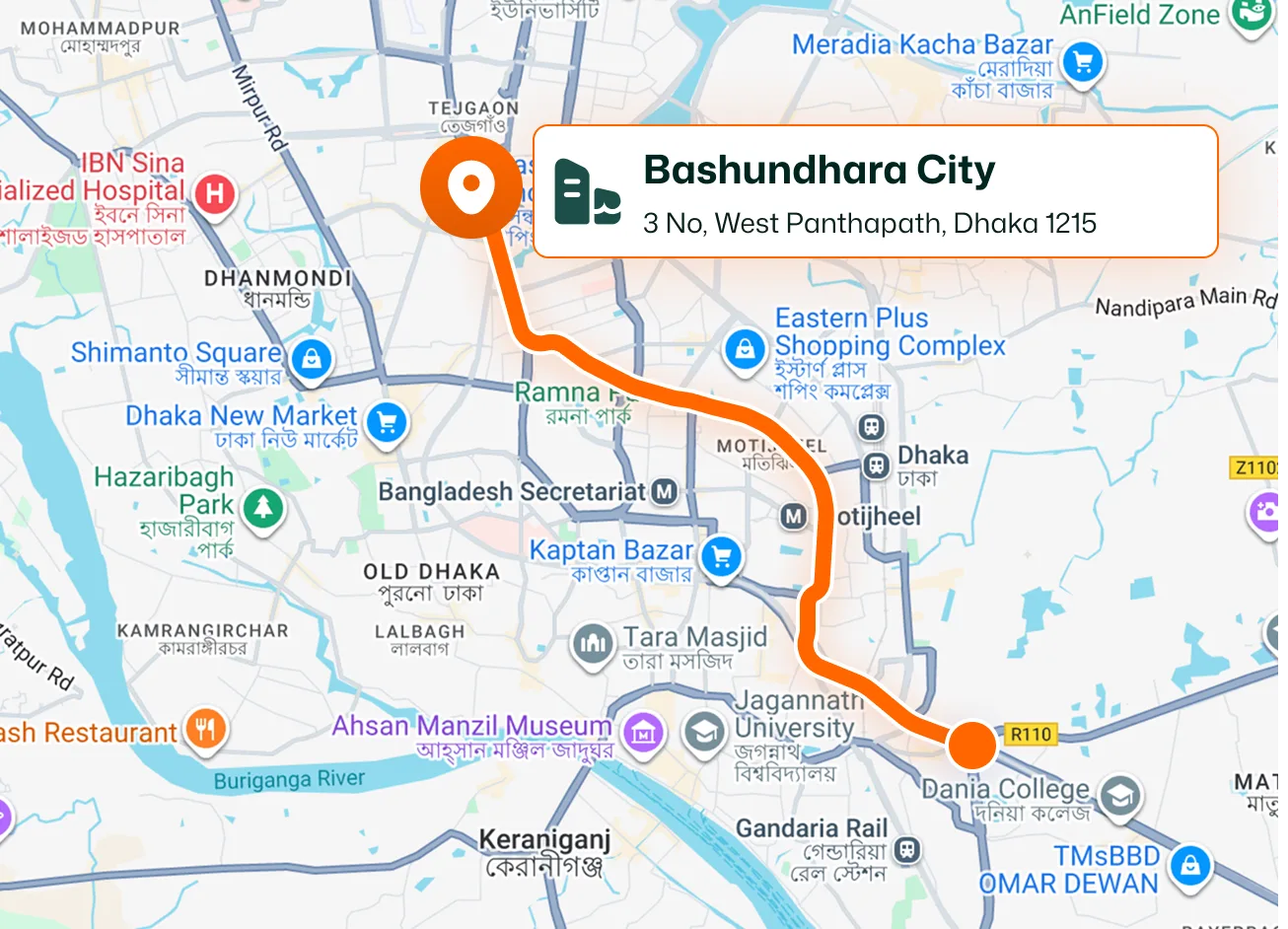
Check proximity while you're creating a new job. Once the customer and job location are selected, open Proximity to see available members based on their distance from that location and assign someone before finishing the job.
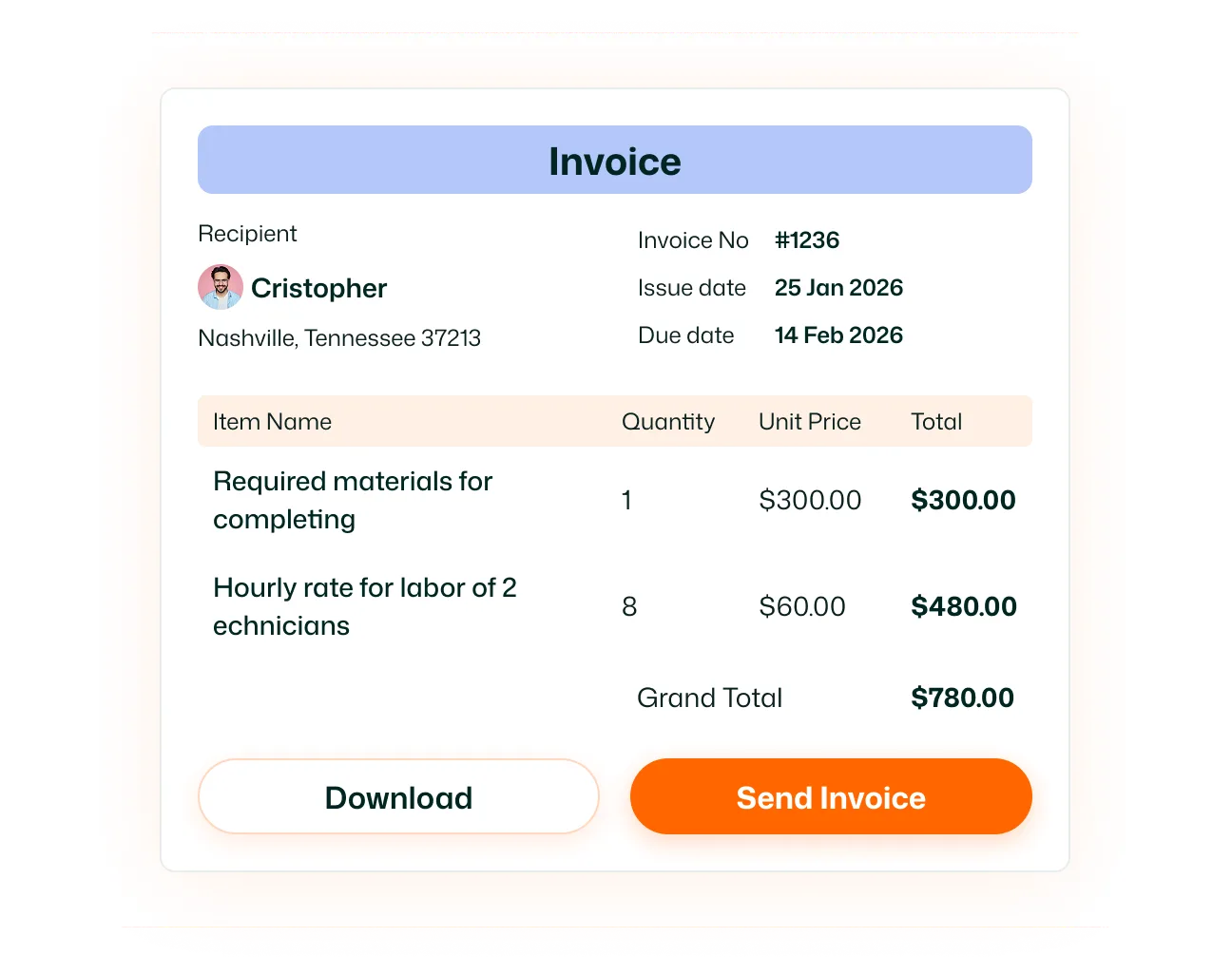
Use Proximity even when a job already has an assignee. Enable Allow reassigning already-assigned jobs to compare nearby team members and move the job to another member when needed.
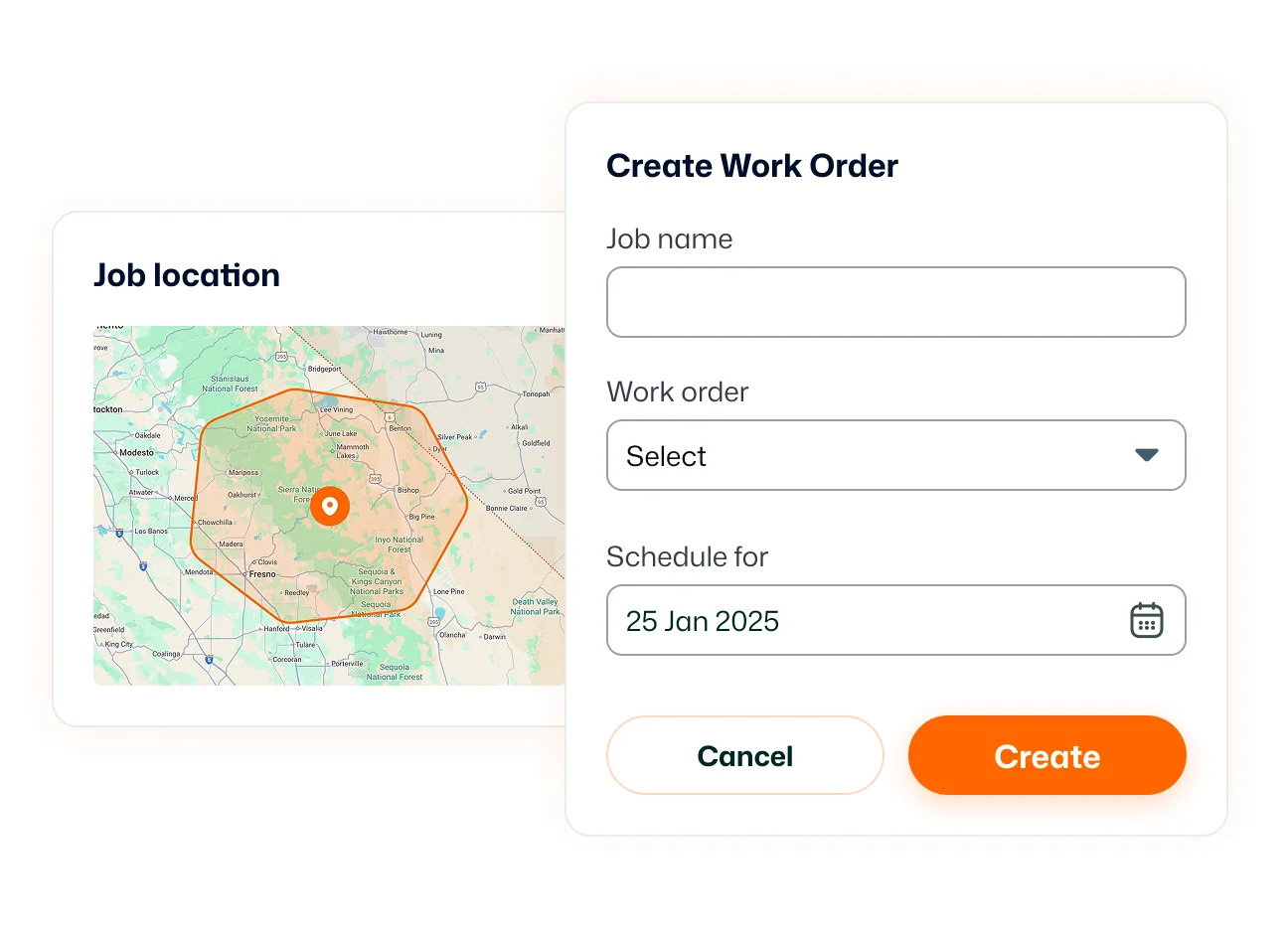
Proximity uses the job's location to determine which team members are closest. Once a customer and service location are attached to the job, FieldTask can use that location as the reference point for comparing nearby members.
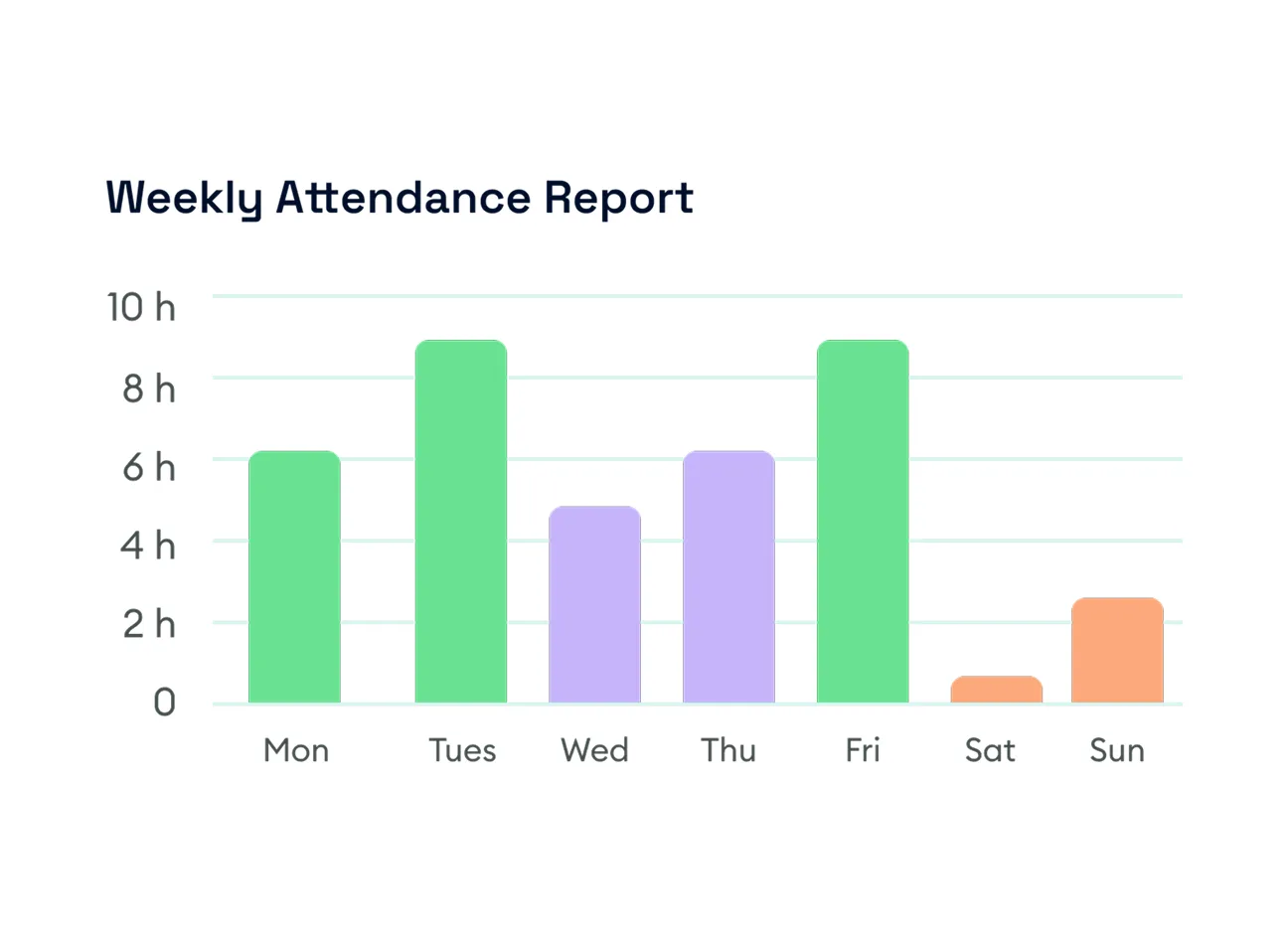
Work with both scheduled and unscheduled jobs from the Proximity section. Switch between views to find the jobs you need to assign, and use the date filter to focus on work for a particular period.
Compare team members by proximity and make the assignment with better location context.
Proximity-Based Job Assignment helps you choose a team member based on their distance from a job location. Select a job and FieldTask shows available members ranked from closest to furthest.
FieldTask uses the job location as the reference point and compares the proximity of available team members to that location.
FieldTask shows members ranked by distance, but you choose which member to assign. This lets you use proximity as part of the assignment decision rather than automatically assigning the job without review.
Yes. The Proximity module lets you select jobs that do not yet have an assignee and review nearby team members before assigning one.
Yes. After selecting the customer and job location in the Job Creation form, you can open Proximity, review available members by distance, and select an assignee.
Yes. Enable Allow reassigning already-assigned jobs to include jobs that already have an assignee and reassign them based on member proximity.
Yes. The Proximity section includes Scheduled and Unscheduled views.
Yes. The Proximity page includes a date filter so you can narrow the jobs displayed to the period you're working with.
No. Proximity helps you decide who should be assigned to a job based on distance. Route Optimization organizes the order and route between multiple jobs assigned for a particular day.
No. Proximity is an assignment tool that compares team members with a job location. Live Location is a separate FieldTask feature for viewing field members' current or last detected positions.
