
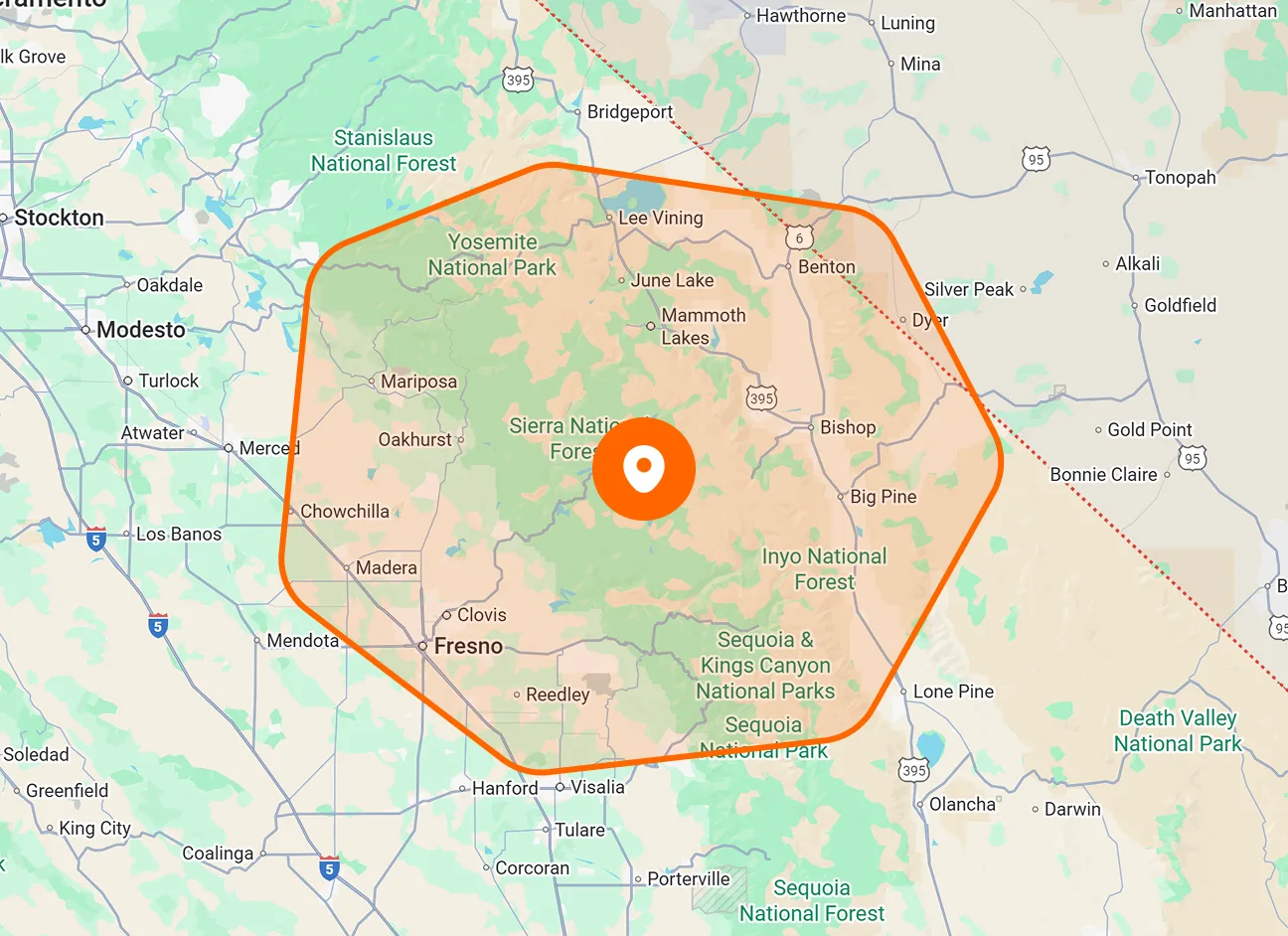
New Job
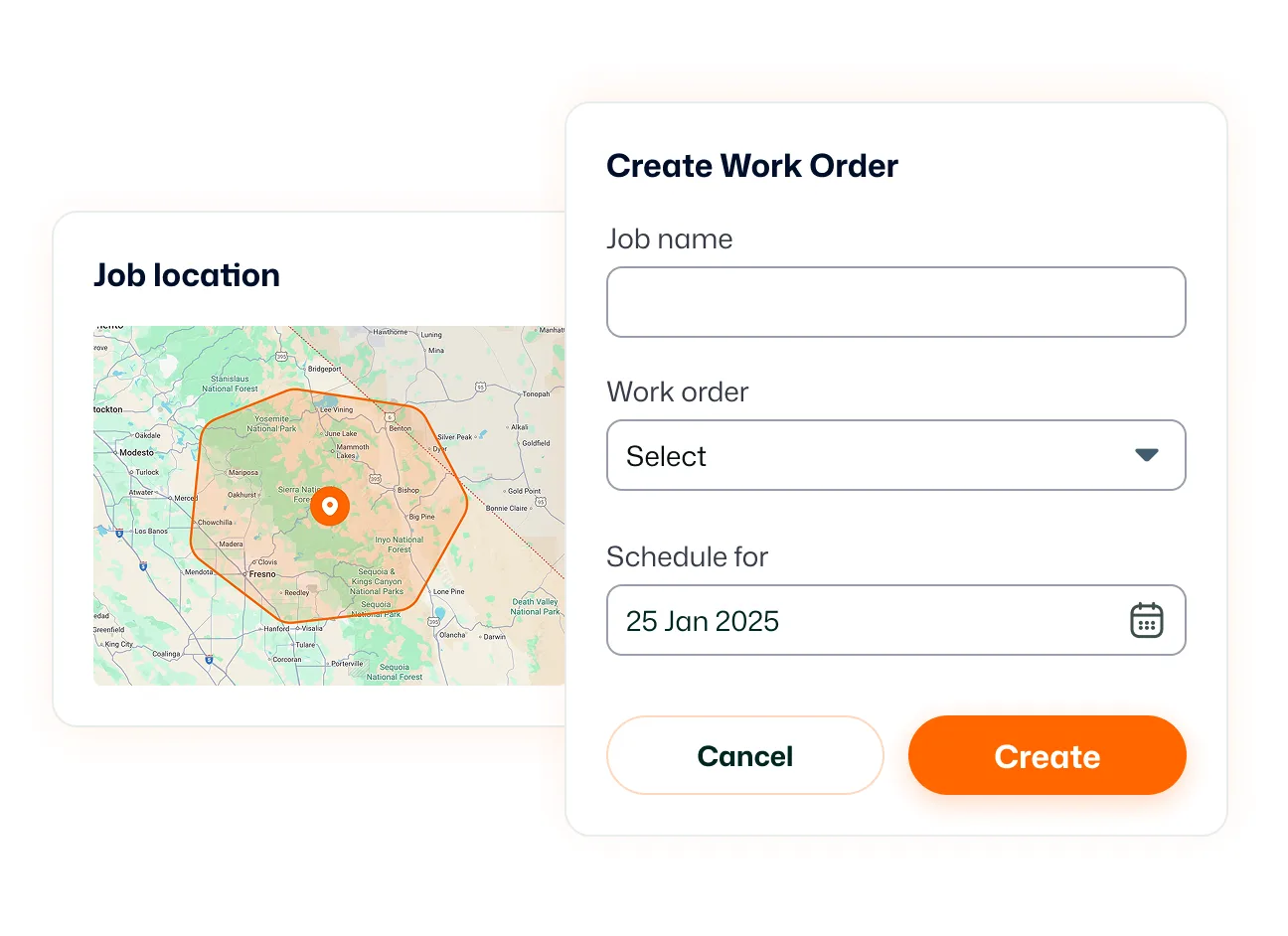
Open the job creation form directly from Quick Actions. Enter the customer, location, description, schedule, and assignees using the same form available through All Jobs.
Open your frequently used workflows from one menu. FieldTask Quick Actions gives you shortcuts to jobs, scheduling, customers, invoices, and quotes, with controls to arrange the available actions around your day.

Access common workflows from the sidebar, then personalize the menu so the actions you use most are easy to find.
Open the job creation form directly from Quick Actions. Enter the customer, location, description, schedule, and assignees using the same form available through All Jobs.
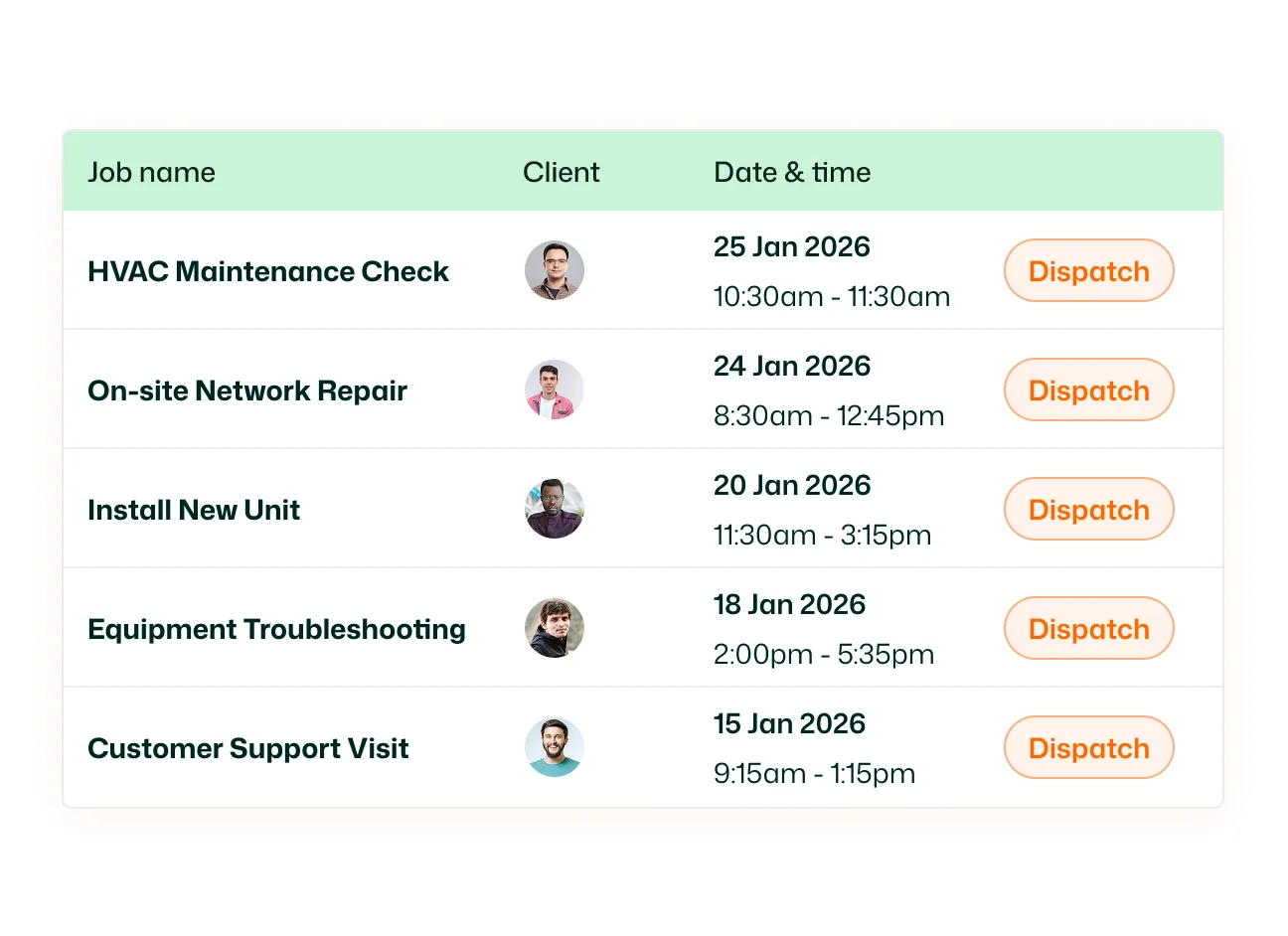
Open the scheduling calendar to review planned work. From there, select Schedule Job to add a job with the calendar available for reference.
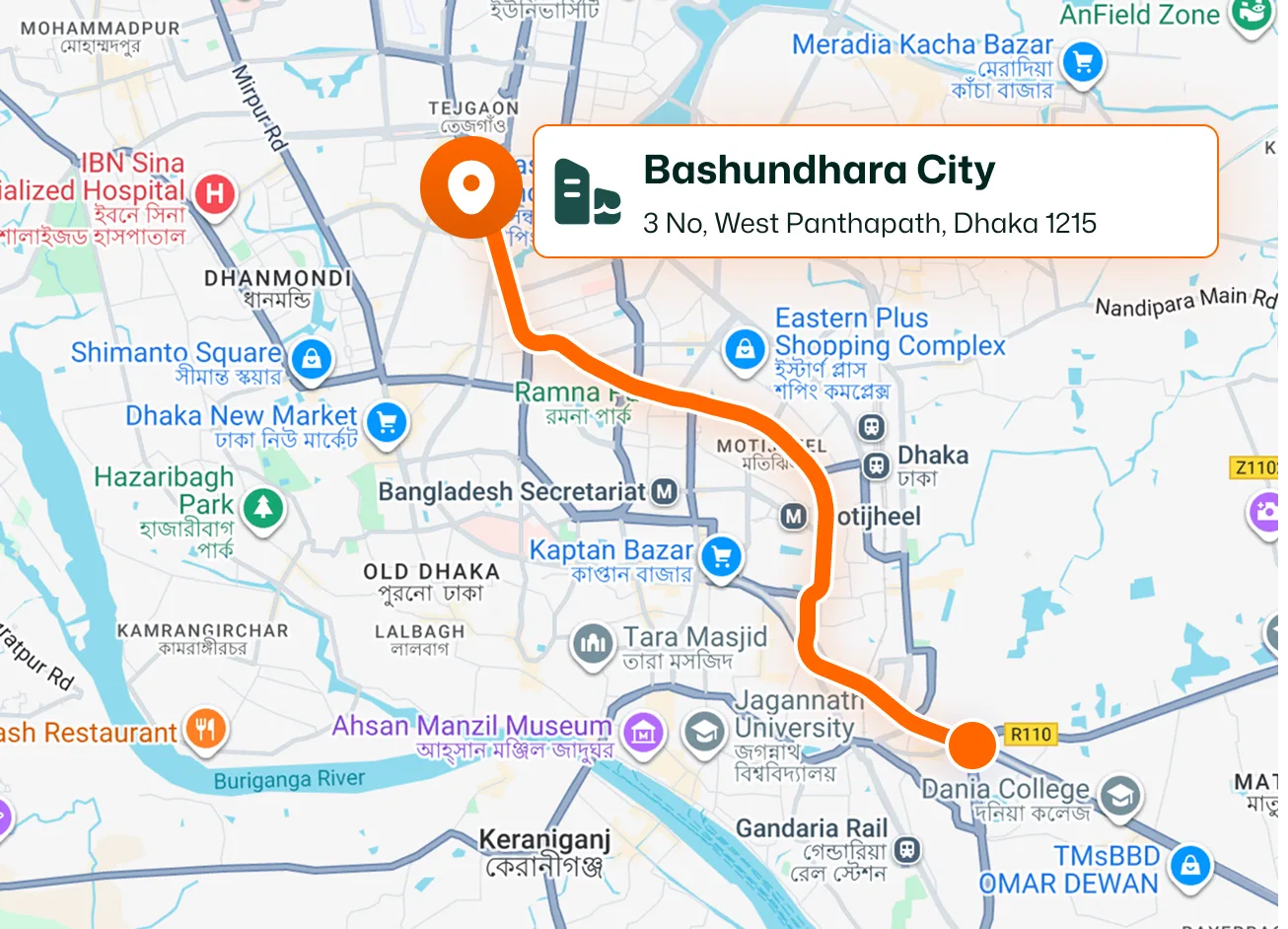
Open the customer creation form without first visiting the customer directory. Enter contact details and add service locations before saving the record.
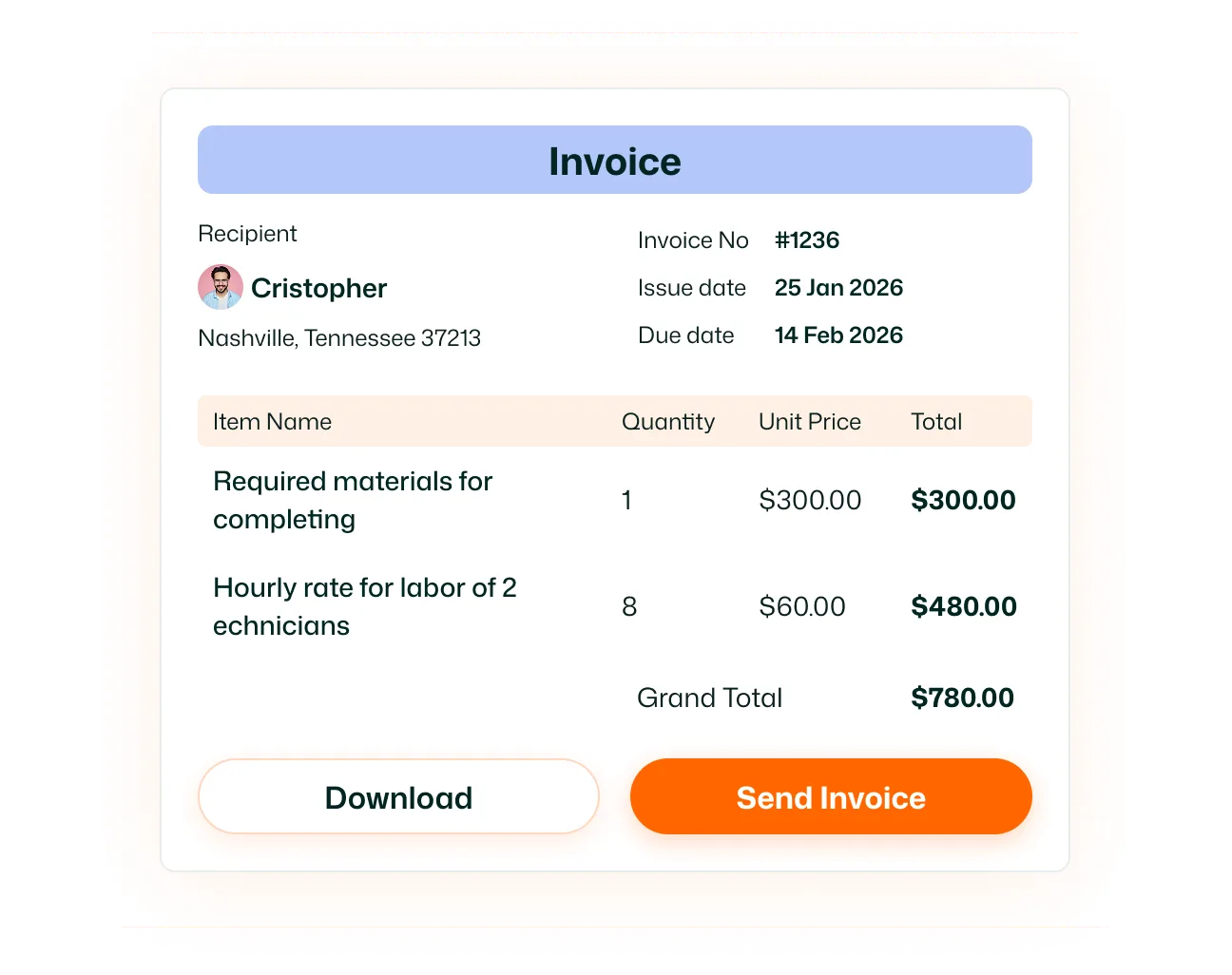
Go directly to the invoice creation form. Select the customer, enter invoice details, and add the items you want to bill.
Open the quote creation form to prepare a new quote. Add the customer, service location, line items, and terms, then save a draft or send it when ready.
Choose which available shortcuts appear and change their order using the movement controls. Preferences save automatically, and Use team default restores the team’s default arrangement.
Keep your everyday actions within easy reach. Arrange the shortcuts around the work you handle most, so you can move into the next job, customer record, invoice, or quote with less navigation.
Quick Actions is a shortcut menu for frequently used workflows. It provides access to creating jobs, opening scheduling, adding customers, and preparing invoices or quotes.
Select Quick Actions near the top of the web app’s left sidebar. The shortcut menu opens beside it.
The menu shown includes New Job, New Schedule, New Customer, New Invoice, and New Quote. Your administrator determines which actions are available, and you can personalize which available shortcuts appear.
New Job opens the job creation form directly. New Schedule opens the scheduling calendar, where you can review planned work and select Schedule Job.
No. Quick Actions opens the same job creation form available through Scheduling and All Jobs. You enter and save the job details through the normal workflow.
Yes. Open Customize to show or hide available actions and change their order. These adjustments personalize your own Quick Actions menu.
No. Changes to your Quick Actions preferences save automatically.
Yes. Select Use team default in the customization panel to restore the default arrangement provided for your team.
