Scheduling

Keep Every Job on Track.

Plan jobs, organize recurring work, and adjust the day as plans change. FieldTask gives you one visual schedule for seeing what’s booked, what’s coming next, and what still needs a place on the calendar.

One Place to See and Shape the Workday.

Field service schedules rarely stay still. New jobs come in. Customers reschedule. Technicians get reassigned. FieldTask gives you a clear, flexible calendar for organizing the work without losing sight of what comes next.

Drag-and-Drop Scheduling

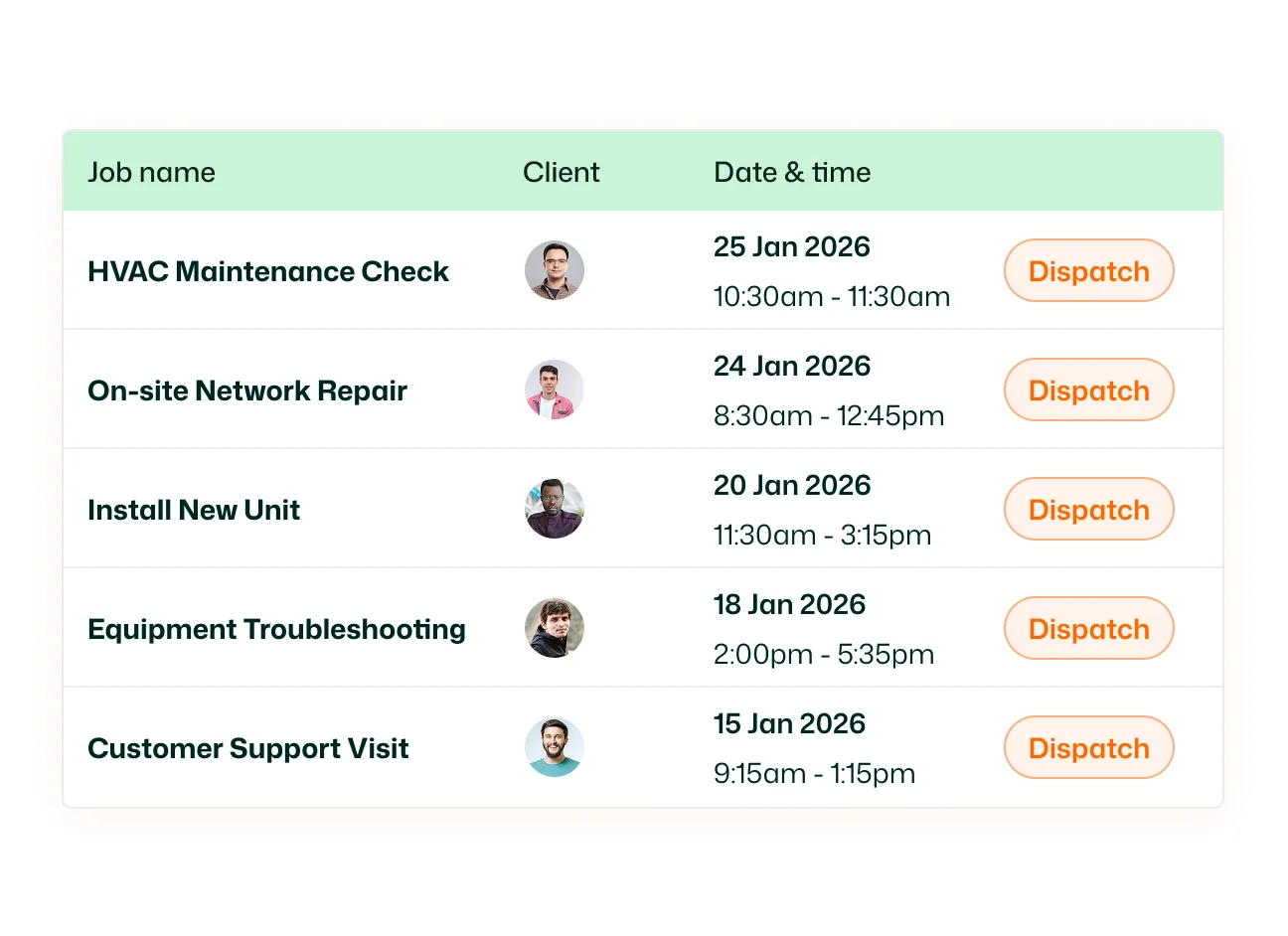
See unscheduled jobs beside your calendar and drag them directly onto the date you want the work completed. Instead of jumping between job lists and schedules, you can see open work and available dates together. When priorities change, adjust the schedule from one date to another and keep moving.
Recurring Job Scheduling

Set up a repeating job once and let FieldTask build the upcoming schedule for you. Schedule work daily, weekly, and monthly, so regular service visits don't have to be recreated one by one. Ideal for recurring services like lawn care, pool maintenance, pest control, cleaning, property maintenance, inspections, and preventive maintenance.

Daily, Weekly, Monthly & Map + Member View

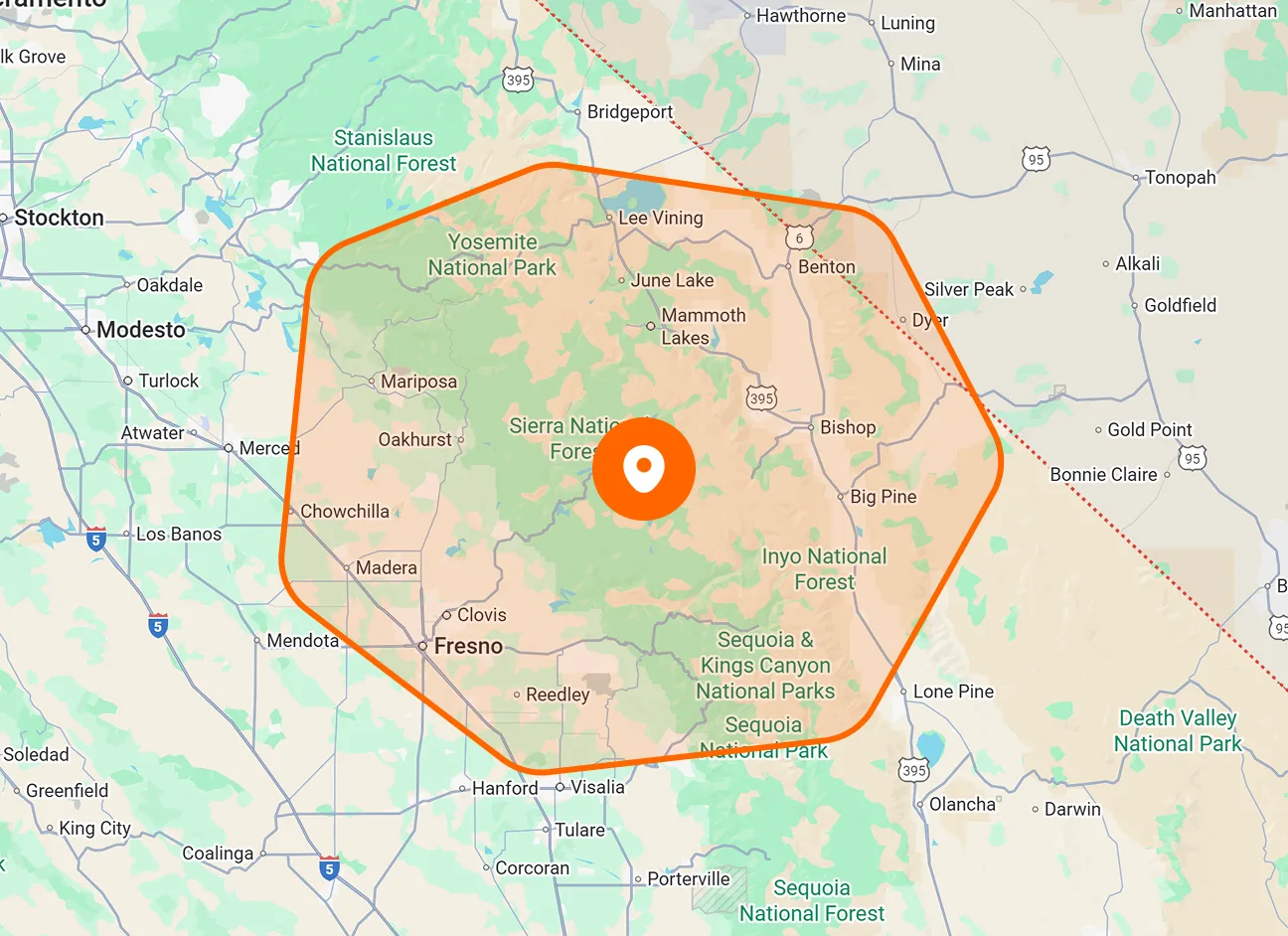
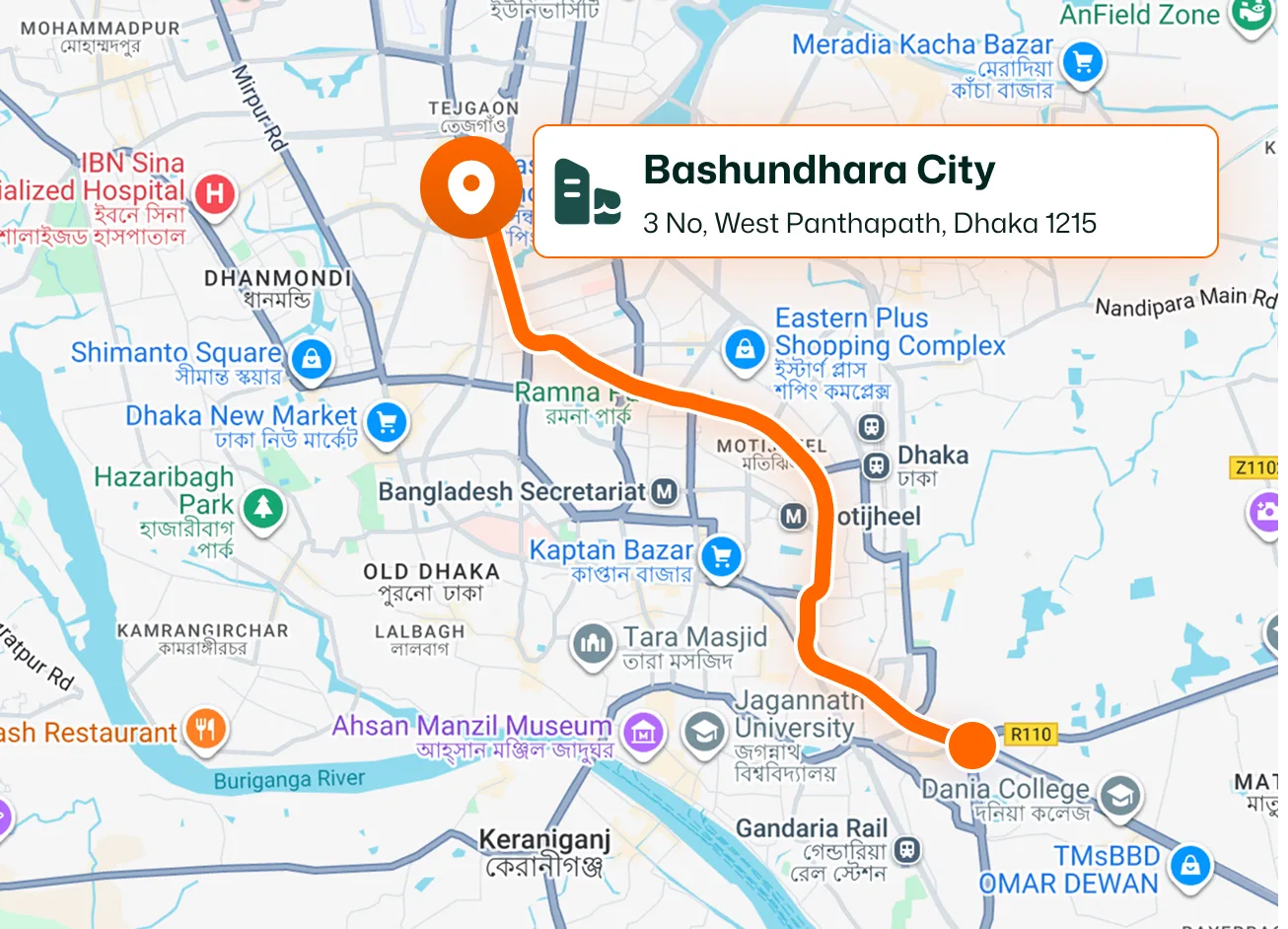
Switch between Daily, Weekly, Monthly, and Map views depending on what you're planning. Use Daily View to focus on today's work. Zoom out to Weekly or Monthly View to understand what's ahead. Switch to Map View when location matters. Also, use the member view to see which member is assigned to what job on what day. That’s one schedule but different ways to look at it.

Unscheduled Job Queue

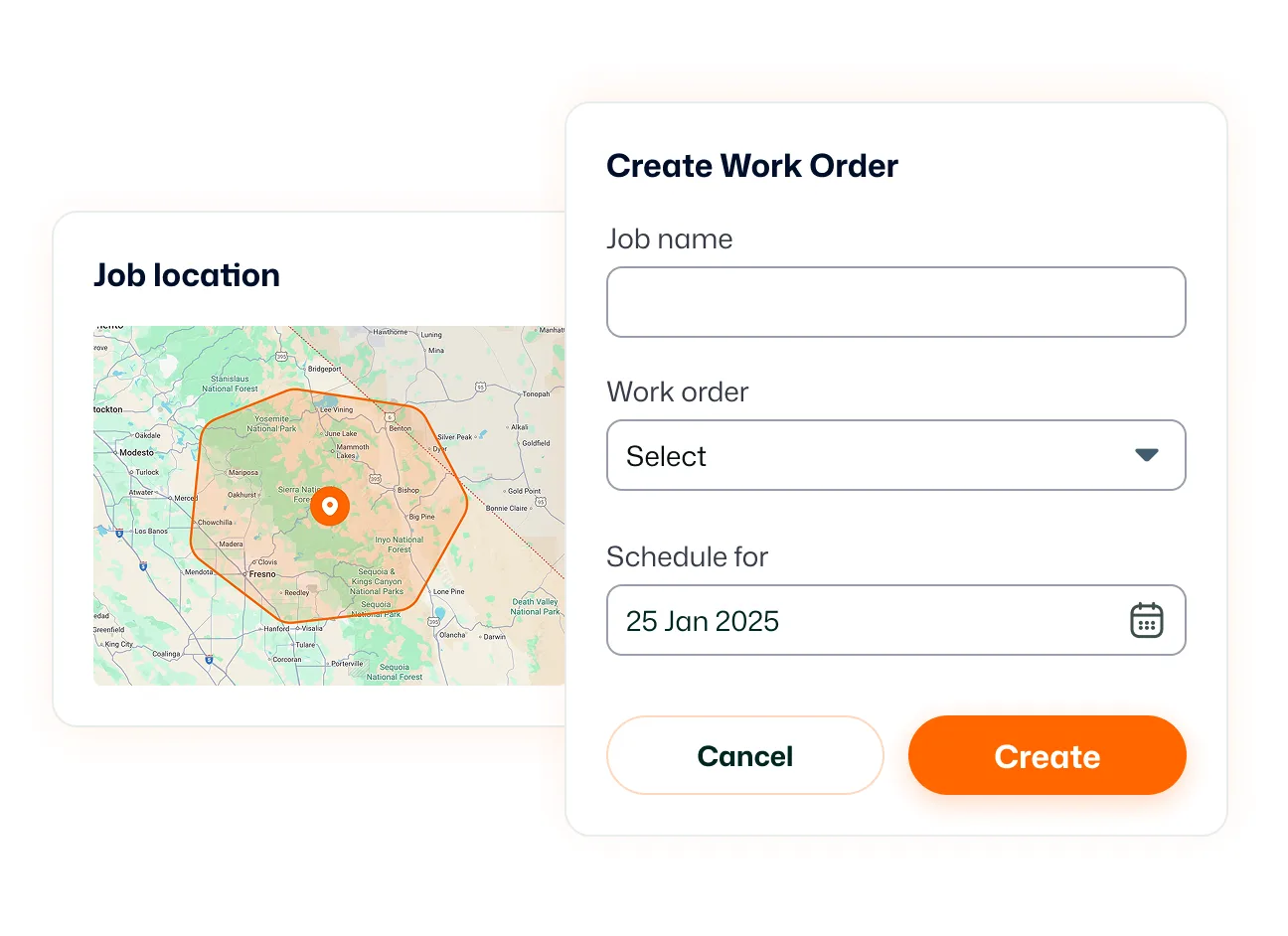
Not every job is ready for a date the moment it's created. FieldTask keeps unscheduled work in a dedicated panel beside your calendar, so it stays visible until you're ready to schedule it. When a slot opens up, simply move the job onto the calendar.

HighLevel Appointment Sync

A customer books in HighLevel, and FieldTask takes it from there. HighLevel appointments can flow into FieldTask as jobs, connecting the customer booking with the actual field work that needs to happen.

Mobile Schedule Access

Field technicians can view assigned jobs and upcoming work from the FieldTask mobile app. They can check future dates, see job locations, and stay informed about new assignments while they're in the field. Job reminders can also notify technicians shortly before scheduled work begins.

Build the day. Change it when you need to.

Give every job a time, a place, and a clear spot on your team's schedule.

See FieldTask in Action

Frequently asked questions about Scheduling