Timesheet Approval

Review Work Hours With the Details in View

See your team’s recorded hours before making an approval decision. Review daily totals and visual time blocks, find records by member and date, and approve or reject selected timesheets. Approval History keeps previous outcomes available for reference.

Find the Hours That Need Your Review

Bring pending timesheets, recorded work time, and review actions into one place. FieldTask helps you focus on the relevant records and keep track of the decisions already made.

Awaiting Timesheets

Open the Awaiting tab to review timesheets requiring a decision. Records are grouped by date and show each member’s name, time worked, and timesheet information. Use the selection checkboxes to choose the records you want to review.
Work Time Breakdown

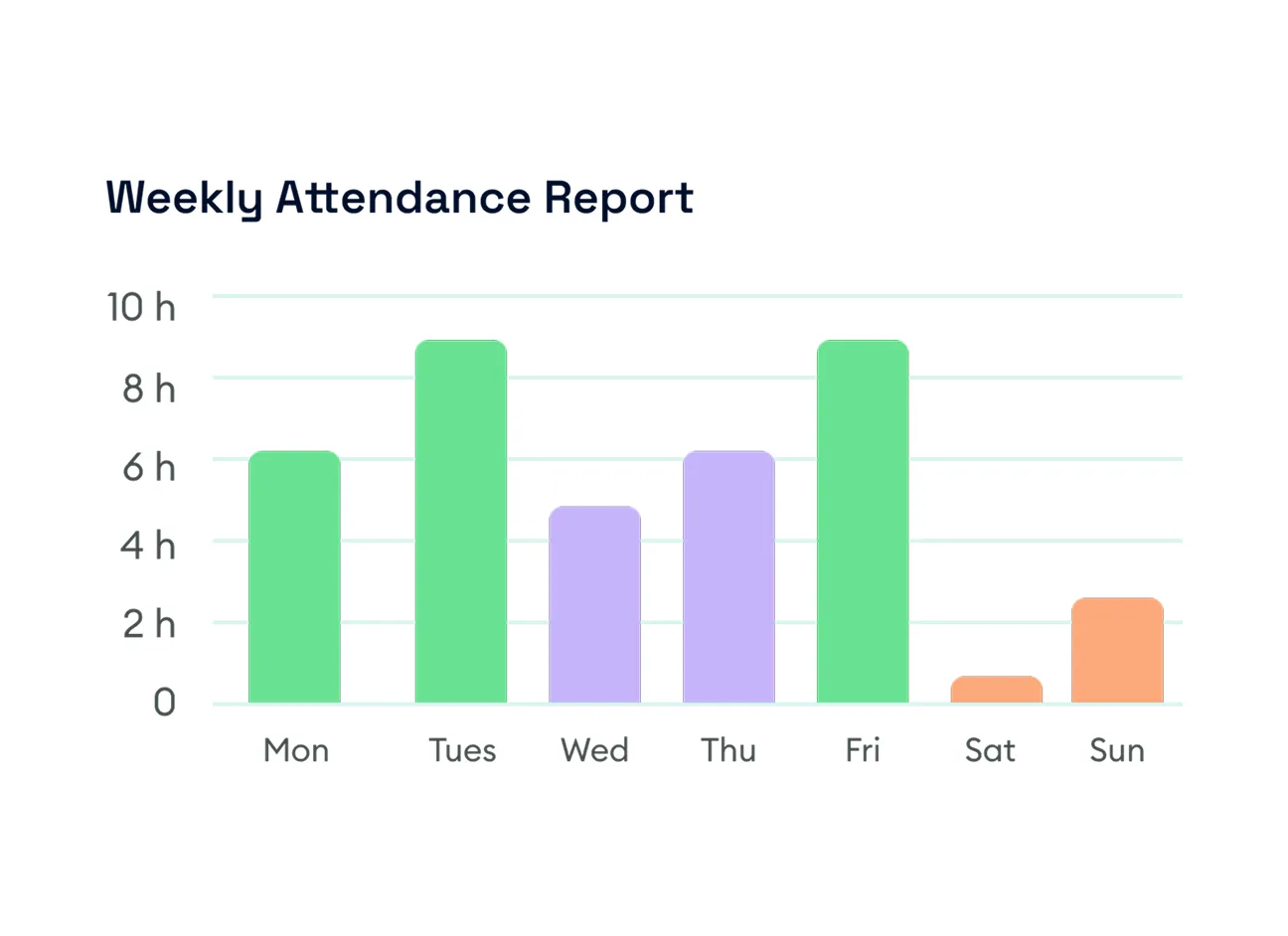
Review each member’s daily time total alongside a visual timeline of recorded work. Time blocks show how entries are distributed across the day, giving you more context than a total duration alone.

Member and Date Filters

Narrow the review to a specific member or date range. Use the searchable member selector, choose dates from the calendar, or select shortcuts such as Last 7 Days, Last 30 Days, and Today.

Timesheet Approval

Select the timesheet you have reviewed and click Approve. FieldTask records the approved time and displays it with a green status indicator, making the outcome visible alongside the member’s time information.

Timesheet Rejection

Select a timesheet and click Reject when you decide not to approve the recorded time. Rejected time appears with a red status indicator, distinguishing it from approved time.

Approval History

Open History to revisit previous review outcomes. Records are grouped by date and display the member’s name, approved or rejected durations, and total time worked. Approved and rejected time can appear separately within the same daily record.

Spend Less Time Sorting Through Work Hours

Give your team a clearer process for reviewing recorded time. Find the relevant member and dates, check the work breakdown, and record your decision with previous outcomes available when you need to look back.

See FieldTask in Action

Frequently asked questions