The HighLevel Home Service Business Management Software
Manage dispatch, route plan, techs, quotes, invoices, and more in GHL, the only dedicated field service app for HighLevel home service businesses and contractors.
No image available
Learn about the permissions FieldTask may request when you install and run the Mobile App for the first time.
When you install and open the FieldTask Mobile App for the first time, the app will ask you to grant several permissions. These permissions allow FieldTask to provide features such as Job notifications, Proof submission, and location tracking.
The permissions requested include:
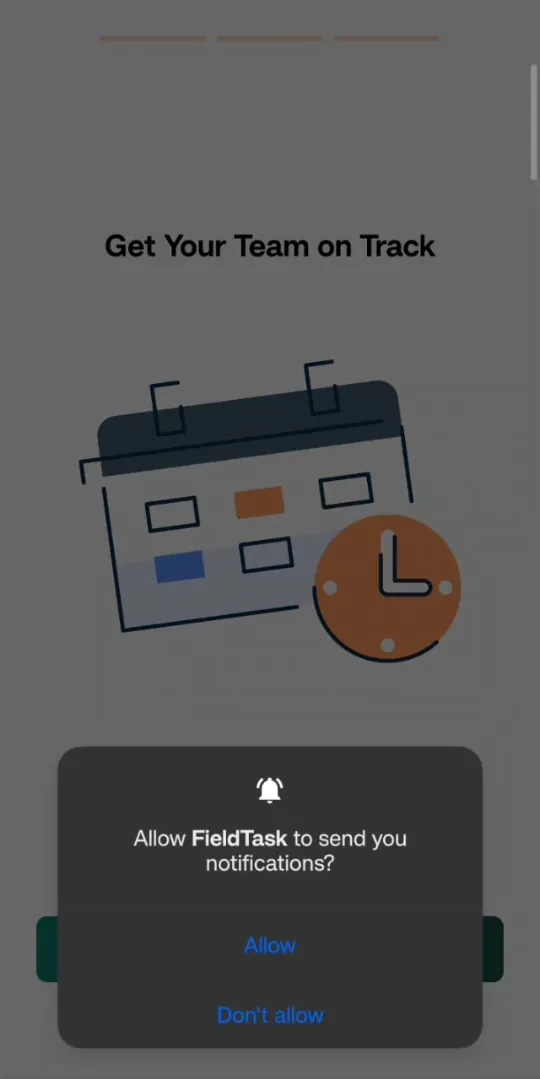
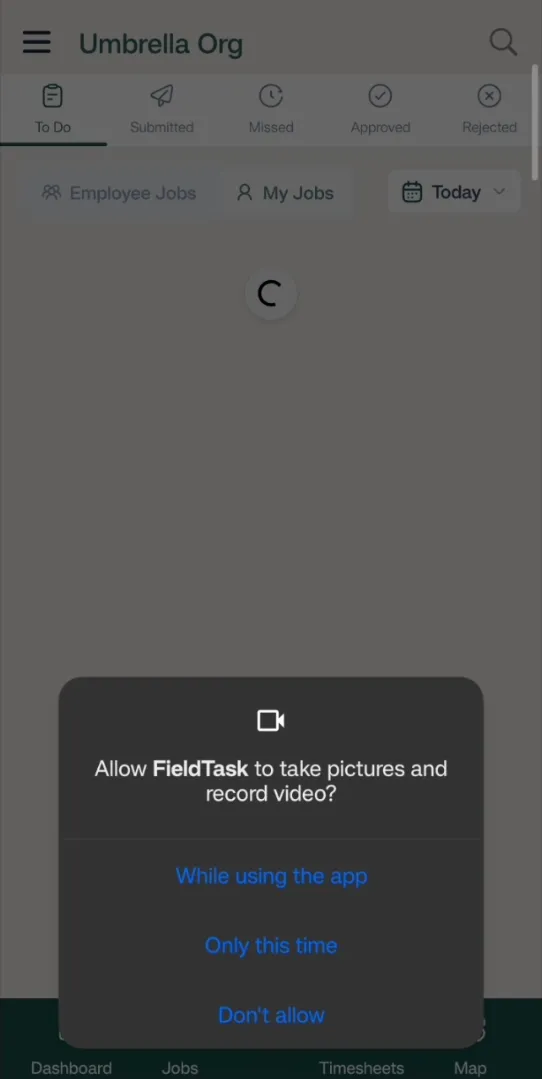
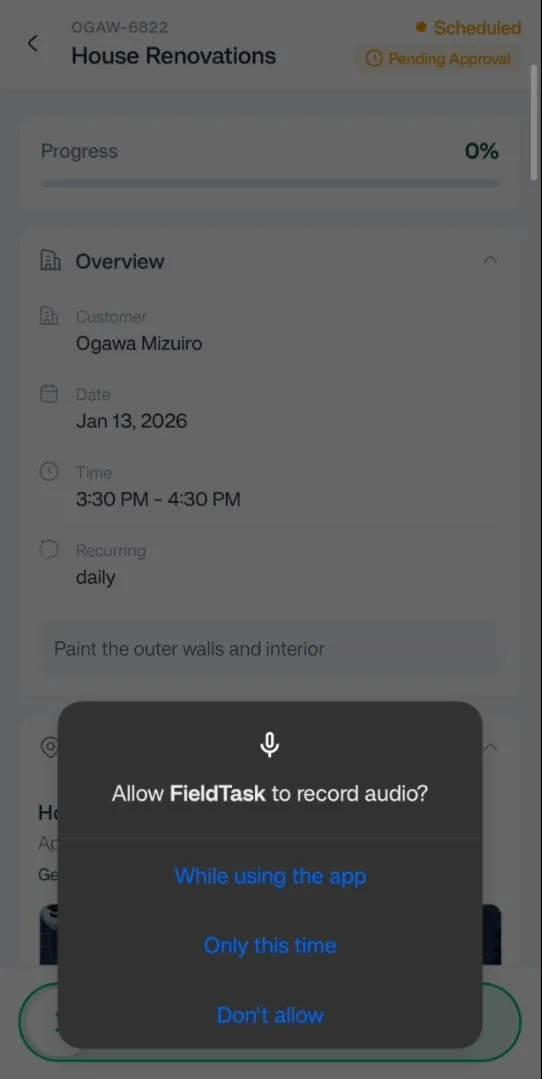
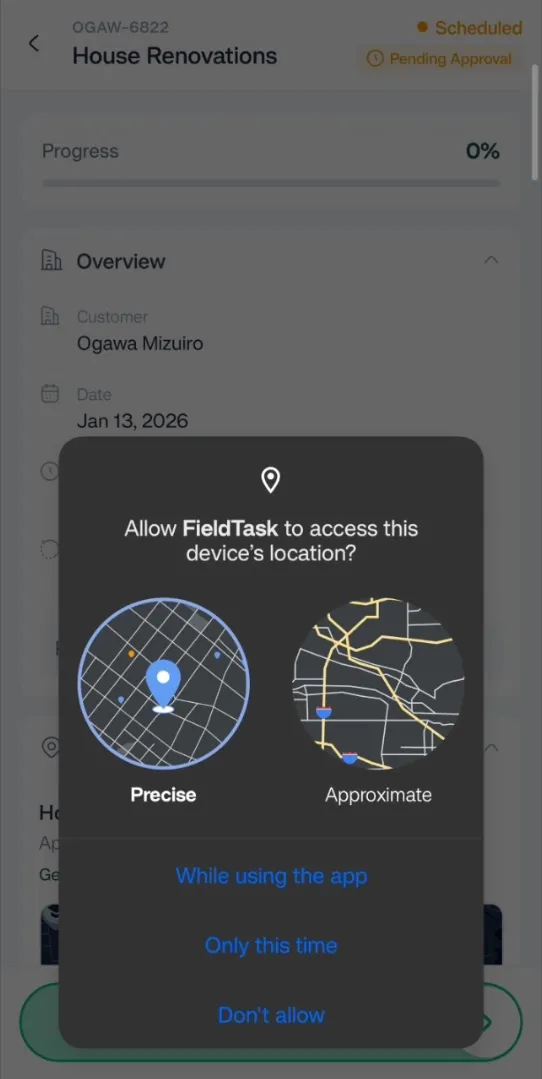
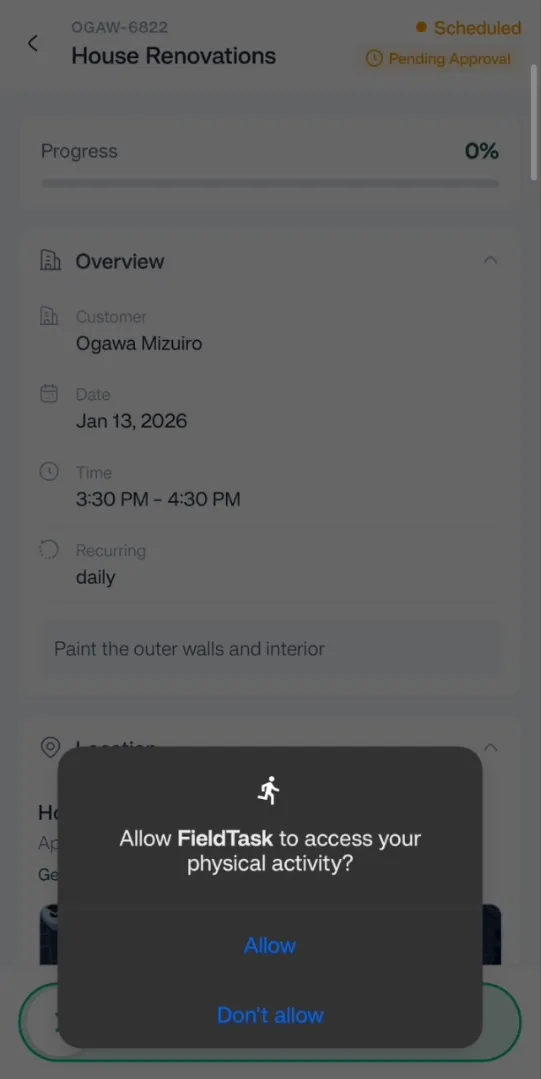
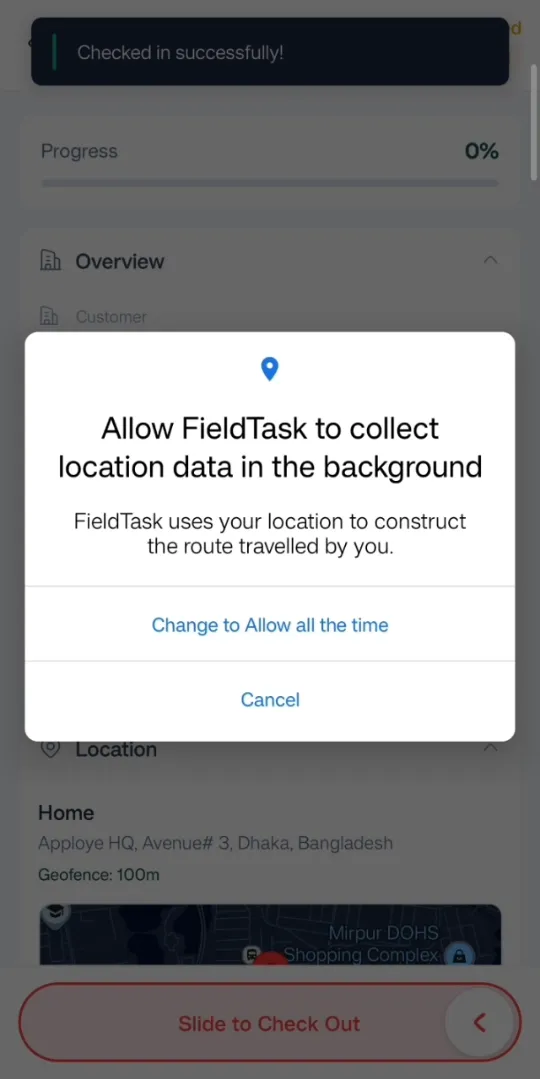
These permissions support FieldTask's job management, Proof submission, and GPS tracking features on the Mobile App.
Manage dispatch, route plan, techs, quotes, invoices, and more in GHL, the only dedicated field service app for HighLevel home service businesses and contractors.
The complete FieldTask sitemap: quick links to all pages.
Learn how FieldTask supports HIPAA compliance for home health and field service teams—encryption, BAAs, access controls, and audit logging.