The HighLevel Home Service Business Management Software
Manage dispatch, route plan, techs, quotes, invoices, and more in GHL, the only dedicated field service app for HighLevel home service businesses and contractors.

Learn how to view the current location of your online Members using GPS Tracking in FieldTask.
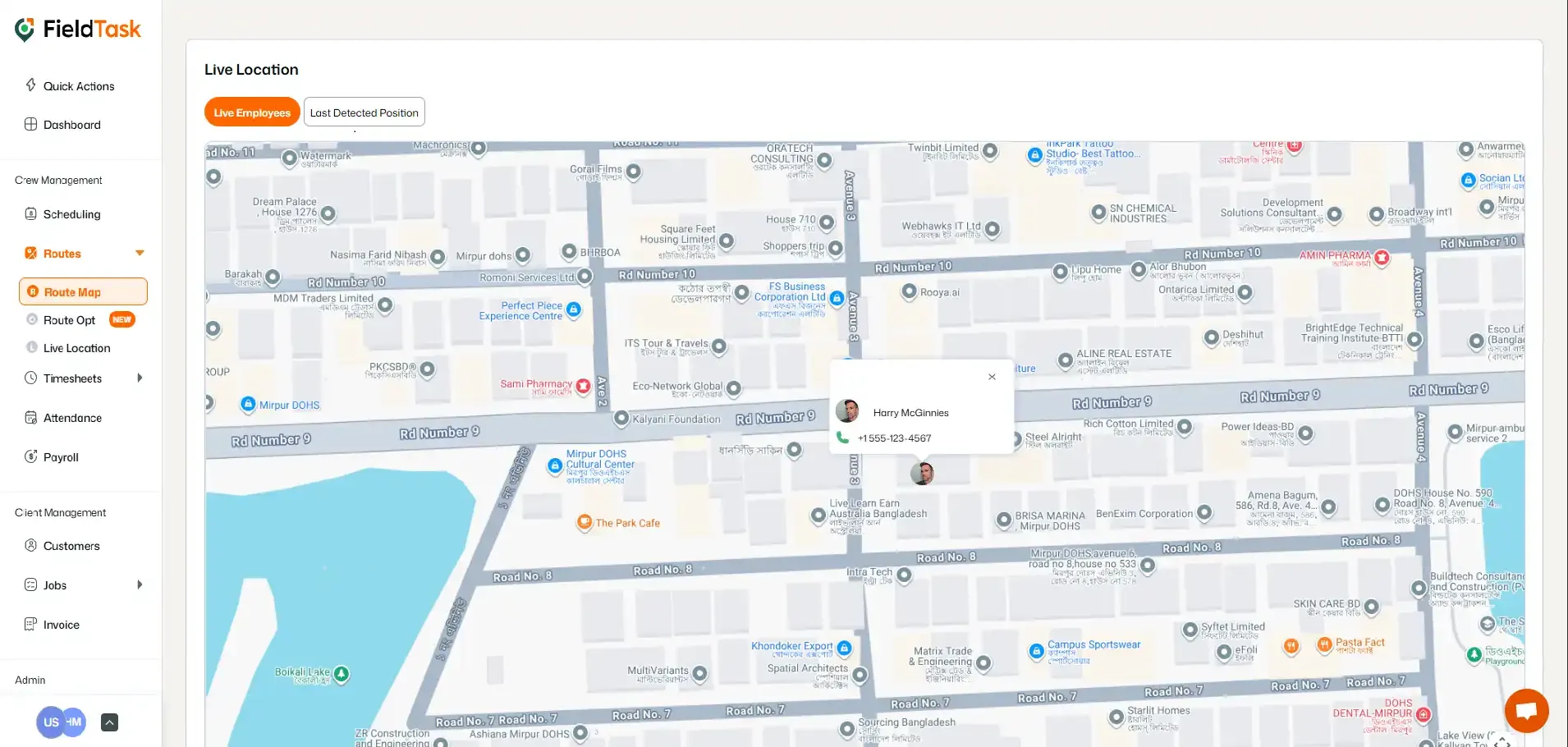
FieldTask allows you to view the Live Location of your Members while they are actively being tracked.
📌 Note: Location tracking begins when a Member checks into a job and automatically stops when they check out.
To view a Member’s Live Location:
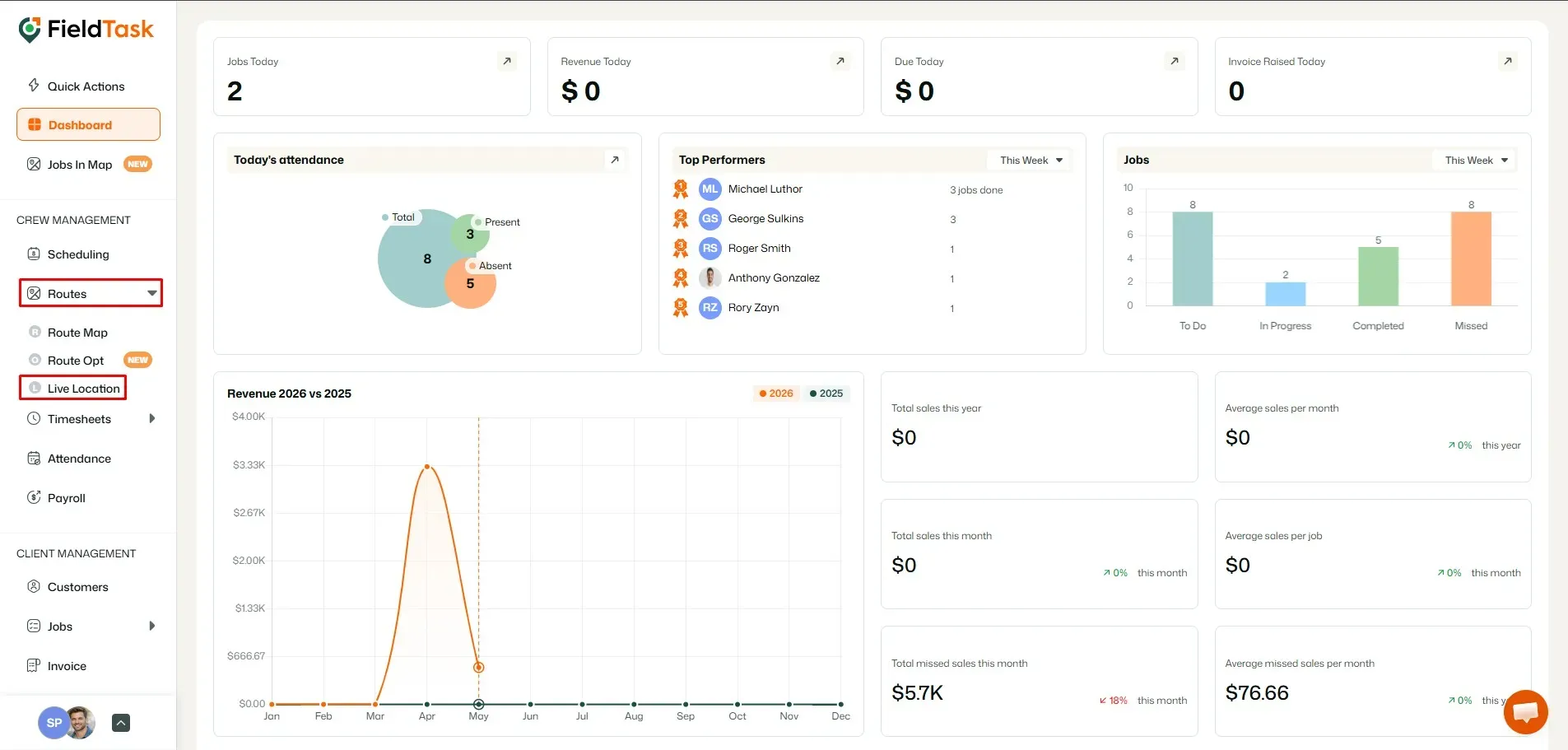
The Live Location page will display the locations of all your online Members.
Manage dispatch, route plan, techs, quotes, invoices, and more in GHL, the only dedicated field service app for HighLevel home service businesses and contractors.
The complete FieldTask sitemap: quick links to all pages.
Learn how FieldTask supports HIPAA compliance for home health and field service teams—encryption, BAAs, access controls, and audit logging.