The HighLevel Home Service Business Management Software
Manage dispatch, route plan, techs, quotes, invoices, and more in GHL, the only dedicated field service app for HighLevel home service businesses and contractors.
No image available
Learn how to complete a job, submit the required Proof, and provide before-and-after images or customer signatures from the FieldTask Mobile App.
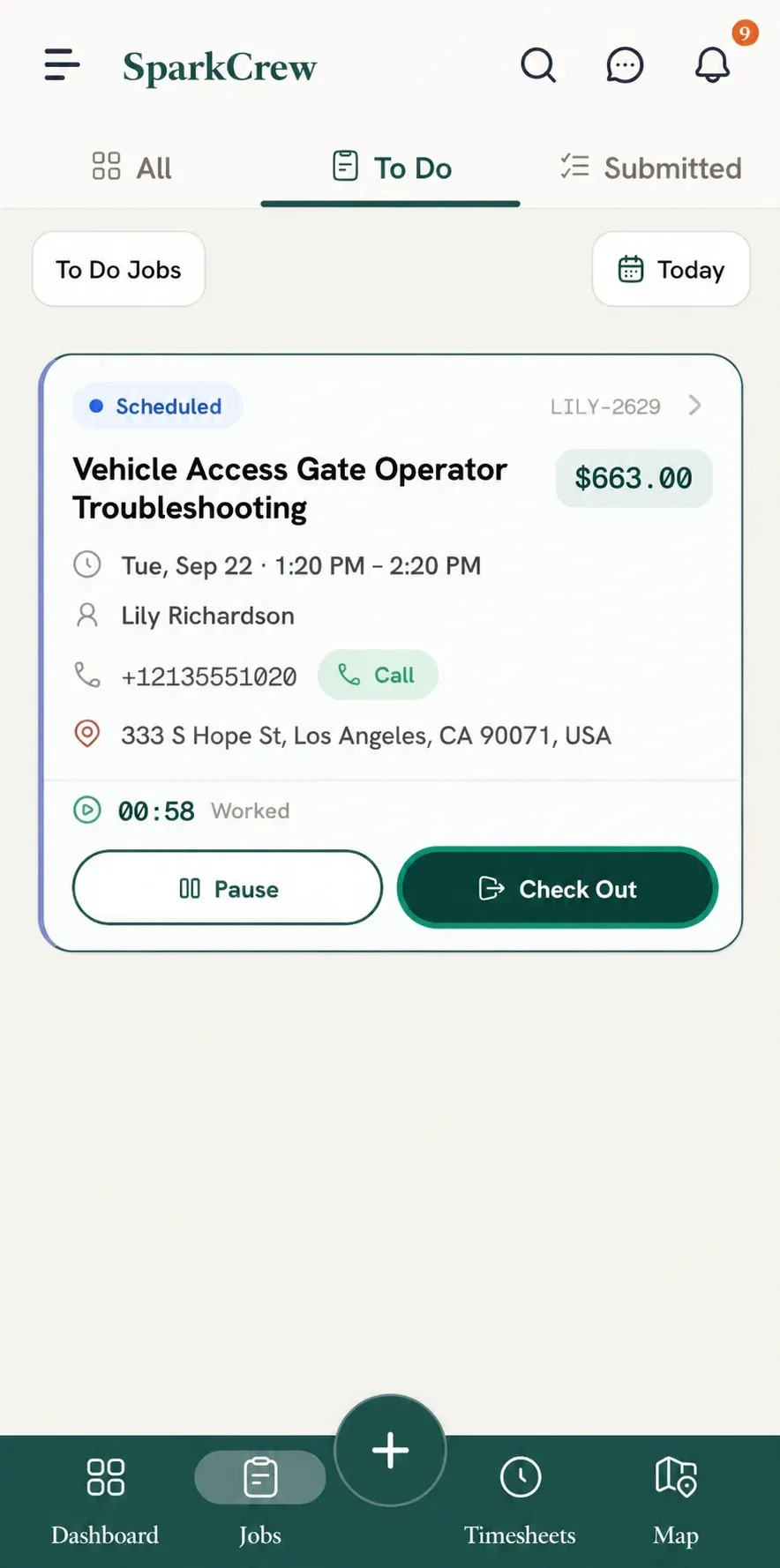
To mark a job as complete, you first need to check into the job.
To complete the job:
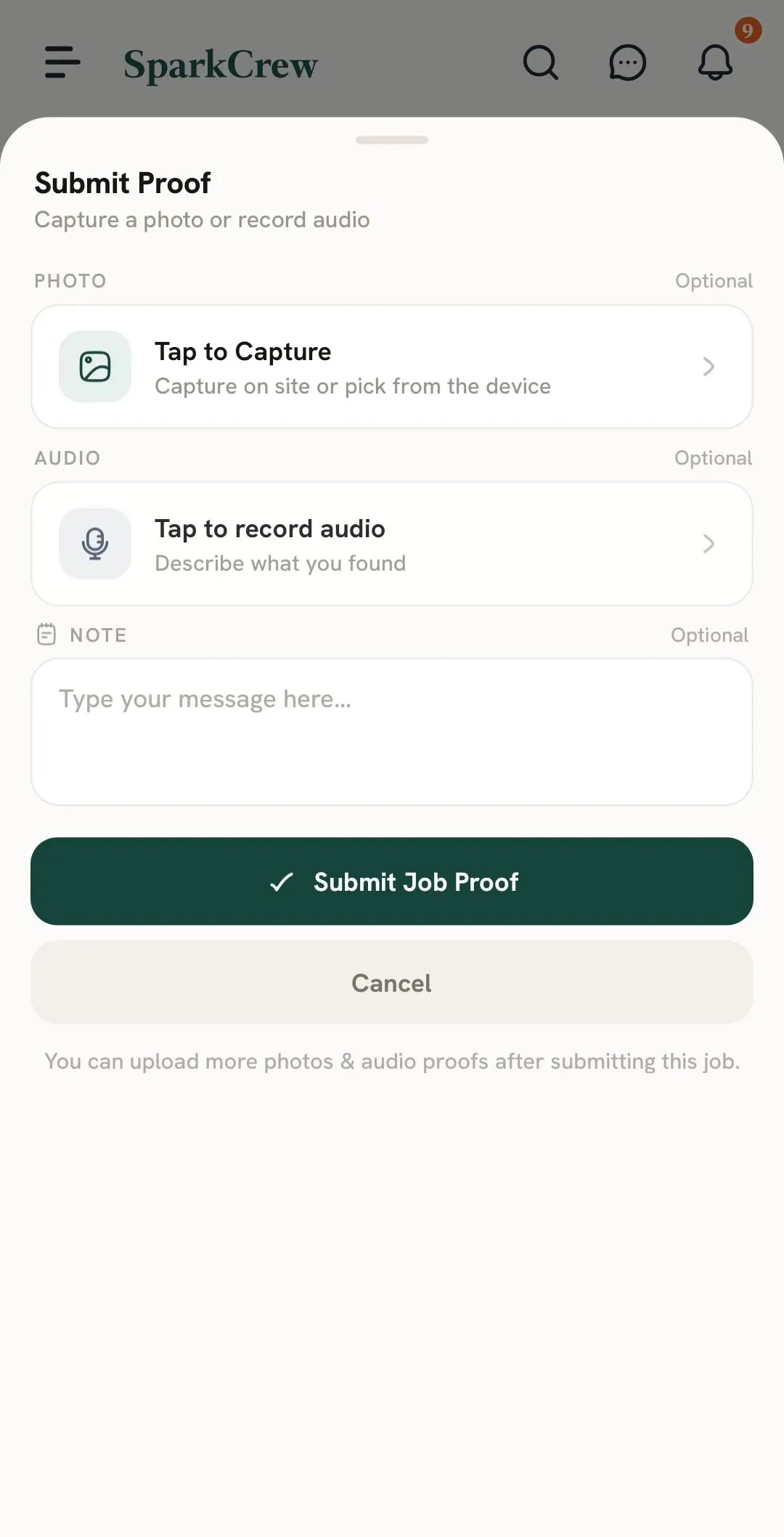
If all required checklist items and Line Item requirements have already been completed, the Proof Submission form will appear.
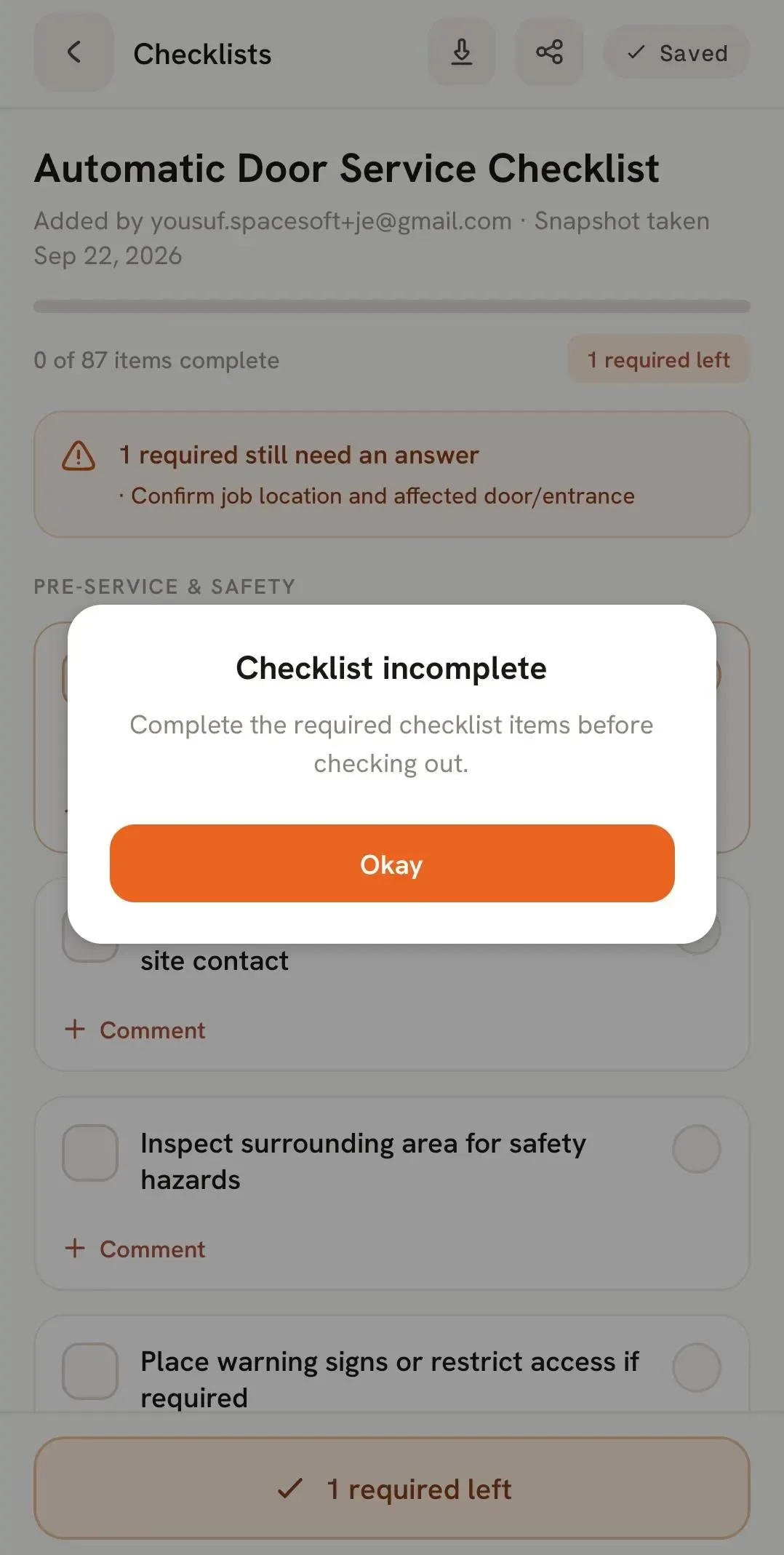
If something is still incomplete, such as a required checklist item or Line Item Proof, FieldTask will show you what remains to be completed.
Complete any outstanding requirements first. Then:
You can submit:
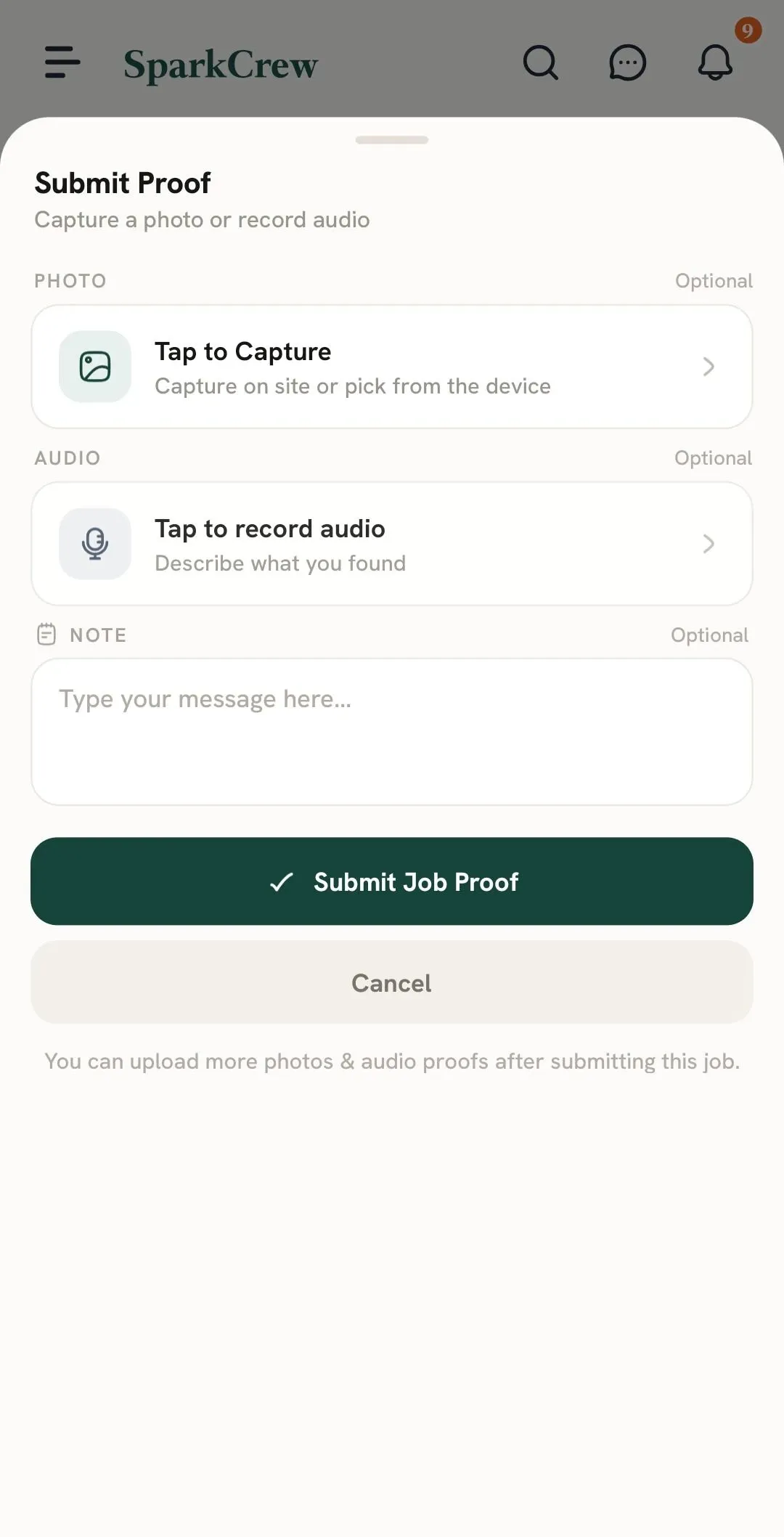
After the initial Proof submission, the job will move to the Submitted section. You can continue adding additional Image or Audio Proof from there.
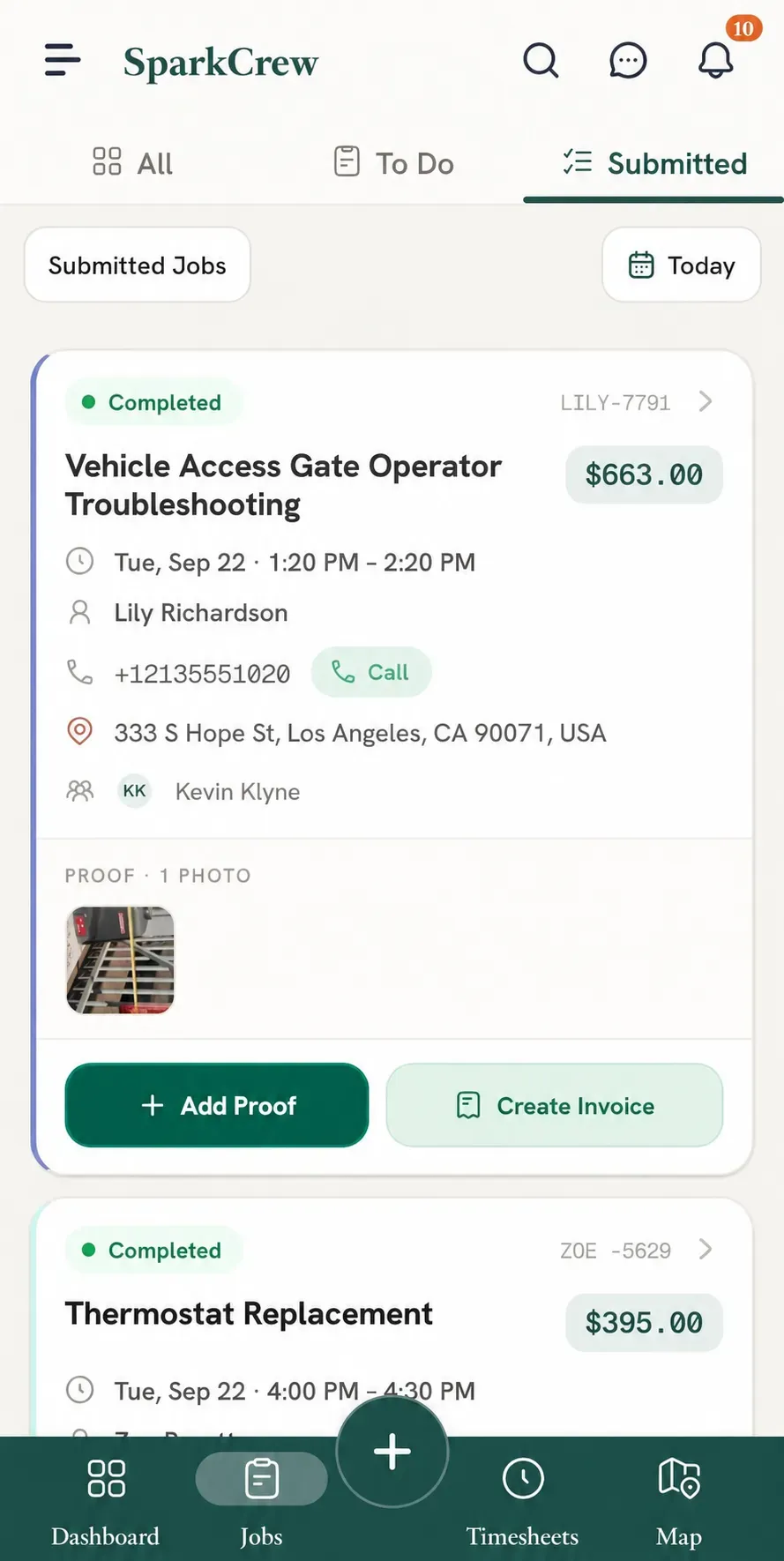
Submitted Proof and additional Image Proof can include a timestamp and location stamp, depending on your Organization's Proof settings.
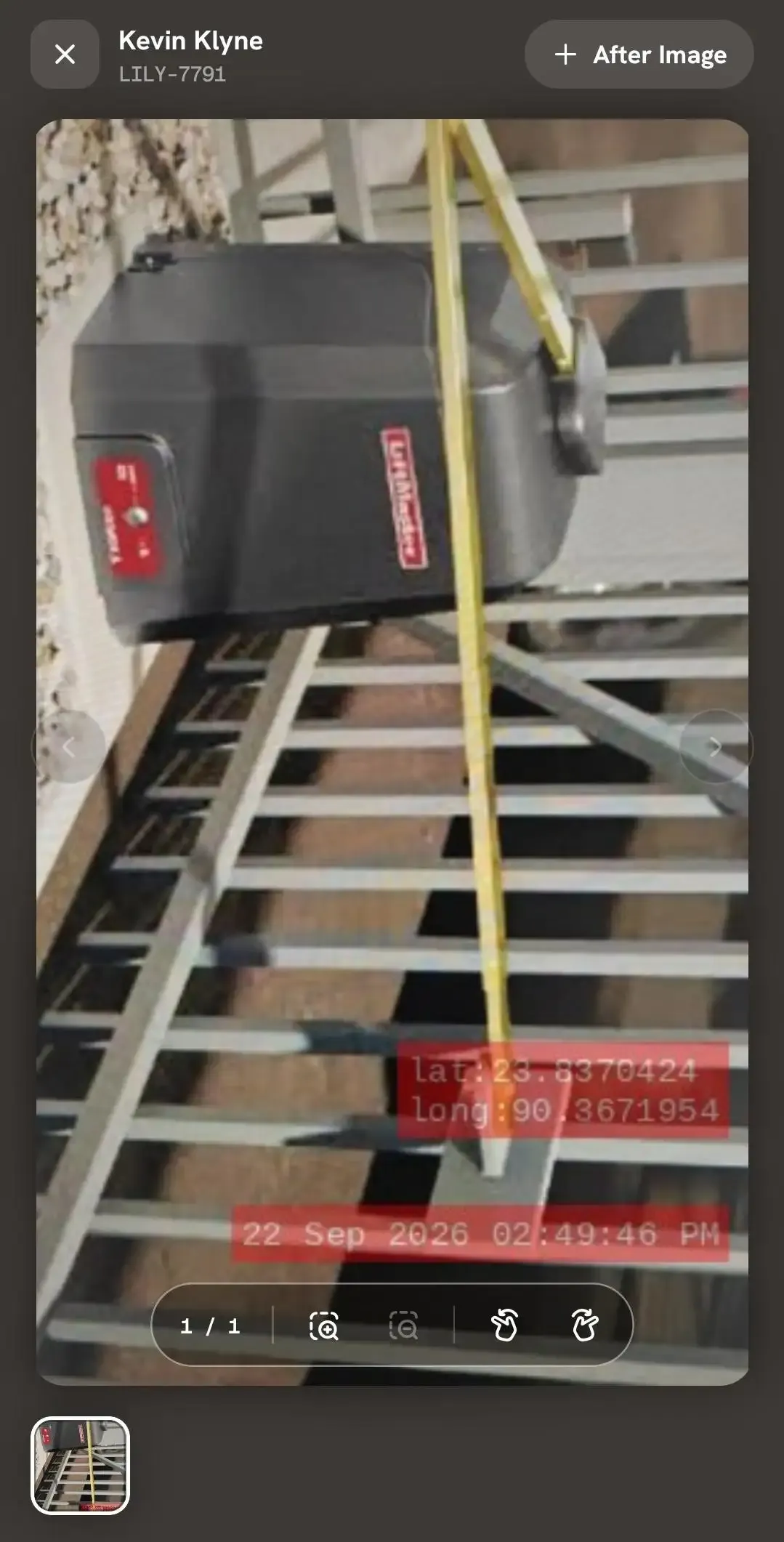
You can also submit before-and-after images for a job.
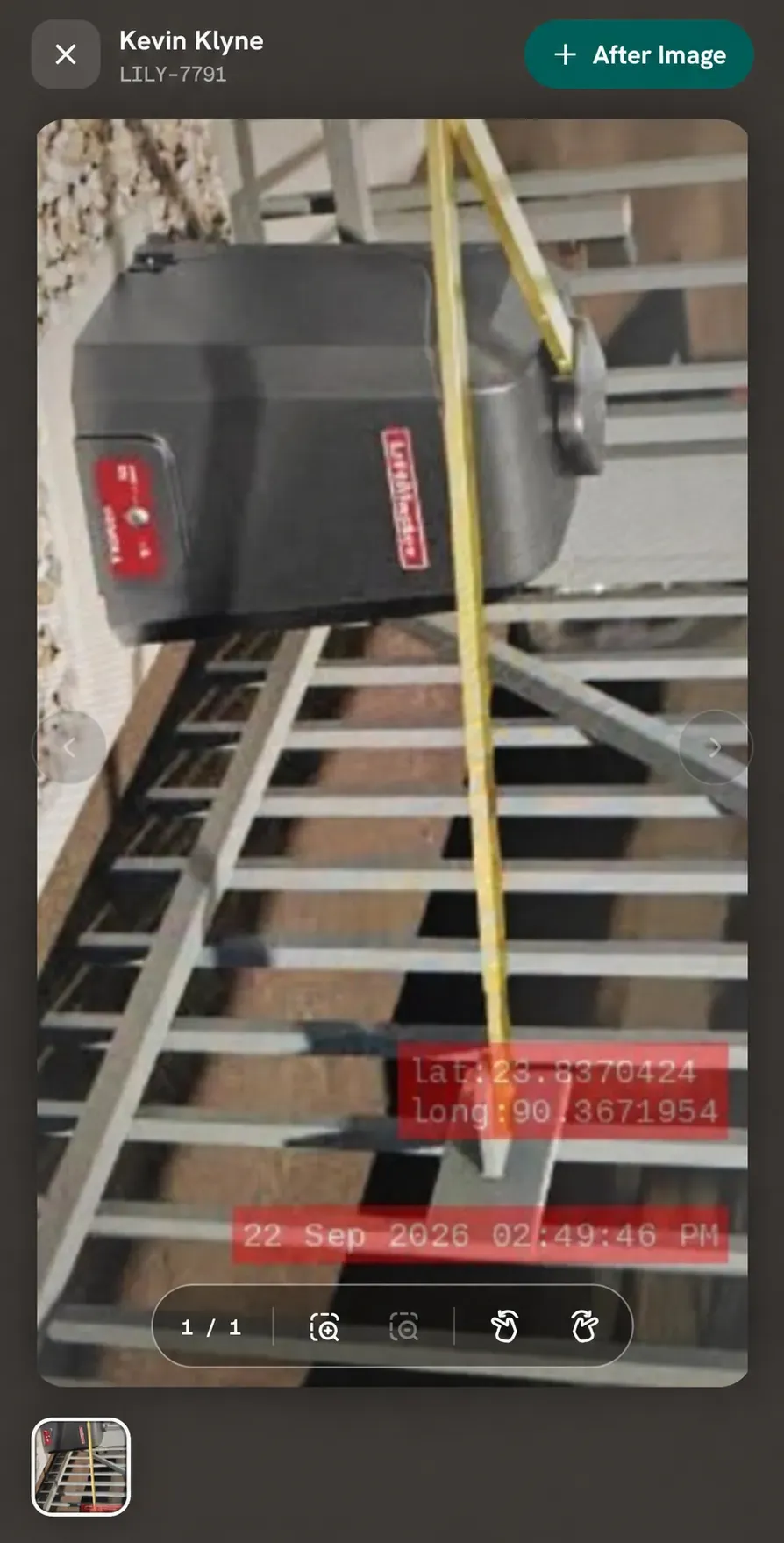
After taking the after photo, you can choose how to submit the before-and-after images according to the available options.
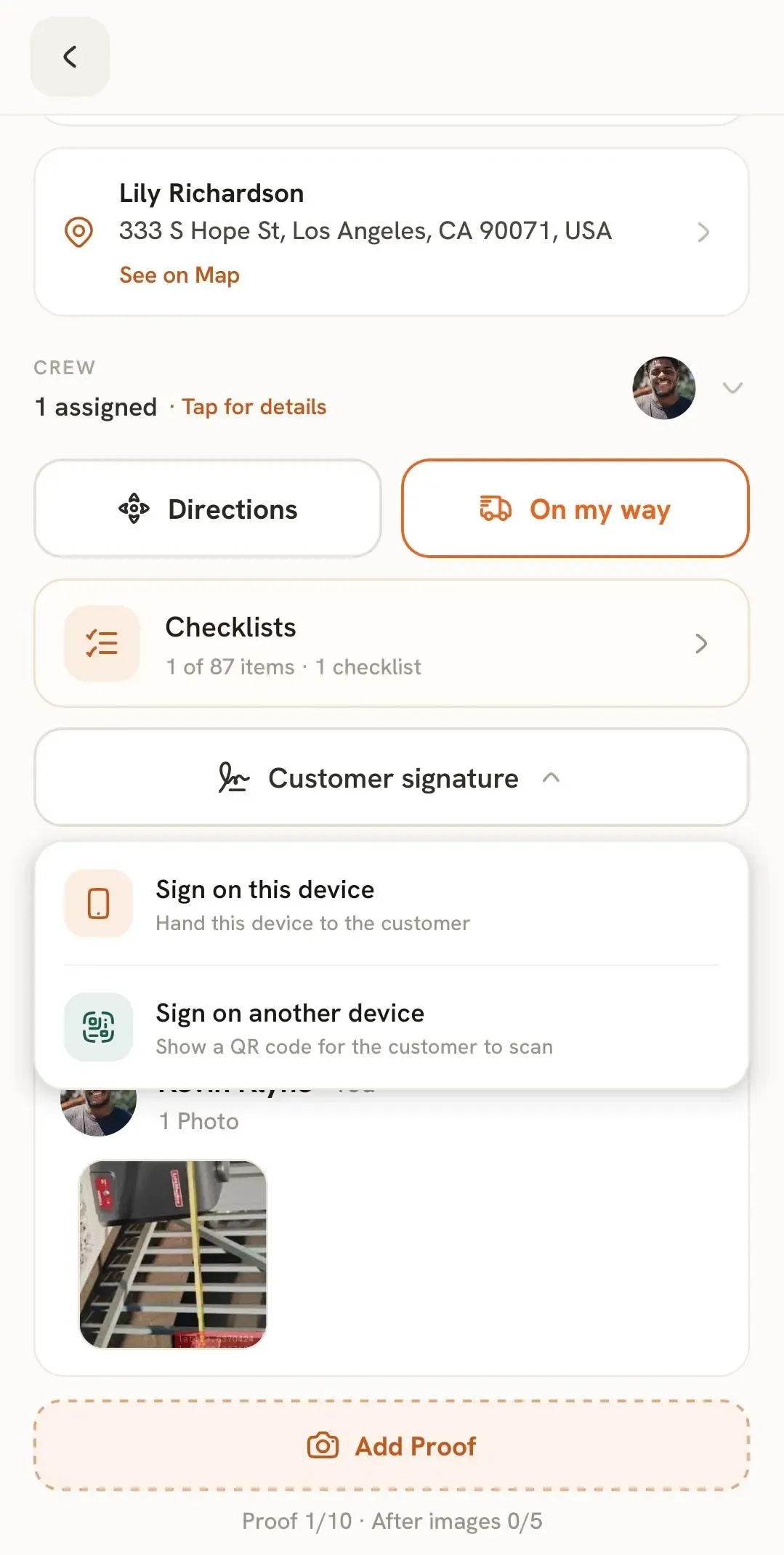
If a customer signature is required, you can collect it directly through the FieldTask Mobile App.
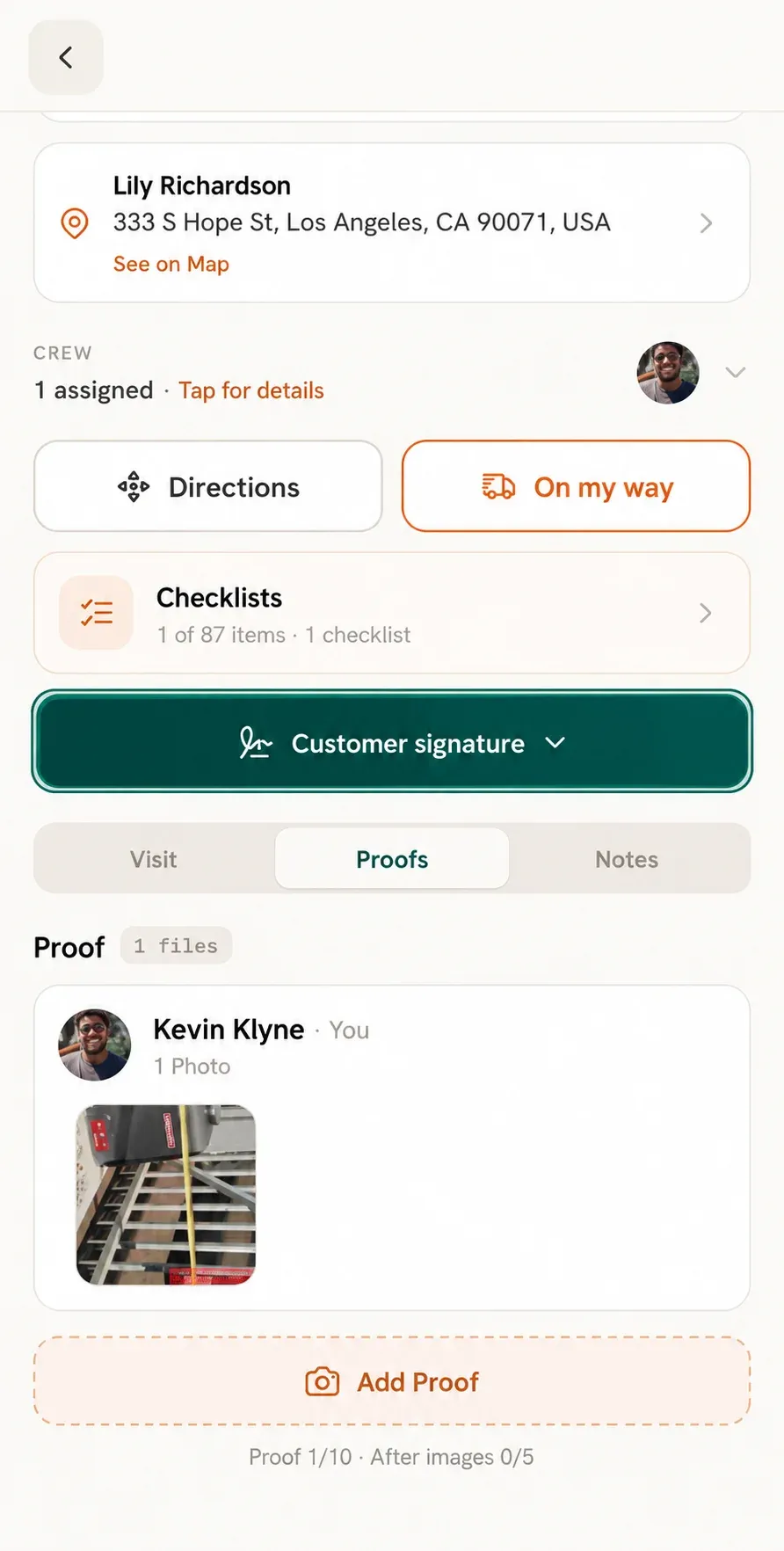
The customer can sign in either of two ways:
Once all required information and Proof have been submitted, the job can be completed through the Check Out process.
Manage dispatch, route plan, techs, quotes, invoices, and more in GHL, the only dedicated field service app for HighLevel home service businesses and contractors.
The complete FieldTask sitemap: quick links to all pages.
Learn how FieldTask supports HIPAA compliance for home health and field service teams—encryption, BAAs, access controls, and audit logging.