The HighLevel Home Service Business Management Software
Manage dispatch, route plan, techs, quotes, invoices, and more in GHL, the only dedicated field service app for HighLevel home service businesses and contractors.

Learn how to start, work on, and complete an assigned job from the FieldTask Mobile App.
To complete a job, you must first start the job from the FieldTask Mobile App.
As a Field Technician, or Member as they are called in FieldTask, you will be taken directly to the Jobs page after logging in.
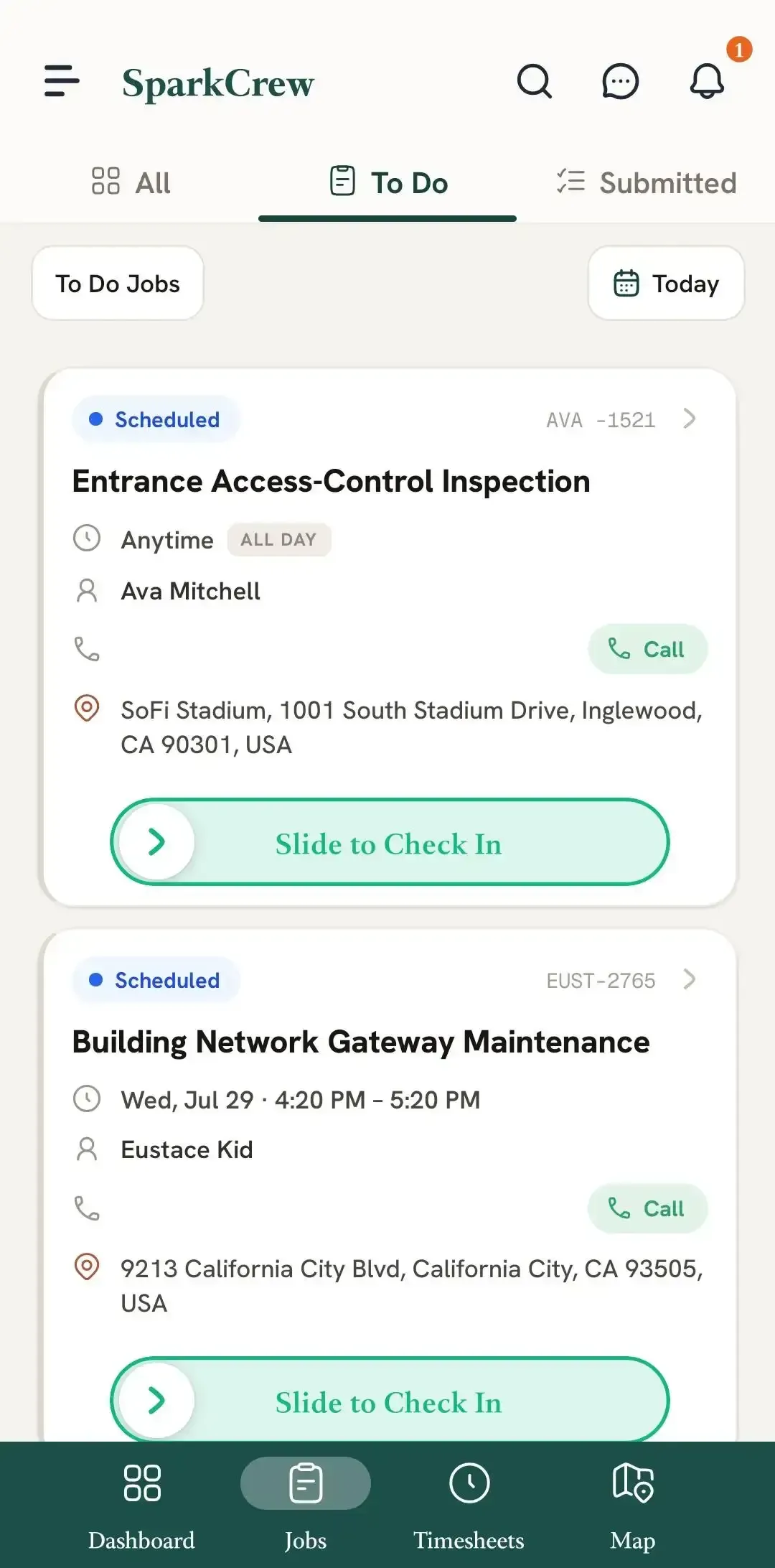
Before starting the job, open the Job Details page for the job you are heading to.
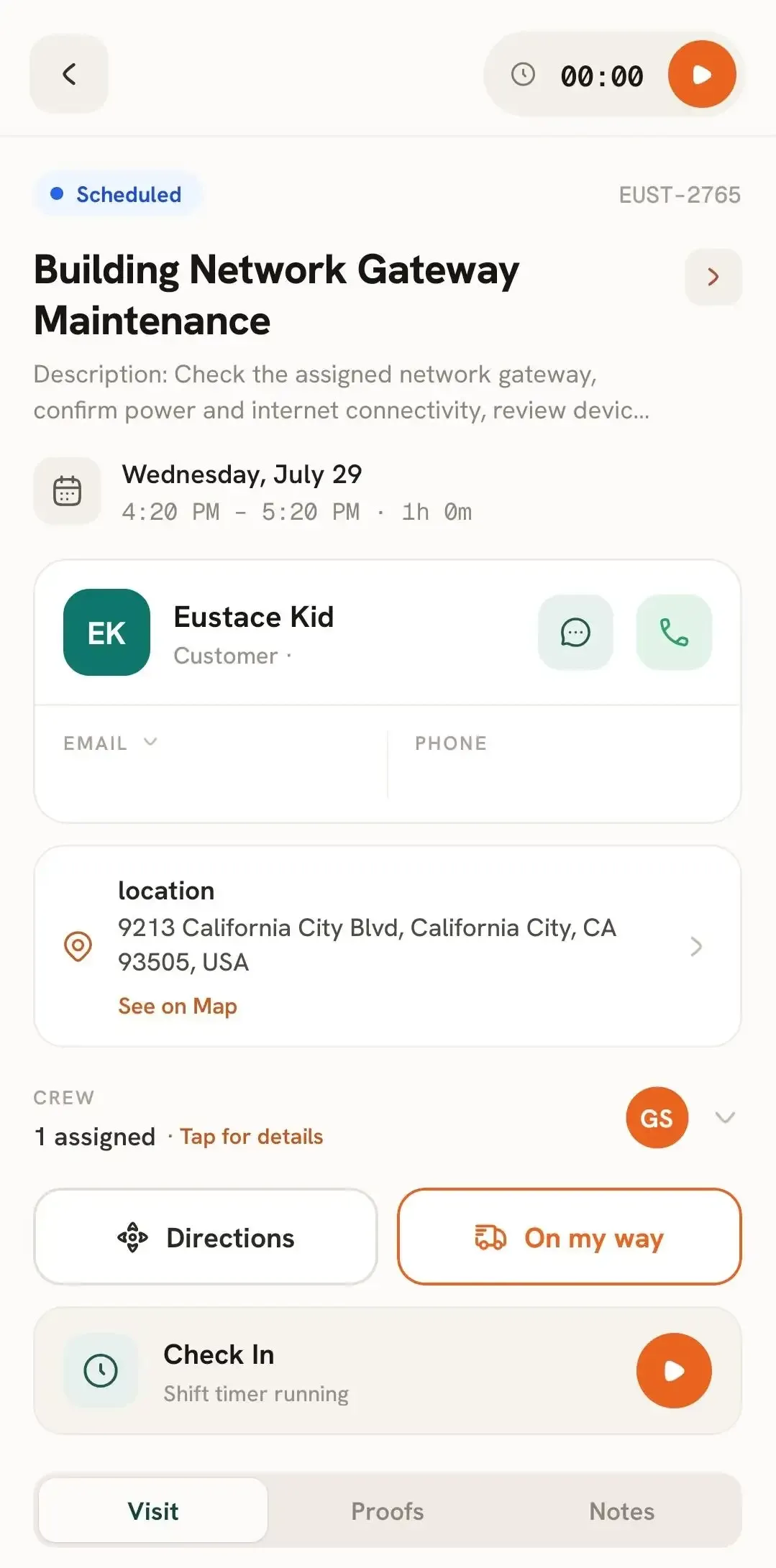
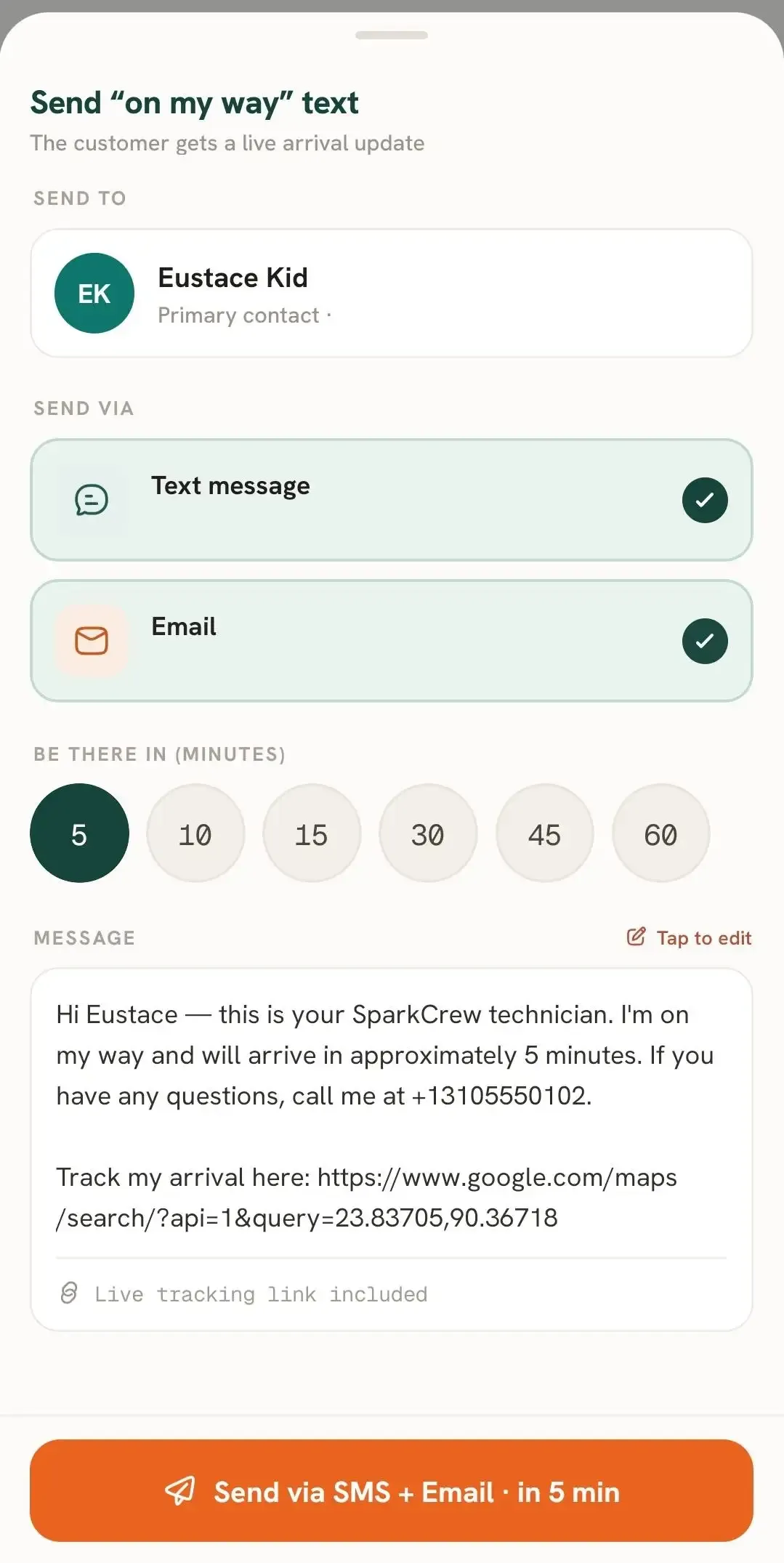
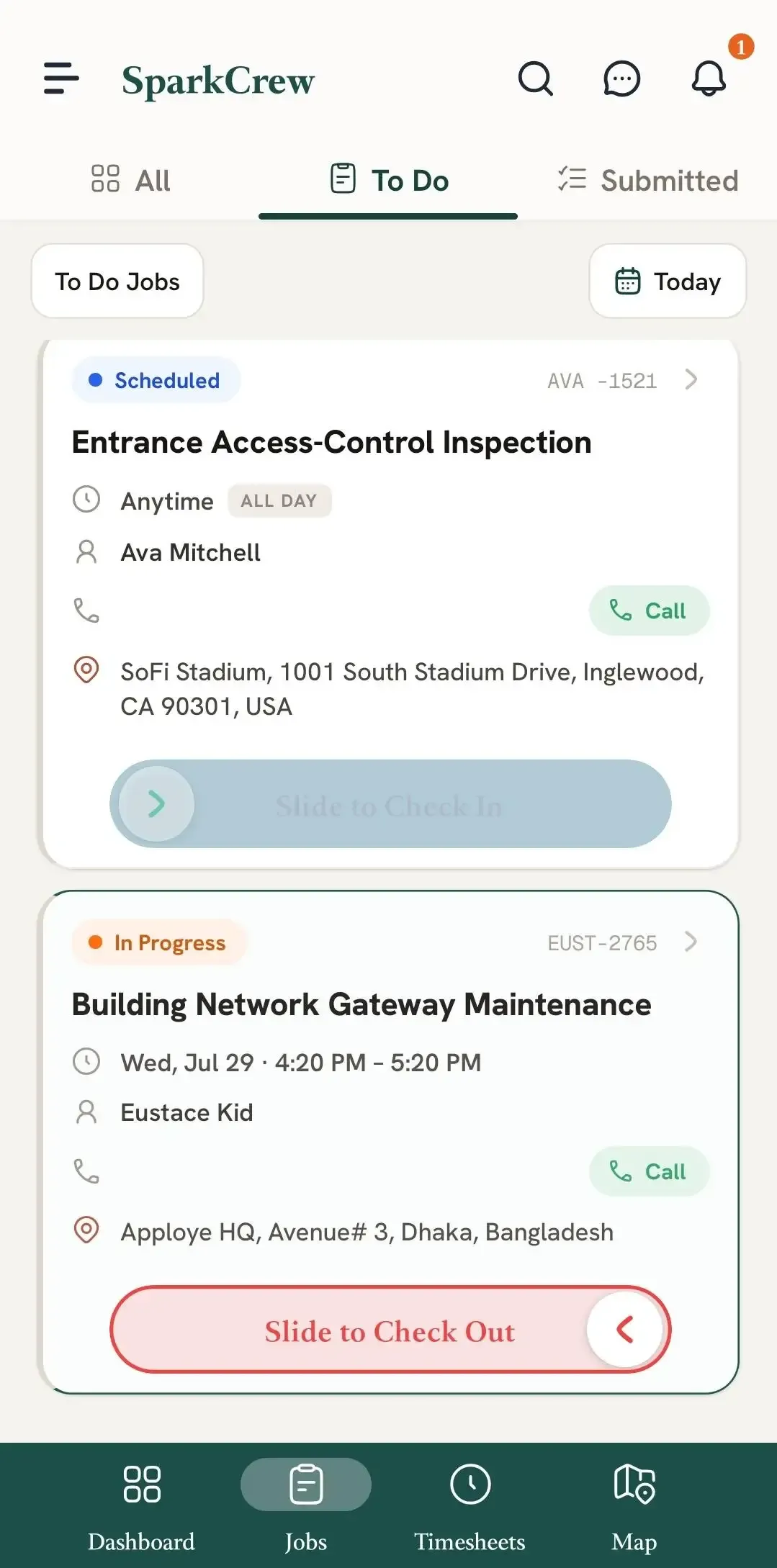
Once you arrive at the job location, check in to the job.
After checking in, you can begin your work while FieldTask tracks the job for you.
As you complete your work, mark applicable Line Items as Done.
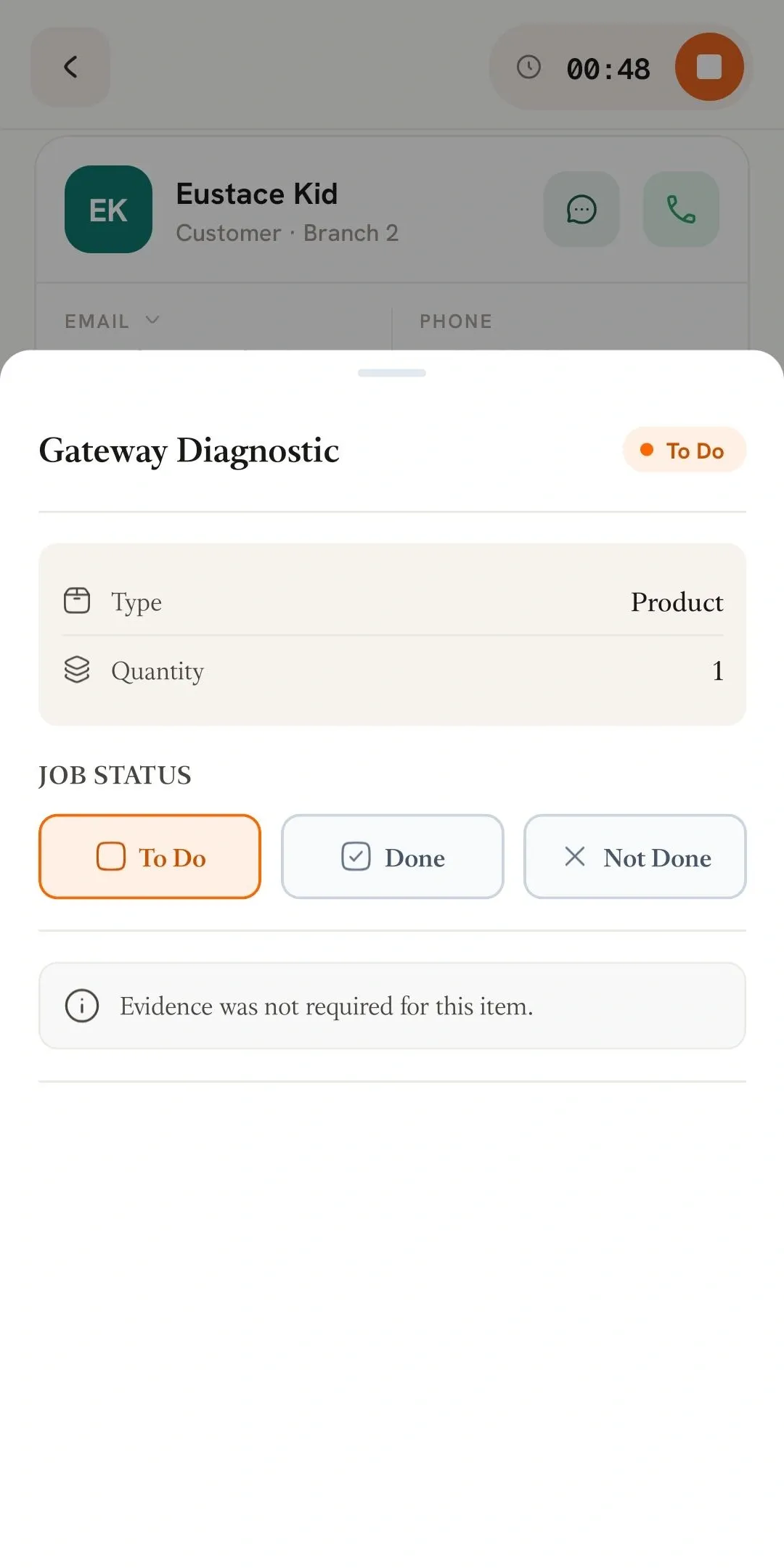
Some Line Items may require Job Proof before they can be marked as Done.
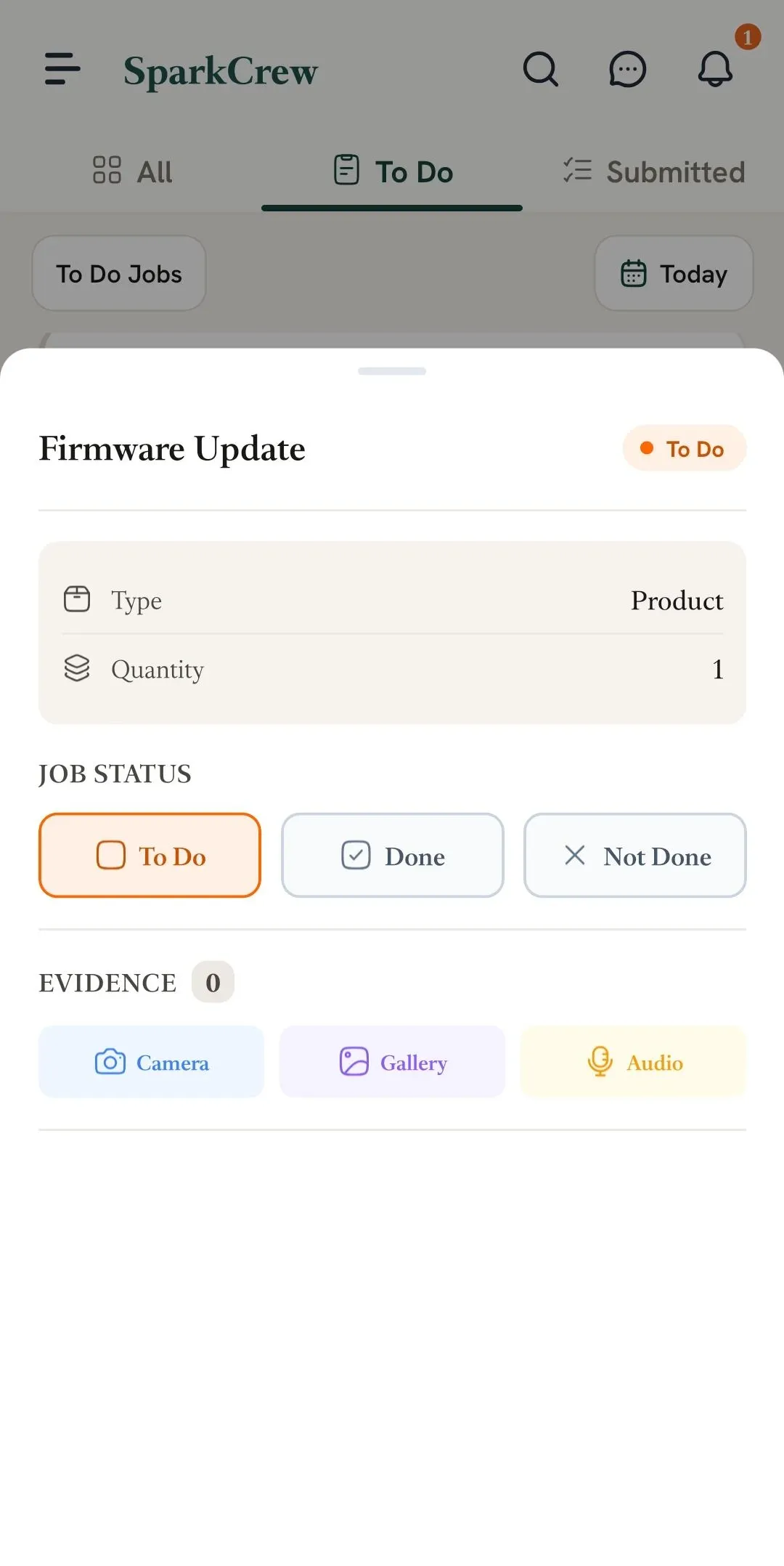
You can also submit Before Images if needed.
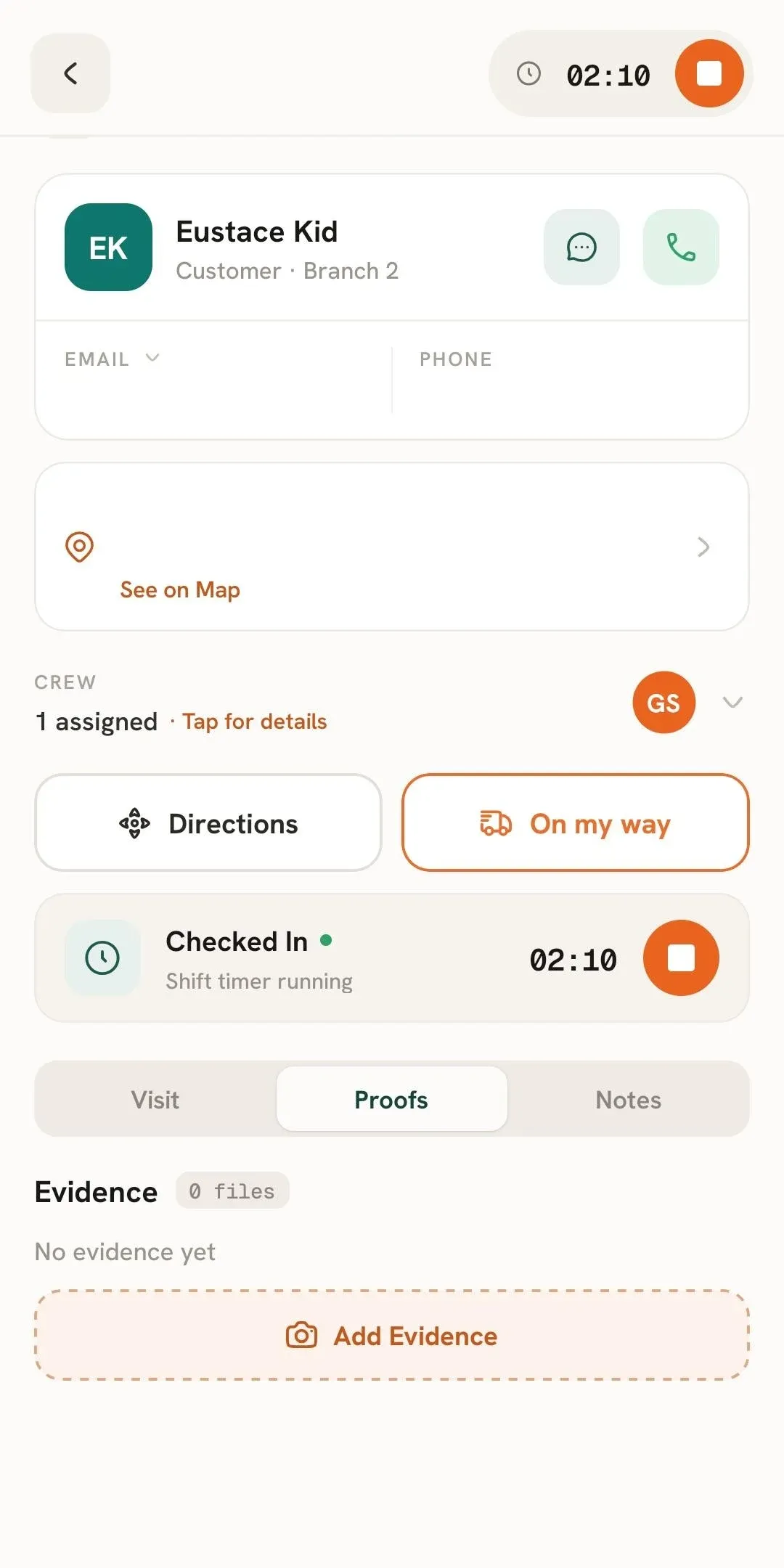
If you need to provide additional information while working, you can add Notes to the job.
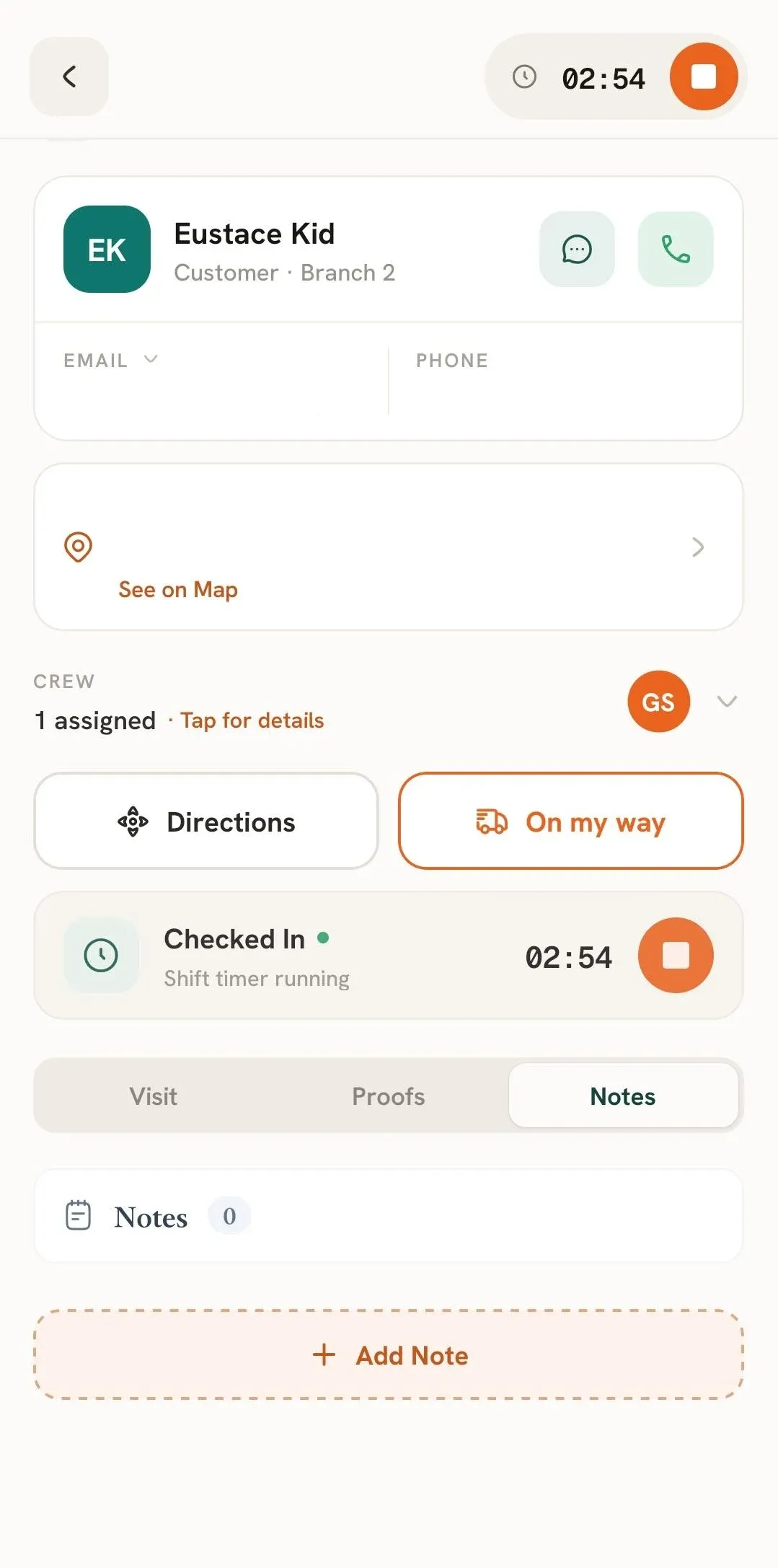
Once all of your work is finished, you can check out of the job in either of the following ways:
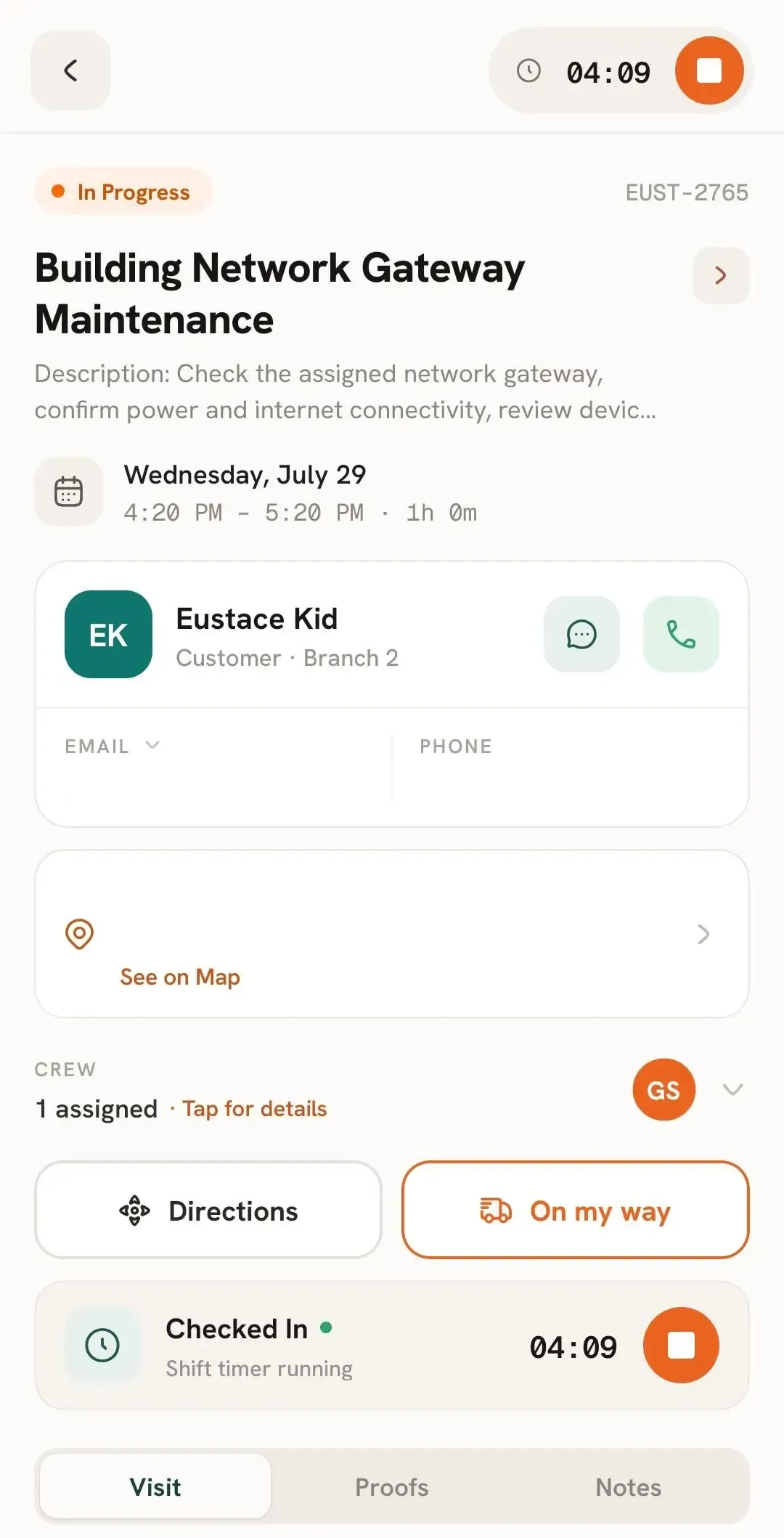
You will then be prompted to submit Job Proof to finish the process.
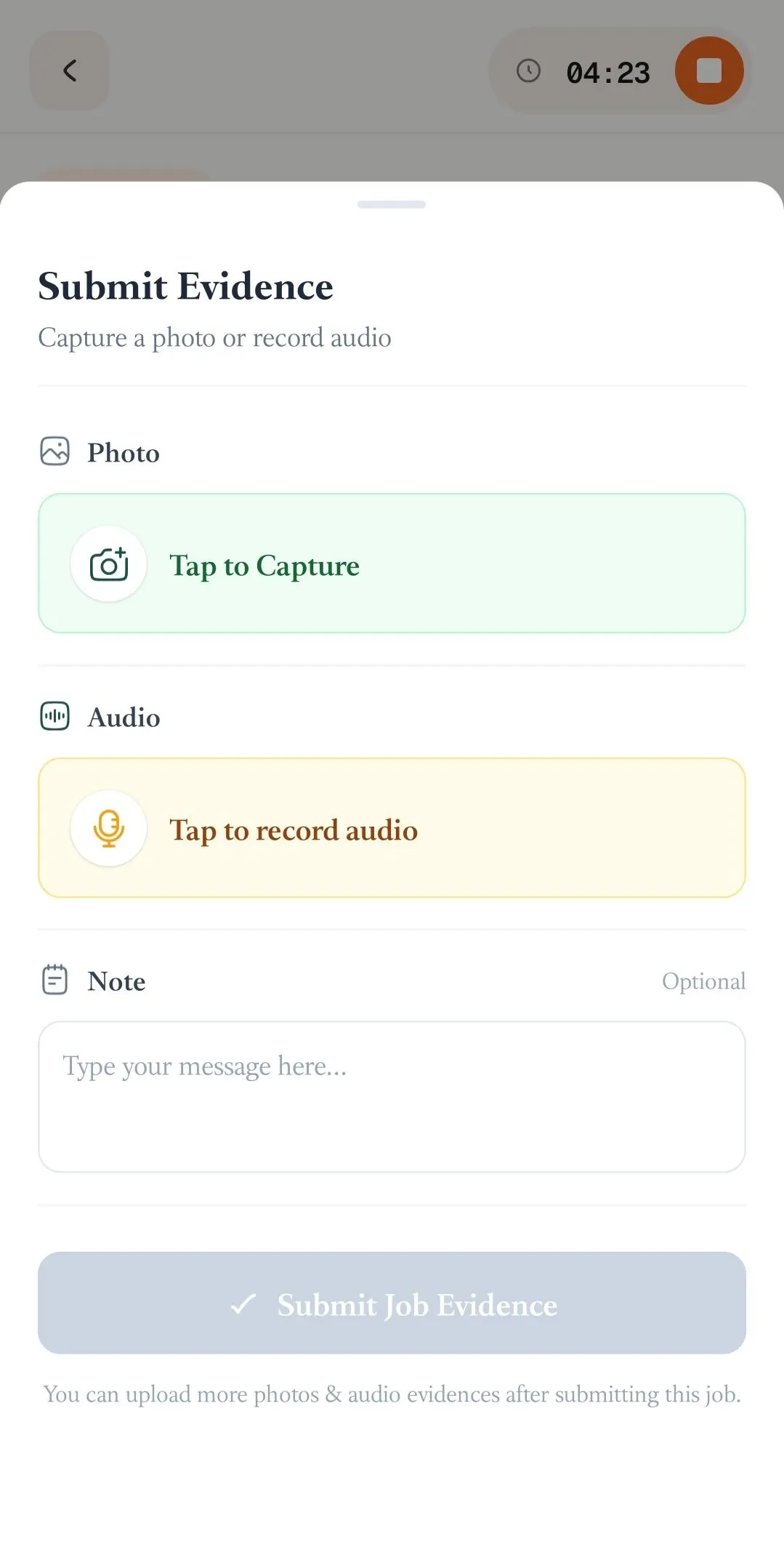
Once the required Job Proof has been submitted, the job will be marked as Complete.
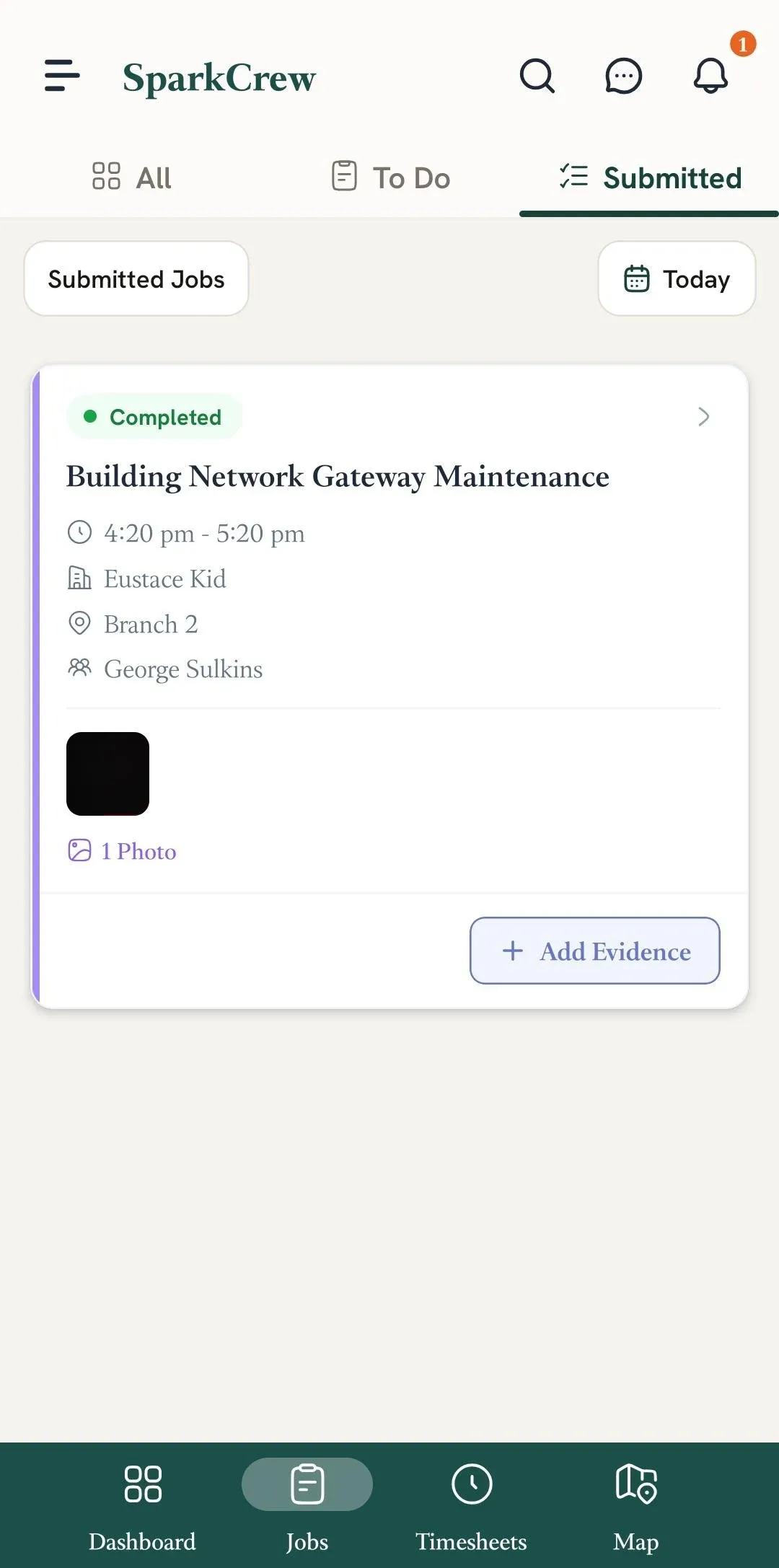
📌 Note: If you want to learn what types of Job Proof FieldTask accepts, follow this article.
Manage dispatch, route plan, techs, quotes, invoices, and more in GHL, the only dedicated field service app for HighLevel home service businesses and contractors.
The complete FieldTask sitemap: quick links to all pages.
Learn how FieldTask supports HIPAA compliance for home health and field service teams—encryption, BAAs, access controls, and audit logging.