The HighLevel Home Service Business Management Software
Manage dispatch, route plan, techs, quotes, invoices, and more in GHL, the only dedicated field service app for HighLevel home service businesses and contractors.
No image available
Learn how to create and assign jobs in FieldTask and how jobs sync with appointments in HighLevel.
In HighLevel, scheduled work appears as Appointments. In FieldTask, these are handled as Jobs.
FieldTask supports direct syncing between HighLevel Appointments and FieldTask Jobs. As long as the relevant sync is enabled, appointment information can be brought into FieldTask automatically, including:
The sync also works the other way around. Jobs created in FieldTask can appear on the corresponding HighLevel calendar.
You can access the Job Creation form from several places in FieldTask:
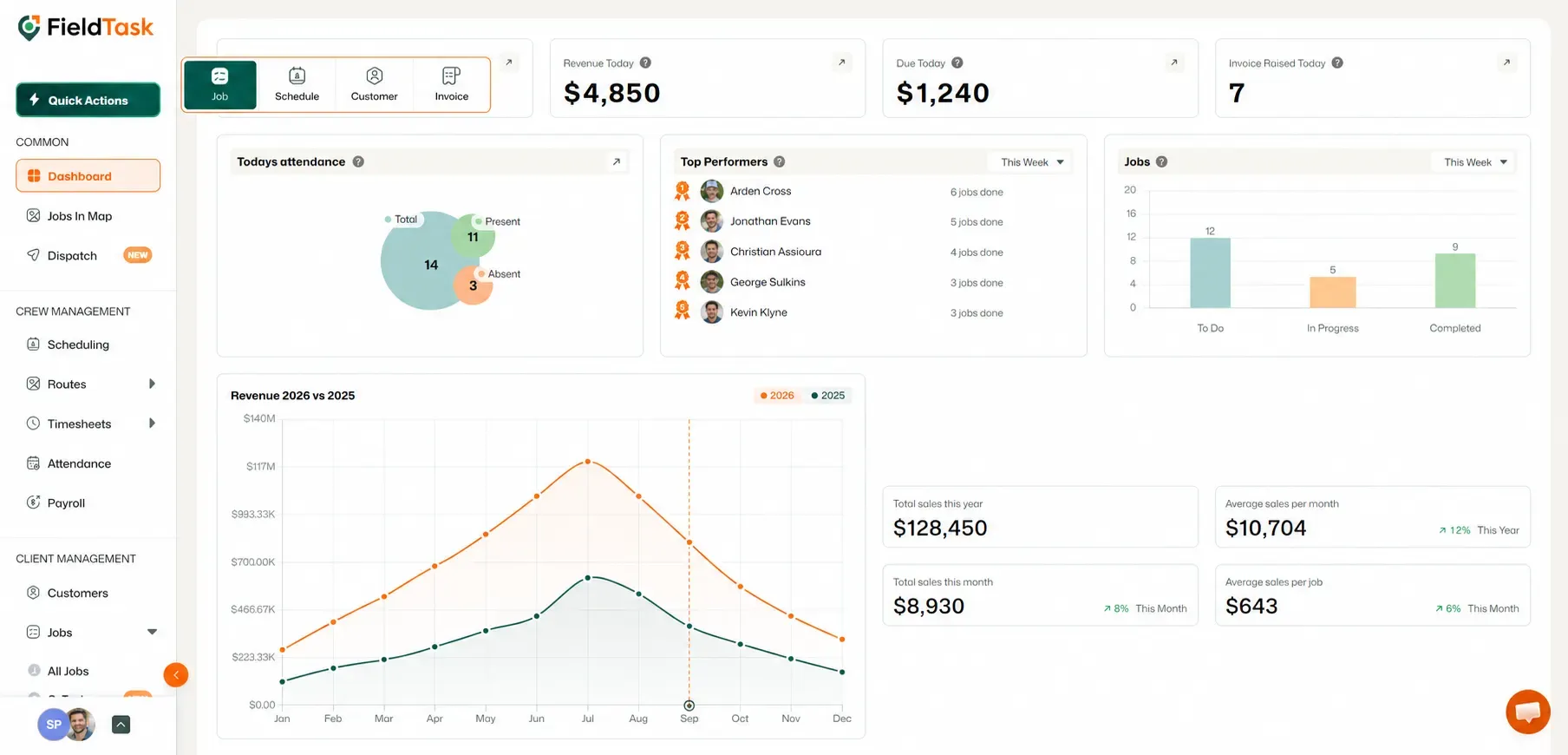
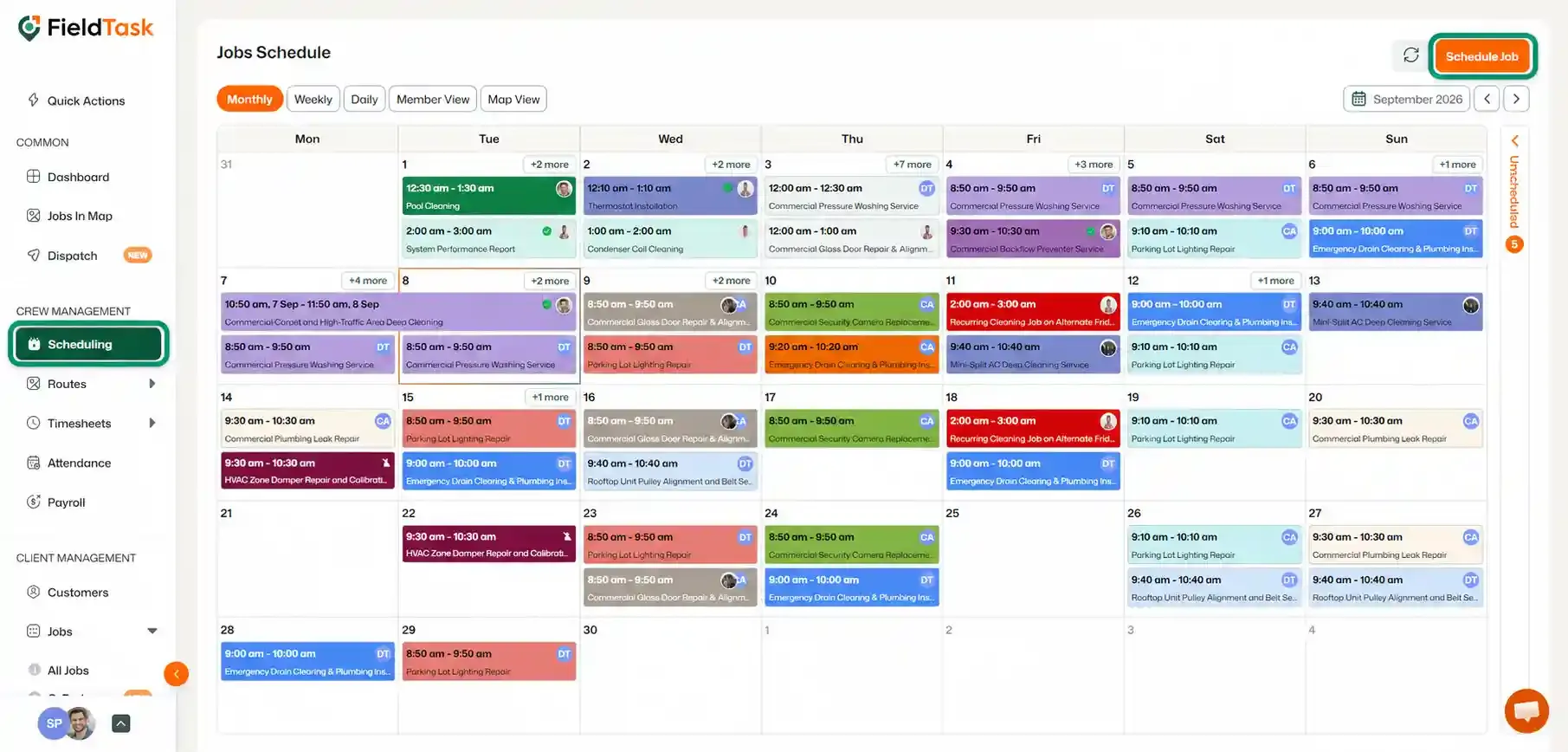
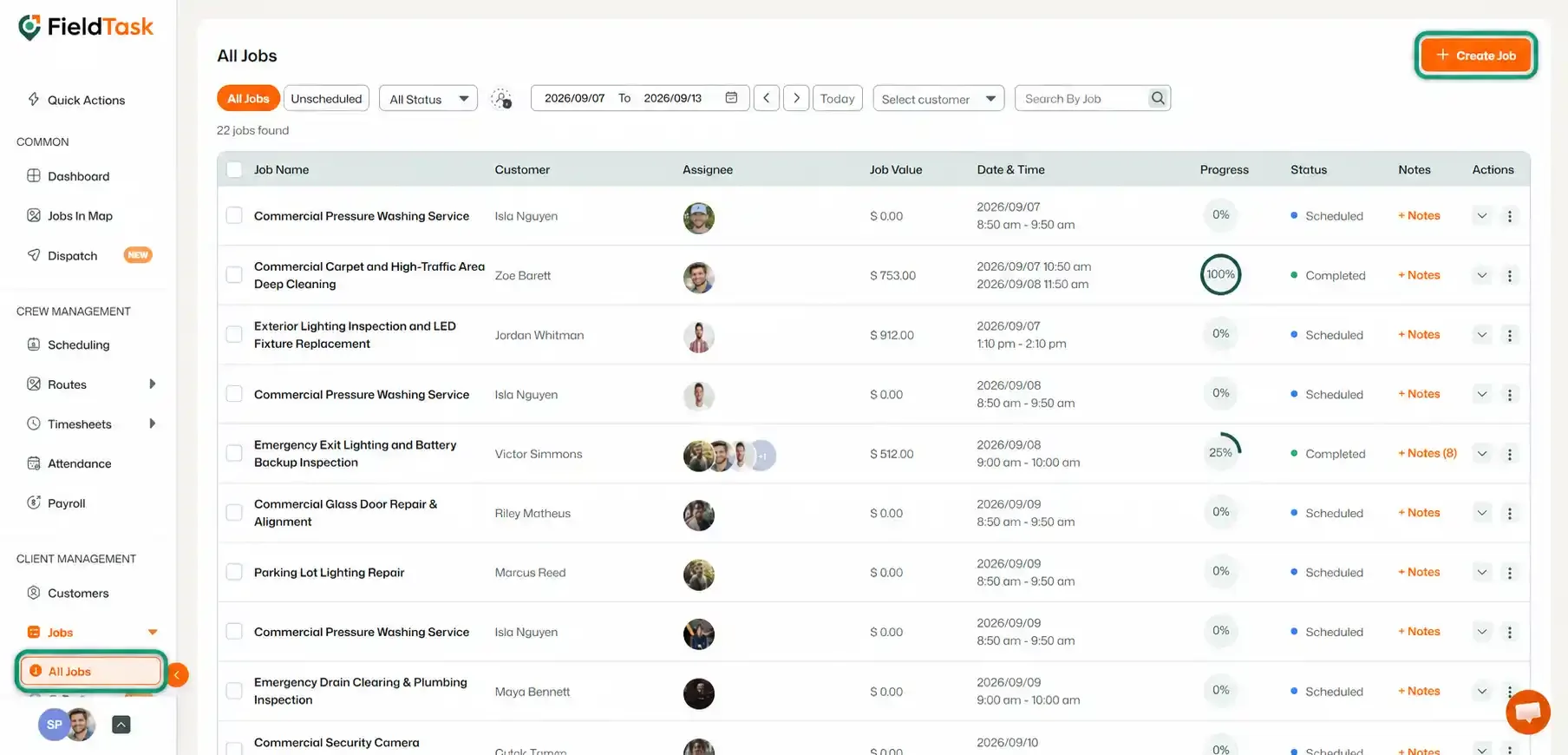
Regardless of which option you use, the same Job Creation form will open.
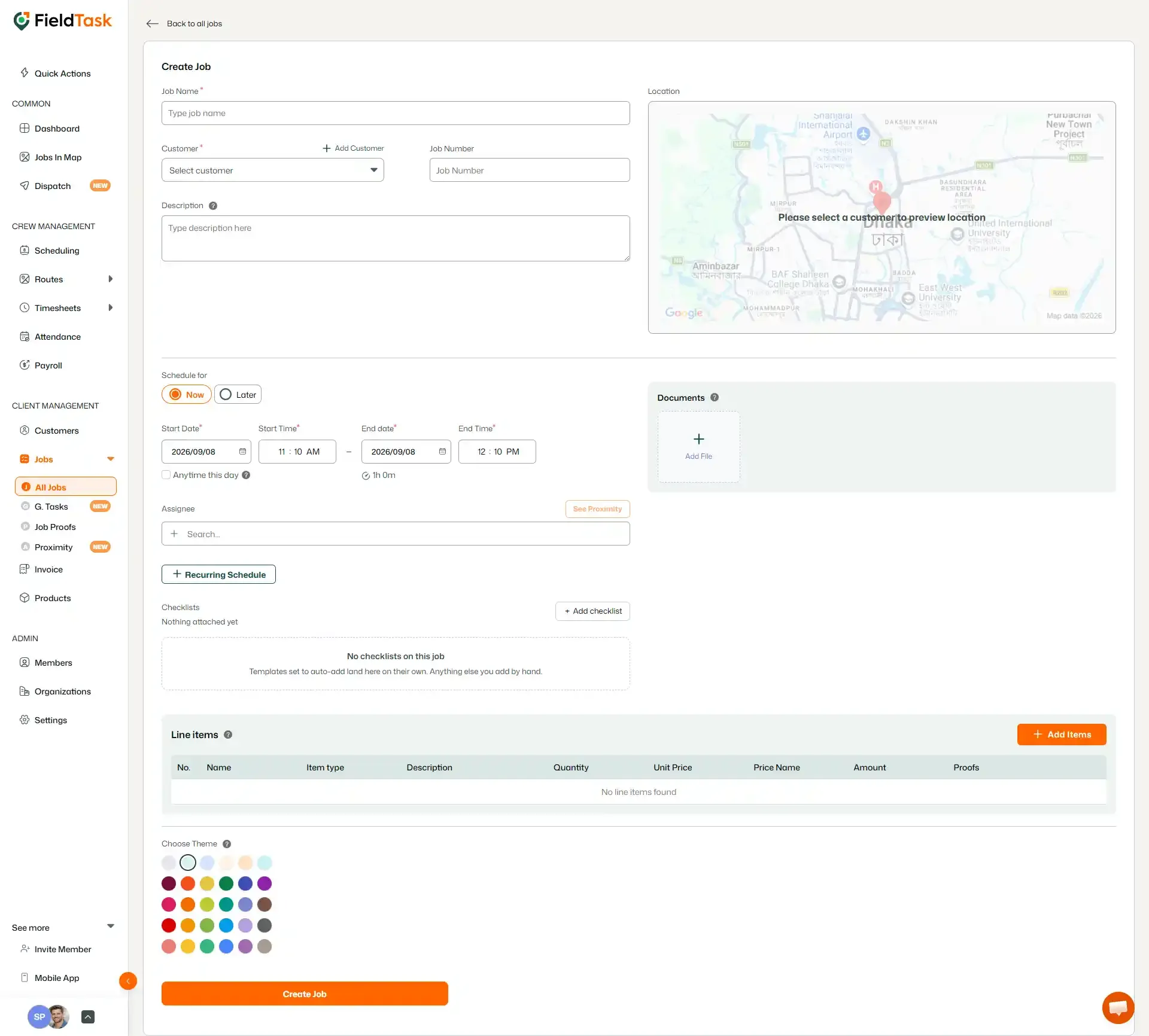
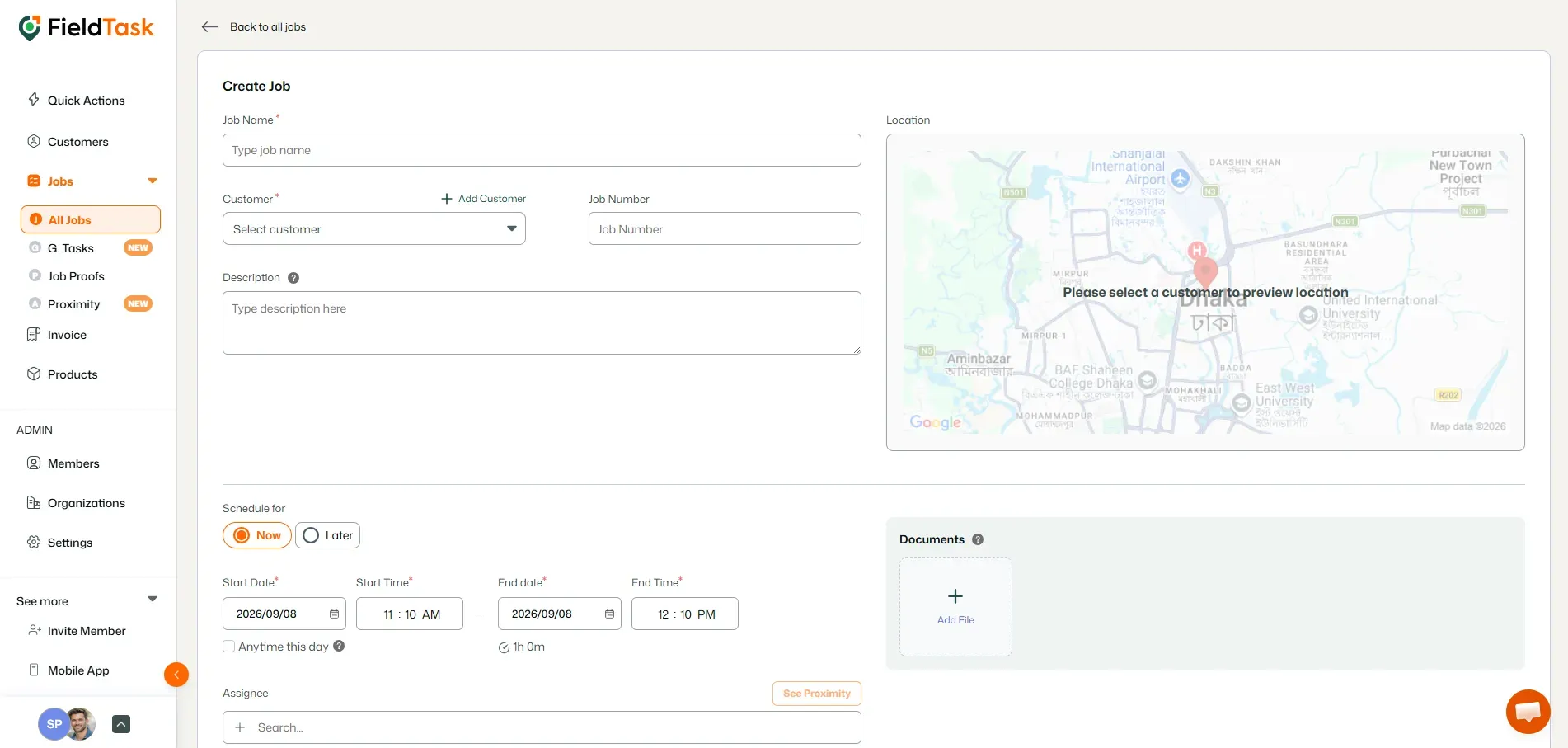
Once the Job Creation form loads, provide the following information:
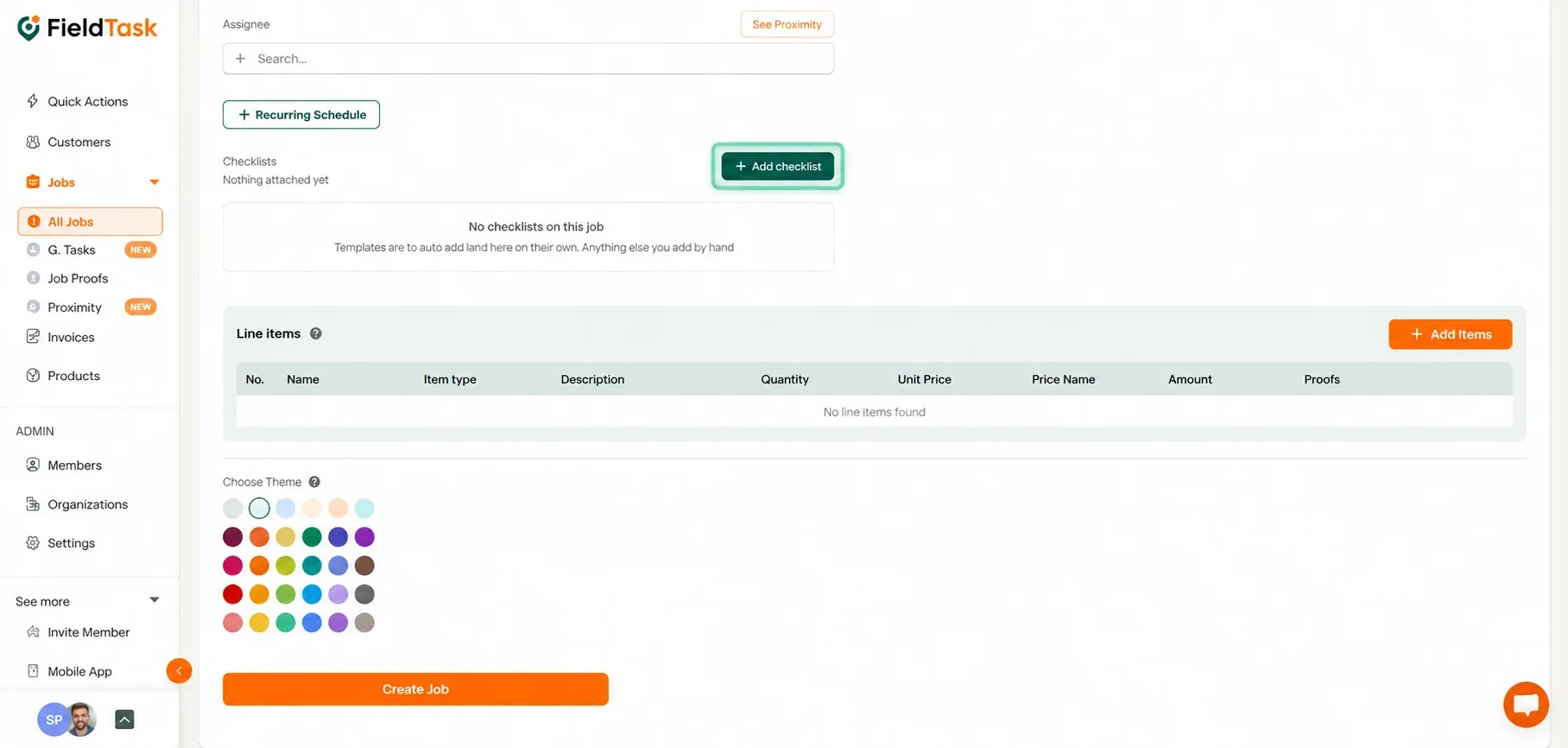
You can attach a Checklist to the job if your assignee needs to complete a specific set of tasks or provide information while working.
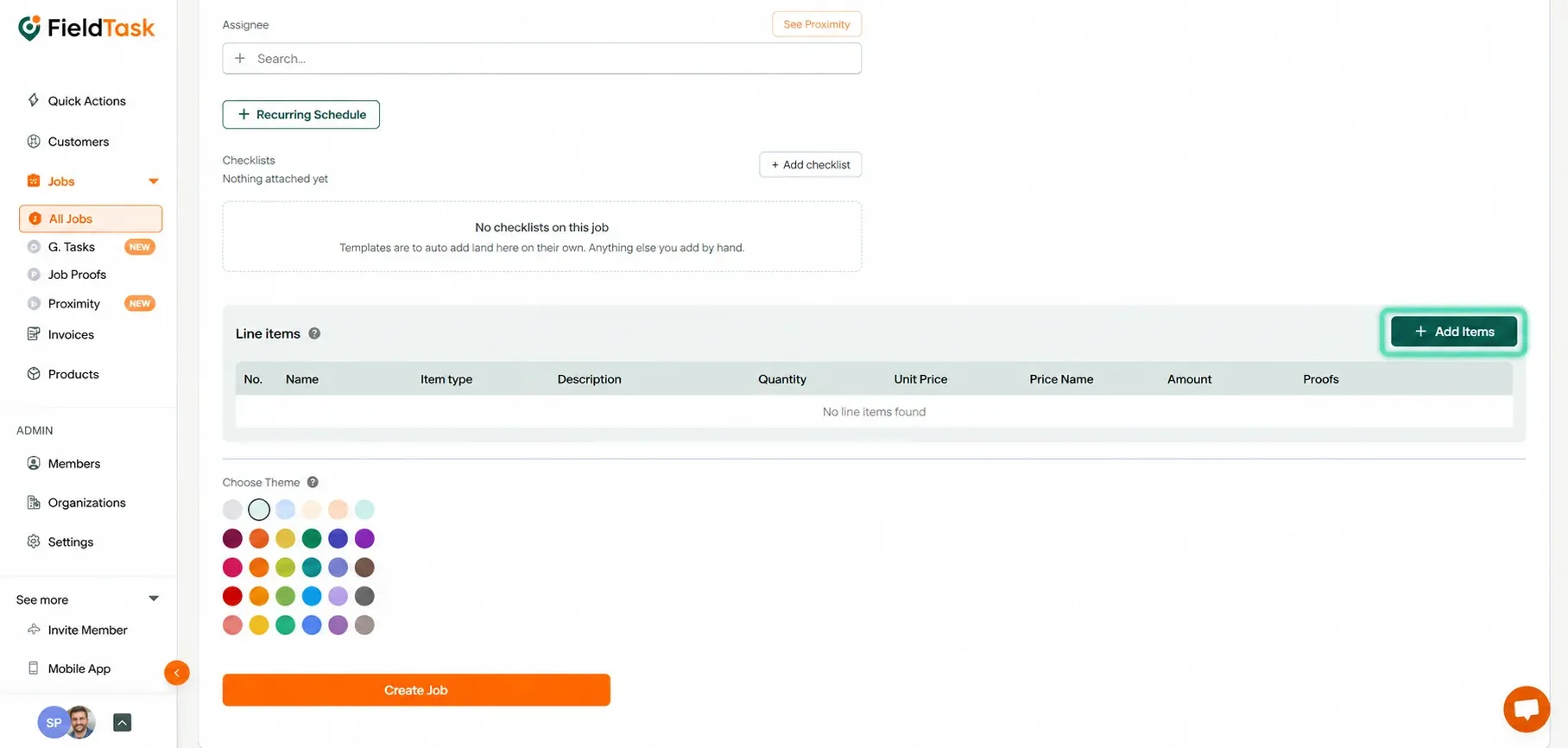
You can also add Line Items during job creation.
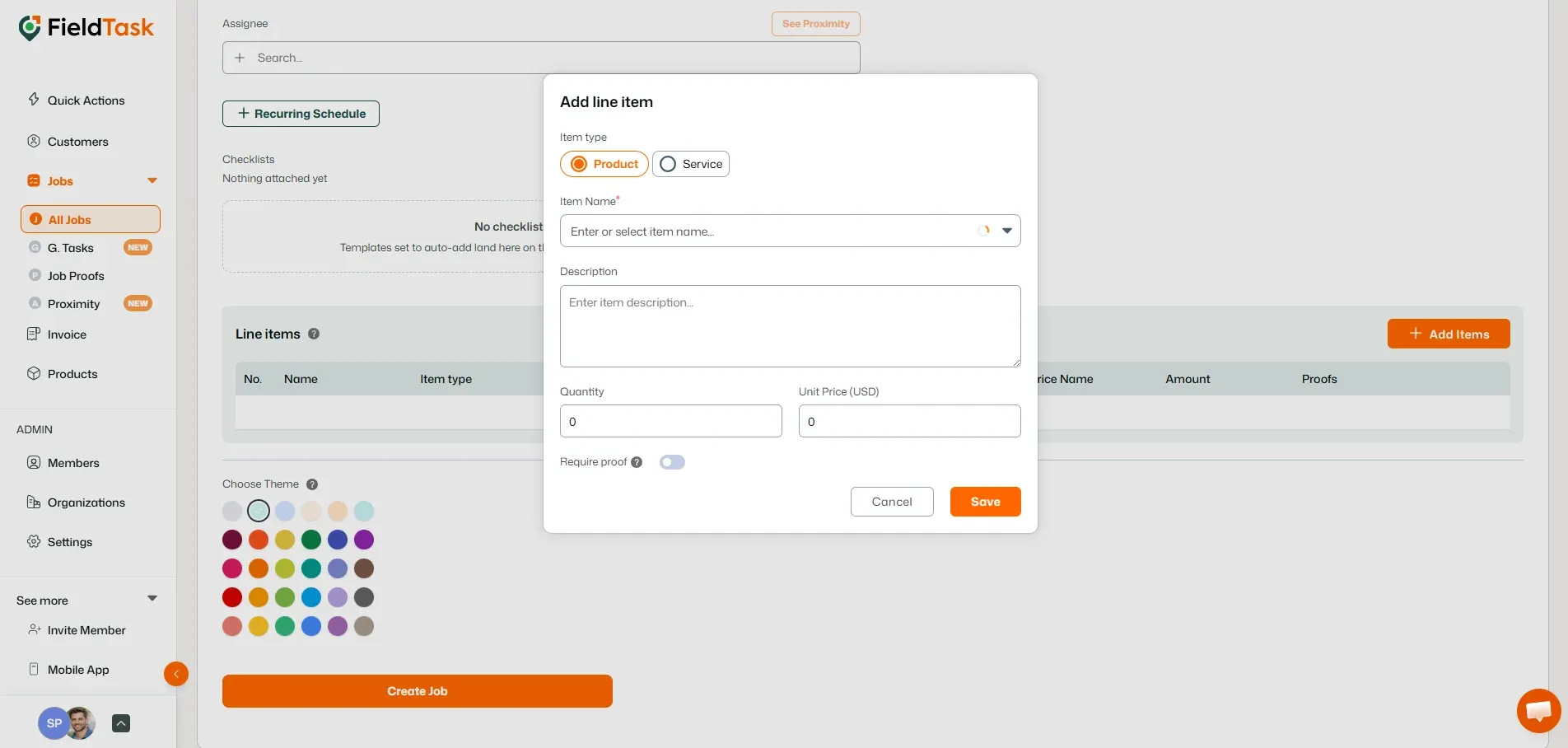
For each Line Item, you can choose whether Job Proof must be submitted for that item.
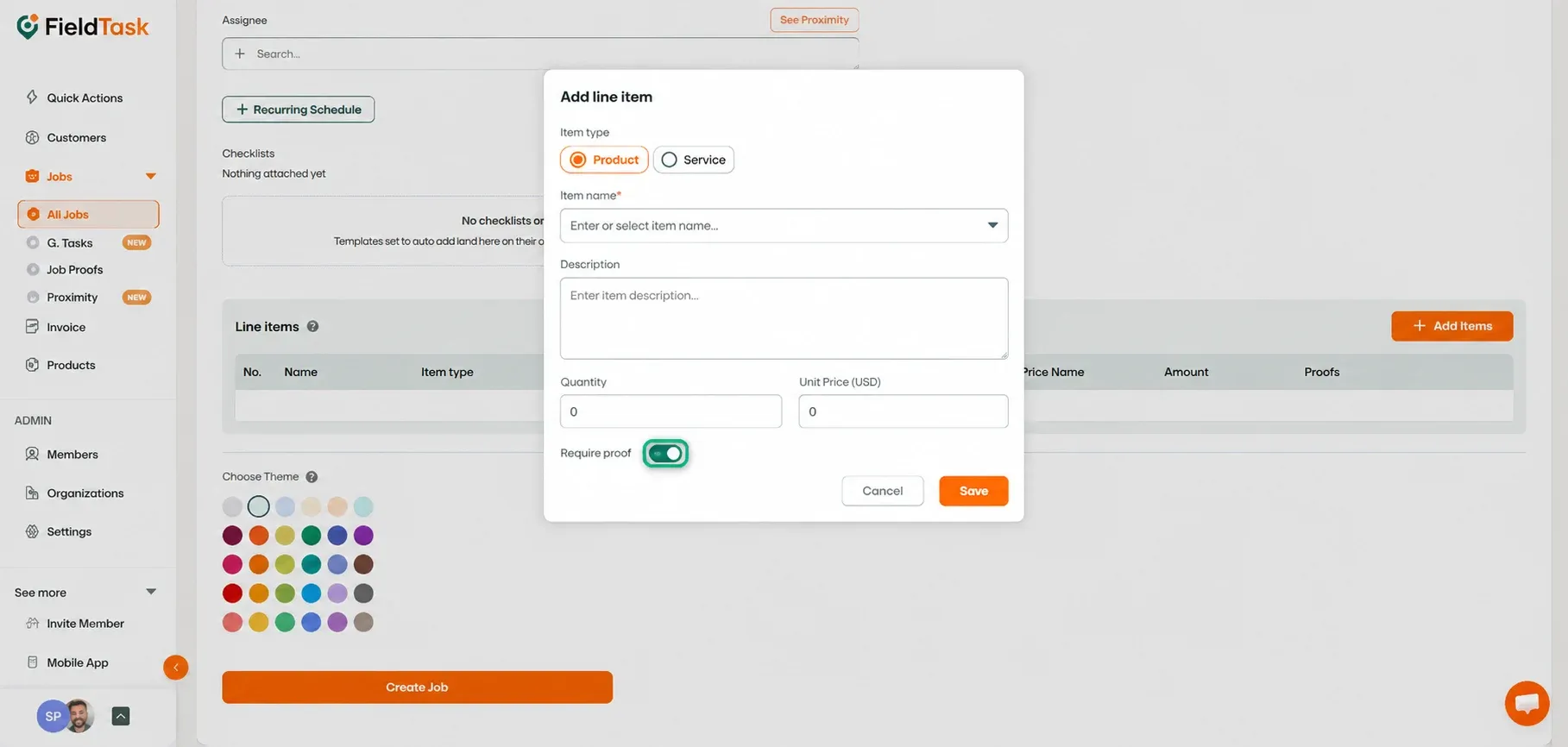
This allows you to require evidence for specific products, services, or tasks before they can be completed.
Once all of the job information has been added:
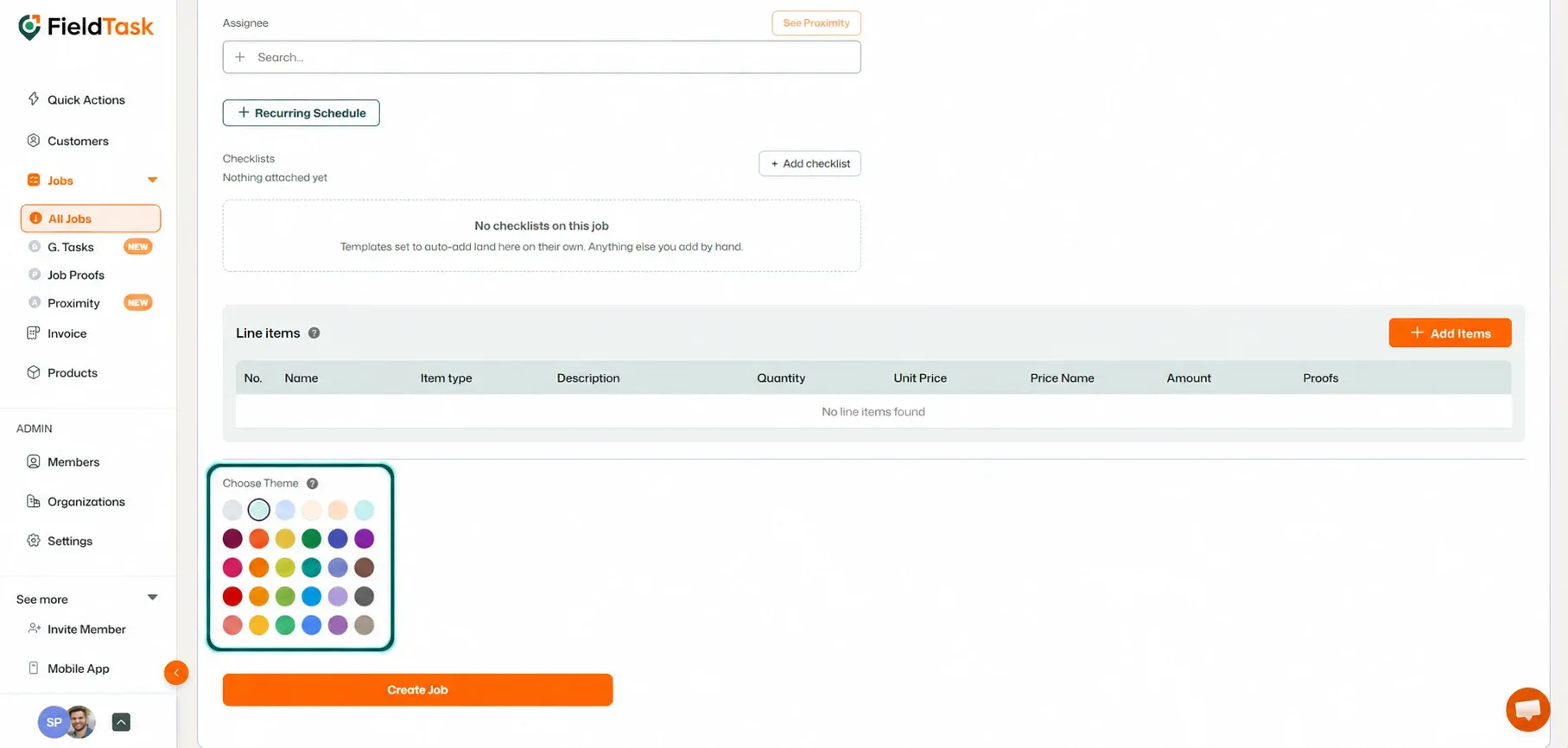
The job will then be created and assigned to the selected Member.
📌 Note: Assigned Members will receive a notification through the FieldTask Mobile App.
Manage dispatch, route plan, techs, quotes, invoices, and more in GHL, the only dedicated field service app for HighLevel home service businesses and contractors.
The complete FieldTask sitemap: quick links to all pages.
Learn how FieldTask supports HIPAA compliance for home health and field service teams—encryption, BAAs, access controls, and audit logging.