The HighLevel Home Service Business Management Software
Manage dispatch, route plan, techs, quotes, invoices, and more in GHL, the only dedicated field service app for HighLevel home service businesses and contractors.
No image available
Learn how to create a recurring job and configure how often it repeats in FieldTask.
FieldTask allows you to create recurring jobs that automatically repeat according to a schedule you define. You can create a recurring job from several areas of the platform:
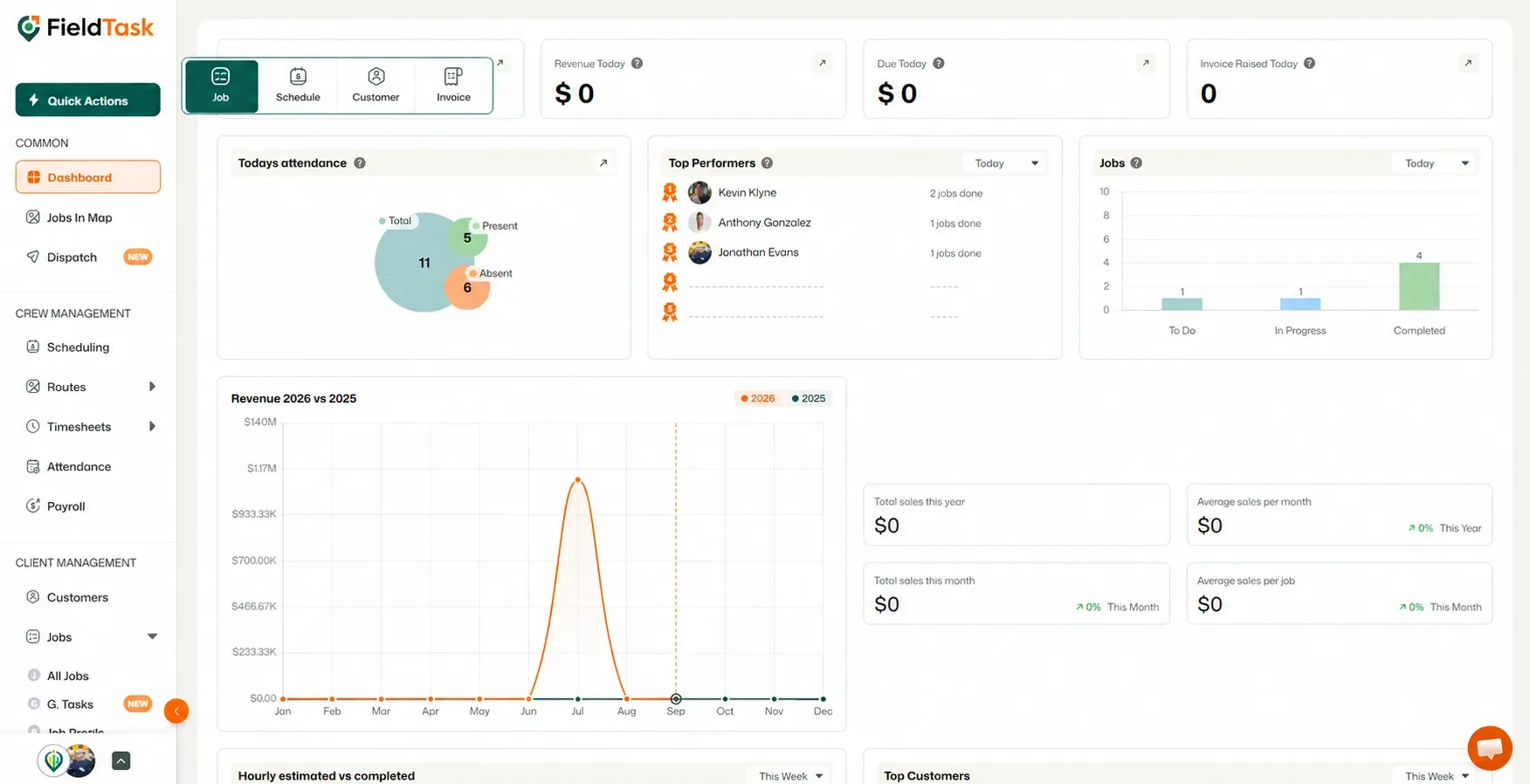
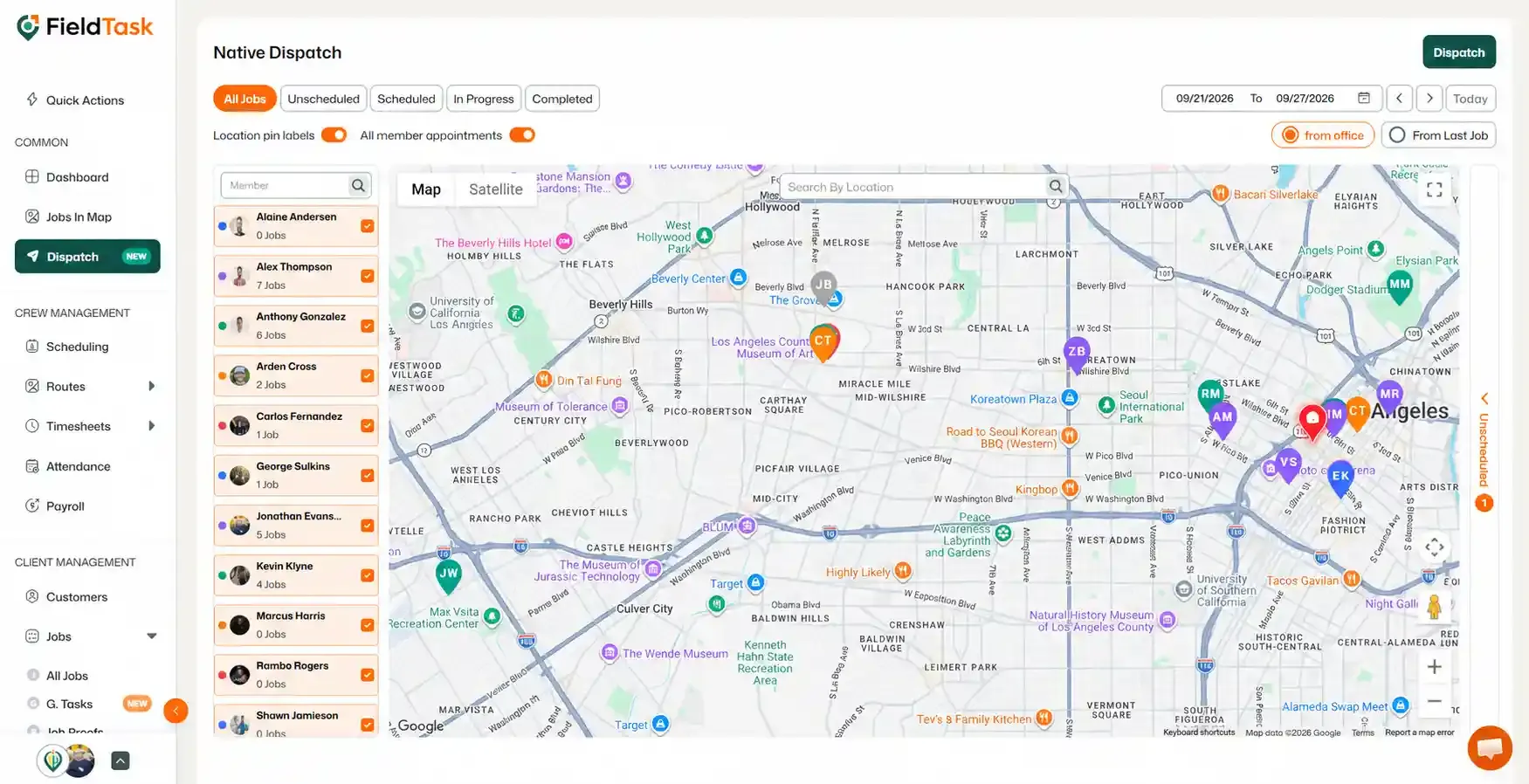
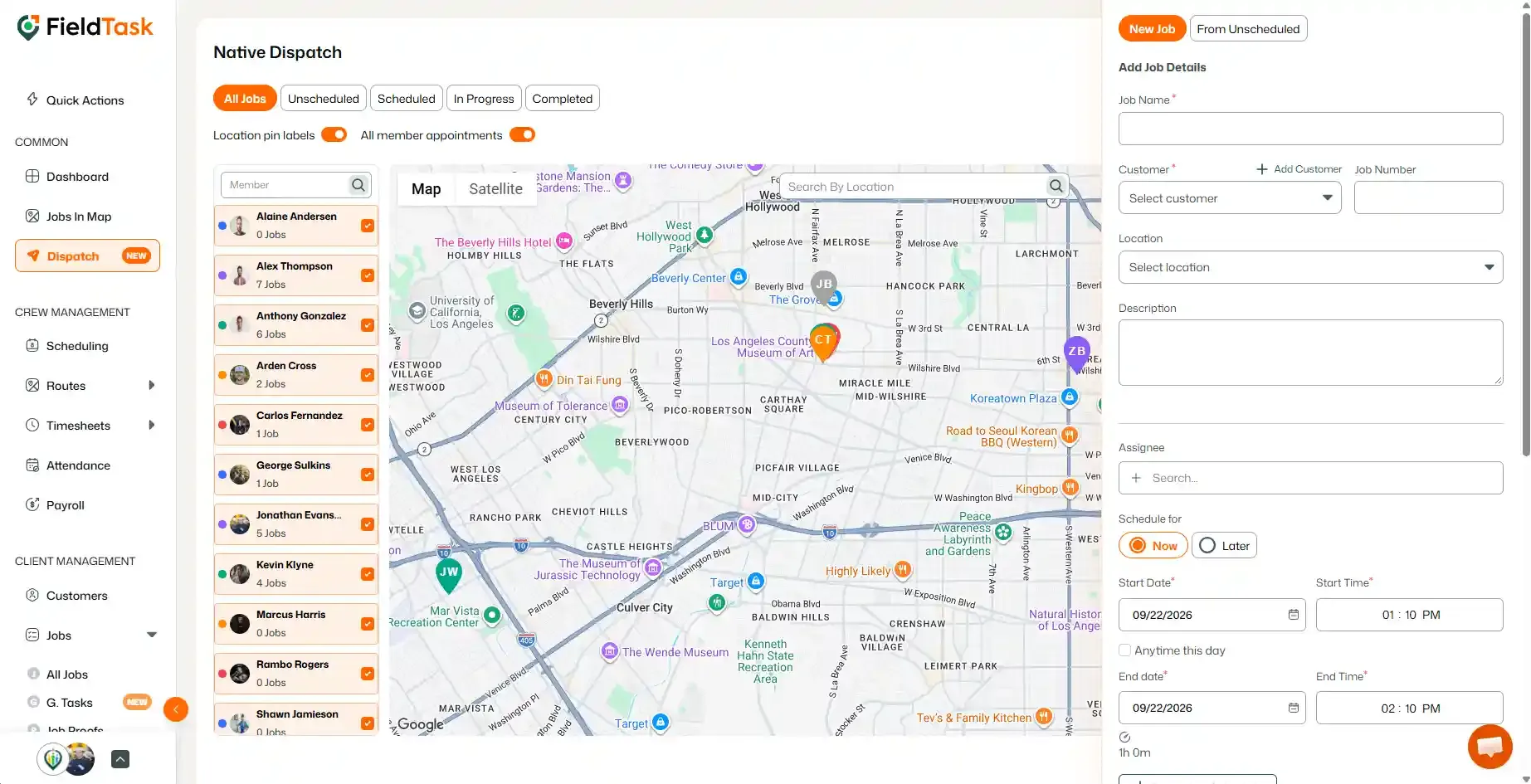
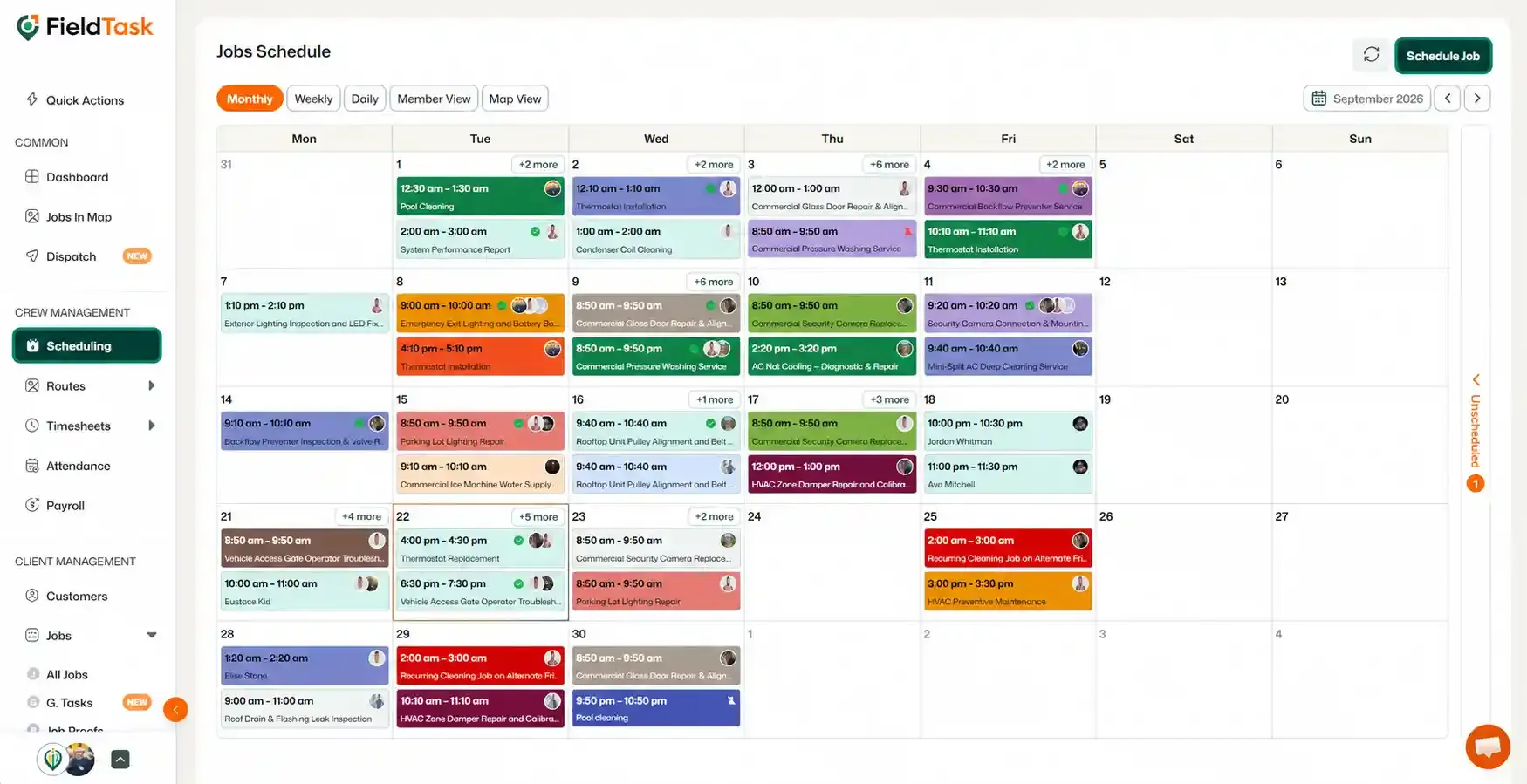
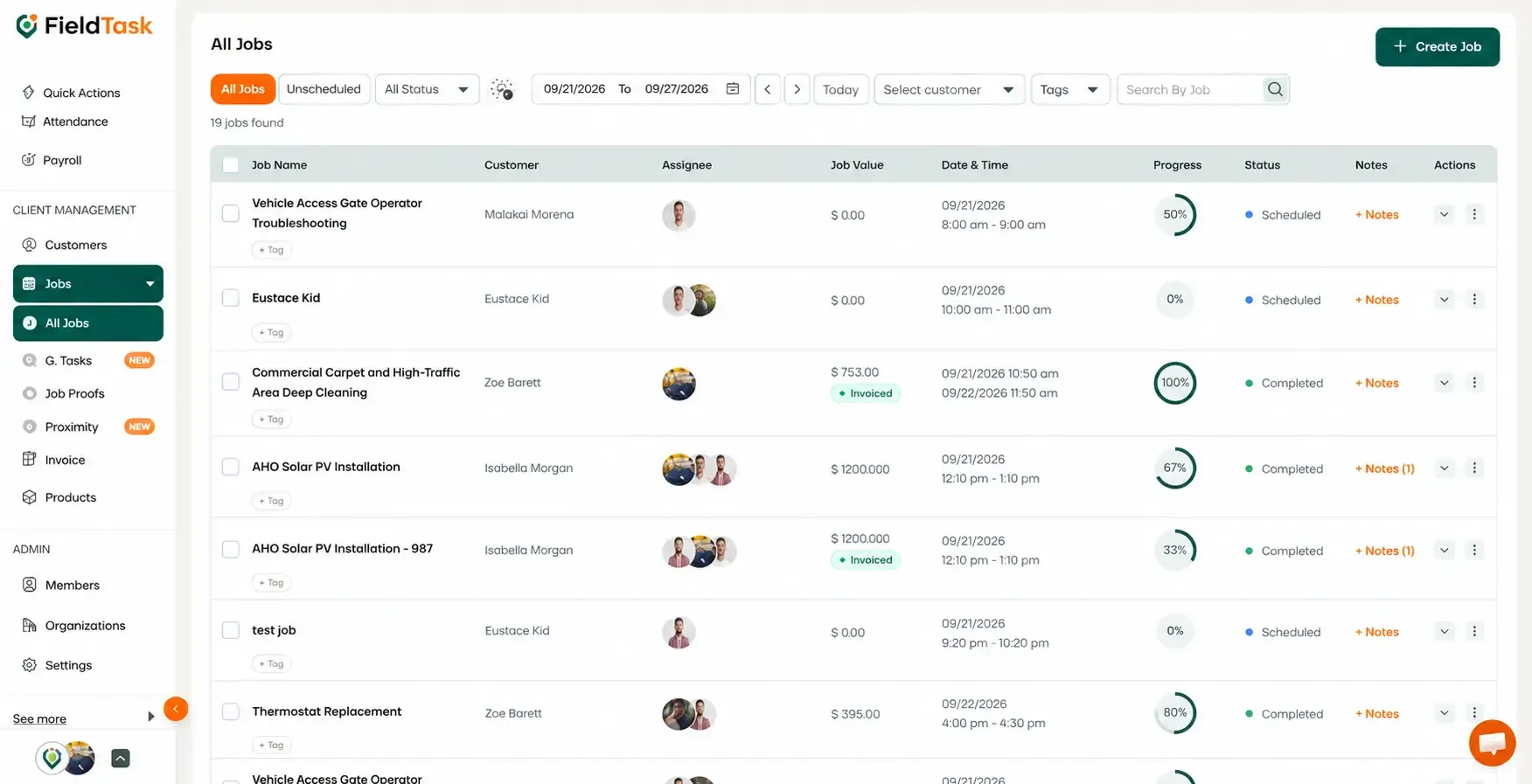
Regardless of where you start, you will be taken to the same Job Creation form.
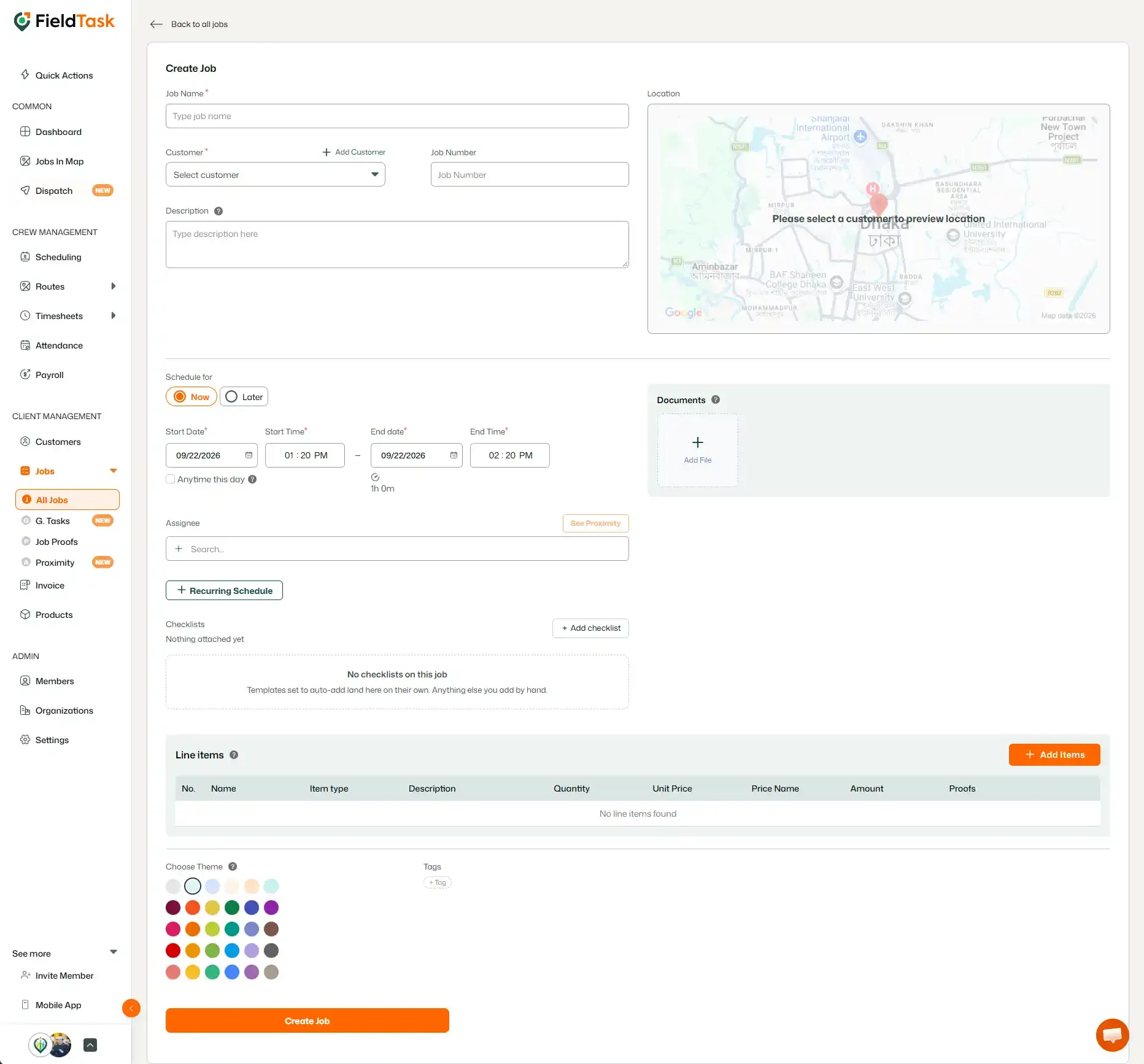
Fill out the Job Creation form as you would when creating a single-day job. The difference is that you will need to configure a Recurring Schedule for the job.
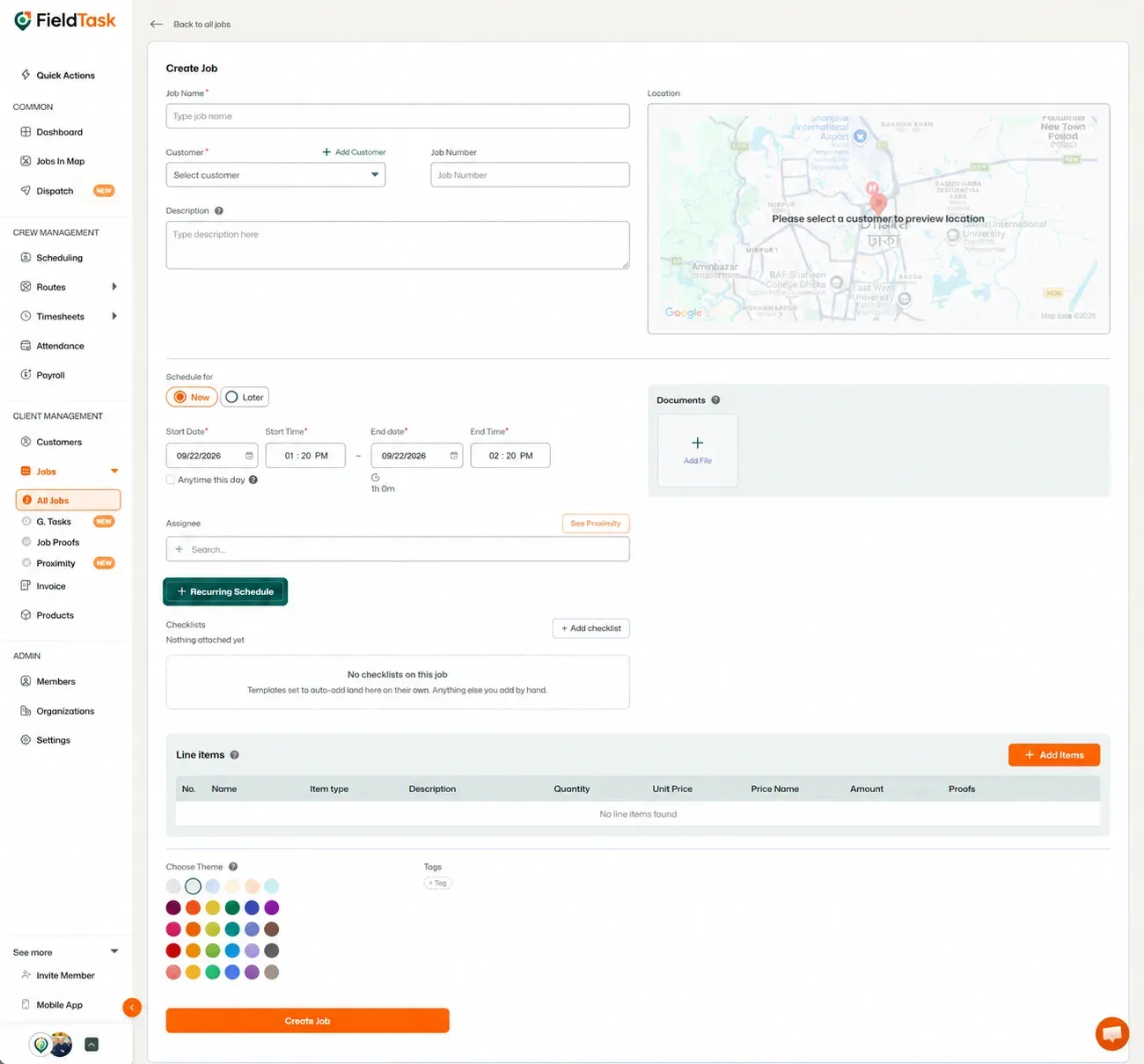
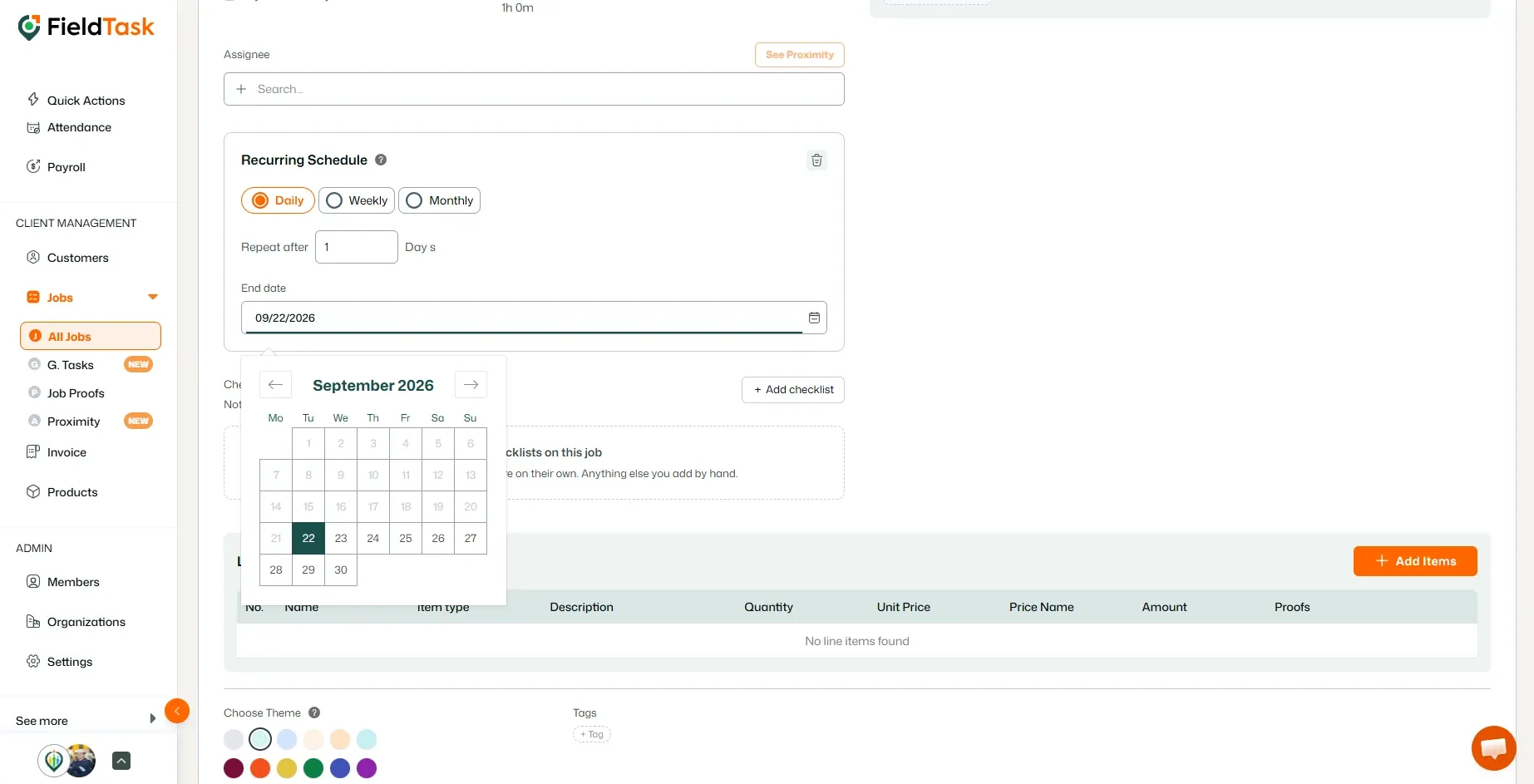
You can then configure how and when the job should repeat.
FieldTask gives you three recurrence methods:
For a Daily recurring job, you can choose how many days should pass before the job repeats.
For example, you can set the job to repeat every 1 day, every 2 days, every 3 days, and so on.
For a Weekly recurring job, you can choose:
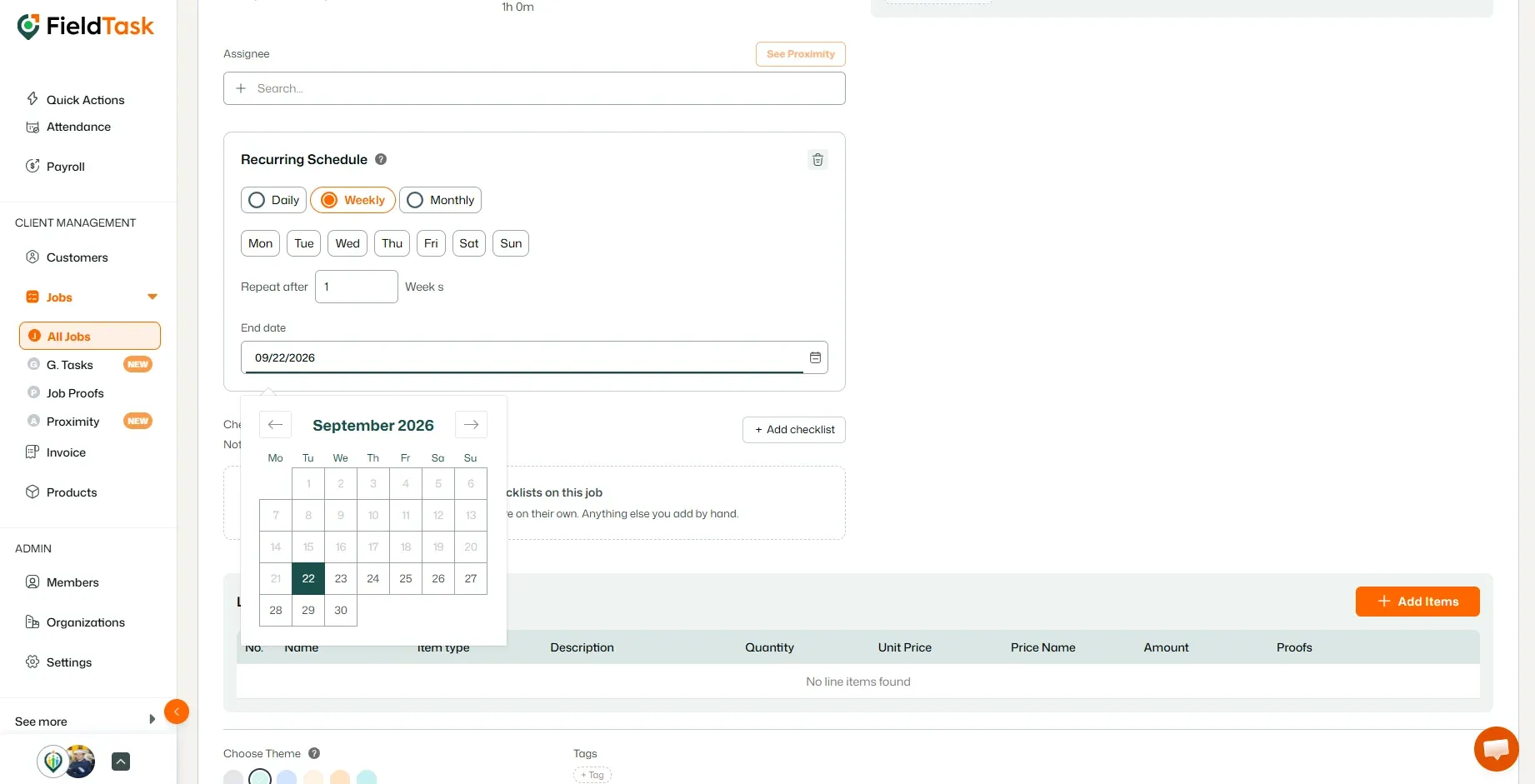
For a Monthly recurring job, you can choose between two options:
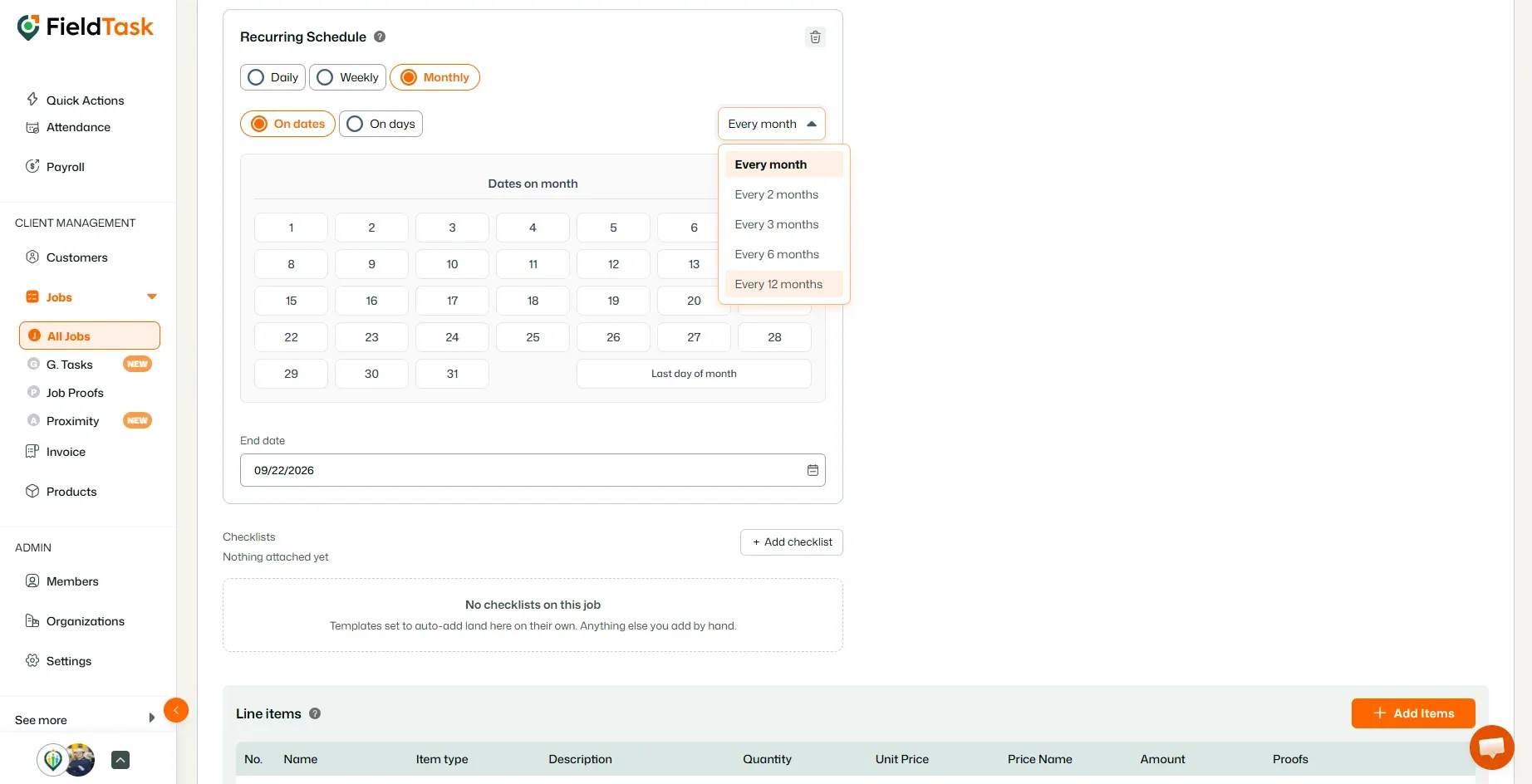
Once you have configured the recurrence pattern:
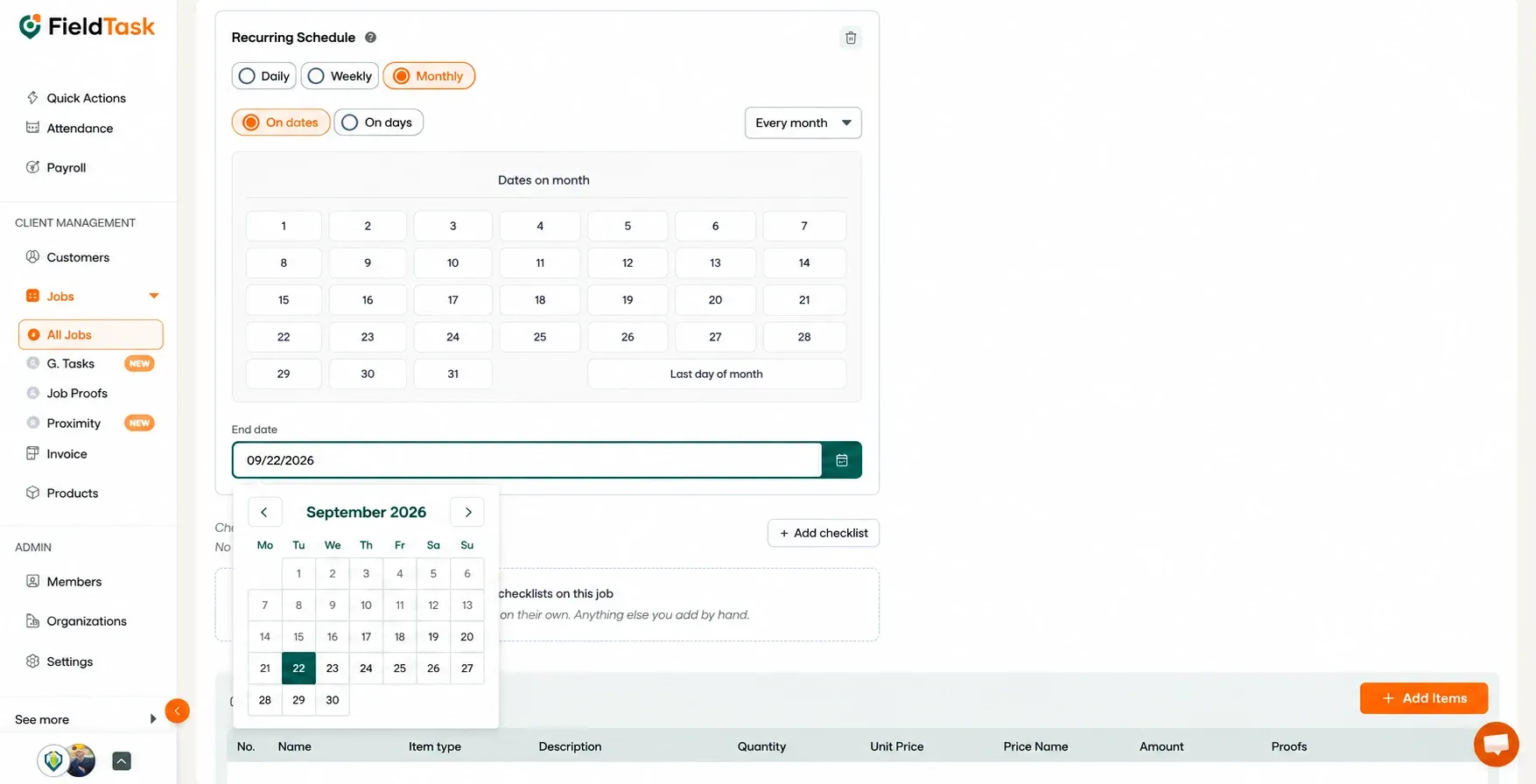
This determines how long FieldTask will continue creating the job according to the recurring schedule.
Once you have entered all the required job information and configured the recurring schedule:
FieldTask will create the job according to the recurrence settings you selected until the specified End Date.
📌 Note: To learn how to create a regular single-day job, follow the Job Creation article.
Manage dispatch, route plan, techs, quotes, invoices, and more in GHL, the only dedicated field service app for HighLevel home service businesses and contractors.
The complete FieldTask sitemap: quick links to all pages.
Learn how FieldTask supports HIPAA compliance for home health and field service teams—encryption, BAAs, access controls, and audit logging.