The HighLevel Home Service Business Management Software
Manage dispatch, route plan, techs, quotes, invoices, and more in GHL, the only dedicated field service app for HighLevel home service businesses and contractors.

Learn what information is included when you send an invoice to a customer through FieldTask.
After completing a job, you can raise an invoice for your customer directly from FieldTask. Once an invoice is created, it will automatically sync with GHL as well.
You have two options for sending the invoice to your customer:
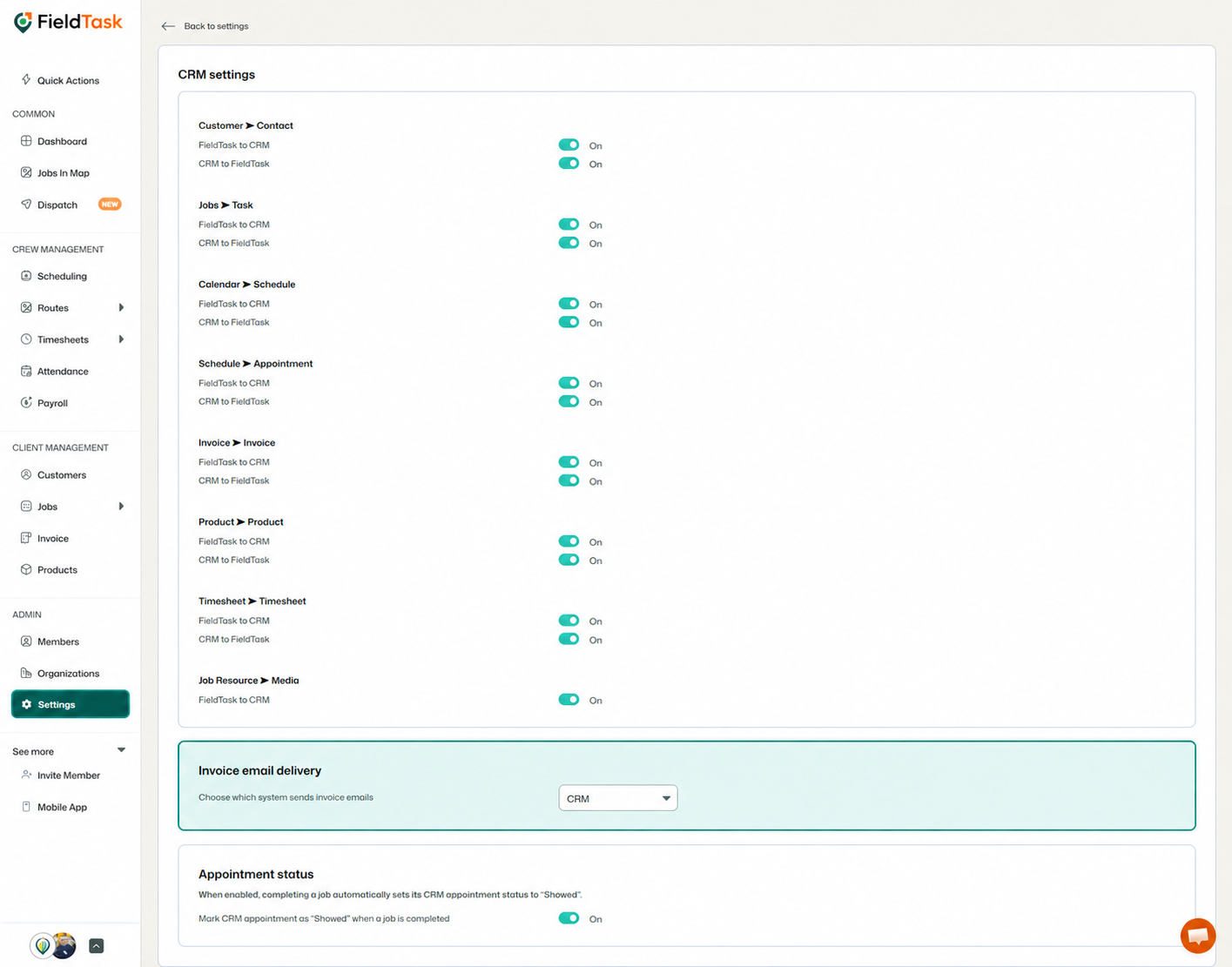
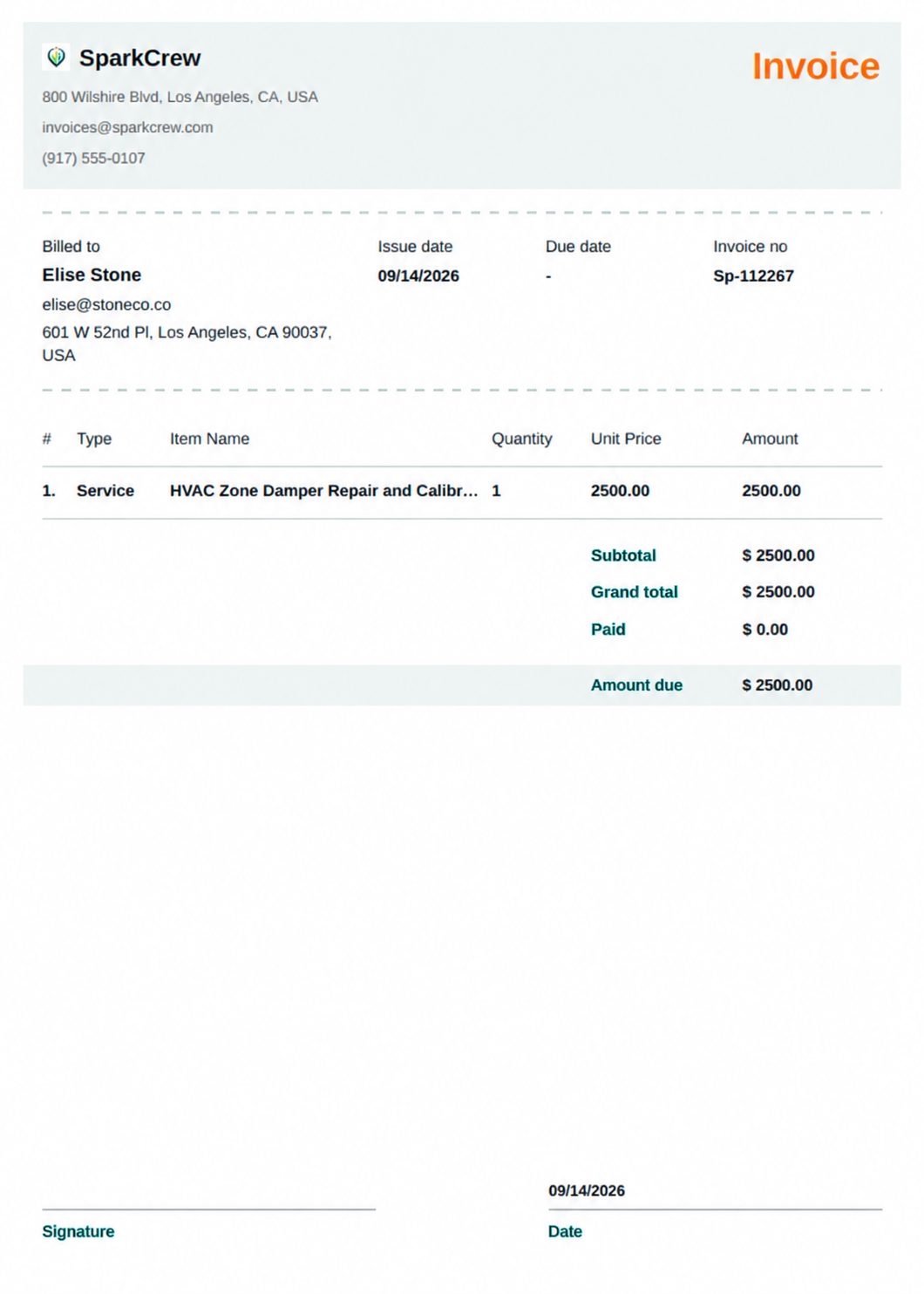
If you send the invoice through FieldTask, your customer will see the following information:
At the top of the invoice, the customer will see your:
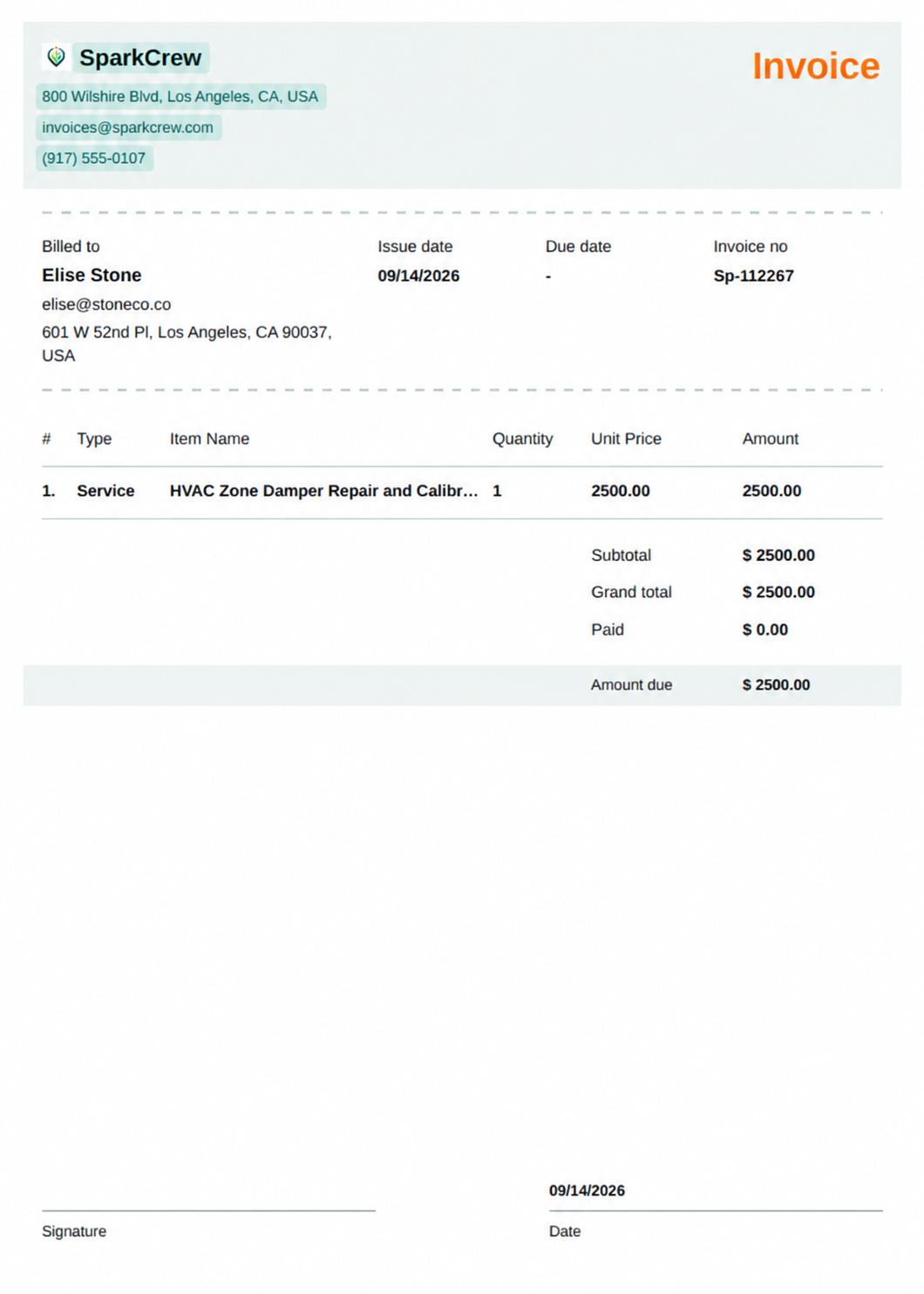
The invoice will contain a section showing:
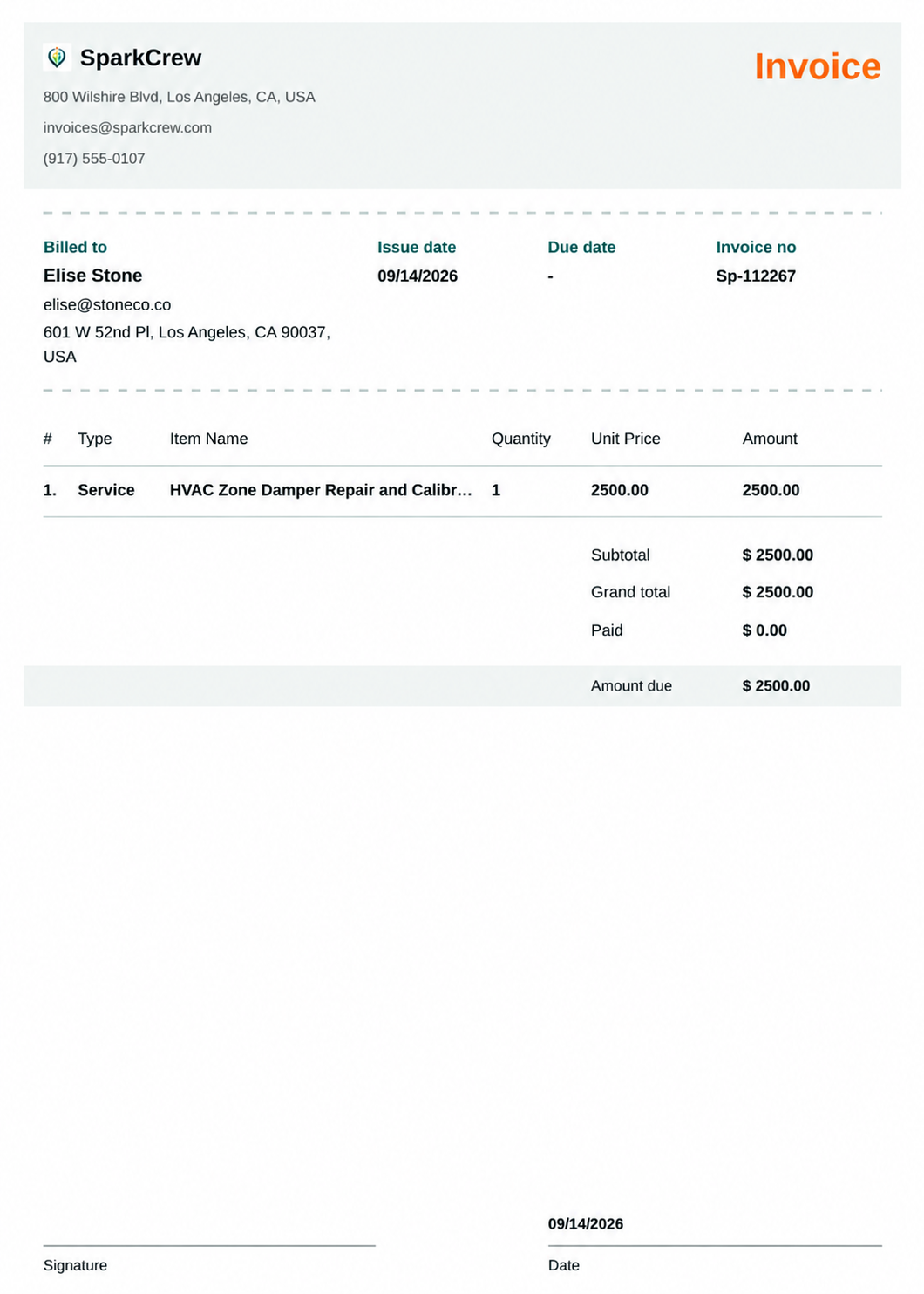
The invoice table will display the details of the work being invoiced, including:
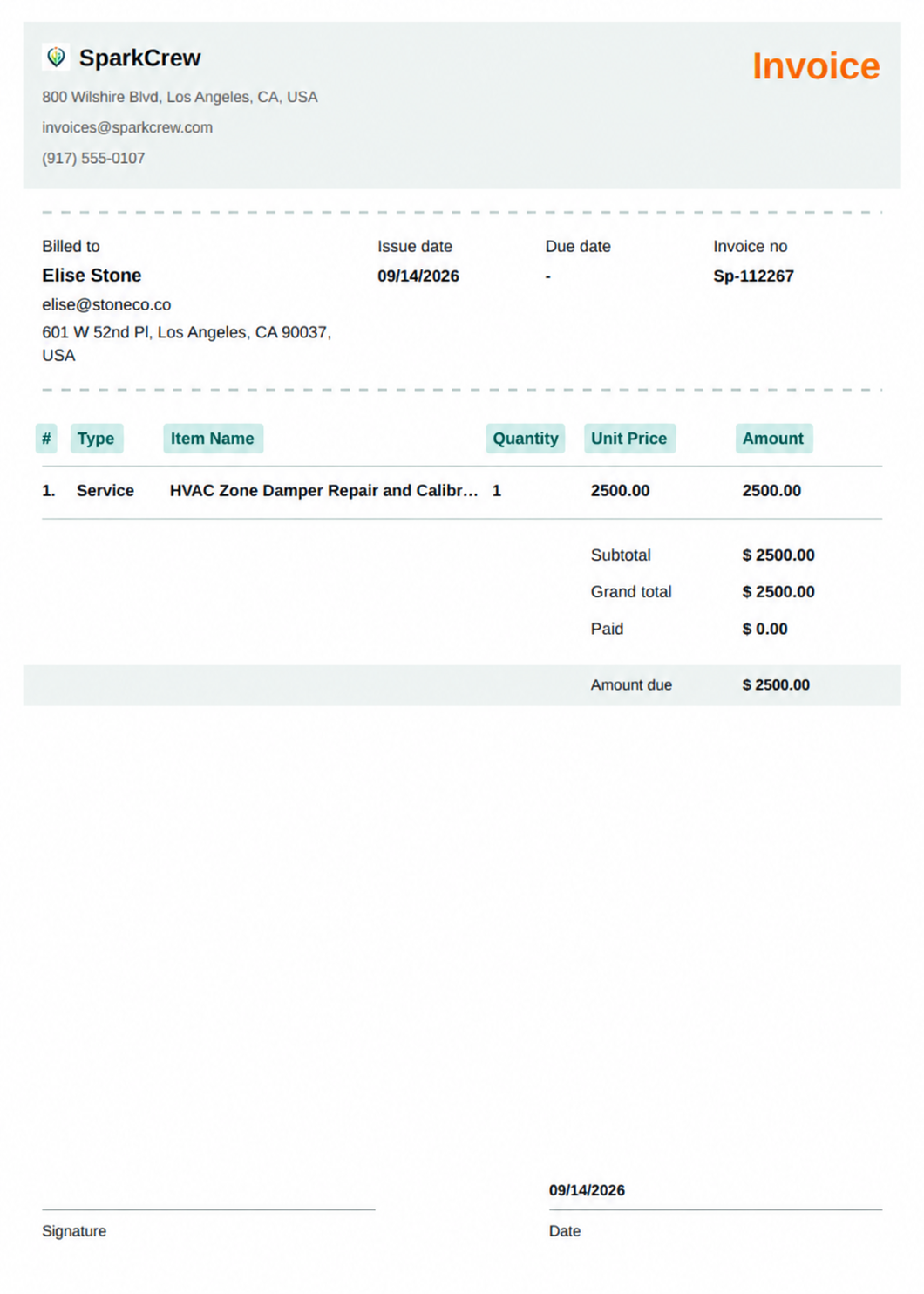
The invoice will also display the final calculations:
If taxes and discounts are applied to the invoice, tax details will also be displayed.
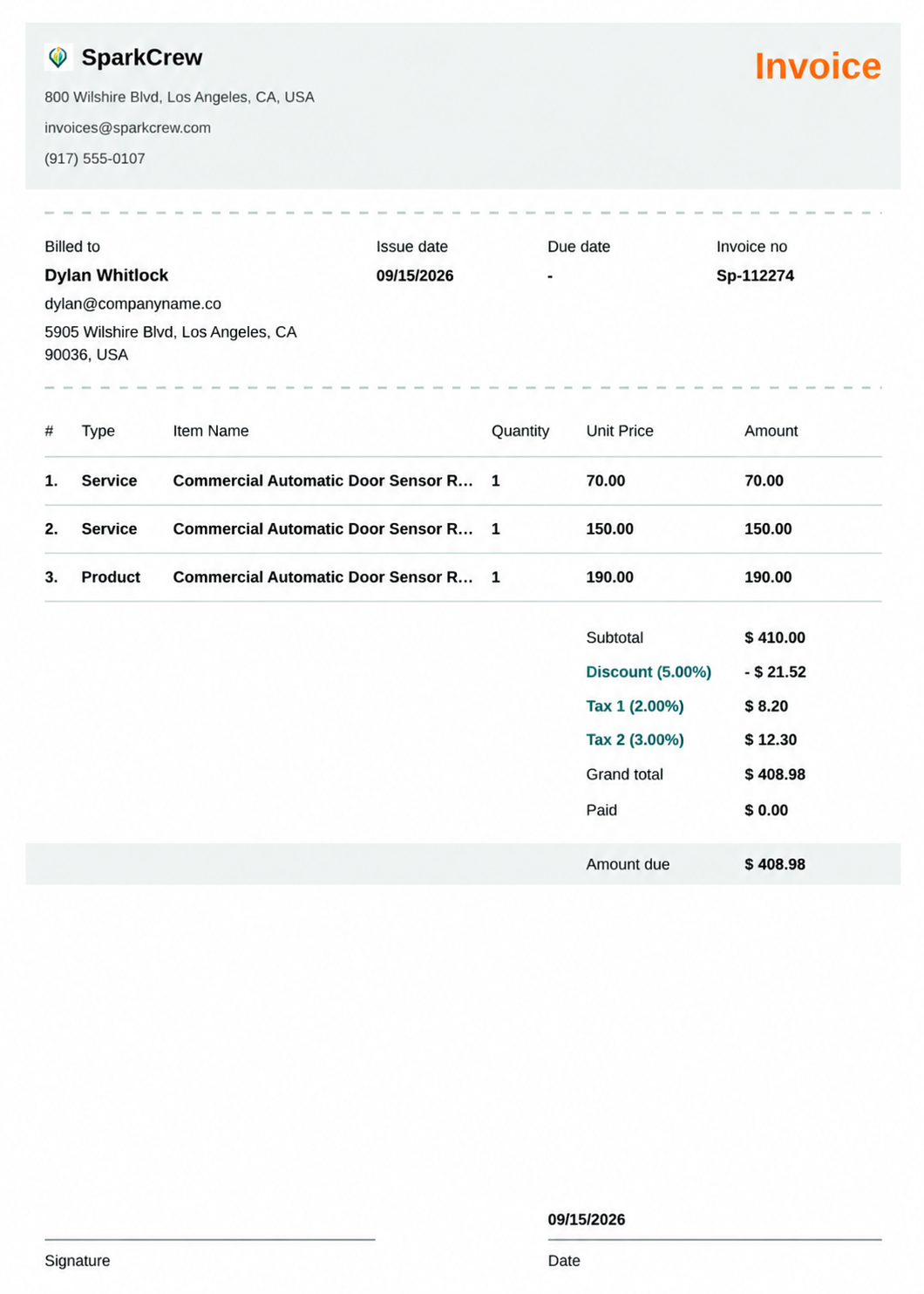
This gives your customer a complete breakdown of the work completed, pricing, and the amount they need to pay.
Manage dispatch, route plan, techs, quotes, invoices, and more in GHL, the only dedicated field service app for HighLevel home service businesses and contractors.
The complete FieldTask sitemap: quick links to all pages.
Learn how FieldTask supports HIPAA compliance for home health and field service teams—encryption, BAAs, access controls, and audit logging.