The HighLevel Home Service Business Management Software
Manage dispatch, route plan, techs, quotes, invoices, and more in GHL, the only dedicated field service app for HighLevel home service businesses and contractors.

Learn how to edit your own Timesheets or your employees’ Timesheets by removing recorded time or adding Manual Timesheets.
FieldTask gives you two ways to adjust recorded Timesheet information:
You can remove recorded Timesheet time from any of the following views:
For all five views, you can use the available Filters to narrow down the Timesheets and find the Member whose time you want to edit.
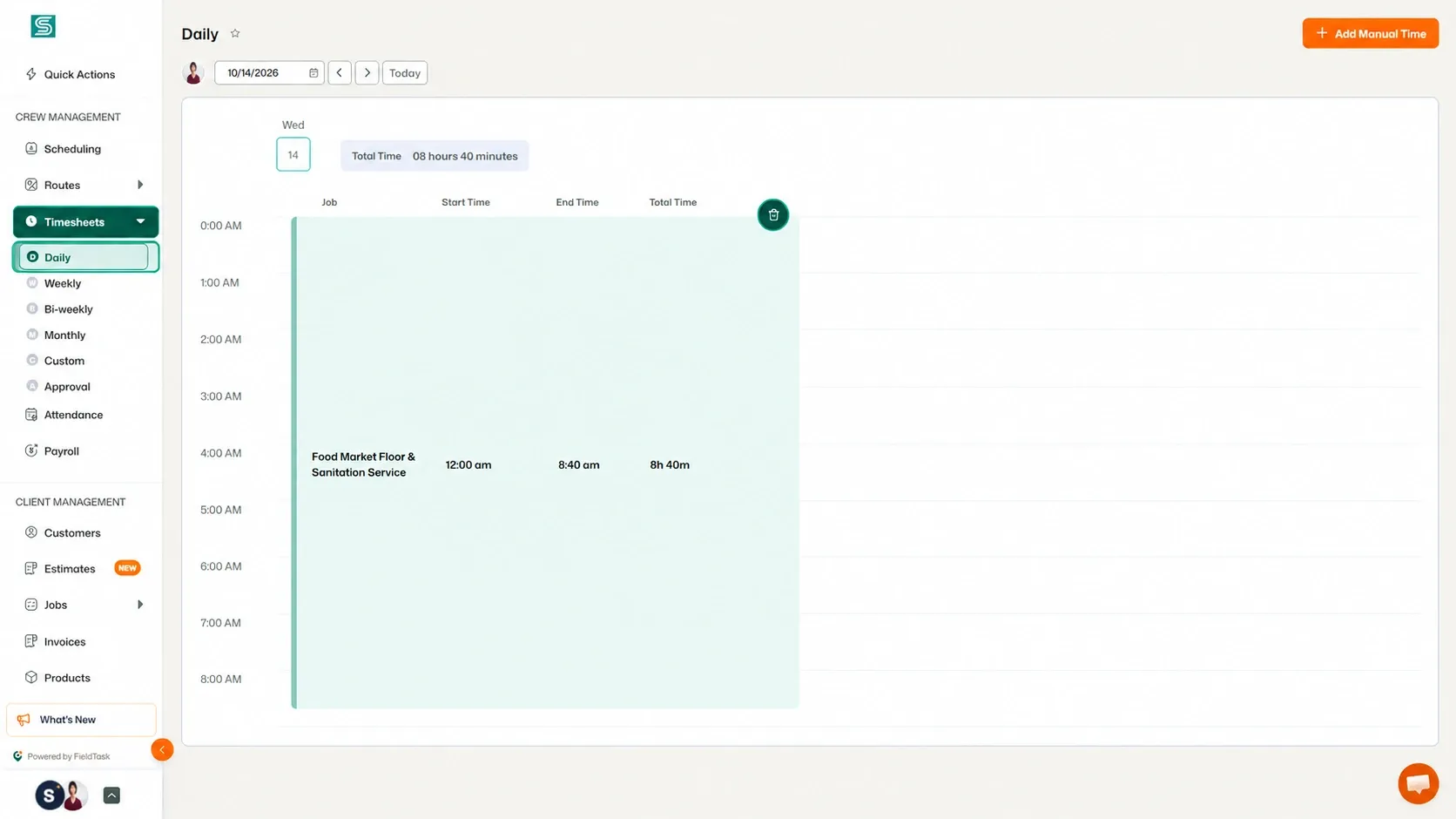
A pop-up will appear, allowing you to choose the time range you want to remove.
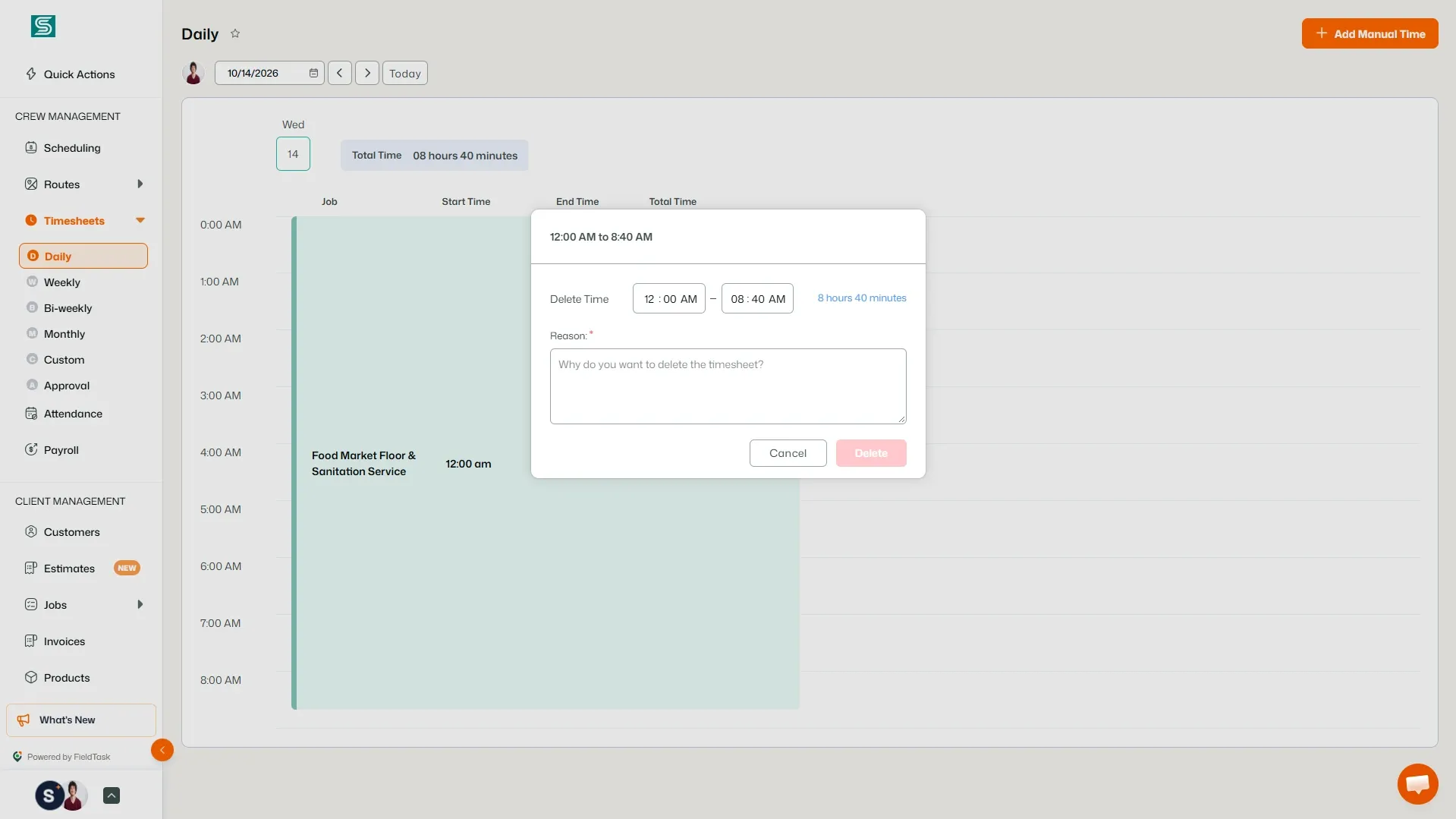
Once you delete the selected range, the Timesheet entry will automatically adjust to reflect the remaining recorded time.
You can also remove recorded time from the:
views.
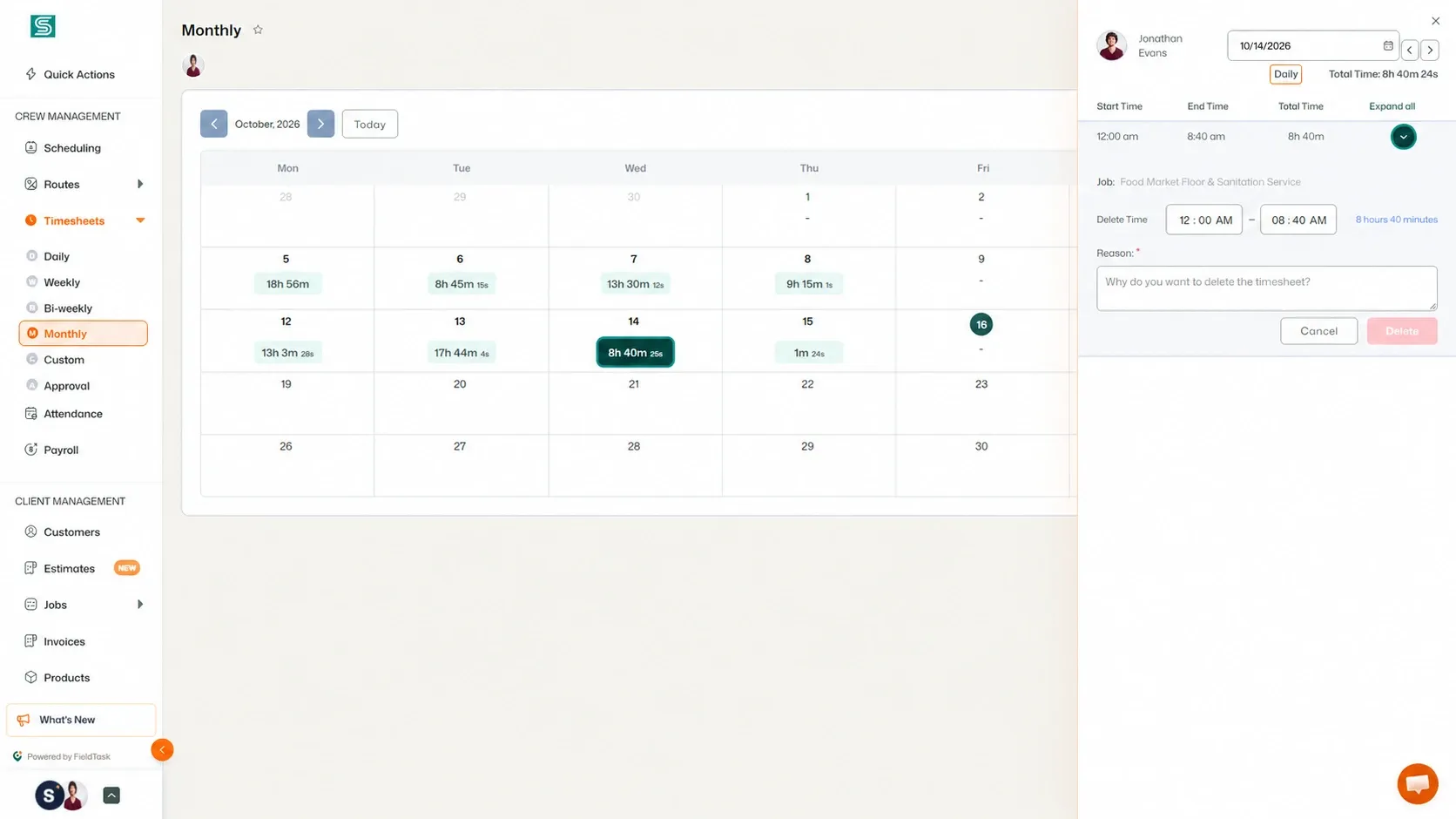
Use the available options to remove the portion of time you no longer want recorded.
If you need to add time that was not automatically recorded, you can create a Manual Timesheet from the Daily Timesheet page.
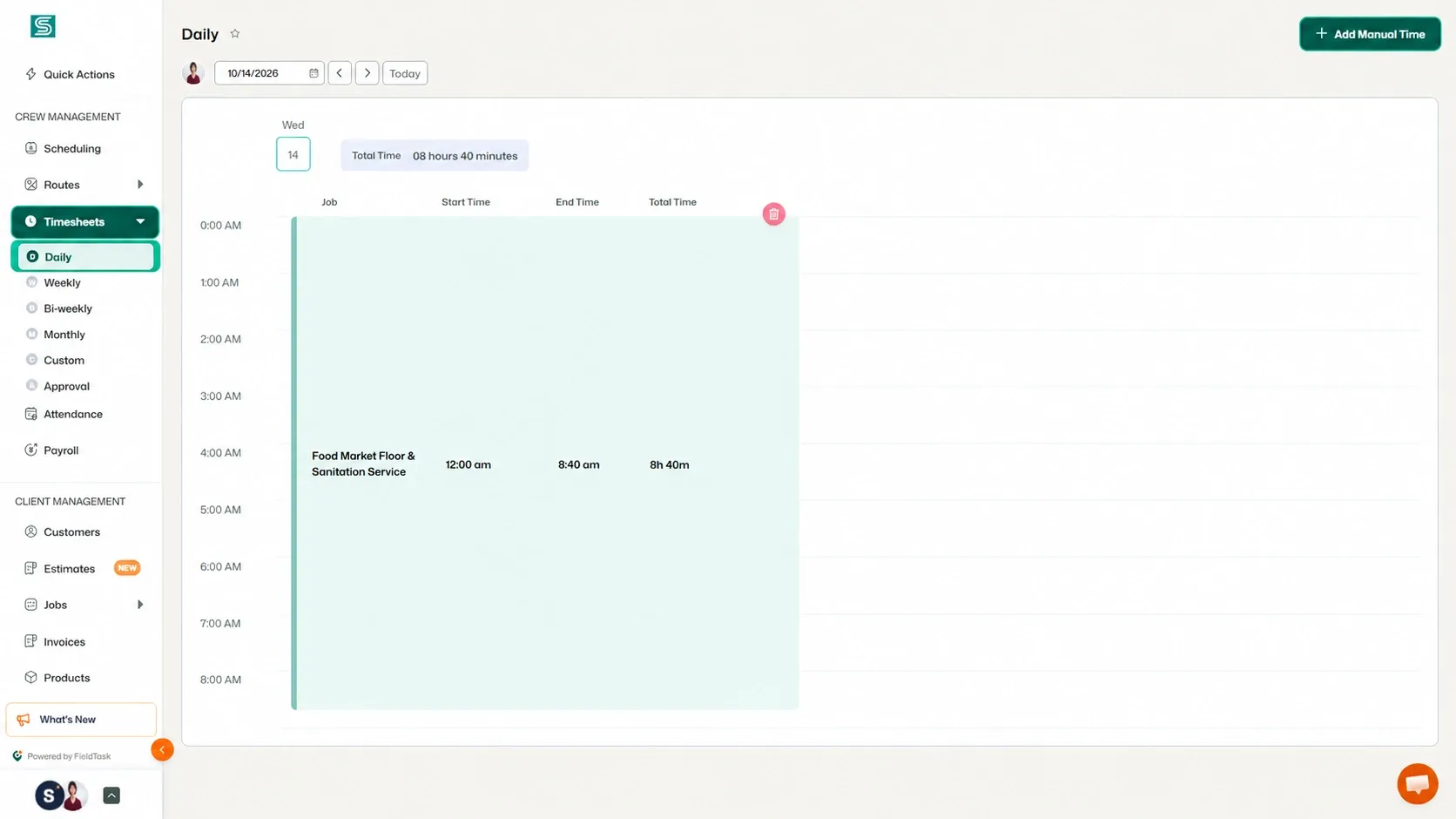
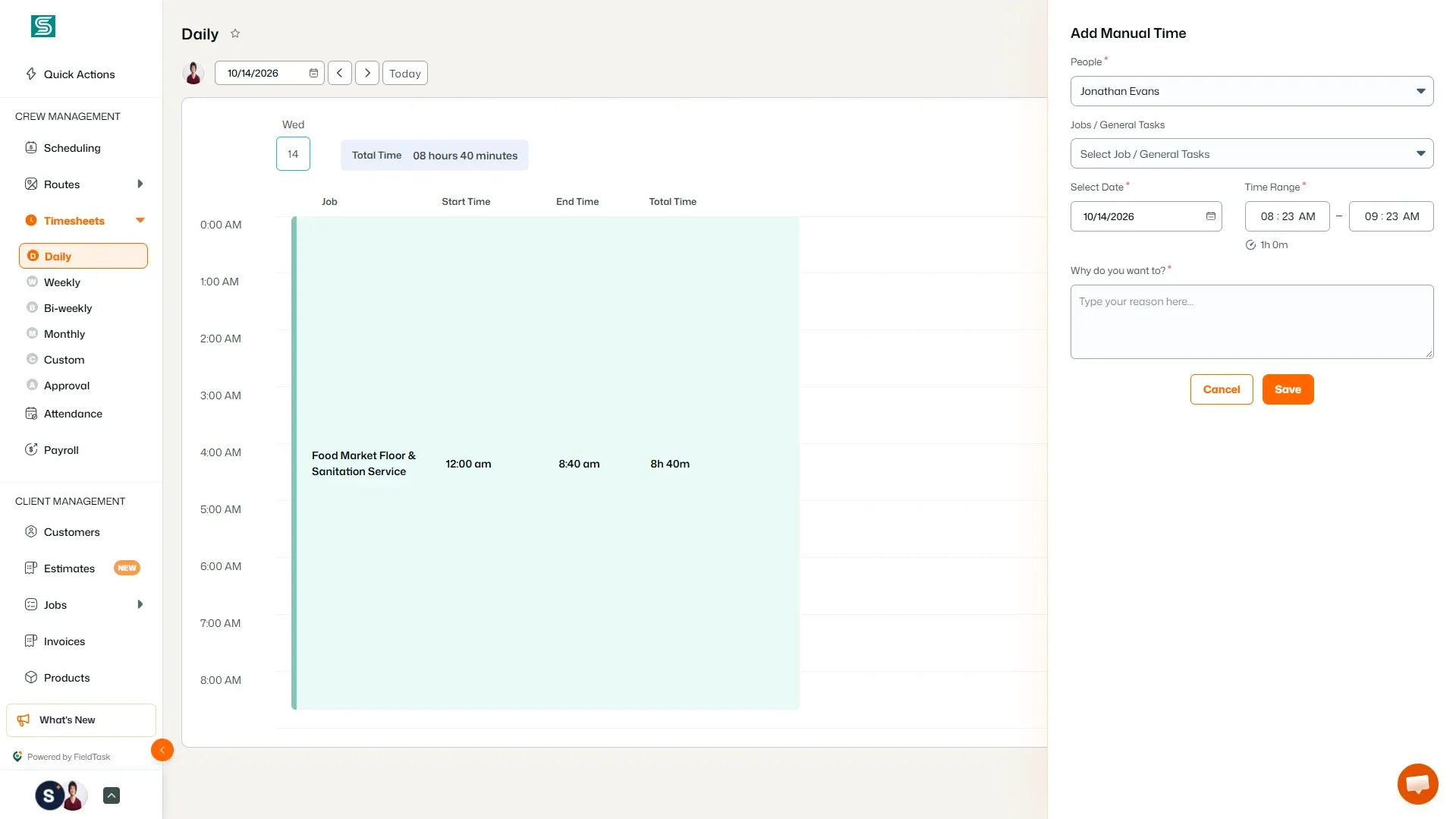
Enter the required time information and save the entry to add the Manual Timesheet.
This allows you to correct missing work time or add time that was not captured through the regular Timesheet tracking process.
Manage dispatch, route plan, techs, quotes, invoices, and more in GHL, the only dedicated field service app for HighLevel home service businesses and contractors.
The complete FieldTask sitemap: quick links to all pages.
Learn how FieldTask supports HIPAA compliance for home health and field service teams—encryption, BAAs, access controls, and audit logging.