Fundamentals

Where do I find my Login Credentials for my FieldTask Account?

Updated on 2 May 2026

No image available

When you sign up for FieldTask from the GHL App Marketplace, the credentials will be provided in two ways:
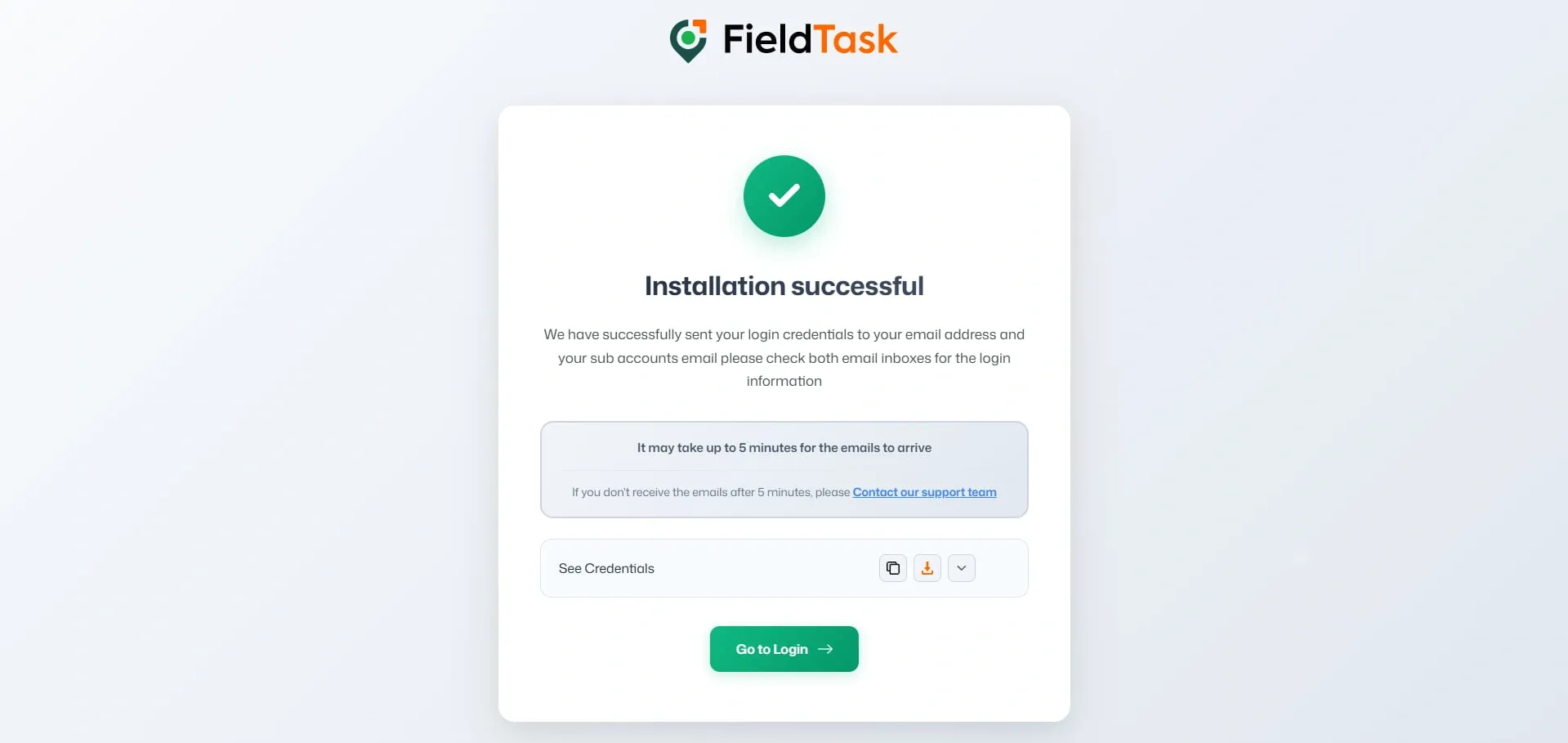
  • The Credentials can be found on the confirmation page, where you can copy, download, and view the credentials.
FieldTask installation successful page showing a green checkmark, login credentials sent notice, five-minute email reminder, See Credentials panel with copy/download controls, support link, and green Go to Login button on a light background.
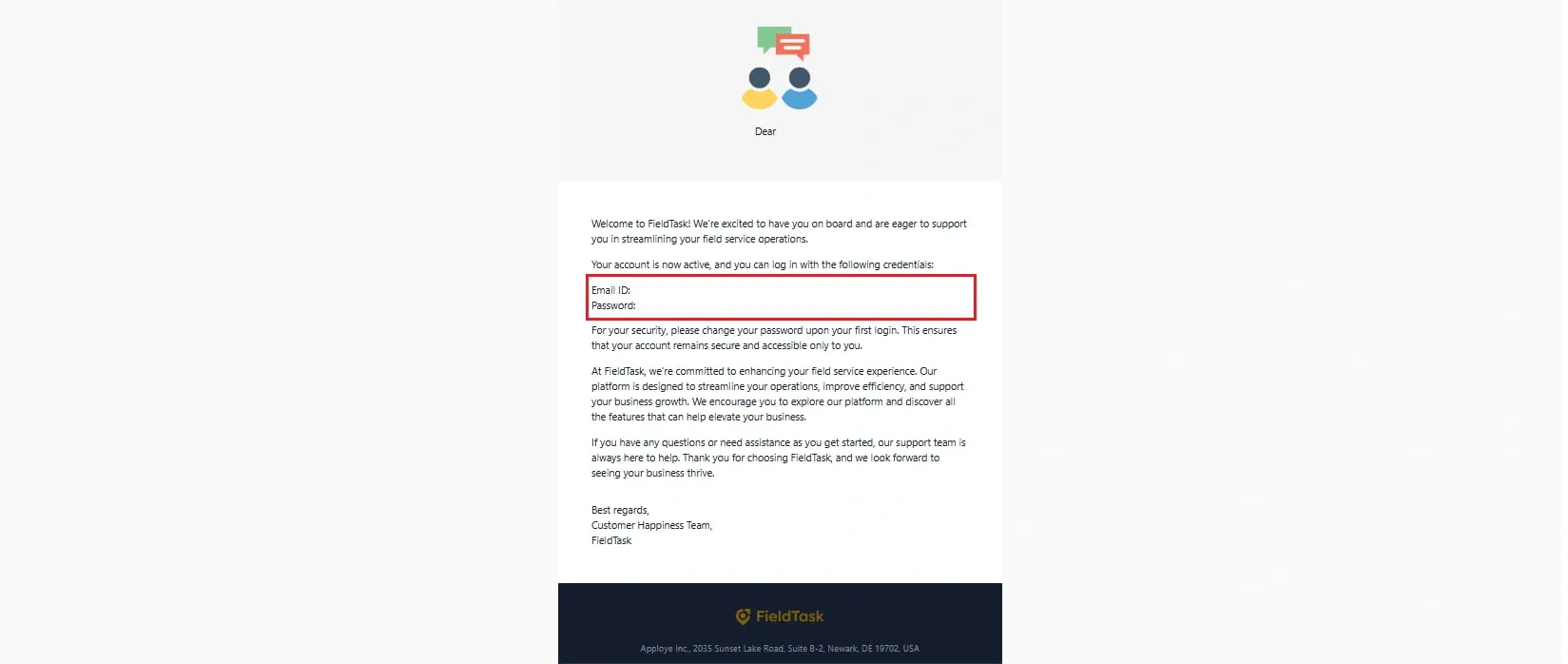
  • They will be sent to the sub-account’s business email. Check your email to find your login credentials. You can change the password after logging in through the Profile Settings.
FieldTask welcome email showing account activation details, login credential section with Email ID and Password highlighted in red, security note to change password after first login, support message, and FieldTask footer with company address.

n.b: In case you do not have a business email set up, the email will be sent to the location email.

What to read next

HIPAA Compliance & BAA | FieldTask

Learn how FieldTask supports HIPAA compliance for home health and field service teams—encryption, BAAs, access controls, and audit logging.

FieldTask and HighLevel Connection Explained

Explore how FieldTask connects with HighLevel. Learn about two-way syncing, automation, and how to turn HighLevel into a complete field service management solution.