HIPAA Compliance & BAA | FieldTask
Learn how FieldTask supports HIPAA compliance for home health and field service teams—encryption, BAAs, access controls, and audit logging.
No image available
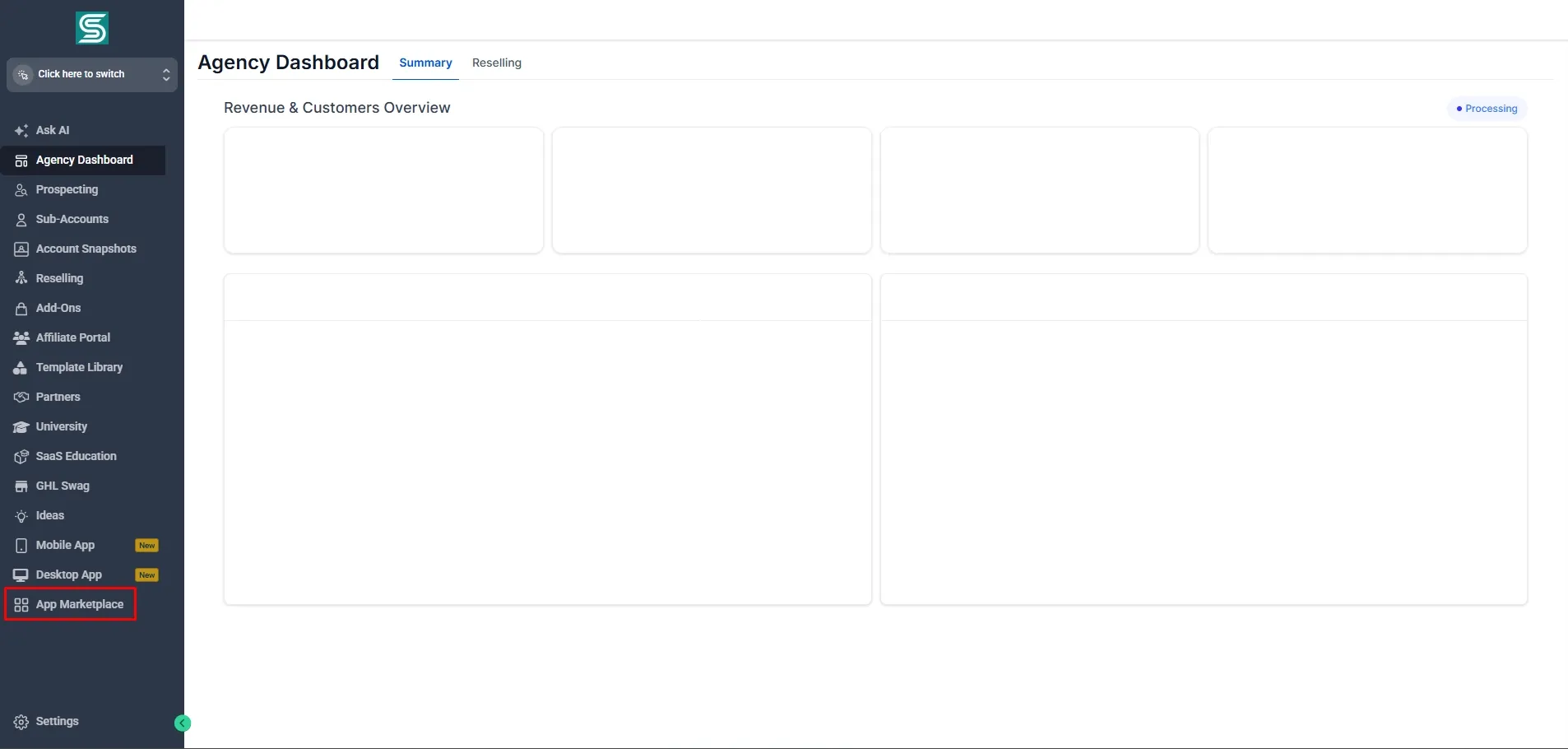
From your GHL Dashboard, navigate to App Marketplace from the left sidebar.
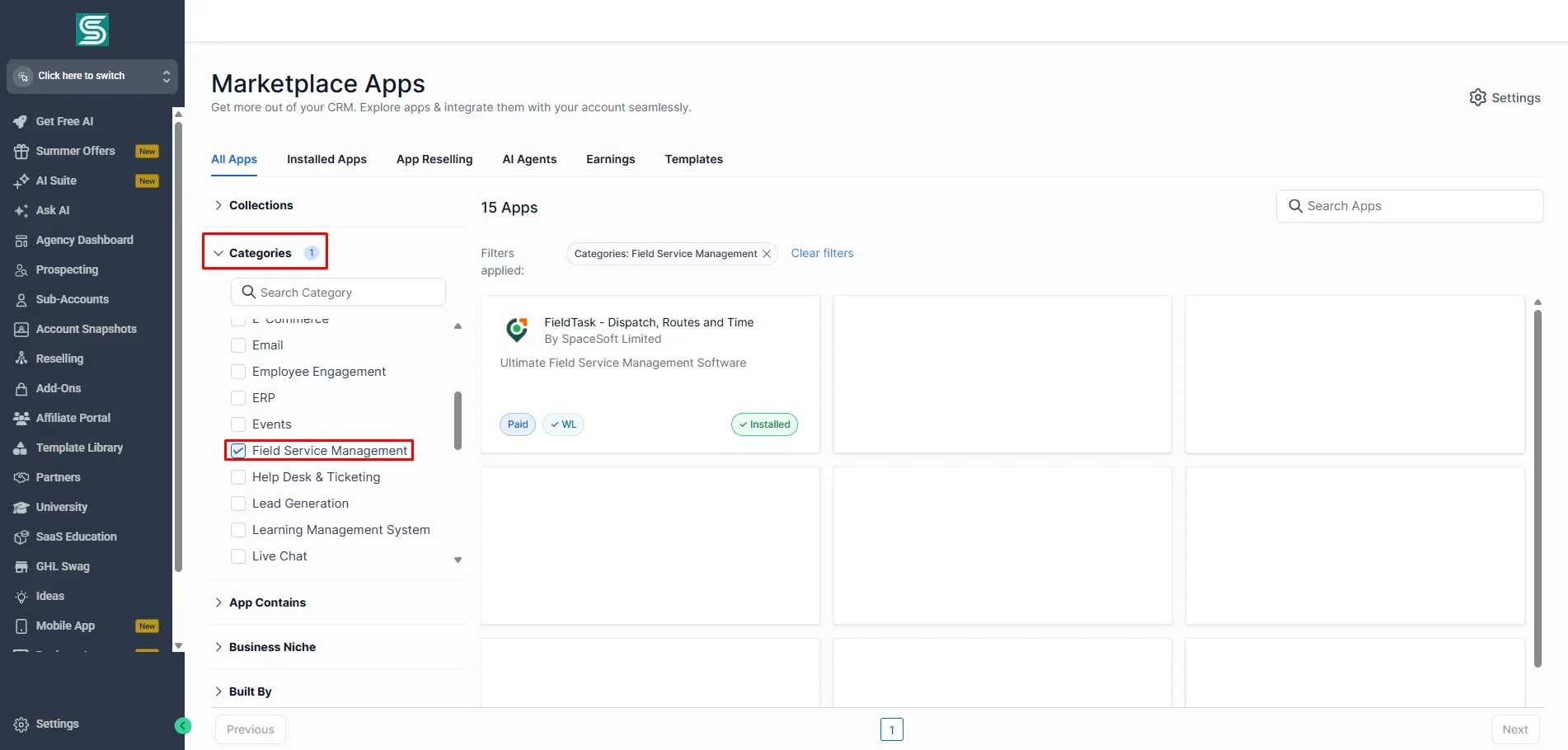
When the marketplace loads, go to Field Service Management under Categories.
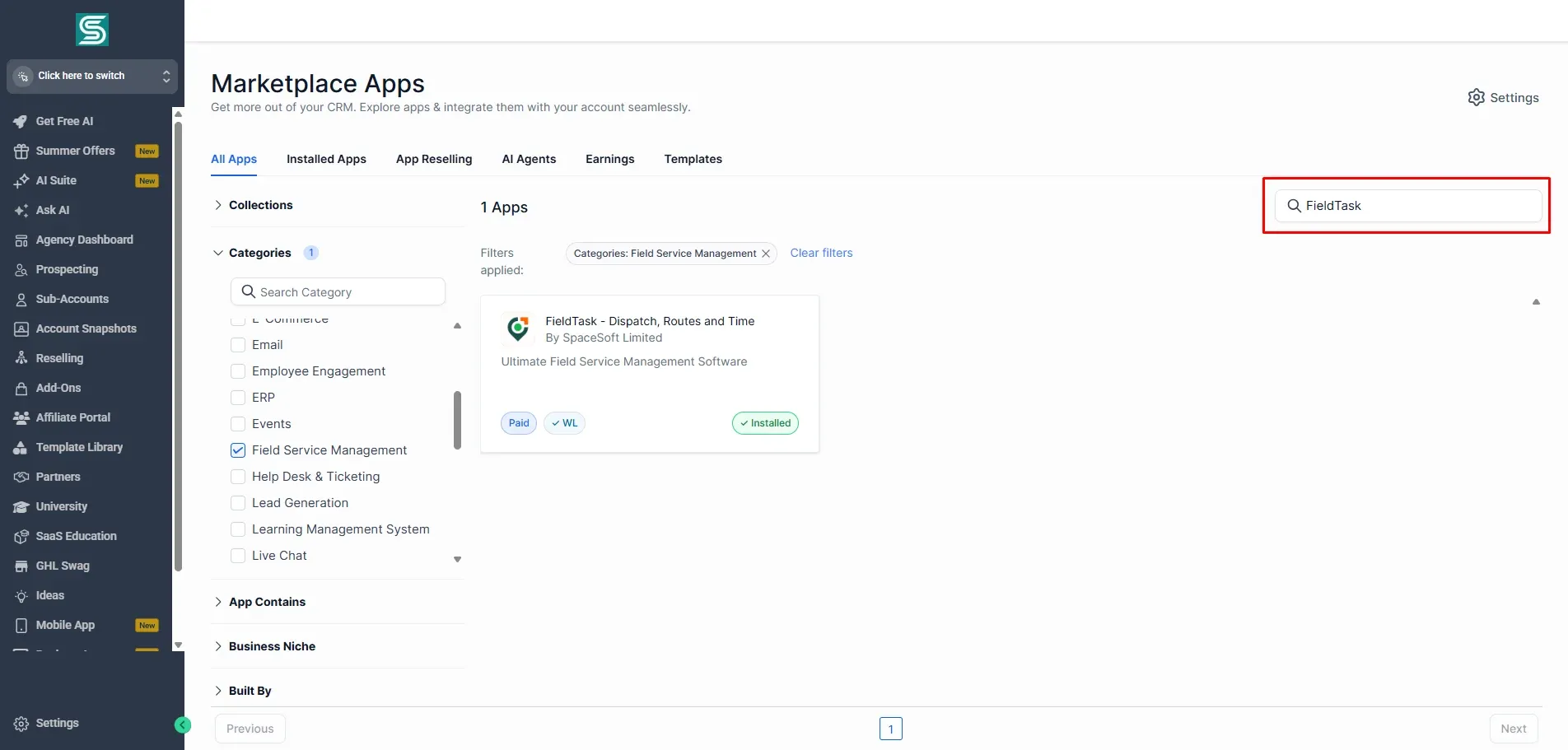
Or you can search for FieldTask in the search box.
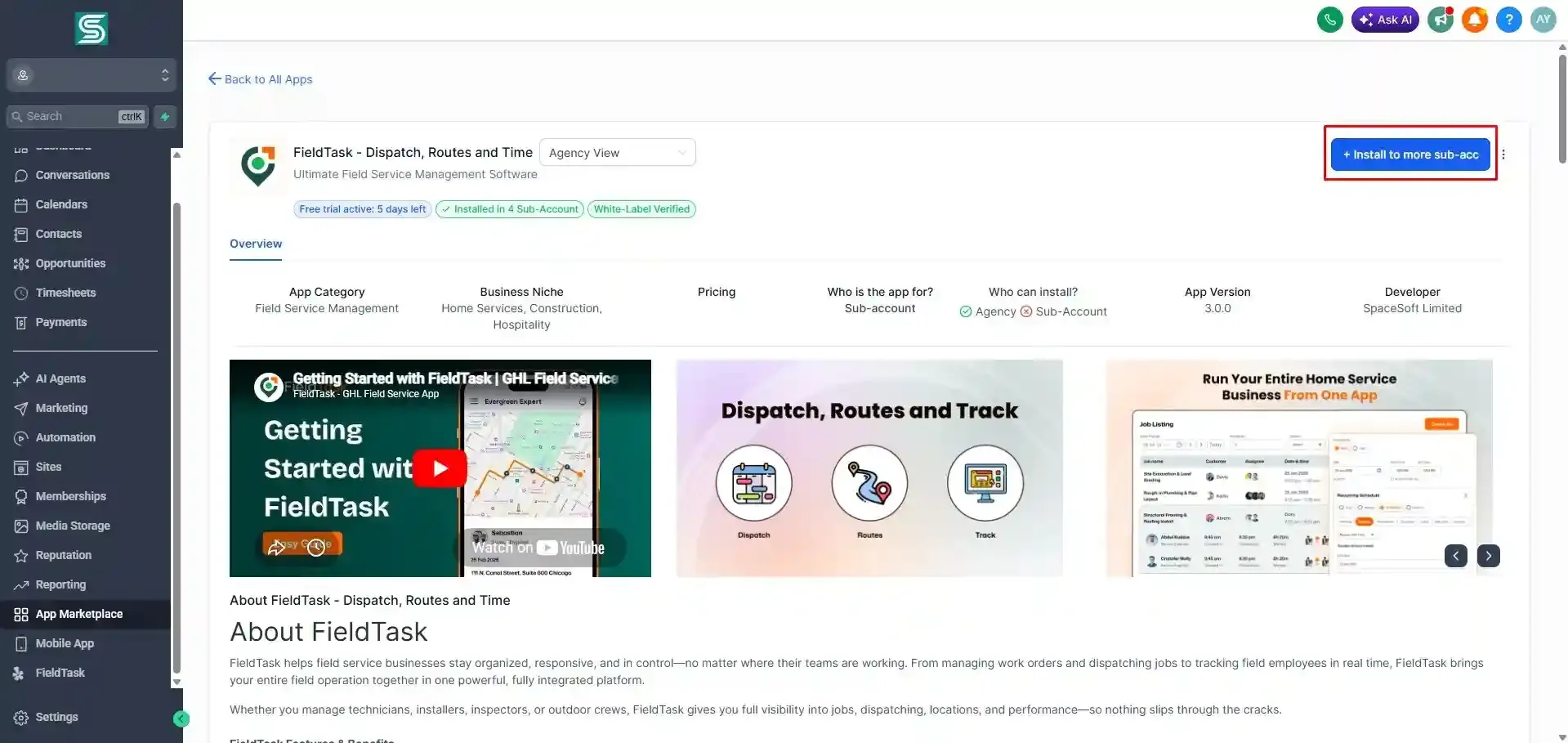
Once you have found the app and entered it, click Install to more sub-acc from the top right of the page.
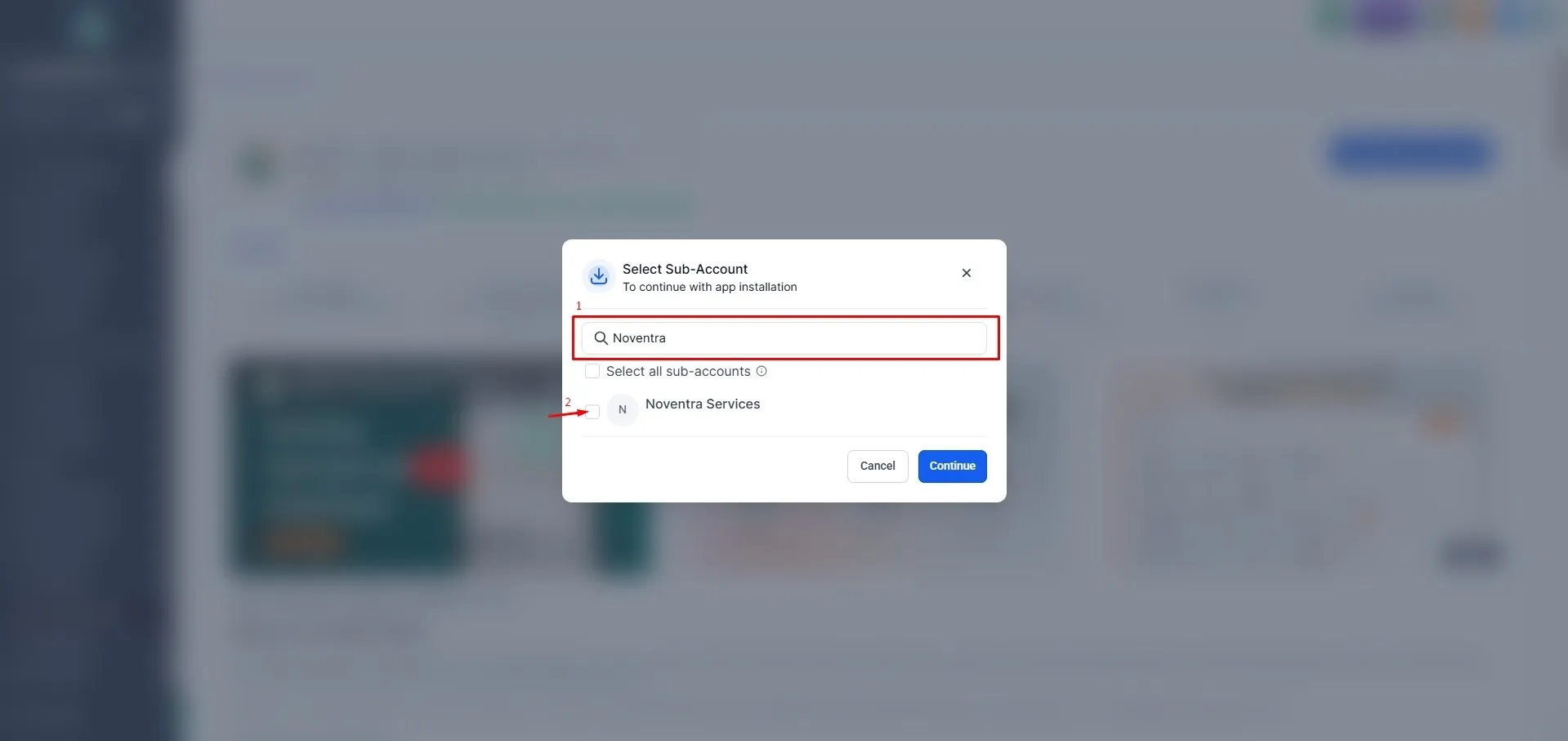
Search for your sub account from the form that pops up and select it.
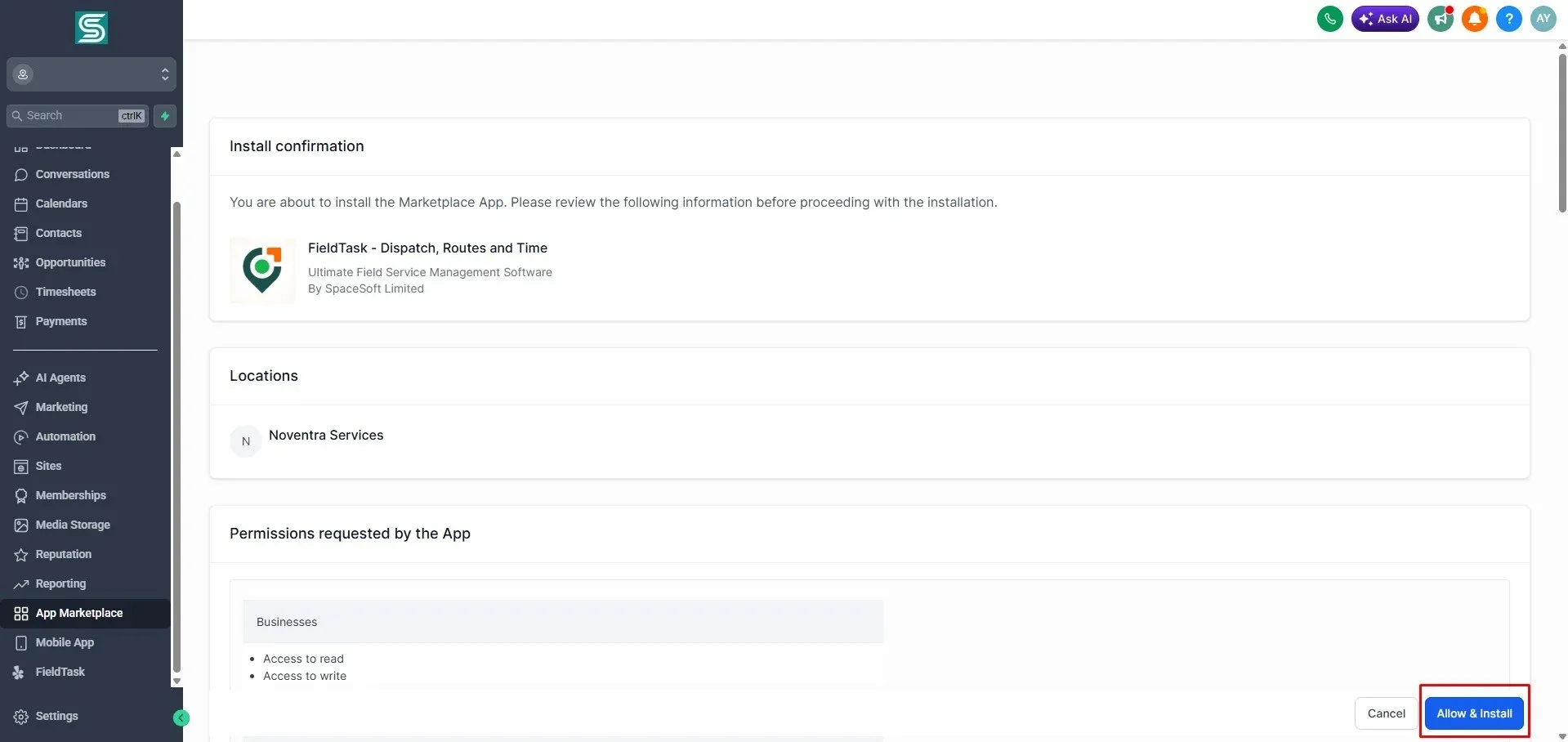
Click on Allow & Install.
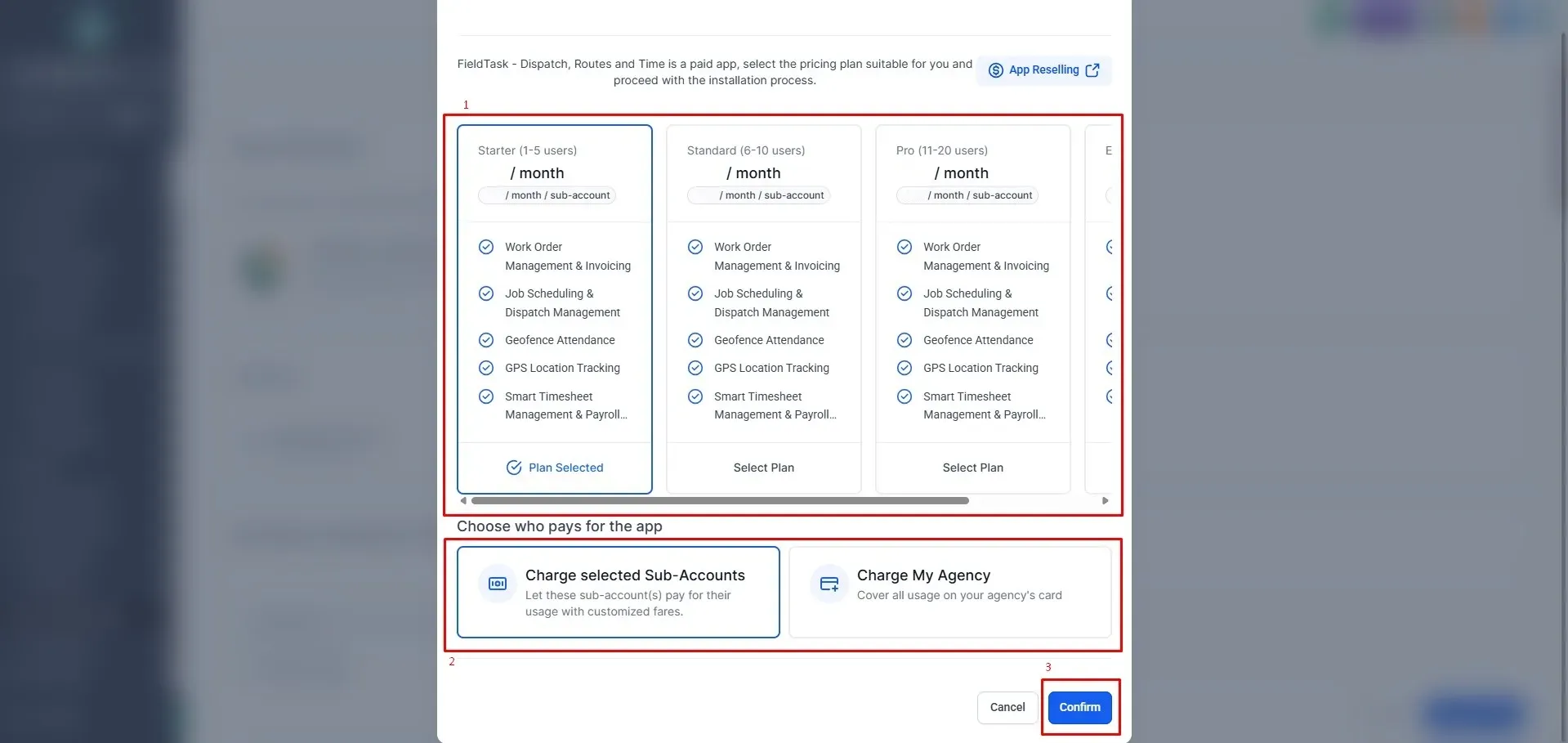
Choose your plan and choose who would pay for it before clicking on Continue.
Once you do, a new page will pop up; wait for it to load before the success message shows.
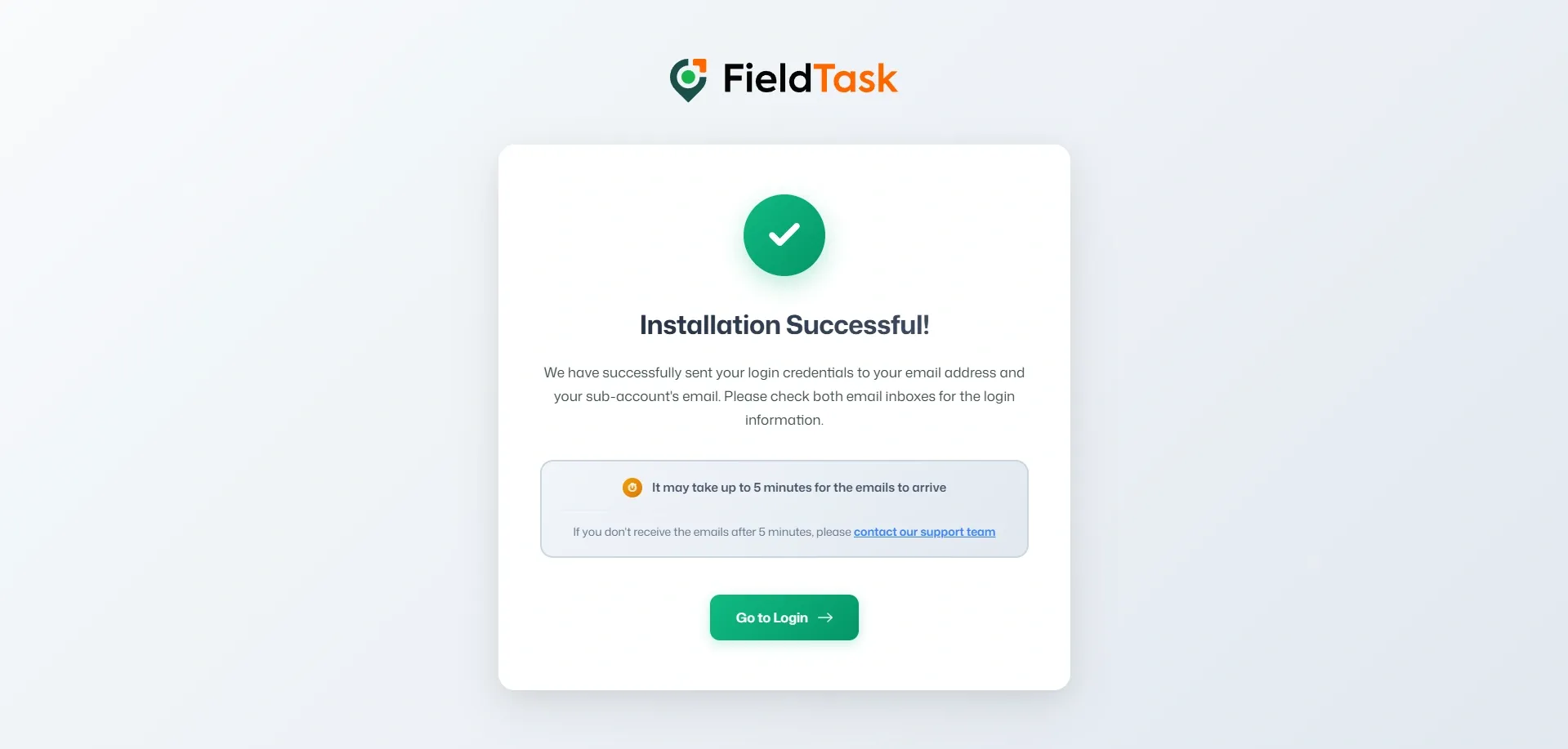
FieldTask has successfully been added to your Sub Account.
Learn how FieldTask supports HIPAA compliance for home health and field service teams—encryption, BAAs, access controls, and audit logging.
Explore how FieldTask connects with HighLevel. Learn about two-way syncing, automation, and how to turn HighLevel into a complete field service management solution.