The HighLevel Home Service Business Management Software
Manage dispatch, route plan, techs, quotes, invoices, and more in GHL, the only dedicated field service app for HighLevel home service businesses and contractors.

Learn how to control whether Members can check into jobs from outside the job location or must be within the geofenced area.
FieldTask allows each Organization to decide how Job Check-In should work for its Members. Depending on your Organization's requirements, you can allow Members to check into a job from outside the geofenced location or require them to be at the job site before checking in.
To change a Member's geofenced Check-In permission:
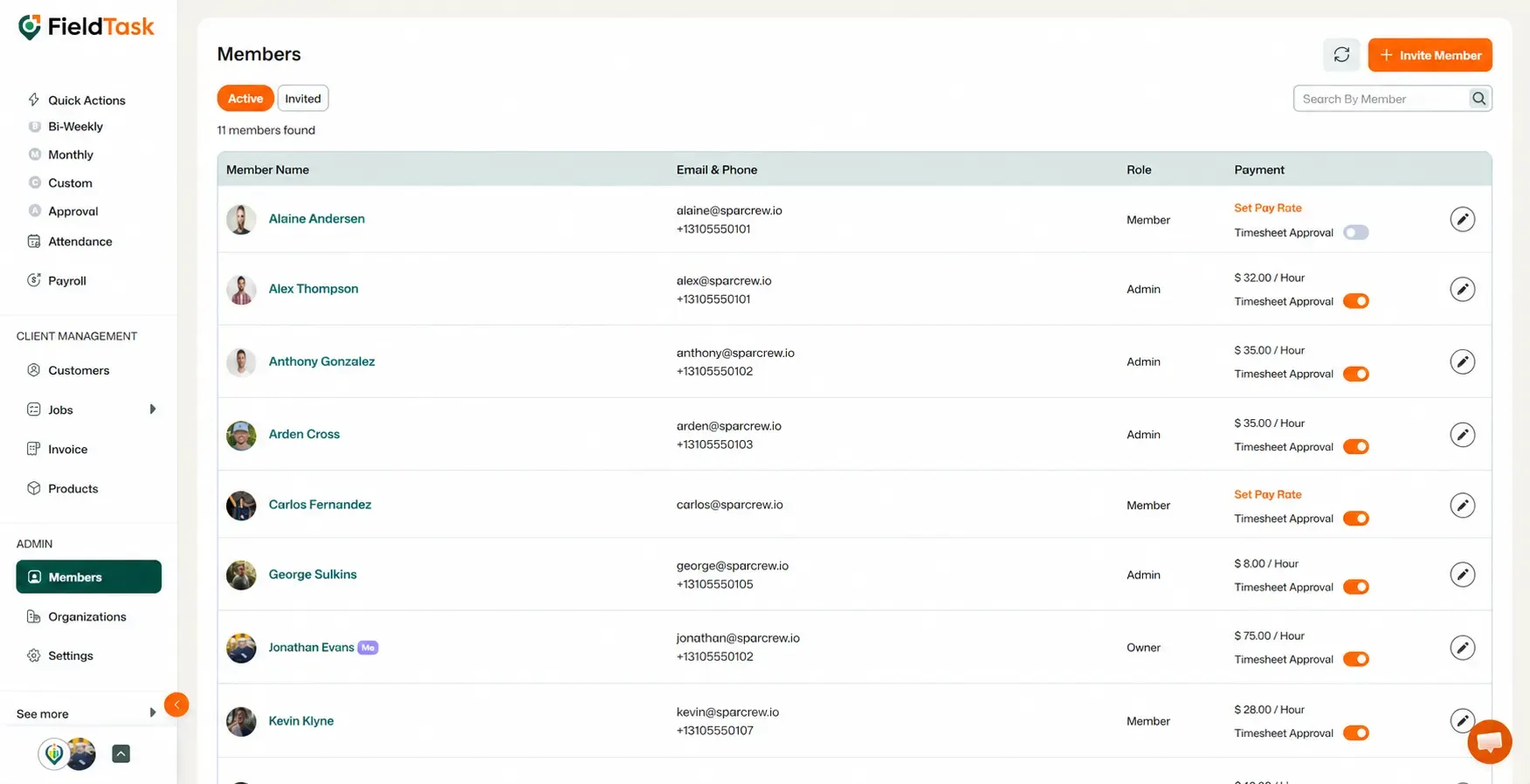
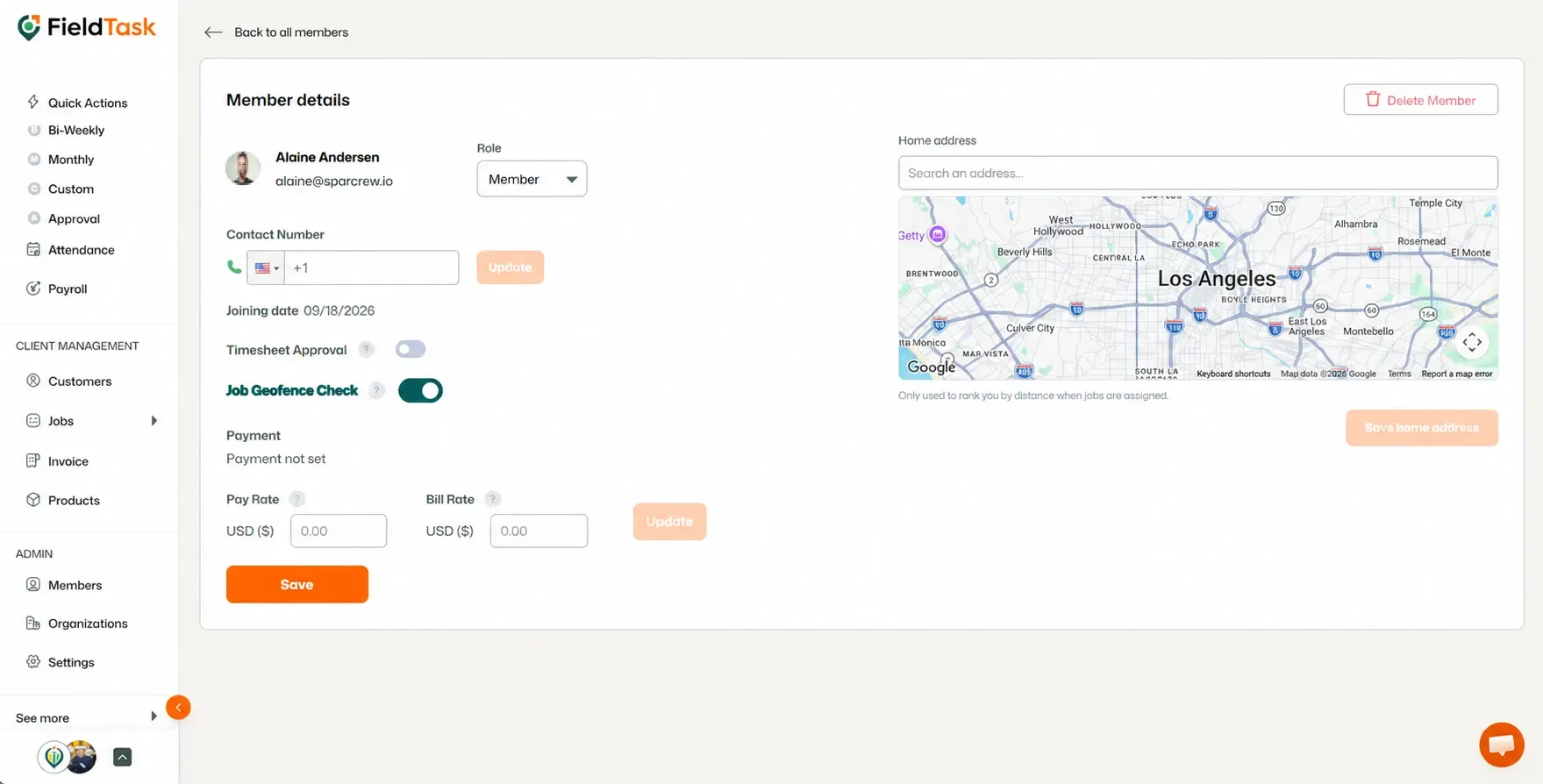
When the option is Off, the Member can check into the job even when they are outside the geofenced job location.
When the option is On, the Member must arrive at the job location before they can check in.
If you want to track the time a Member spends traveling between locations, or allow them to record work time without checking into a job, you can use General Tasks.
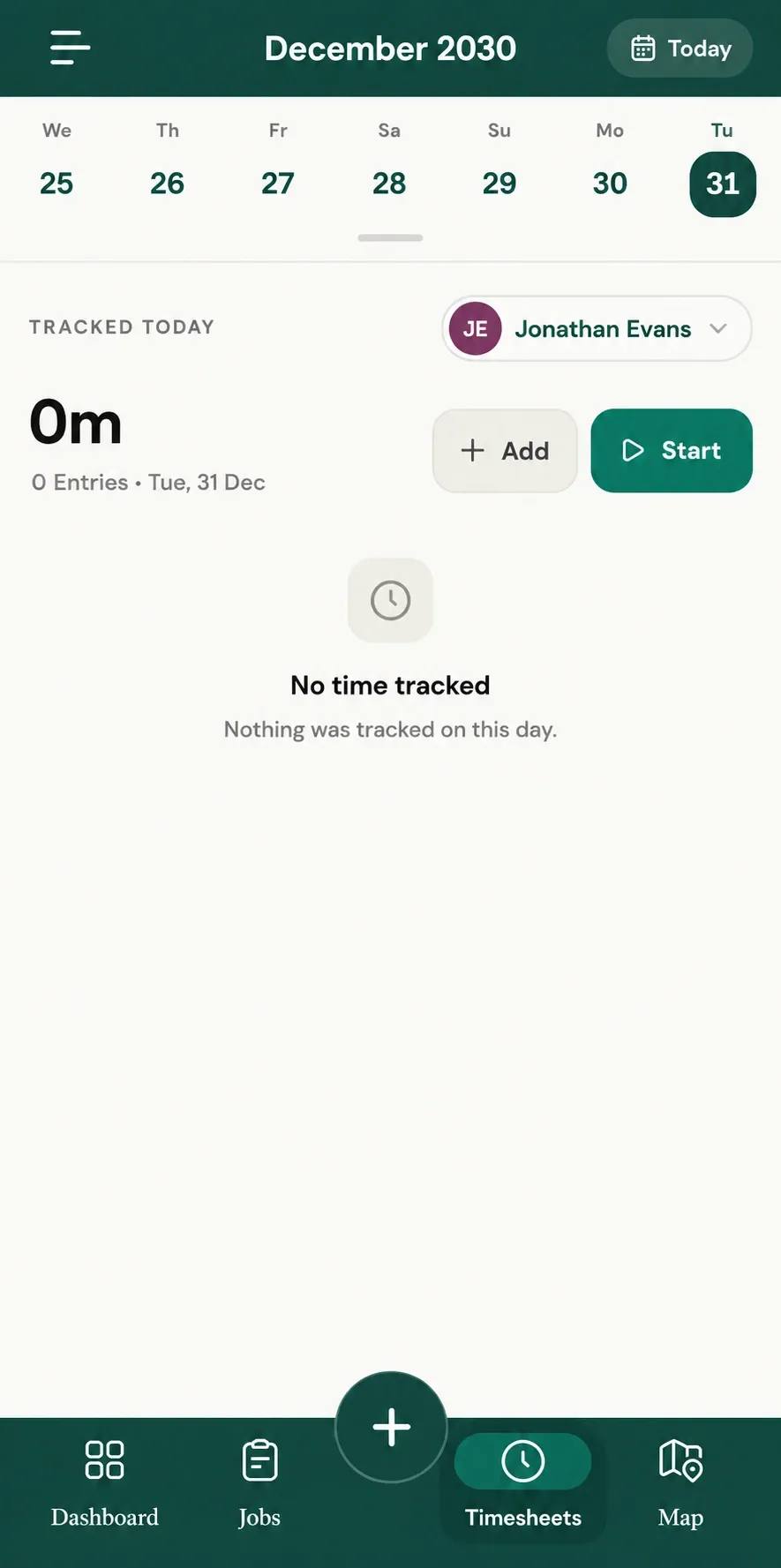
General Tasks can be used to track time spent traveling or performing activities that are not directly part of a specific job.
📌 Note: Check-In permissions are controlled at the individual member level, so you can configure them according to how you want your team to operate in the field.
Manage dispatch, route plan, techs, quotes, invoices, and more in GHL, the only dedicated field service app for HighLevel home service businesses and contractors.
The complete FieldTask sitemap: quick links to all pages.
Learn how FieldTask supports HIPAA compliance for home health and field service teams—encryption, BAAs, access controls, and audit logging.