The HighLevel Home Service Business Management Software
Manage dispatch, route plan, techs, quotes, invoices, and more in GHL, the only dedicated field service app for HighLevel home service businesses and contractors.
No image available
Learn how to view and import your HighLevel contacts in FieldTask using the two-way CRM integration.
HighLevel (GHL) and FieldTask have a two-way integration, allowing data to travel between both platforms.
Customer information from GHL can be brought into FieldTask, while supported changes can also sync back between the two platforms.
To view your GHL Contacts in FieldTask:
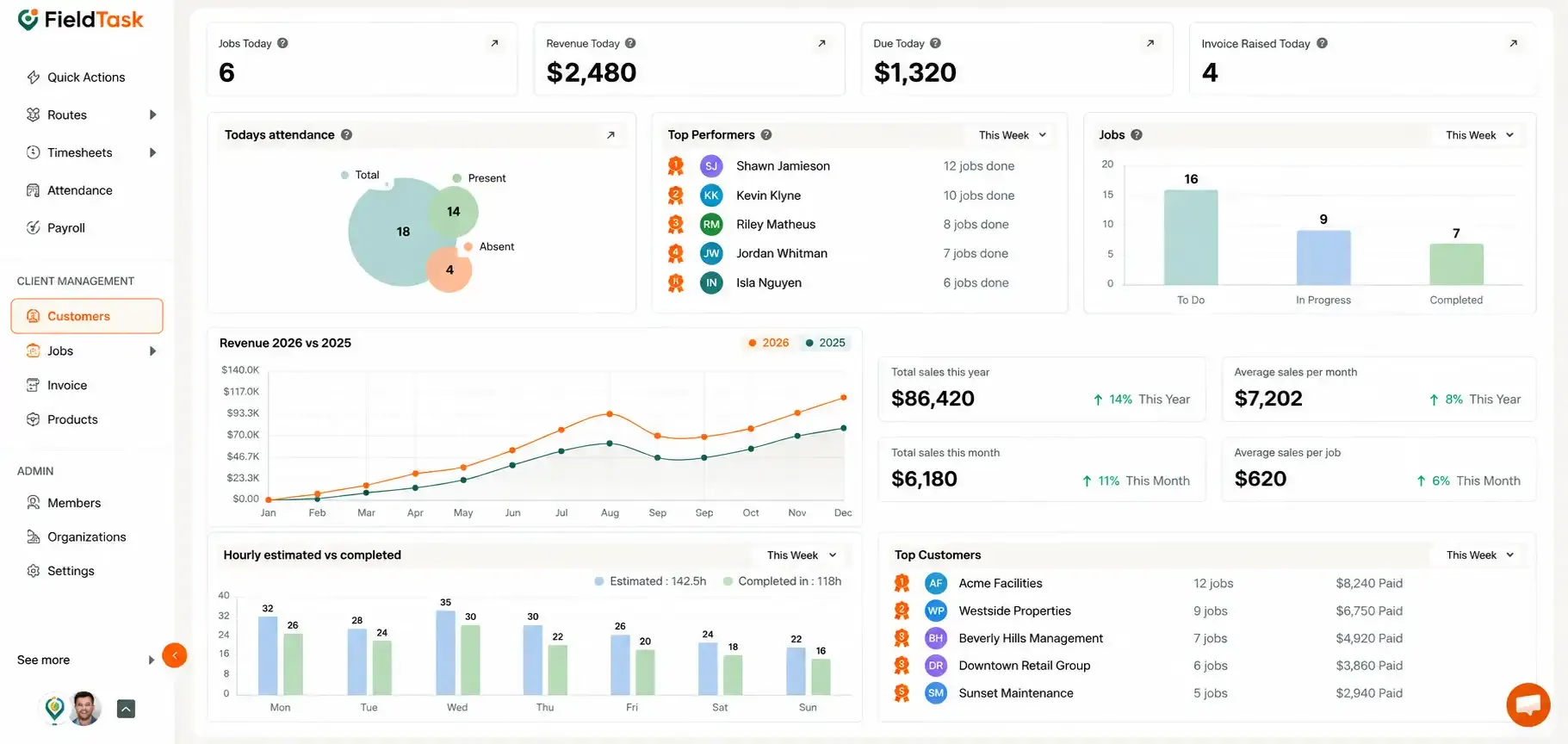
The Customers page is where your GHL Contacts will appear once they have been synced with FieldTask.
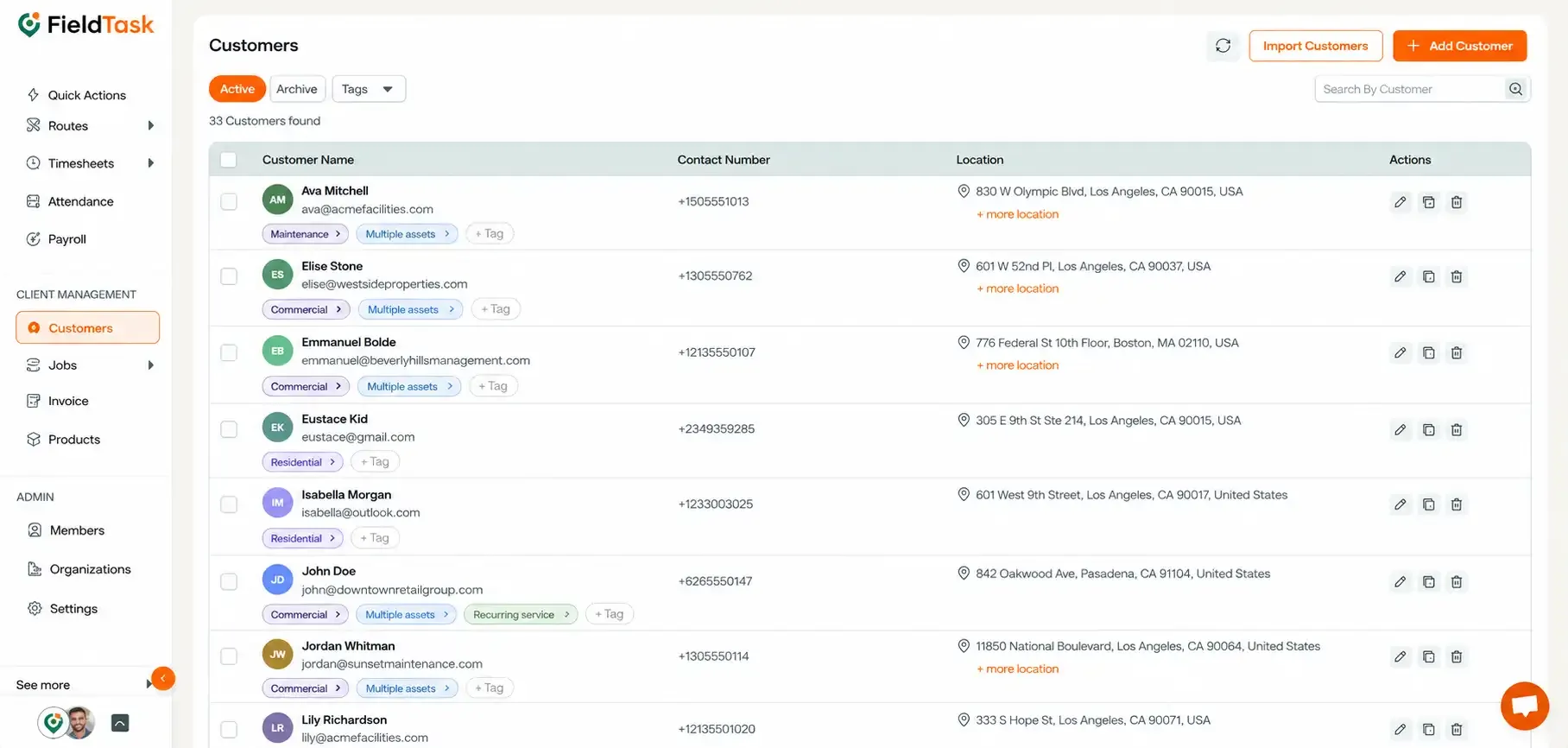
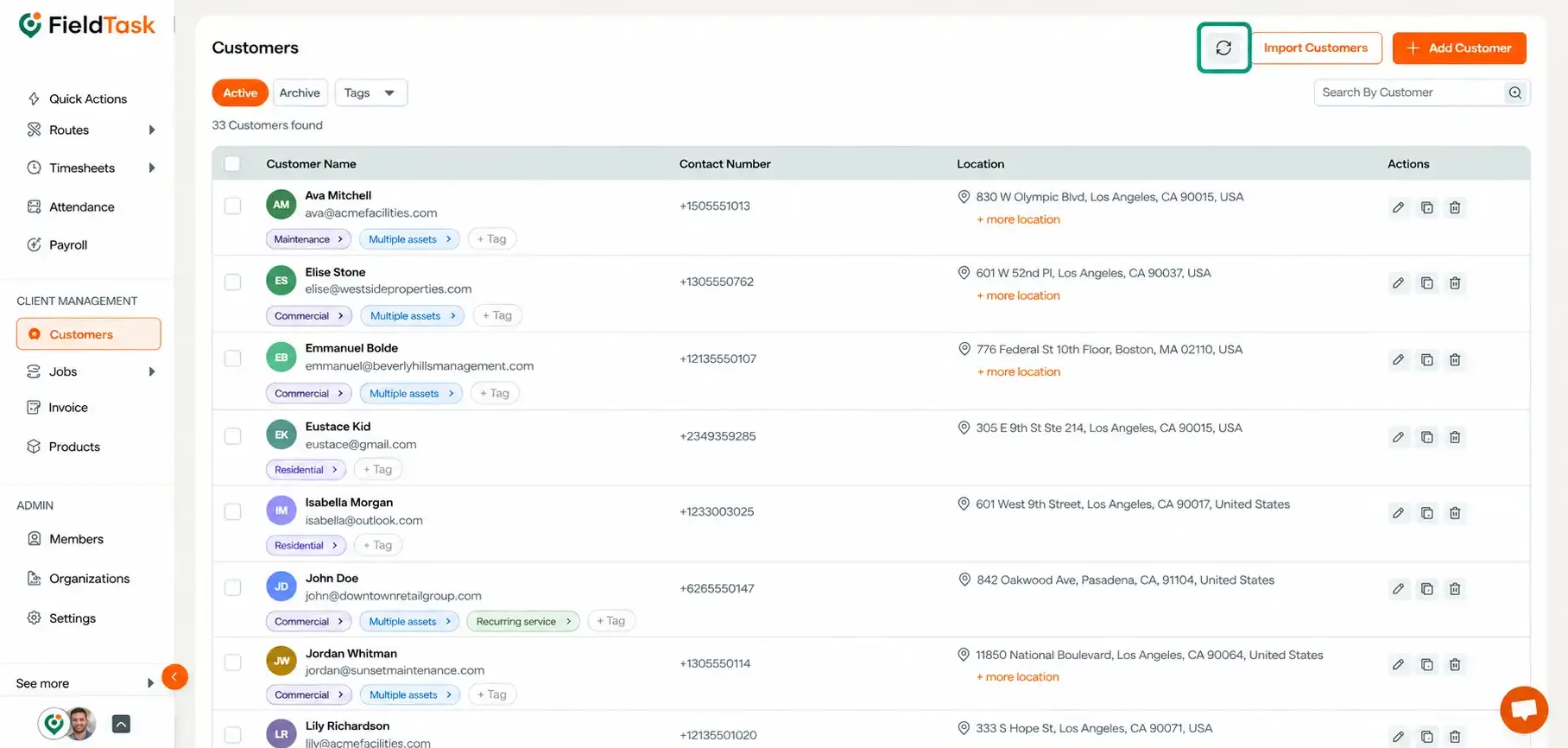
If your Contacts are not appearing:
A list of available GHL Contacts will appear.
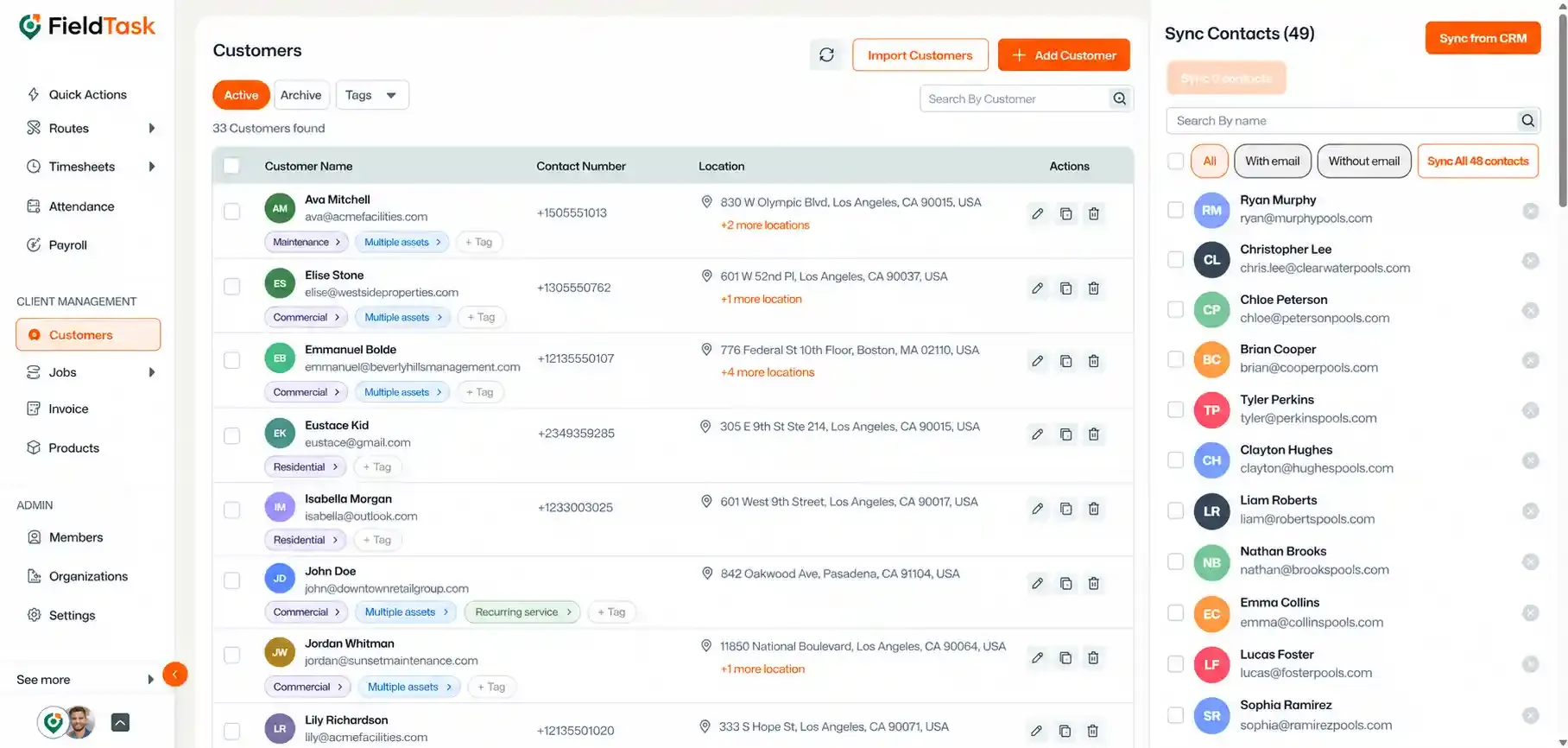
If the Contacts you are looking for still do not appear:
This will refresh the available Contact information and allow FieldTask to retrieve the latest Contacts from your CRM.
Manage dispatch, route plan, techs, quotes, invoices, and more in GHL, the only dedicated field service app for HighLevel home service businesses and contractors.
The complete FieldTask sitemap: quick links to all pages.
Learn how FieldTask supports HIPAA compliance for home health and field service teams—encryption, BAAs, access controls, and audit logging.