The HighLevel Home Service Business Management Software
Manage dispatch, route plan, techs, quotes, invoices, and more in GHL, the only dedicated field service app for HighLevel home service businesses and contractors.
No image available
Learn how FieldTask records your attendance and how to view the time spent working on each job.
FieldTask records Attendance based on your Job Check-In and Check-Out times.
Your attendance is recorded from the moment you check into a job until the moment you check out.
To view your Attendance:
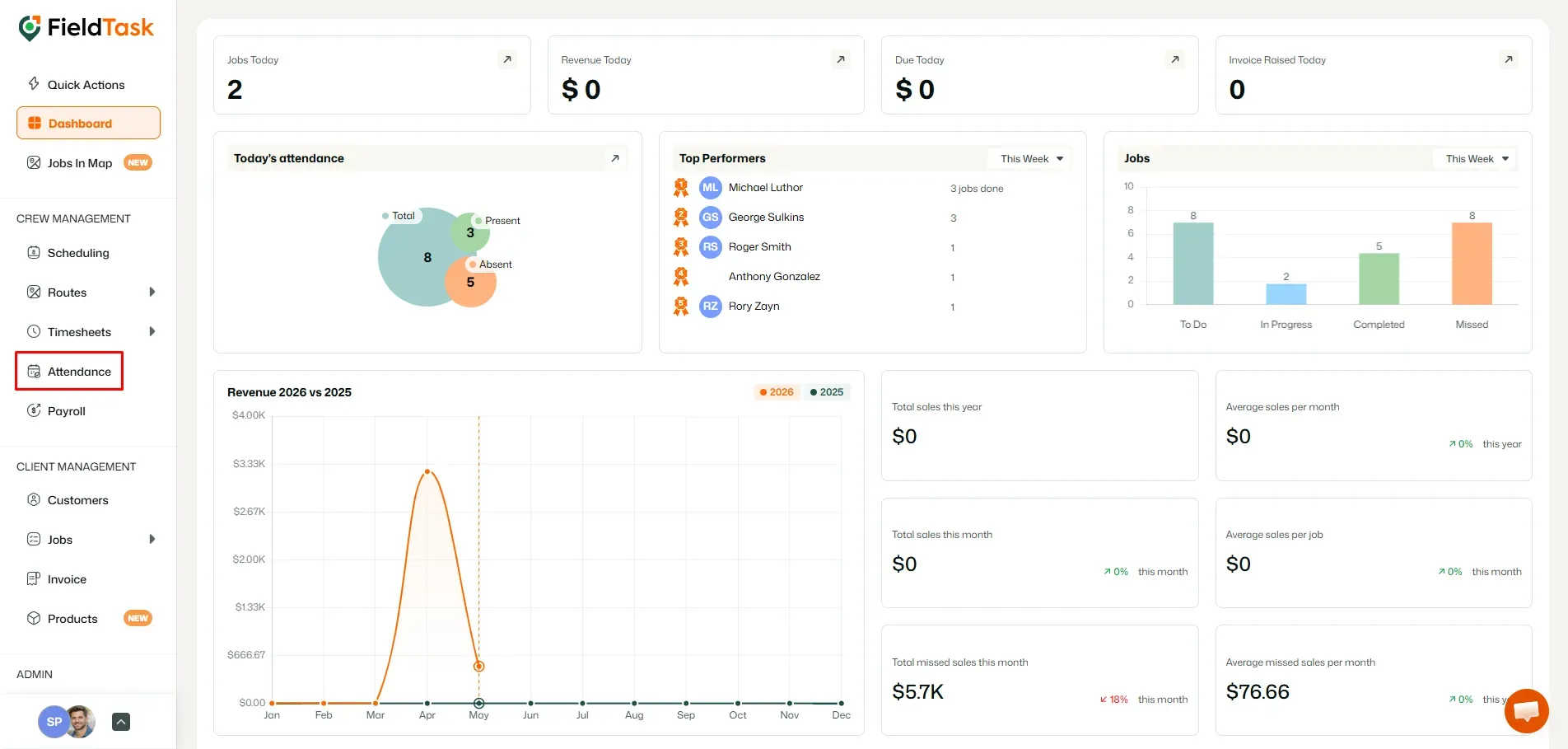
The Attendance page will show the following information for each entry:
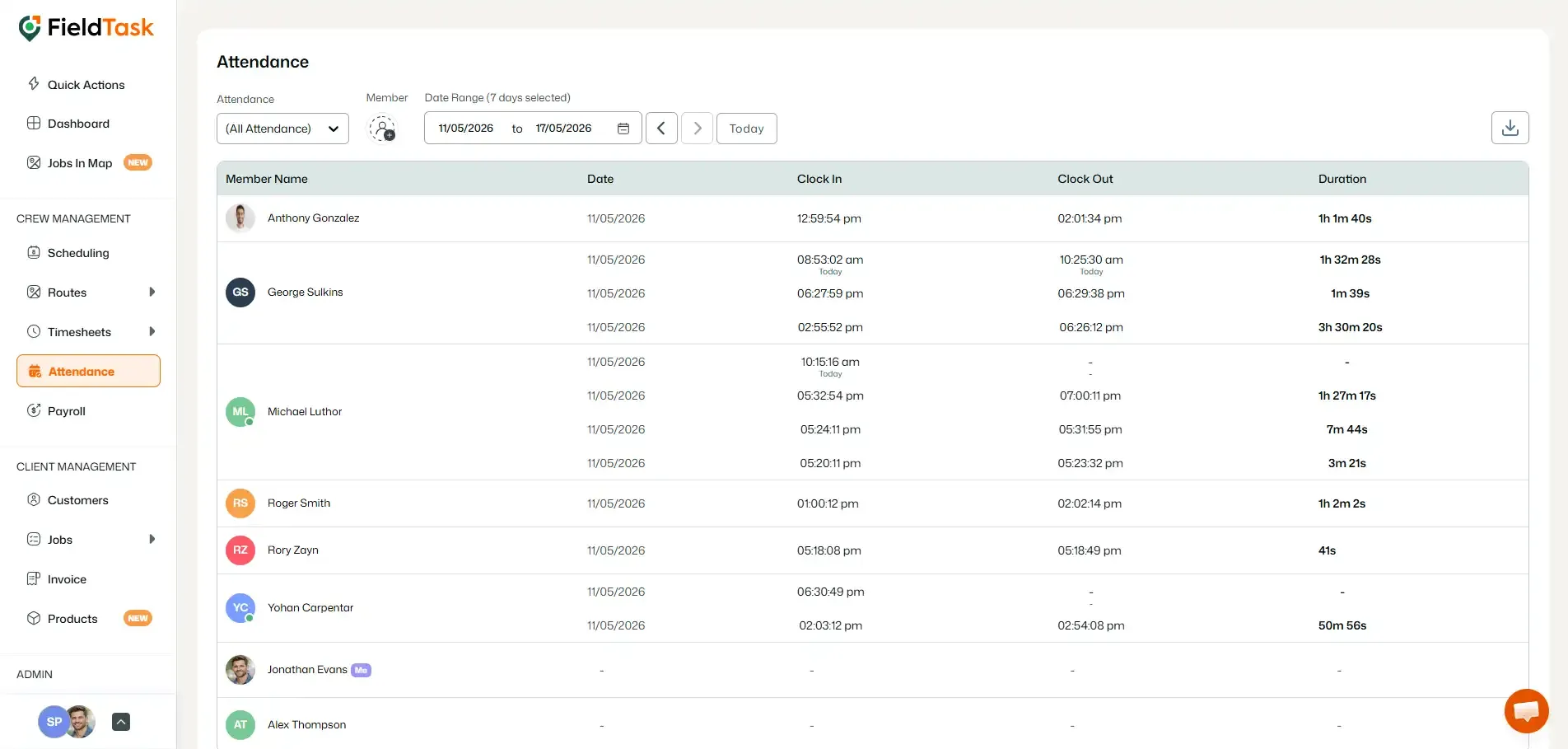
If you work on multiple jobs during the same day, each Check-In and Check-Out will be recorded as a separate attendance entry.
Each entry will have its own:
This allows you to see exactly how much time was spent working on each individual job throughout the day.
Manage dispatch, route plan, techs, quotes, invoices, and more in GHL, the only dedicated field service app for HighLevel home service businesses and contractors.
The complete FieldTask sitemap: quick links to all pages.
Learn how FieldTask supports HIPAA compliance for home health and field service teams—encryption, BAAs, access controls, and audit logging.