FieldTask Sitemap
The complete FieldTask sitemap: quick links to all pages.
No image available
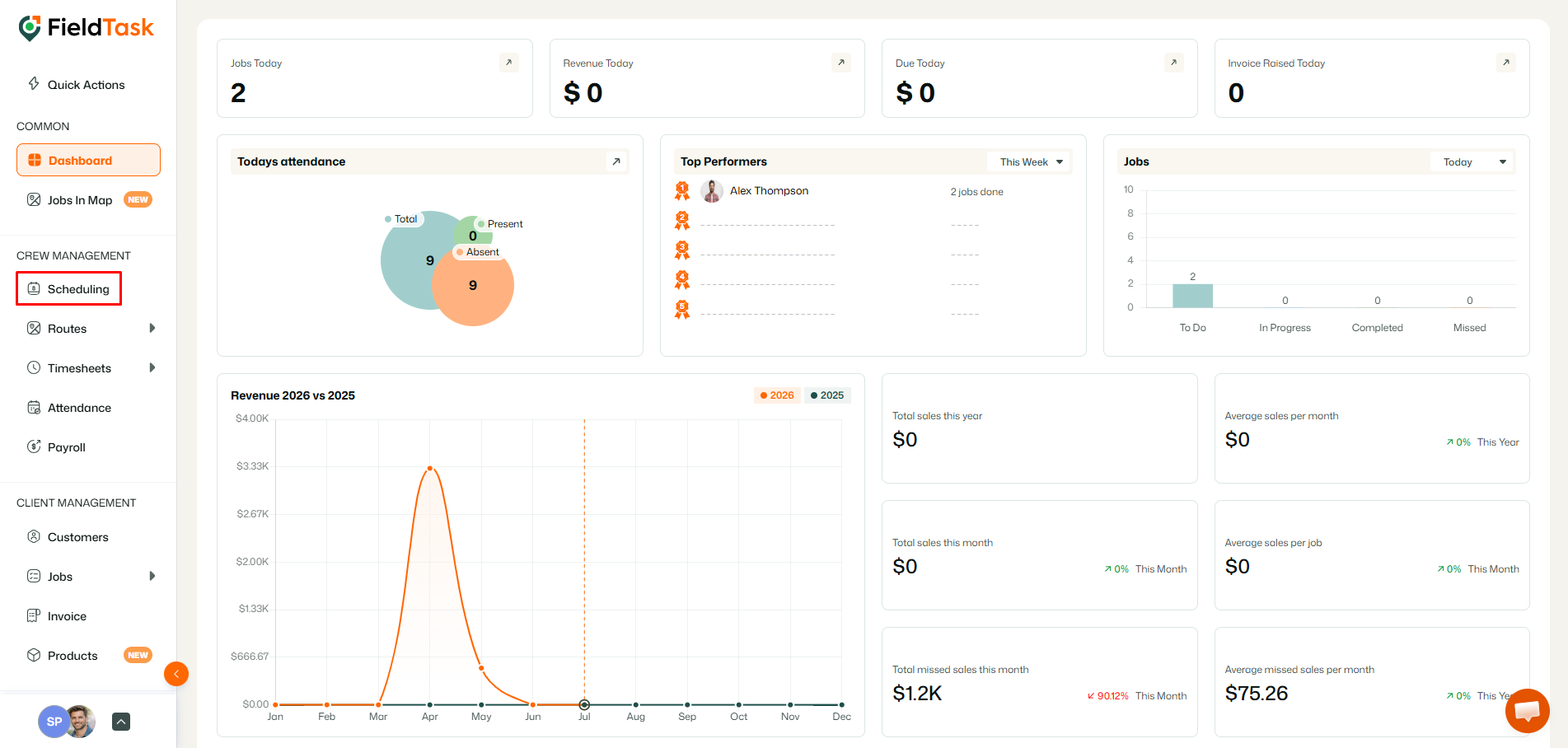
To schedule a new job, go to Scheduling from the left sidebar.
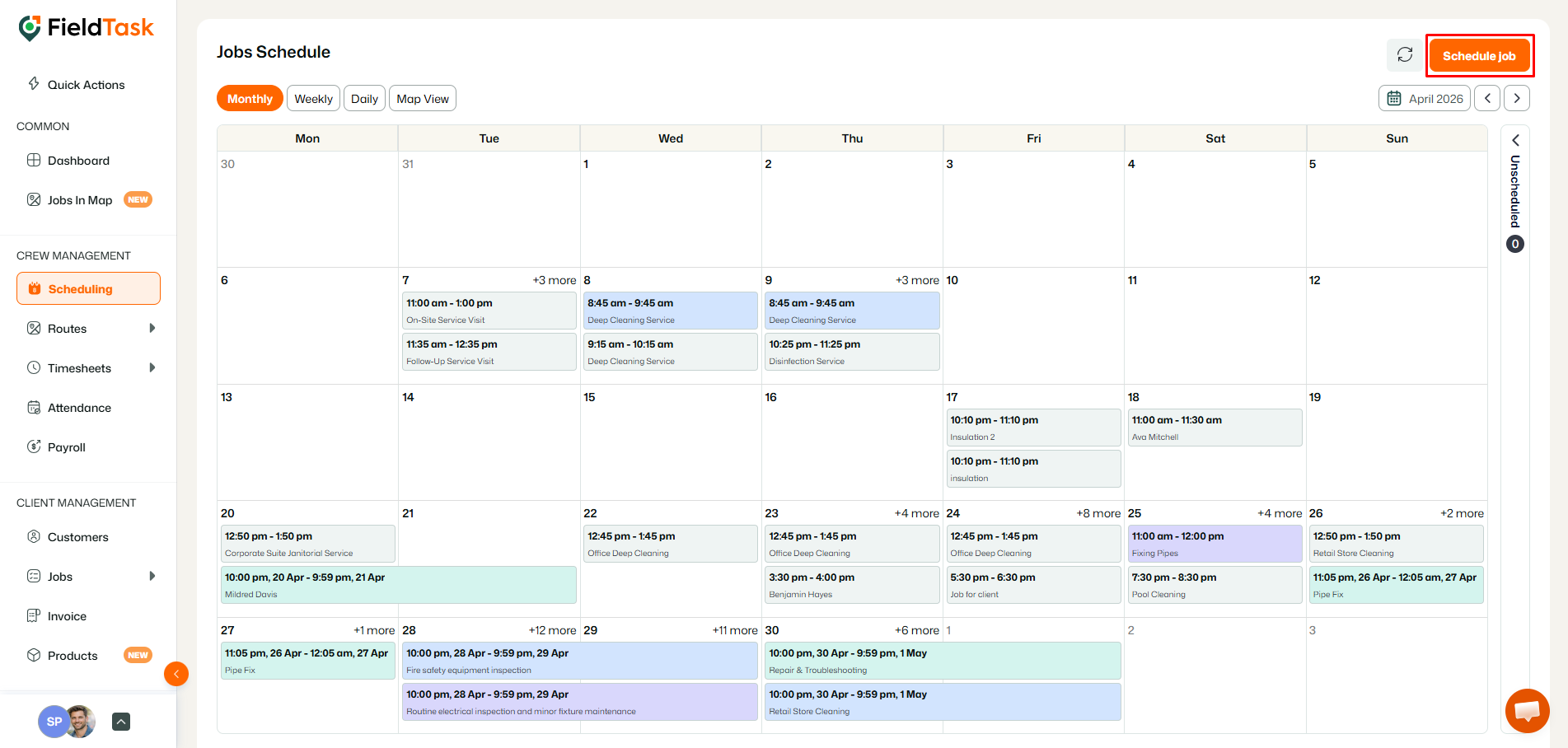
Click on the Create Job Schedule button on the top right,
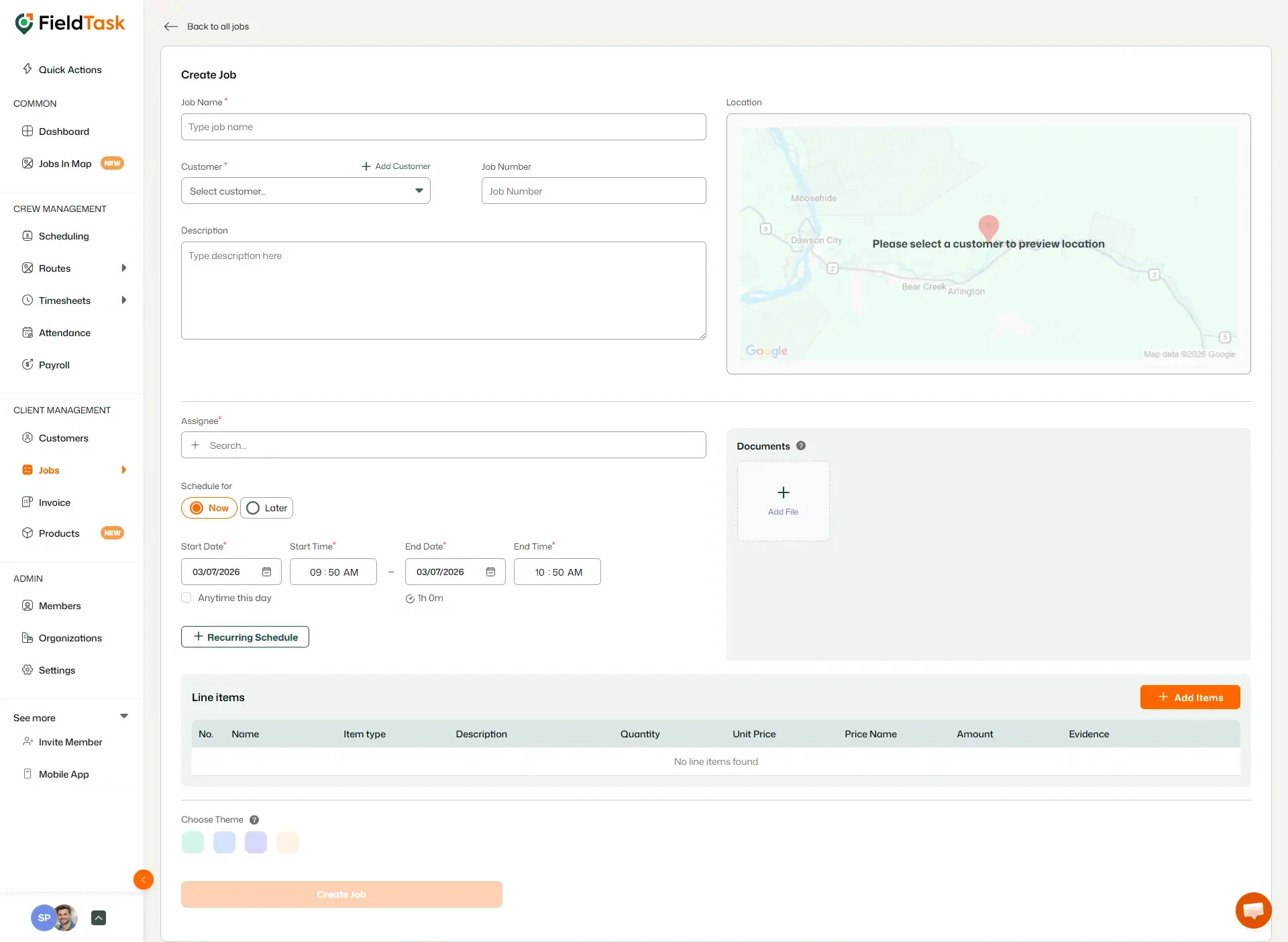
Once the Job Creation form loads, fill in the form by providing:
Once these informations are provided, you can choose to give it a colour theme or let the system use the default colours. Finish the process off by clicking the Create Job button.
The complete FieldTask sitemap: quick links to all pages.
Learn how FieldTask supports HIPAA compliance for home health and field service teams—encryption, BAAs, access controls, and audit logging.
Explore how FieldTask connects with HighLevel. Learn about two-way syncing, automation, and how to turn HighLevel into a complete field service management solution.