The HighLevel Home Service Business Management Software
Manage dispatch, route plan, techs, quotes, invoices, and more in GHL, the only dedicated field service app for HighLevel home service businesses and contractors.

Learn how FieldTask tracks a scheduled job from the time it is scheduled until it is completed or missed.
A scheduled Job in FieldTask can have one of four statuses, depending on where it is in the work process:
FieldTask also identifies when a Member checks into or checks out of a job later than the scheduled time.
If a Member:
This makes it easier to identify late arrivals and departures when reviewing job records.
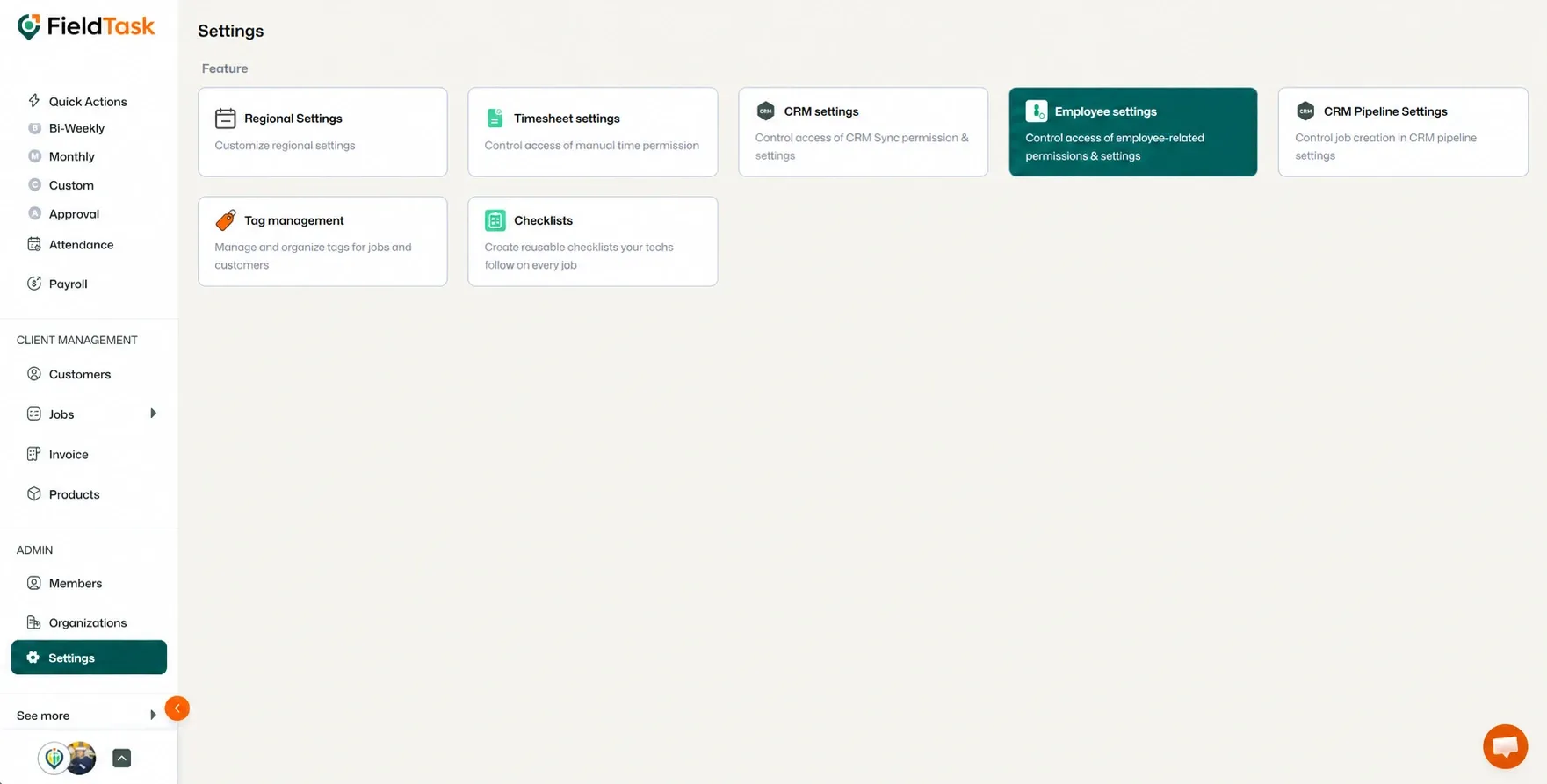
FieldTask gives Organizations the option to decide whether jobs that pass their scheduled end time should be marked as Missed.
To change this setting:
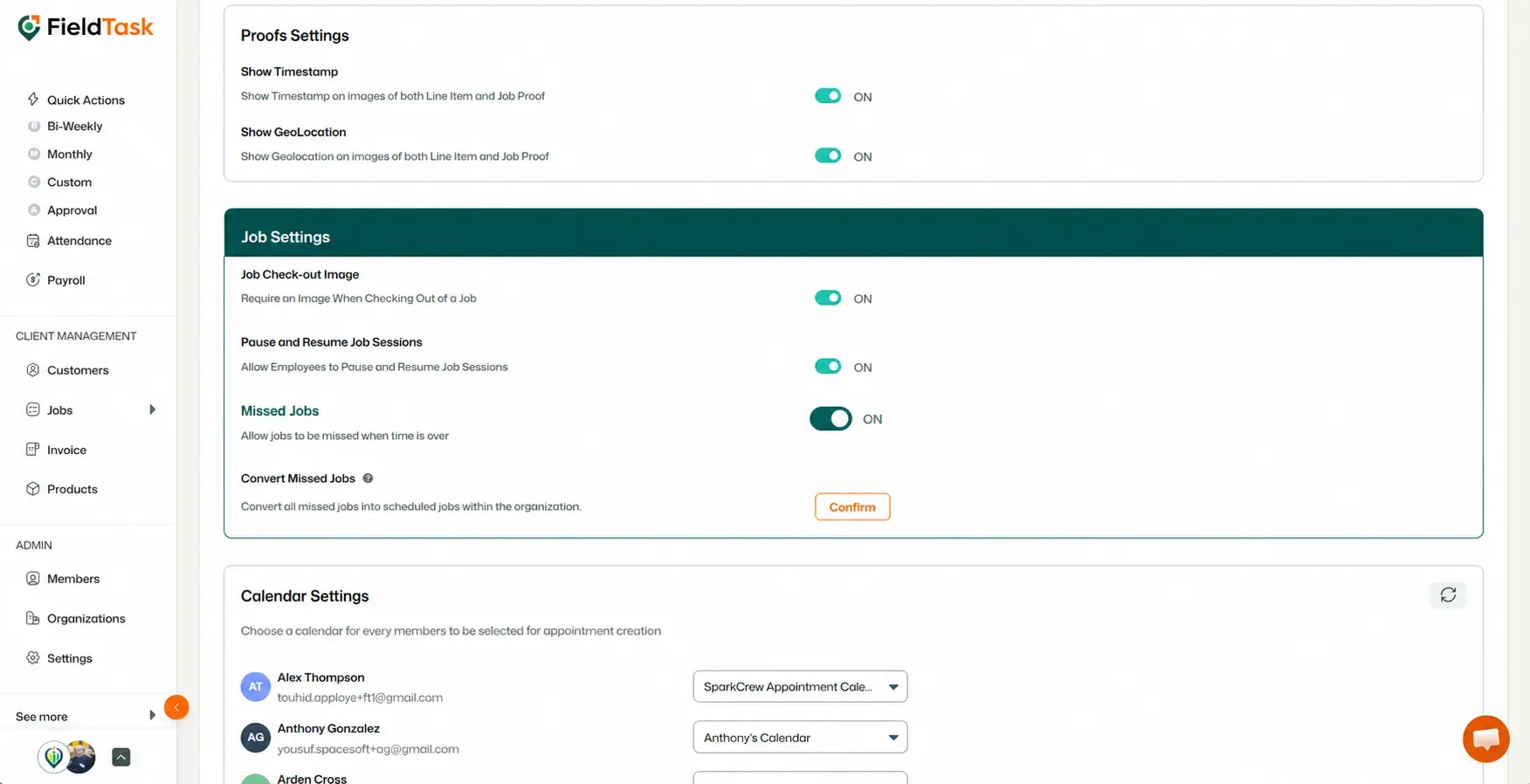
When Missed Jobs are enabled, jobs that pass their scheduled time without being completed can be marked as Missed.
When the setting is disabled, jobs will not be marked as Missed.
If you previously had Missed Jobs enabled and later disable the setting, FieldTask also gives you the option to convert your existing Missed Jobs back to Scheduled.
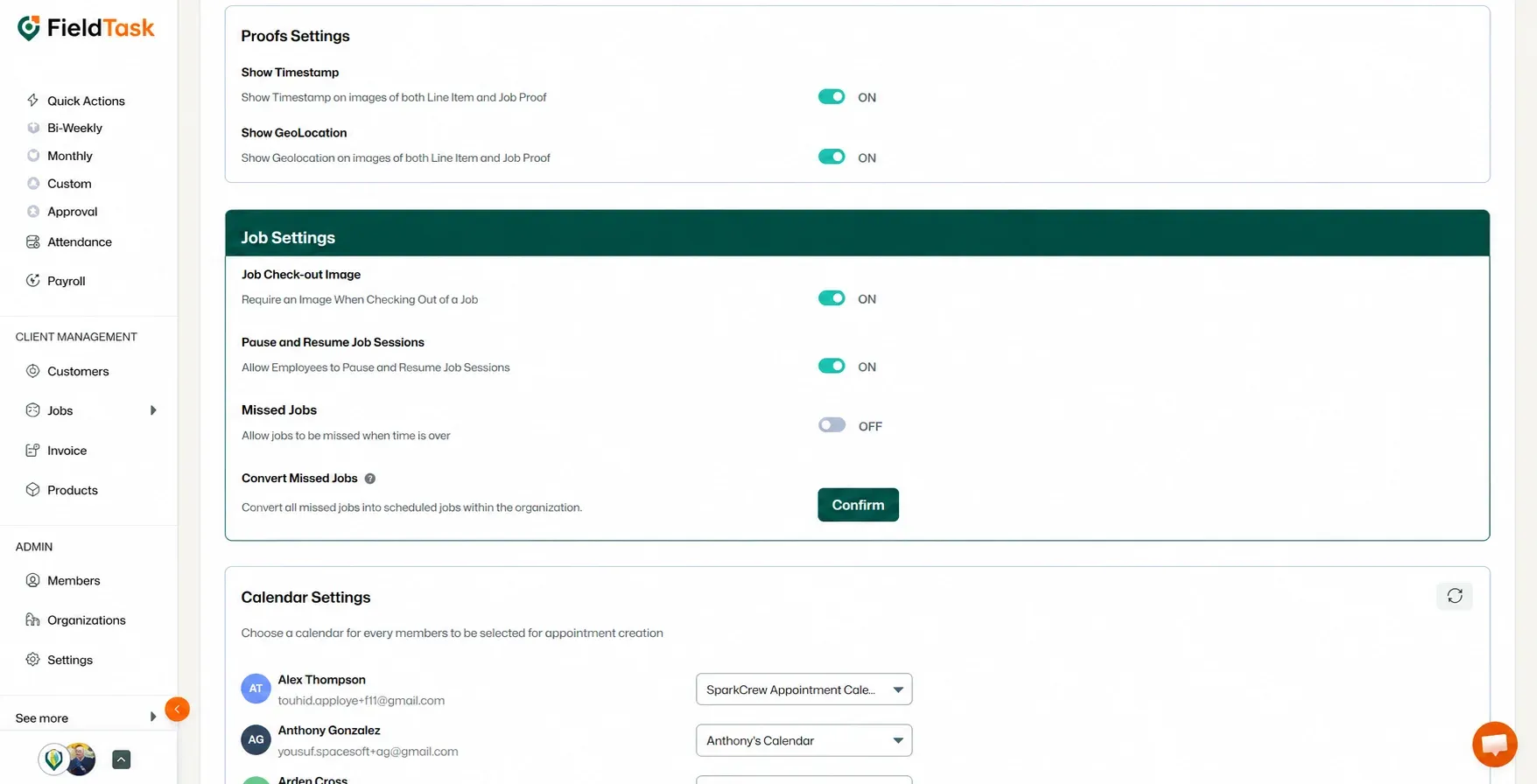
This will convert the previously missed jobs to Scheduled status.
Manage dispatch, route plan, techs, quotes, invoices, and more in GHL, the only dedicated field service app for HighLevel home service businesses and contractors.
The complete FieldTask sitemap: quick links to all pages.
Learn how FieldTask supports HIPAA compliance for home health and field service teams—encryption, BAAs, access controls, and audit logging.