The HighLevel Home Service Business Management Software
Manage dispatch, route plan, techs, quotes, invoices, and more in GHL, the only dedicated field service app for HighLevel home service businesses and contractors.
No image available
Learn where to find your FieldTask login credentials after installing FieldTask from the GHL App Marketplace.
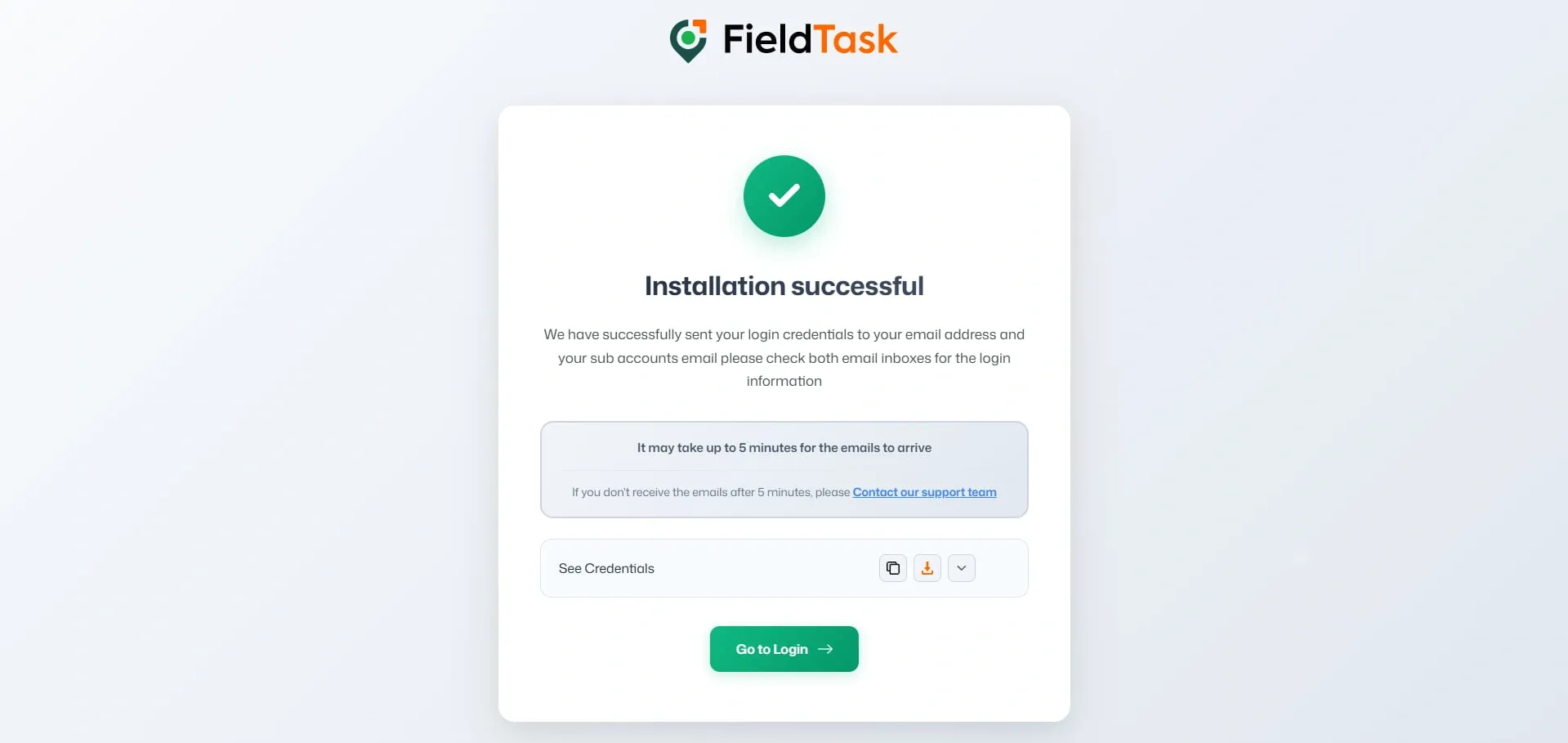
When you install FieldTask from the GHL App Marketplace, your login credentials will be provided in two ways.
After completing the FieldTask installation, your credentials will be displayed on the confirmation page.
From this page, you can:
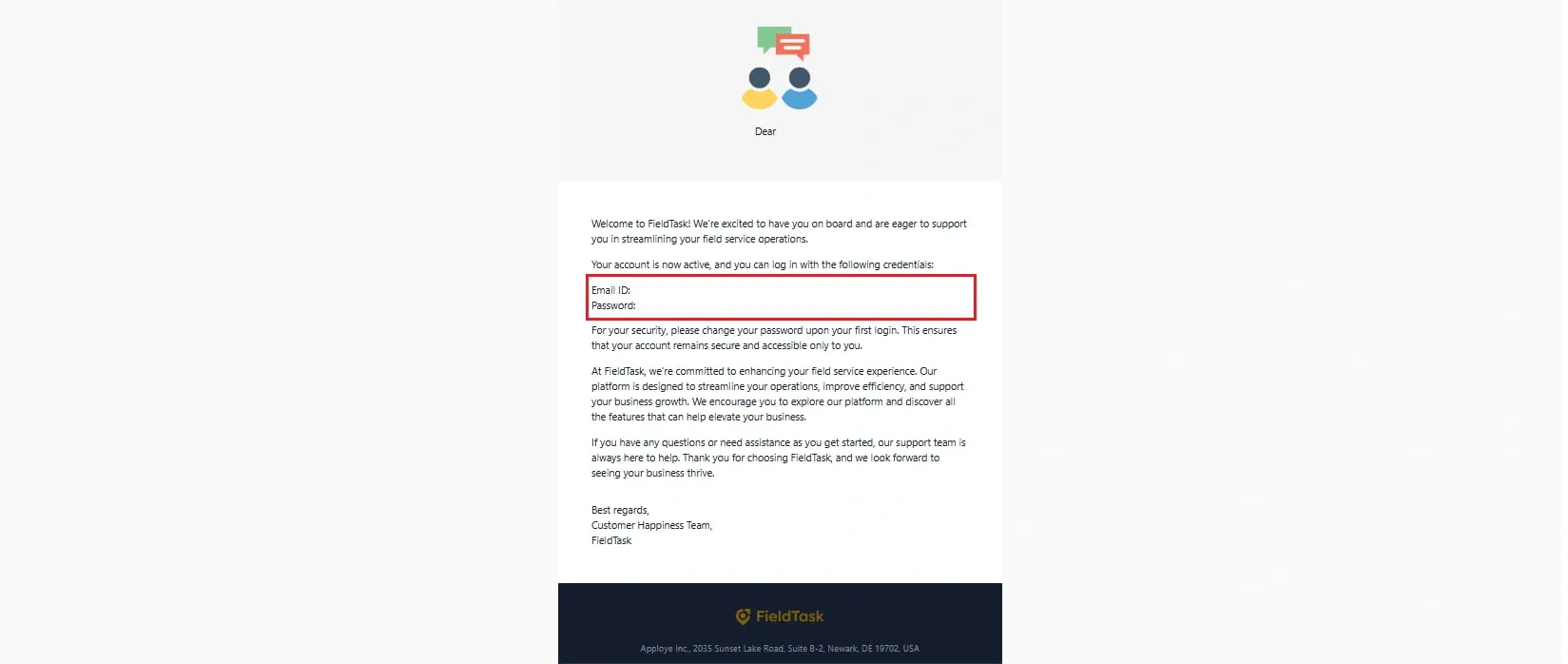
Your FieldTask login credentials will also be sent to the Sub Account’s Business Email.
After logging in, you can change your password from Profile Settings
Please Note: If you do not have a Business Email set up for your Sub Account, the credentials will be sent to the Location Email instead.
Manage dispatch, route plan, techs, quotes, invoices, and more in GHL, the only dedicated field service app for HighLevel home service businesses and contractors.
The complete FieldTask sitemap: quick links to all pages.
Learn how FieldTask supports HIPAA compliance for home health and field service teams—encryption, BAAs, access controls, and audit logging.