The HighLevel Home Service Business Management Software
Manage dispatch, route plan, techs, quotes, invoices, and more in GHL, the only dedicated field service app for HighLevel home service businesses and contractors.

Learn how to call a customer directly from a job in the FieldTask Mobile App.
You can quickly call your customers directly from the FieldTask Mobile App while working on a job.
To call a customer:
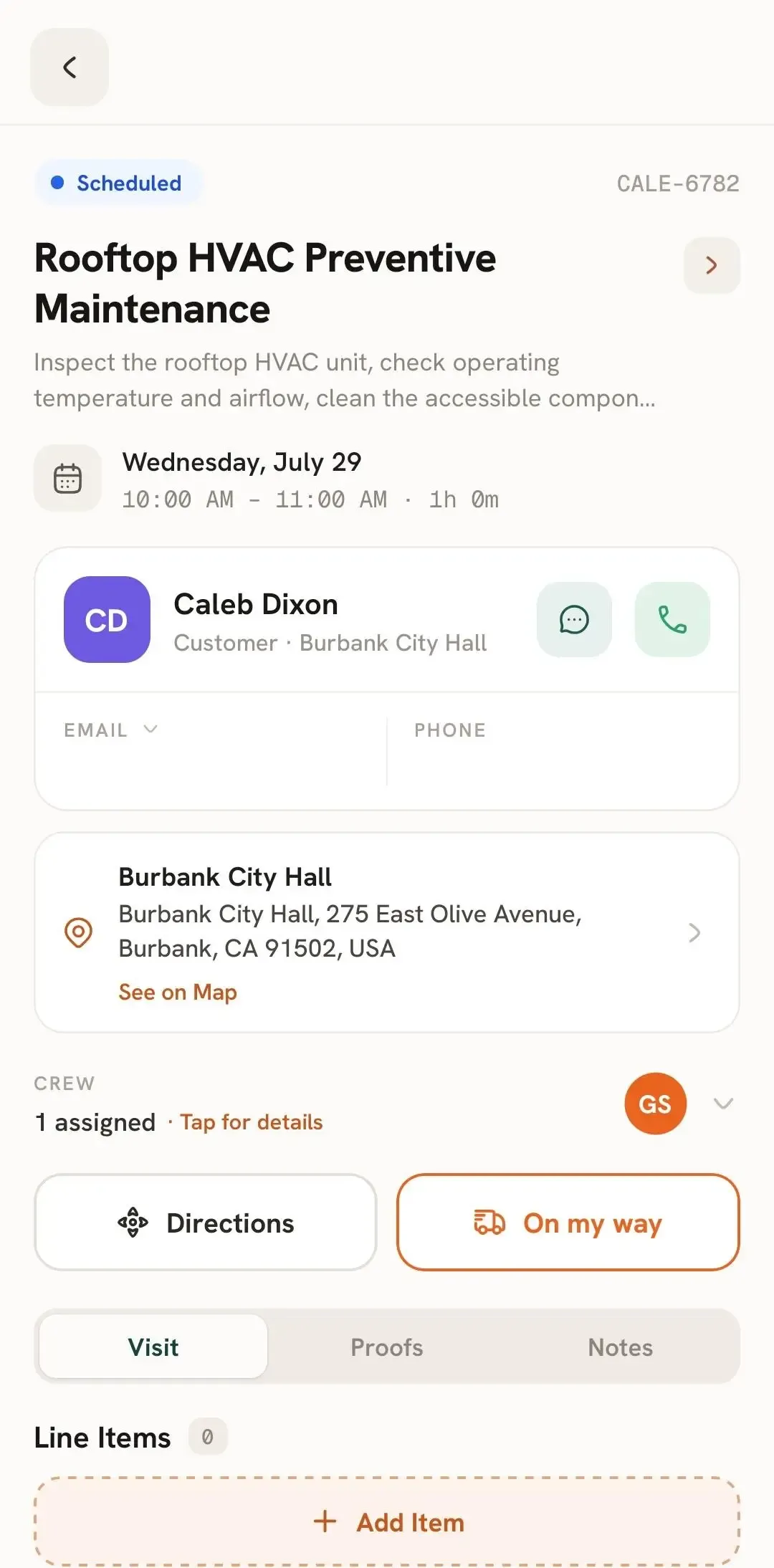
This makes it easy to quickly communicate with customers, provide updates, clarify job details, or let them know you're on your way without leaving the Job Details page.
For other ways to contact the customer, see How to Send a Text Message to a Customer or How to Send an Email to a Customer.
Manage dispatch, route plan, techs, quotes, invoices, and more in GHL, the only dedicated field service app for HighLevel home service businesses and contractors.
The complete FieldTask sitemap: quick links to all pages.
Learn how FieldTask supports HIPAA compliance for home health and field service teams—encryption, BAAs, access controls, and audit logging.