The HighLevel Home Service Business Management Software
Manage dispatch, route plan, techs, quotes, invoices, and more in GHL, the only dedicated field service app for HighLevel home service businesses and contractors.

Learn how Timesheets track employee work time and the different ways you can view, manage, and export timesheet data.
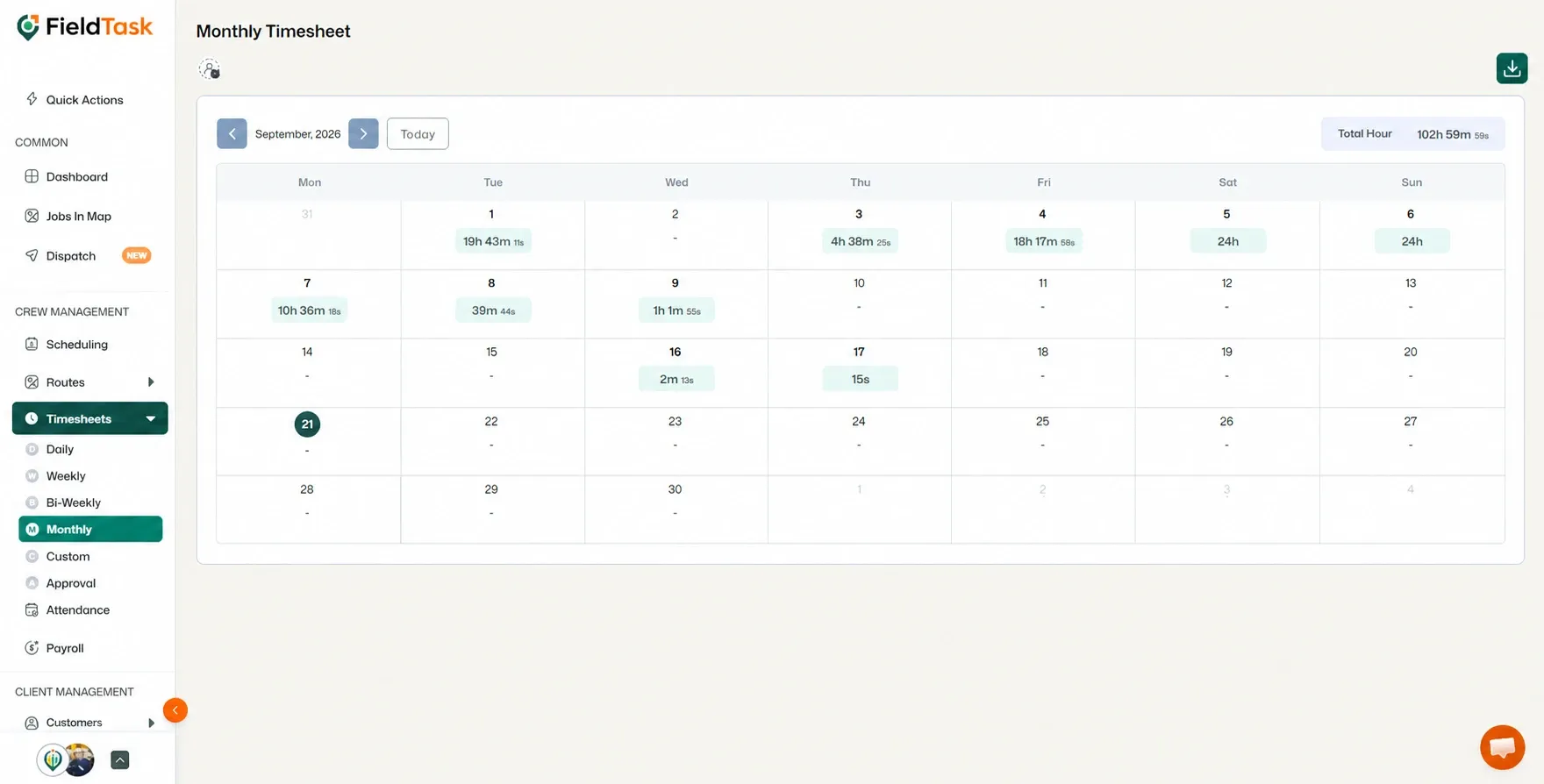
Timesheets allow you to track the amount of time an employee has spent working on a specific task.
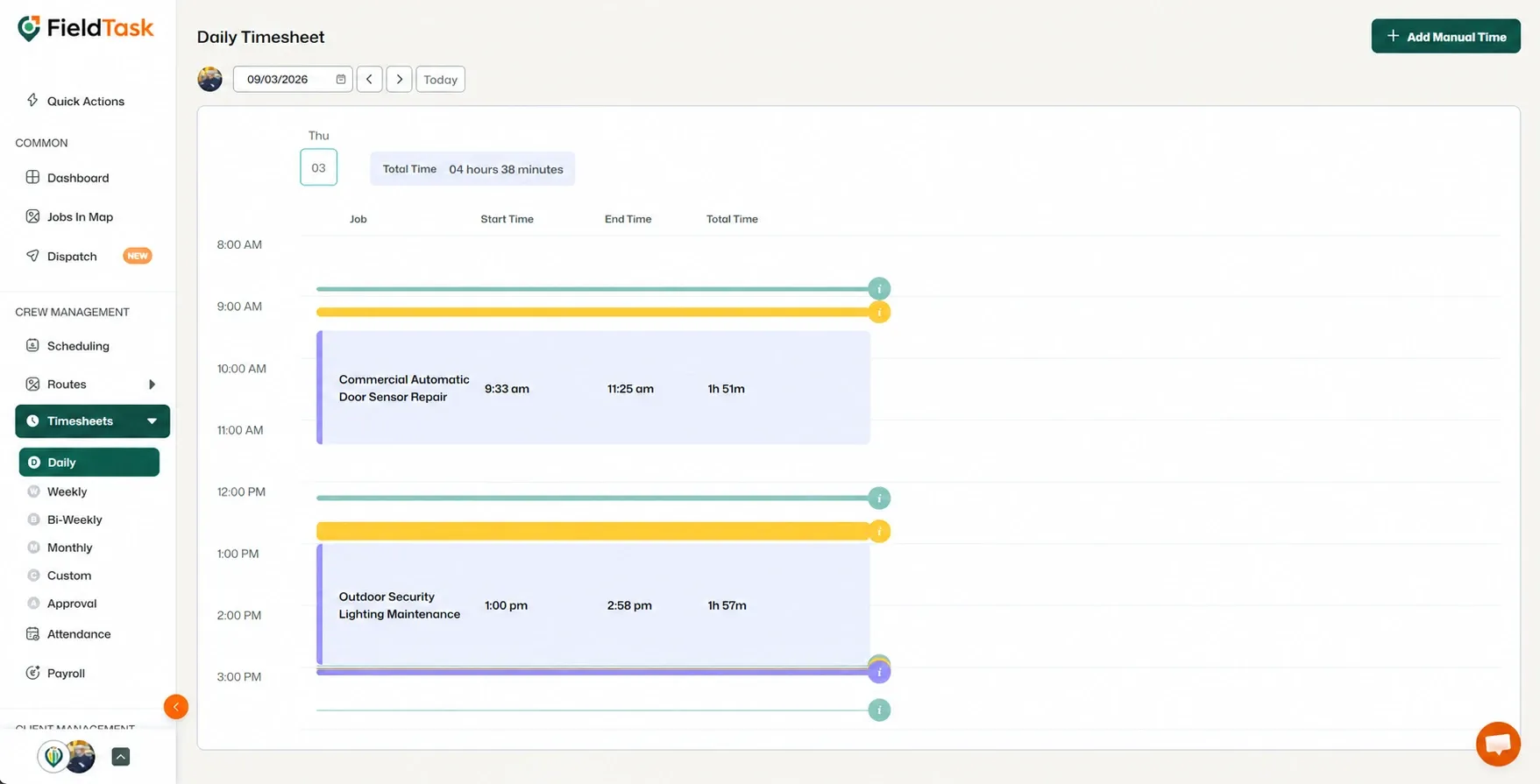
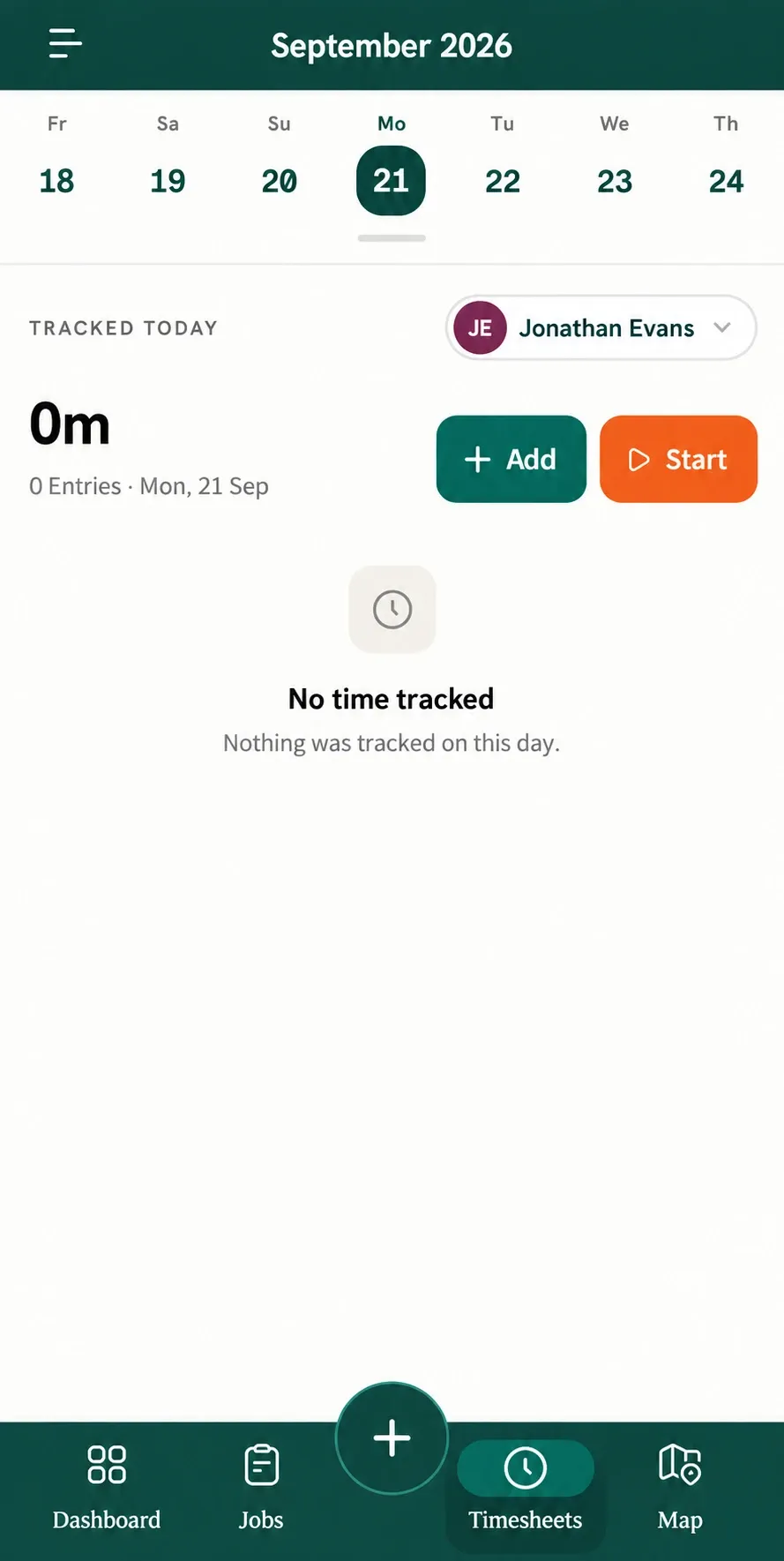
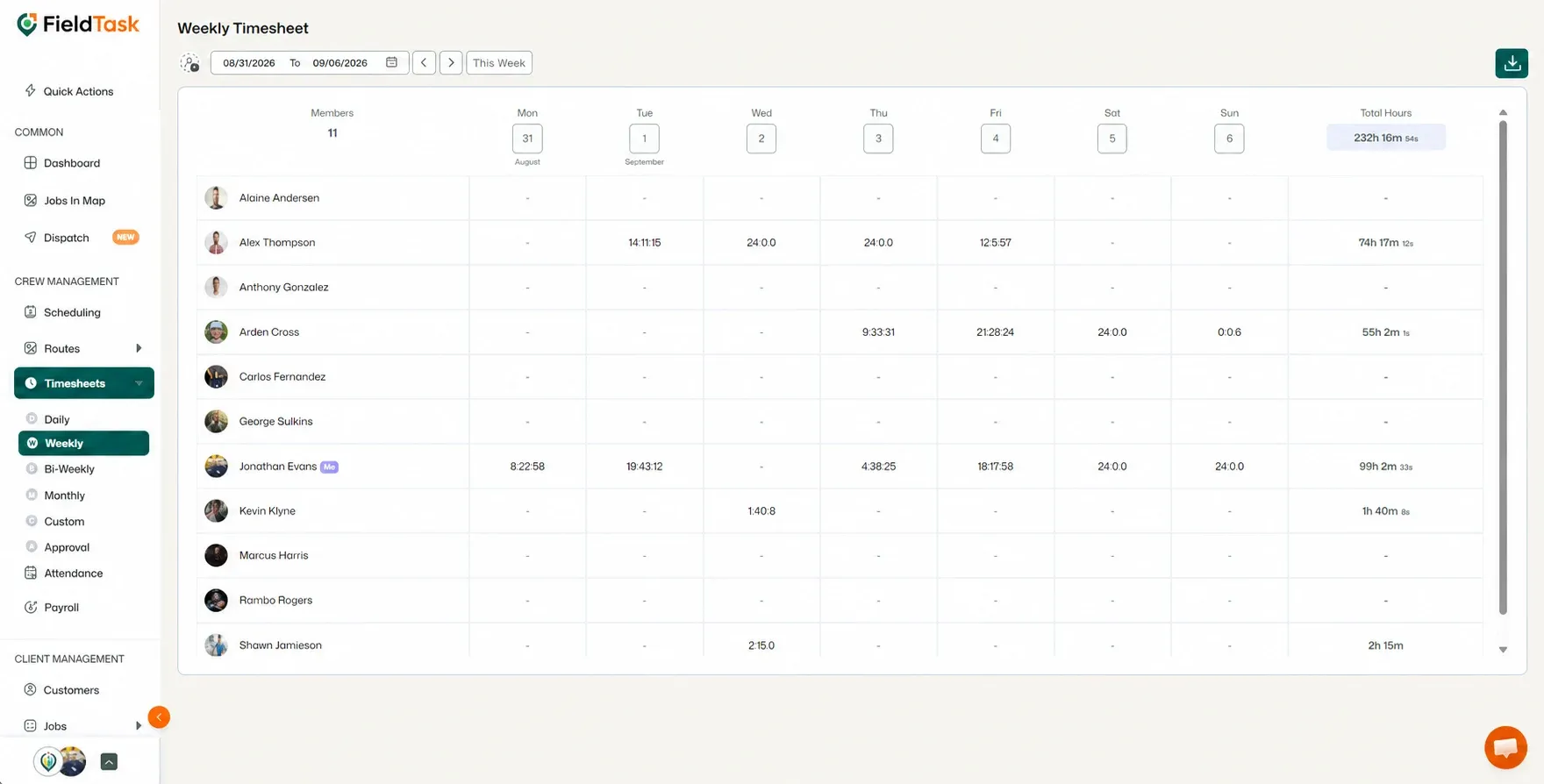
FieldTask provides several ways to view your Timesheets:
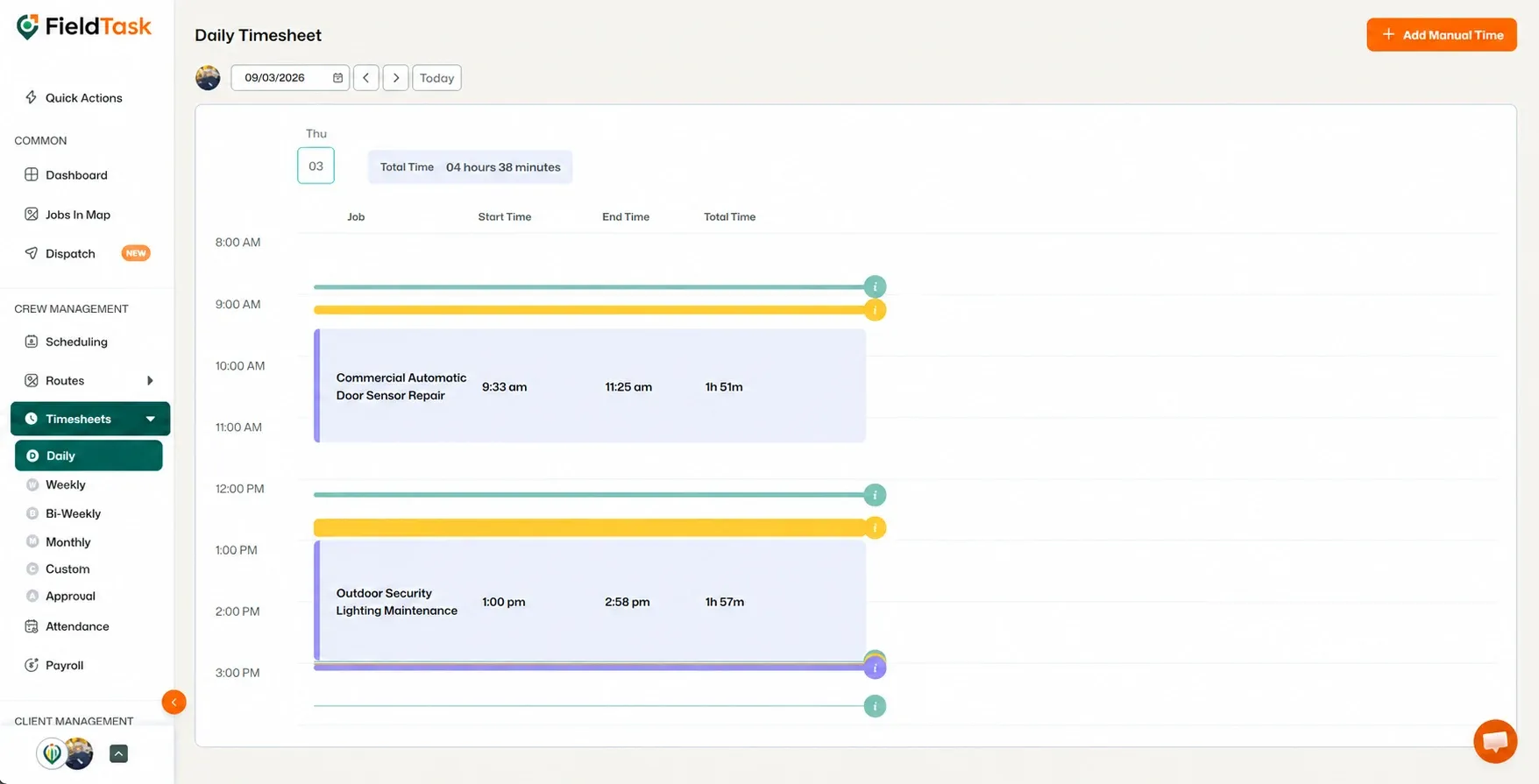
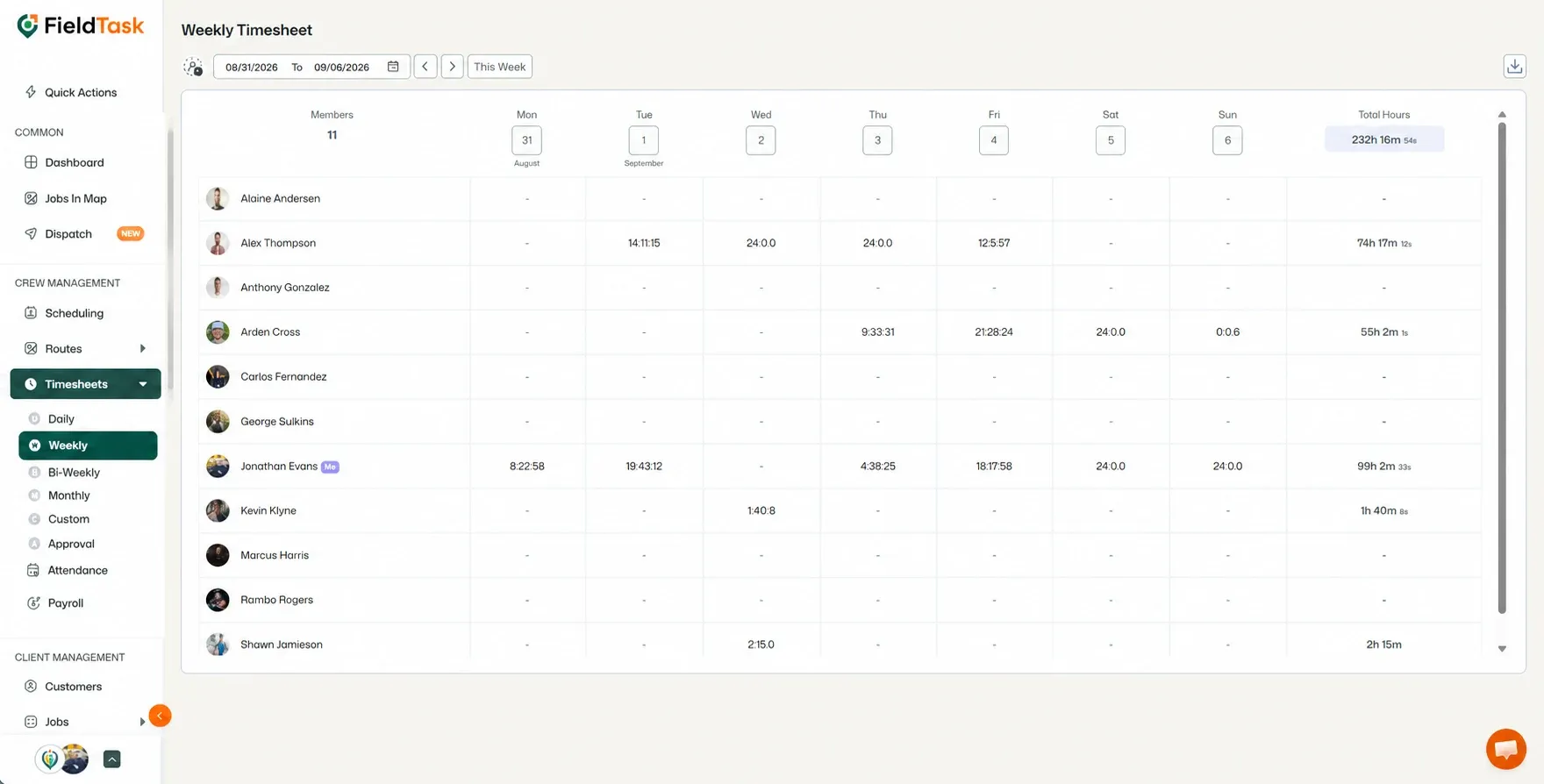
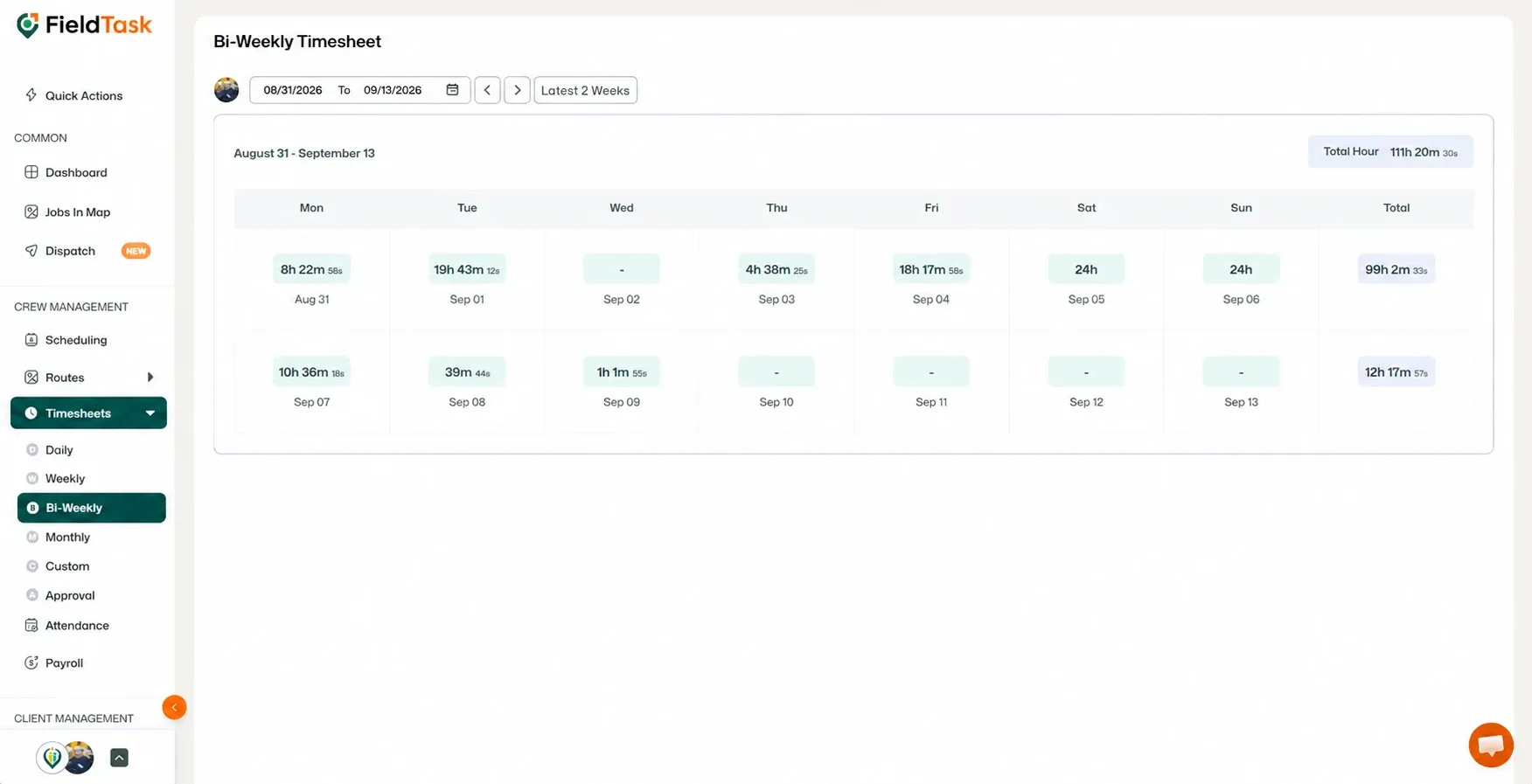
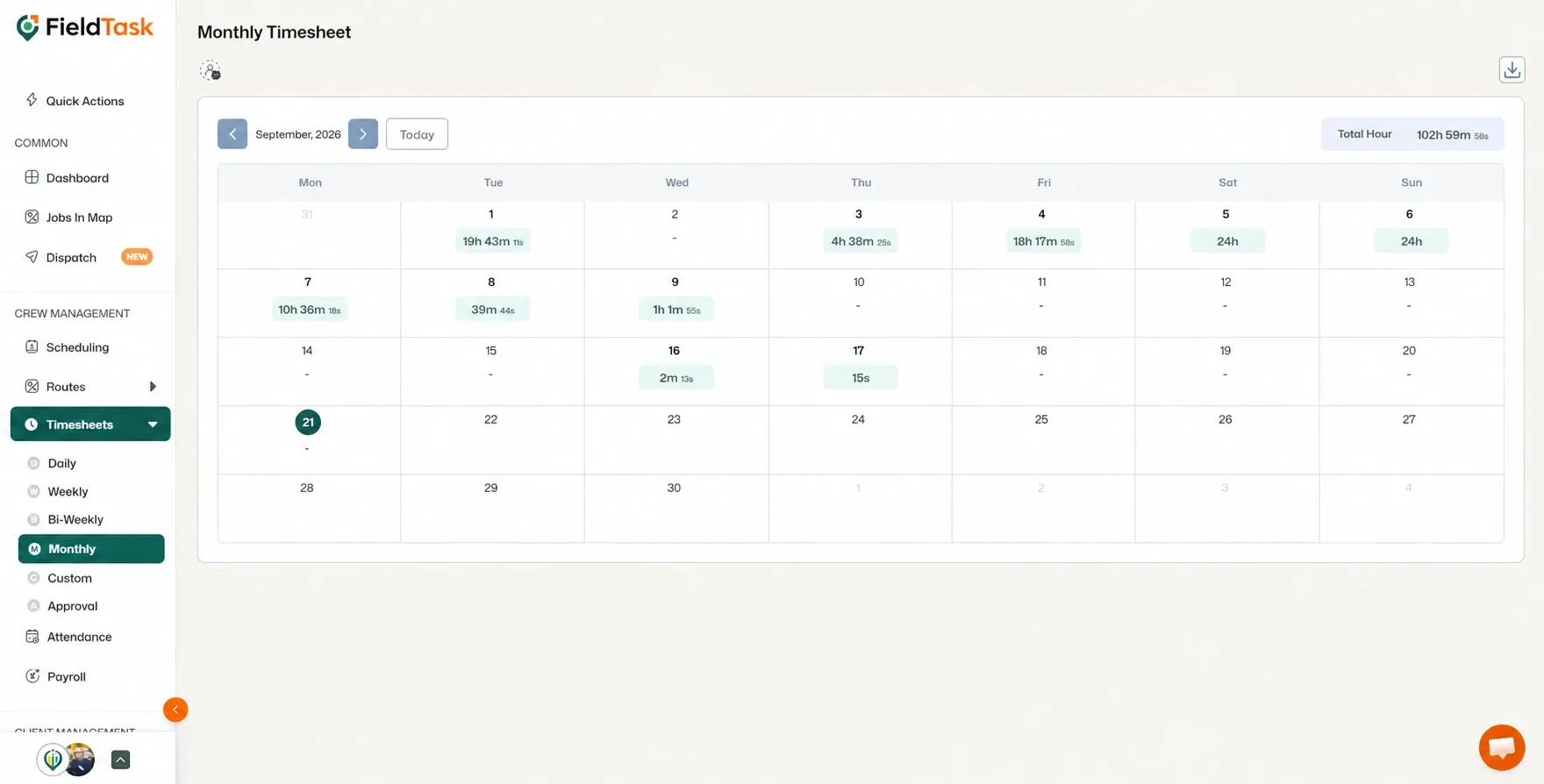
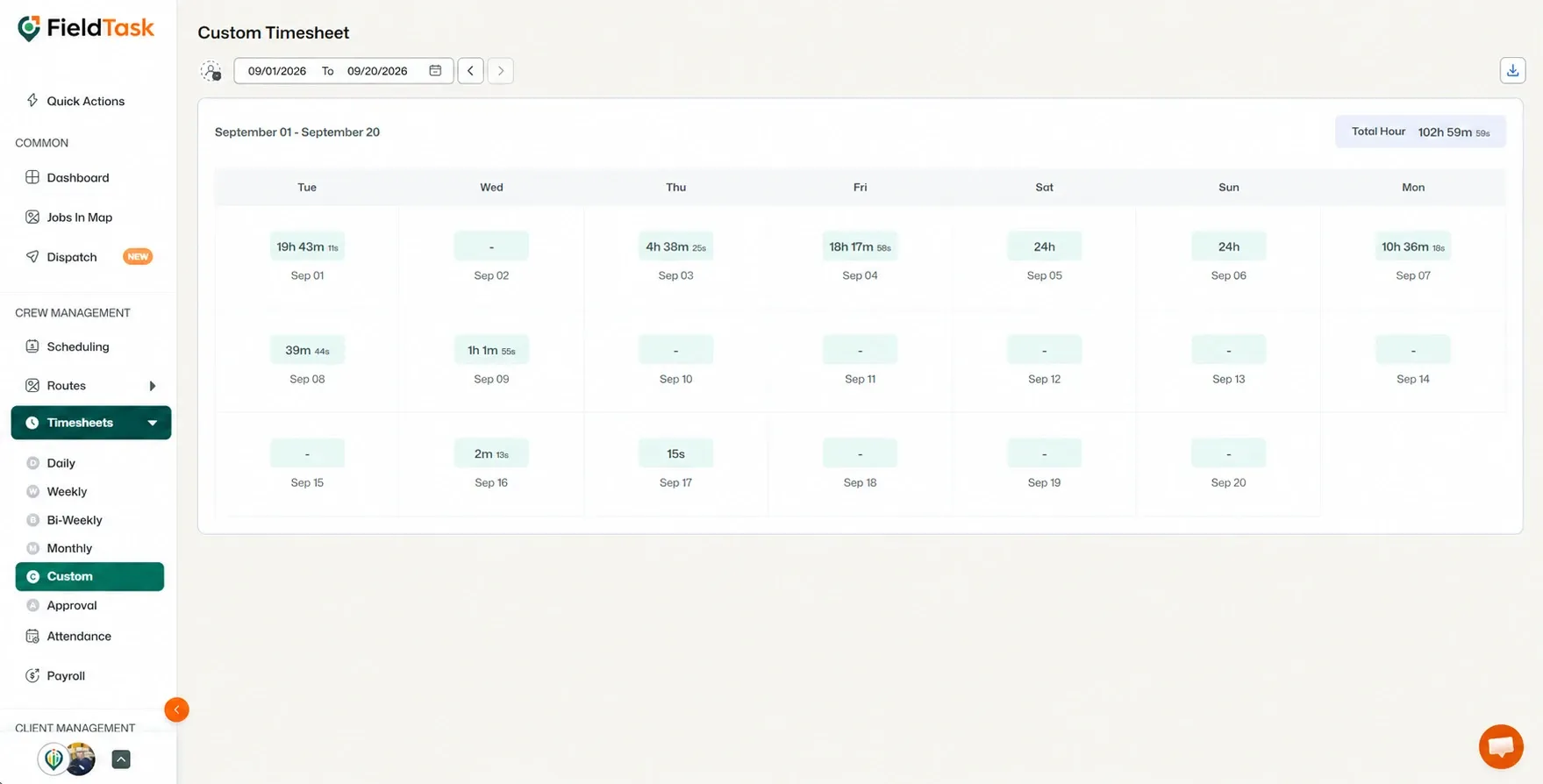
You can also perform different actions depending on the Timesheet view you are using.
FieldTask also allows you to approve Timesheets for Members whose approval requirements have been enabled.
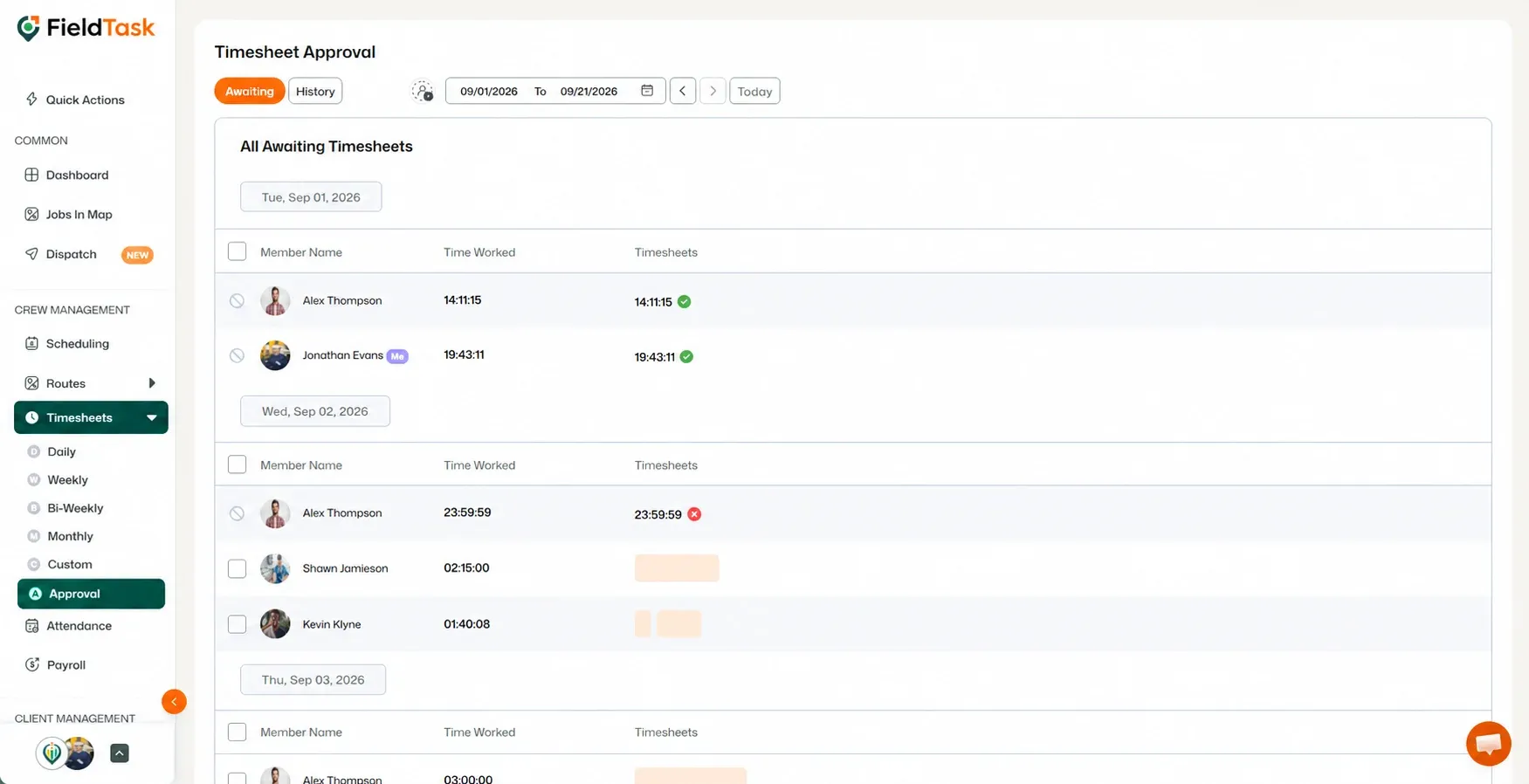
This gives you a way to review and approve employee time records when Timesheet approval is required.
Manage dispatch, route plan, techs, quotes, invoices, and more in GHL, the only dedicated field service app for HighLevel home service businesses and contractors.
The complete FieldTask sitemap: quick links to all pages.
Learn how FieldTask supports HIPAA compliance for home health and field service teams—encryption, BAAs, access controls, and audit logging.