The HighLevel Home Service Business Management Software
Manage dispatch, route plan, techs, quotes, invoices, and more in GHL, the only dedicated field service app for HighLevel home service businesses and contractors.

Learn how FieldTask’s Inventory support works through CRM Product synchronization.
FieldTask supports Inventory Management by syncing directly with your CRM’s Products module.
Any product added to your CRM can be brought into FieldTask’s Inventory section, which is referred to as Products inside FieldTask.
To enable Product synchronization:
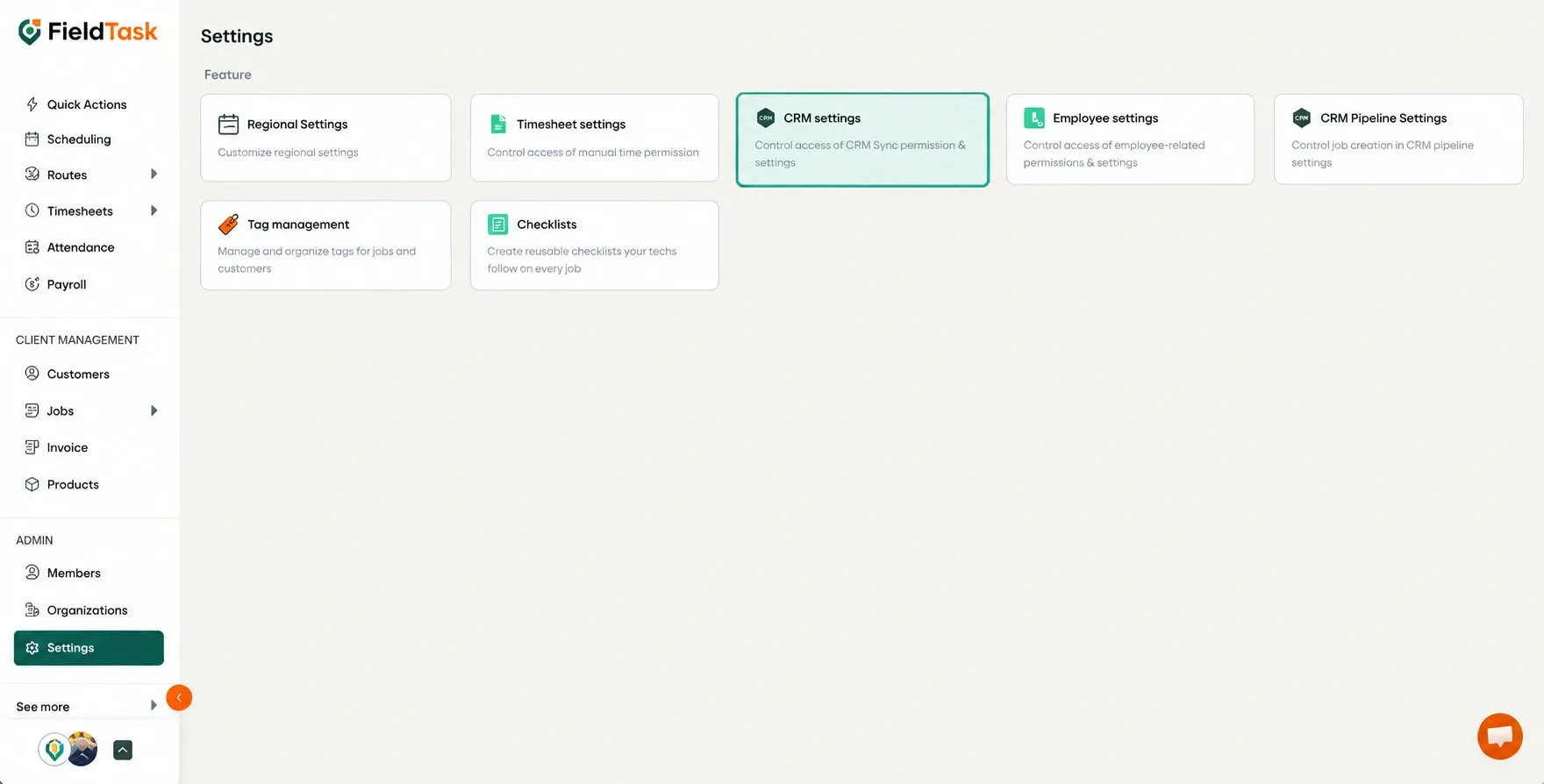
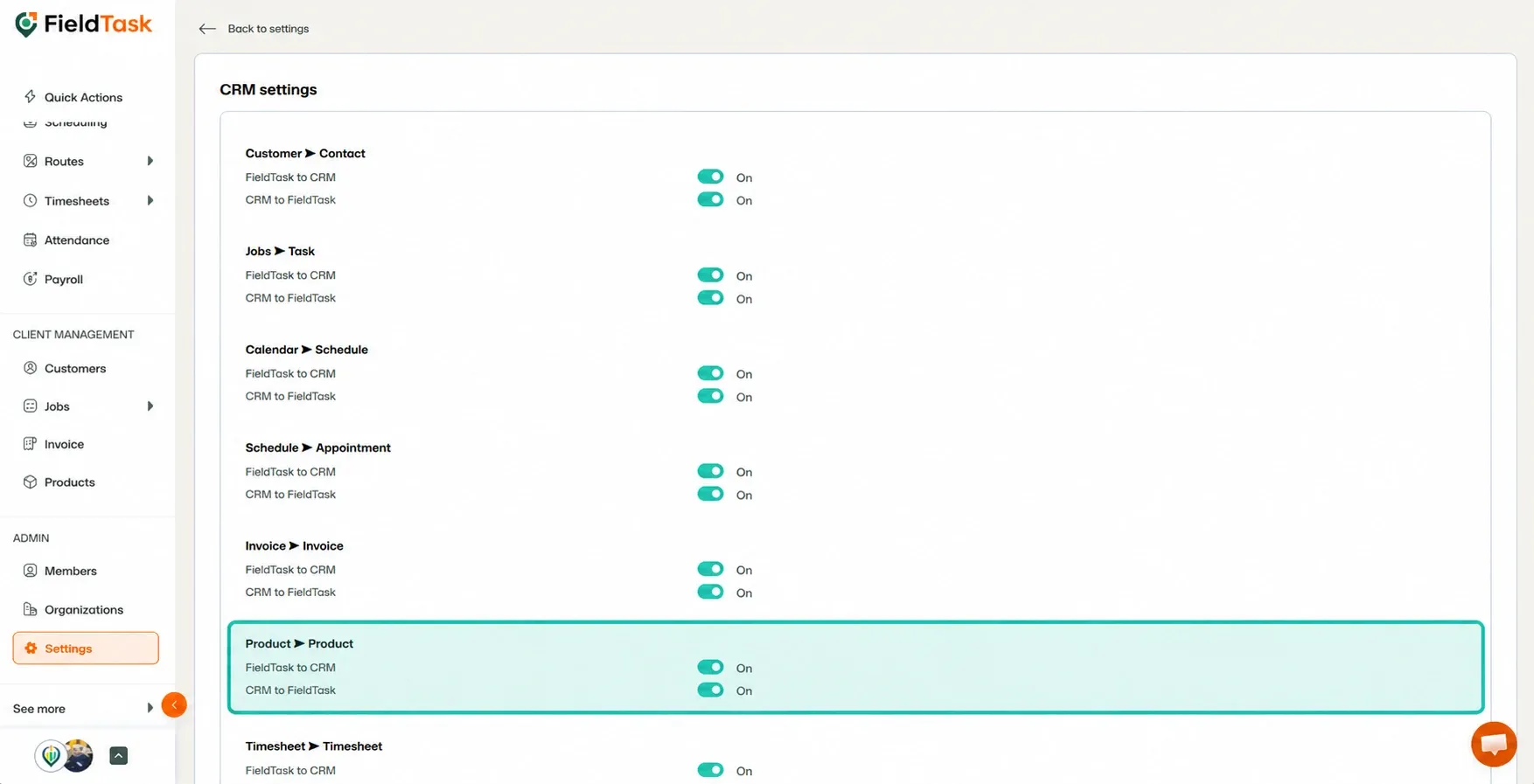
Once enabled, products from your CRM will automatically sync into FieldTask.
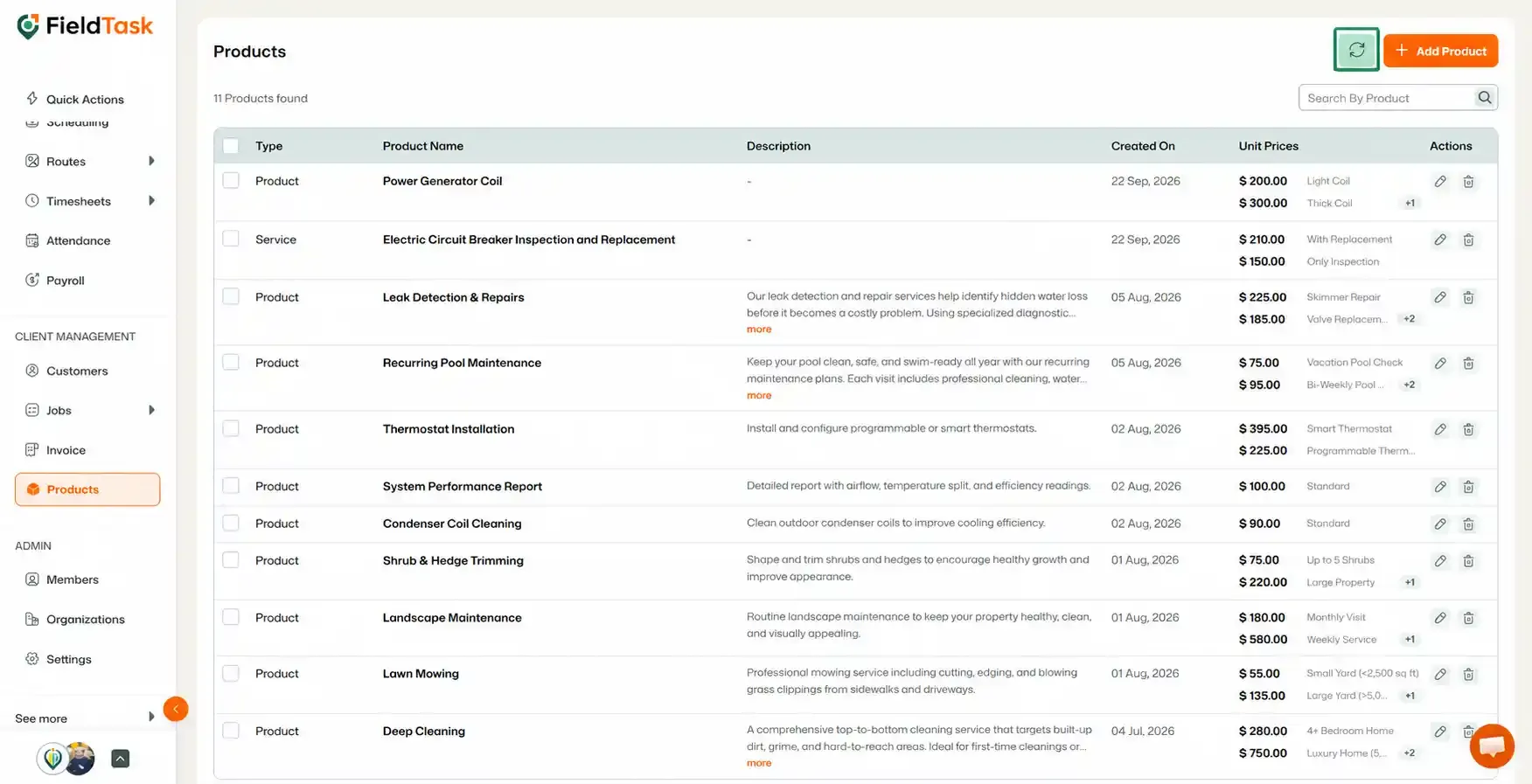
If products were added to your CRM before Product Sync was enabled:
You can also add products directly into FieldTask without syncing them from your CRM.
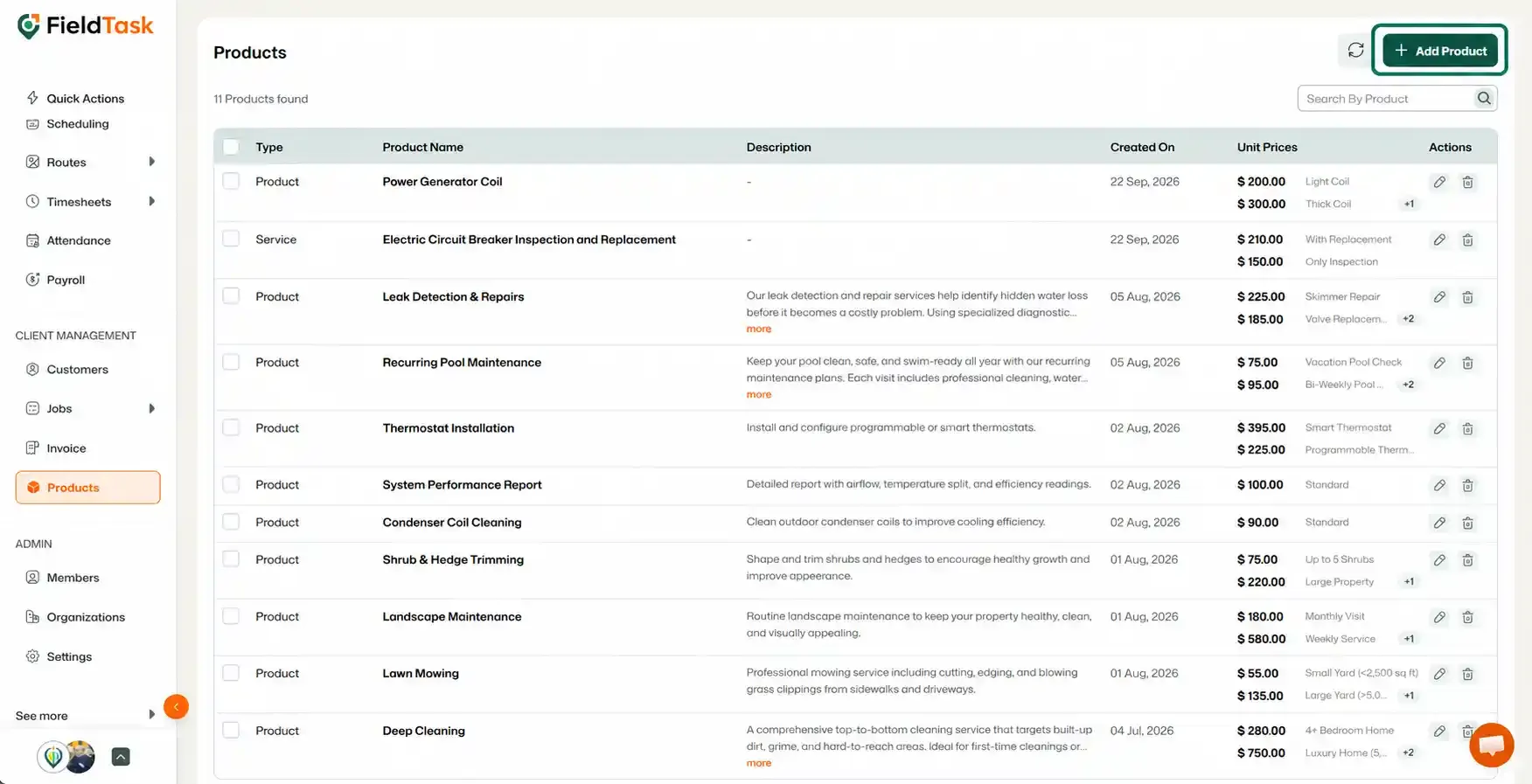
This gives you flexibility to manage your products through either your CRM or directly within FieldTask.
Manage dispatch, route plan, techs, quotes, invoices, and more in GHL, the only dedicated field service app for HighLevel home service businesses and contractors.
The complete FieldTask sitemap: quick links to all pages.
Learn how FieldTask supports HIPAA compliance for home health and field service teams—encryption, BAAs, access controls, and audit logging.