The HighLevel Home Service Business Management Software
Manage dispatch, route plan, techs, quotes, invoices, and more in GHL, the only dedicated field service app for HighLevel home service businesses and contractors.
No image available
Learn how to find scheduled jobs across the Jobs on Map, Dispatch, Scheduling Calendar, and All Jobs sections.
Jobs that are scheduled for a specific date and time can be viewed from several places in FieldTask. Each section provides a different way to review your scheduled work.
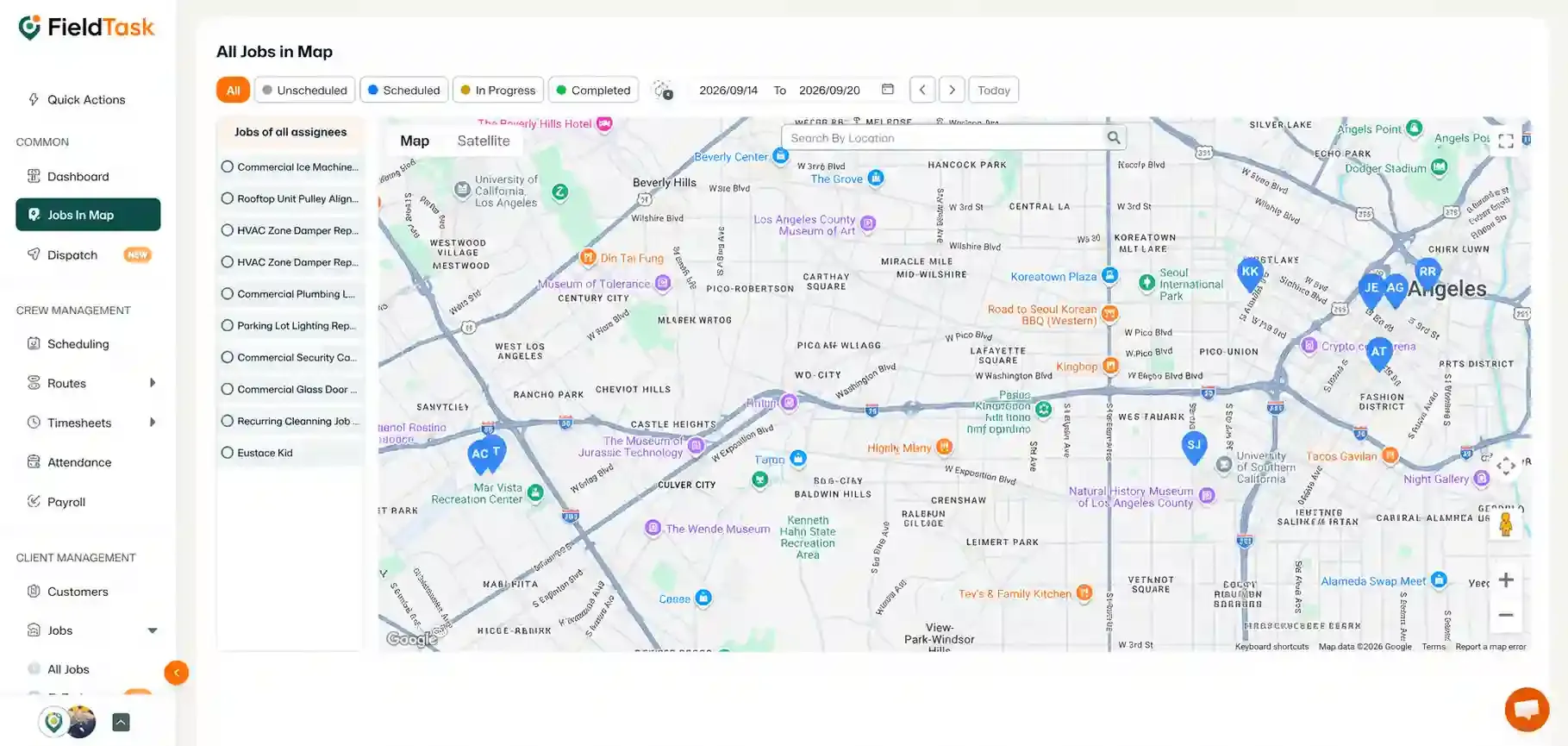
The Jobs on Map section allows you to view your scheduled jobs geographically.
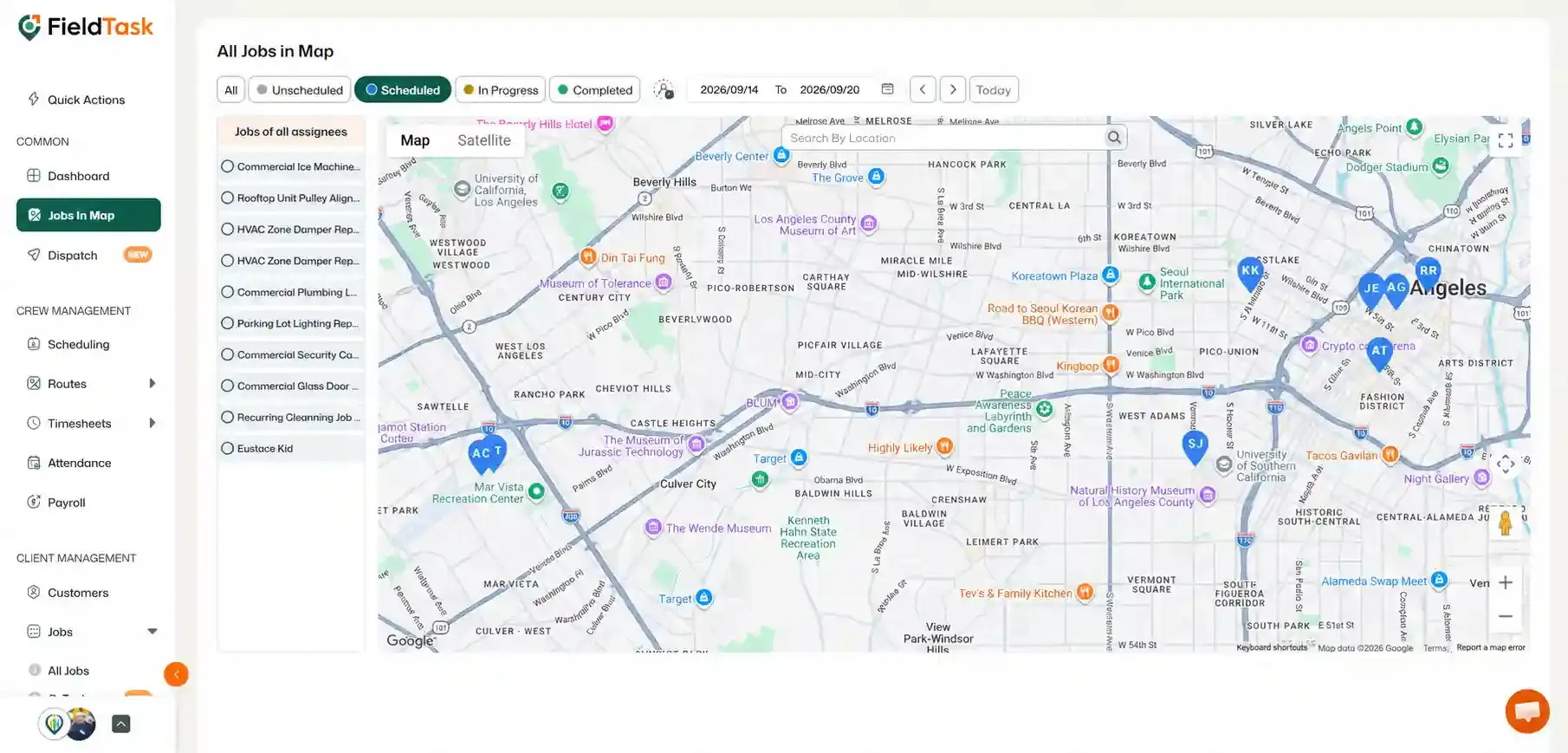
The jobs will appear on the map according to their assigned locations.
You can also view scheduled jobs from the Dispatch page.
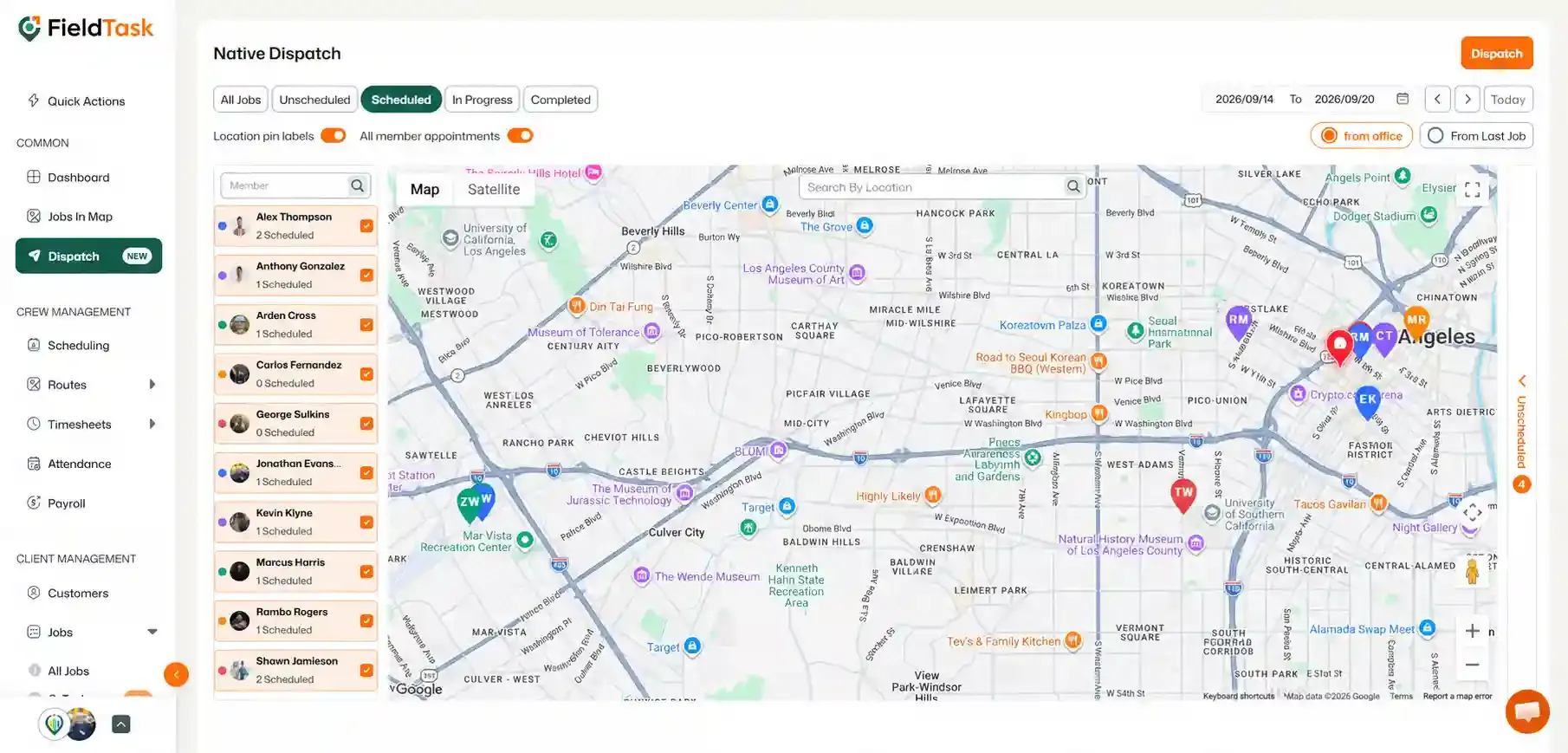
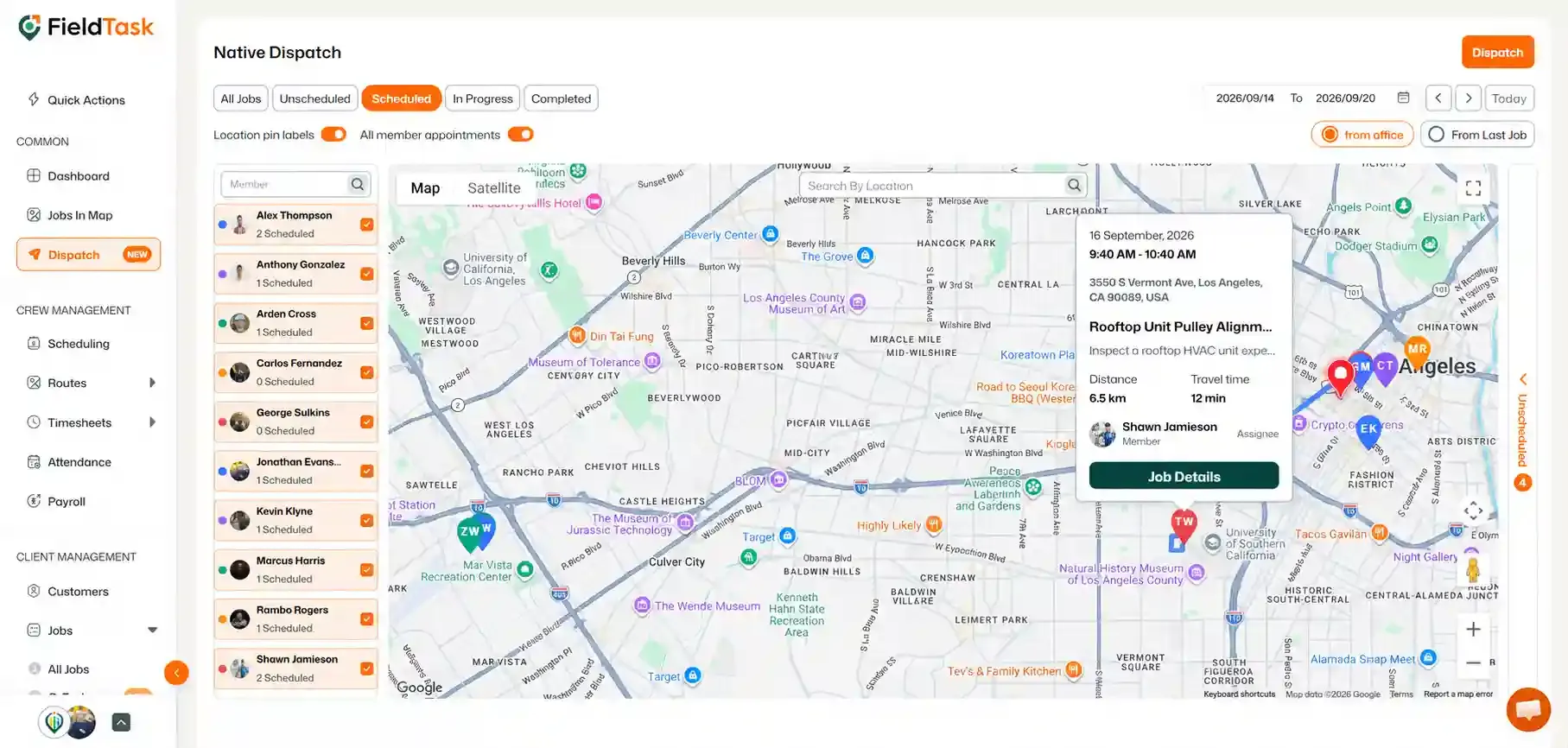
The scheduled jobs will be displayed on the map according to their assigned locations.
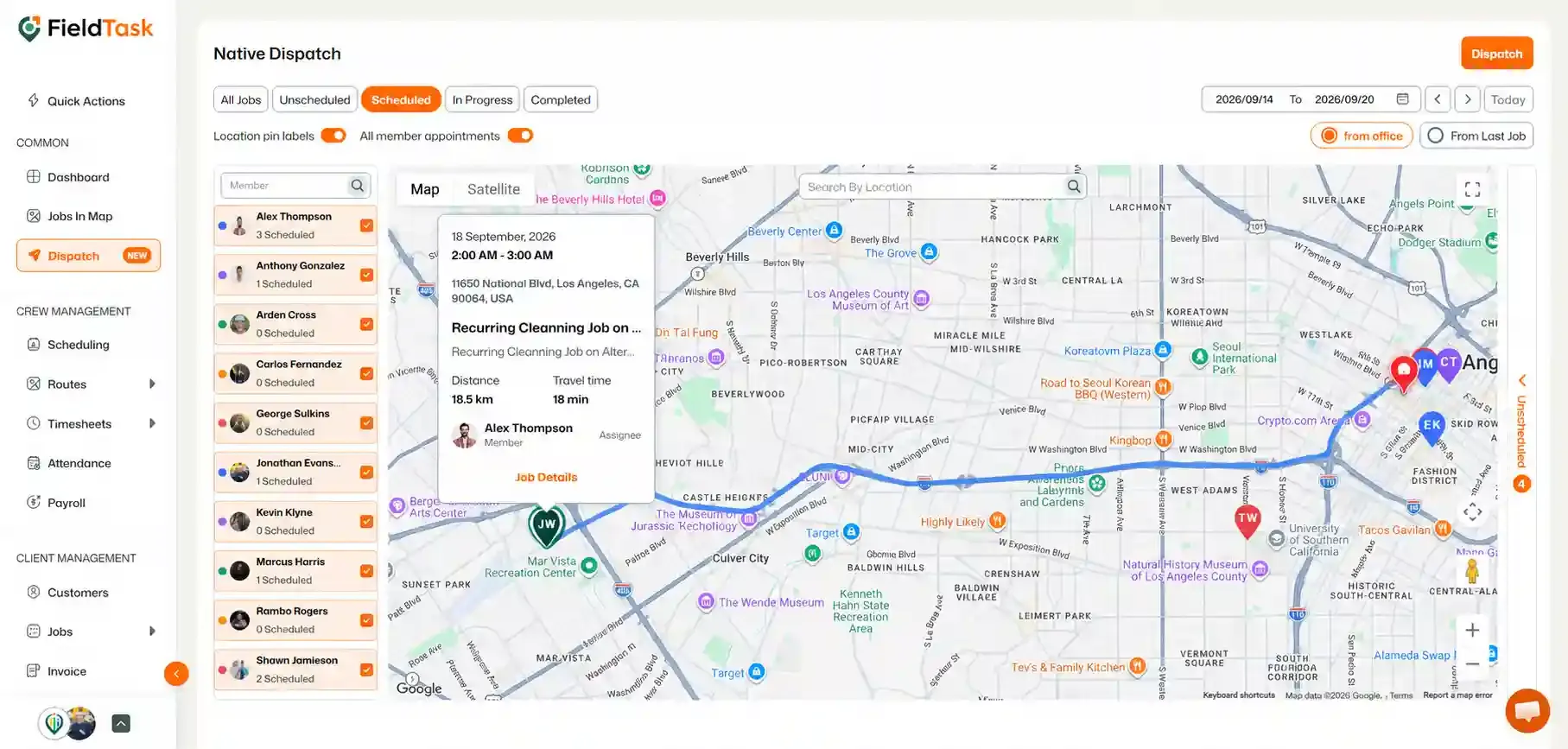
The card will display some basic information about the job.
The Scheduling page provides a calendar-based view of your scheduled jobs.
You can change the Calendar view to suit how you want to review your schedule:
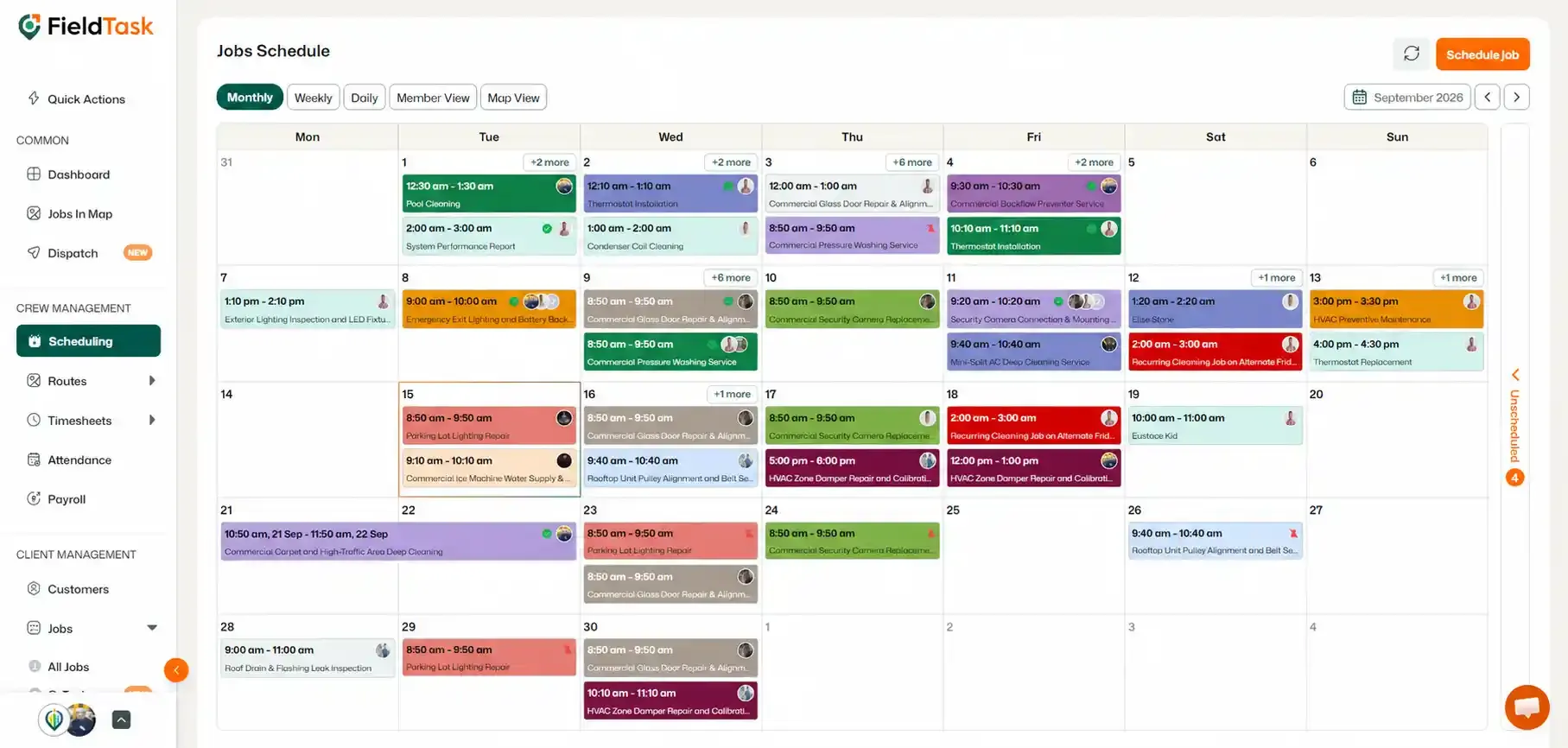
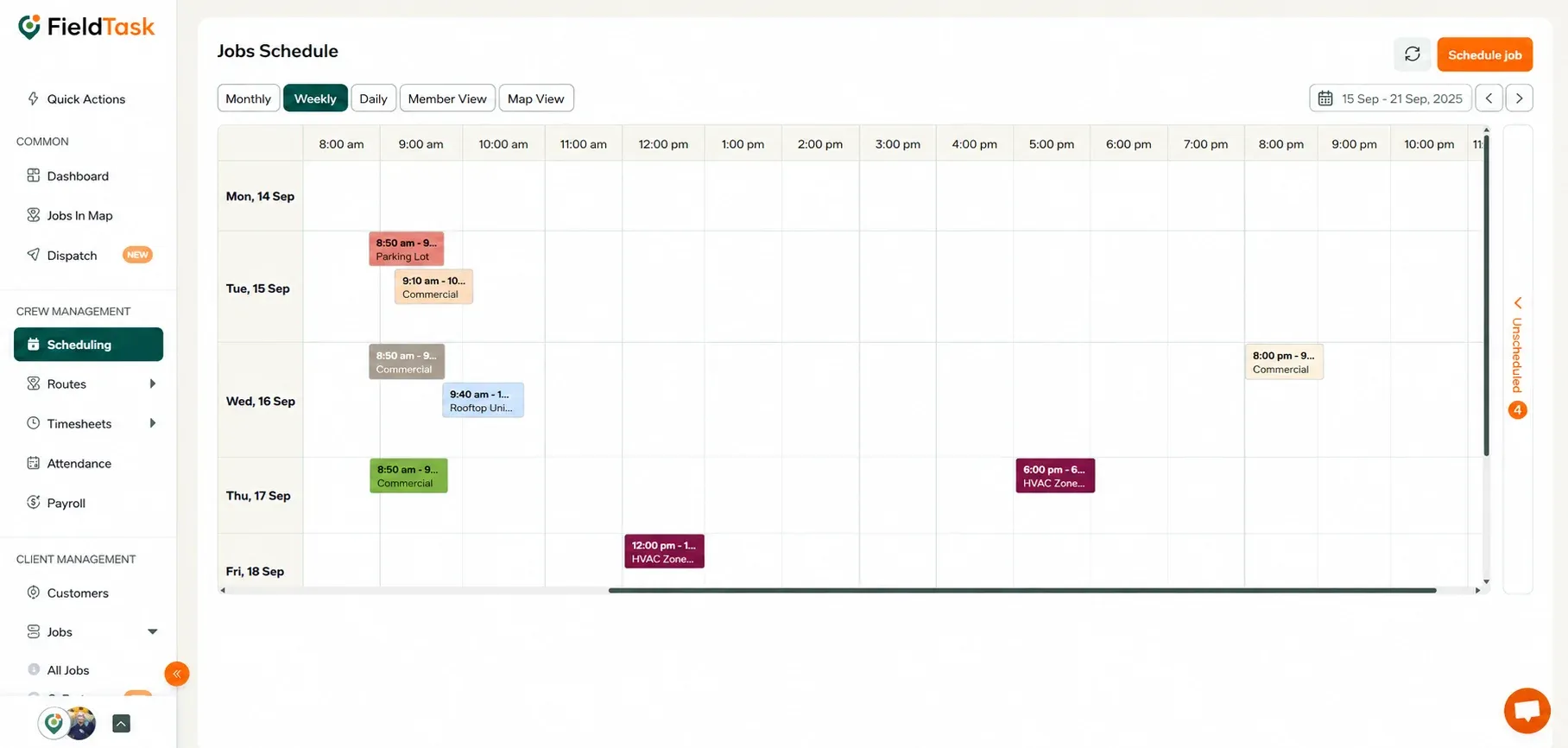
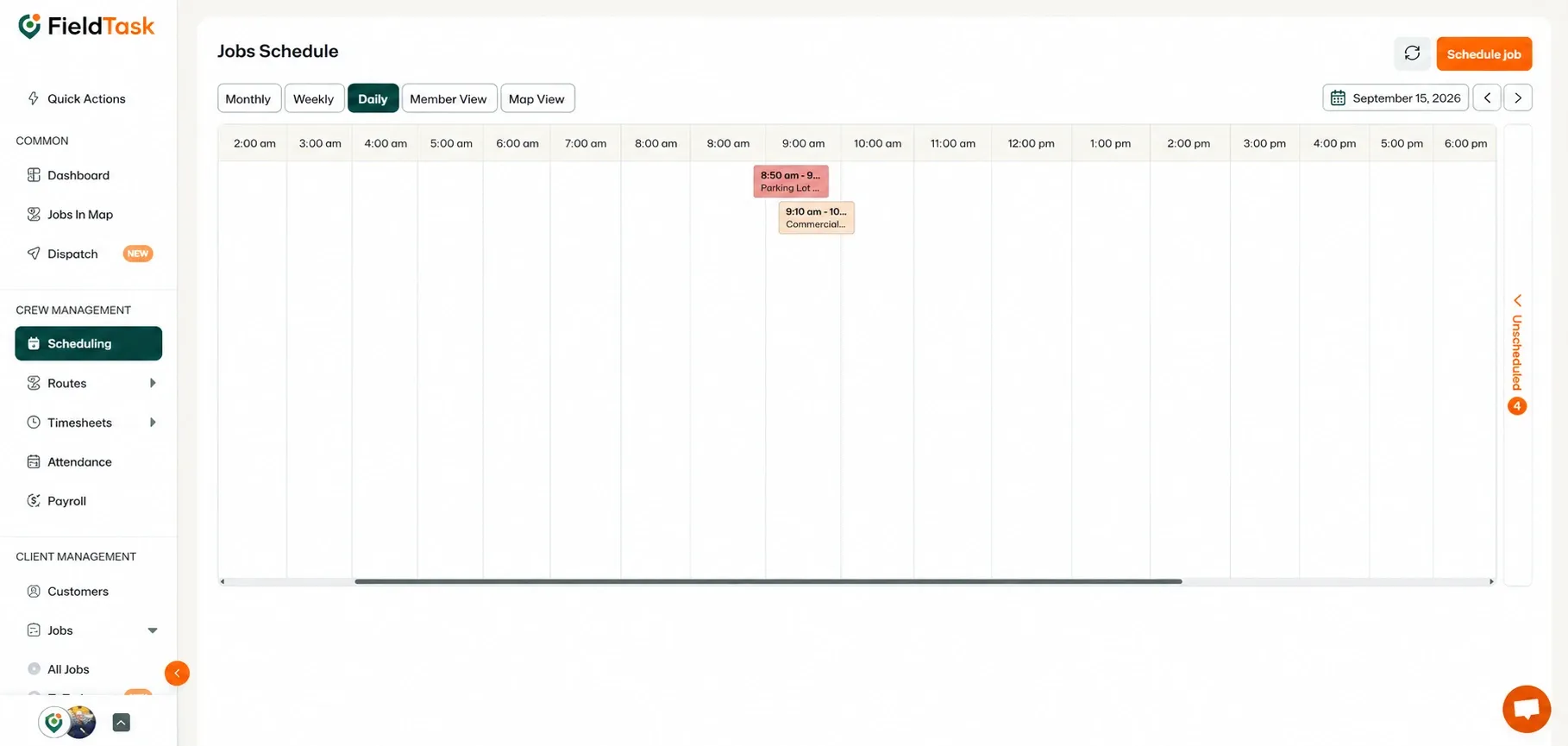
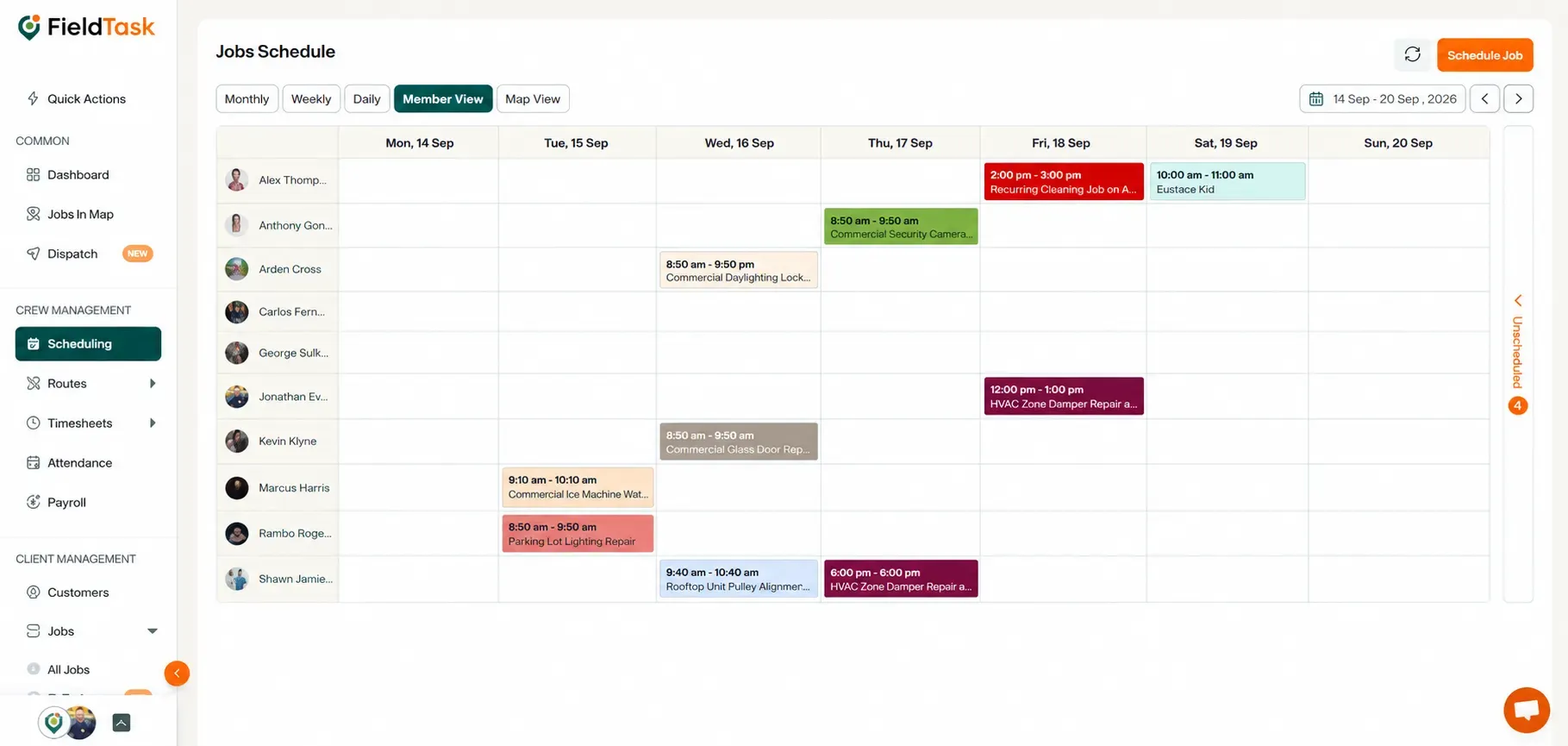
You can also drag and drop job cards within the calendar to reschedule them when needed.
Finally, you can view scheduled jobs in a list format from All Jobs.
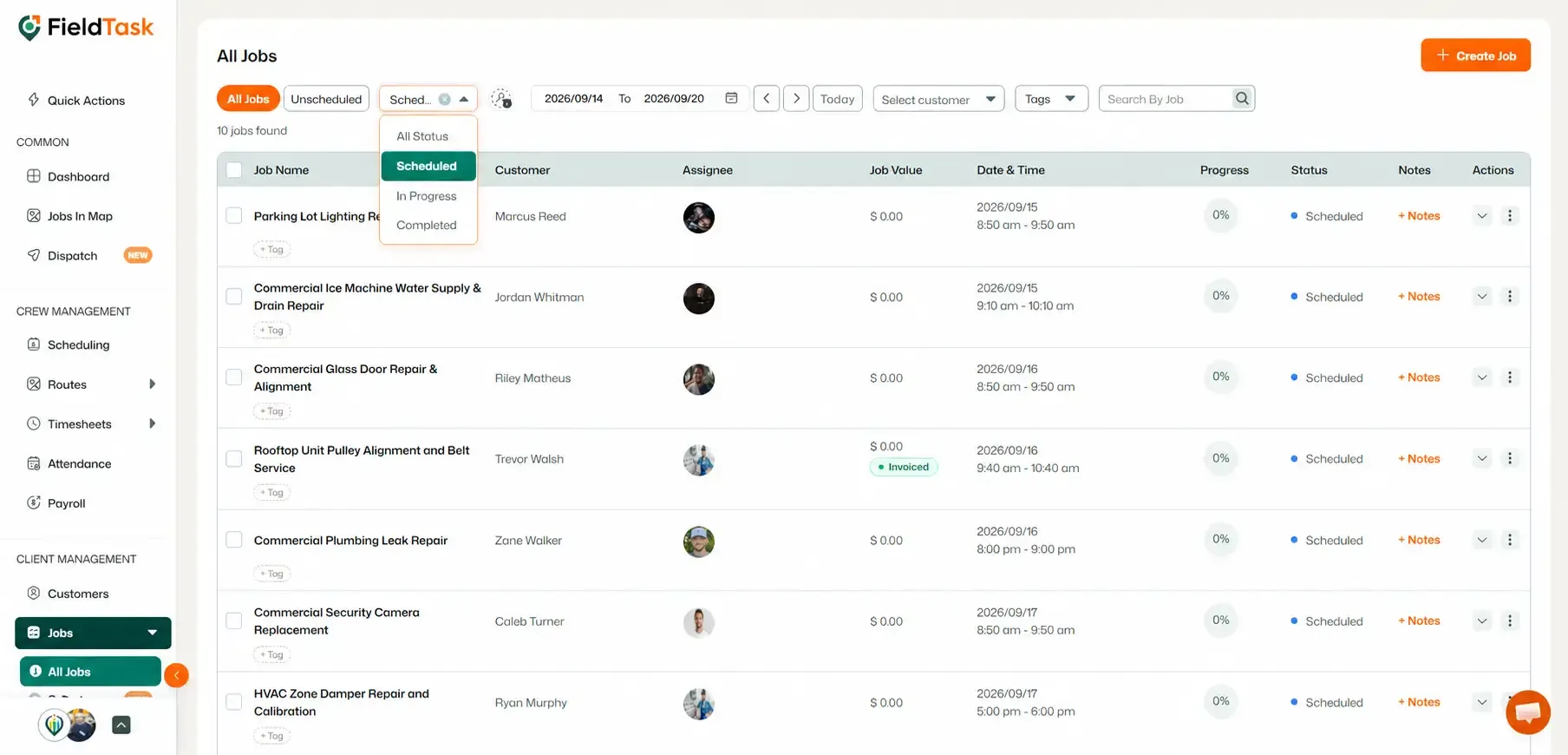
The page will then display your scheduled jobs in a list, making it easy to find and review individual jobs.
Manage dispatch, route plan, techs, quotes, invoices, and more in GHL, the only dedicated field service app for HighLevel home service businesses and contractors.
The complete FieldTask sitemap: quick links to all pages.
Learn how FieldTask supports HIPAA compliance for home health and field service teams—encryption, BAAs, access controls, and audit logging.