The HighLevel Home Service Business Management Software
Manage dispatch, route plan, techs, quotes, invoices, and more in GHL, the only dedicated field service app for HighLevel home service businesses and contractors.

Learn how to notify your customer that you're heading to their job site and share your location from the FieldTask Mobile App.
The "On My Way" alert helps keep your customer informed before you arrive at the job site.
To send an "On My Way" alert:
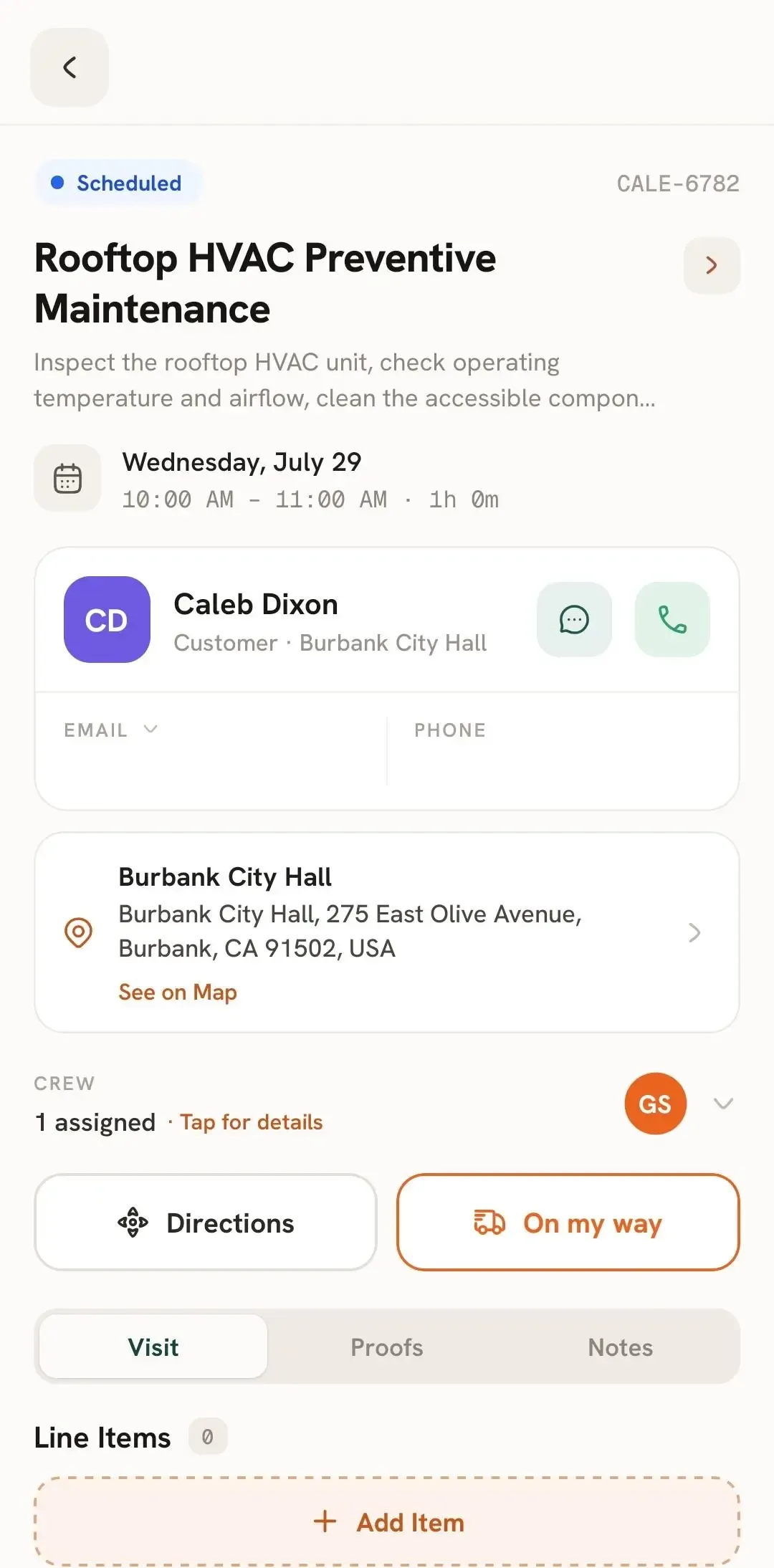
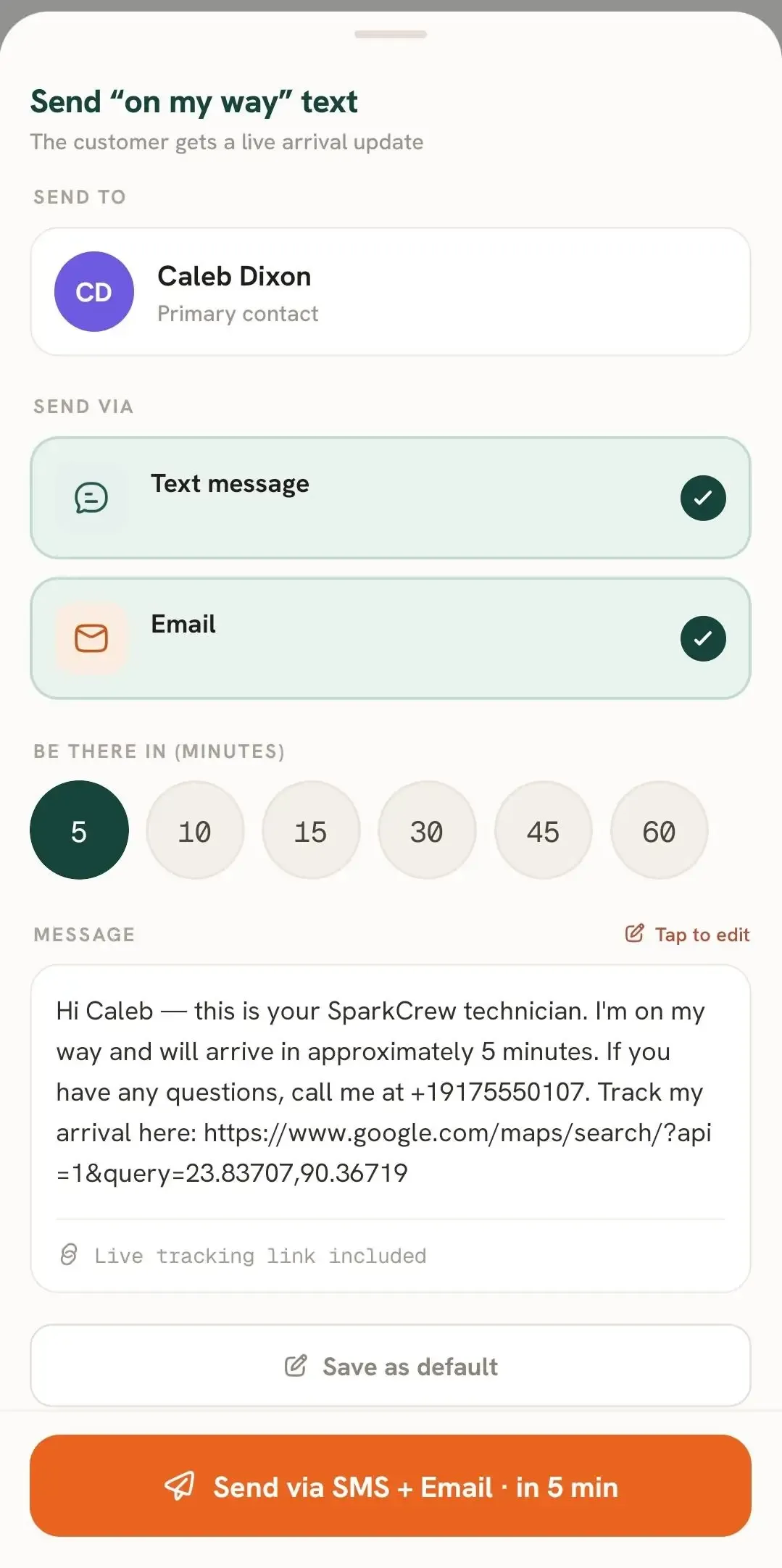
The On My Way alert can also include a location pin showing your current location.
This helps your customer see where you are and gives them a better idea of your arrival status.
Once the alert is sent, your customer will know that you're on the way and can use the shared location to better understand when you may arrive.
Manage dispatch, route plan, techs, quotes, invoices, and more in GHL, the only dedicated field service app for HighLevel home service businesses and contractors.
The complete FieldTask sitemap: quick links to all pages.
Learn how FieldTask supports HIPAA compliance for home health and field service teams—encryption, BAAs, access controls, and audit logging.