The HighLevel Home Service Business Management Software
Manage dispatch, route plan, techs, quotes, invoices, and more in GHL, the only dedicated field service app for HighLevel home service businesses and contractors.

Learn how to generate a shareable link for a job and control what information is included.
FieldTask allows you to share Job Details with customers or other people by generating a specialized shareable link.
You can choose what information to include, how long the link remains active, and whether to send it directly to the customer.
First, open the Job Details page for the job you want to share.
You can access Job Details from either the Scheduling Page or the All Jobs page.
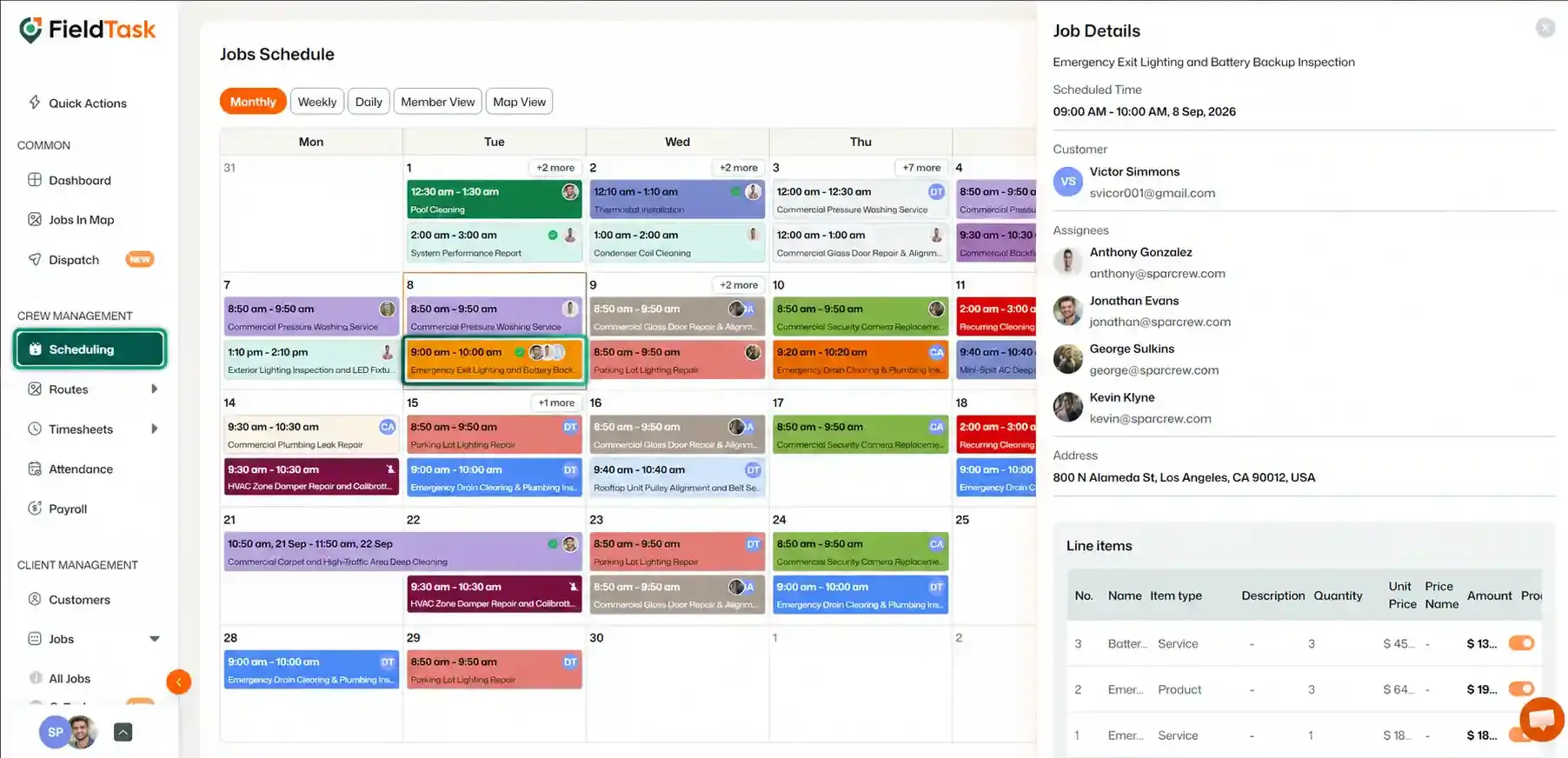
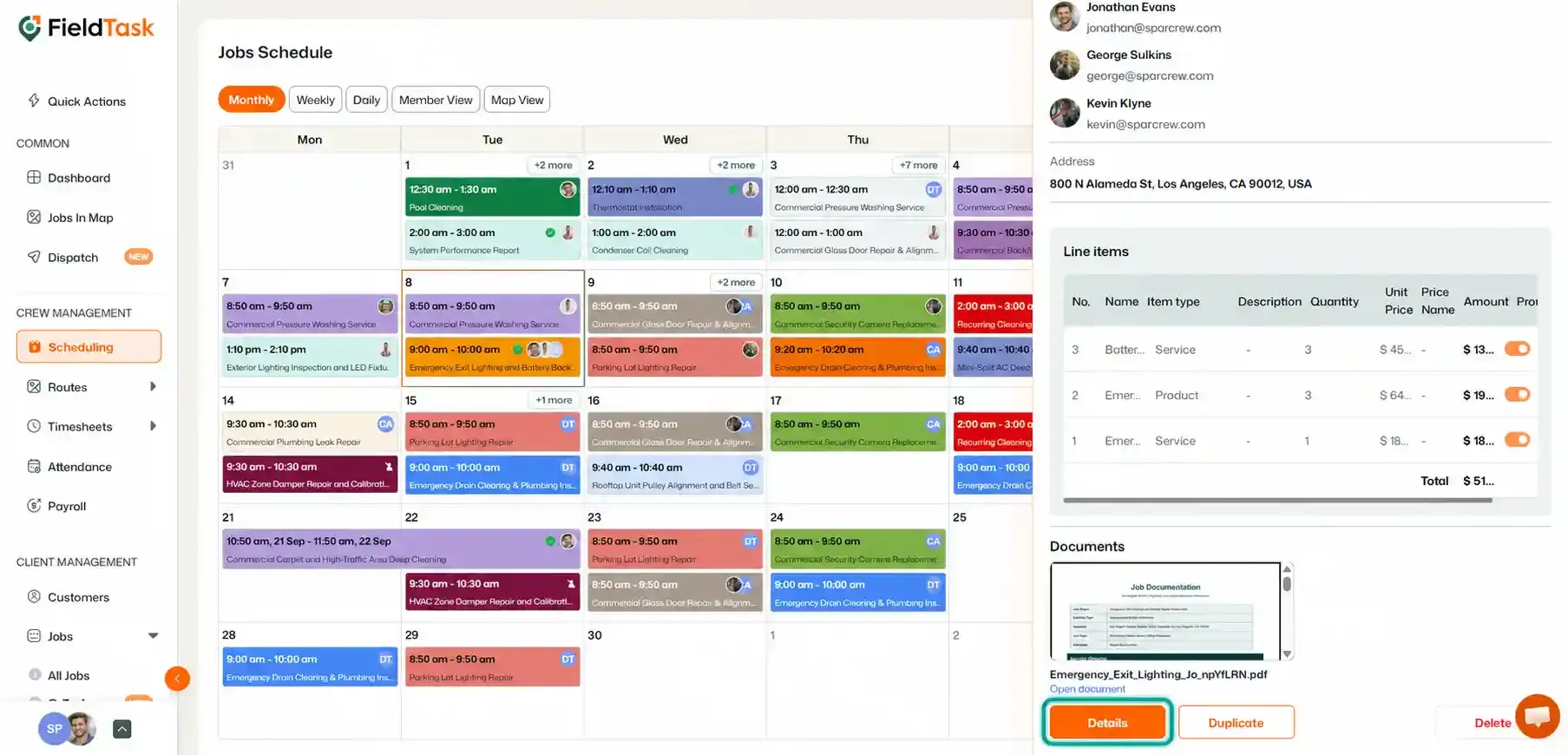
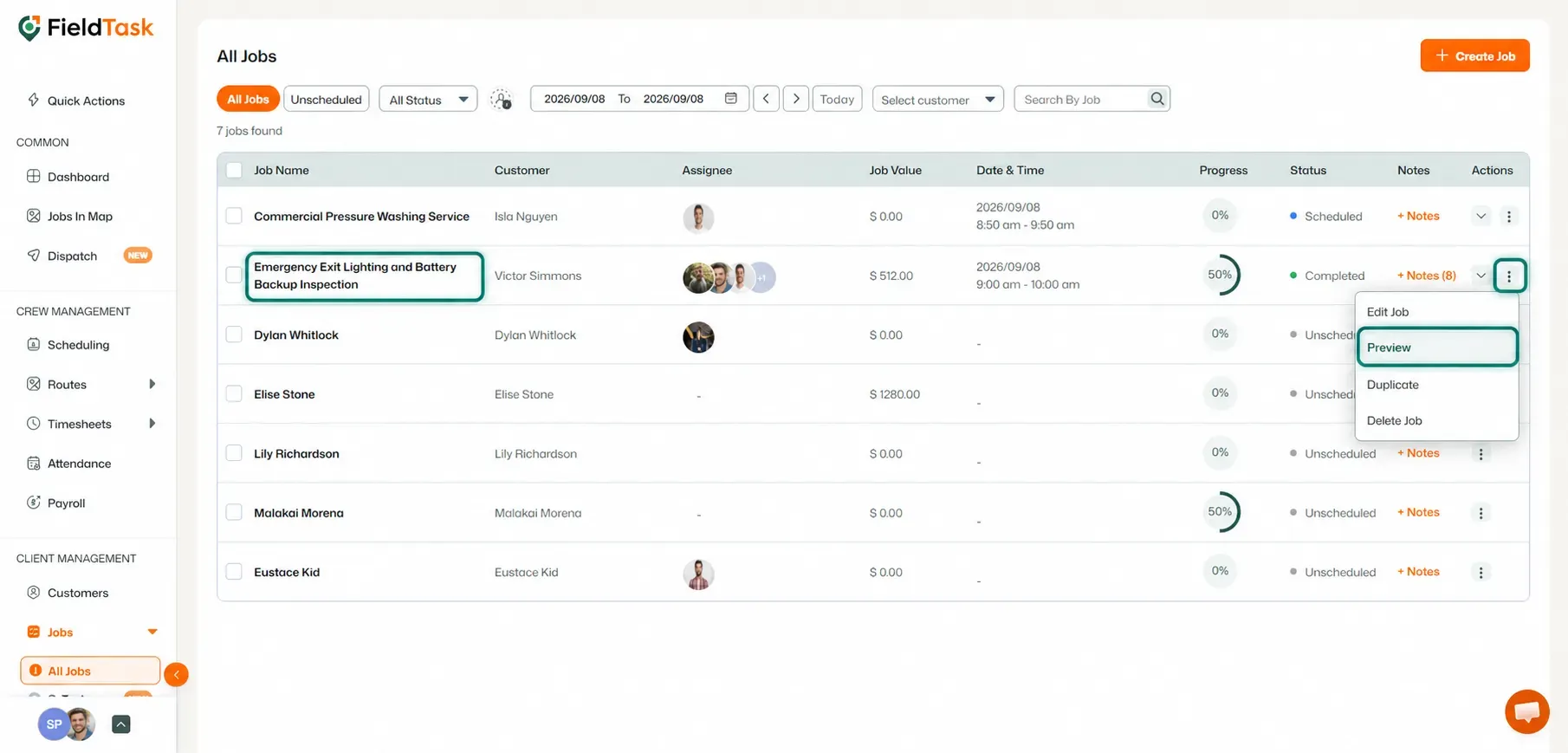
Once you are on the Job Details page:
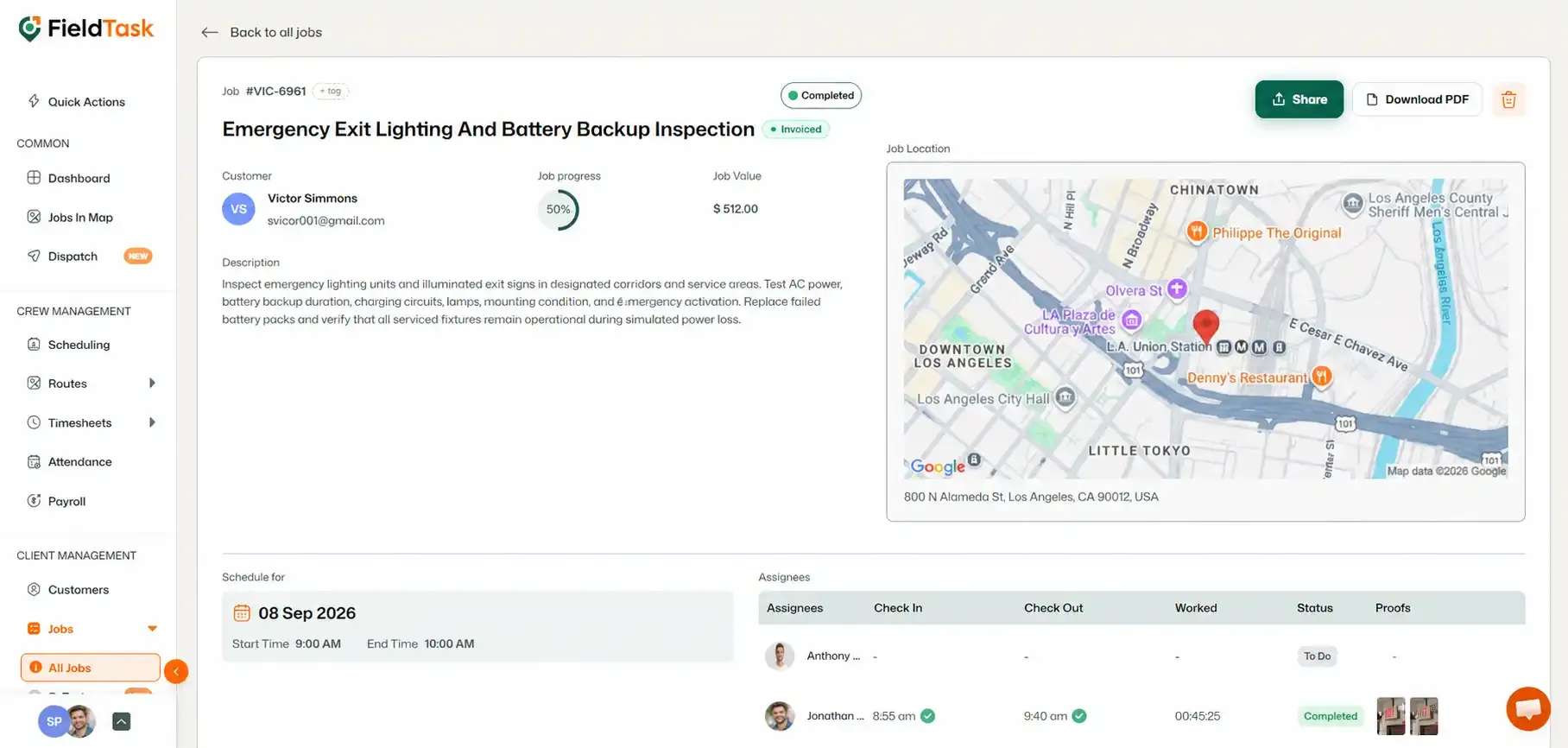
A side panel will open with the available sharing options.
Choose what you want the shareable link to include:
You can also choose how long the link remains active:
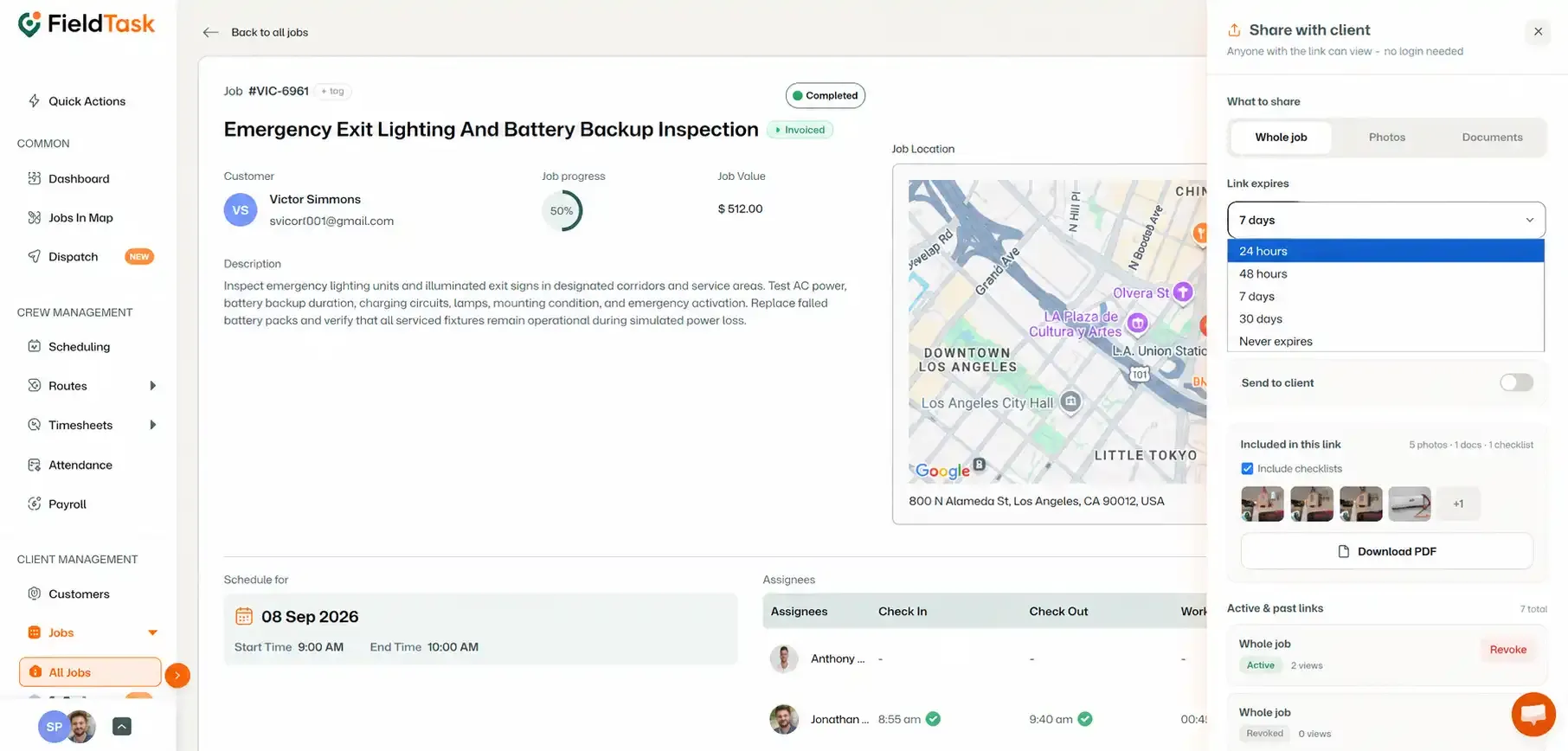
Once you have selected your preferences, click Create Shareable Link.
FieldTask will generate the link according to the options you selected.
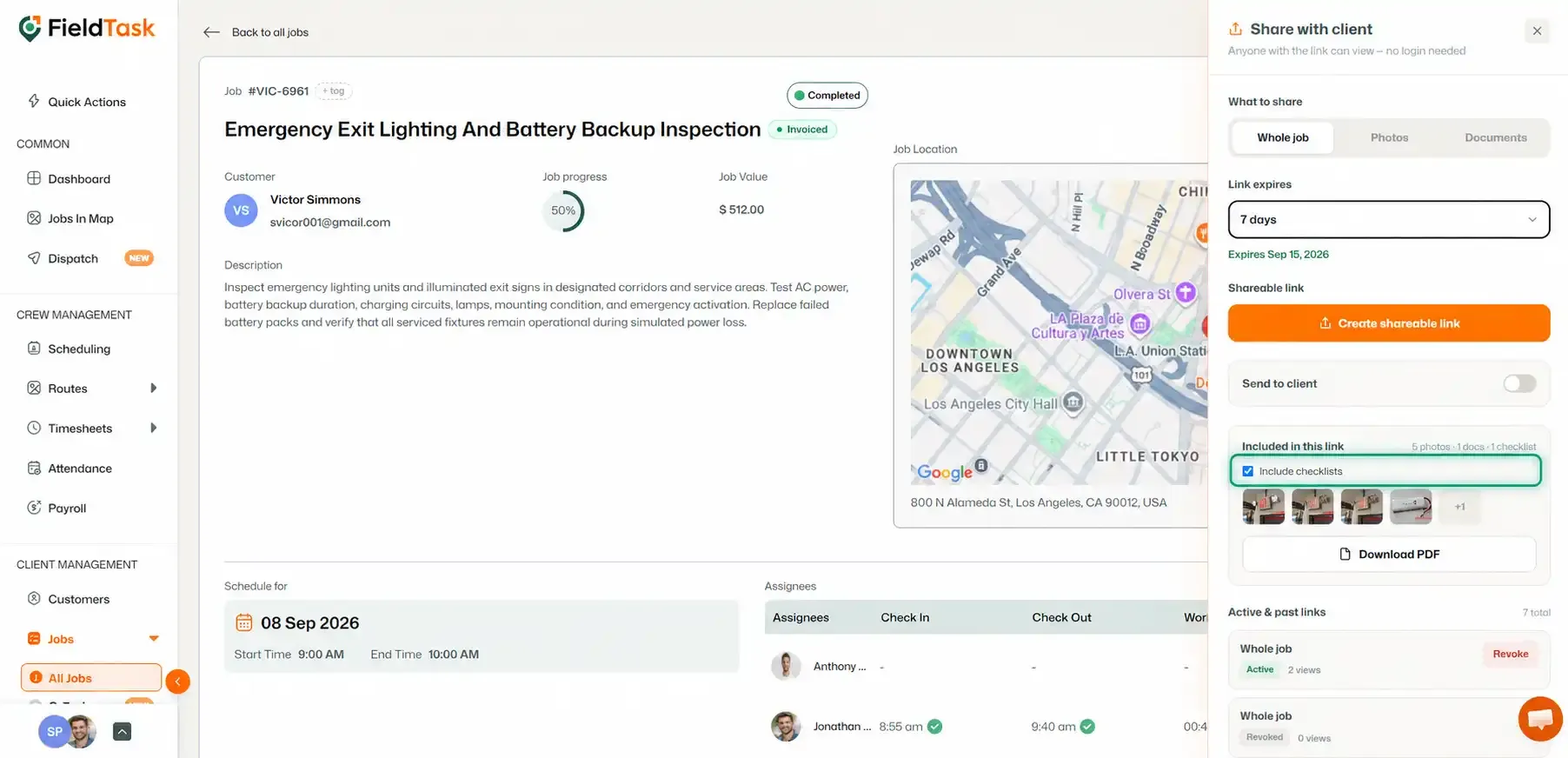
You can also choose whether Checklists should be included in the shared job information.
Use the available option to include or exclude Checklists from the shareable link.
If you want FieldTask to send the shareable link directly to the customer, turn on Send to Client.
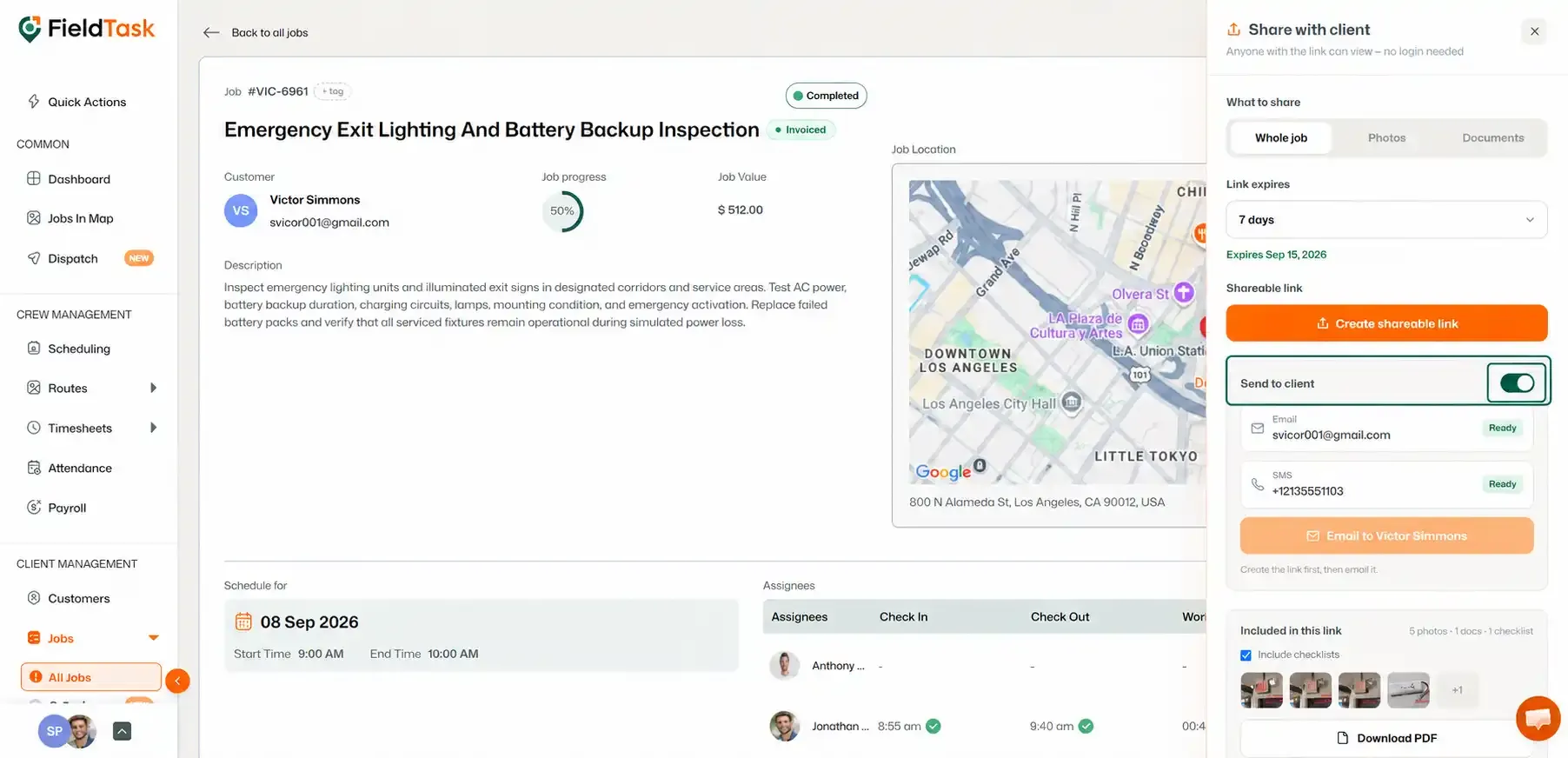
This allows you to send the generated link to the customer through the available text and email options.
📌 Note: The information available through the link depends on the sharing options you select when generating it.
Manage dispatch, route plan, techs, quotes, invoices, and more in GHL, the only dedicated field service app for HighLevel home service businesses and contractors.
The complete FieldTask sitemap: quick links to all pages.
Learn how FieldTask supports HIPAA compliance for home health and field service teams—encryption, BAAs, access controls, and audit logging.