The HighLevel Home Service Business Management Software
Manage dispatch, route plan, techs, quotes, invoices, and more in GHL, the only dedicated field service app for HighLevel home service businesses and contractors.

To sign in to the FieldTask Mobile App, you will first need to download and install the app. The FieldTask Mobile App is available for both:
To sign in to the FieldTask Mobile App:
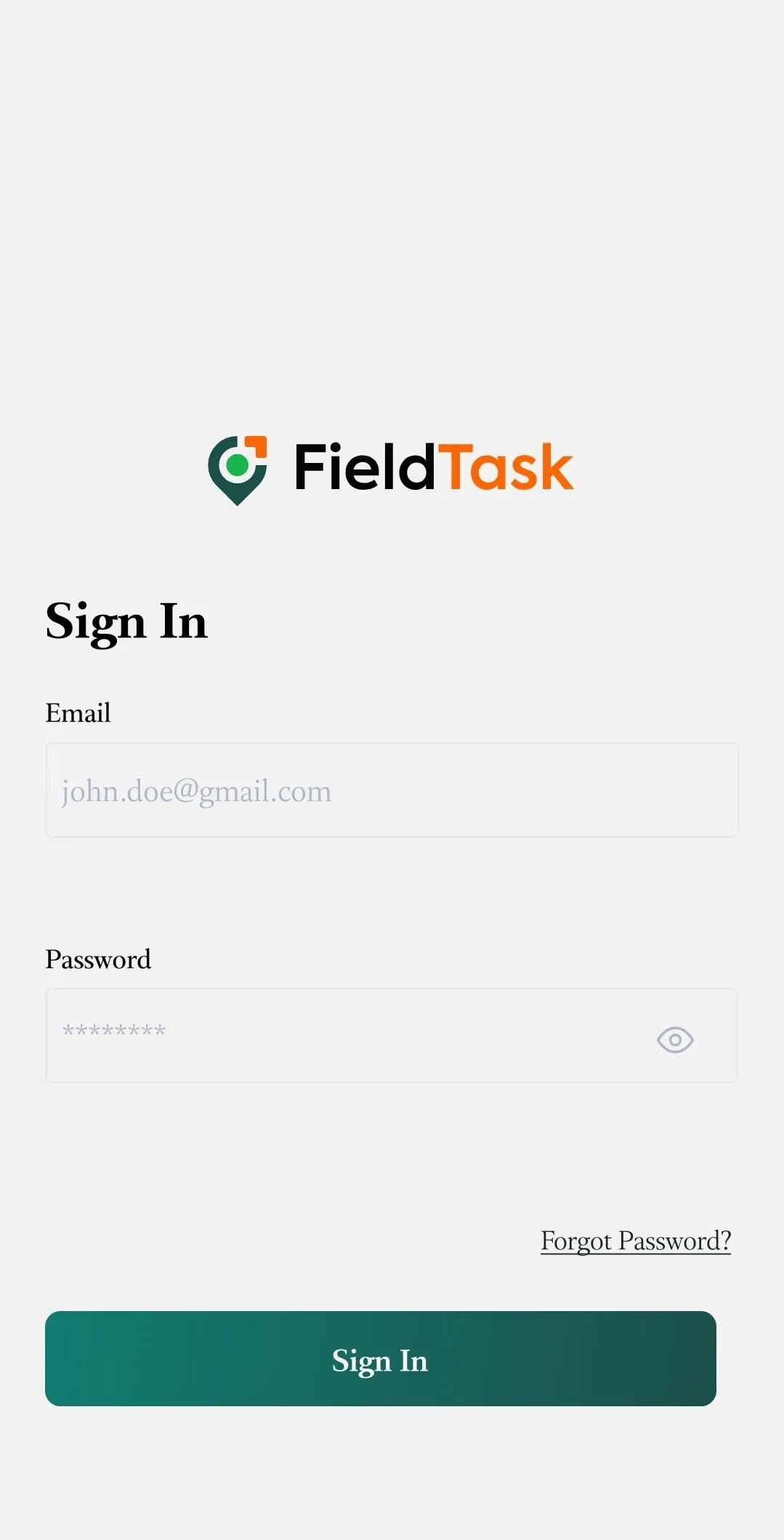
If you were invited to someone else's FieldTask Organization, you will need to complete your account setup before signing in to the mobile app.
To set up your account after receiving an invitation:
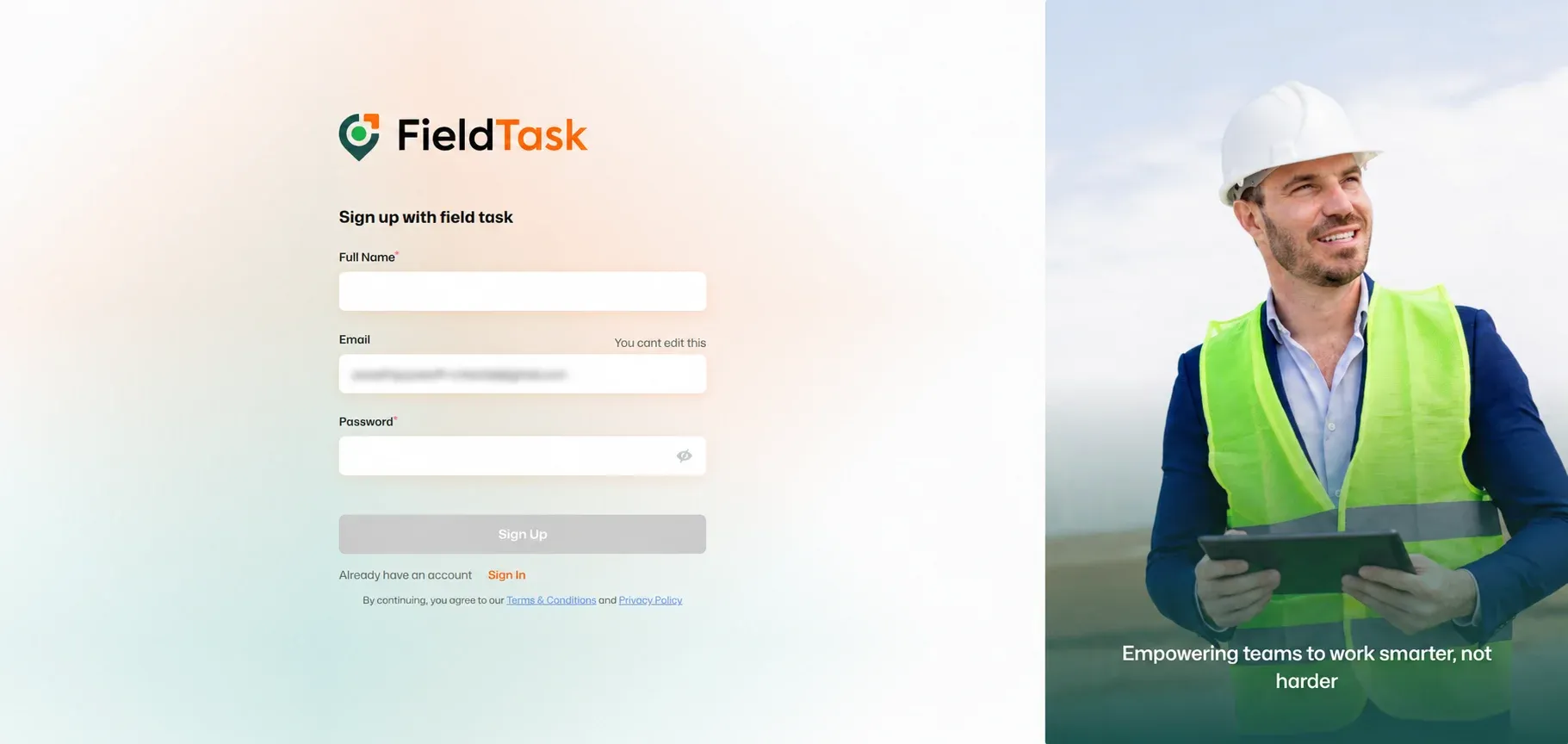
📌 Note: You can use these credentials to sign in to the FieldTask Mobile App after completing the invitation process.
If you would like to change the password for your account, follow this article.
If you have forgotten your password, you can learn how to reset it by following this article.
Manage dispatch, route plan, techs, quotes, invoices, and more in GHL, the only dedicated field service app for HighLevel home service businesses and contractors.
The complete FieldTask sitemap: quick links to all pages.
Learn how FieldTask supports HIPAA compliance for home health and field service teams—encryption, BAAs, access controls, and audit logging.