HIPAA Compliance & BAA | FieldTask
Learn how FieldTask supports HIPAA compliance for home health and field service teams—encryption, BAAs, access controls, and audit logging.
No image available
To submit evidence into your job, go to the Jobs tab and long press on the Check Out area.
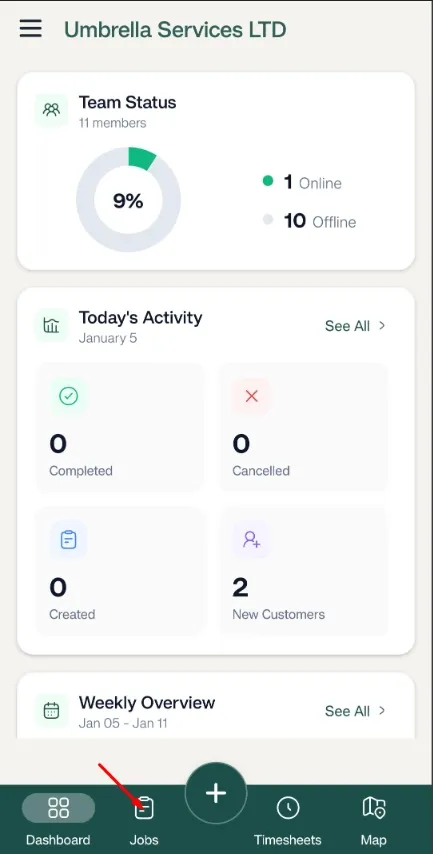
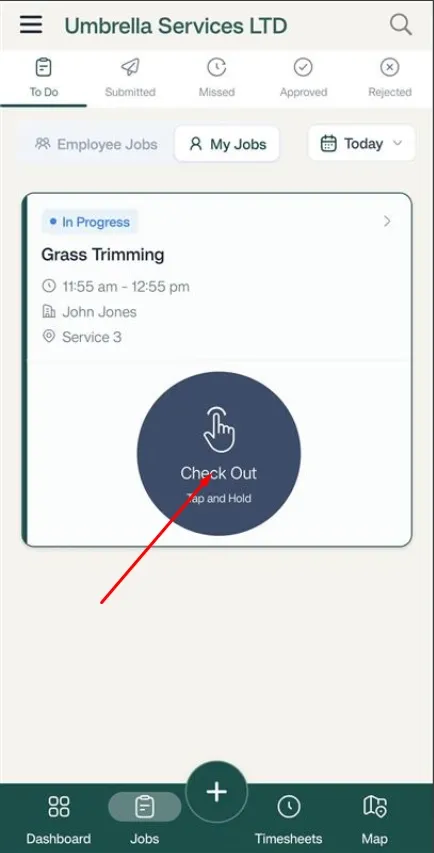
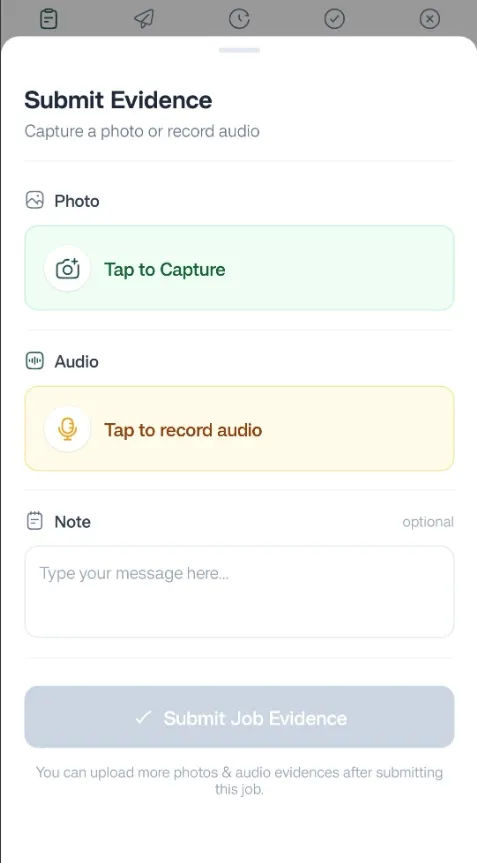
Submit the evidence from here.
You can also submit evidence issues in the line times by clicking on the job
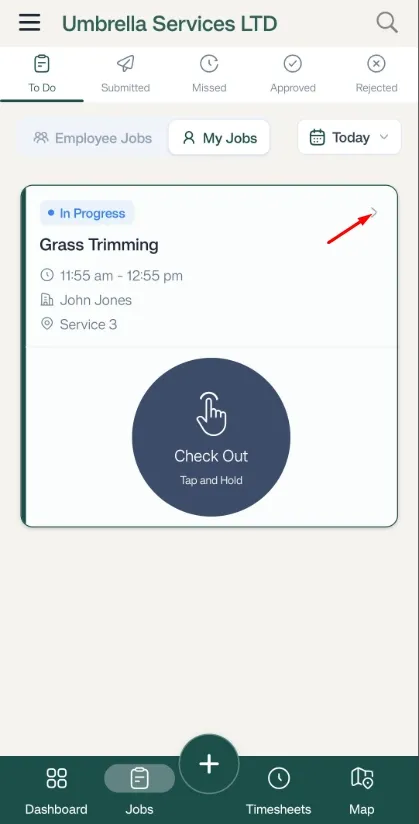
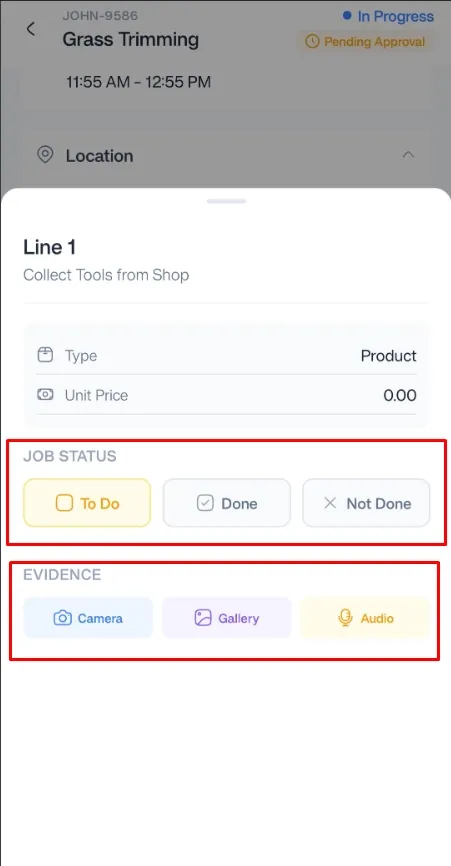
Then click the line item to update the status
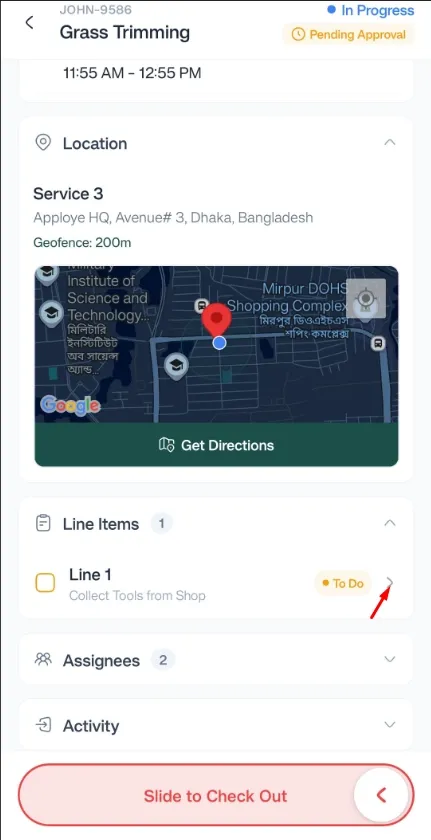
Send in your evidence from this section.
Learn how FieldTask supports HIPAA compliance for home health and field service teams—encryption, BAAs, access controls, and audit logging.
Explore how FieldTask connects with HighLevel. Learn about two-way syncing, automation, and how to turn HighLevel into a complete field service management solution.