The HighLevel Home Service Business Management Software
Manage dispatch, route plan, techs, quotes, invoices, and more in GHL, the only dedicated field service app for HighLevel home service businesses and contractors.

Learn how to switch between multiple FieldTask Organizations using the same account.
A single FieldTask account can be a member of multiple Organizations. If you belong to more than one Organization, you can switch between them without needing to log out.
To switch between Organizations:
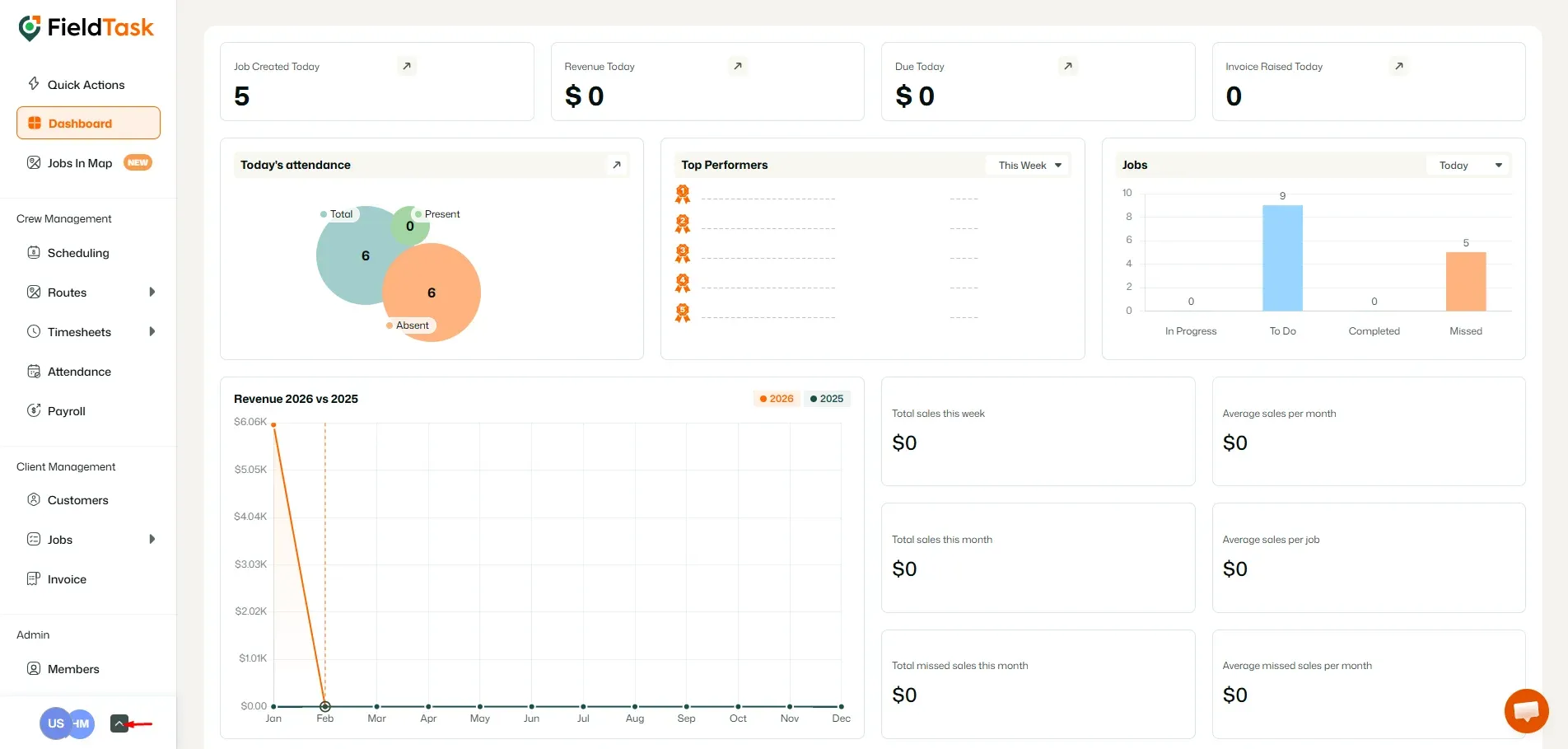
If you are a member of multiple Organizations, they will appear in the Organization switcher.
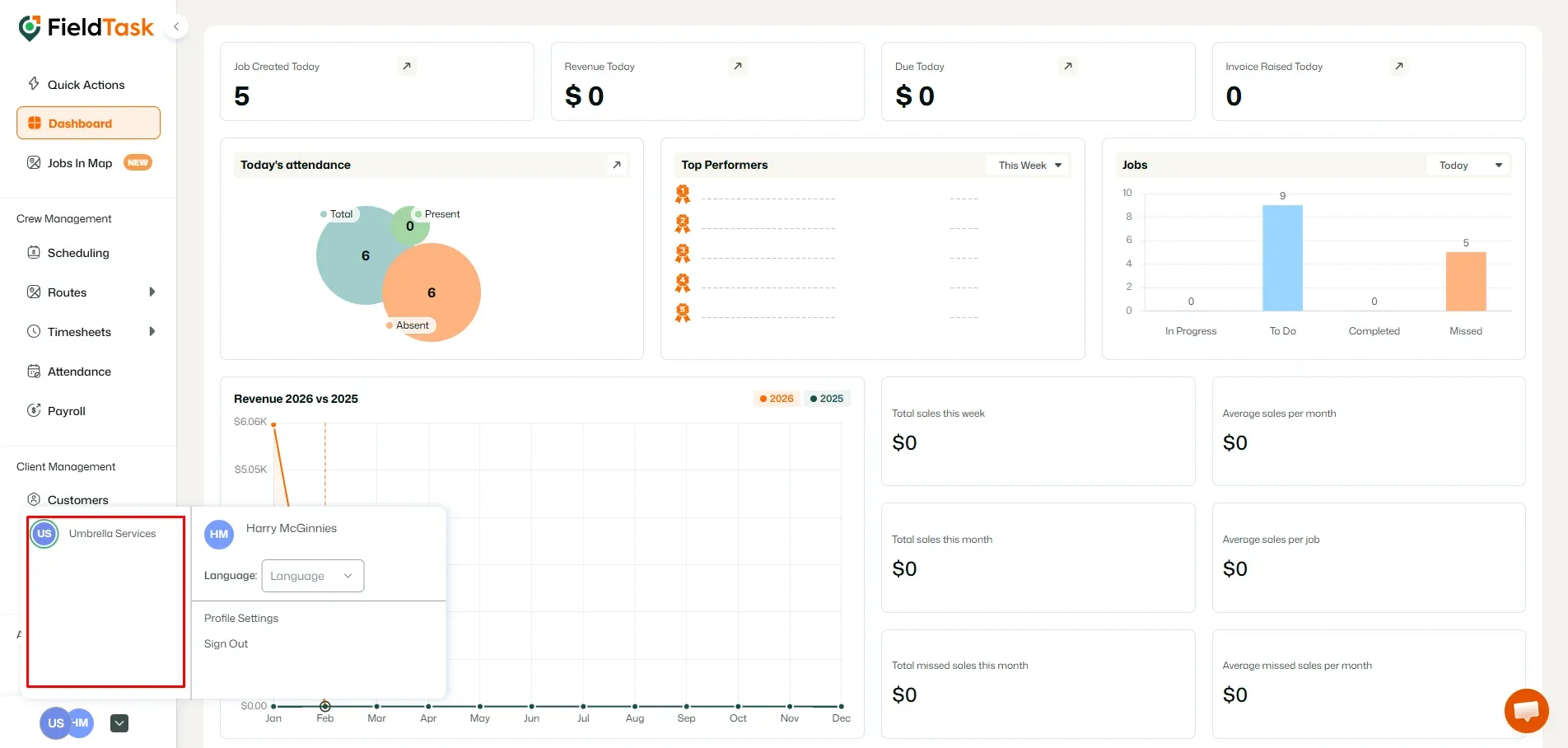
You can switch between Organizations at any time, as long as the Organization you want to access is active and your account is a member of it.
Manage dispatch, route plan, techs, quotes, invoices, and more in GHL, the only dedicated field service app for HighLevel home service businesses and contractors.
The complete FieldTask sitemap: quick links to all pages.
Learn how FieldTask supports HIPAA compliance for home health and field service teams—encryption, BAAs, access controls, and audit logging.