HIPAA Compliance & BAA | FieldTask
Learn how FieldTask supports HIPAA compliance for home health and field service teams—encryption, BAAs, access controls, and audit logging.
No image available
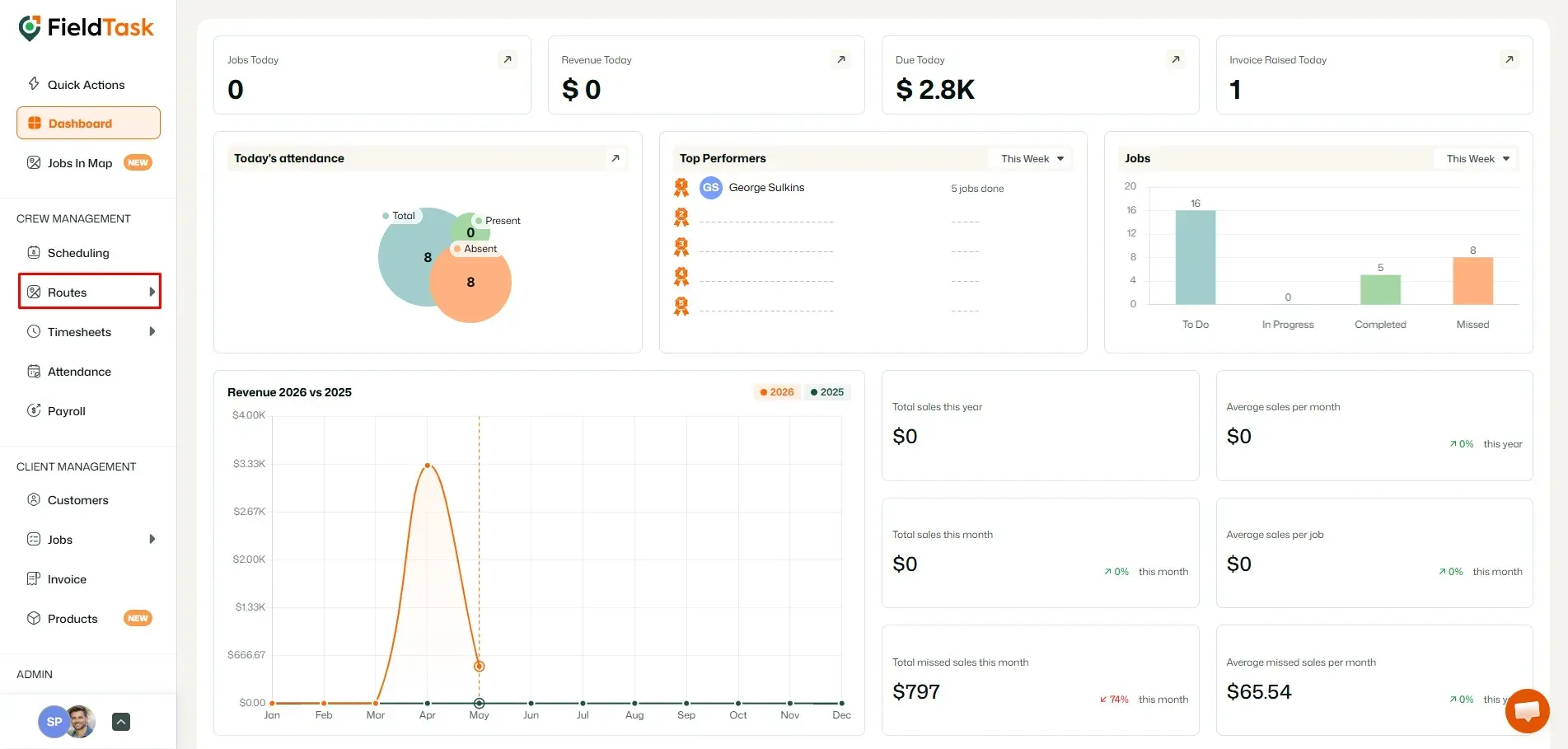
FieldTask uses GPS tracking systems to offer two ways to help you keep track of your field members. To use them, click on Routes from the left sidebar.
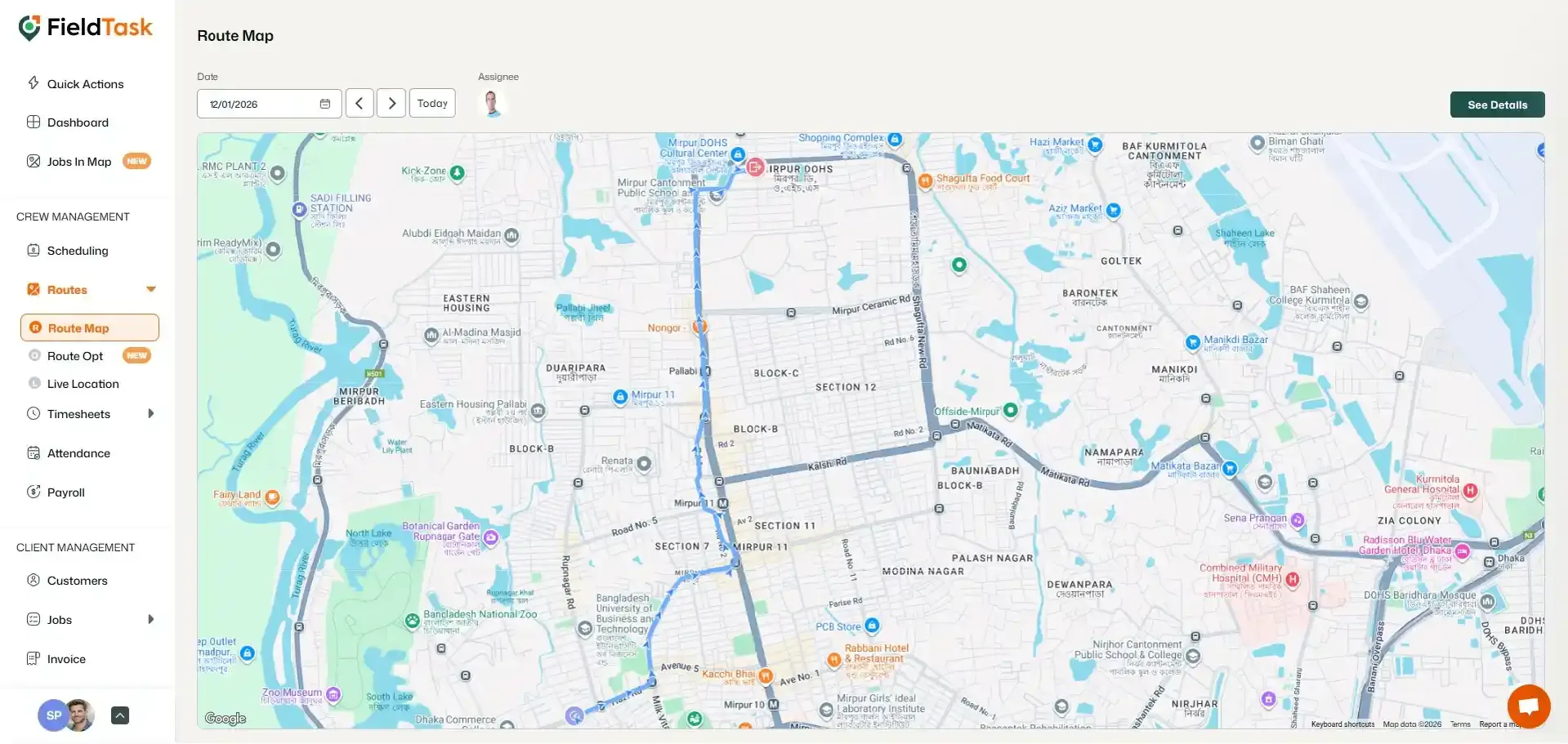
To check the route map, click on Route Map under Routes. Use the filter to find the member whose route map you want to see.
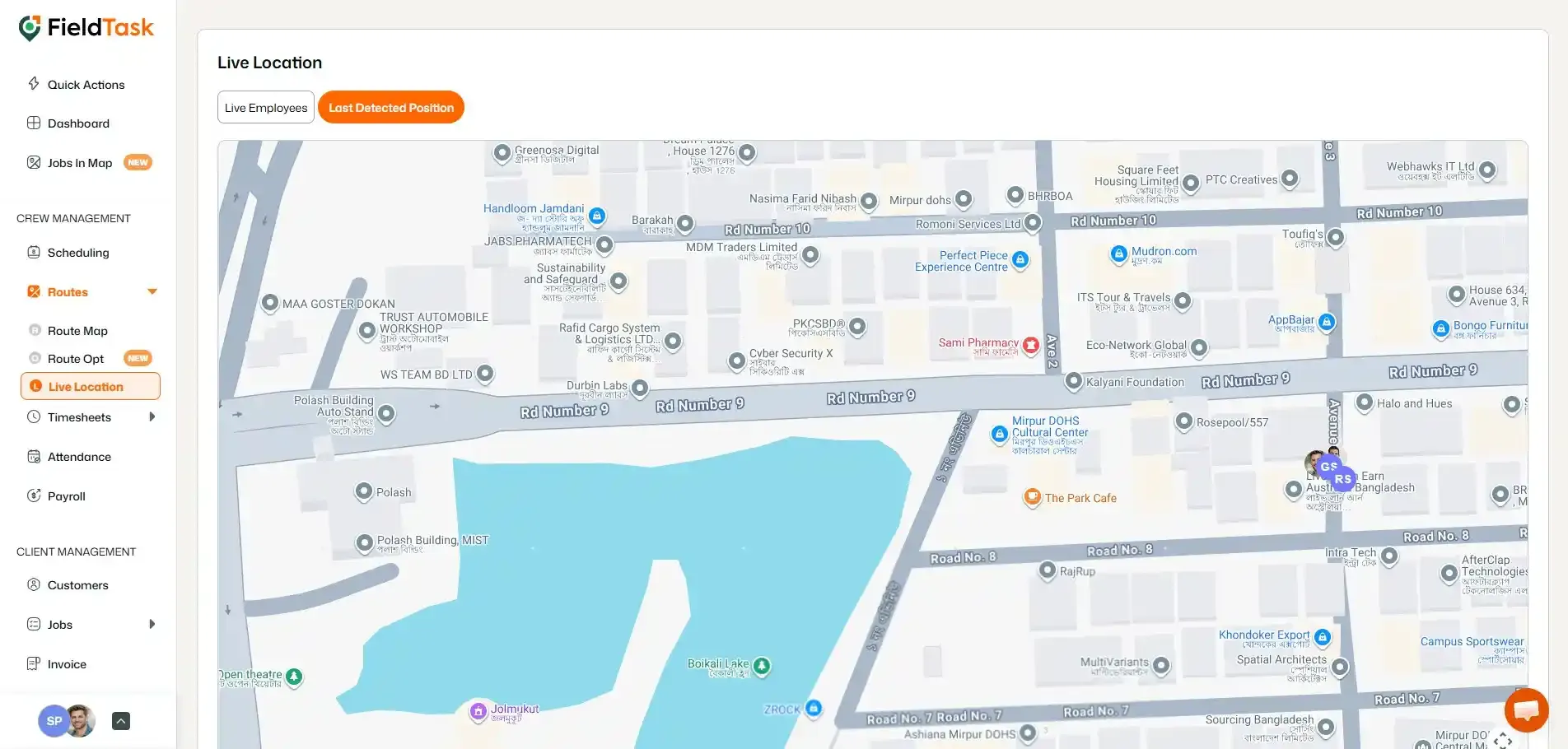
To see the live location, click on Live Location under Routes. The loaded page shows you the location of your online members. You can toggle between Live Location
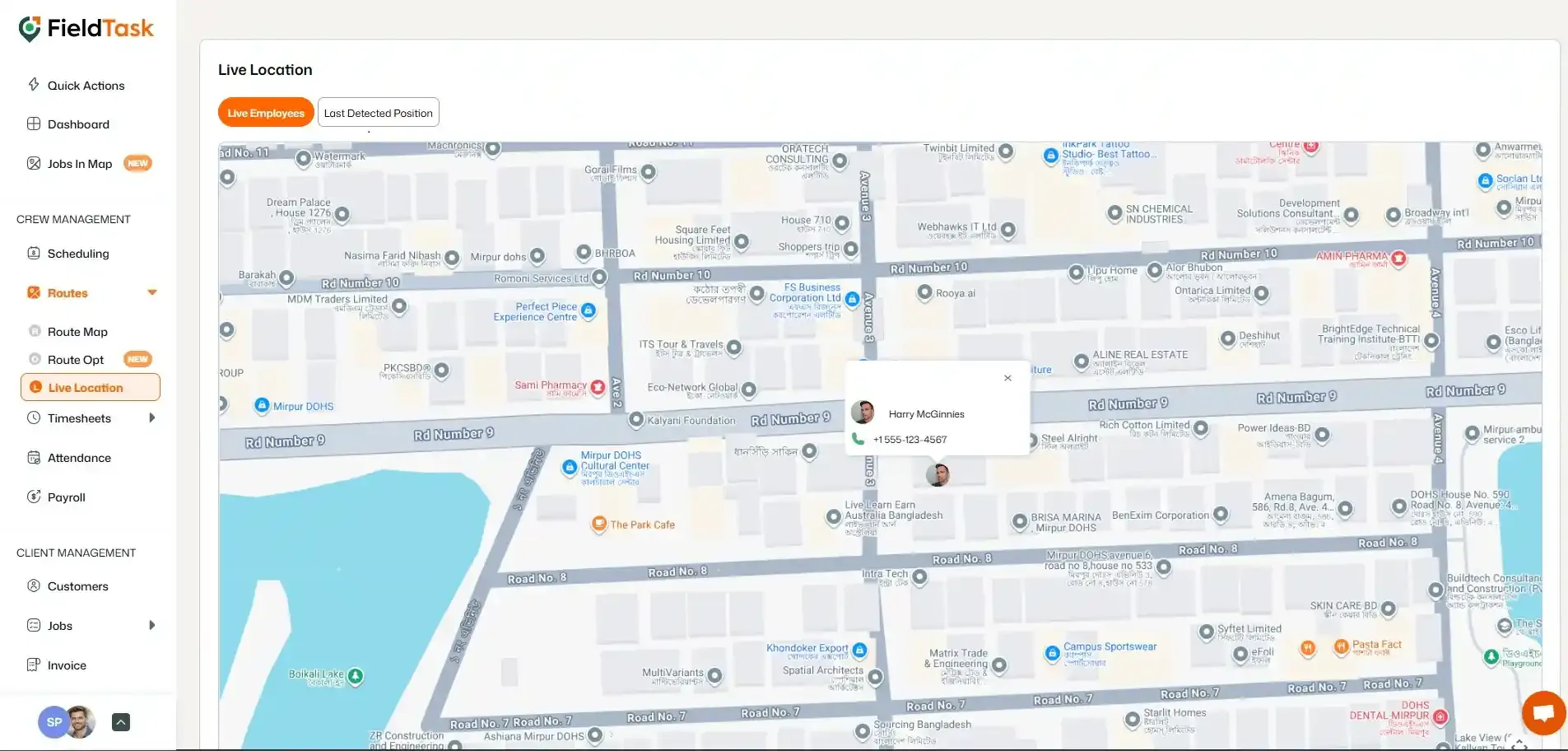
Last Detected Position to see your online members and members who just went offline.
Learn how FieldTask supports HIPAA compliance for home health and field service teams—encryption, BAAs, access controls, and audit logging.
Explore how FieldTask connects with HighLevel. Learn about two-way syncing, automation, and how to turn HighLevel into a complete field service management solution.