The HighLevel Home Service Business Management Software
Manage dispatch, route plan, techs, quotes, invoices, and more in GHL, the only dedicated field service app for HighLevel home service businesses and contractors.
No image available
Learn how to view your assigned jobs, filter your job list, and monitor jobs using the Jobs on Map and Dispatch pages.
You can view and manage your jobs from several sections in FieldTask, giving you different ways to find and monitor the jobs assigned to your team.
To view your jobs:
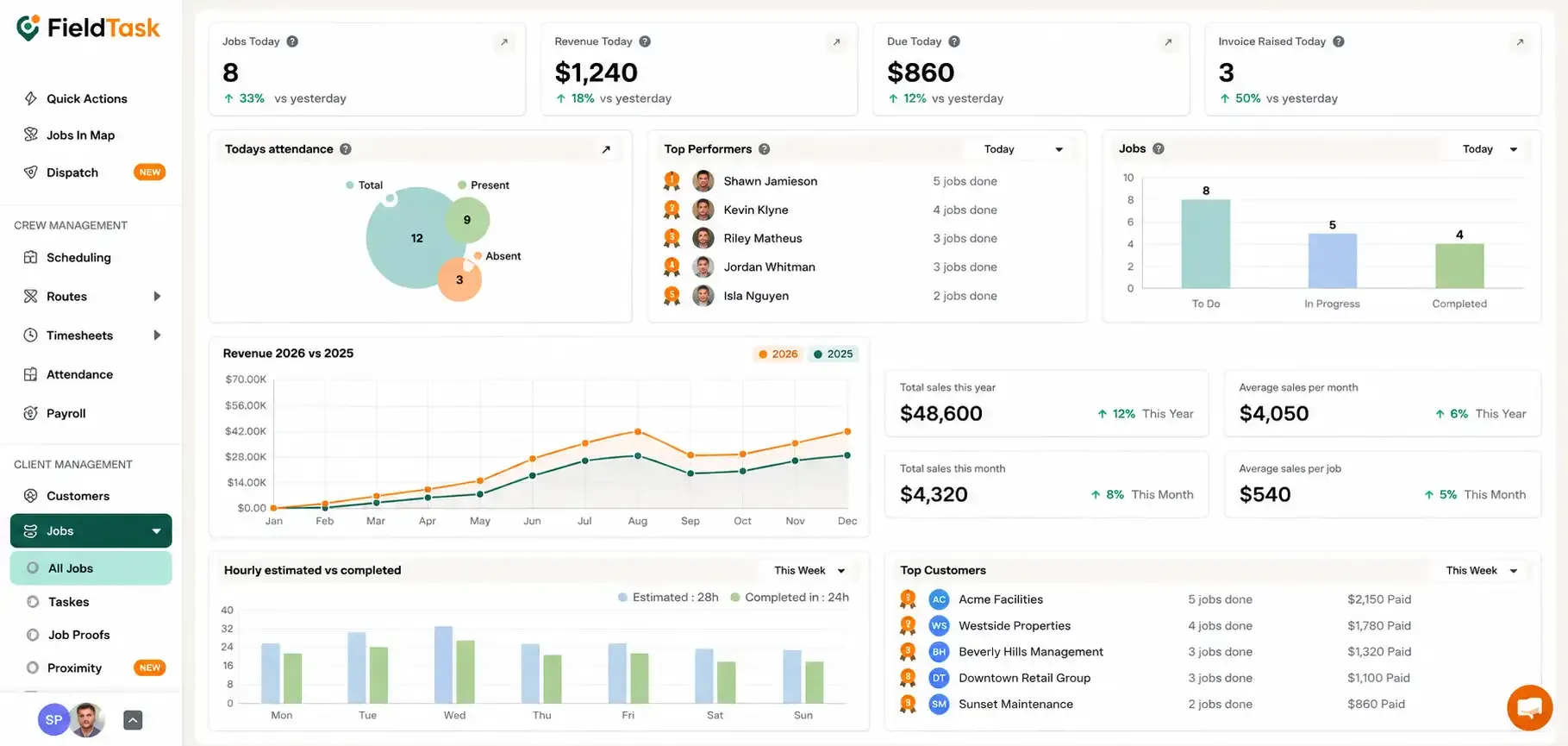
The All Jobs page will display a list of jobs assigned to your team members.
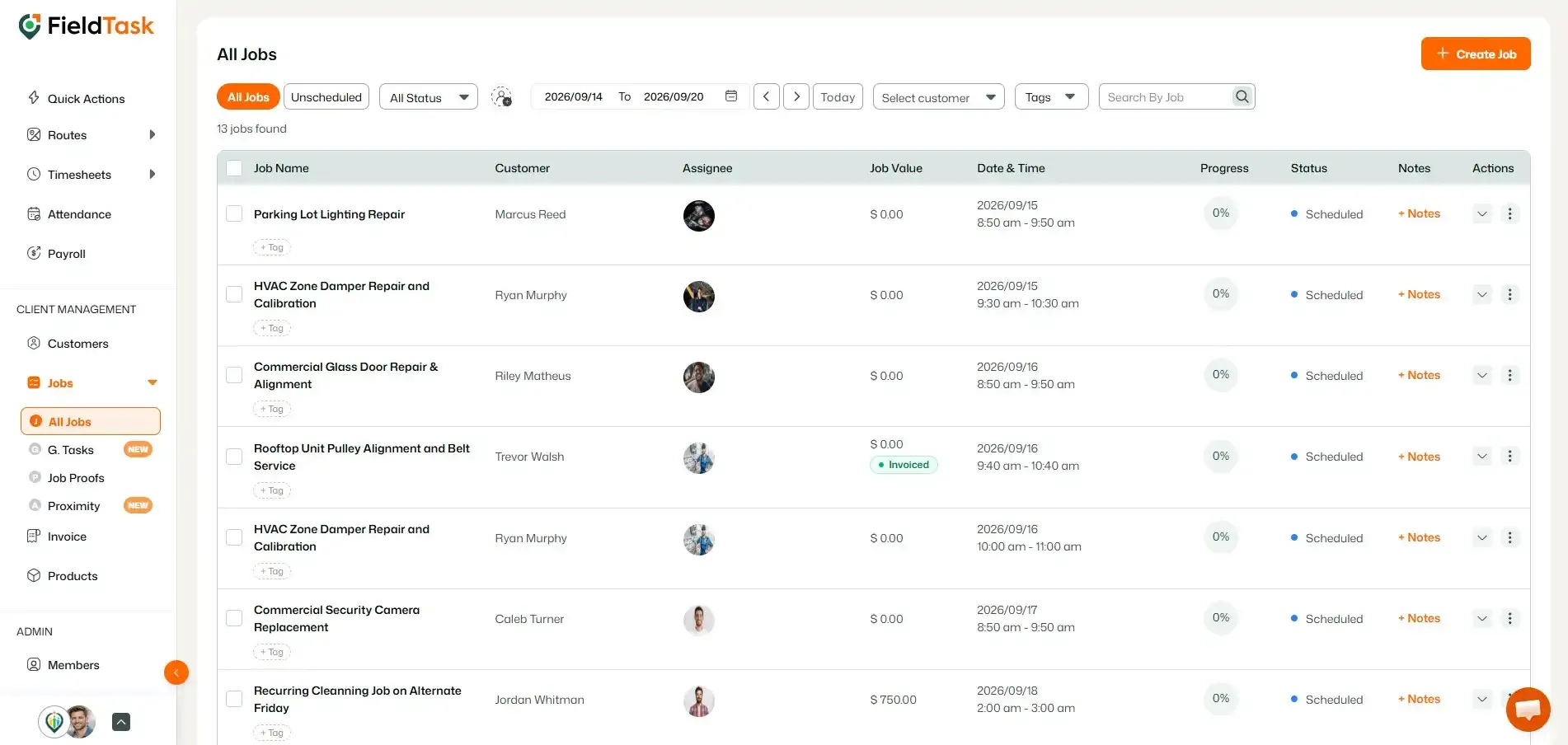
You can also view your jobs through the Jobs on Map section.
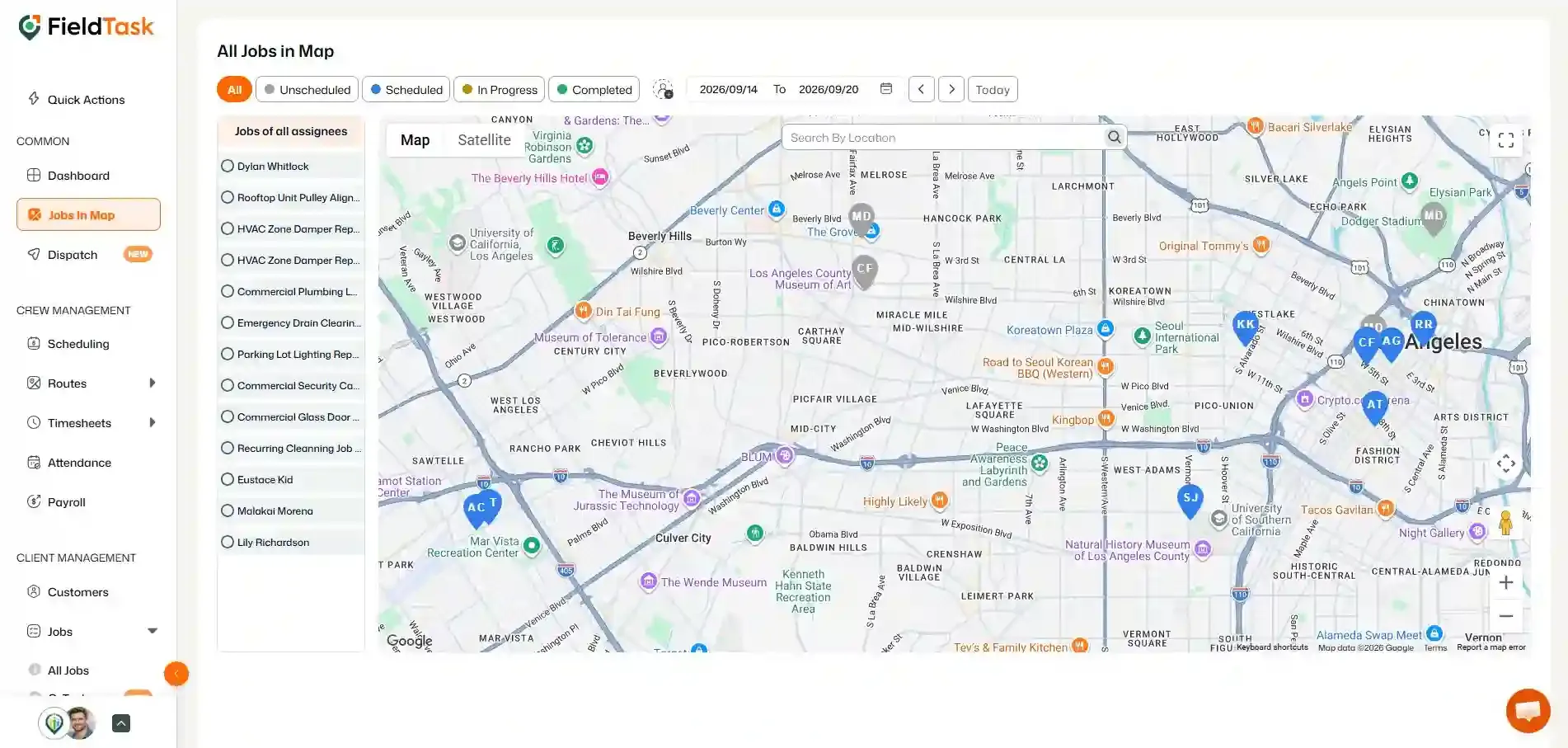
The Dispatch page also displays jobs on a map, but its filtering is based on Members.
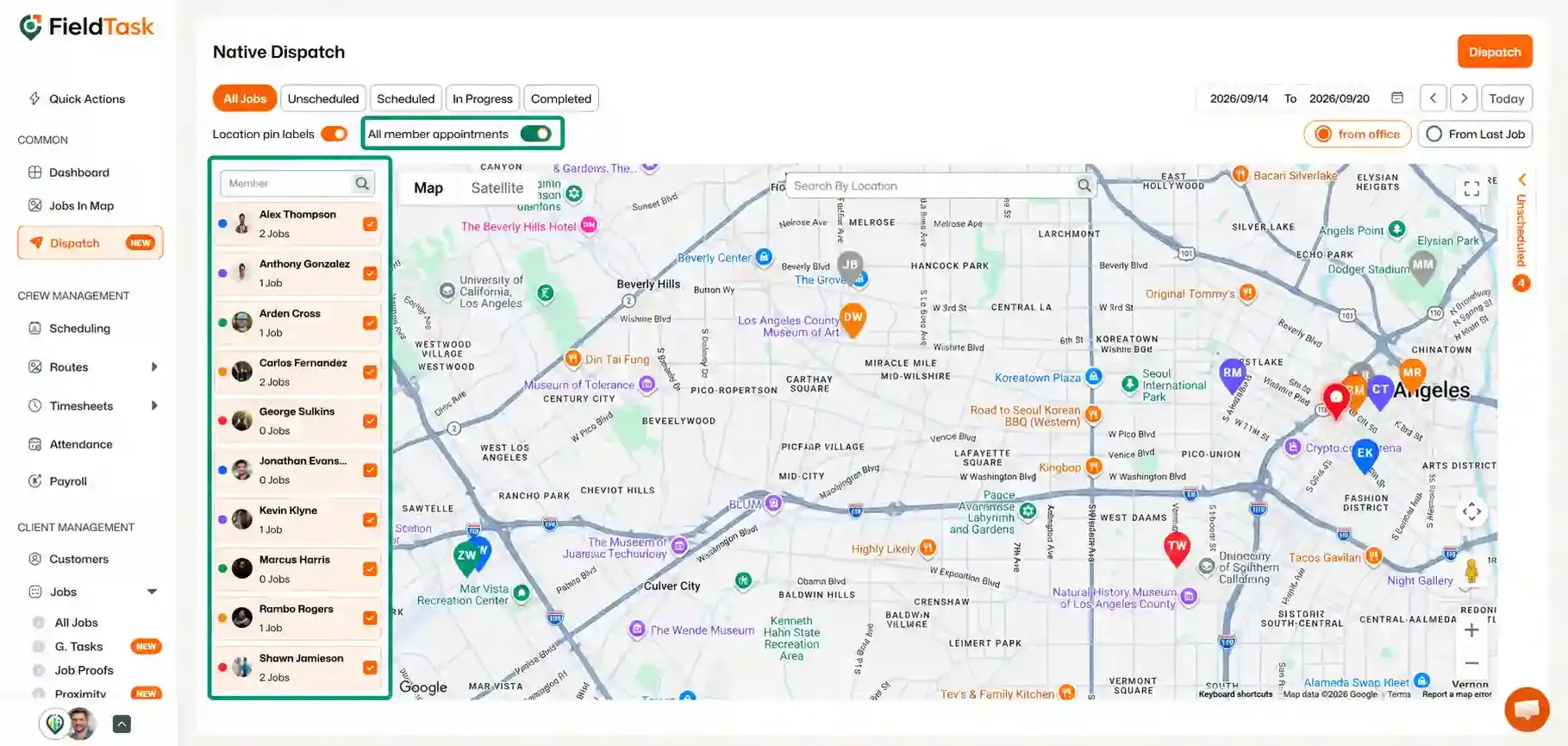
You can choose to:
The Dispatch page also allows you to see the distance between jobs.
You can use the available toggle to choose whether you want to view the distance from:
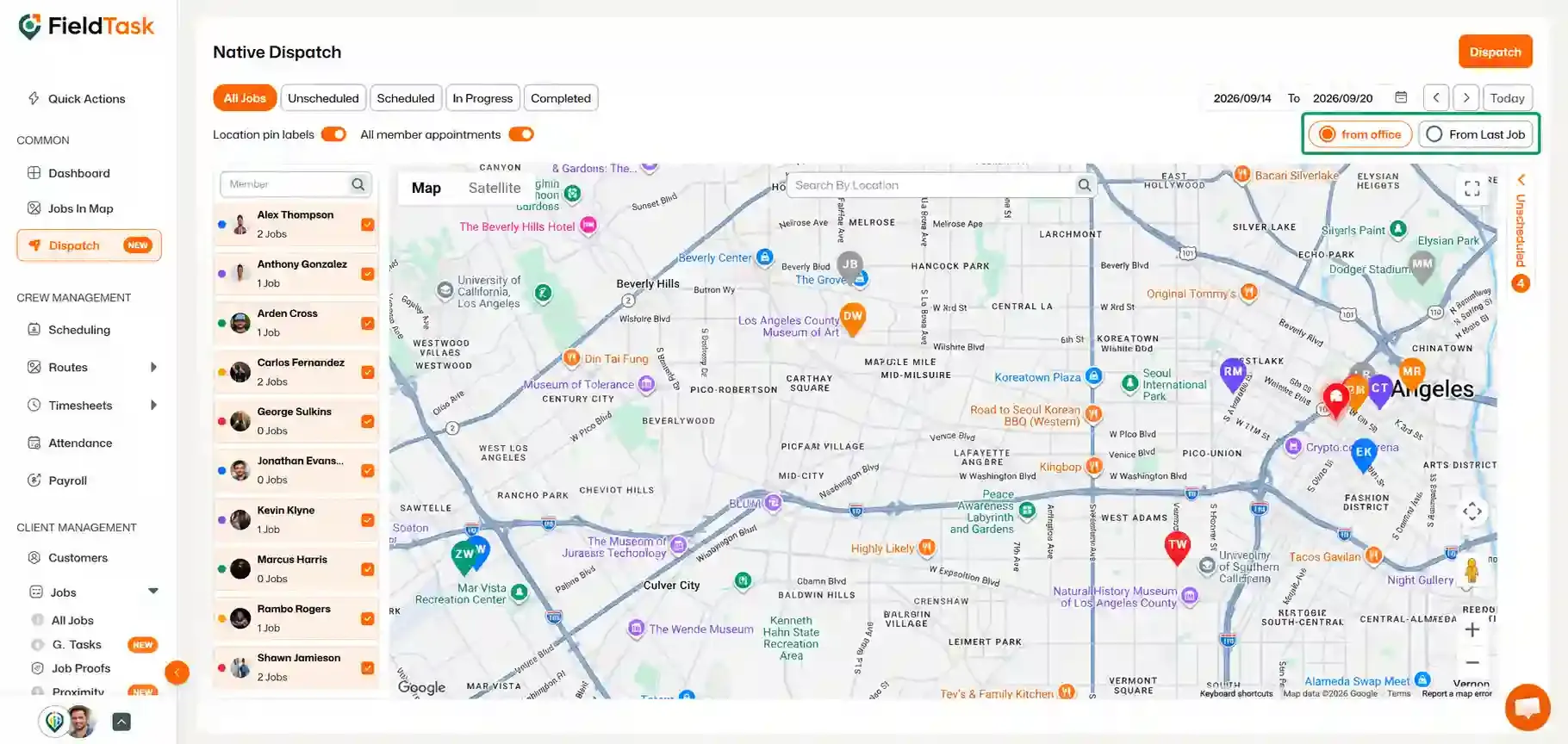
This gives you a quick way to understand the distance between your team's jobs and their previous work locations.
Manage dispatch, route plan, techs, quotes, invoices, and more in GHL, the only dedicated field service app for HighLevel home service businesses and contractors.
The complete FieldTask sitemap: quick links to all pages.
Learn how FieldTask supports HIPAA compliance for home health and field service teams—encryption, BAAs, access controls, and audit logging.