HIPAA Compliance & BAA | FieldTask
Learn how FieldTask supports HIPAA compliance for home health and field service teams—encryption, BAAs, access controls, and audit logging.
No image available
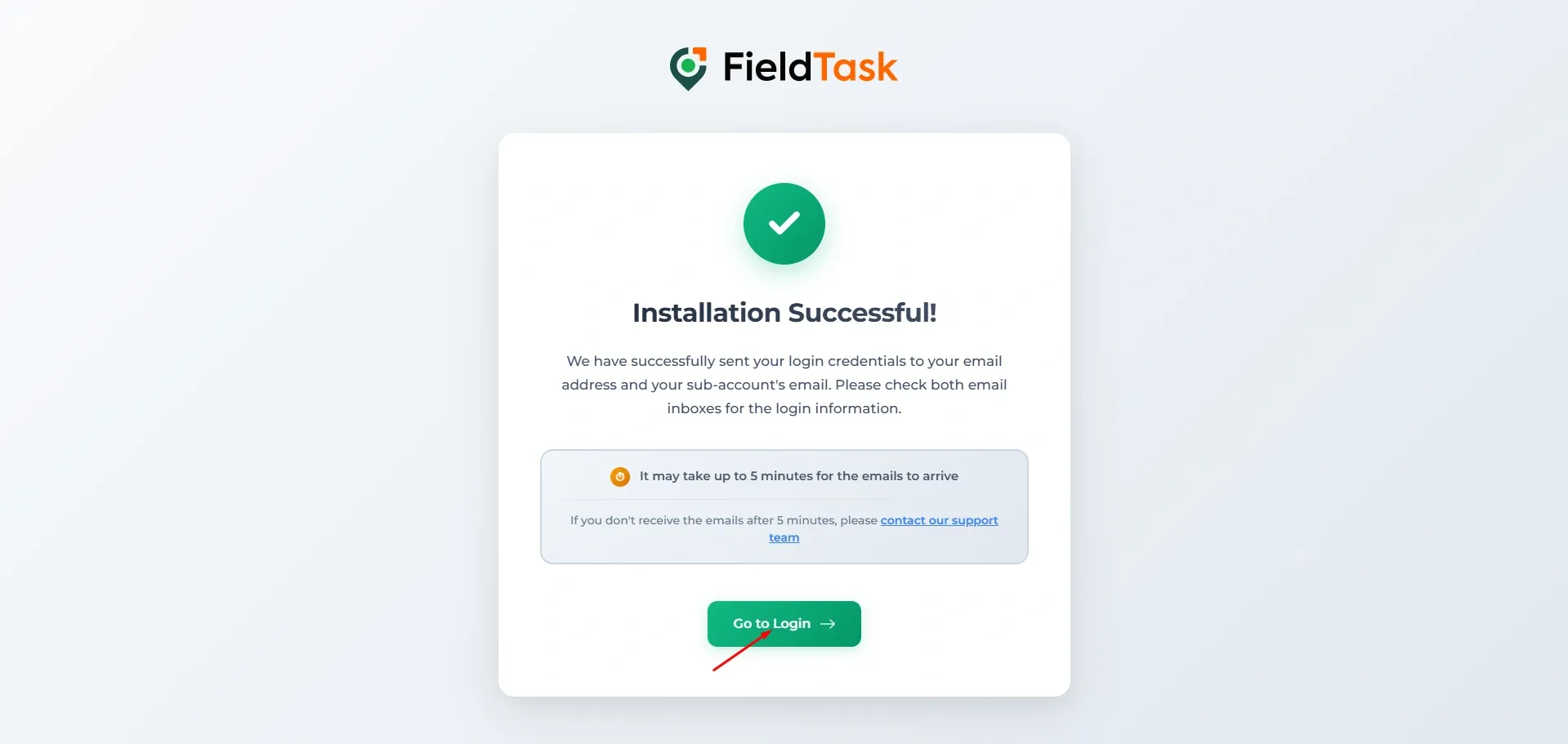
Once you have finished installing FieldTask onto your sub account, a success page will pop up to let you know that the installation was successful and your credentials were sent to your email. On this page, click on the green Go To Login button.
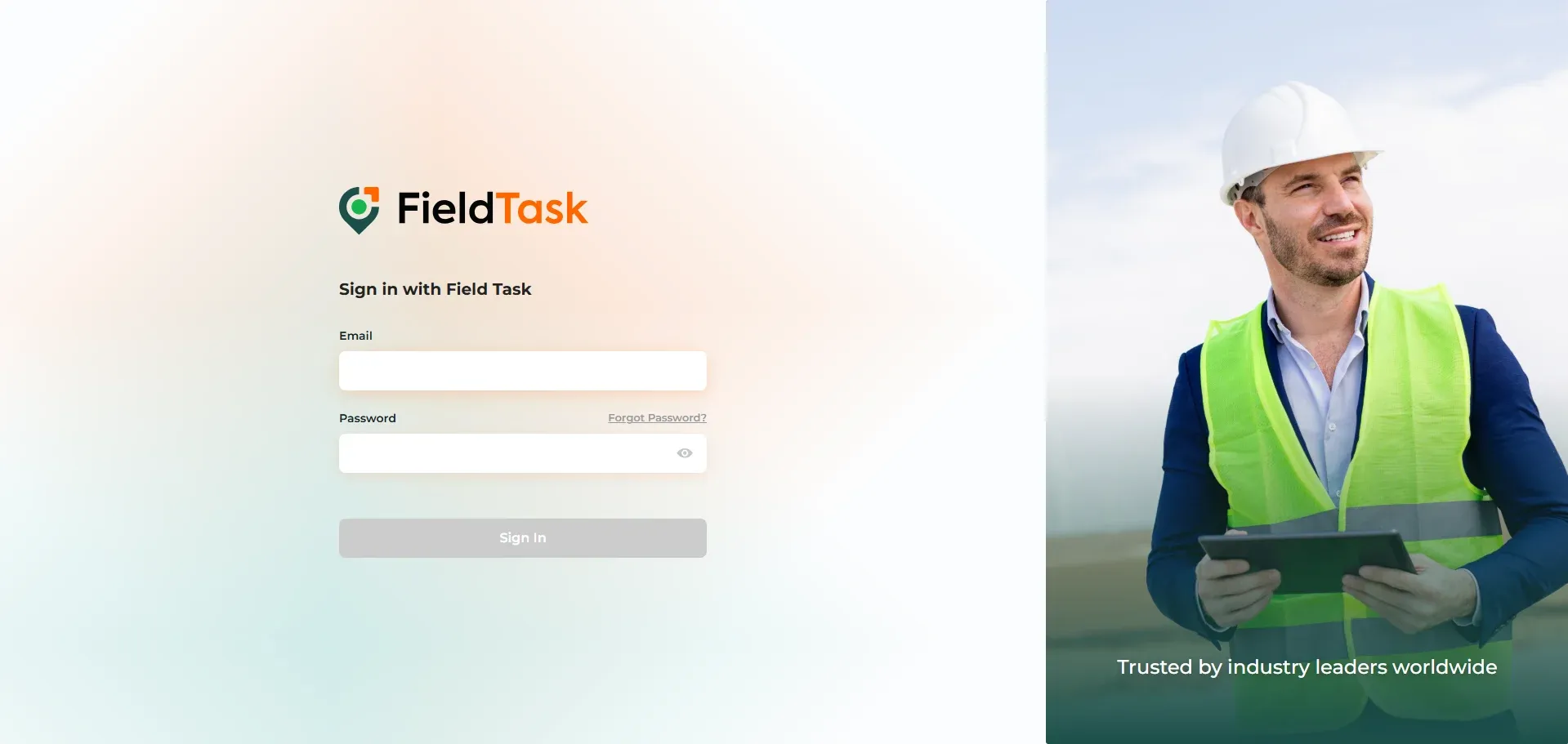
You can log in from the page that loads.
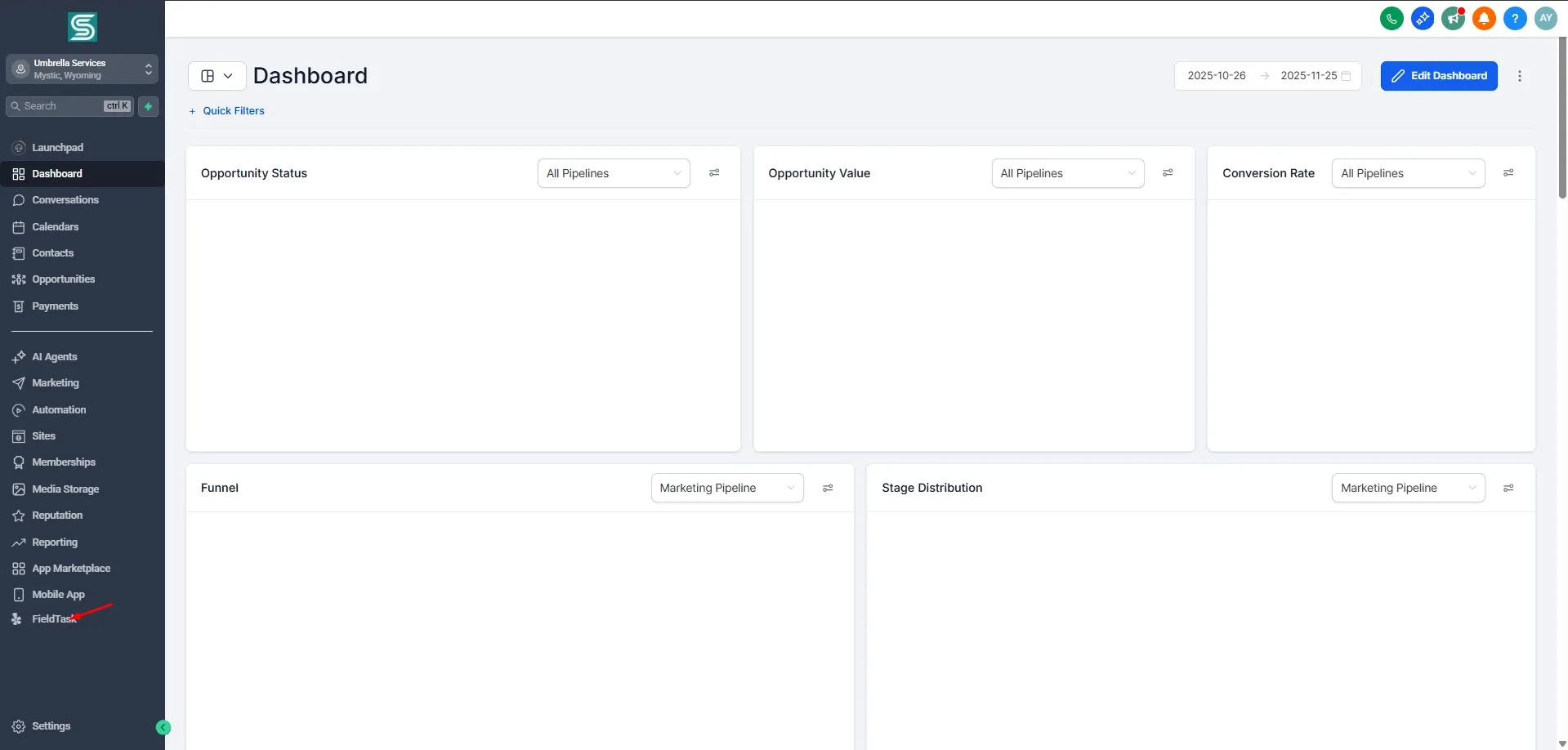
You can also log in through your GHL Dashboard by clicking on the FieldTask icon at the bottom of the left sidebar.
Learn how FieldTask supports HIPAA compliance for home health and field service teams—encryption, BAAs, access controls, and audit logging.
Explore how FieldTask connects with HighLevel. Learn about two-way syncing, automation, and how to turn HighLevel into a complete field service management solution.