The HighLevel Home Service Business Management Software
Manage dispatch, route plan, techs, quotes, invoices, and more in GHL, the only dedicated field service app for HighLevel home service businesses and contractors.

Jump to
Learn how to create and assign a job directly from the FieldTask Mobile App.
To assign a job from the Mobile App:
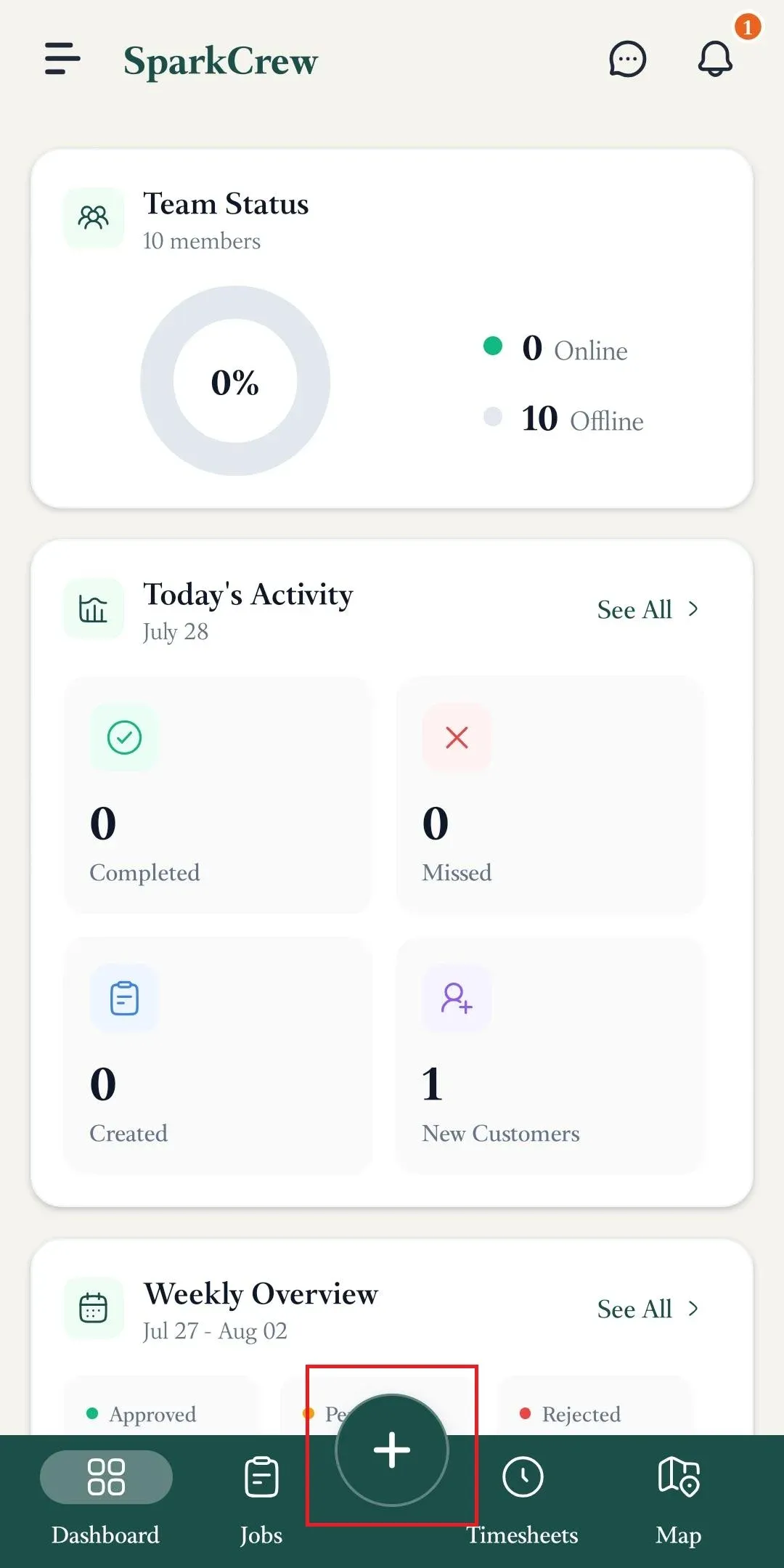
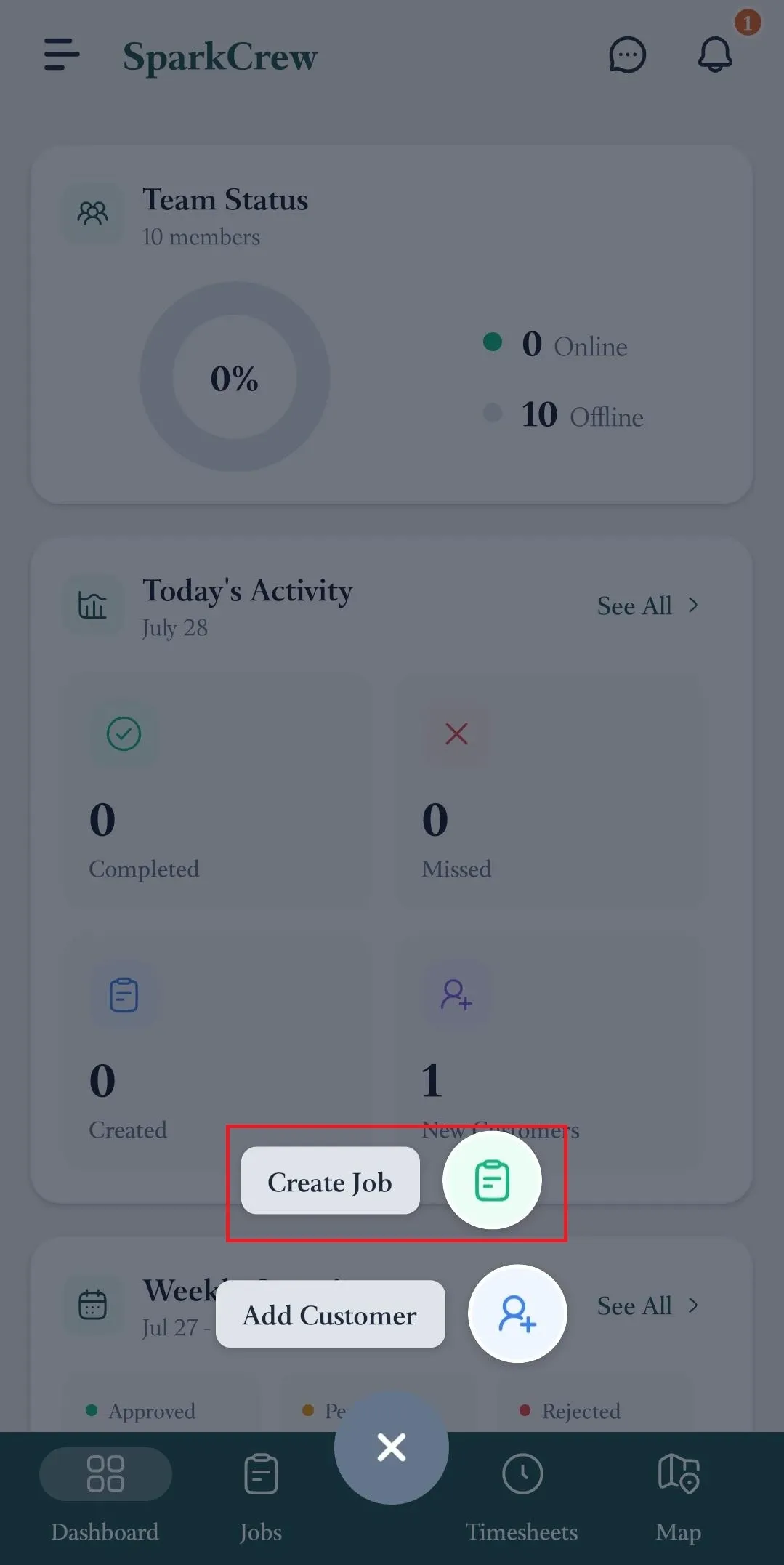
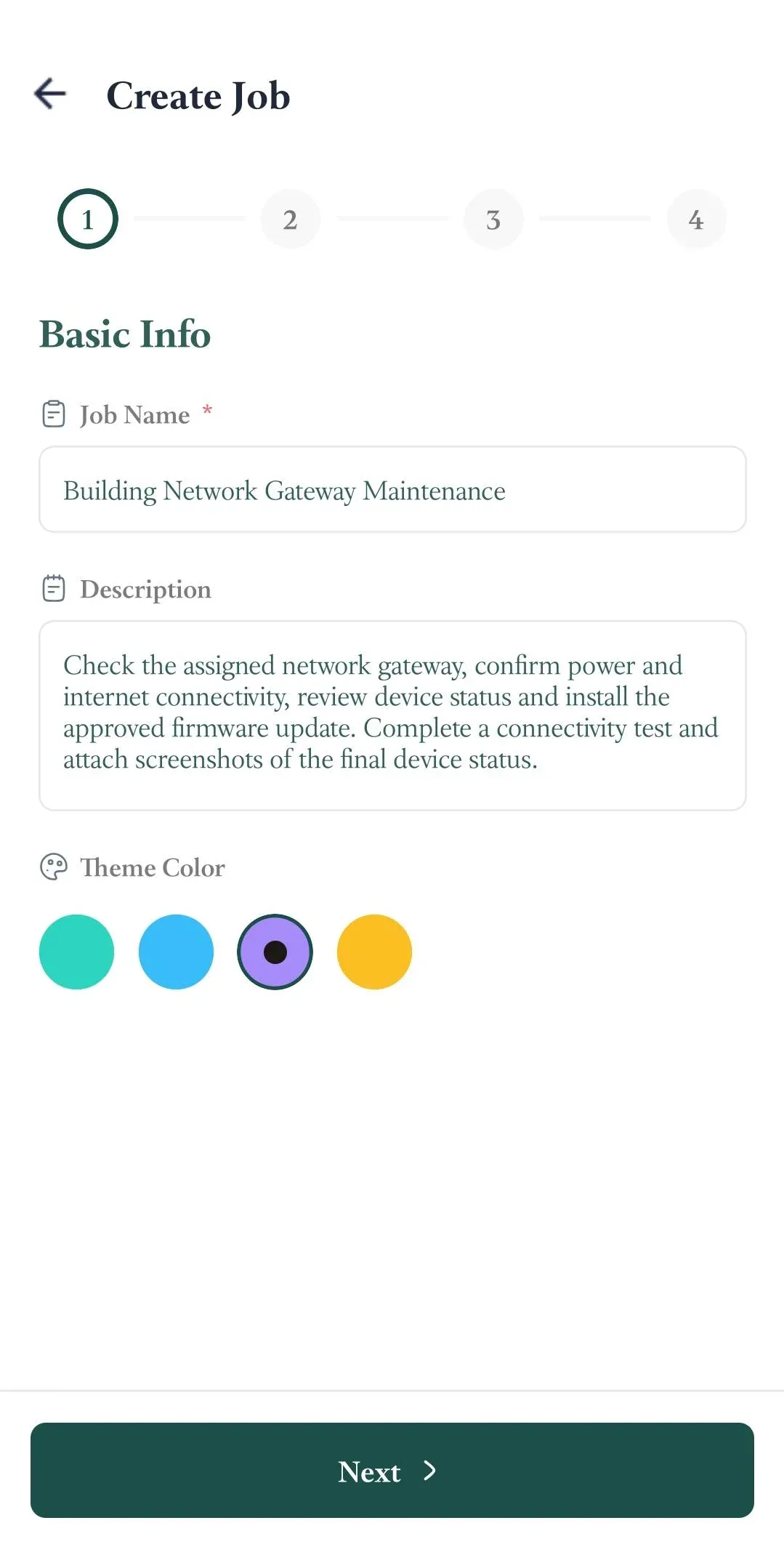
The job creation process is divided into four sections:
In the Basic Info section, enter the following information:
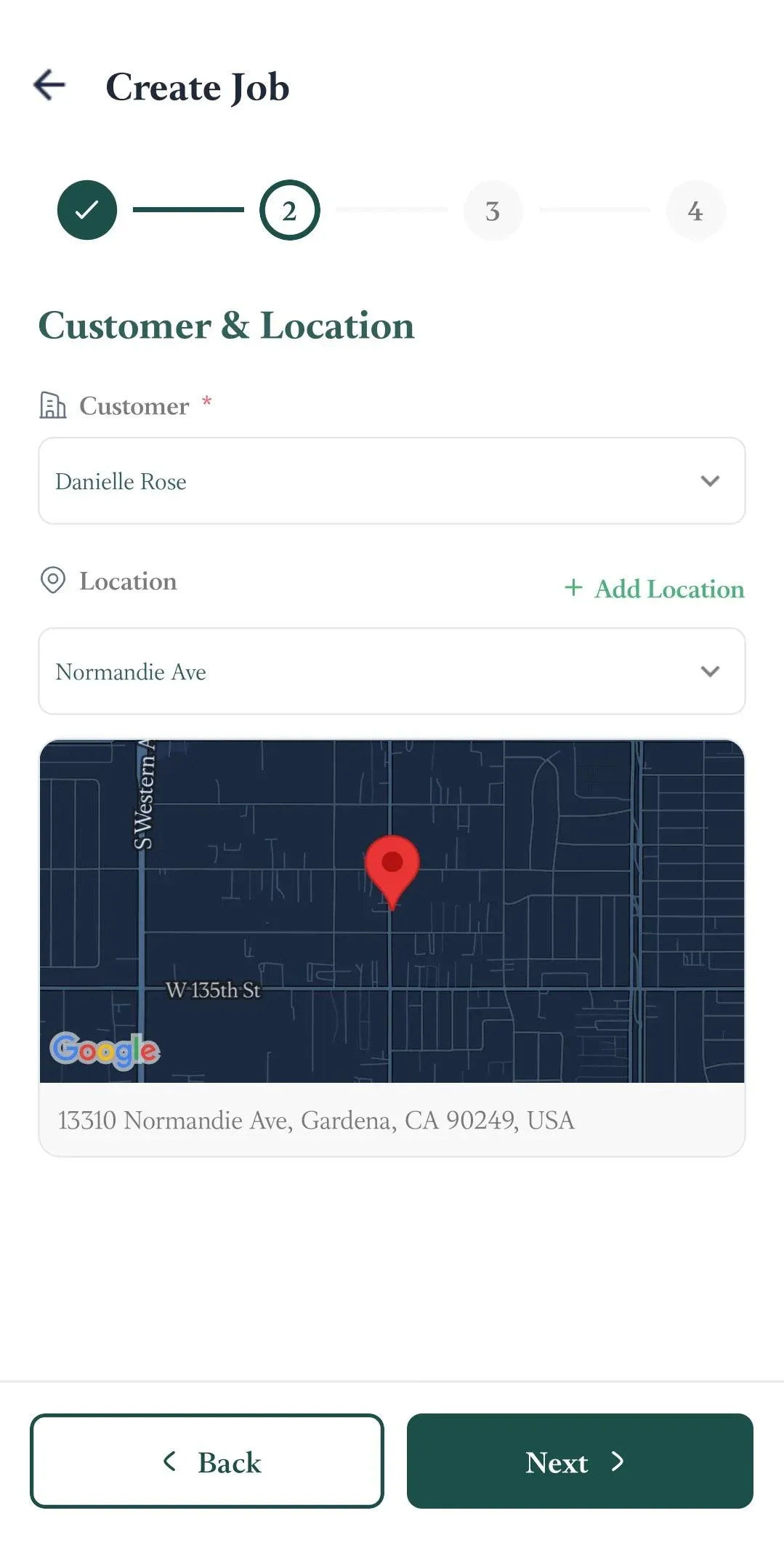
In the Customer Location section, provide:
In the Schedule section, provide:
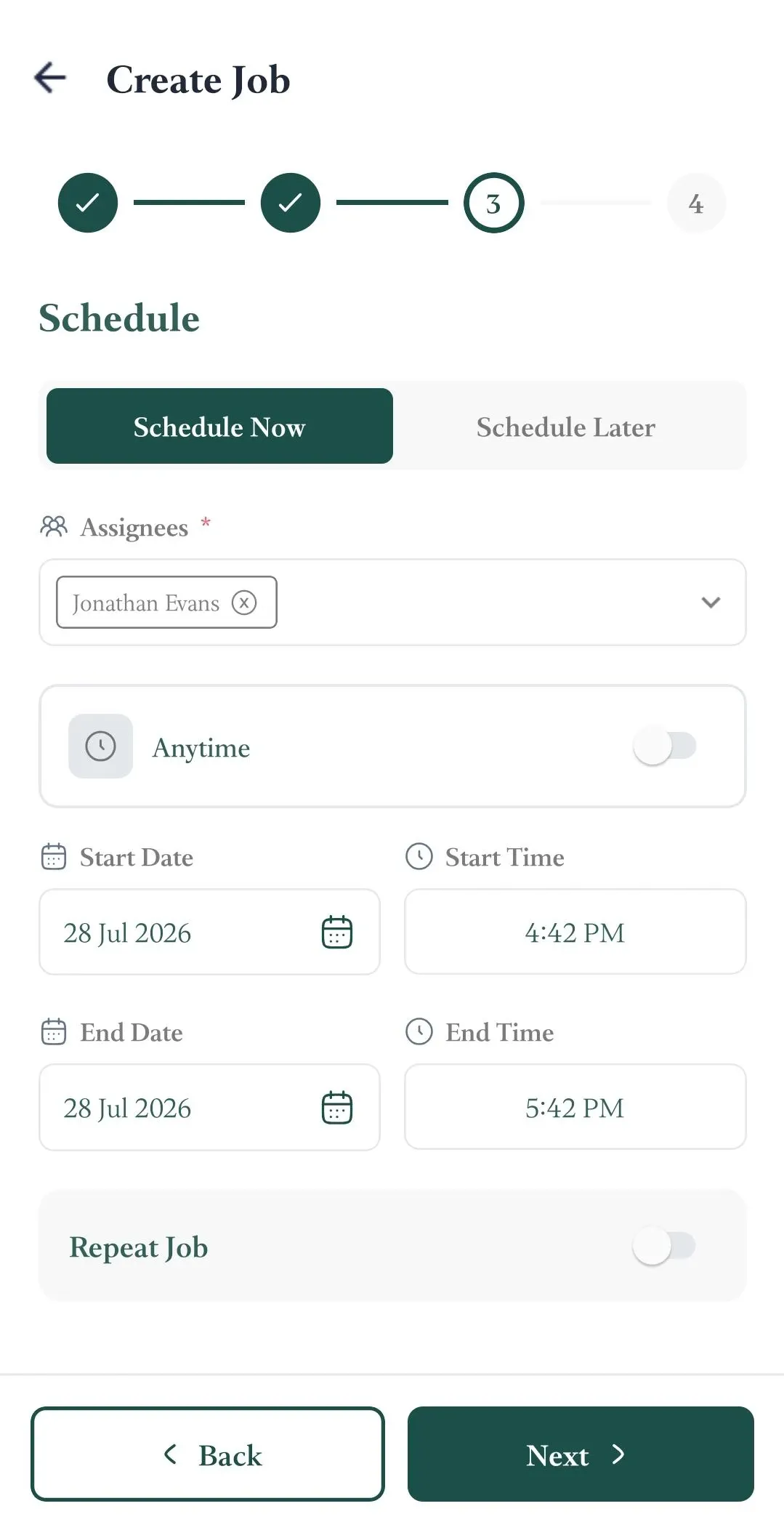
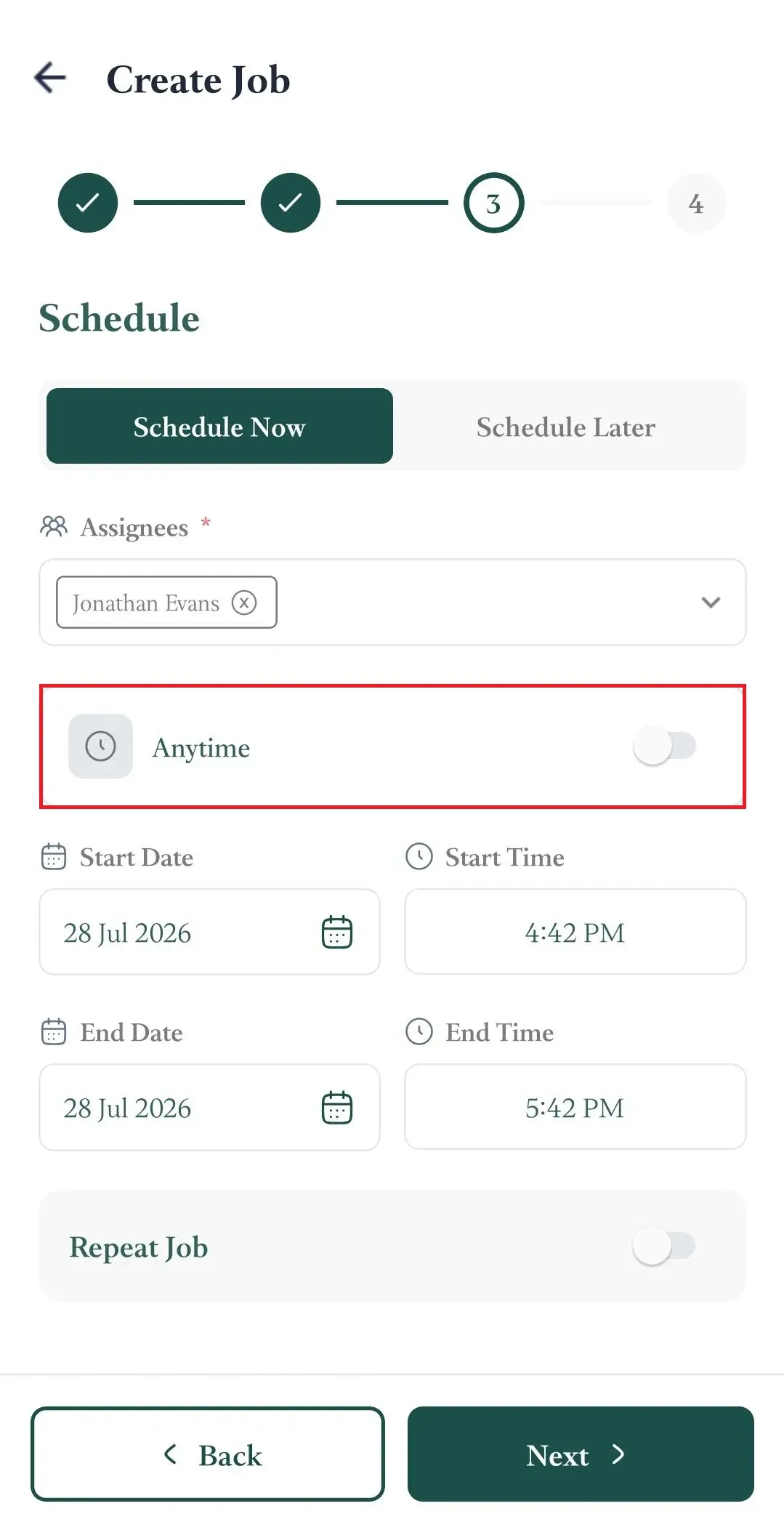
If you want to give your field technicians the flexibility to choose their own start time, select Anytime.
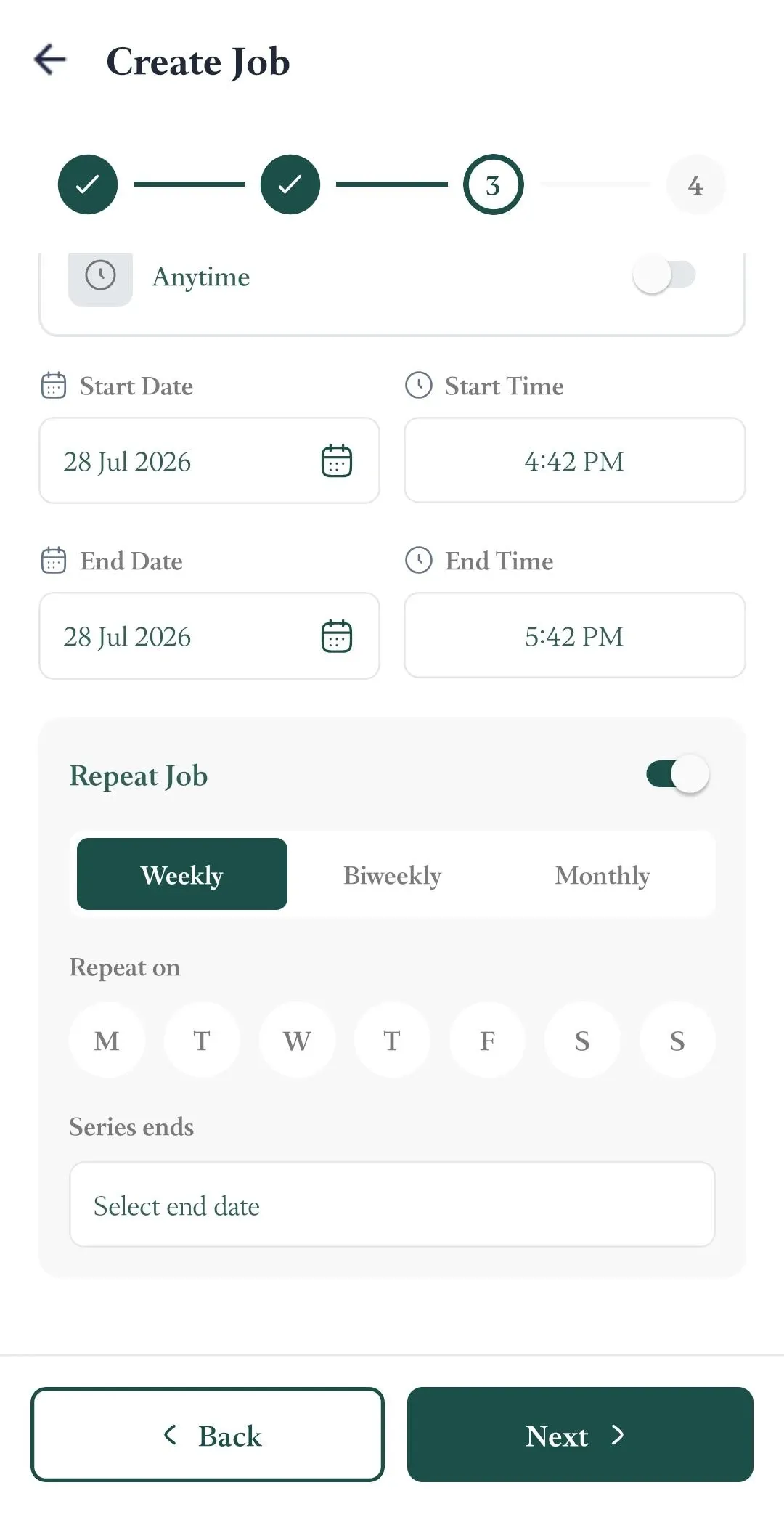
If this is a recurring job, select Repeat Job and choose how you want the job to repeat.
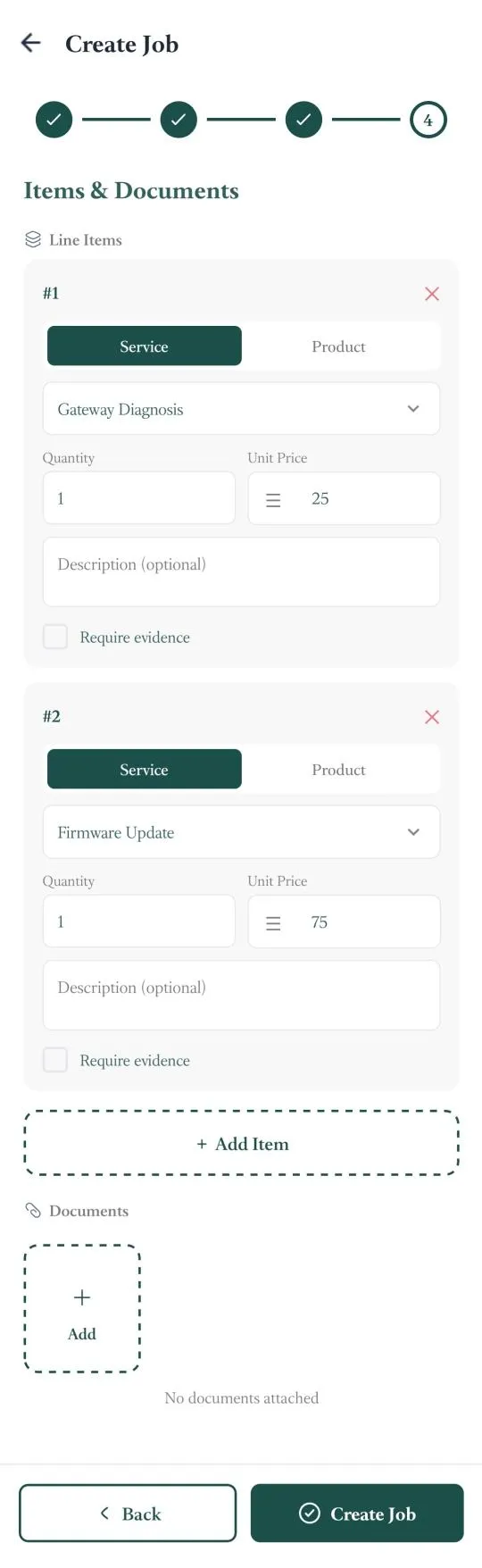
In the Items & Documents section, you can add:
Once you have entered all of the required job information, tap Create Job to finish the process.
📌 Note: If you want to learn how to create jobs from the FieldTask Web App, follow this article.
Manage dispatch, route plan, techs, quotes, invoices, and more in GHL, the only dedicated field service app for HighLevel home service businesses and contractors.
The complete FieldTask sitemap: quick links to all pages.
Learn how FieldTask supports HIPAA compliance for home health and field service teams—encryption, BAAs, access controls, and audit logging.