The HighLevel Home Service Business Management Software
Manage dispatch, route plan, techs, quotes, invoices, and more in GHL, the only dedicated field service app for HighLevel home service businesses and contractors.
No image available
Learn how to import customers into FieldTask from a CSV file, including customers from sources other than GHL.
FieldTask allows you to import customers from non-GHL sources using a CSV file. This makes it easier to bring existing customer data into your FieldTask Organization without adding each customer manually.
To import customers:
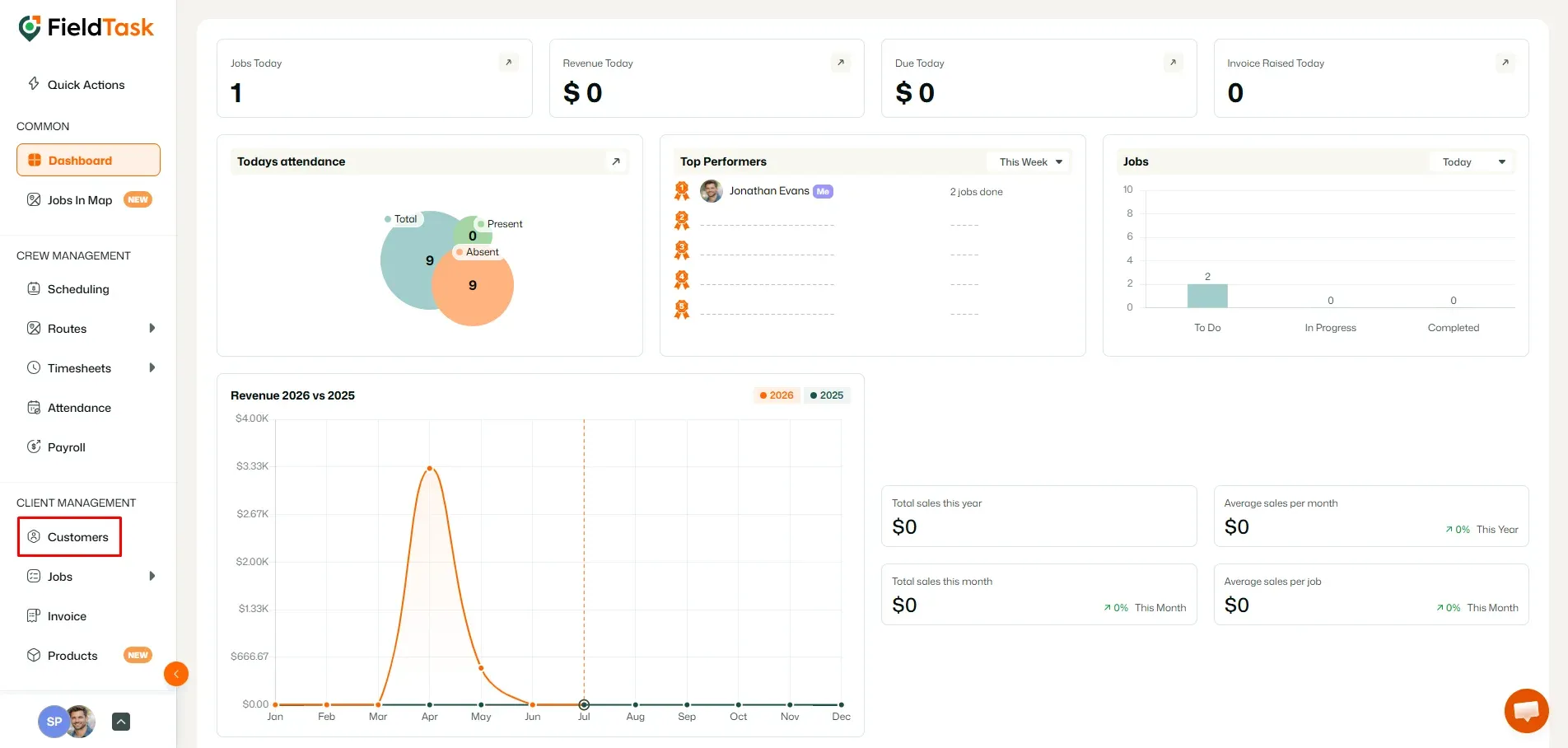
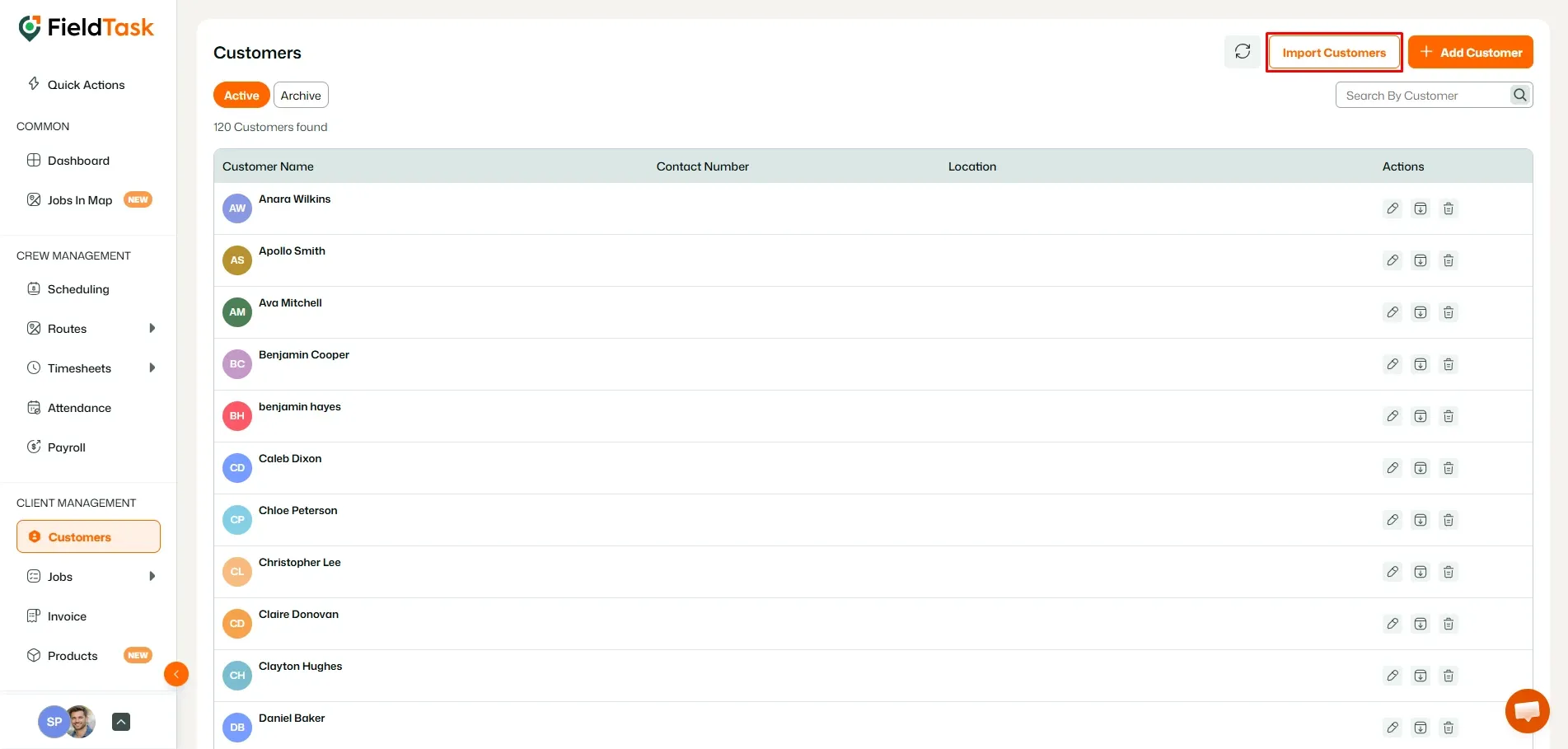
Before uploading your customer data, download and complete the FieldTask CSV template.
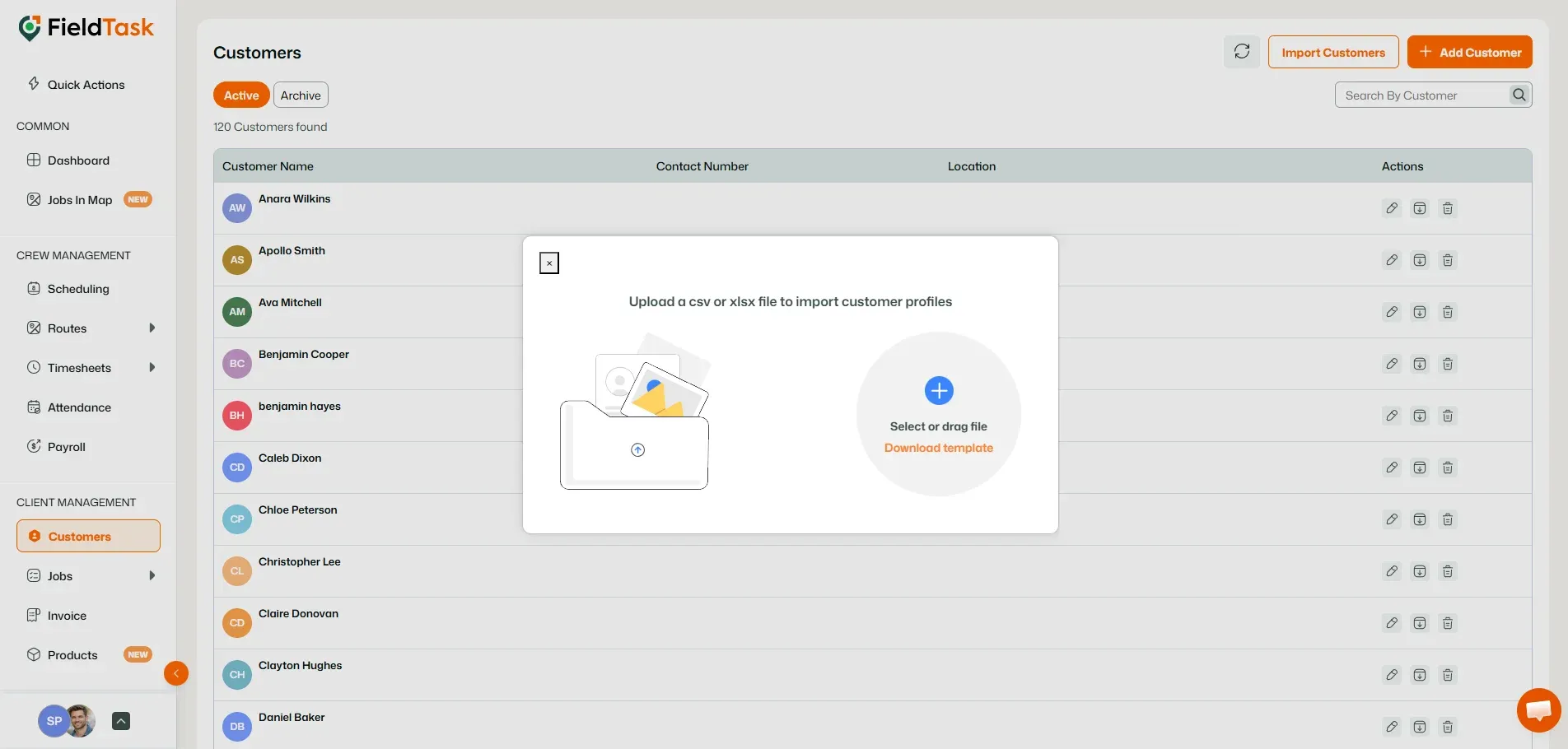
Once your CSV file is ready:
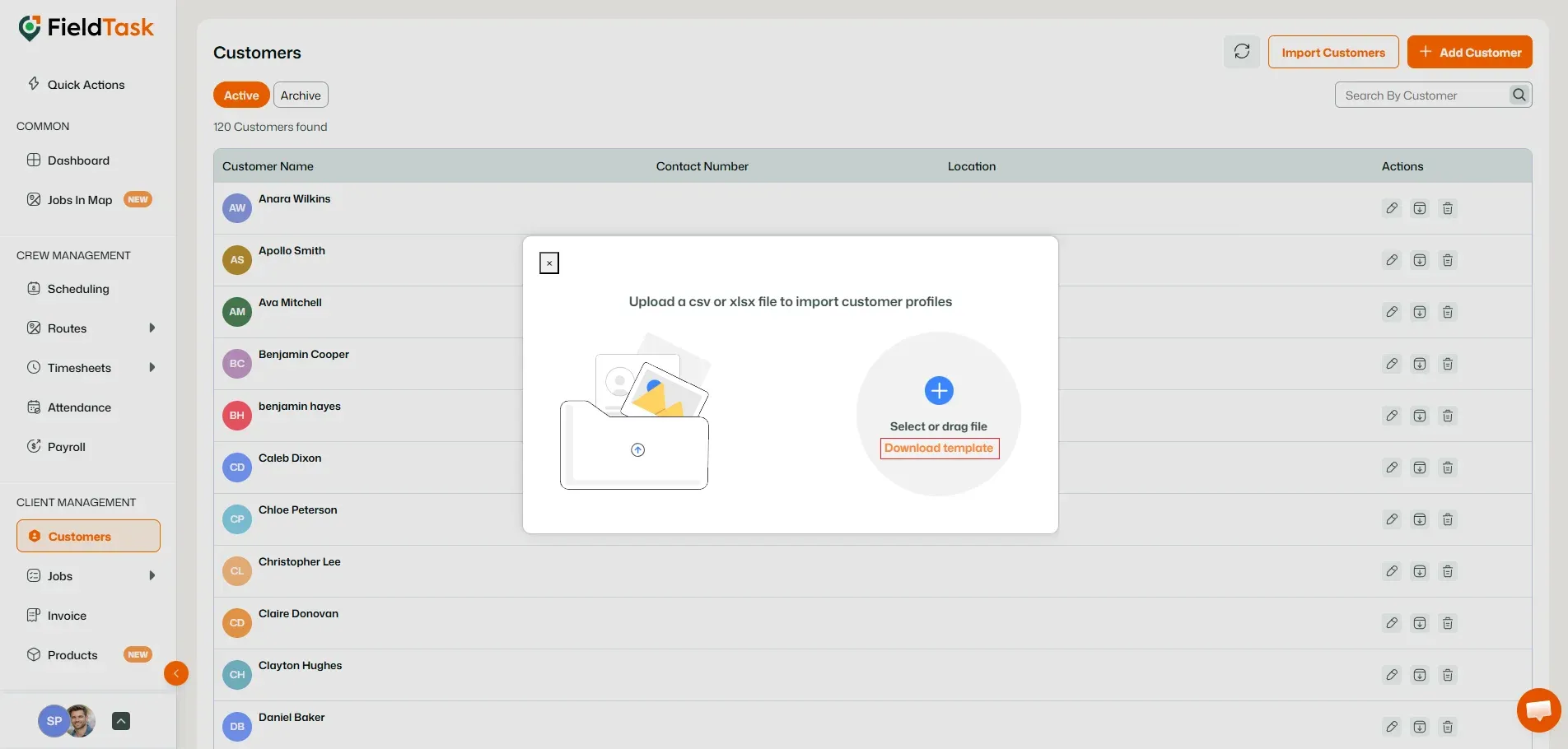
FieldTask will use the uploaded CSV file to import your customer information into your Organization.
Manage dispatch, route plan, techs, quotes, invoices, and more in GHL, the only dedicated field service app for HighLevel home service businesses and contractors.
The complete FieldTask sitemap: quick links to all pages.
Learn how FieldTask supports HIPAA compliance for home health and field service teams—encryption, BAAs, access controls, and audit logging.