

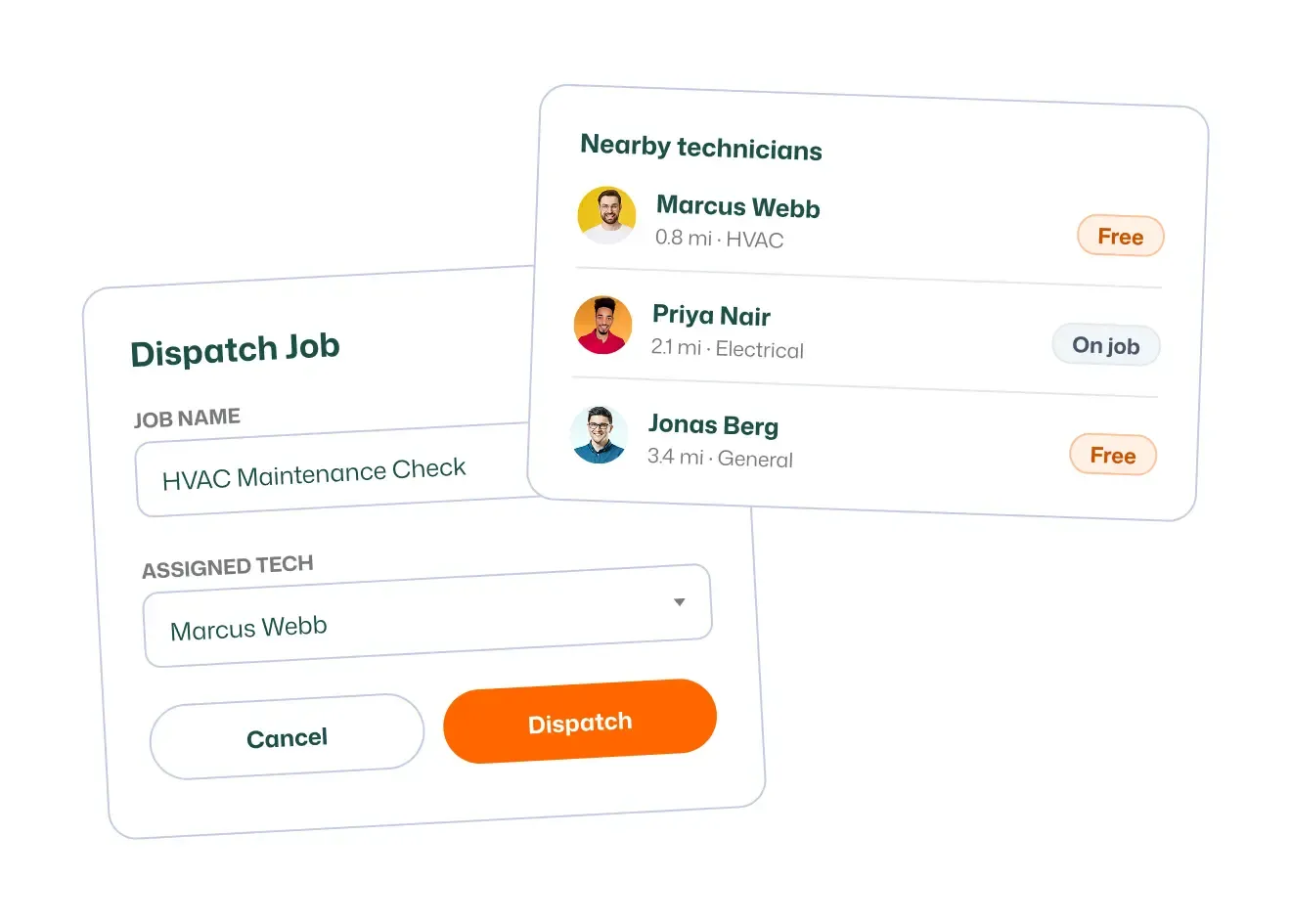
Dispatching
Assign the right tech to every job in seconds and keep your whole crew moving.
FIELDTASK FEATURES
Get your business noticed, streamline your workflow, improve customer satisfaction, and track how your business is doing using Jobber—it’s built for home service businesses.
Assign the right tech to every job in seconds and keep your whole crew moving.
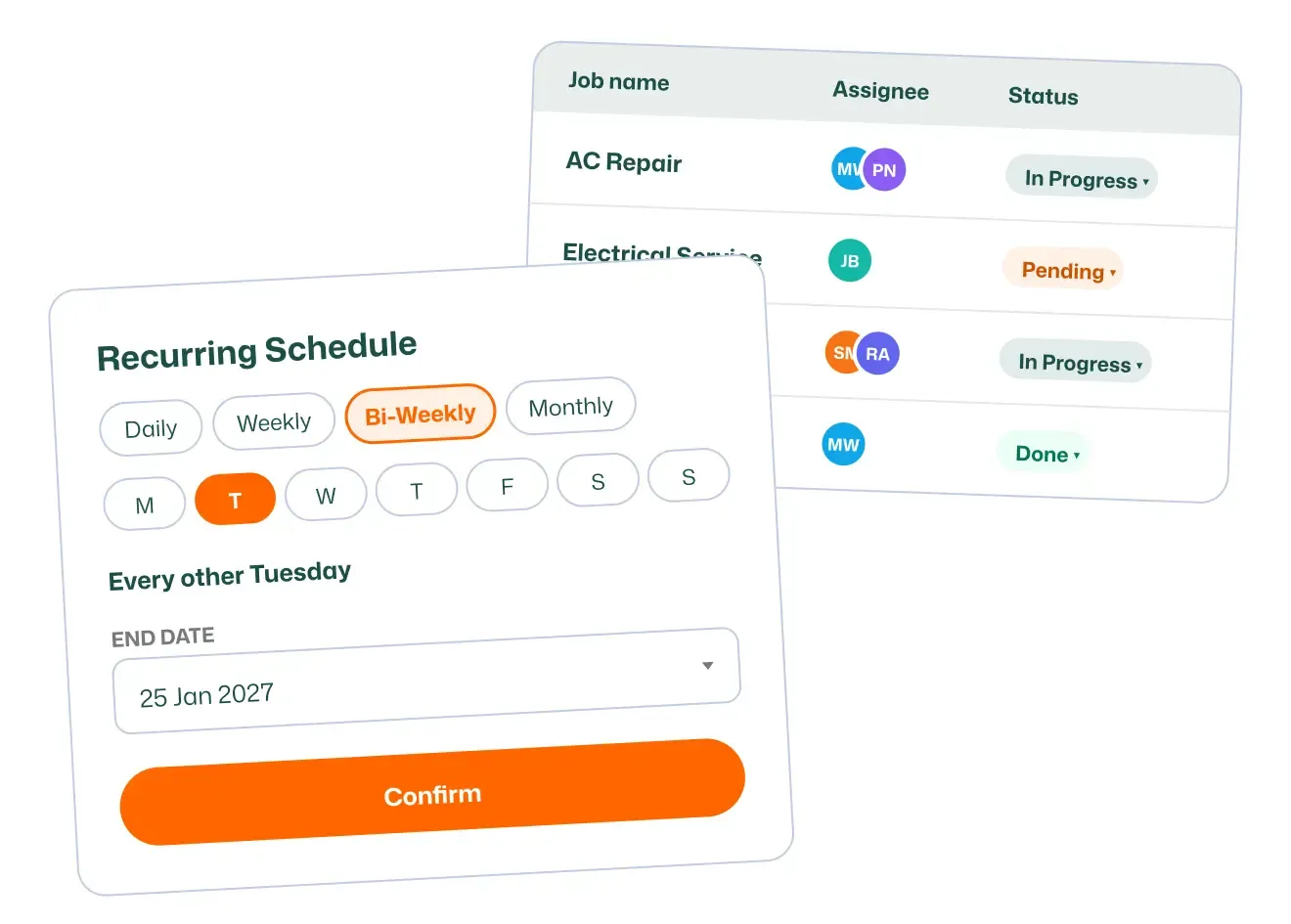
Book one-off and recurring jobs on one shared calendar your whole team can see.
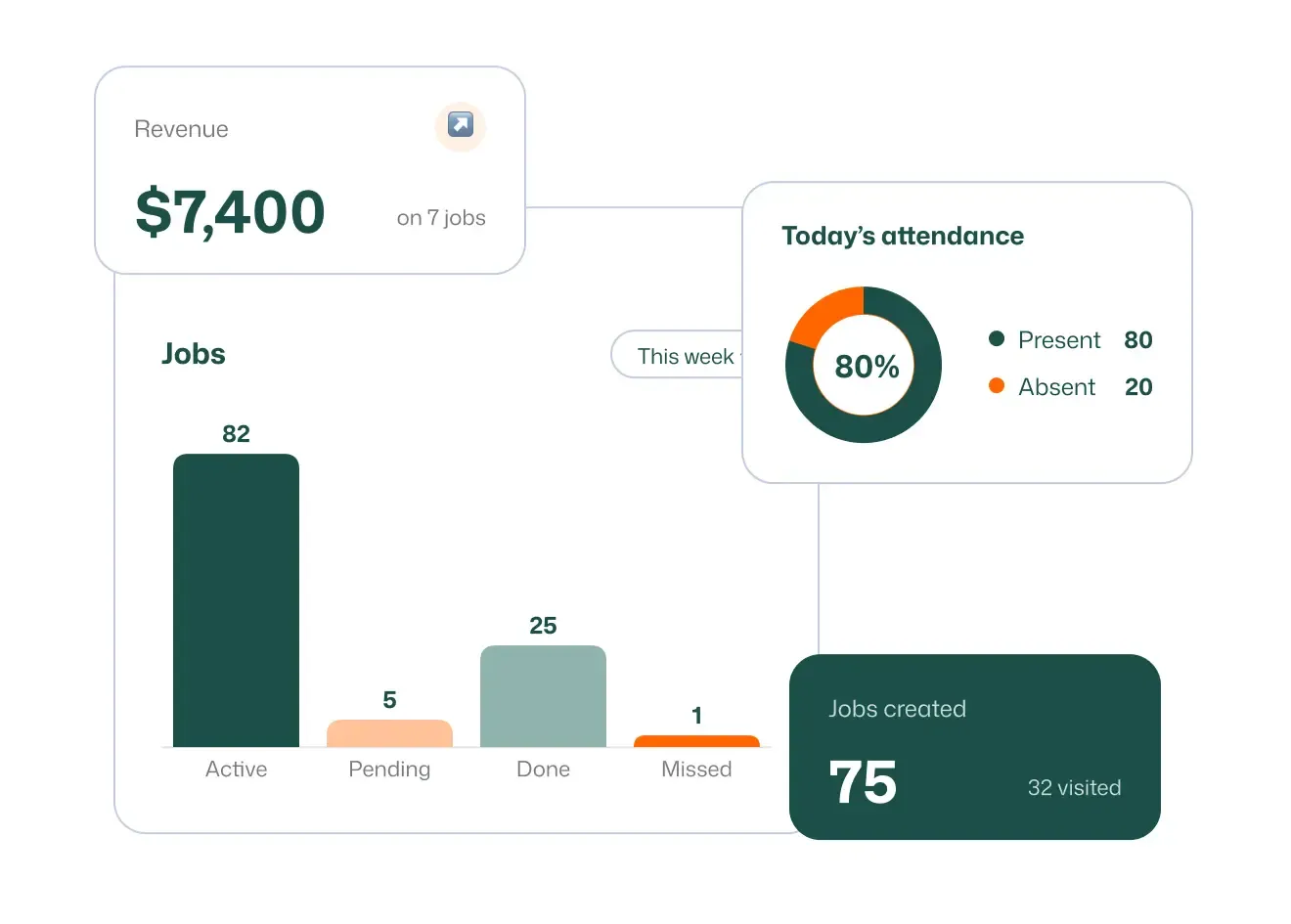
See today's jobs, crews, and revenue at a glance the moment you log in.
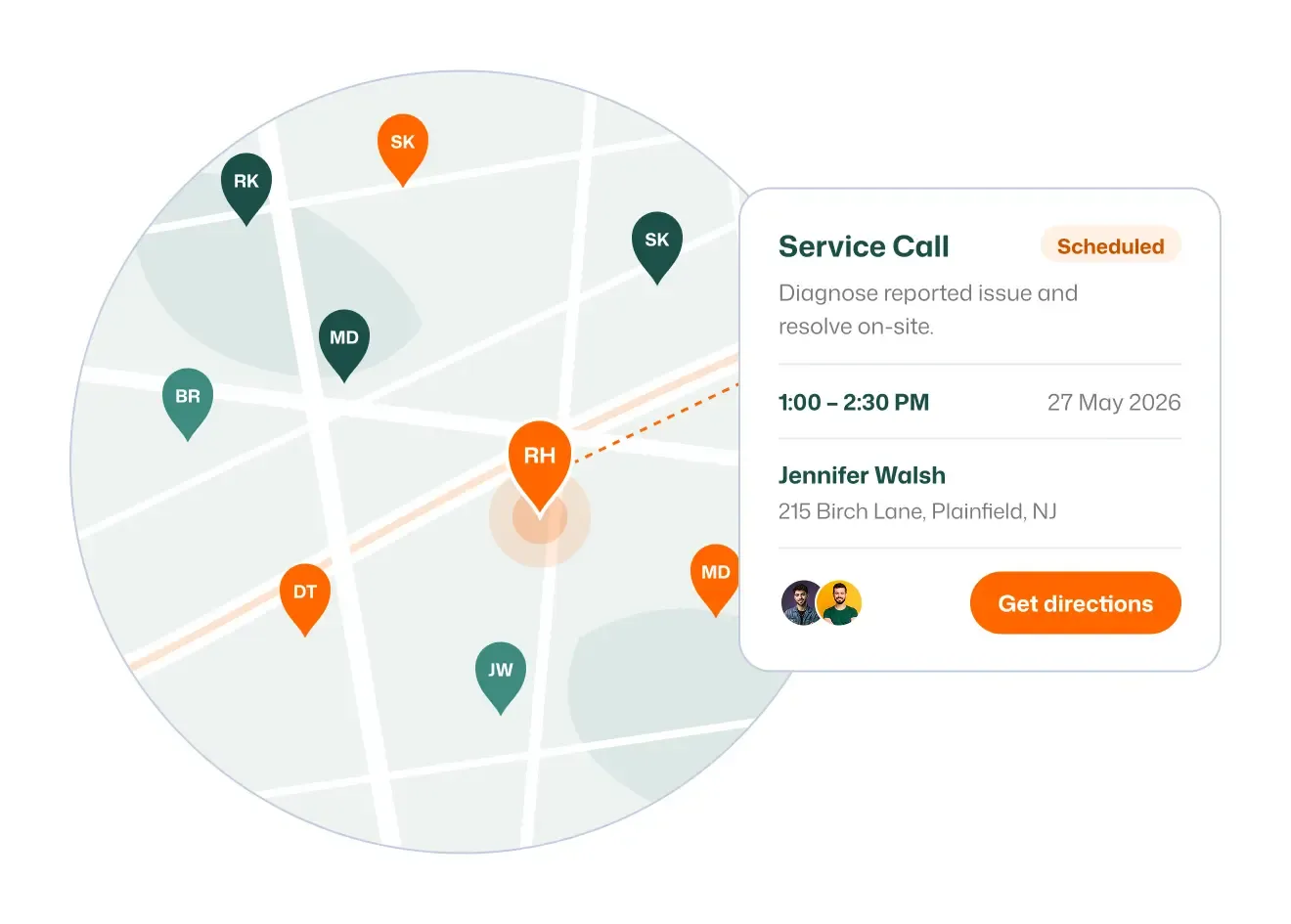
View every scheduled job as a pin on the map to plan smarter days.
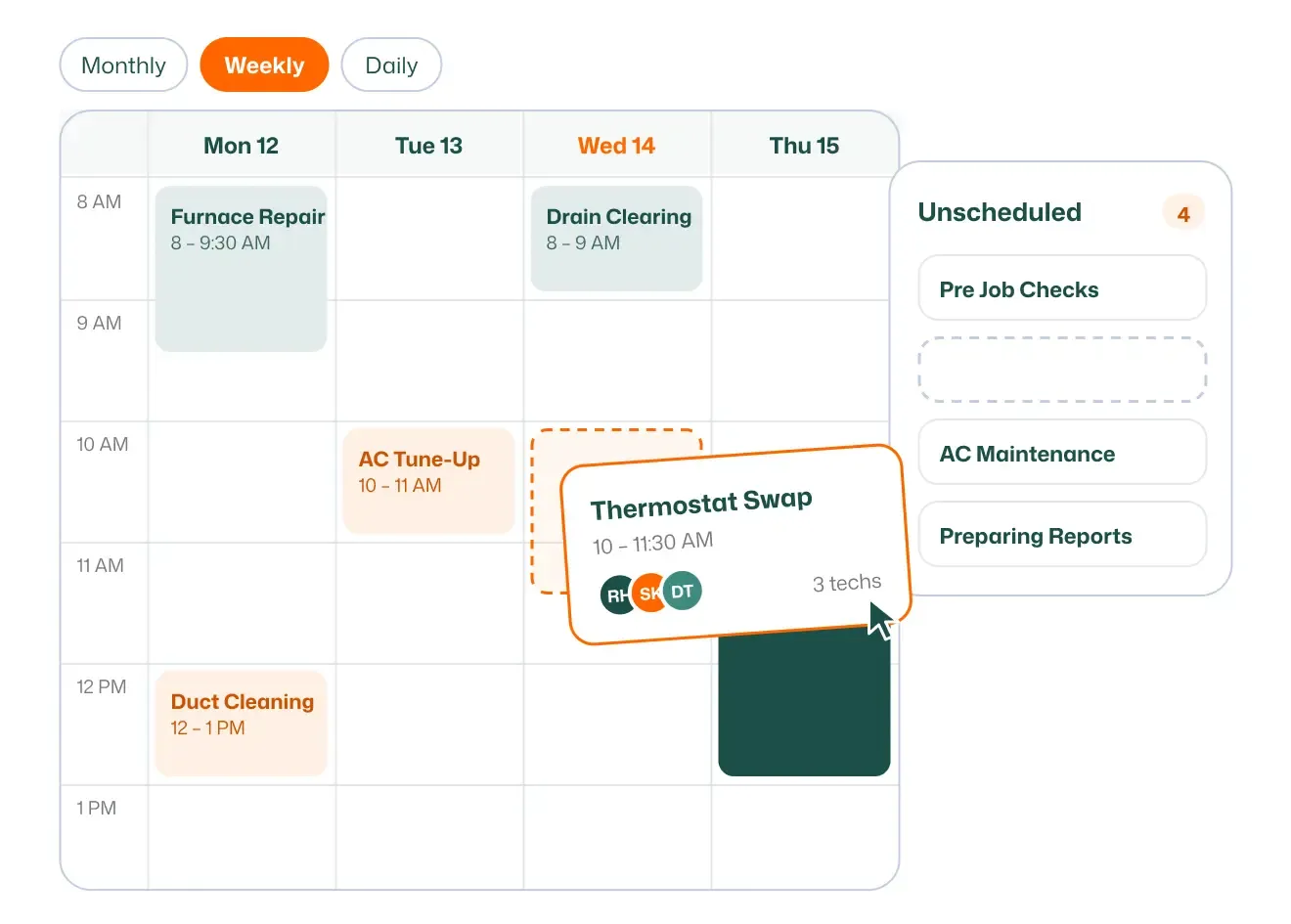
Reschedule or reassign any job by dragging it to a new time or tech.
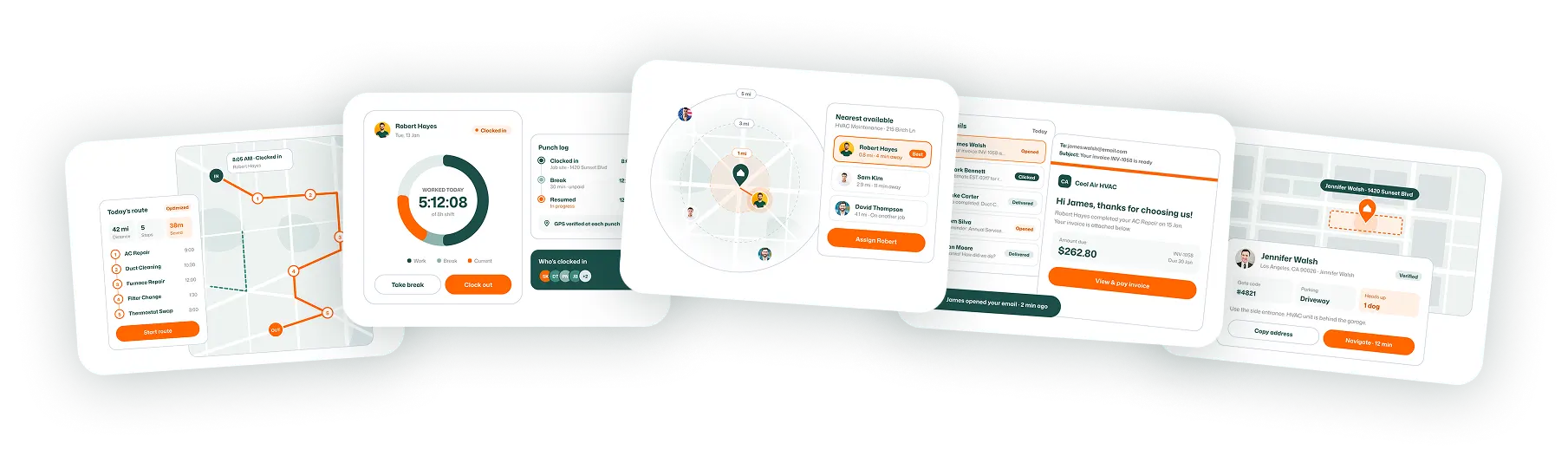
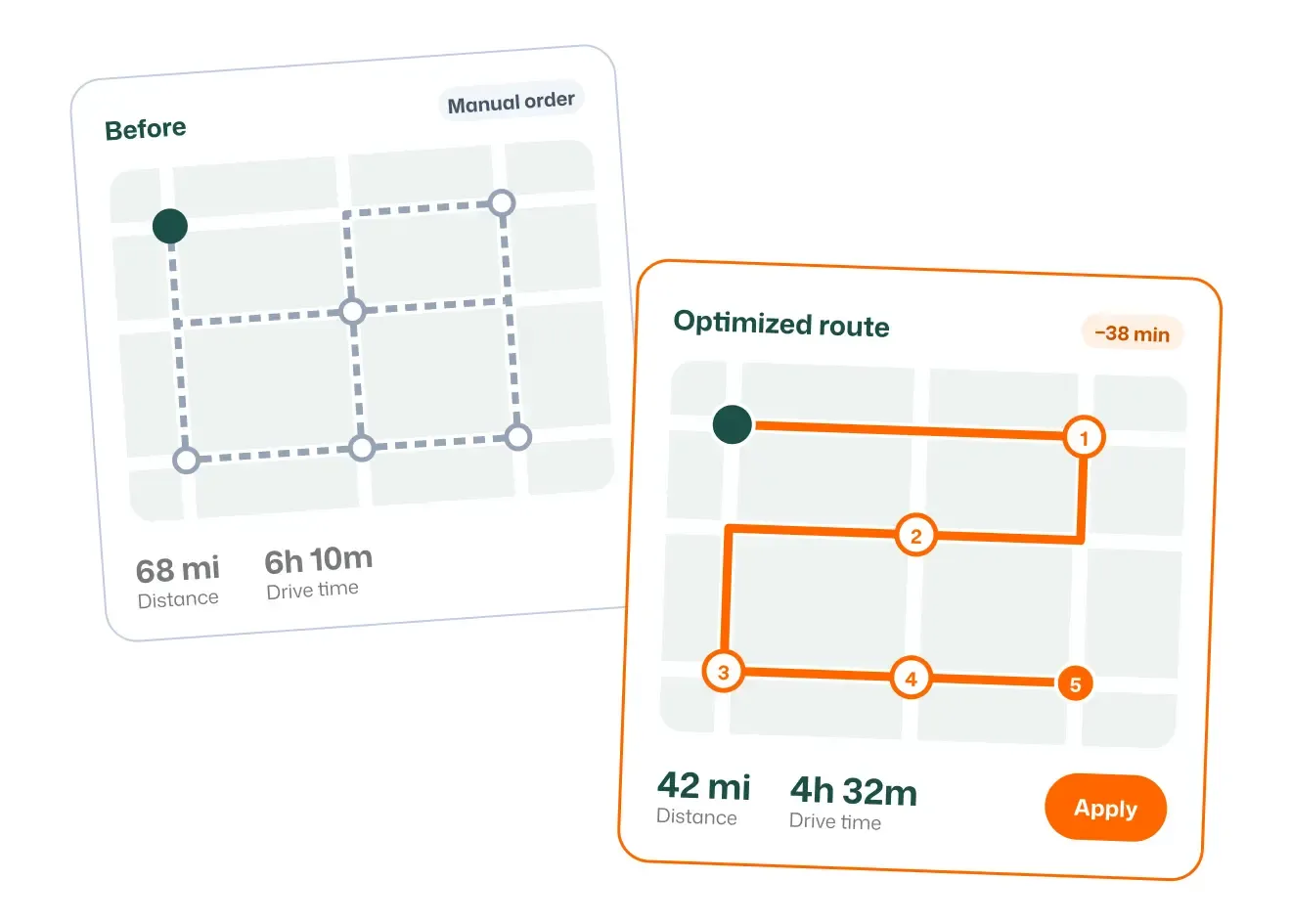
Sequence every stop for the least drive time, so each truck fits in more jobs a day.
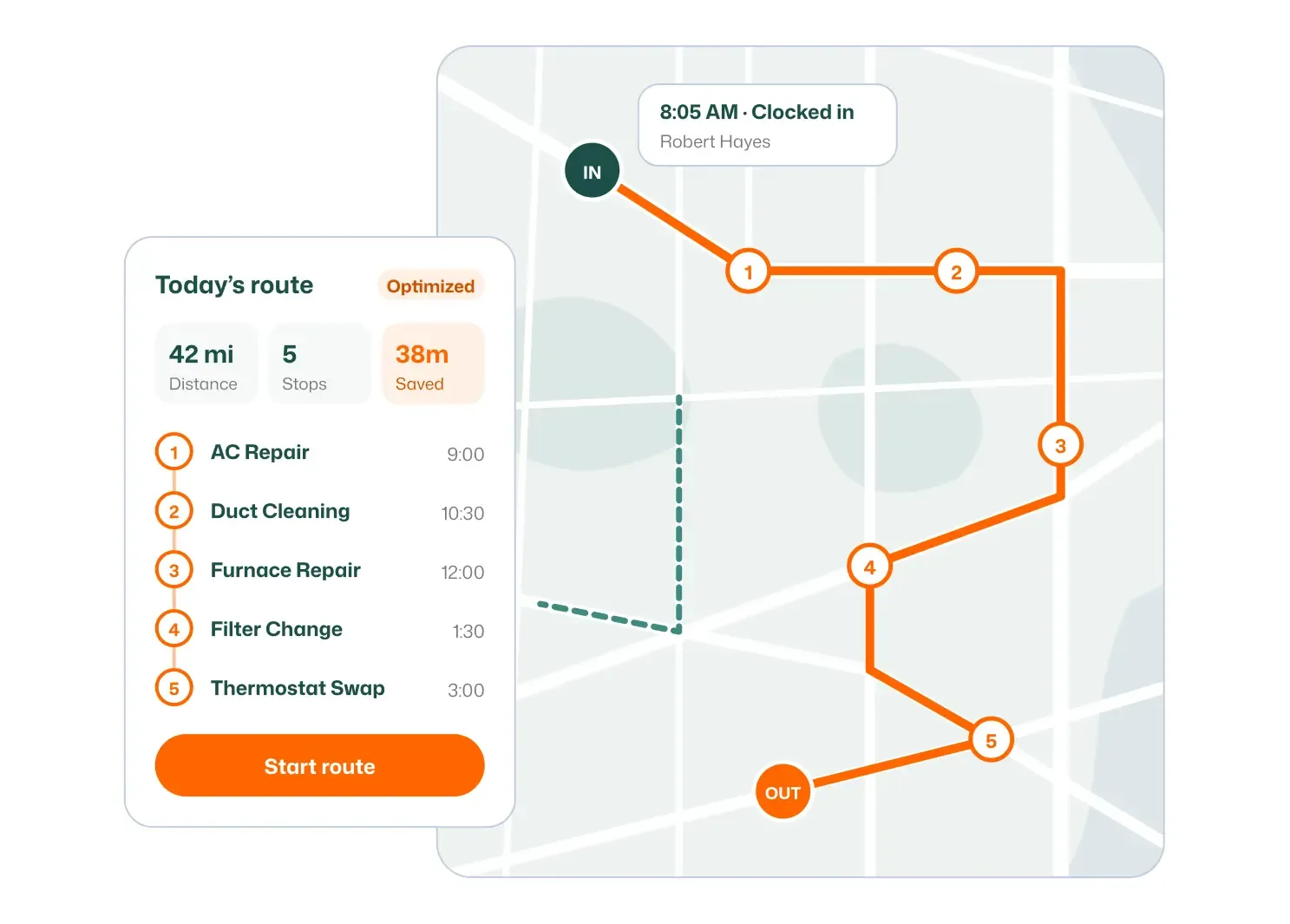
See each tech's full route for the day, stop by stop, on one map.
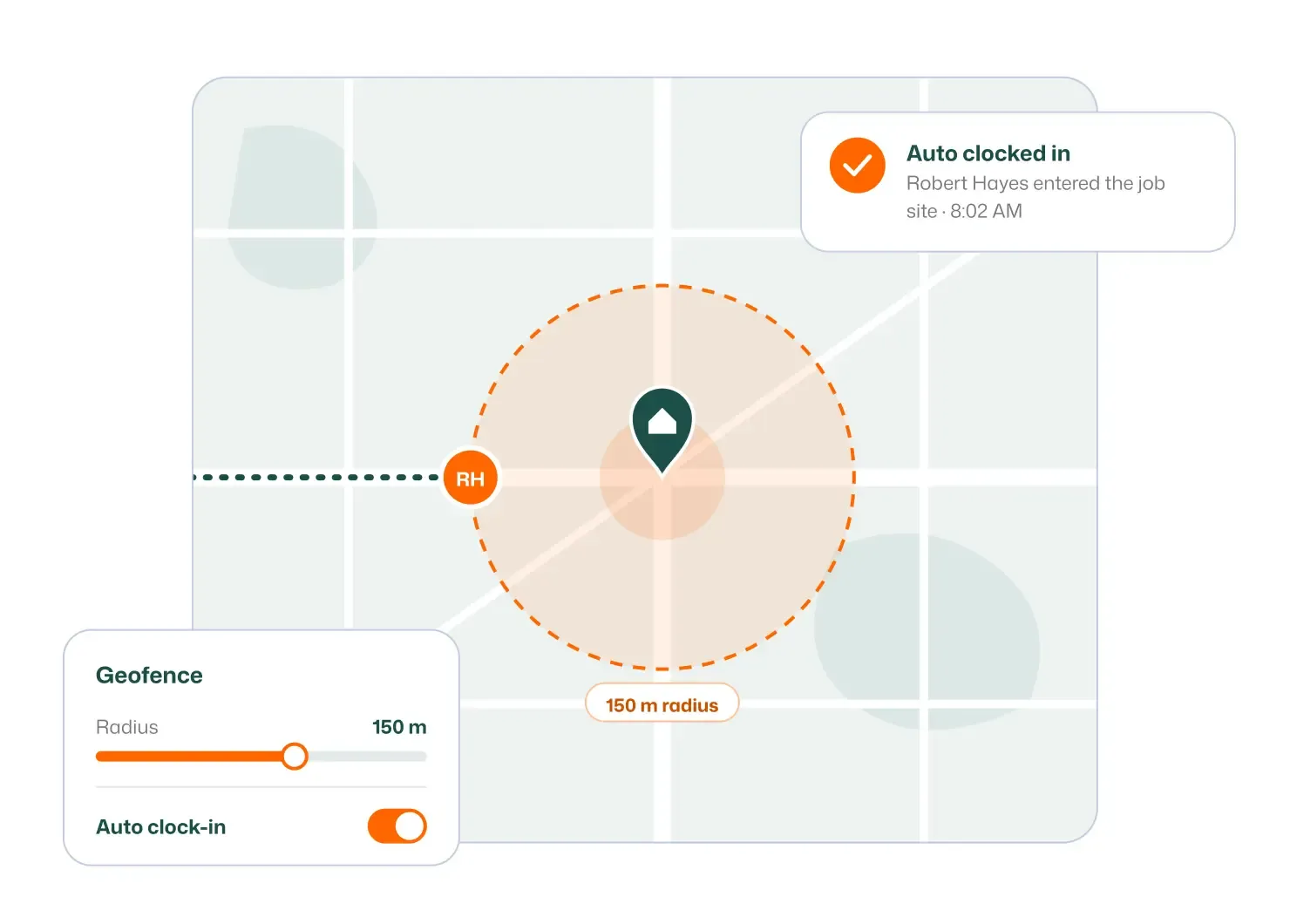
Set virtual boundaries around job sites to confirm when techs arrive and leave.
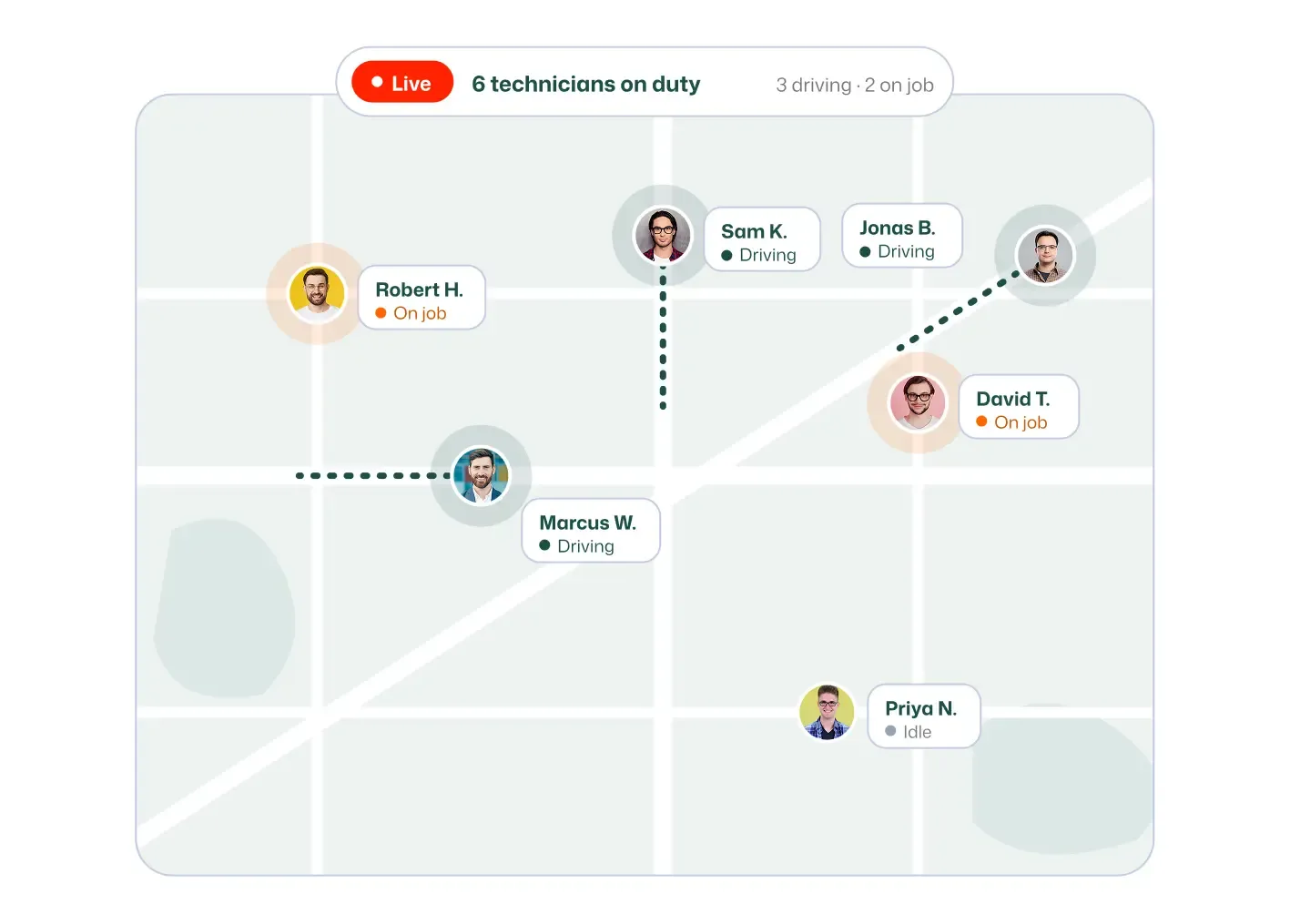
Track where every field tech is right now, without calling to ask.
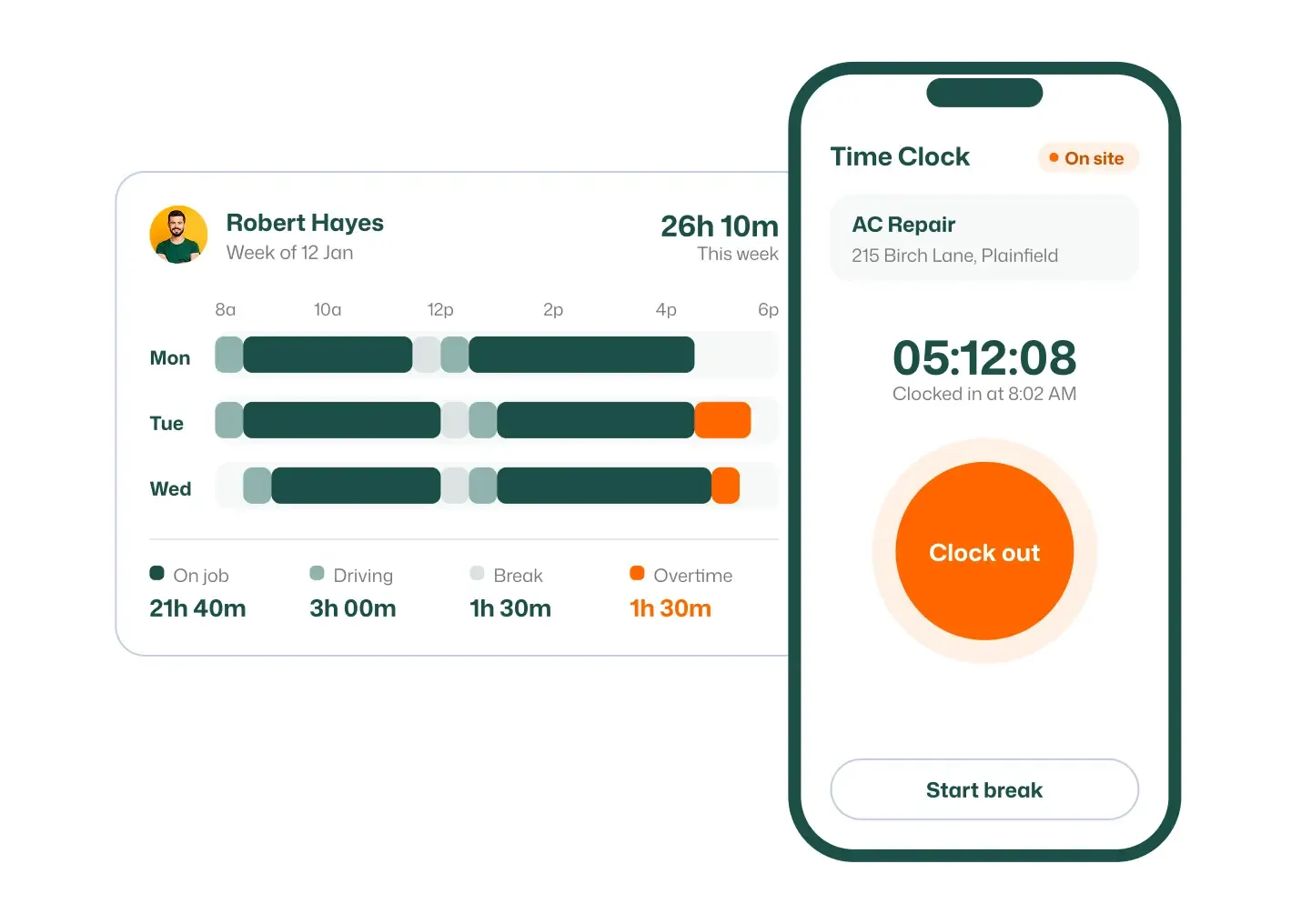
Capture hours worked automatically so every shift is recorded accurately.
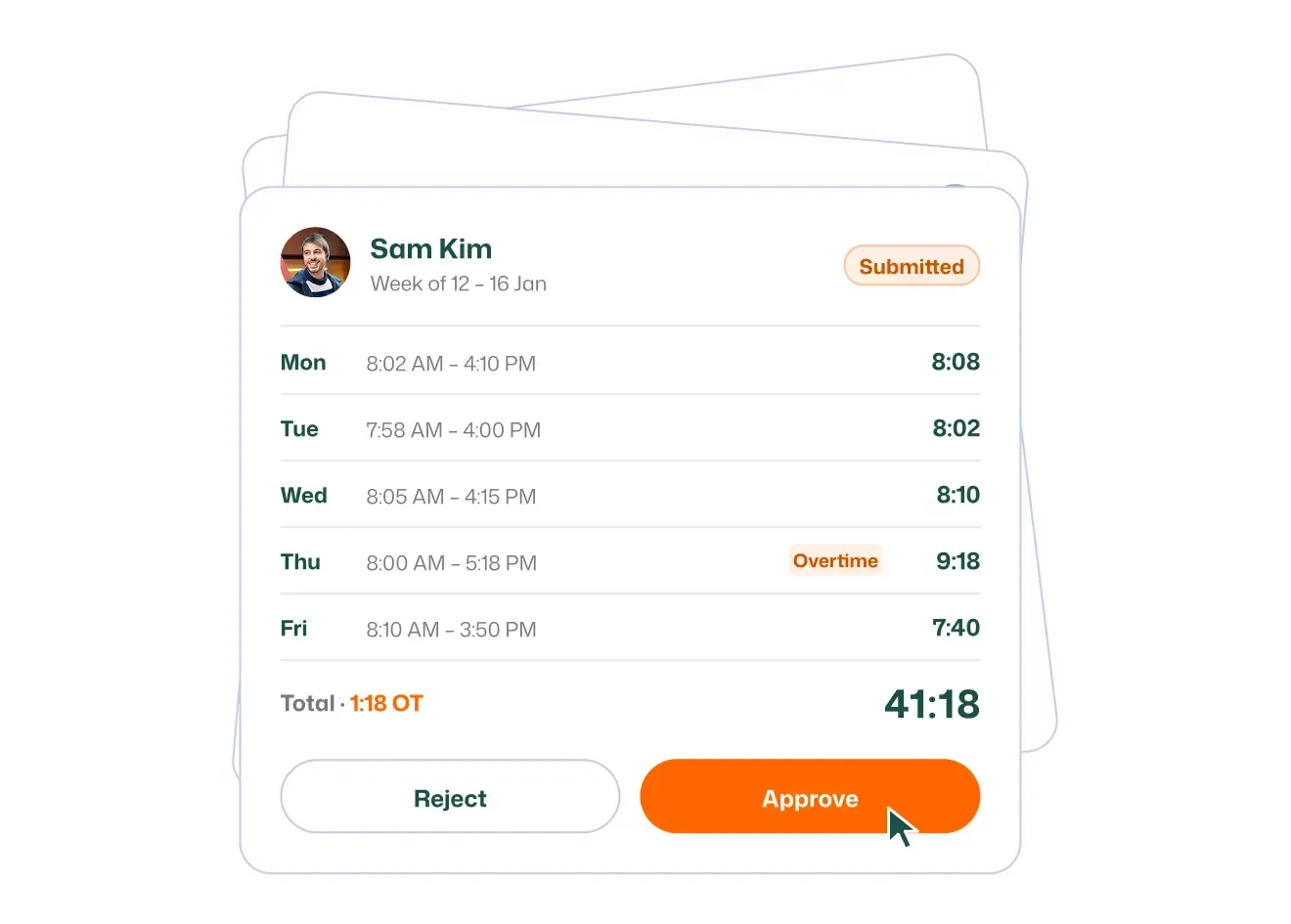
Review, correct, and approve team hours before they go to payroll.
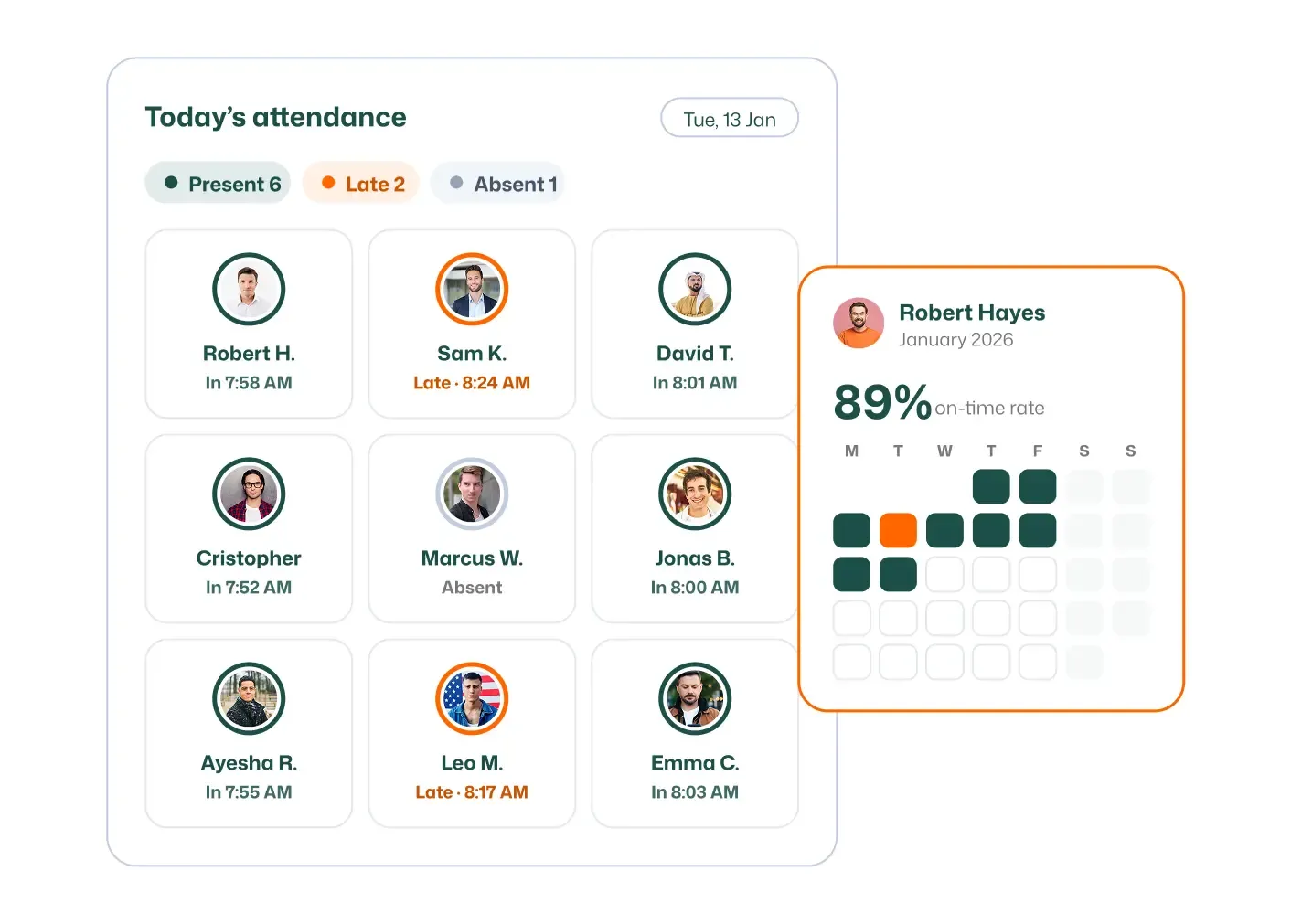
Know who showed up, when, and where, with GPS-backed attendance records.
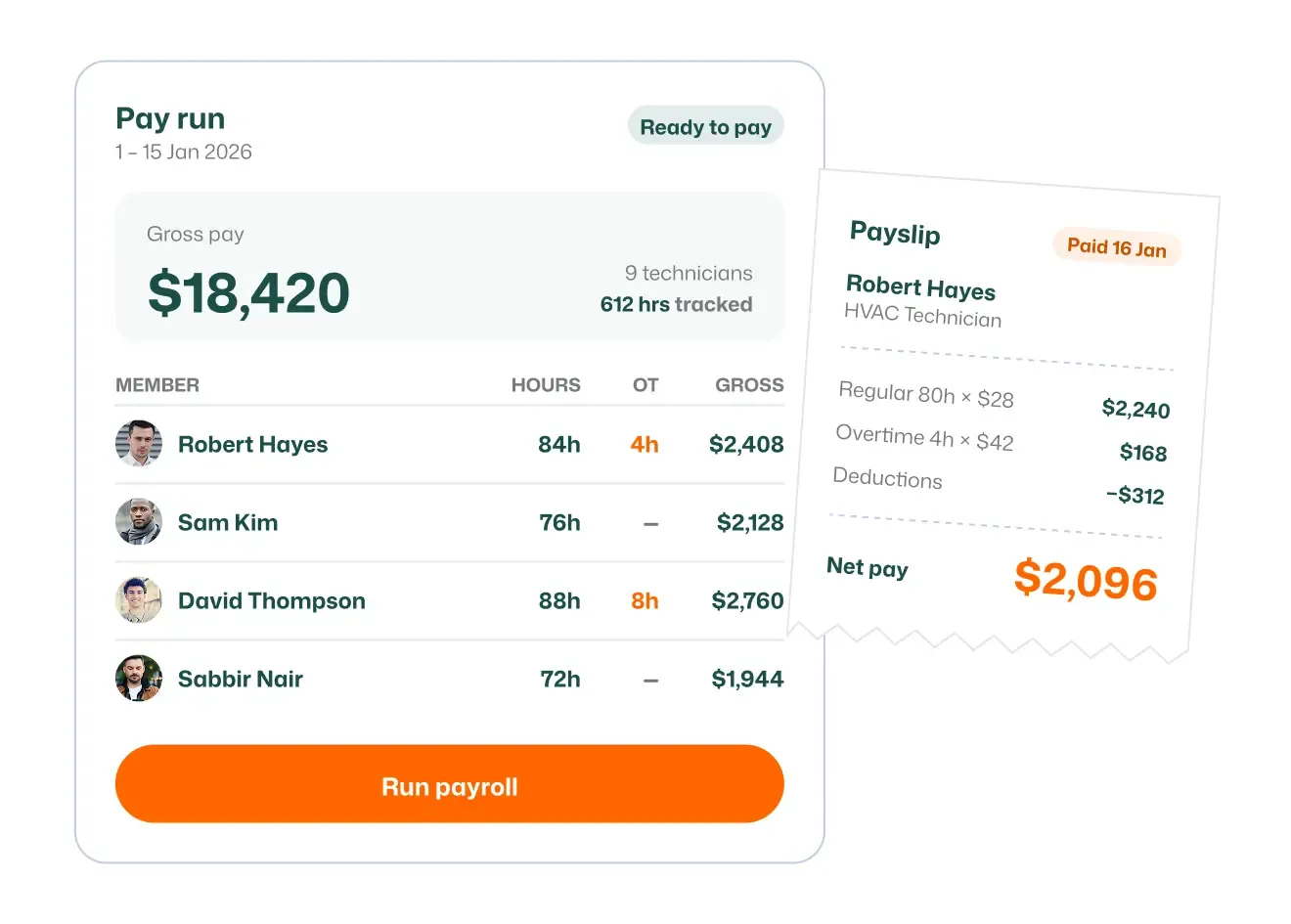
Turn approved hours into payroll, paid hourly or at a fixed amount.
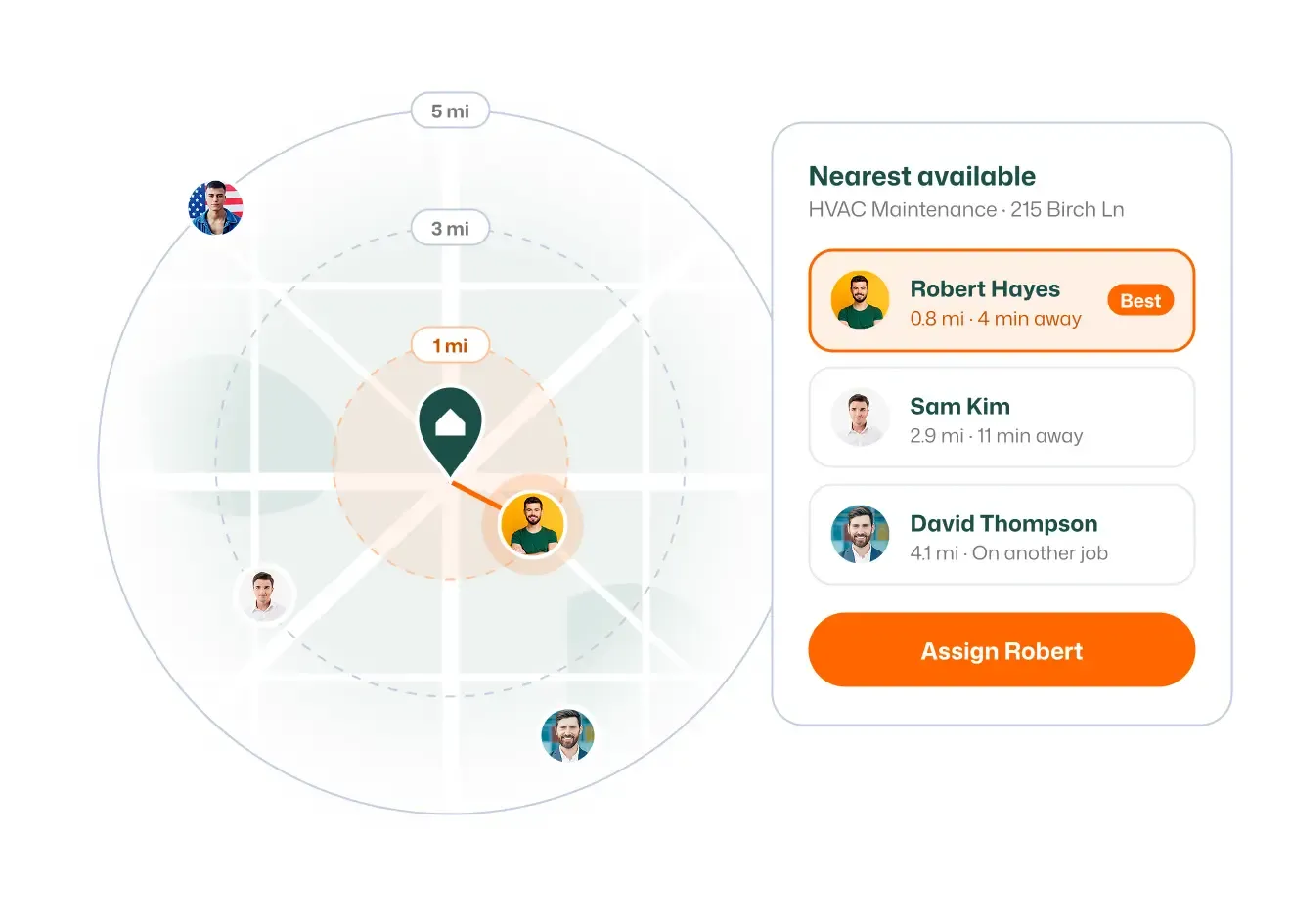
Automatically assign jobs to the nearest available tech to cut travel time.
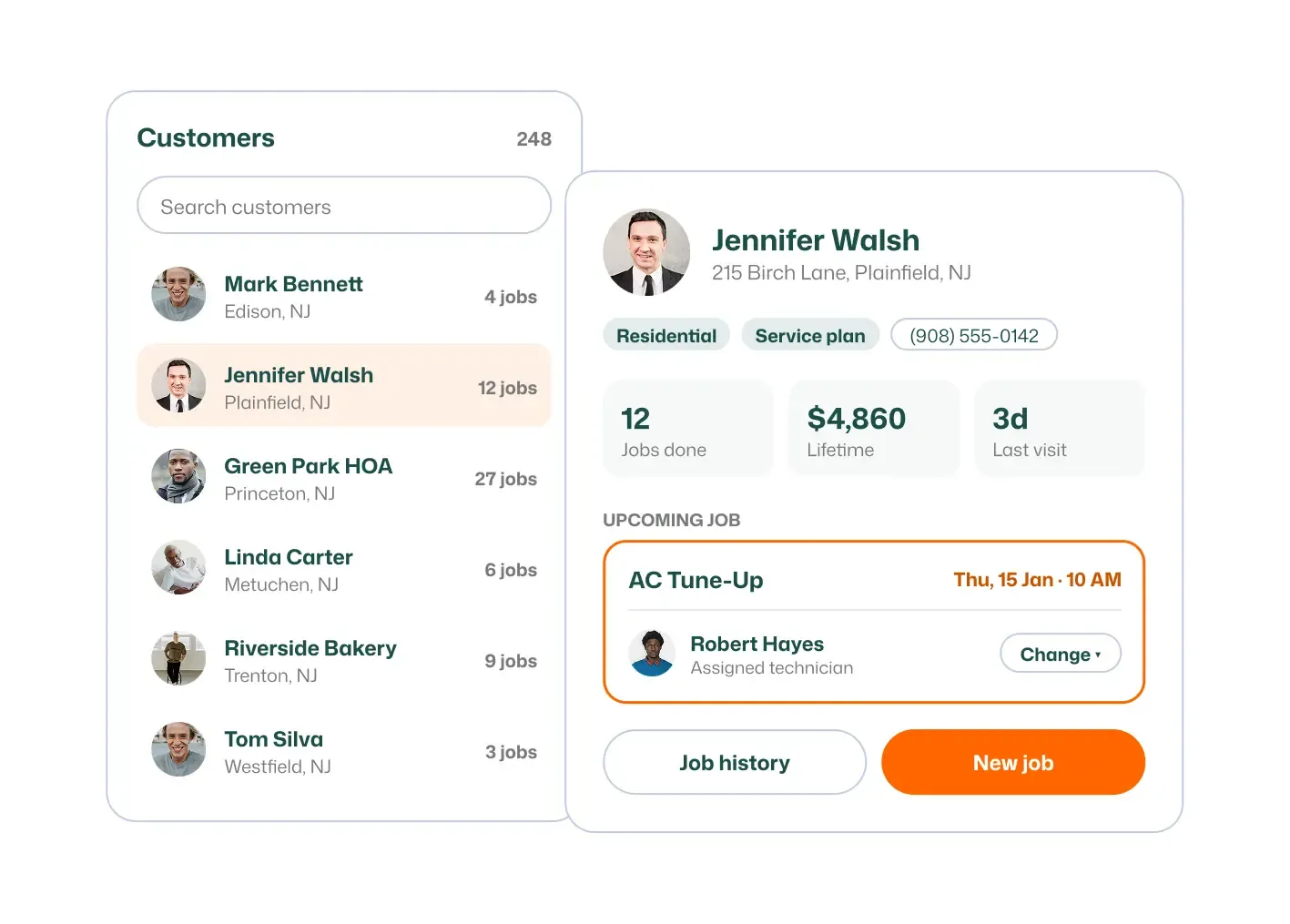
Keep every customer's details, jobs, and invoices in one organized record.
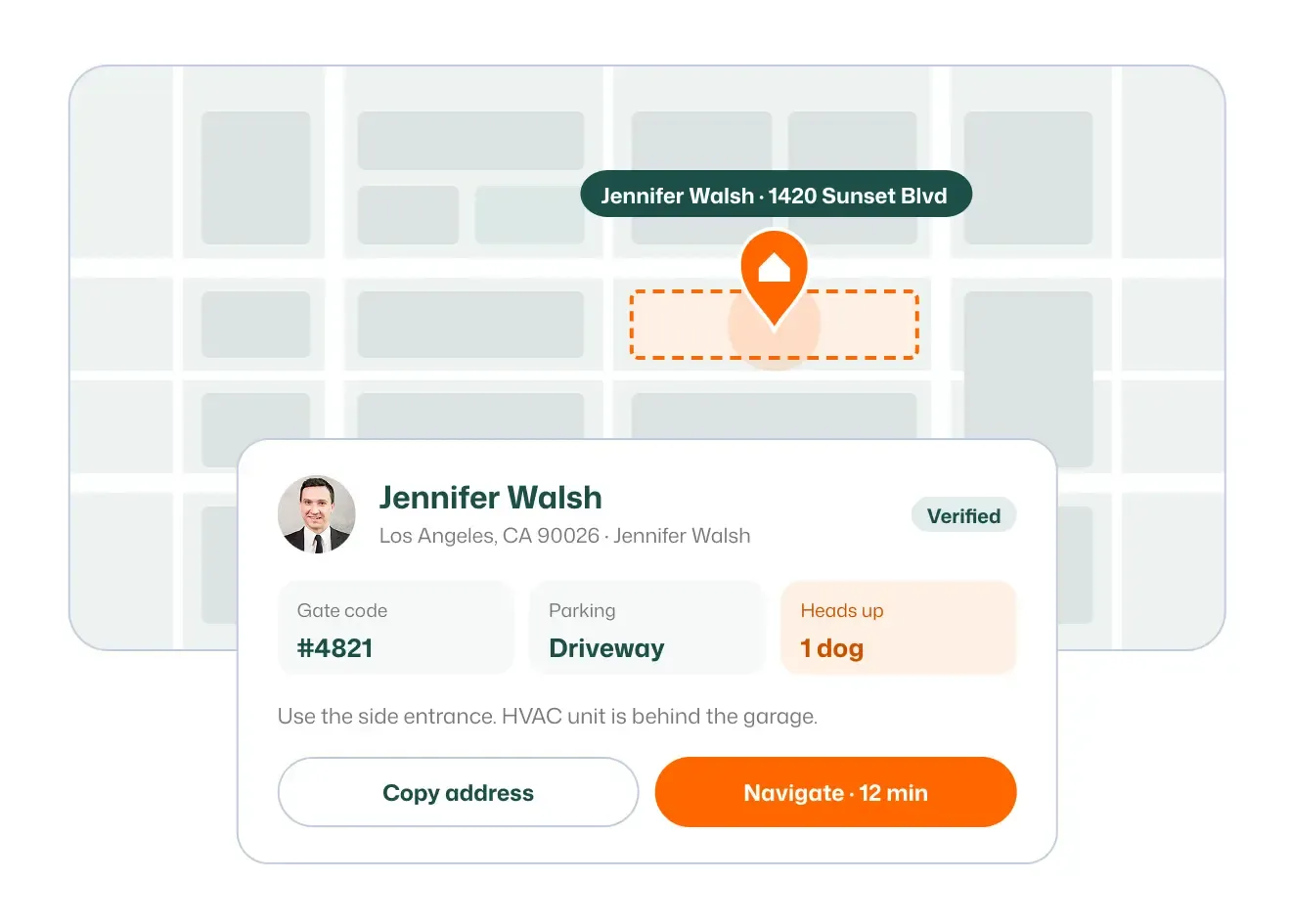
Save exact service addresses so techs always head to the right place.
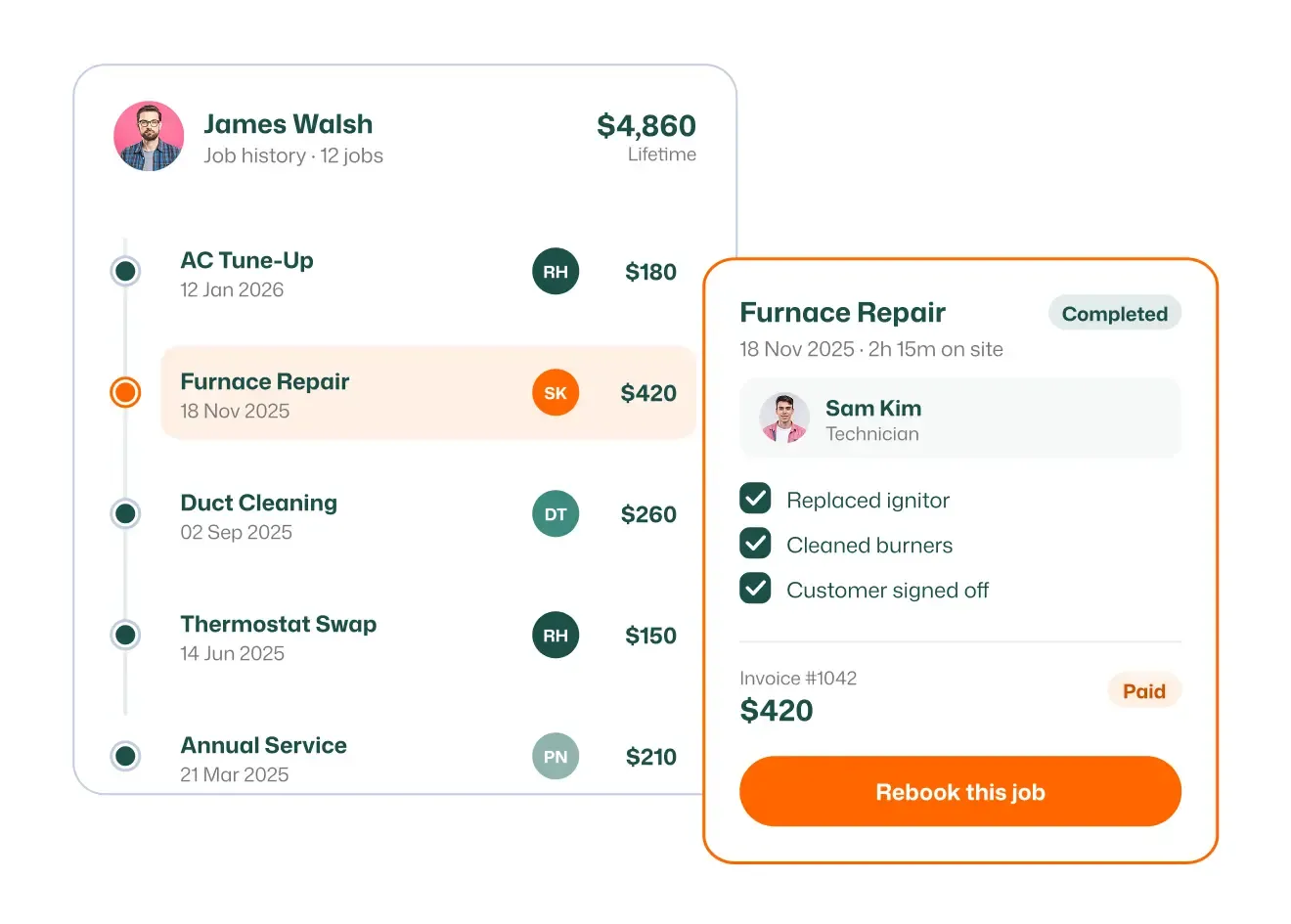
Pull up every past visit, note, and photo for any customer instantly.
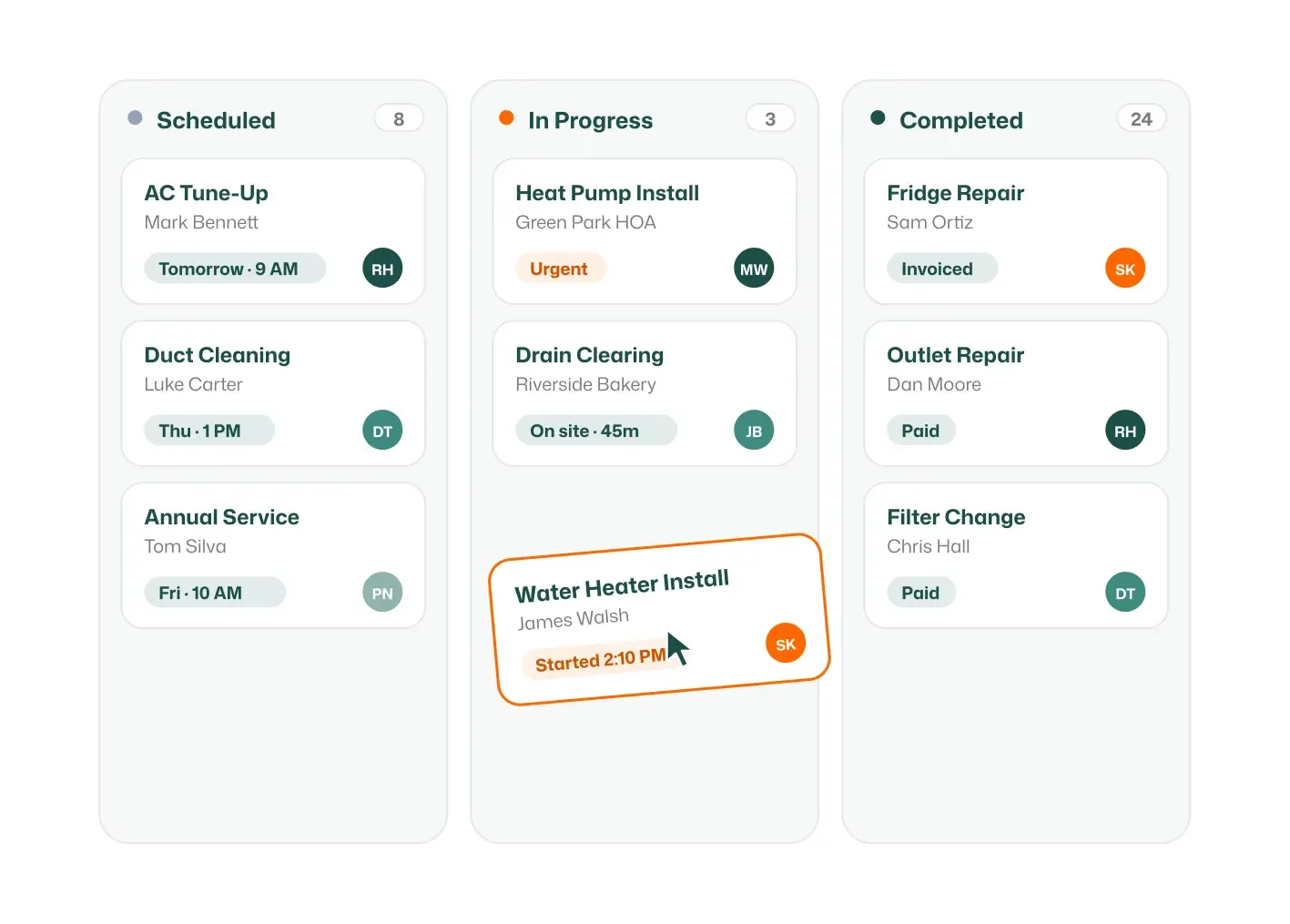
Create, track, and close out every job from first booking to final invoice.
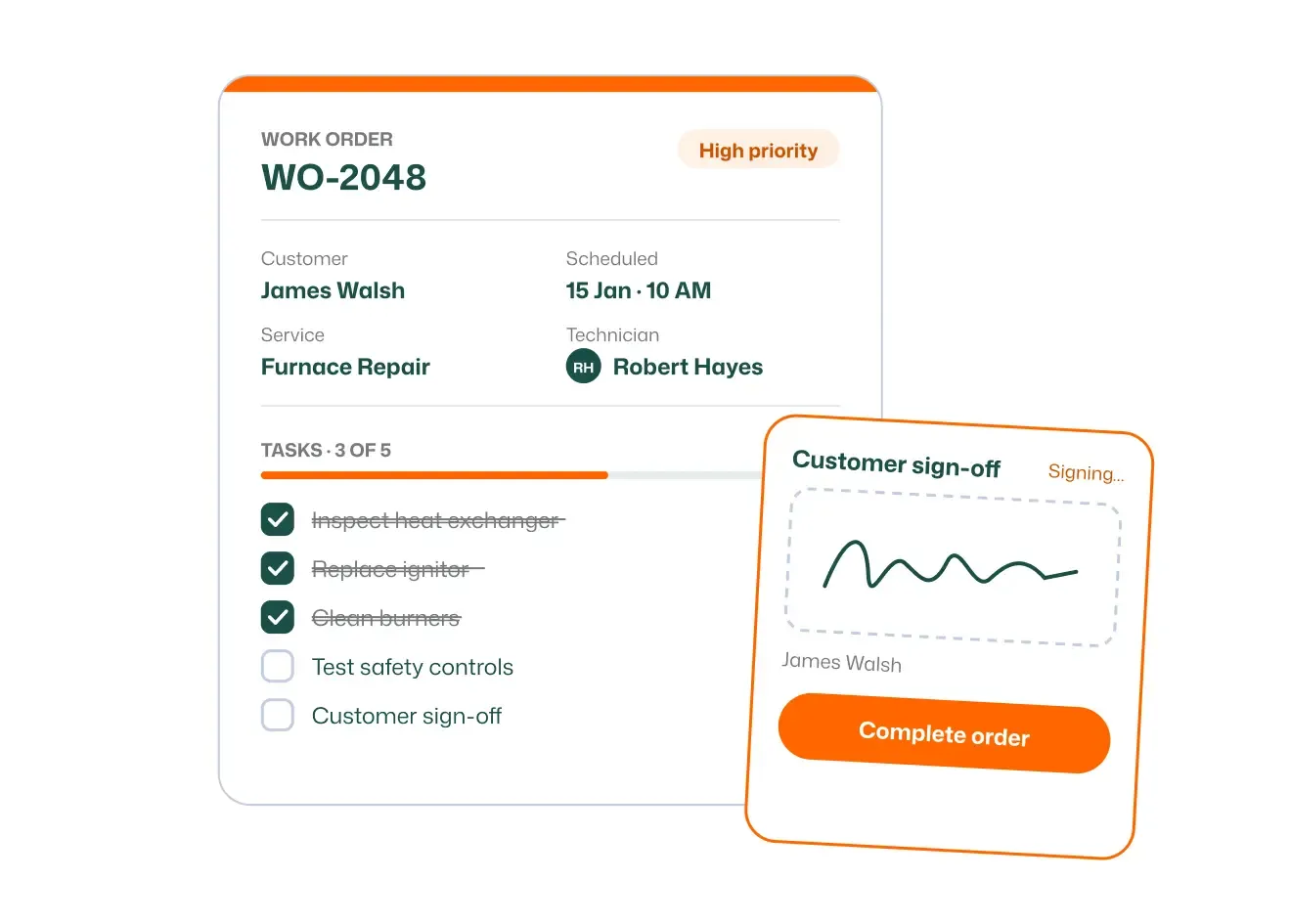
Give techs clear instructions, tasks, and details for every job before they arrive.
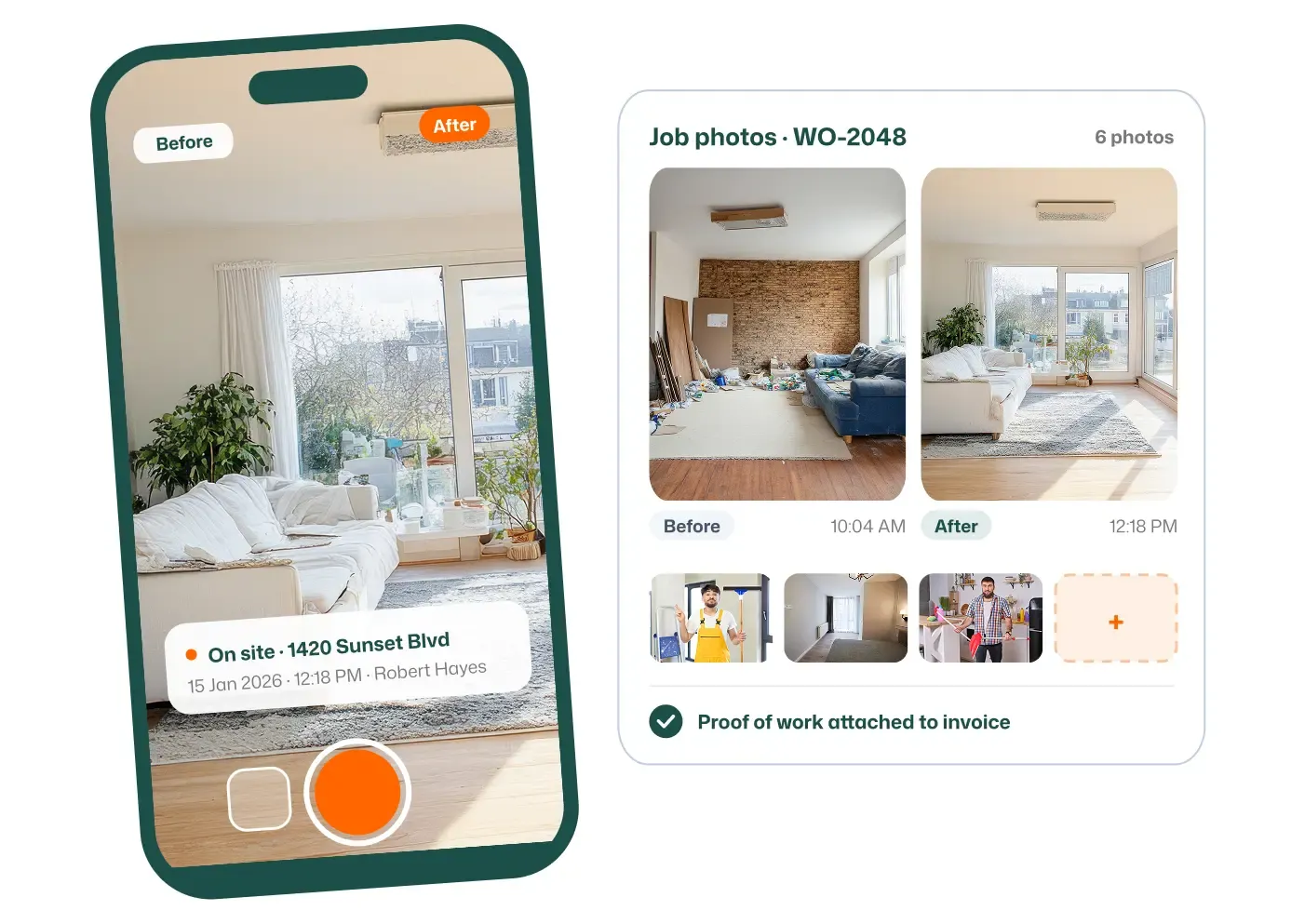
Capture before-and-after photos on site as proof of work done.
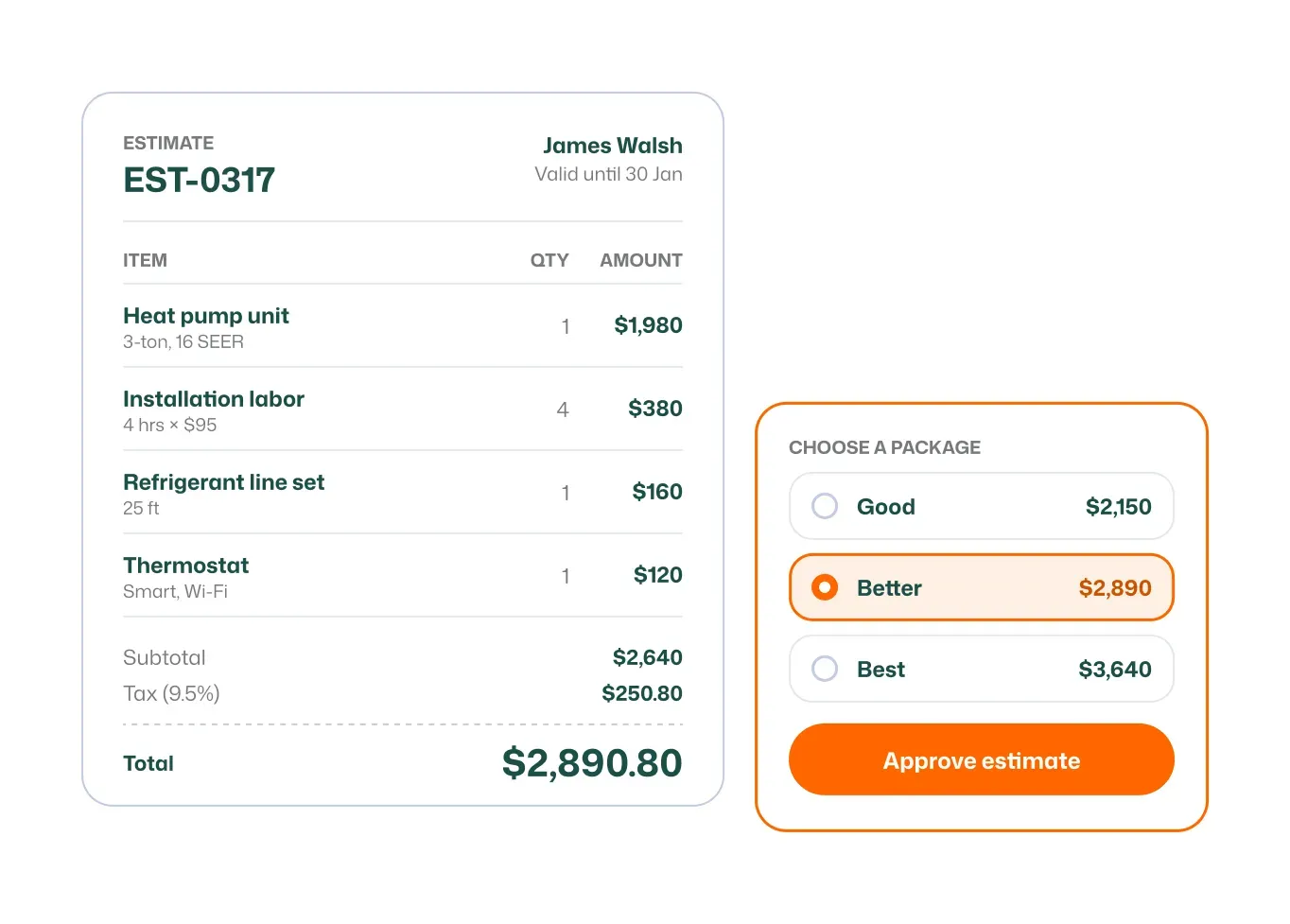
Assign jobs to the right team members instantly and efficiently.
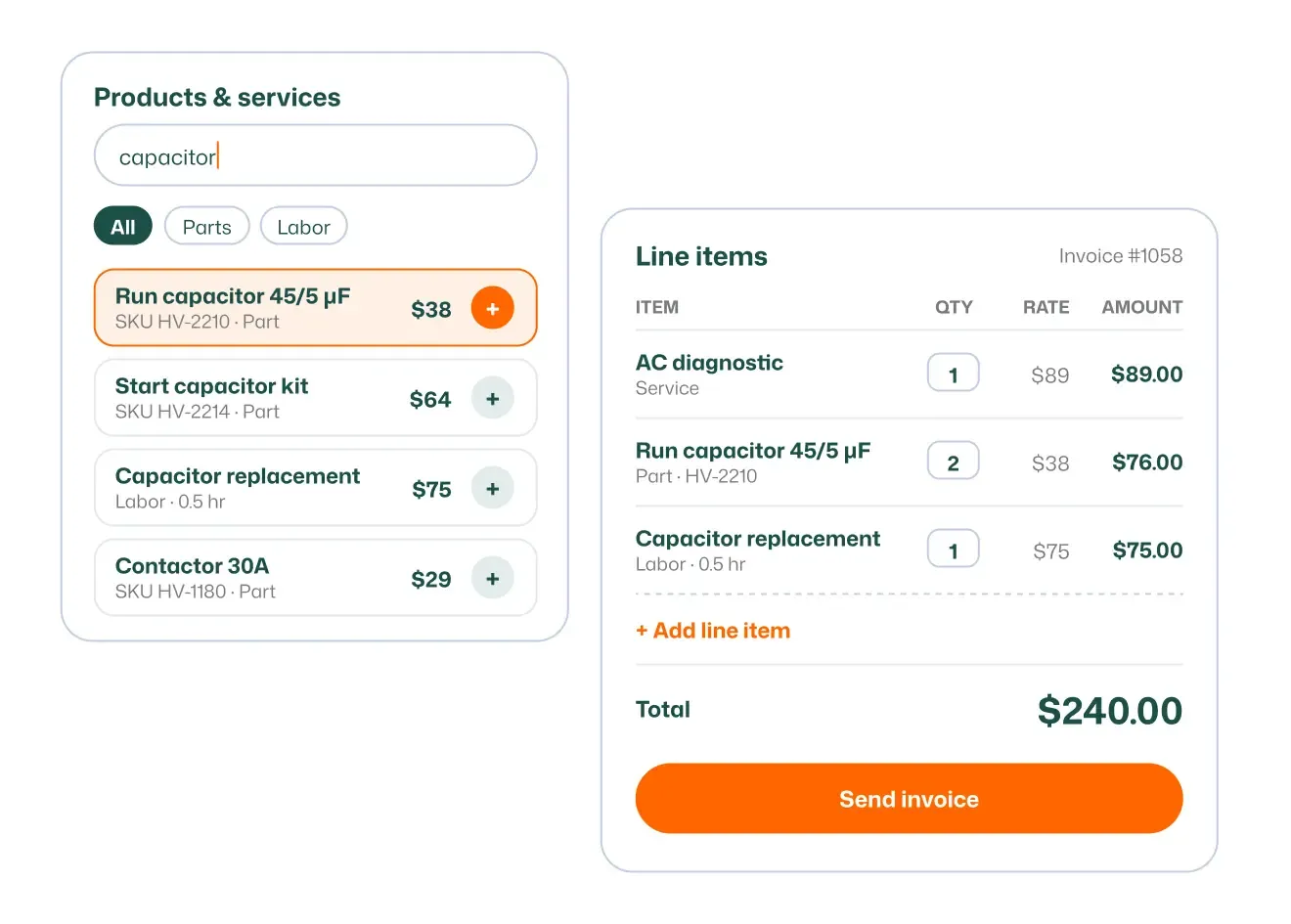
Break down every estimate and invoice into clear, itemized services and parts.
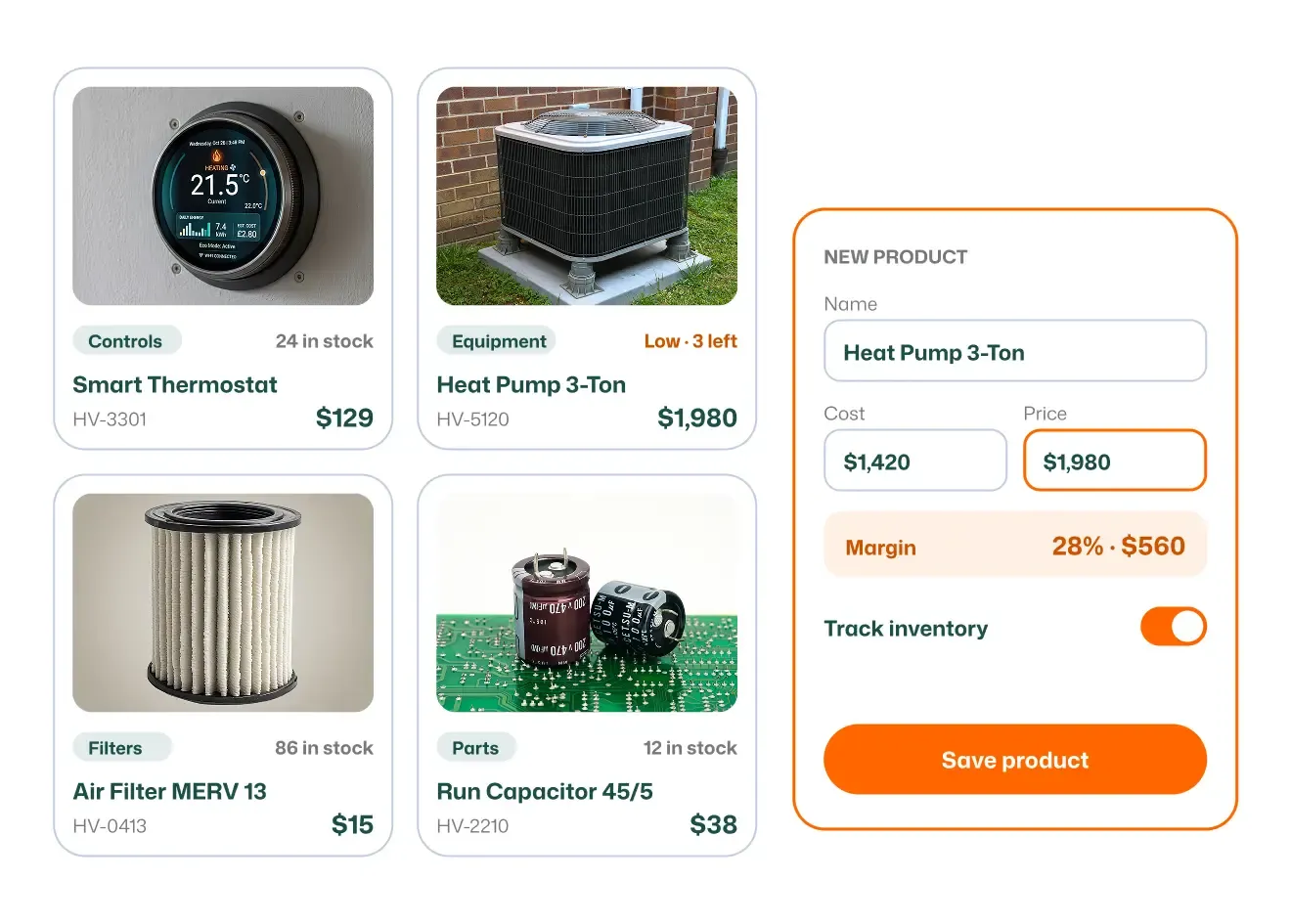
Build a catalog of your services and materials to add to any job fast.
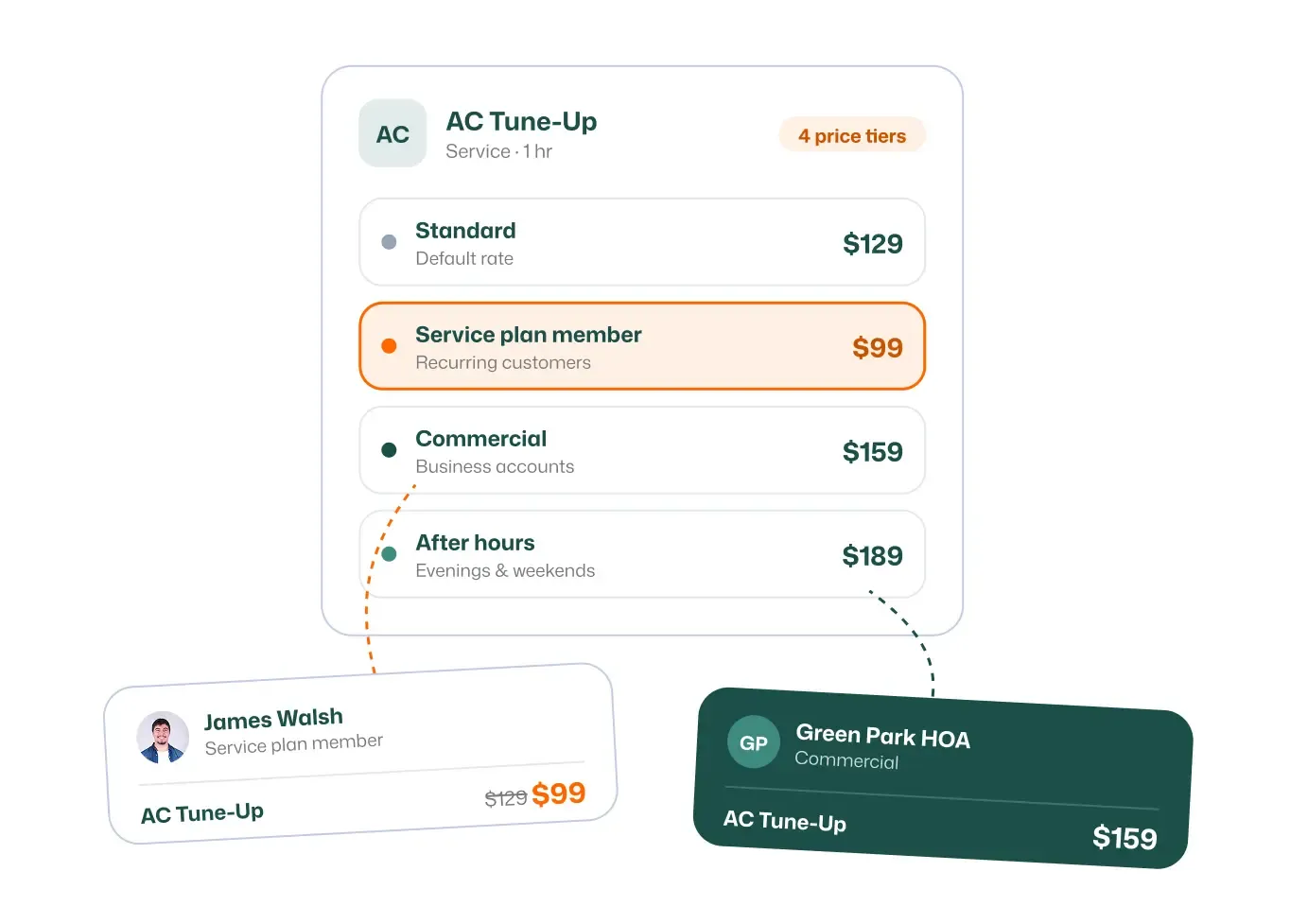
Set different prices for the same service to fit different customers or job types.
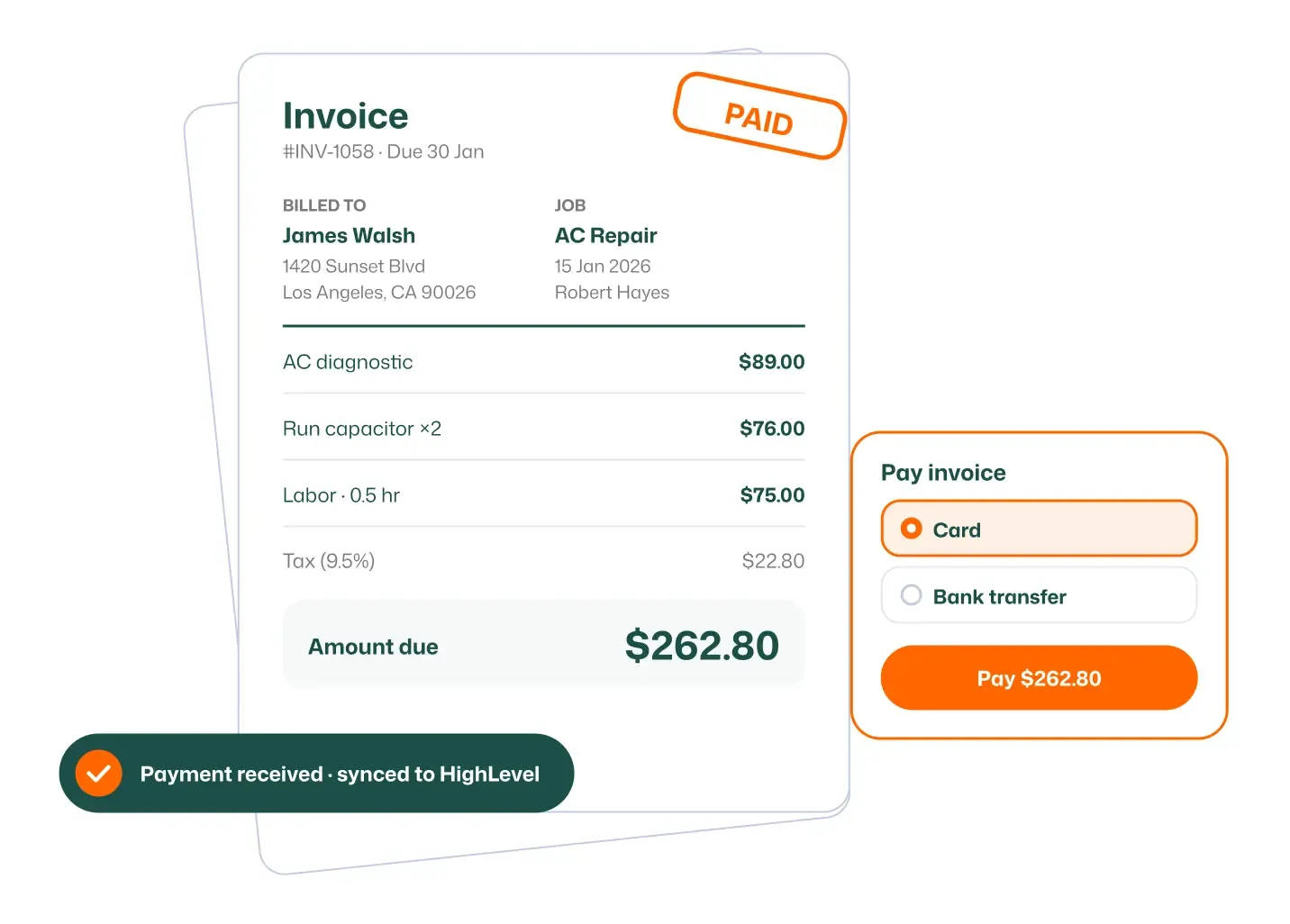
Invoice straight from a finished job and track it from draft to sent to paid.
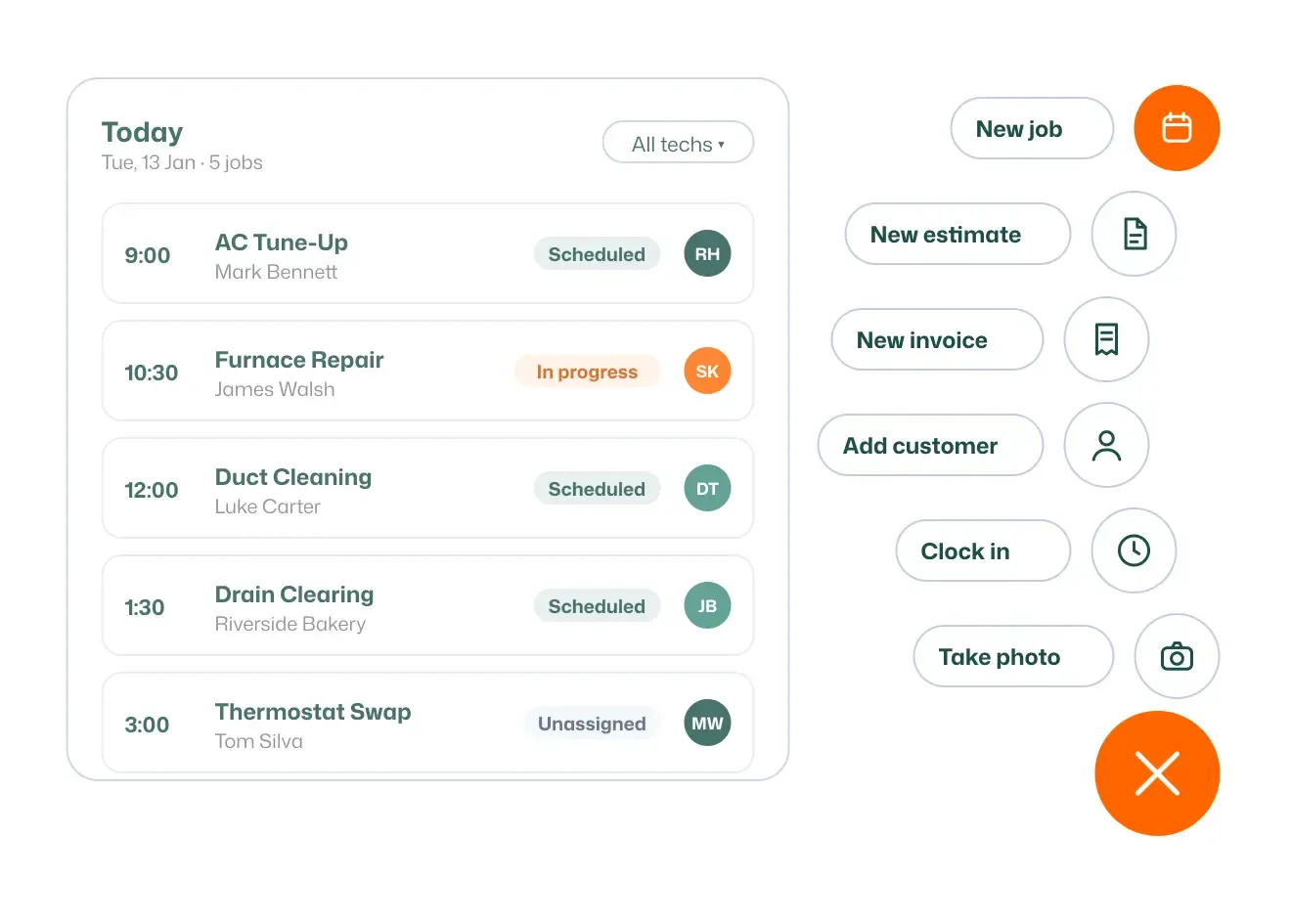
Handle the tasks you do most often in a single tap, with no menus to dig through.
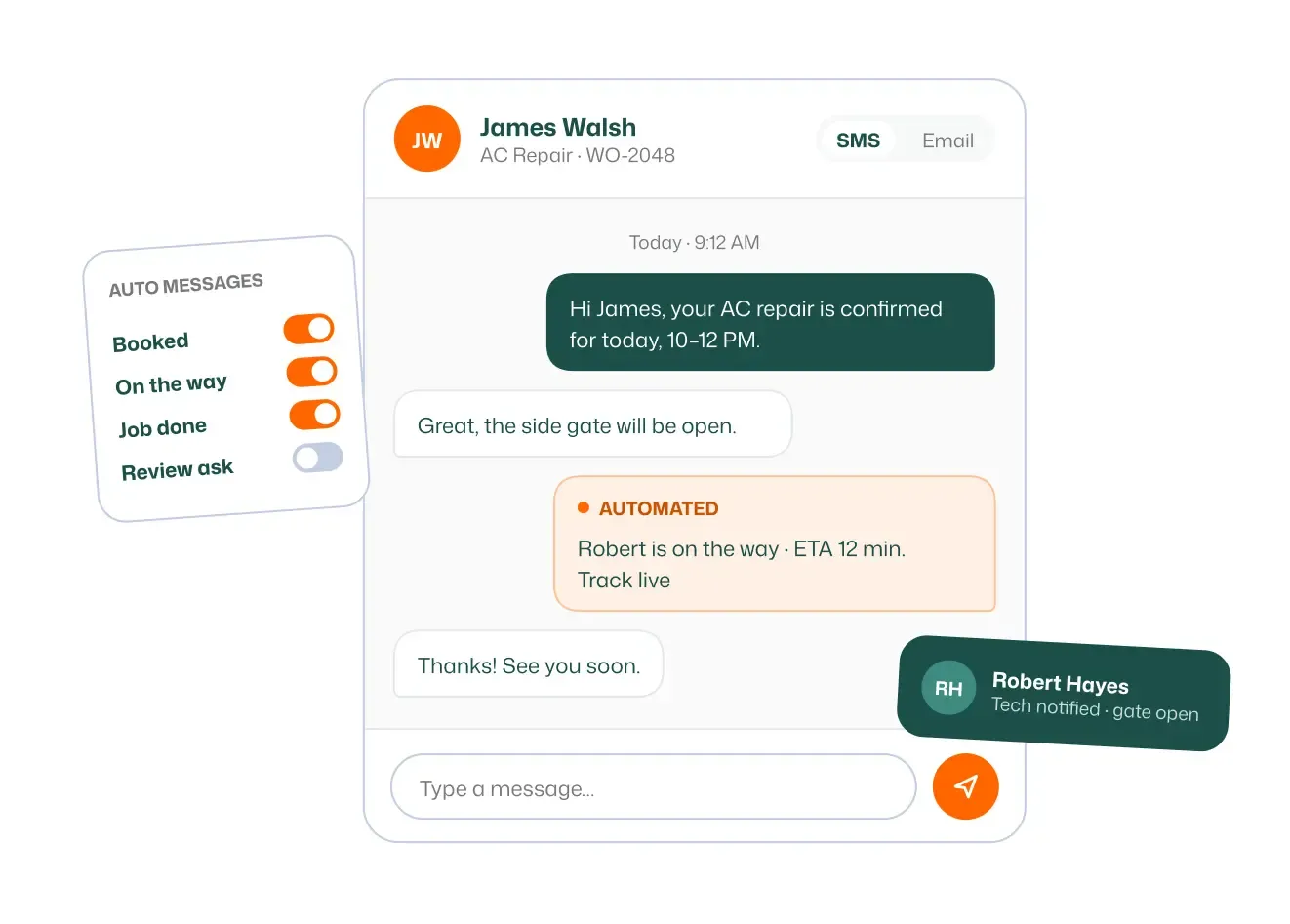
Keep every customer conversation connected to the job and the contact record.
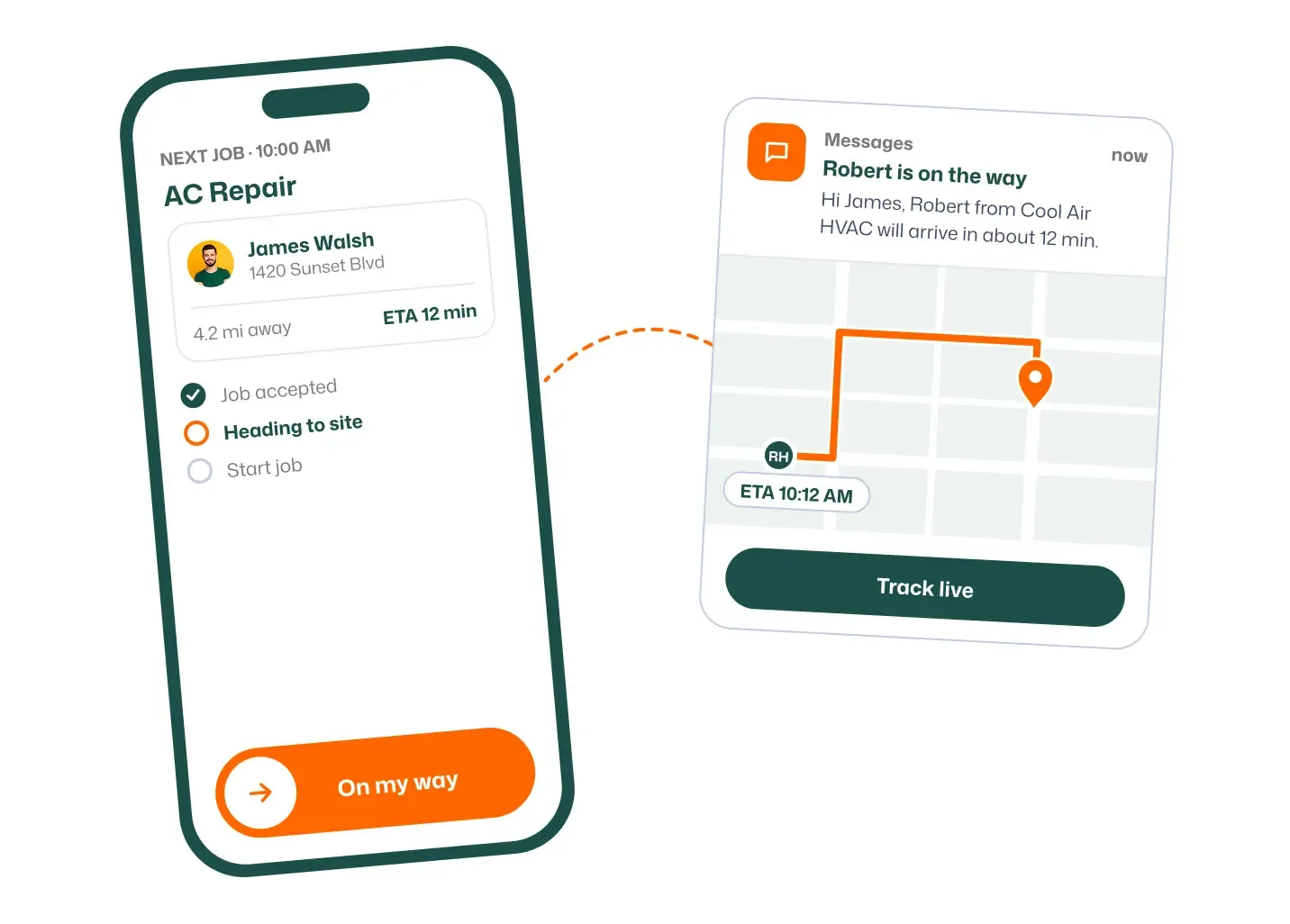
Let customers know a tech is on the way with one tap, by text or email.
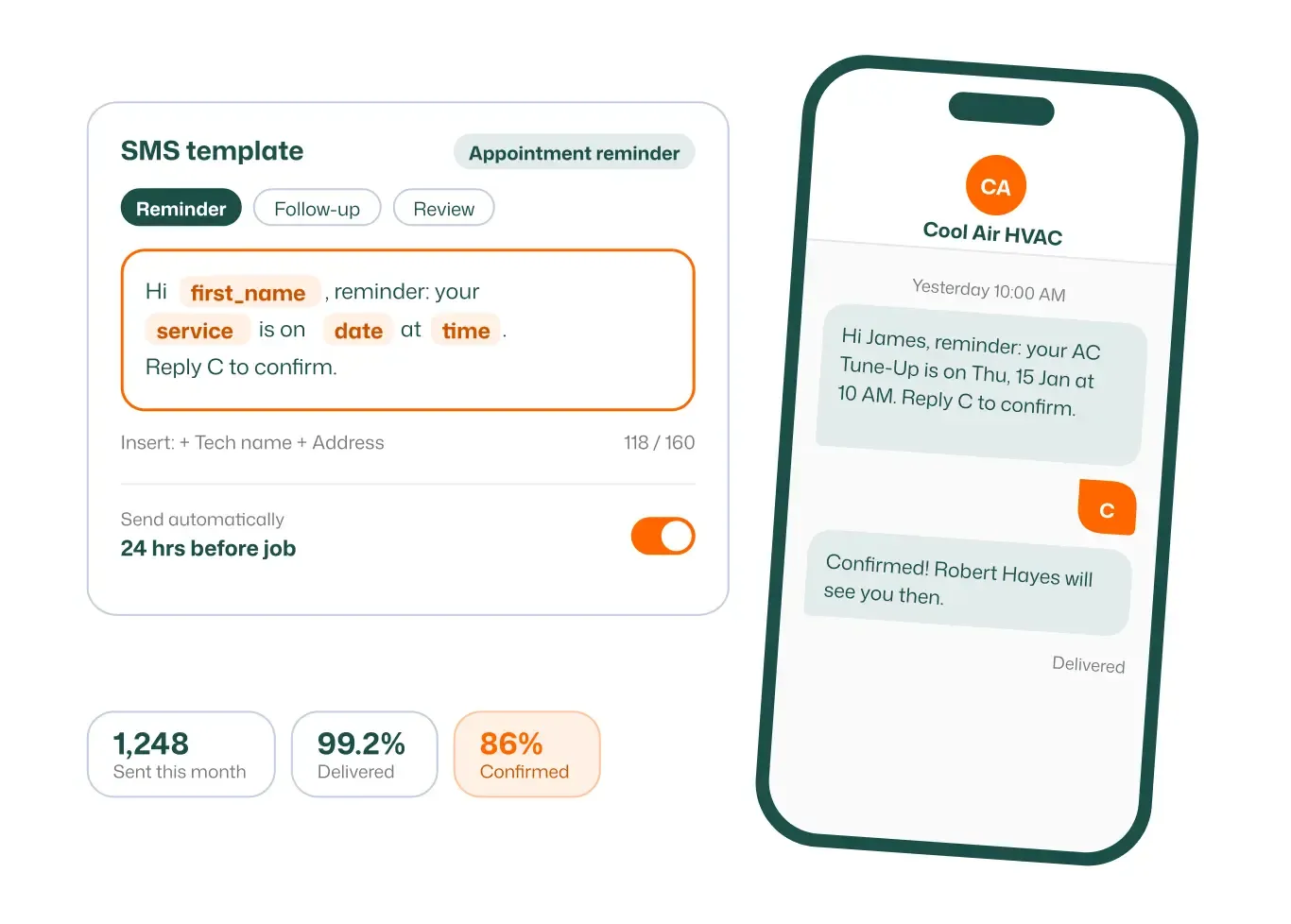
Text customers about appointments, updates, and reminders right from the job.
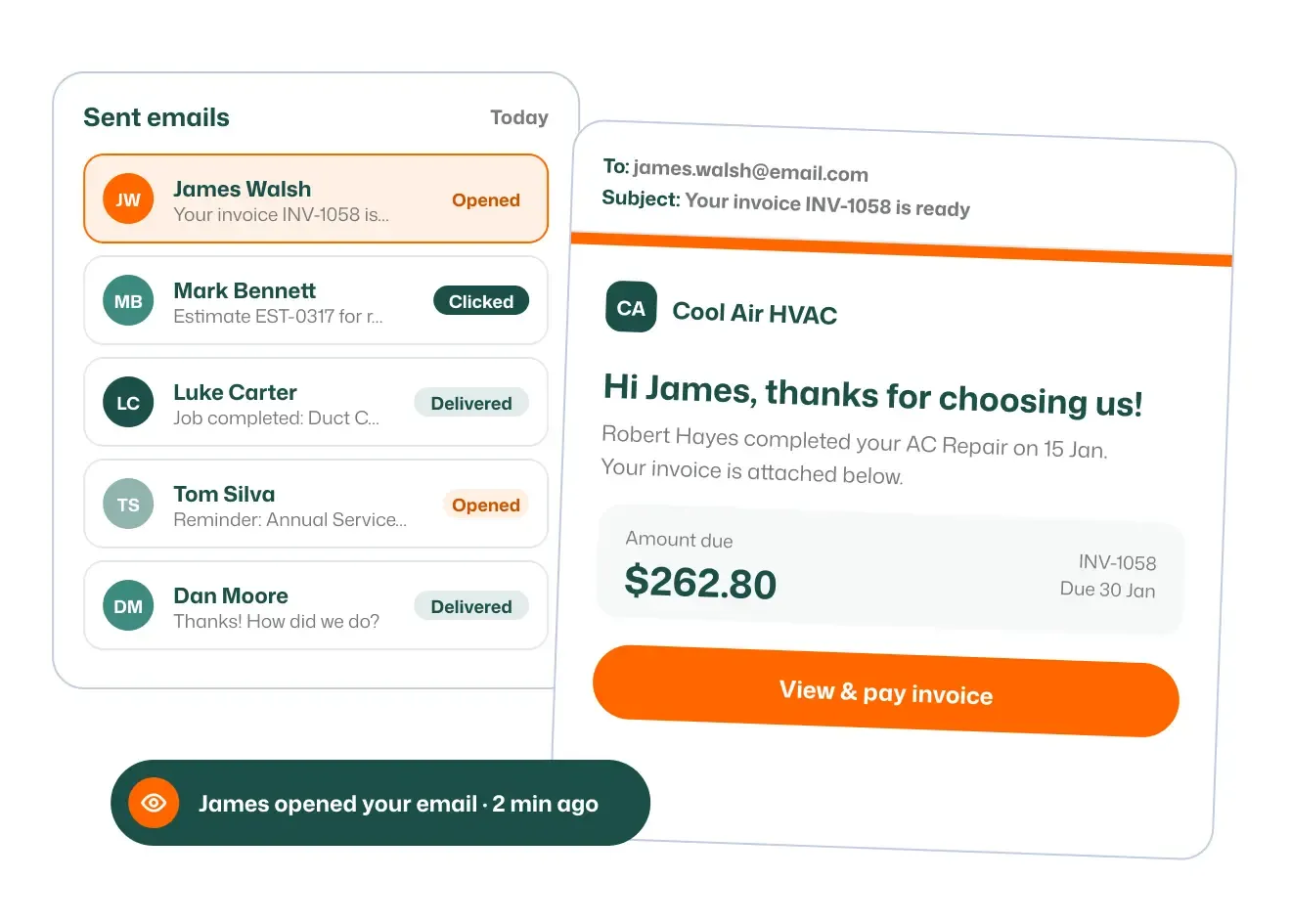
Send job confirmations, estimates, and invoices by email without leaving FieldTask.
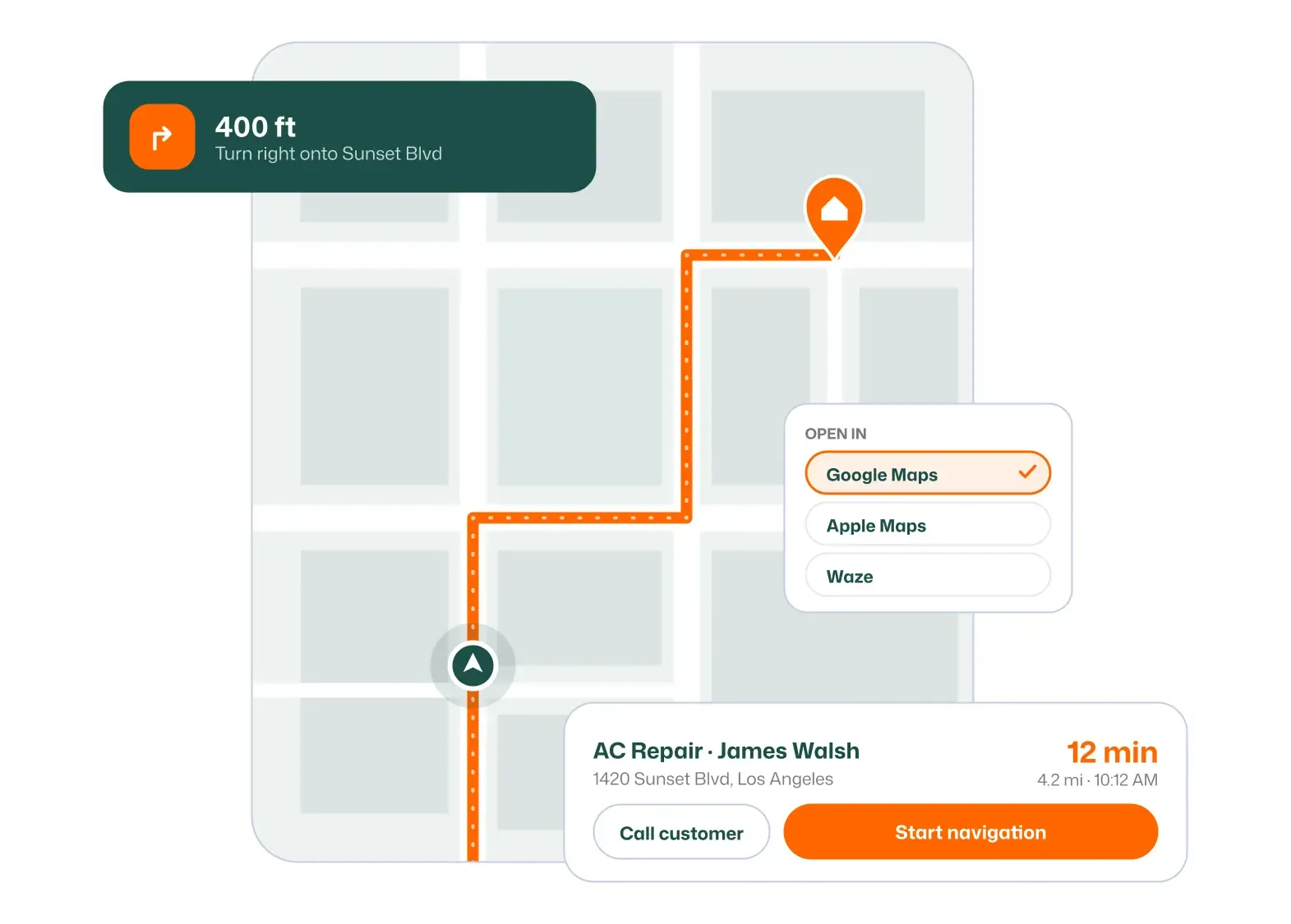
Get turn-by-turn directions to the next job straight from the mobile app.
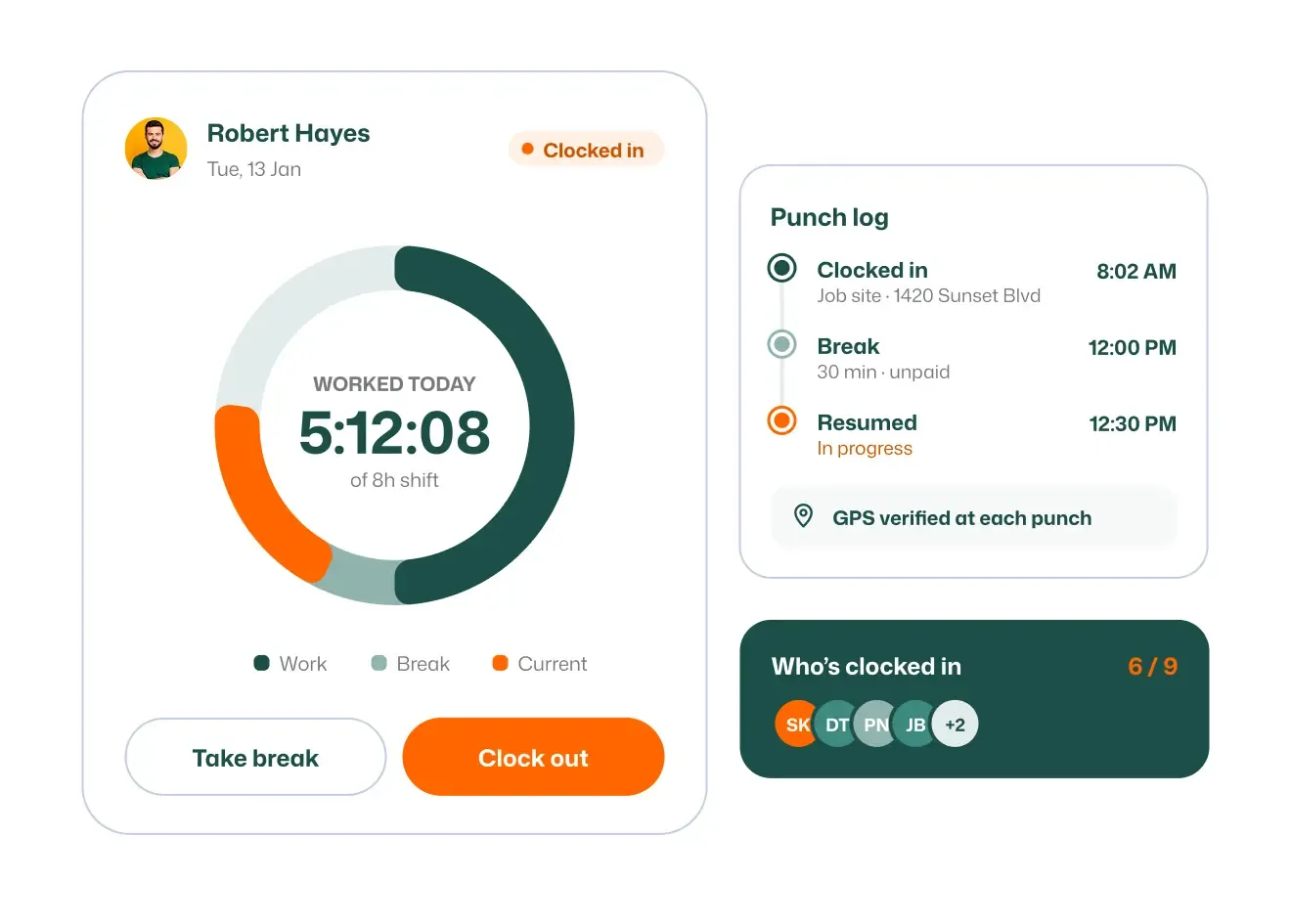
Let techs clock in and out from their phone, on site, and on time.
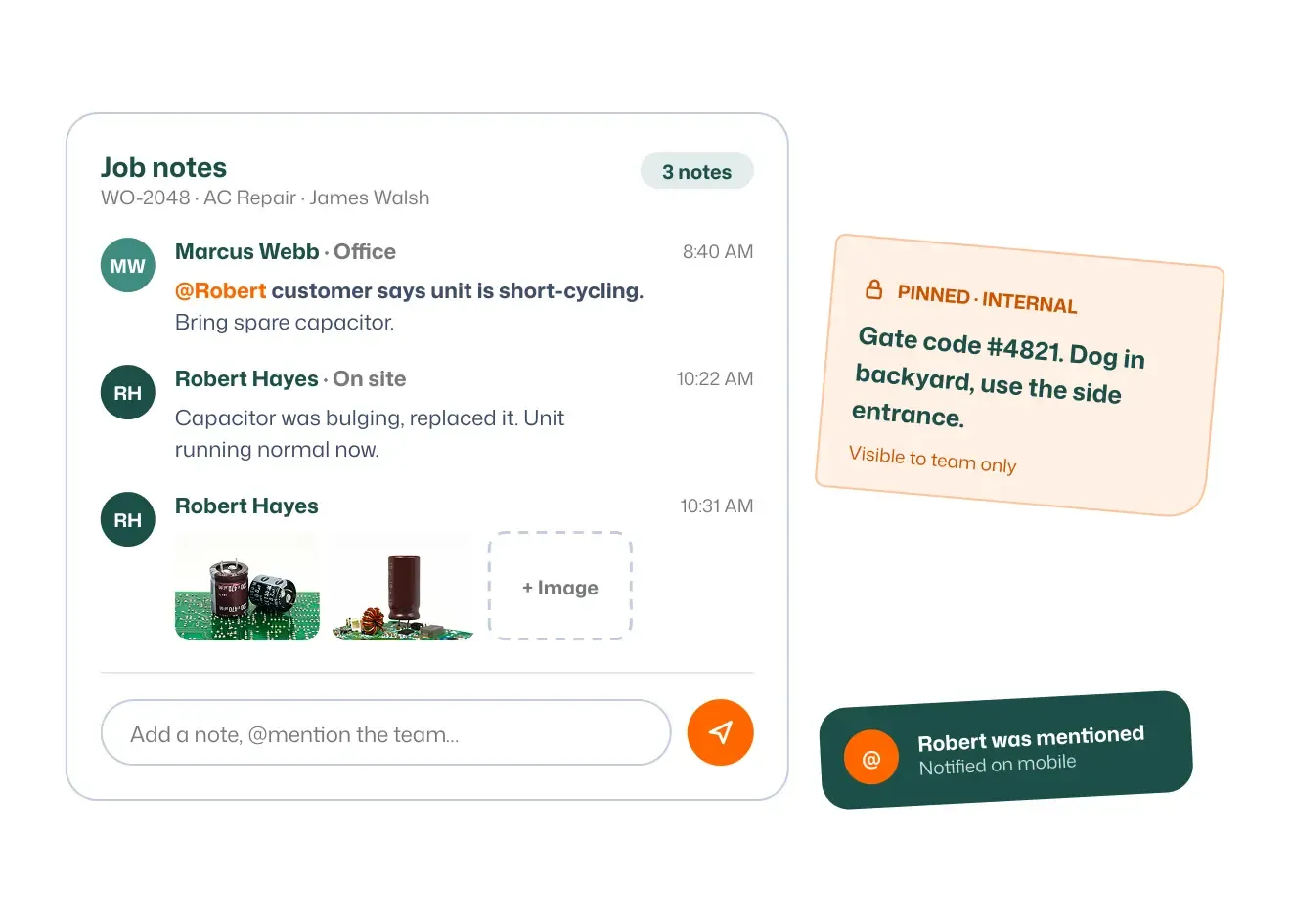
Add job notes so the whole team stays on the same page.
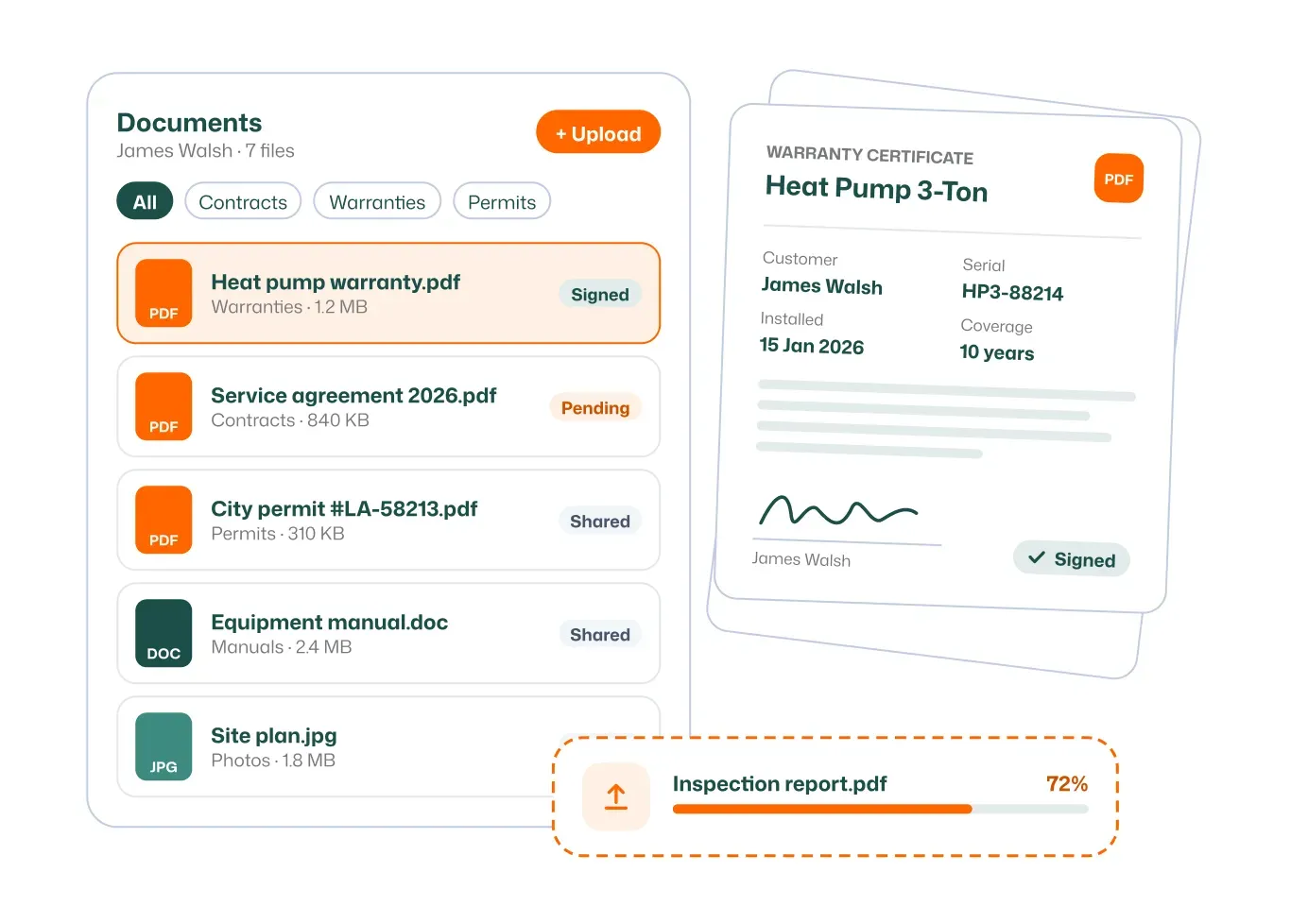
Attach files and documents to jobs and customers.
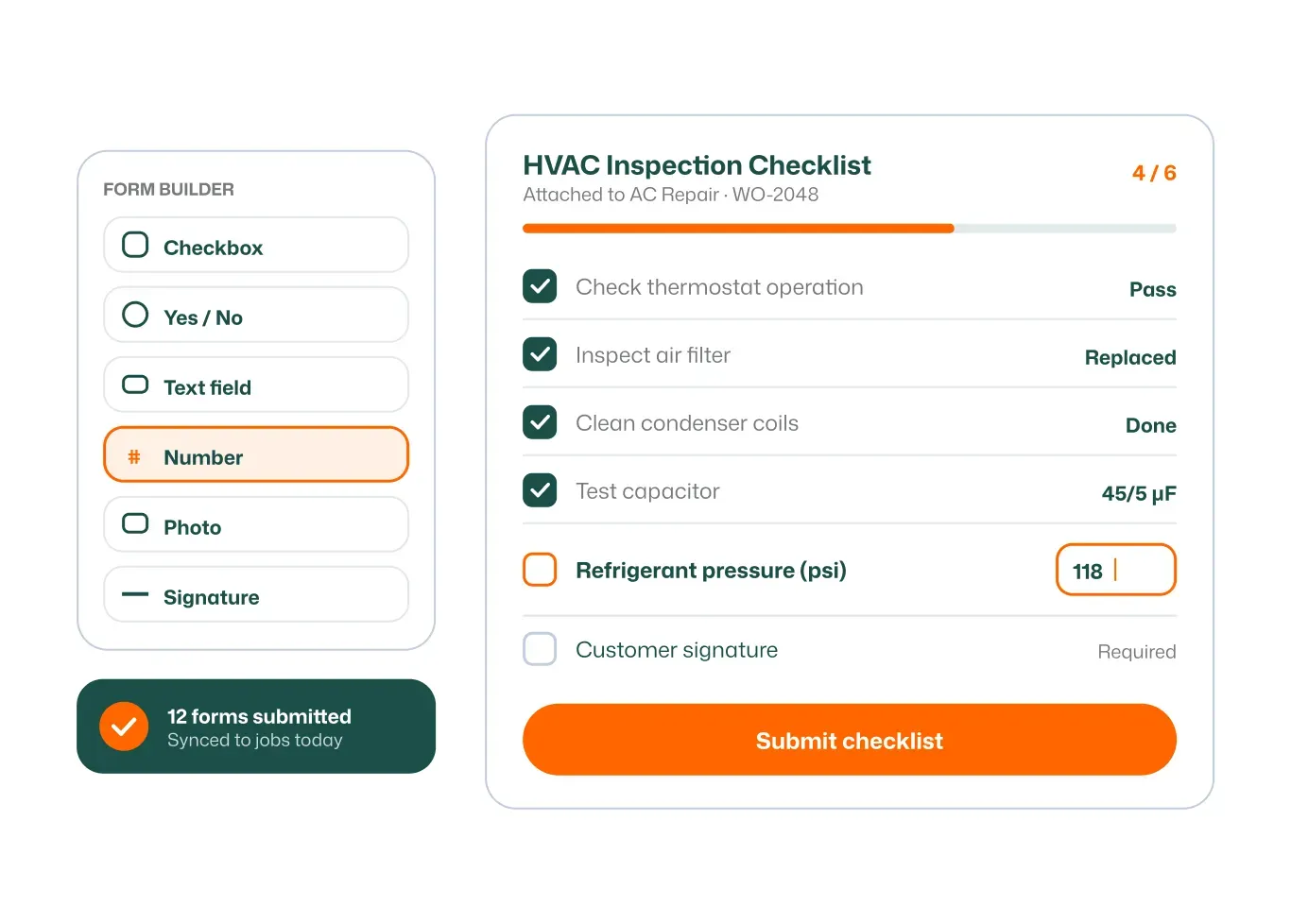
Build your own checklists so every job is done the same way.
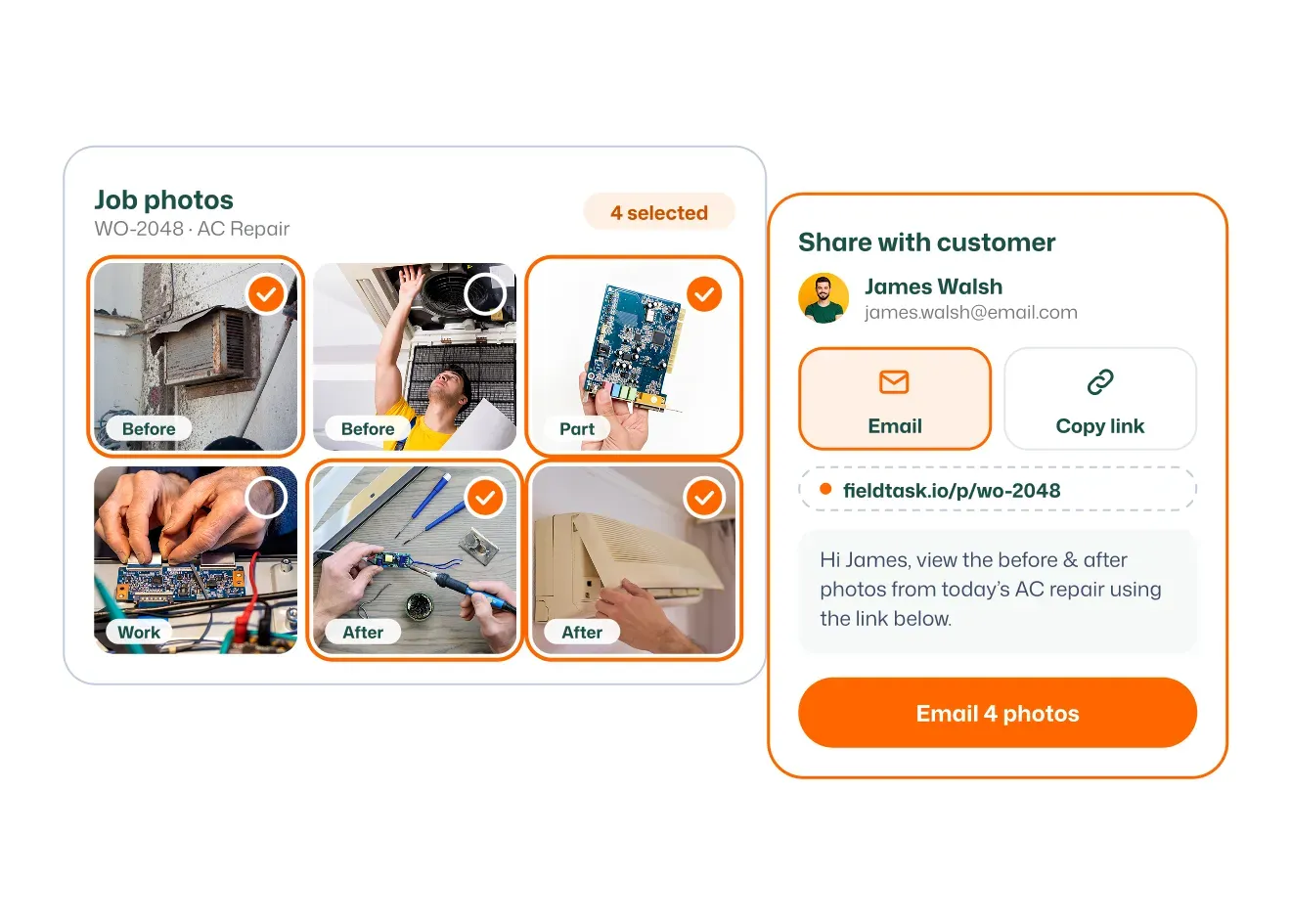
Send job photos to customers or your team in seconds.
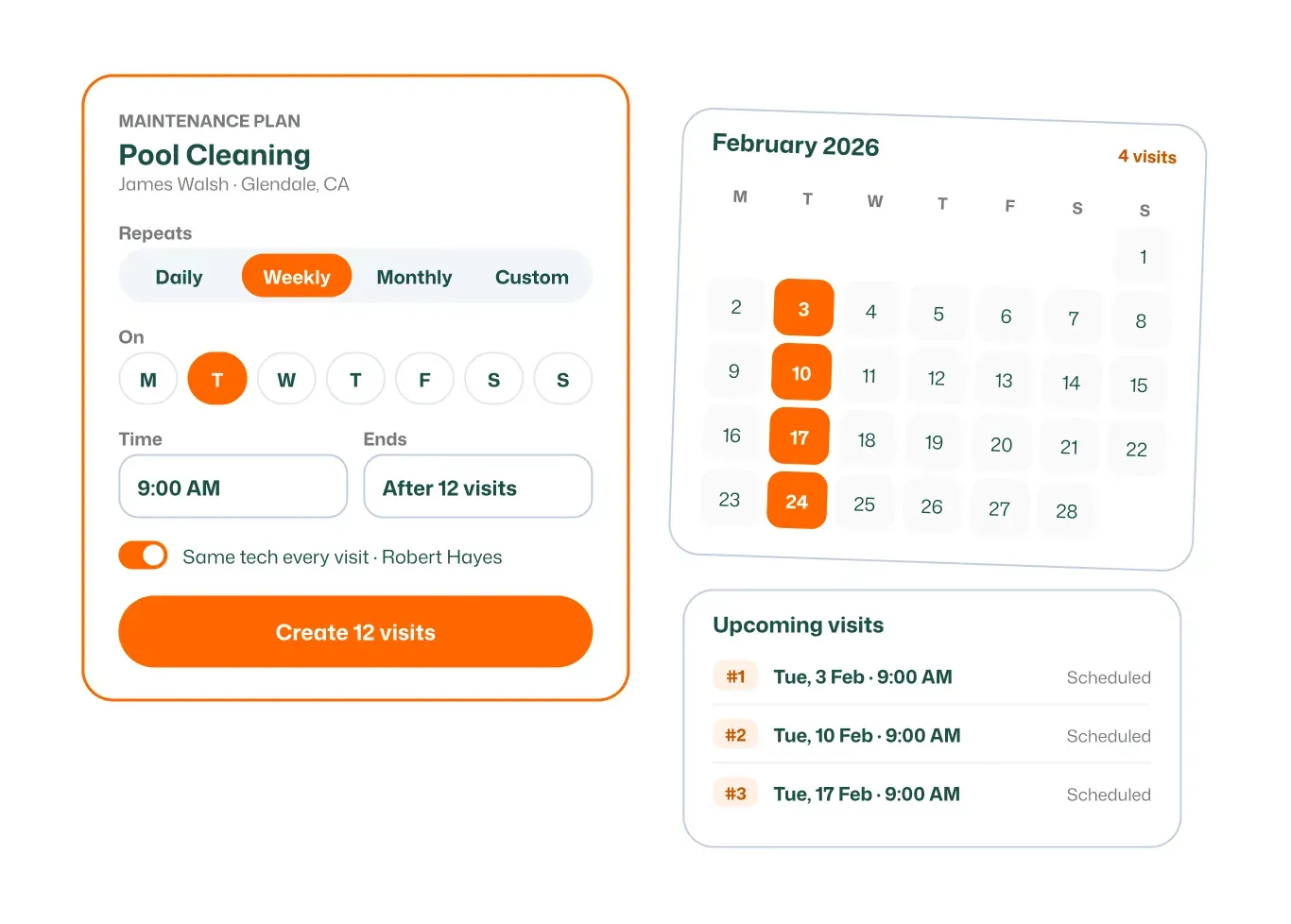
Schedule repeat visits once and let them fill the calendar.
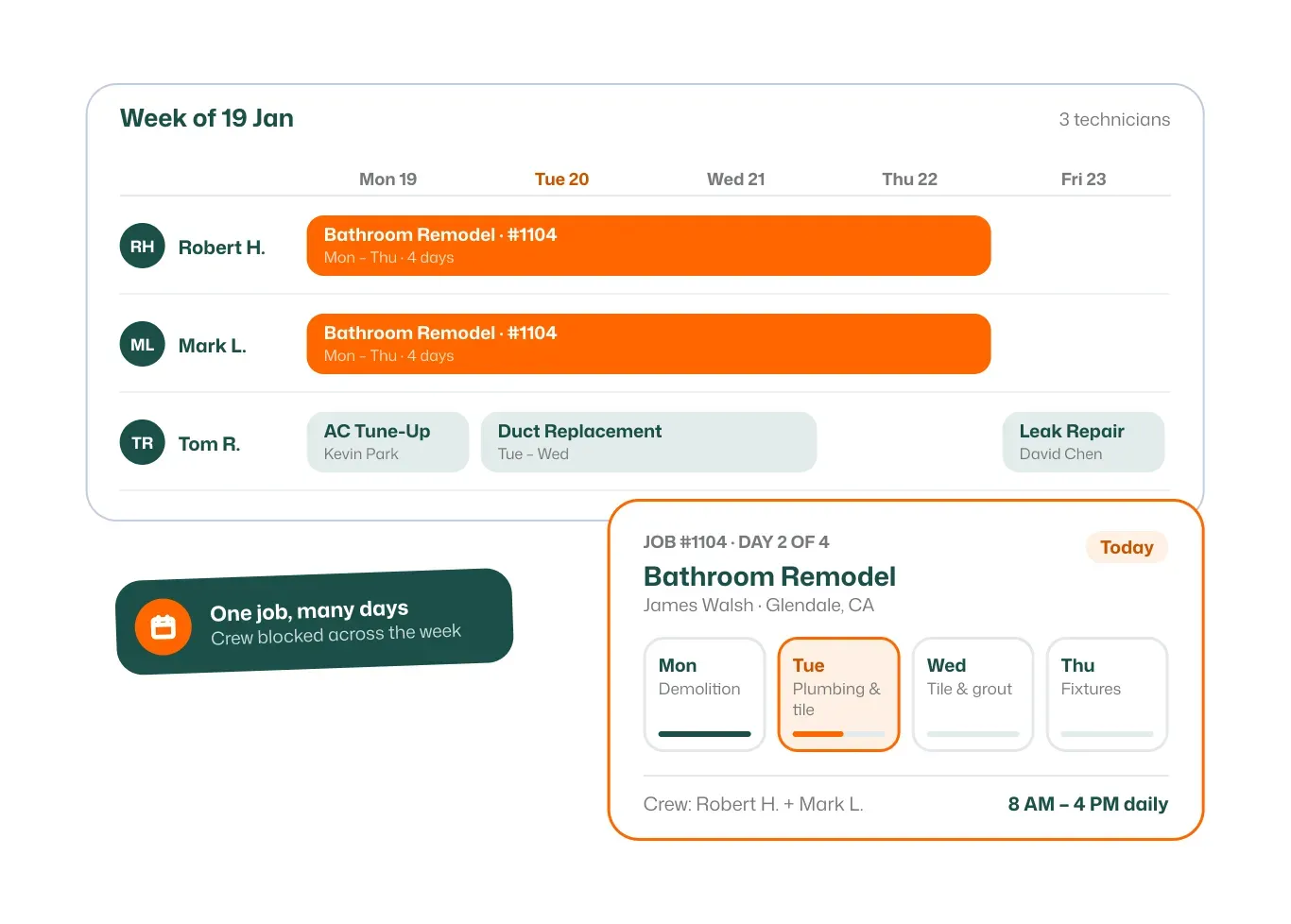
Plan jobs that run across several days without double entry.
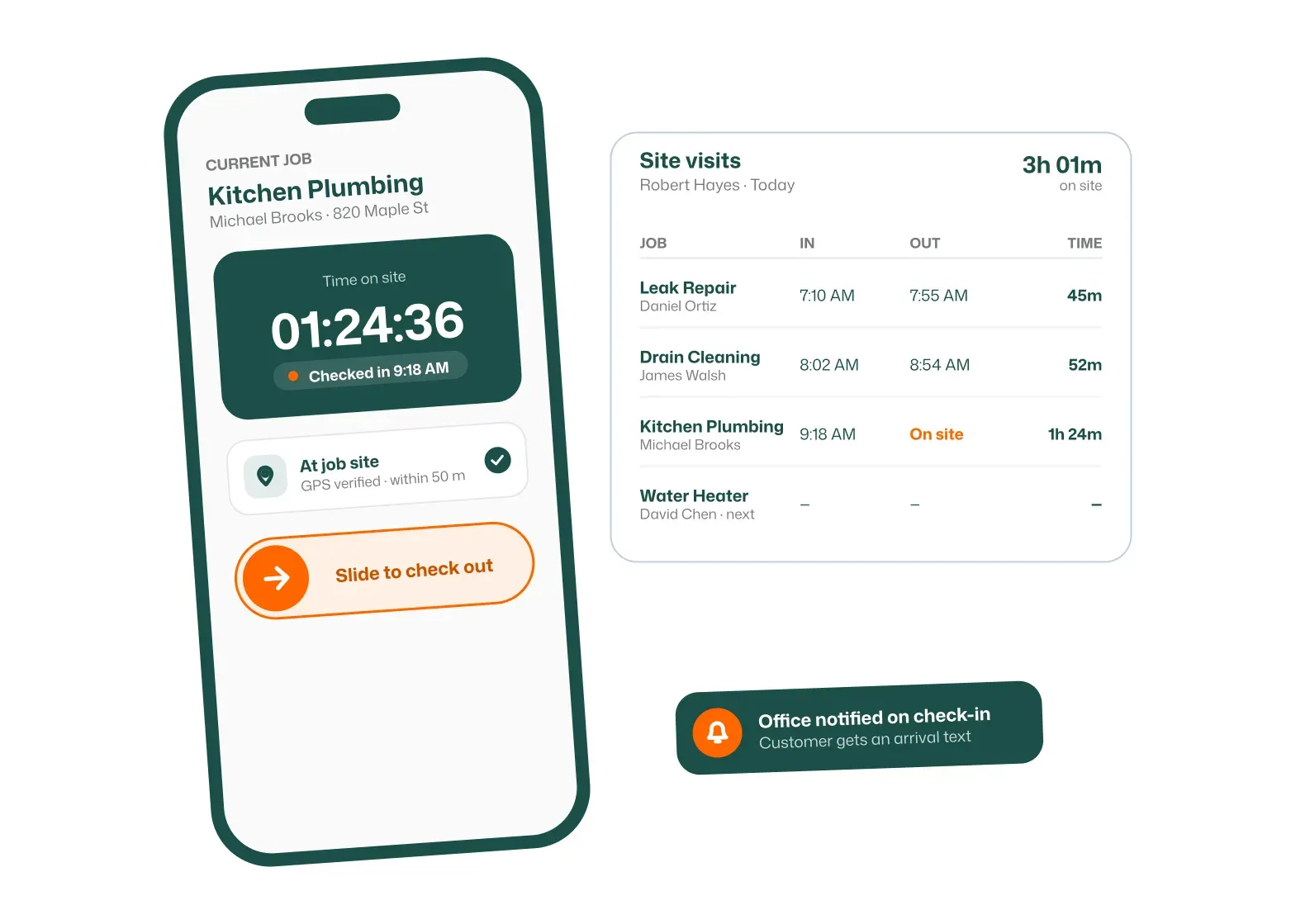
Record exactly when techs start and finish on site.
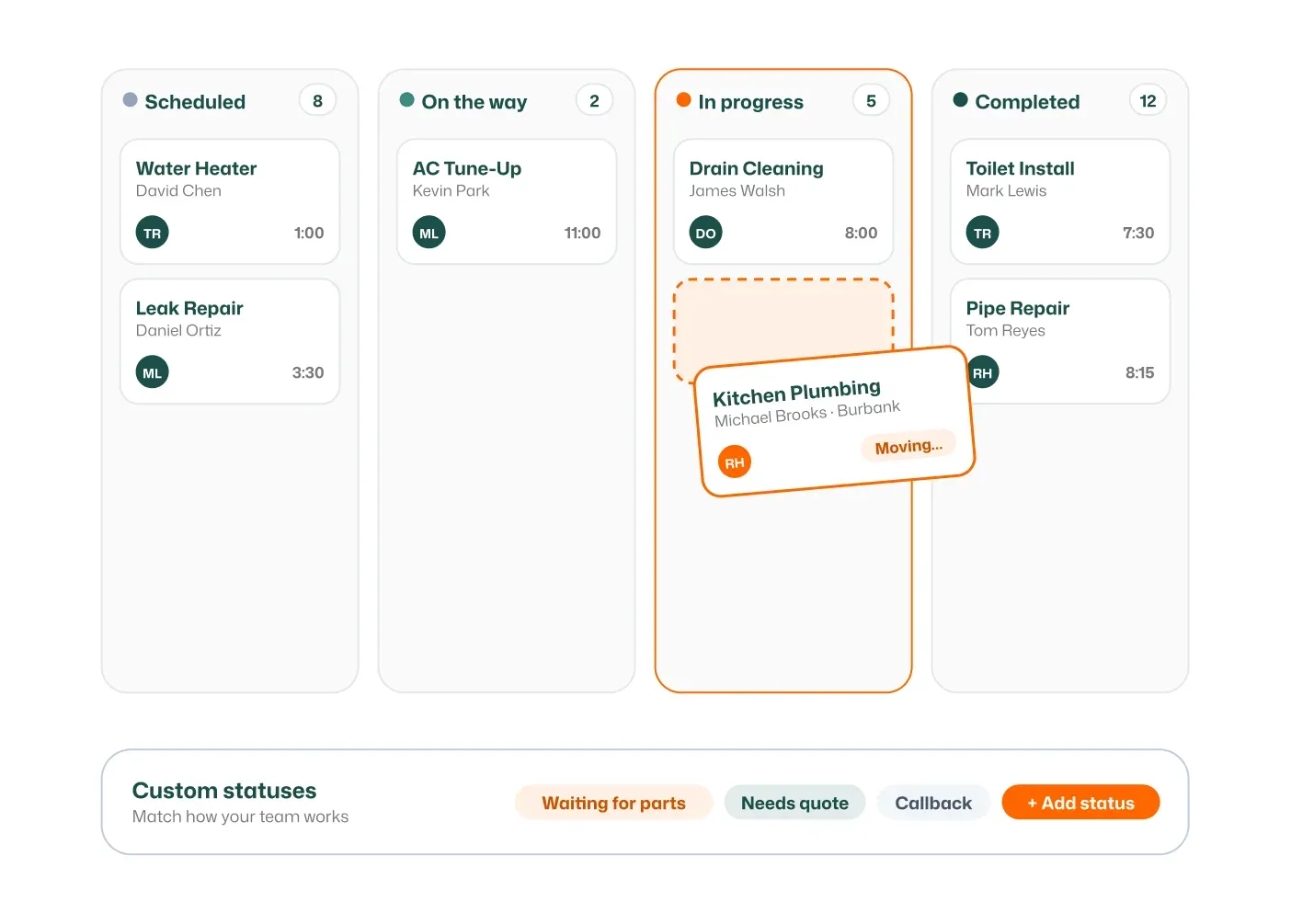
Move jobs from scheduled to done with clear statuses.
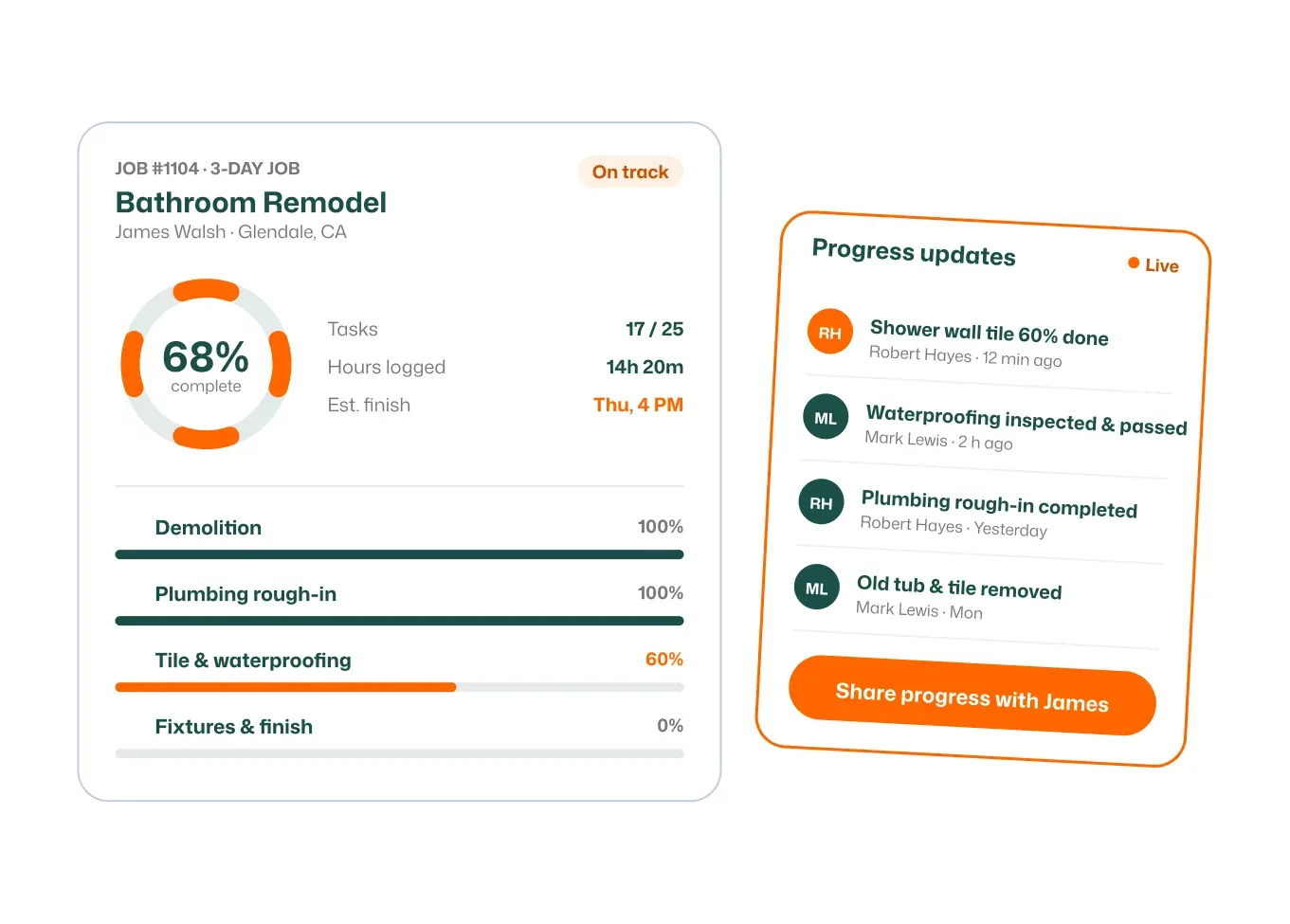
See how every job is going in real time.
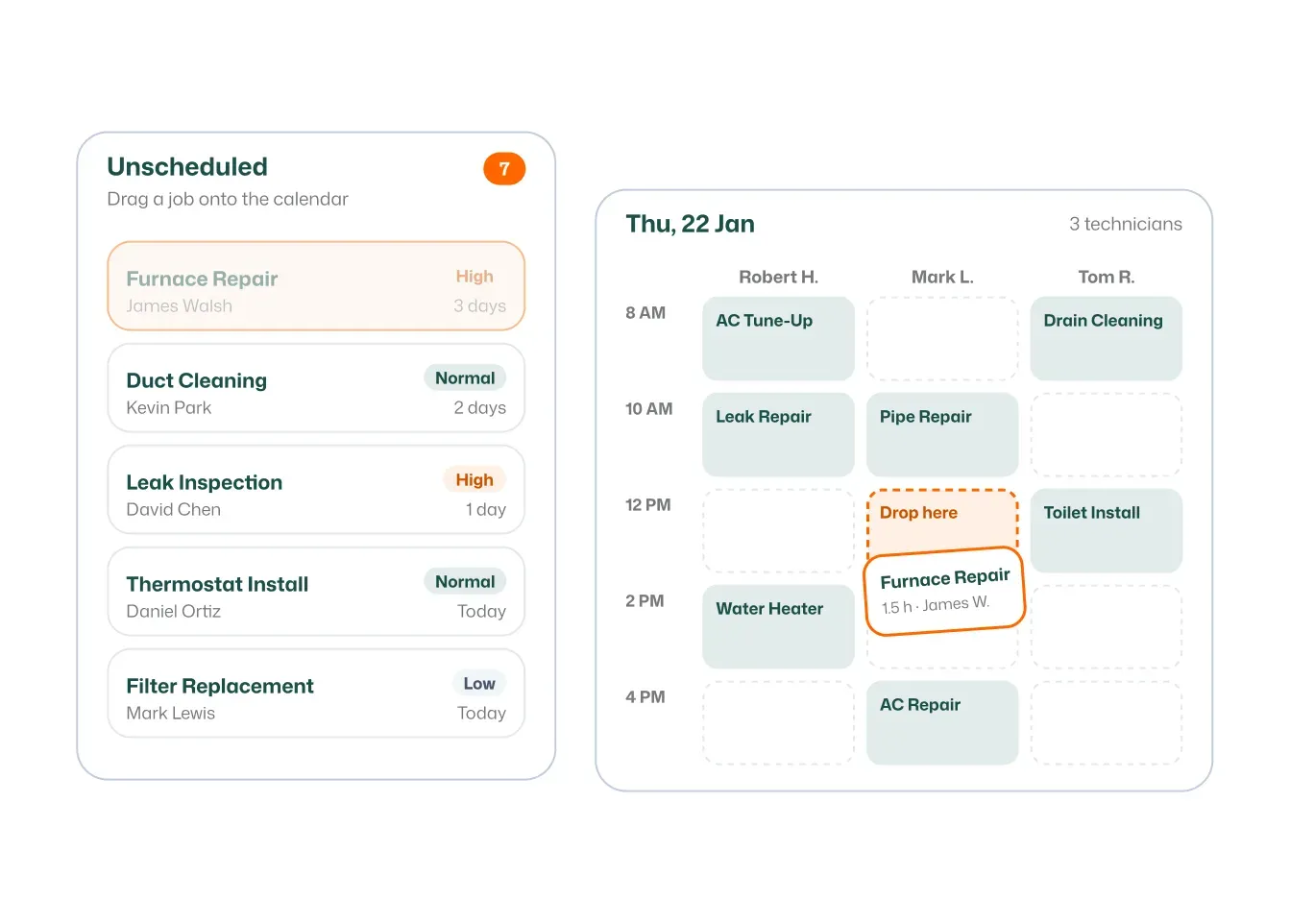
Keep jobs waiting in one list until you’re ready to book them.
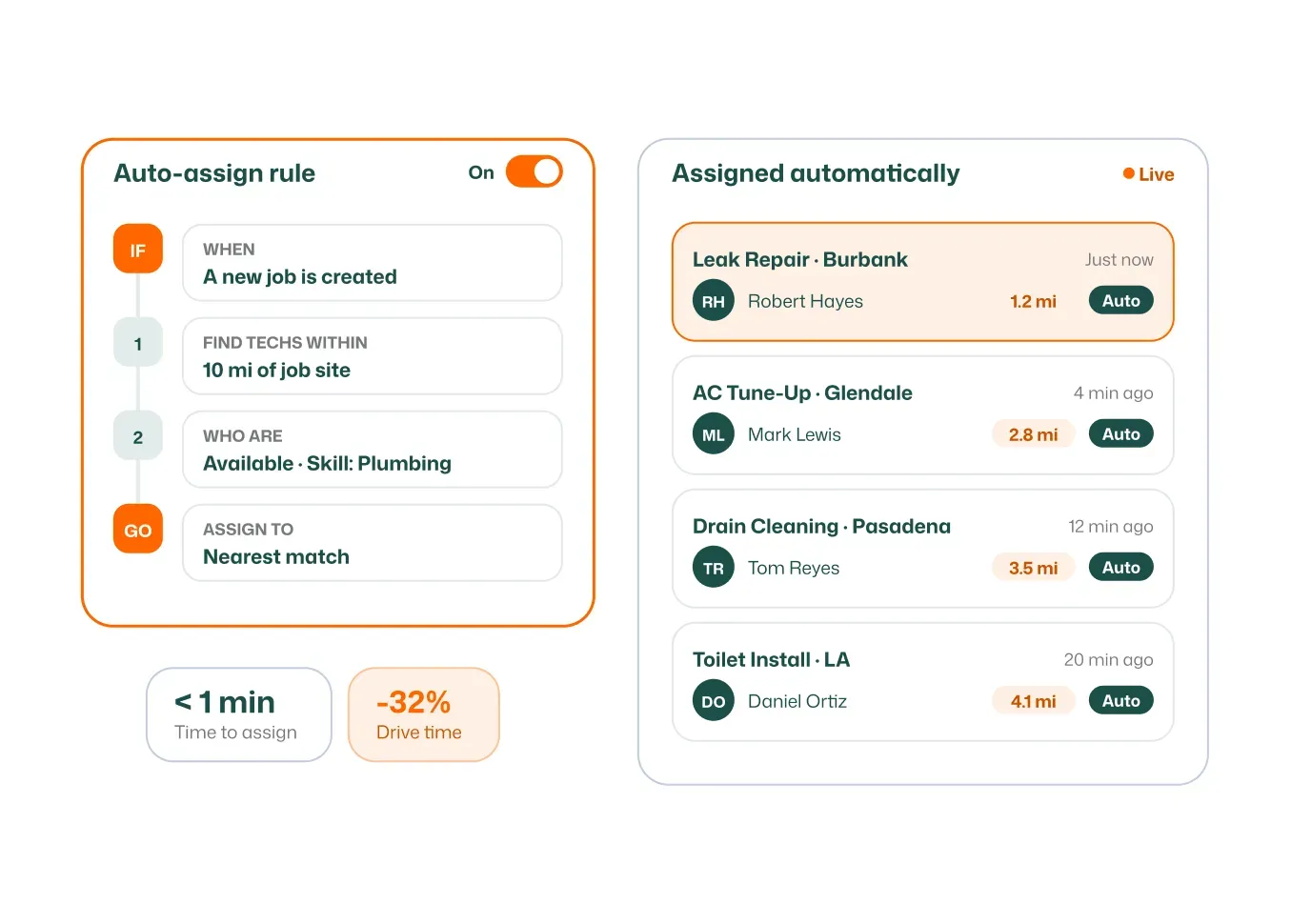
Automatically match jobs to the nearest available technician.
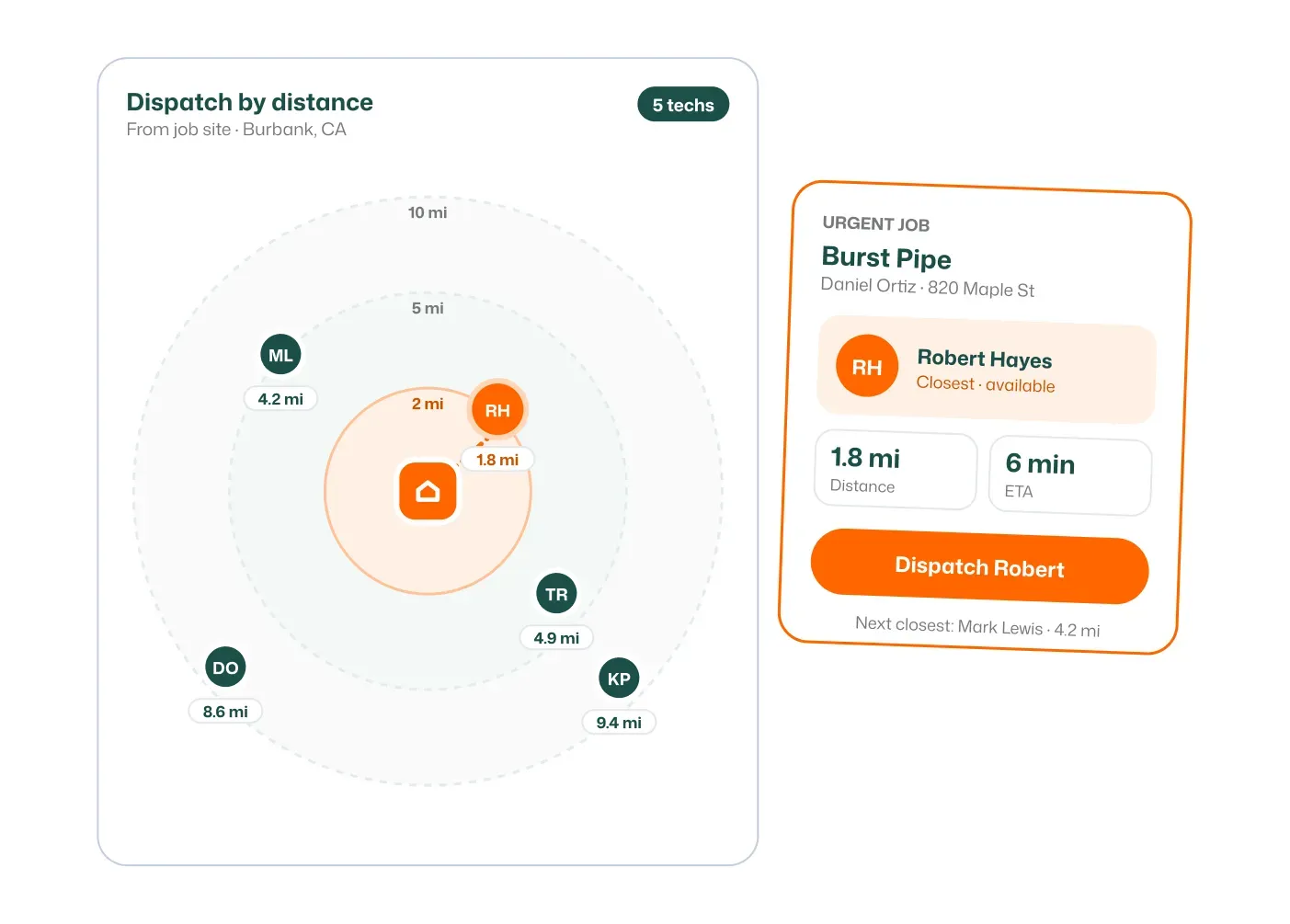
Dispatch by distance to cut travel and reach customers faster.
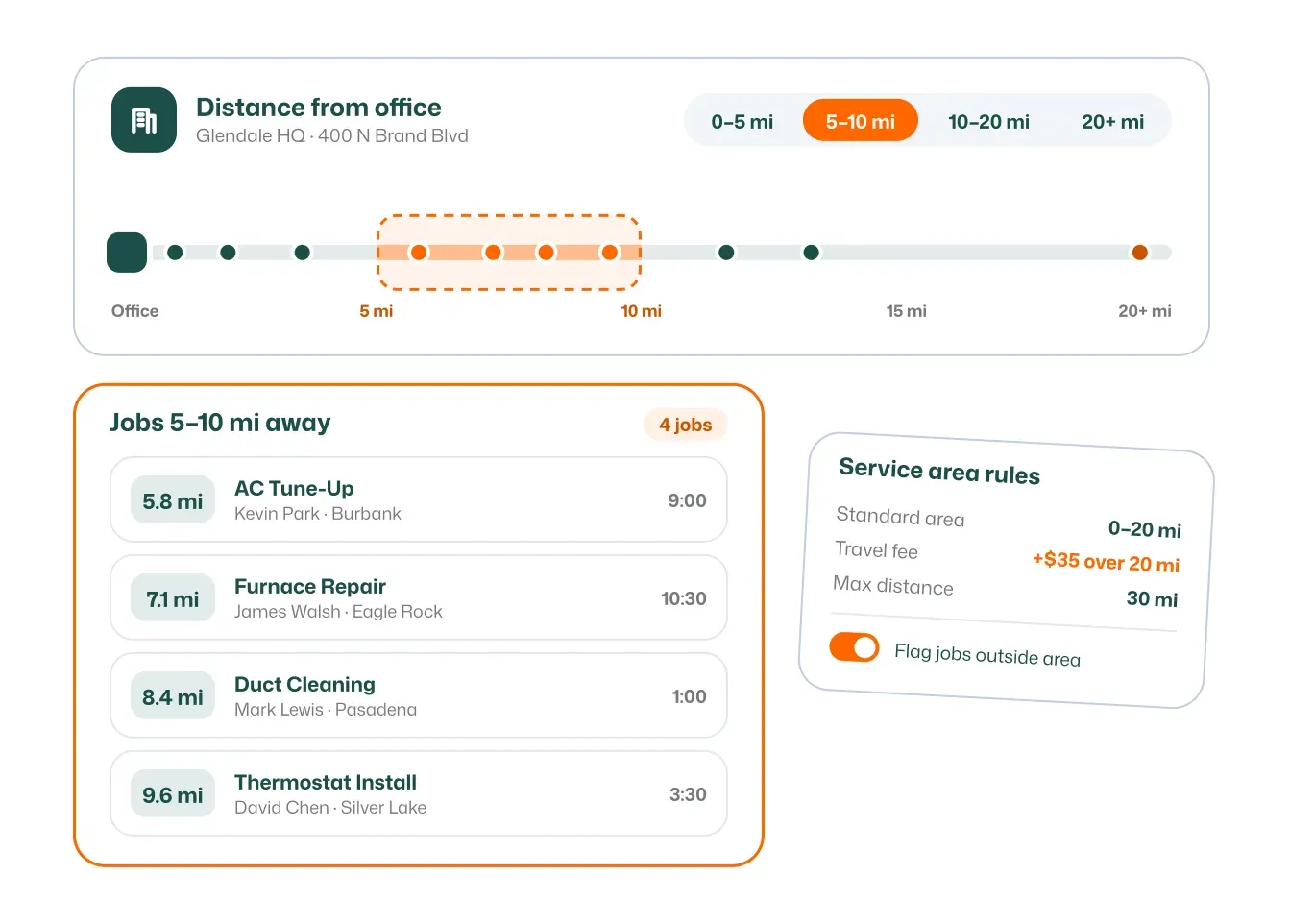
Find techs and jobs by how far they are from your office.
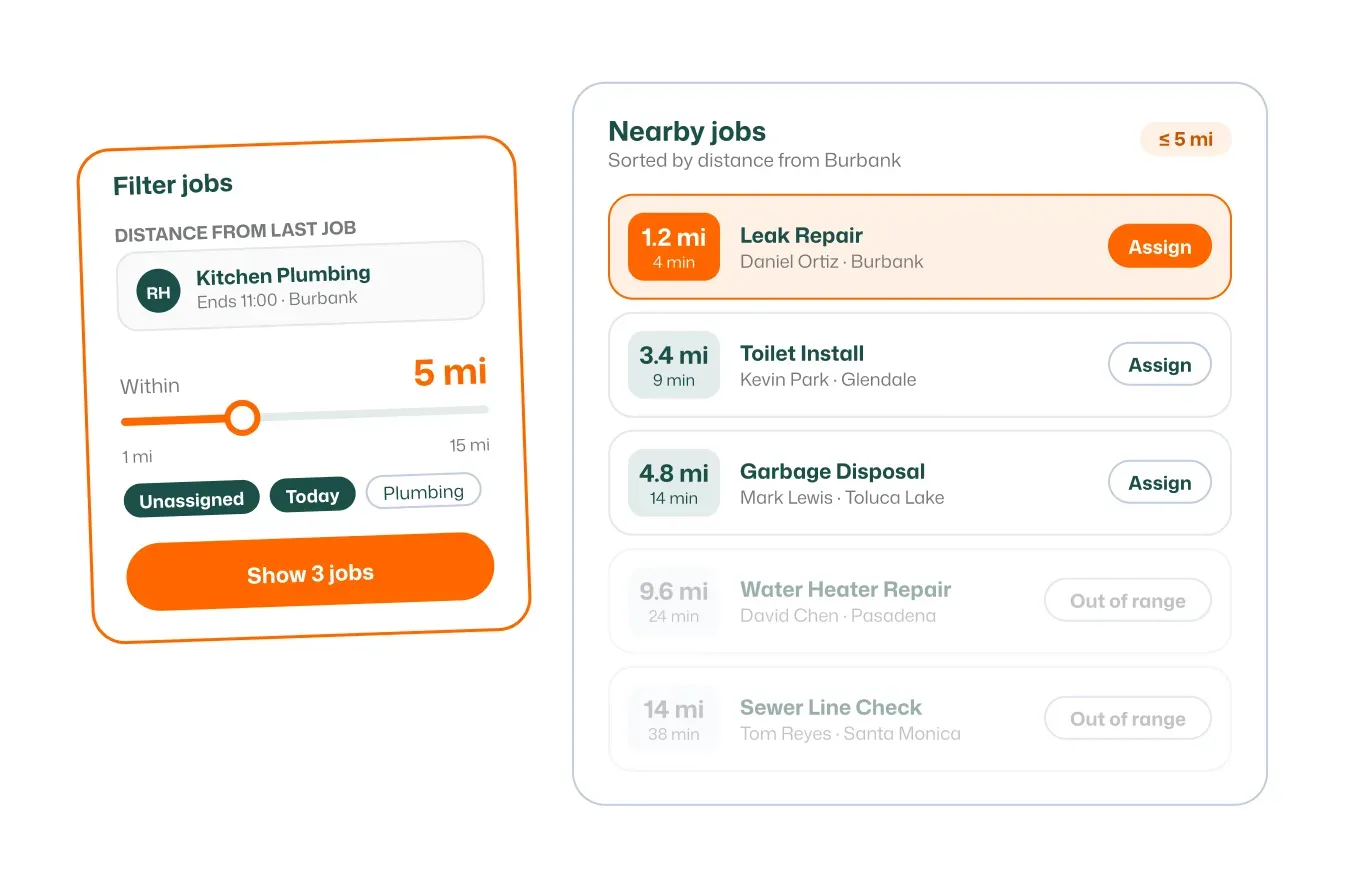
Pick the tech closest to their last job for the next one.
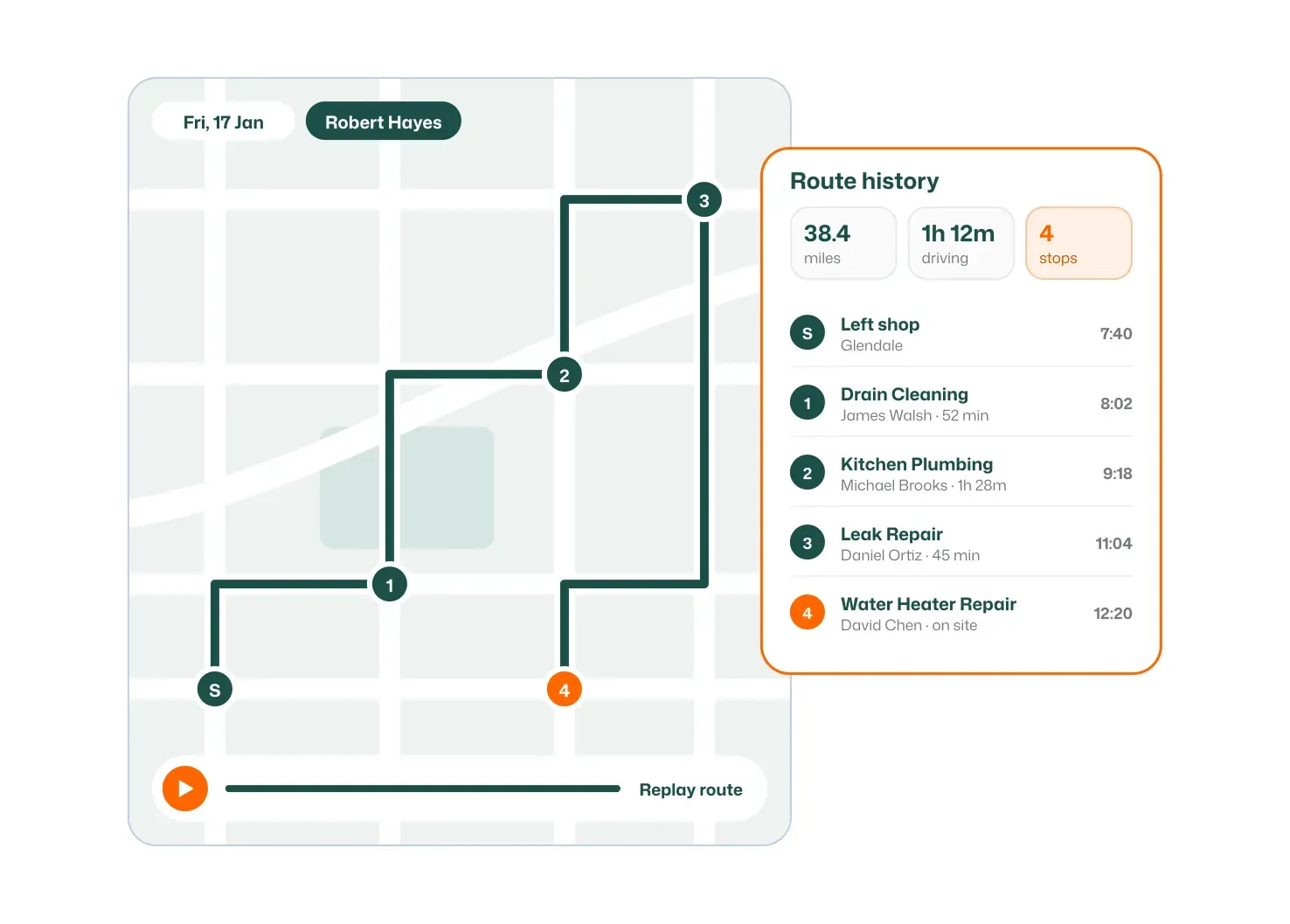
Look back at the exact route each technician drove.
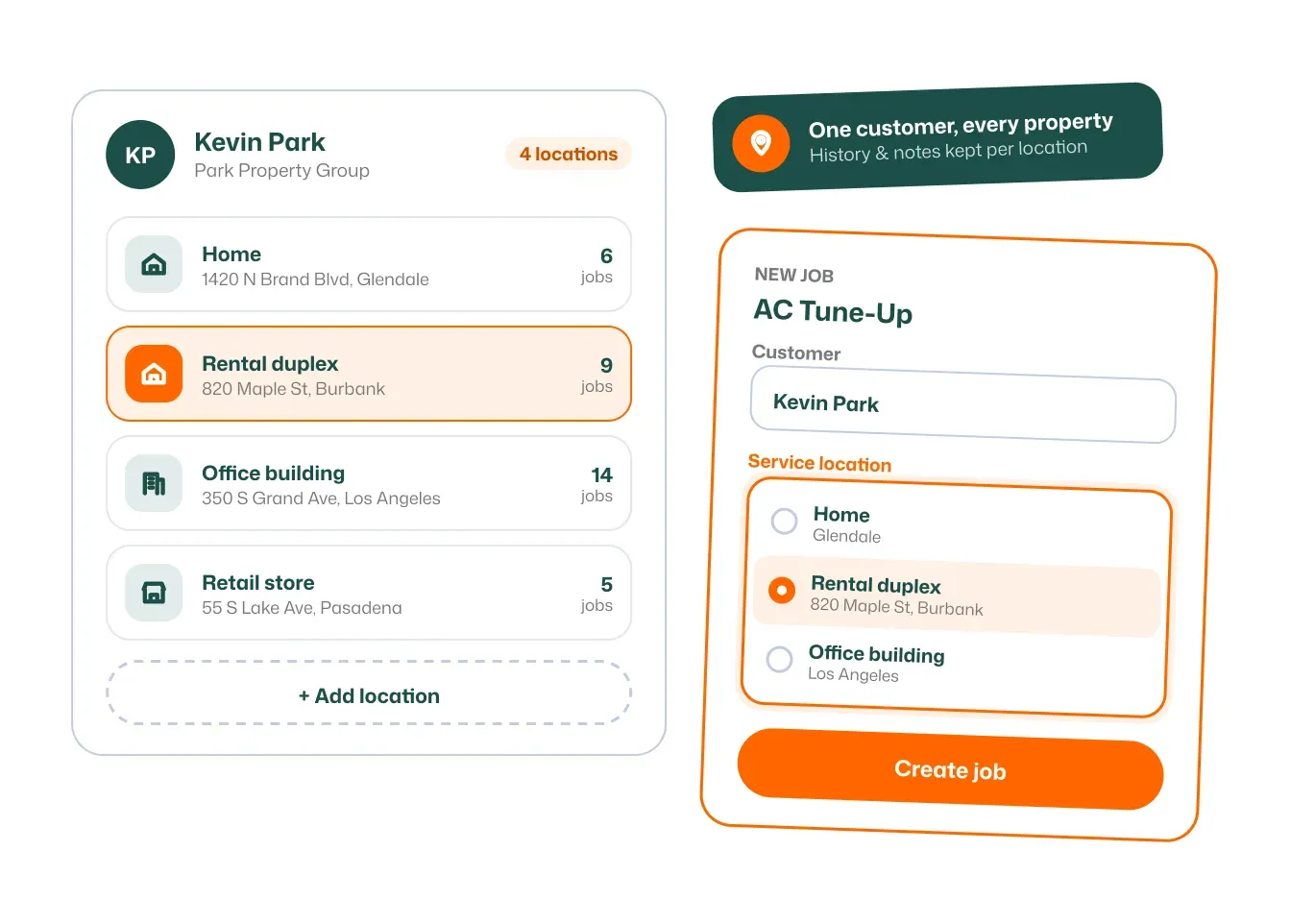
Manage several properties under one customer account.
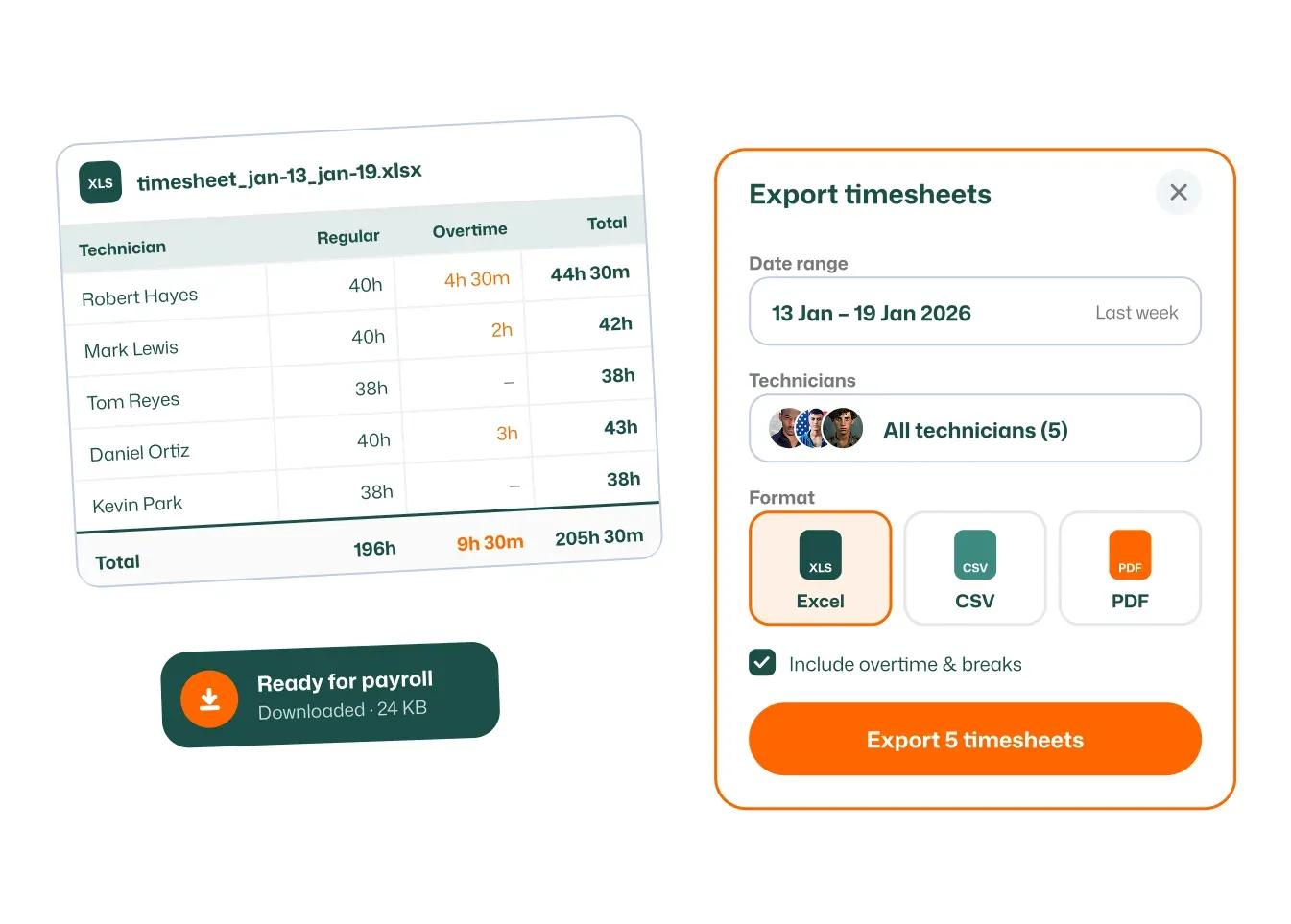
Export timesheets for payroll or accounting in seconds.
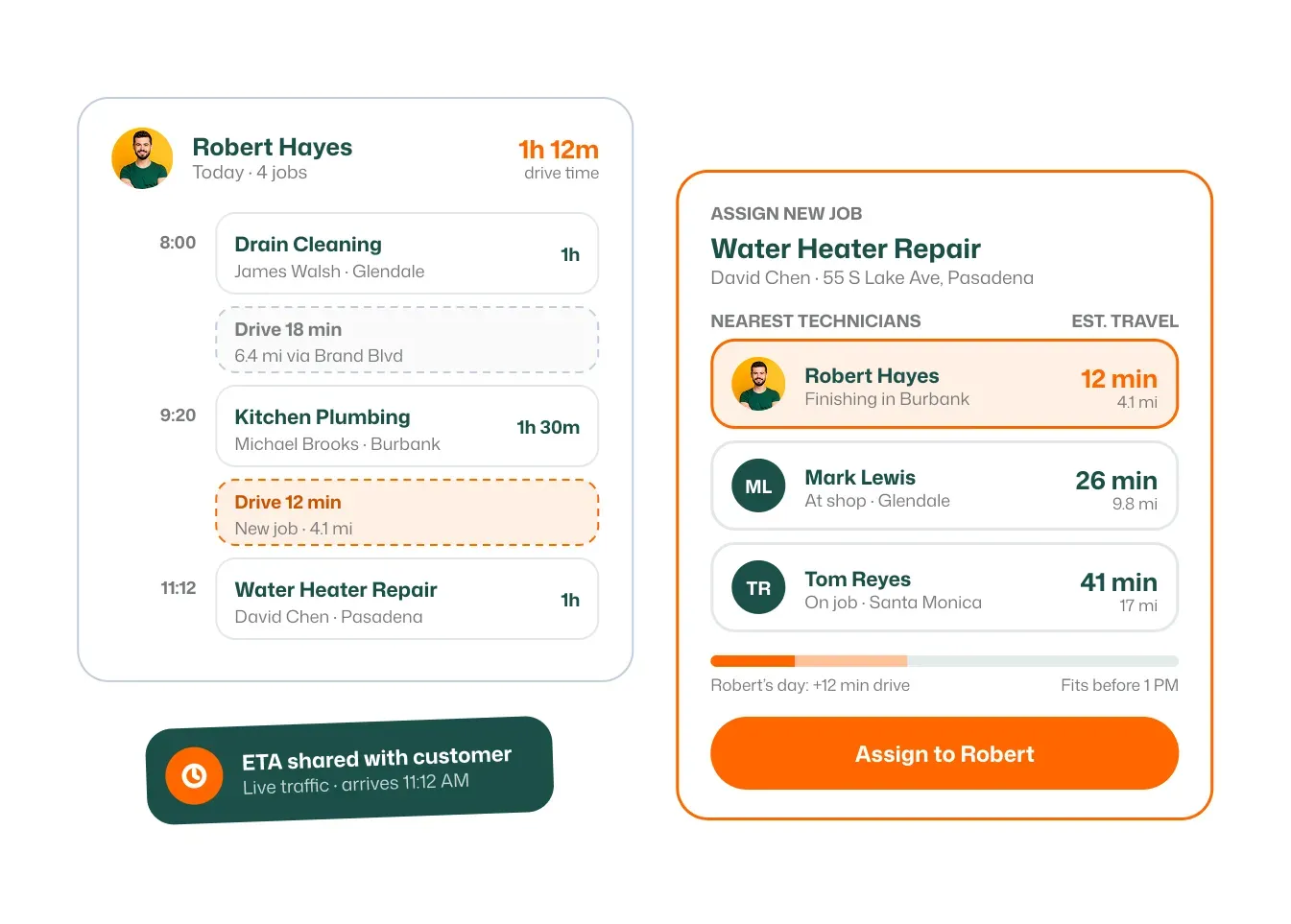
Know how long the drive takes before you dispatch.
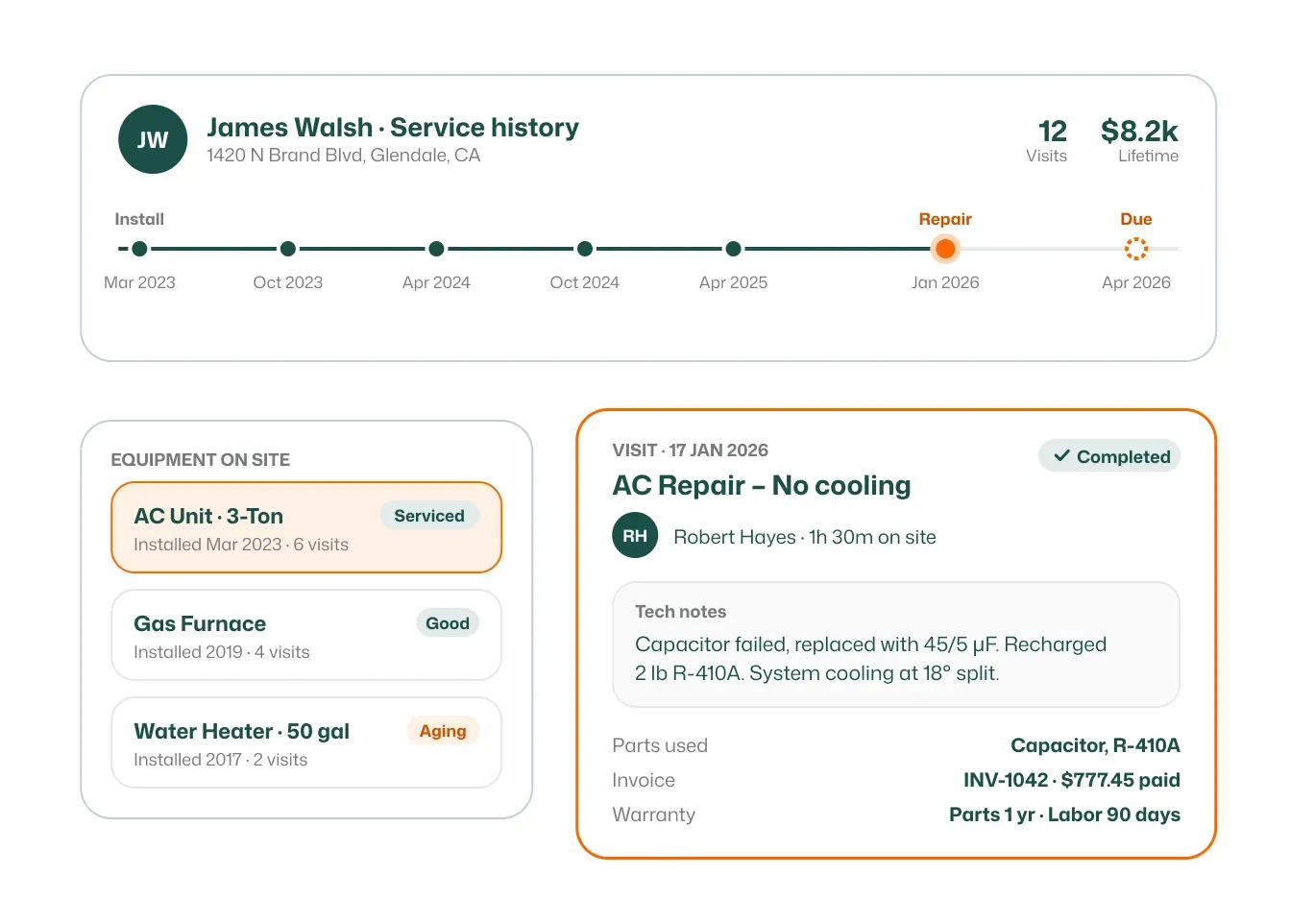
Every visit, estimate and invoice for a customer, in one view.
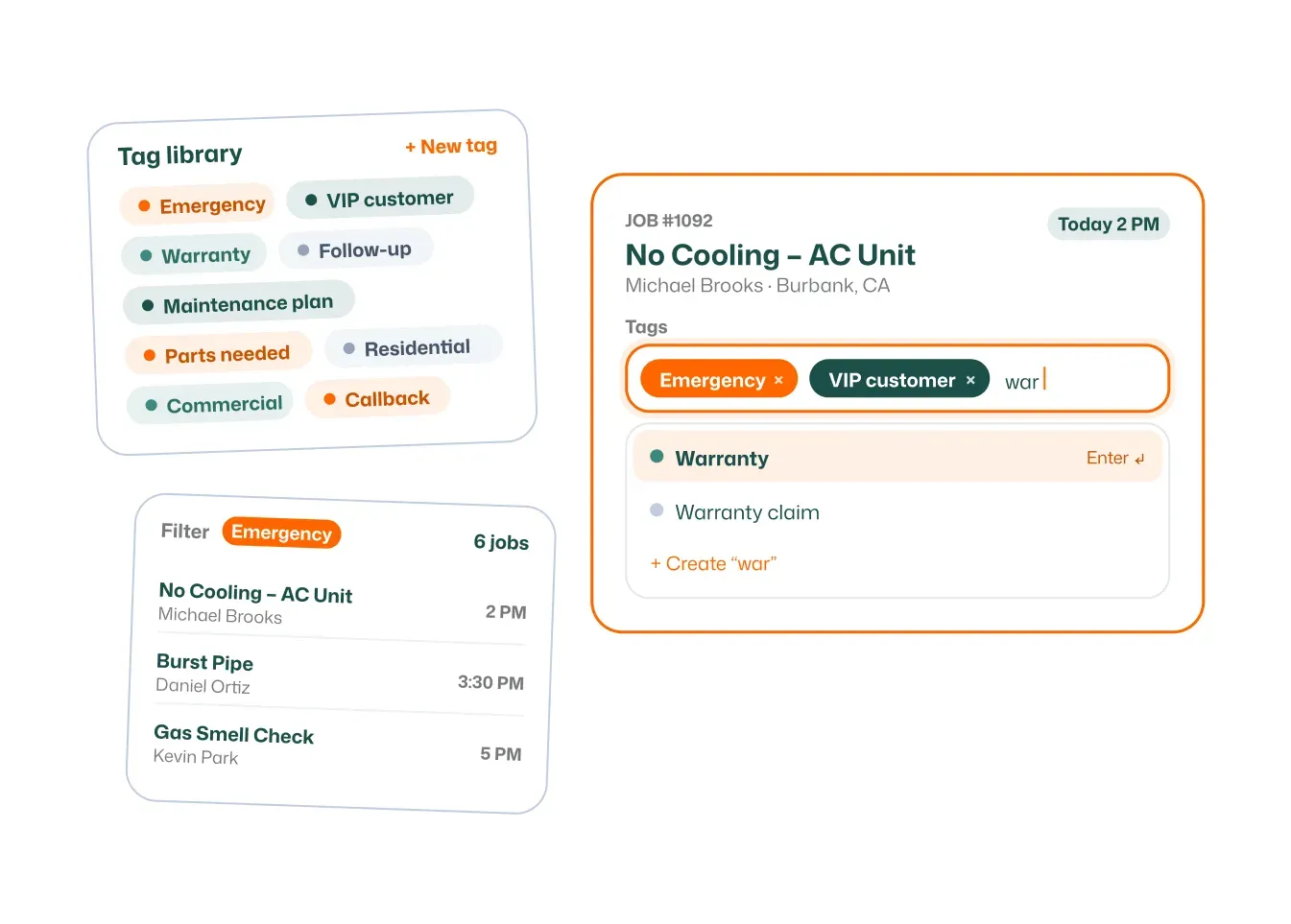
Tag jobs to sort, filter and report on them easily.
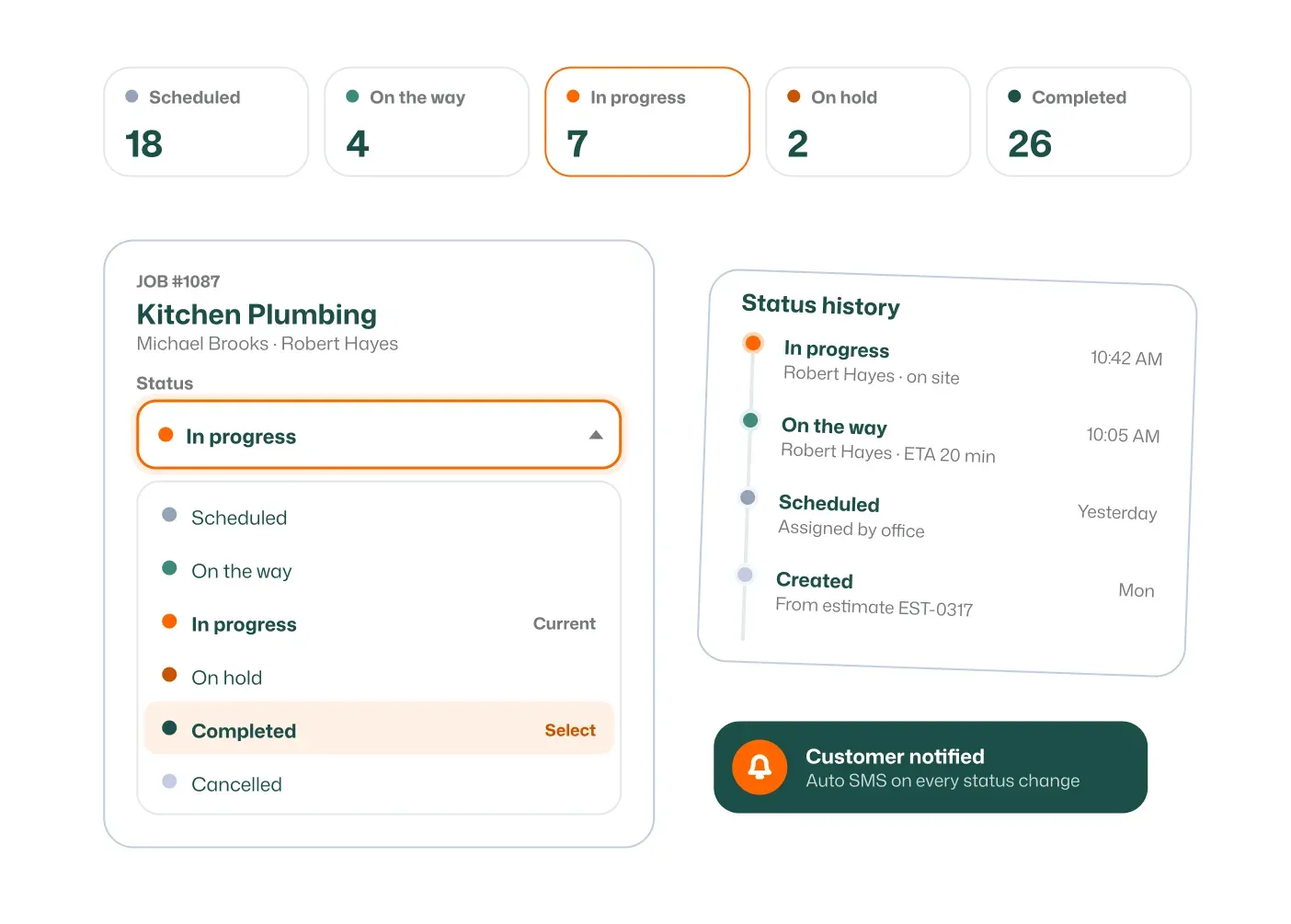
Customize statuses to match how your business works.
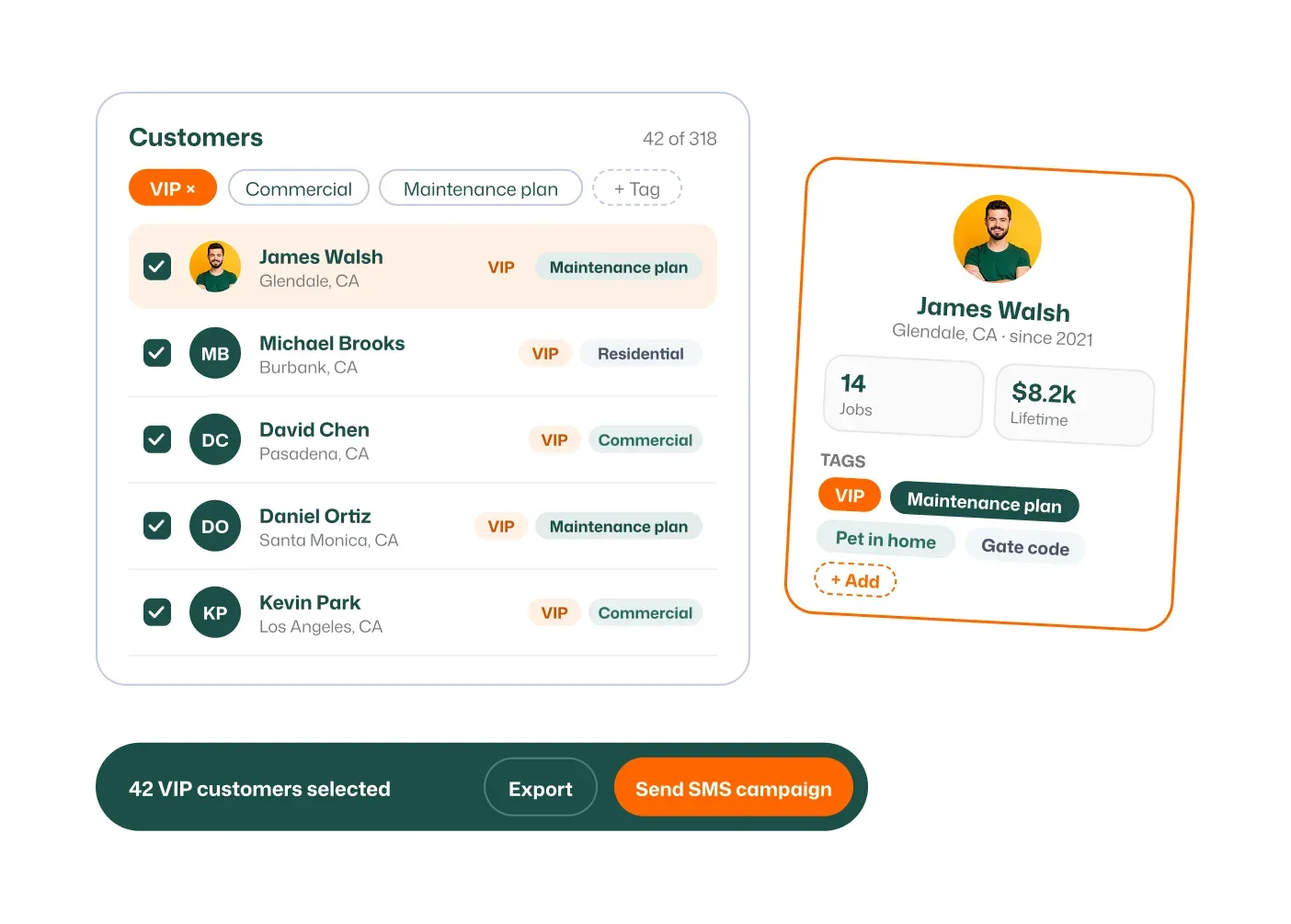
Group customers by type, area or priority.
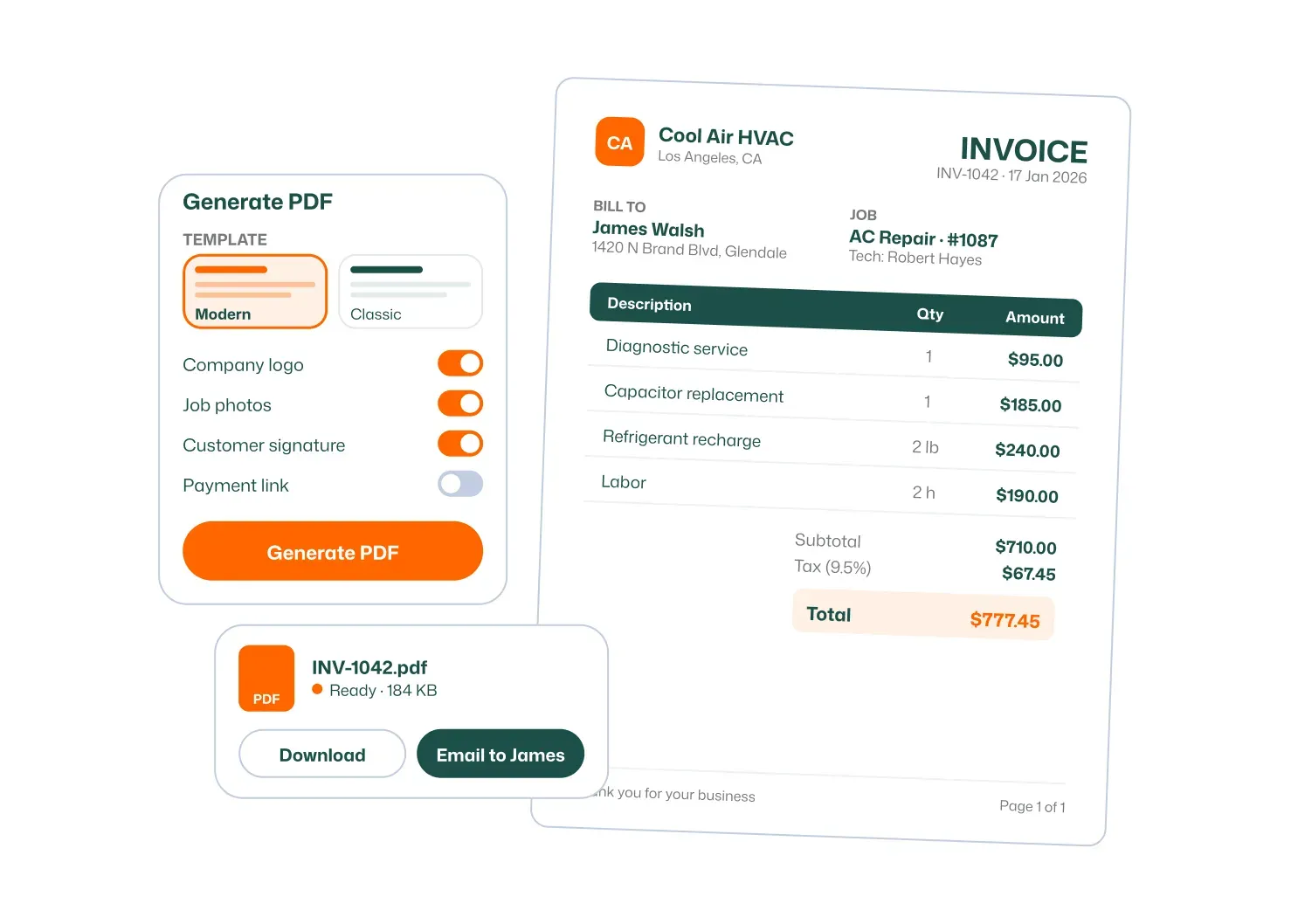
Create clean, branded invoice PDFs automatically.
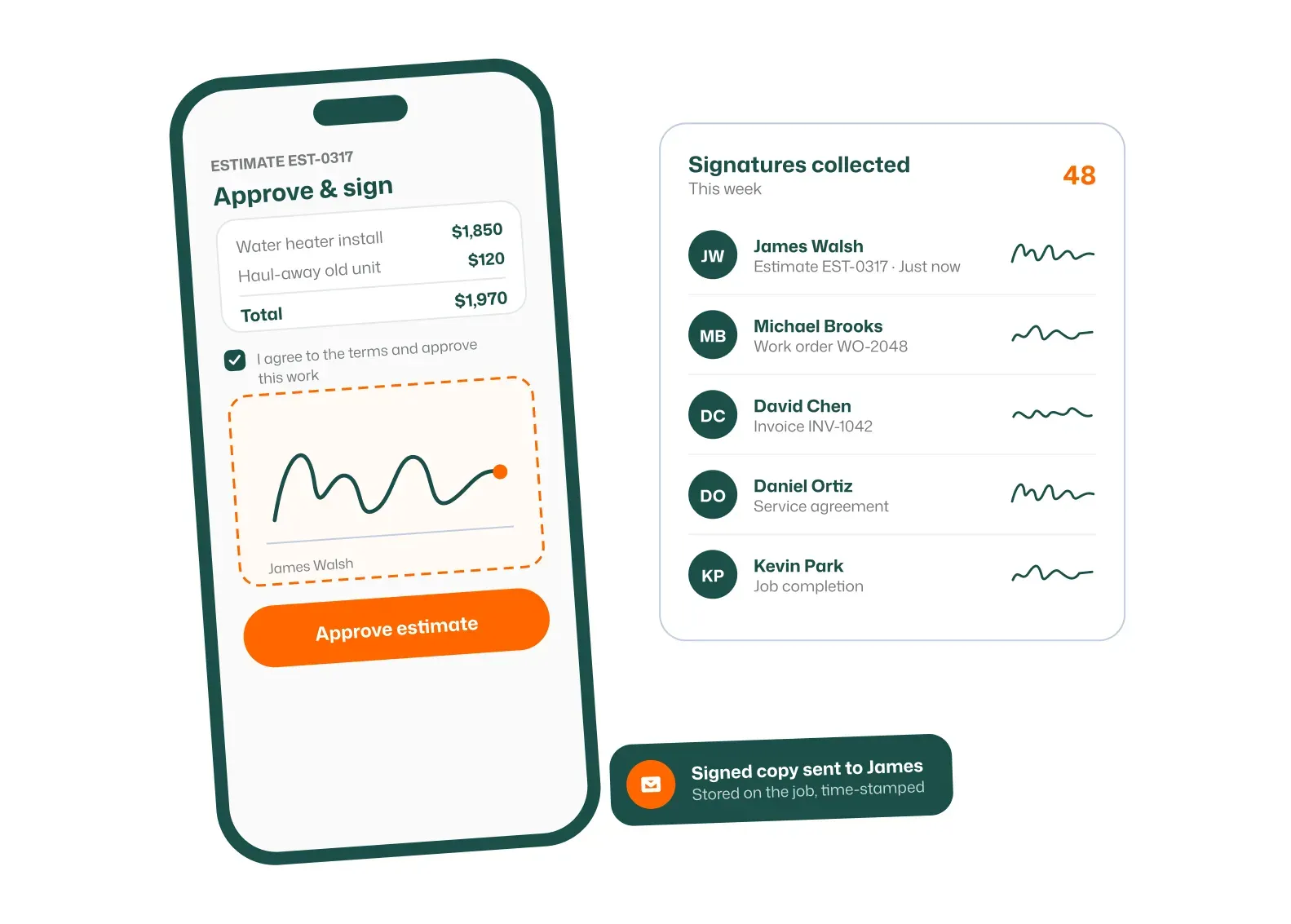
Get customer sign-off on site, on your phone or theirs.
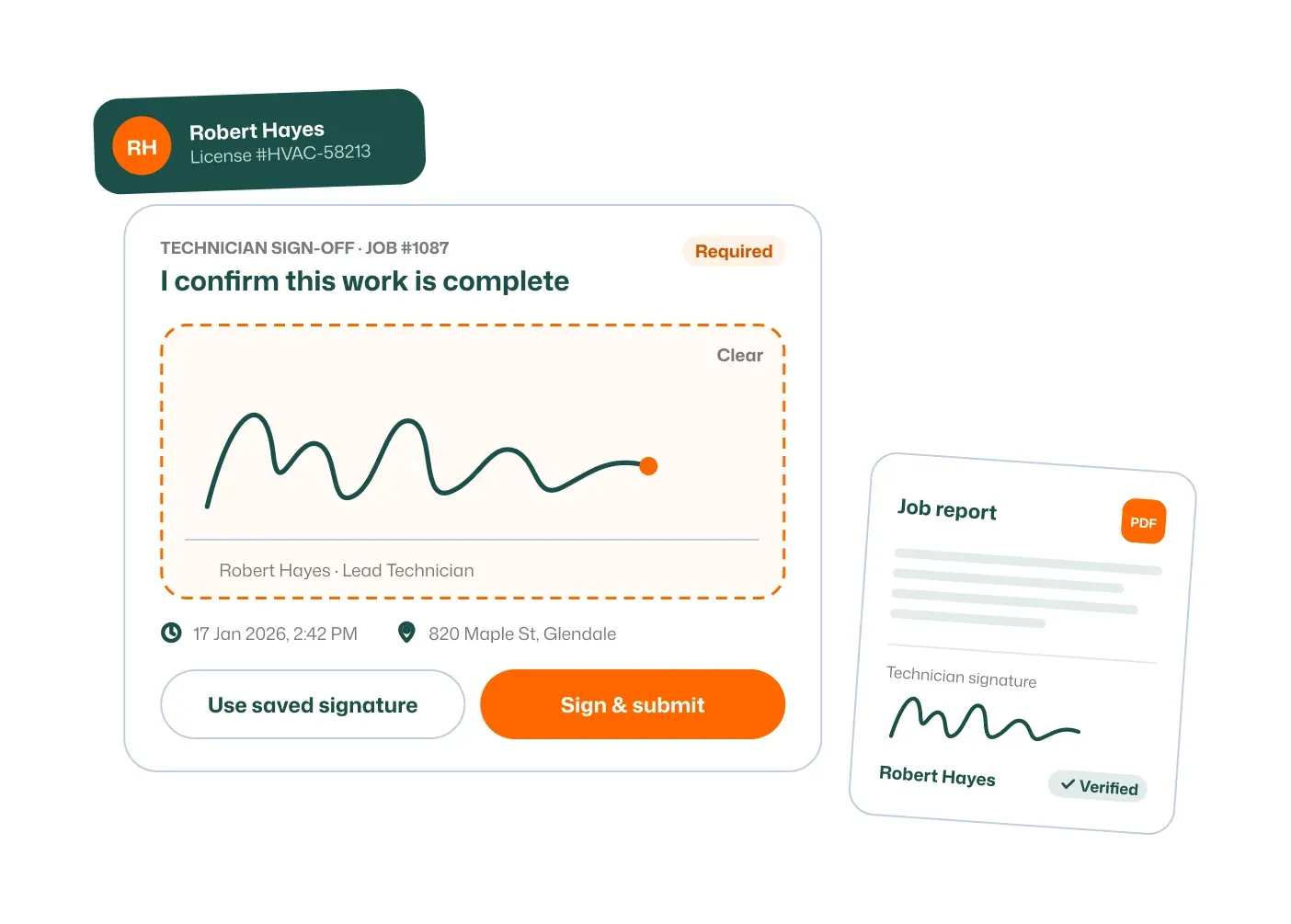
Techs sign off their work for clear accountability.
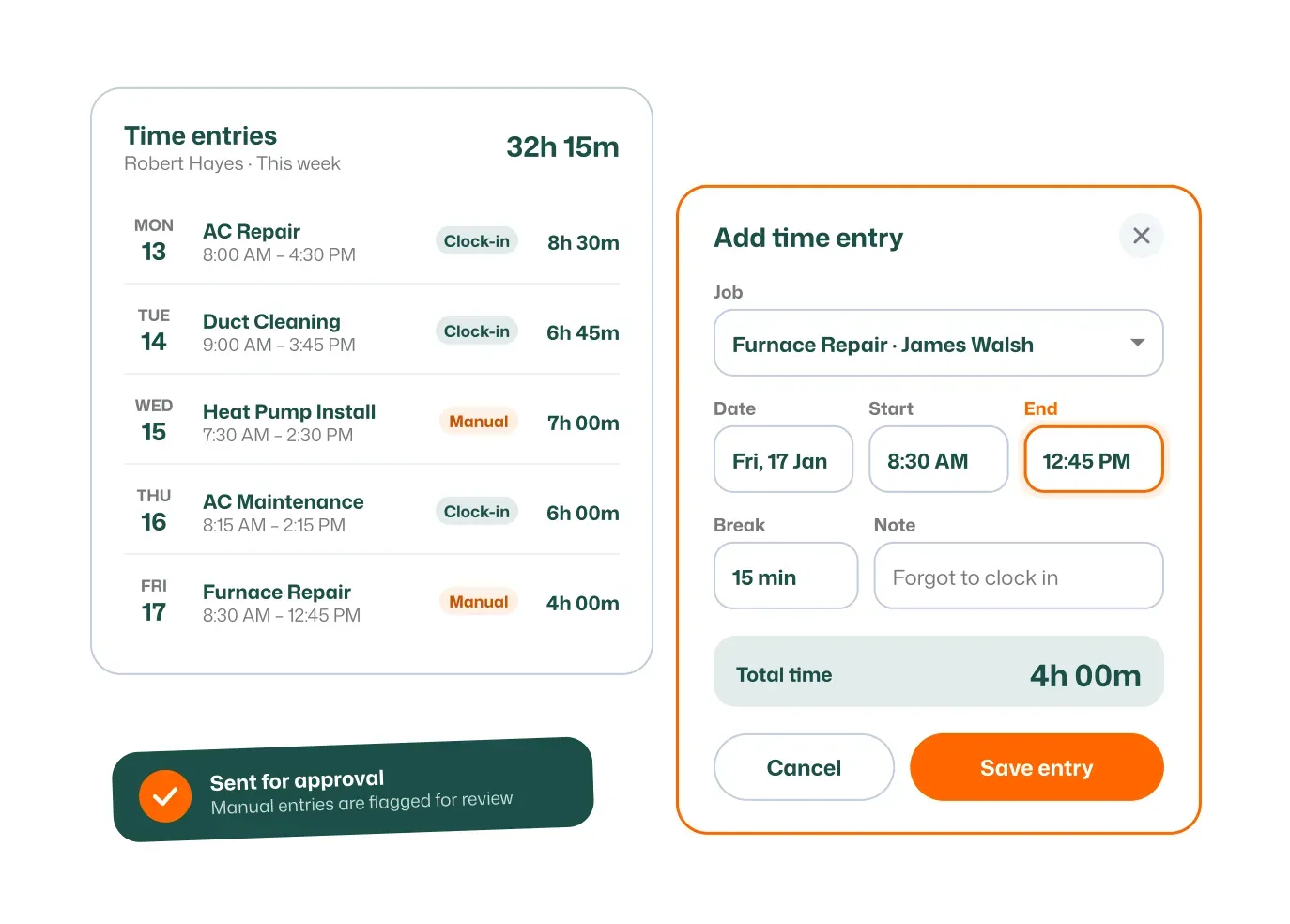
Add or adjust time entries when plans change.
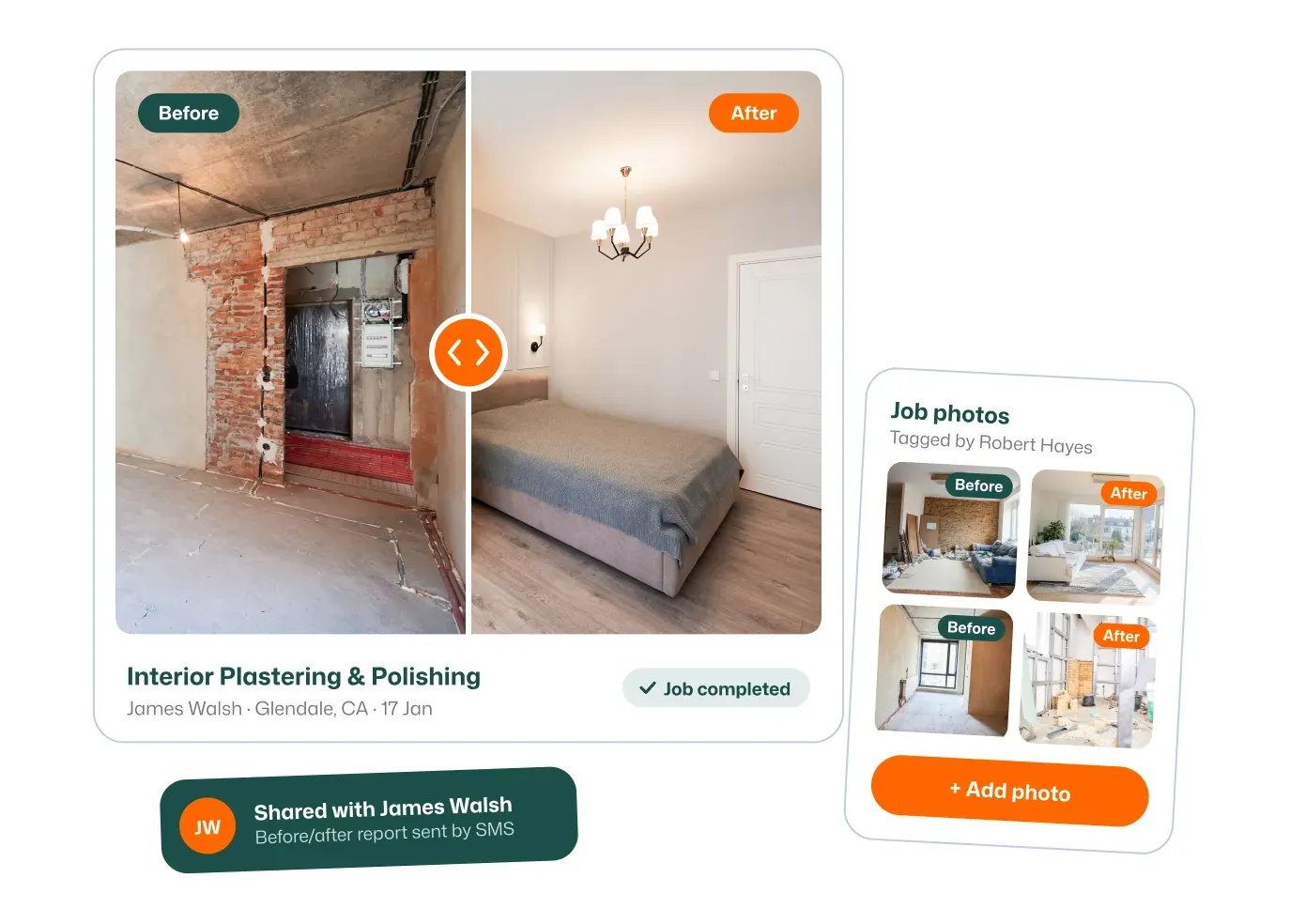
Show the difference your work made with before-and-after photos.
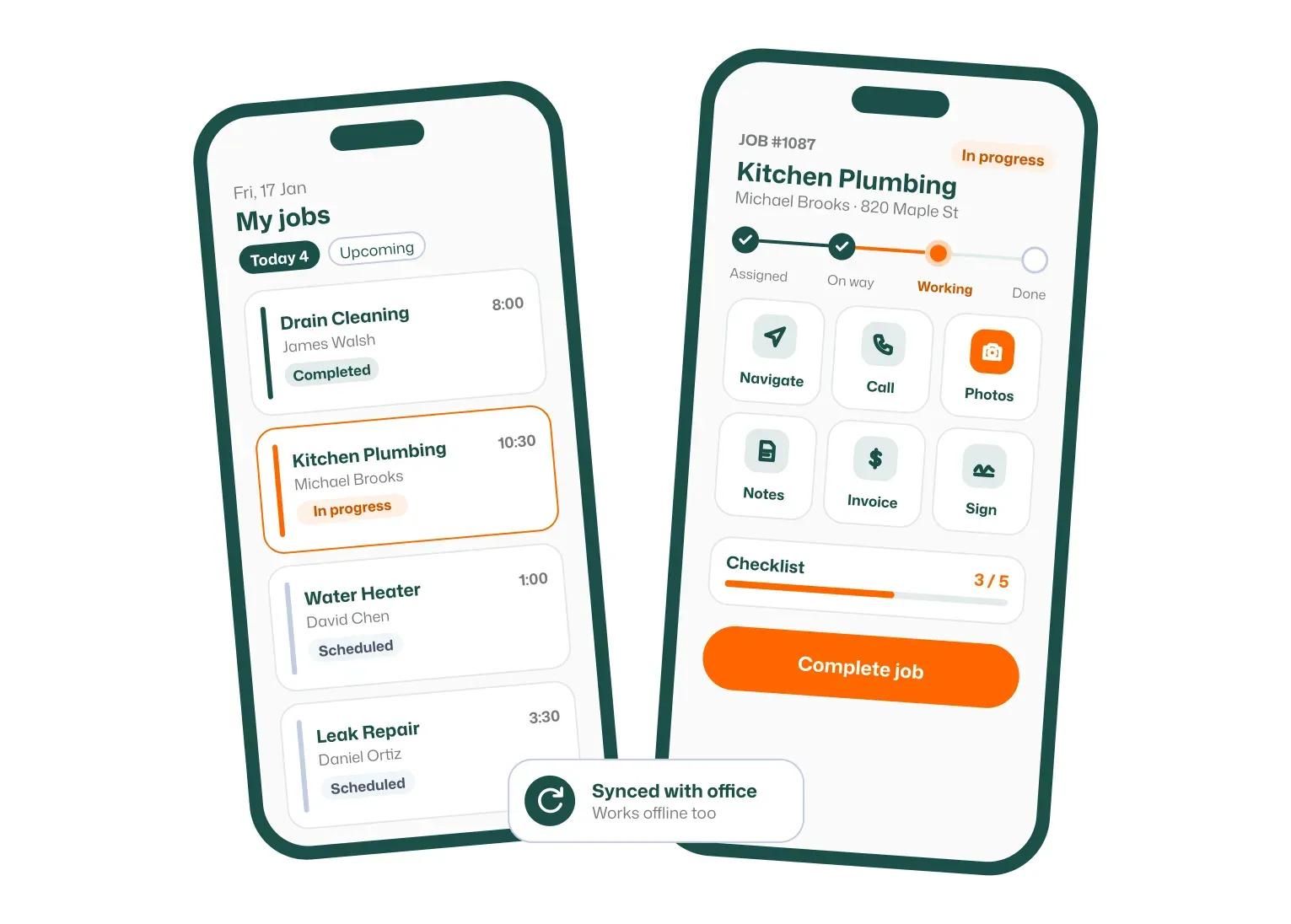
Run every job from the technician’s phone.
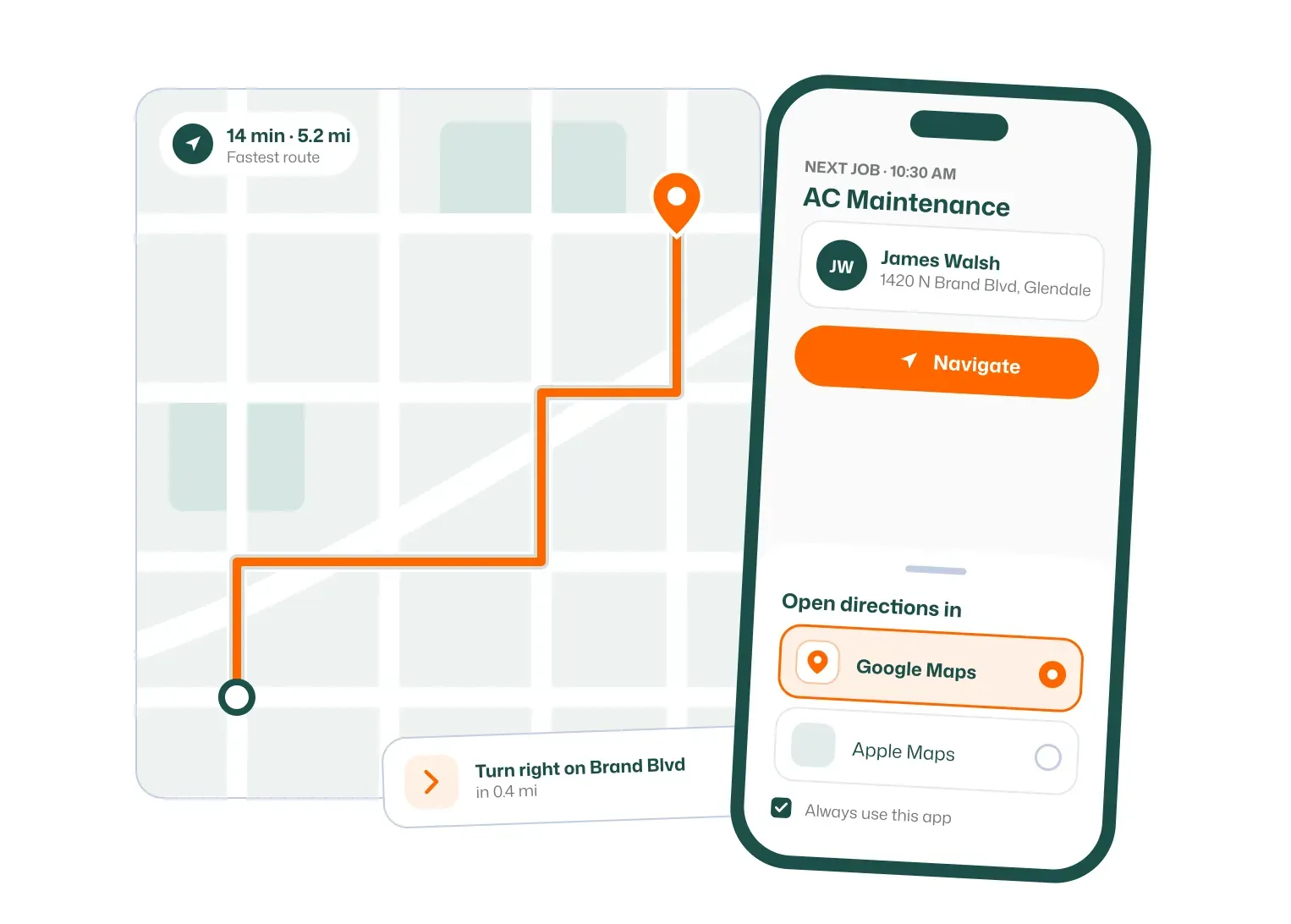
Open any job straight in Google Maps for directions.
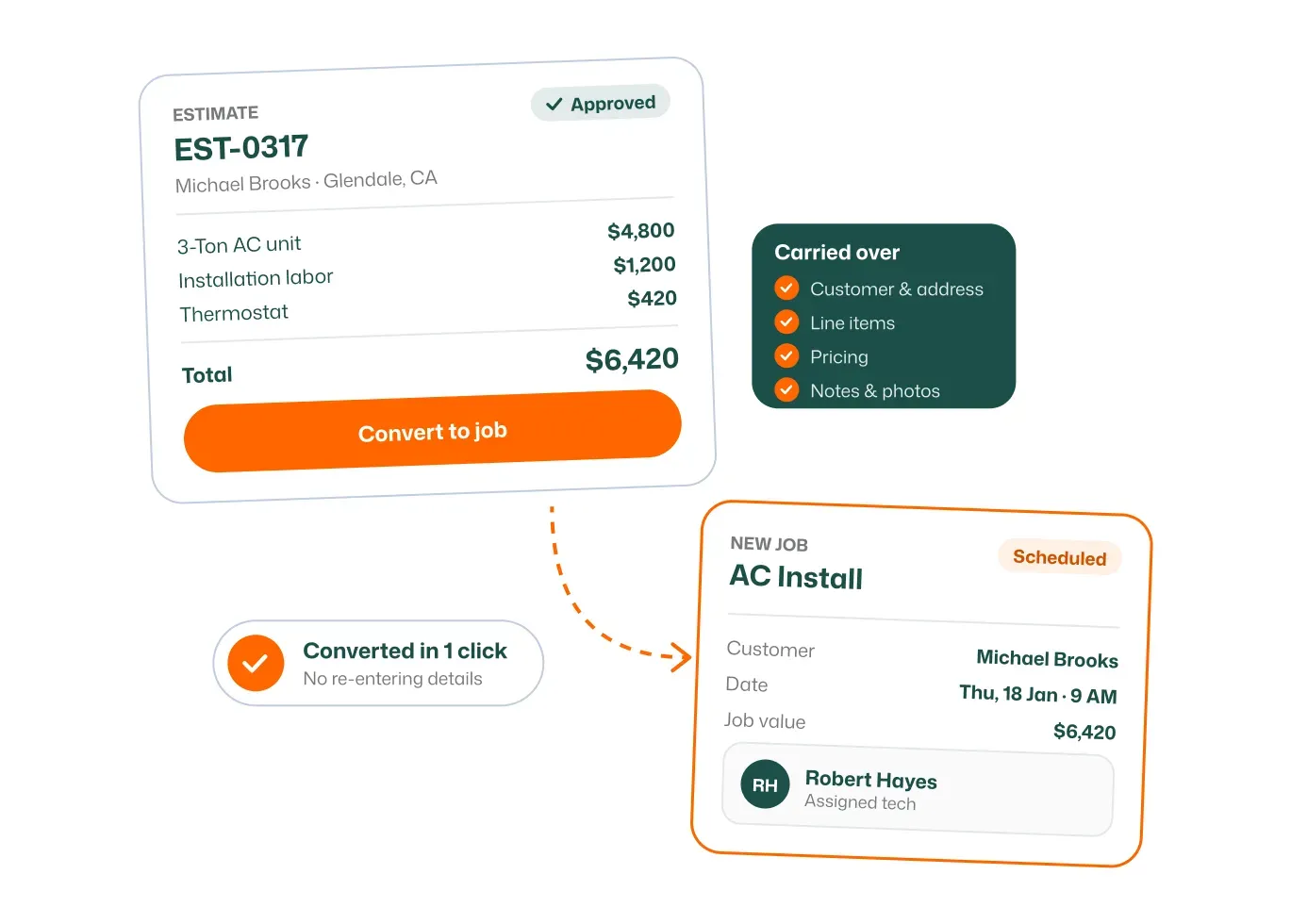
Approved estimates turn into jobs automatically.
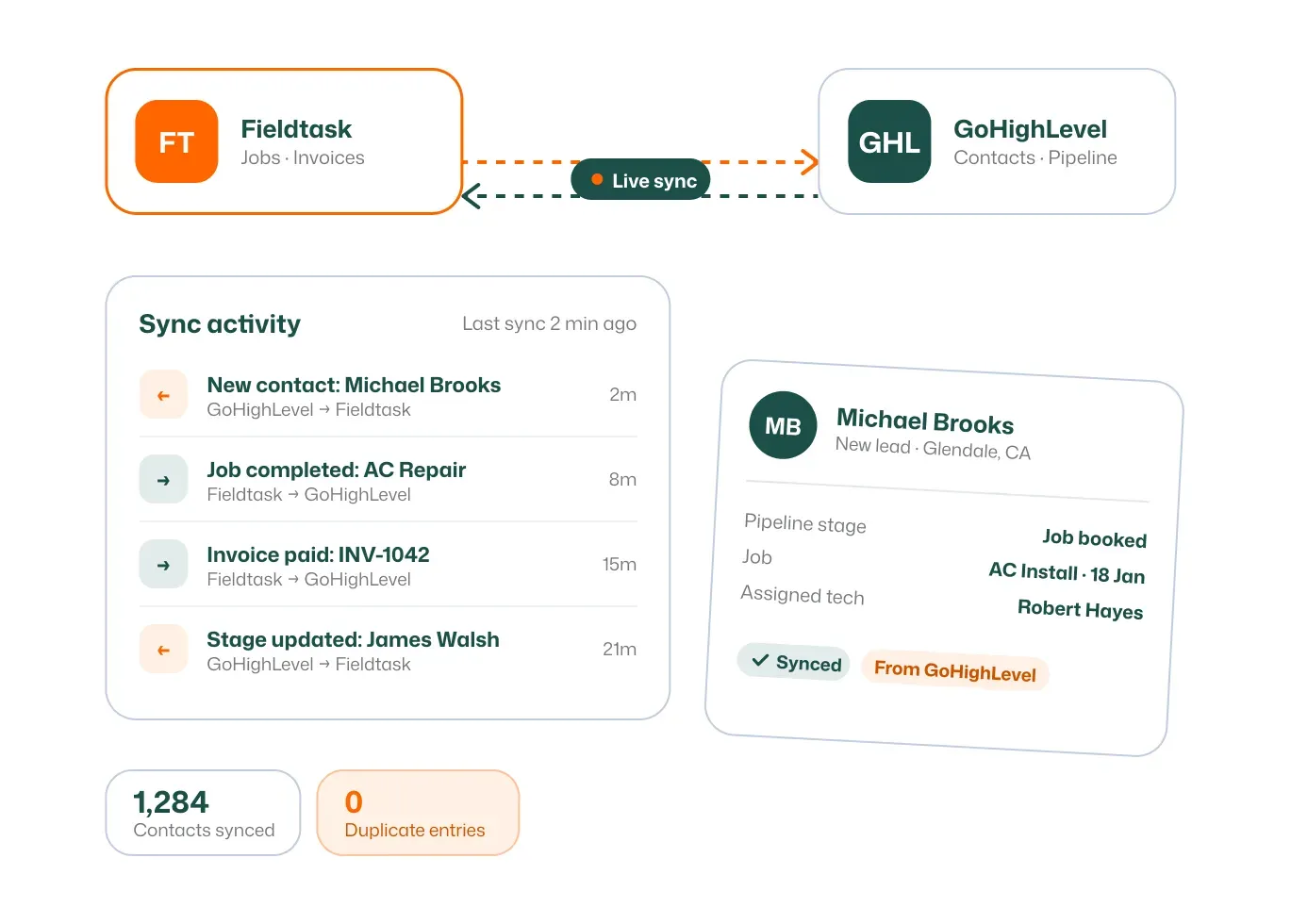
Two-way sync with HighLevel, so nothing is entered twice.
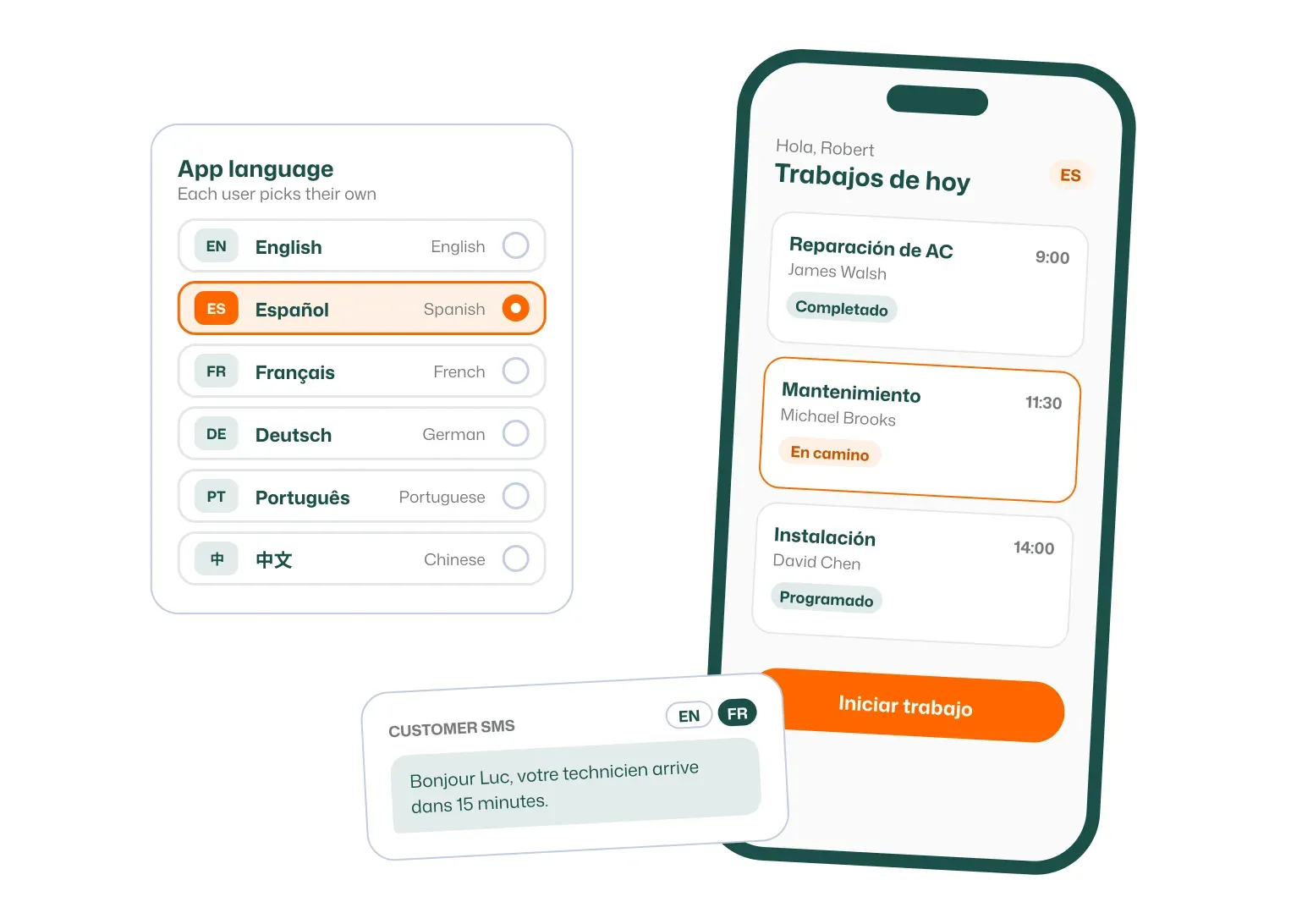
Use the app in English, Spanish, French, Arabic, German or Dutch.