Timesheets

Track Work Time by Job.

See how long team members spend on each job, review recorded hours across different time periods, approve timesheets, and export the data when you need it.

A Clear Record of Where the Workday Goes.

FieldTask Timesheets connect recorded time to the work your team actually performs. See who worked, which job they worked on, and how much time was recorded then review the data by day, week, month, or a custom period.

Job-Based Time Tracking

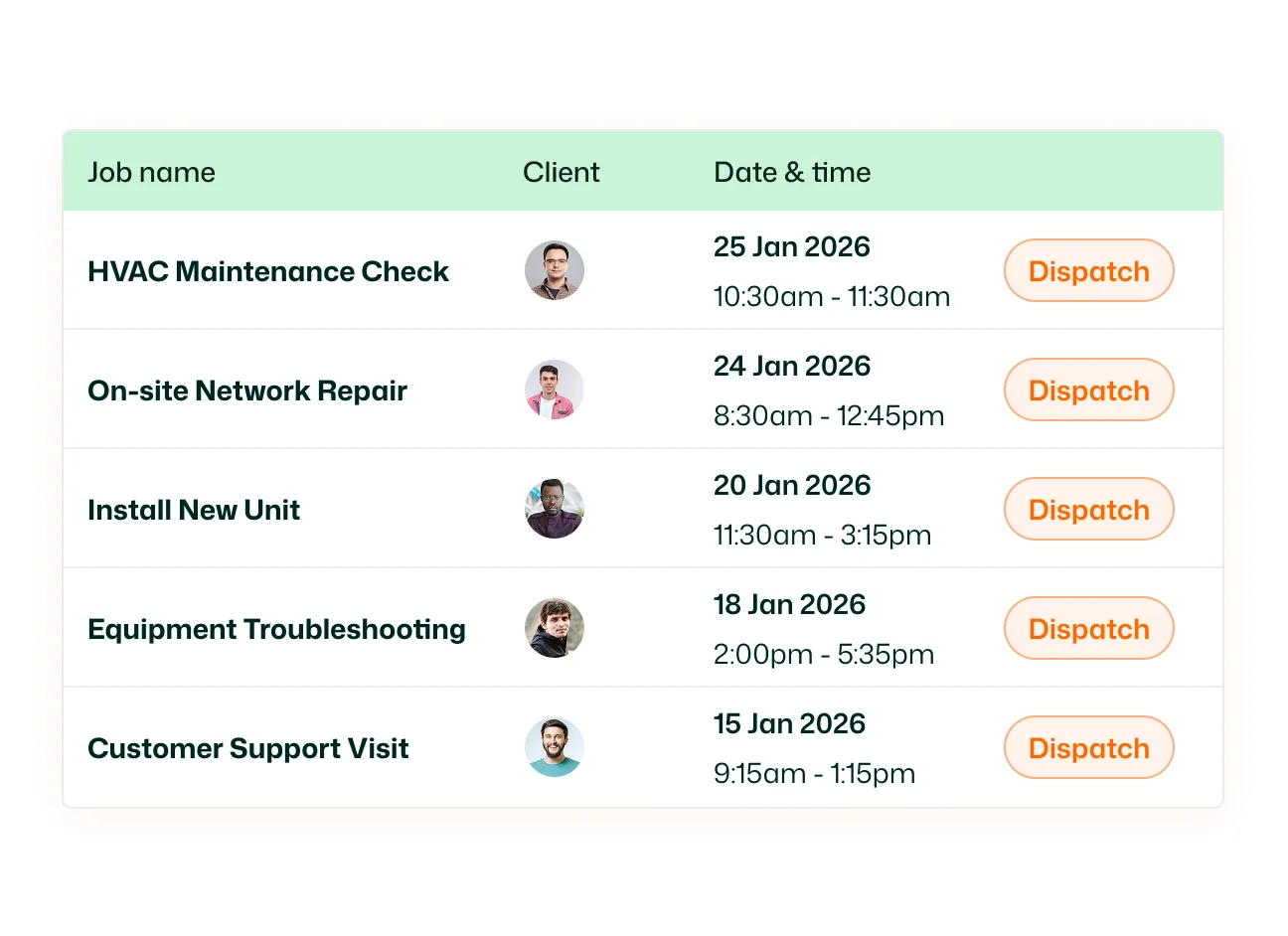
Record time against the job being worked on. When a technician checks into a job through the FieldTask mobile app, their work time starts being recorded. This gives you a job-level view of how long field work takes instead of only showing when someone started and ended their day.
Manual Time Entries

Add time that wasn't captured through a job check-in. Manual timesheets give your team a way to record work they forgot to track, couldn't check in to, or need to enter separately. Keep the timesheet complete even when the timer wasn't started in the field.

Timesheet Views

Review recorded time across the period that makes sense for the task. FieldTask gives, Daily, Weekly, Bi-Weekly, Monthly and Custom view. Use the Daily view for individual work records or zoom out to understand hours across longer periods. Custom view lets you select your own date range.

Timesheet Approval

Review timesheets before treating recorded hours as approved. For team members who require timesheet approval, submitted records appear in the Approval section where admins can review and approve them. Use Awaiting to see timesheets that still need review and History to see records that have already been approved.

Timesheet Export

Take recorded hours outside FieldTask when you need them. Export Weekly or Monthly timesheet data as a CSV and choose the time format you want to use. Use the exported data for reporting, payroll preparation, record keeping, or further analysis.

Mobile Timesheets

Give technicians access to their timesheets from the same app they use in the field. Team members can review recorded time and add manual timesheet entries directly from the FieldTask mobile app without returning to the office or desktop dashboard.

Know where every work hour went.

Track job time, review timesheets, and keep recorded hours organized in one place.

See FieldTask in Action

Frequently Asked Questions about Timesheets Software

Take a look at our frequently asked questions below.

Don't see an answer to your question? Start a chat, contact us, or consult our help center.