Work Order Management

Manage Every Job from Start to Finish.

Create work orders, attach the right customer and job details, assign the work, track its status, and keep everything your field team needs connected to the job.

One Record for Everything that Happens on the Job.

A work order should tell your office and field team exactly what needs to happen and keep the record updated as the work moves forward. FieldTask brings job details, assignments, status, notes, proof, and customer information together around the work order.

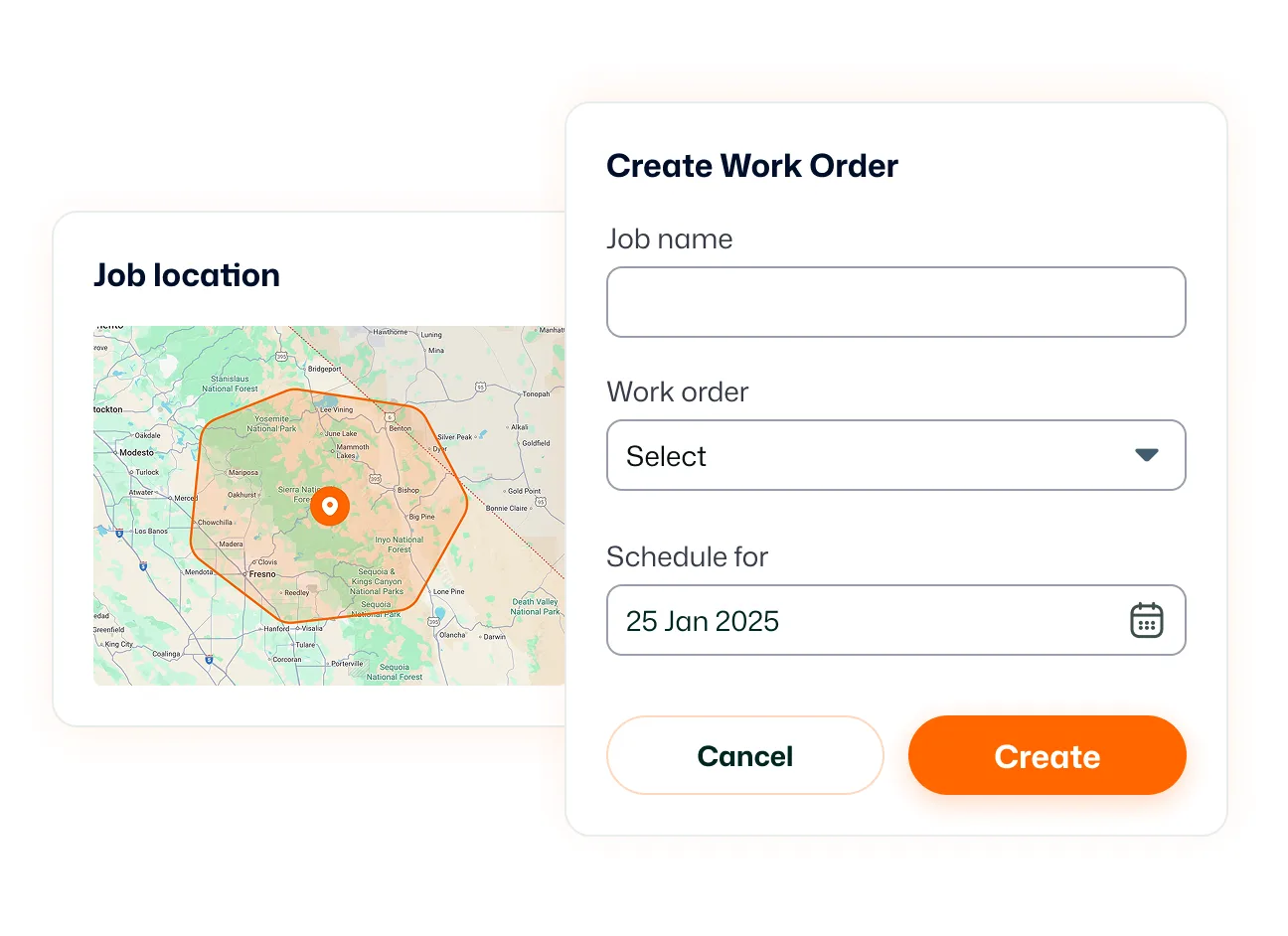
Work Order Creation

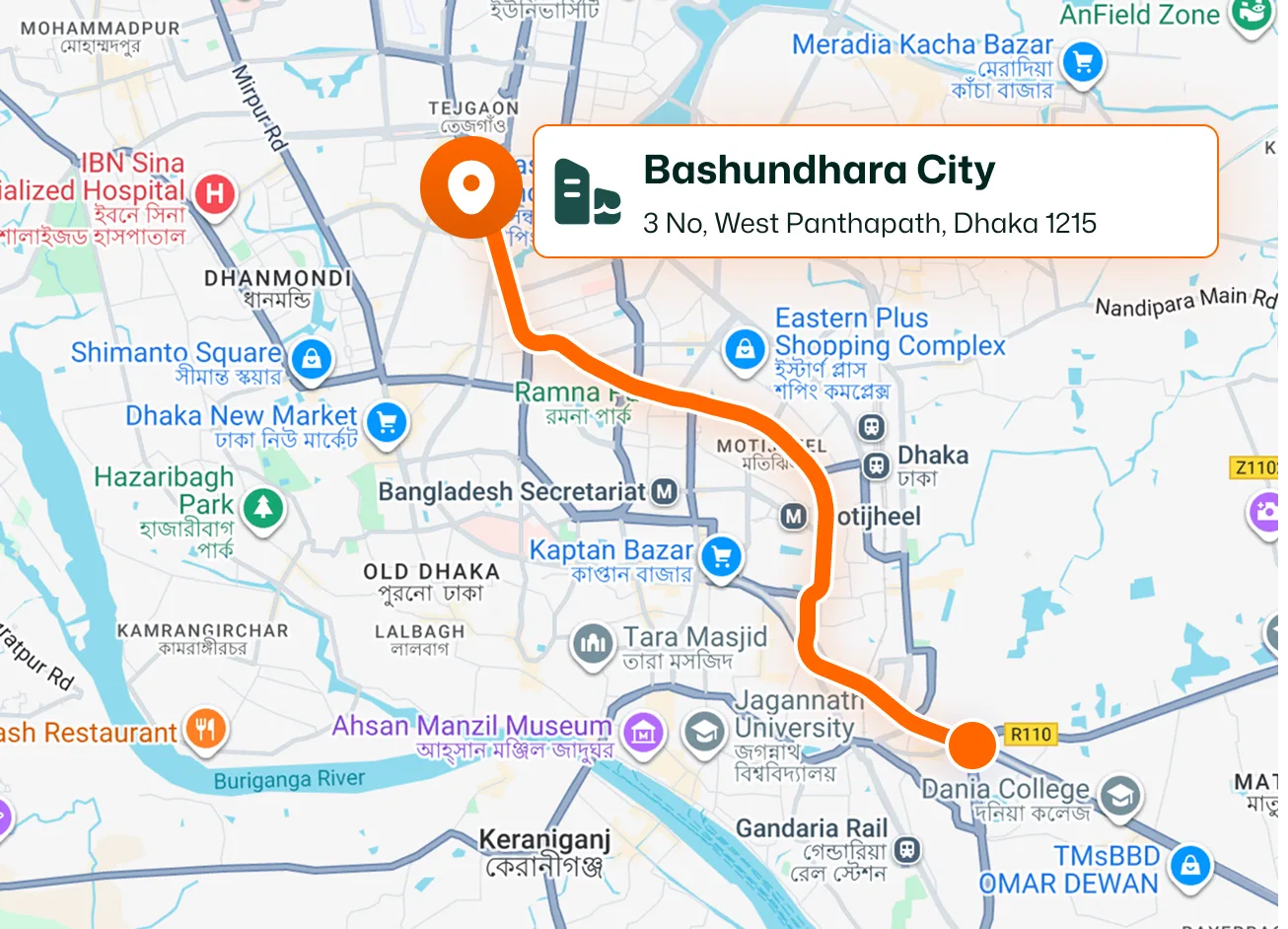
Create a job with the customer, service location, work details, and other information your team needs before heading to the site. Work orders can also enter FieldTask through connected HighLevel workflows and opportunities. This includes appointments and accepted estimates.
Work Order Assignment

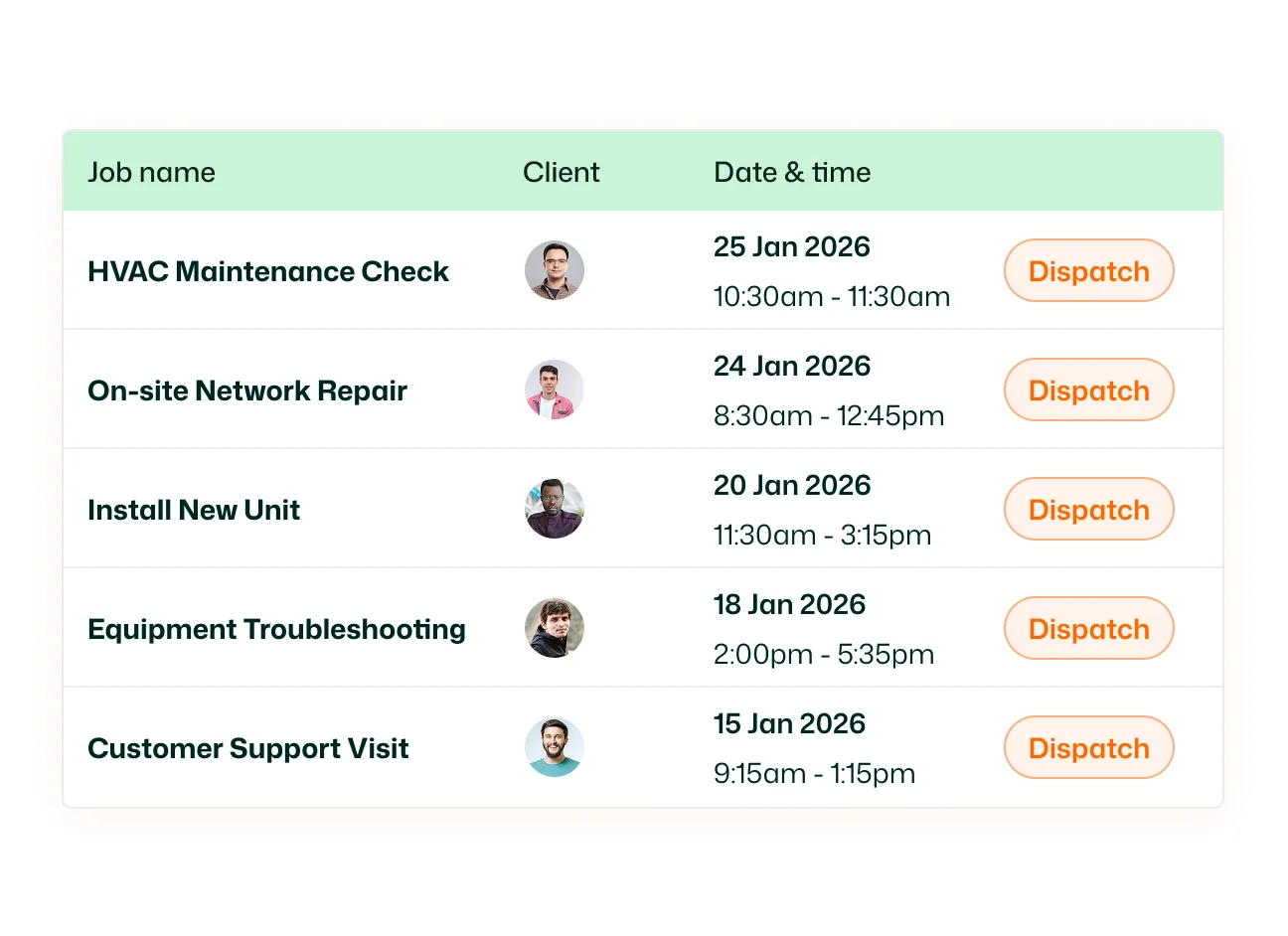
Assign the work order to the team member responsible for completing it. FieldTask keeps scheduled and unscheduled jobs organized by assignee, while job assignment notifications alert technicians when new work is assigned. And if the jobs have no assignee, then they can be organized against the customer.

Work Order Status Tracking

Follow each work order as it moves through the job lifecycle. FieldTask distinguishes between statuses such as Scheduled, In Progress, and Completed, giving the office a clearer view of what is still ahead, what is being worked on, and what has been finished.

Job Details & Customer Information

Keep the information needed to perform the job attached to the work order. Field technicians can access their assigned jobs from the mobile app and work from the job record while they're in the field. Customer information also stays connected to the job instead of living in a separate field-service system.

Job Notes & Tags

Keep job-specific information organized as work progresses. Technicians can add notes directly from the mobile job details to record instructions, observations, or other relevant information. Jobs can also be labeled with Tags to make related work easier to organize and find.

Job Proof

Document what happened on site and keep the evidence connected to the work order. FieldTask supports job documentation such as photos, checklists, signatures, and other proof from the field. Submitted Job Proof can also be reviewed through a dedicated approval workflow.

Keep every job organized from open to complete.

Create the work order, send it to the field, and keep the details, updates, and proof connected until the work is done.

See FieldTask in Action

Frequently asked questions about Work Order